On this page
Support teams live in the inbox their customers actually read, and for most customers that inbox is the text message thread. The eight tools below cover that job from two directions: shared inboxes built for agents answering at volume, and per-message platforms for teams that send fewer, higher-value texts. SimpleTexting leads because it pairs a shared team inbox with campaigns and automations for thirty-nine dollars a month, and the rest are ranked on how cleanly they turn incoming texts into resolved tickets.
How we researched this
We checked every price on the vendor pricing page on November 28, 2026, and only included tools with a published US dollar list price. Quote-only enterprise texting platforms publish no prices, so they are not in this list. Prices change, so confirm the current figure on the vendor site before you buy.
Compare the tools
| Name | Best for | Starting price | Free plan | |
|---|---|---|---|---|
| Salesmsg | Small support teams that want a shared texting inbox | $25/month | 14-day free trial | Visit |
| Textline | High-volume teams that need coaching and audit trails | $149/month | 14-day free trial | Visit |
 SimpleTexting | Teams that mix support replies with reminders and campaigns | $39/month | 14-day free trial | Visit |
 EZ Texting | Small teams that want the cheapest shared inbox | $25/month | 14-day free trial | Visit |
 SlickText | Teams that want every feature on the cheapest plan | $29/month | 14-day free trial | Visit |
 Textedly | Teams that want a plain and predictable texting tool | $29/month | 14-day free trial | Visit |
 Twilio | Teams with developers who want a custom texting flow | $0.0079/message | $15 free trial credit | Visit |
 Plivo | High-volume teams that need cheap, reliable message pipes | $0.0077/message | $10 free credits | Visit |
The SMS software for customer support teams, compared
1. Salesmsg
Best for: Small support teams that want a shared texting inbox
Paid tool Starting price: $25/month · Twenty-five dollars a month on Basic for 500 credits, 1 seat and 1 number; Pro is $277 a month; extra seats are $10 a month and extra numbers are $5 a month
Free plan: 14-day free trial
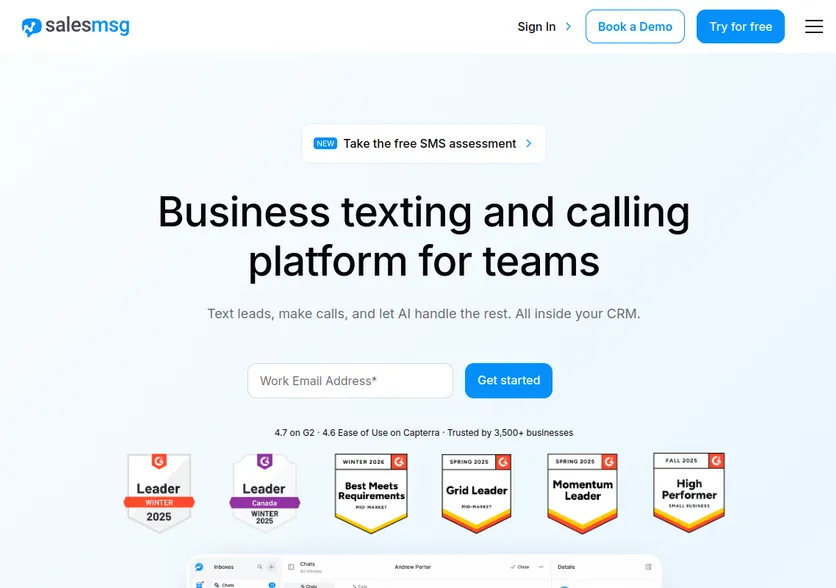
A support team that wants every customer text to land in one shared inbox gets a clean start here, since this Salesmsg plan costs twenty-five dollars a month for five hundred credits, one seat and one number. Agents reply from the same thread, assign conversations and see the full history before they type, which keeps follow-ups from going to the wrong customer. The per-credit pricing stays predictable while volume is modest, and the Pro tier adds the automation a busier team eventually needs.
What we like
- Shared inbox with assignment and full conversation history
- Simple per-credit pricing that stays predictable at low volume
- Fast setup with no per-seat charge on the entry plan
Watch out for
- One seat on Basic, so larger teams pay for extra seats
- Credits are the meter, so long threads cost more than they look
How to try it
- Create the team inbox and connect a local or toll-free number
- Invite agents, set up assignment rules and canned replies
- Route incoming texts to the right agent and reply from the shared thread
2. Textline
Best for: High-volume teams that need coaching and audit trails
Paid tool Starting price: $149/month · One hundred and forty-nine dollars a month on Essentials month to month for 3 agents and 600 credits; $134 a month billed annually; Pro is $349 a month; a November 17, 2026 read found the pricing page routing to a sales quote with no base prices, so confirm live
Free plan: 14-day free trial
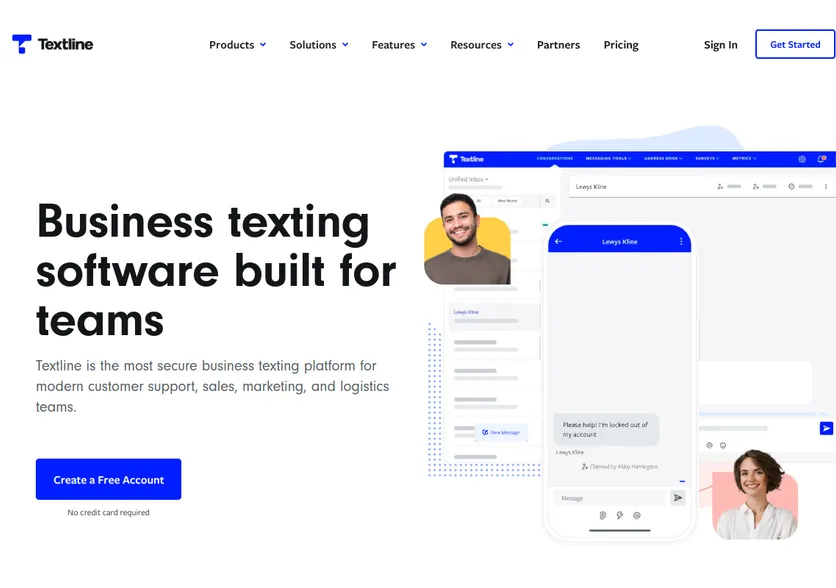
A support operation that answers hundreds of texts a day needs guardrails, and this Textline plan costs one hundred and forty-nine dollars a month for three agents and six hundred credits. Whisper messages let supervisors coach agents mid-conversation, transfers keep the thread intact, and the audit trail shows who said what and when. It is built for teams where texting is the main channel rather than a side inbox.
What we like
- Whisper coaching lets supervisors guide agents live
- Transfers keep the full thread when a case changes hands
- Audit trail records every message and agent action
Watch out for
- The entry price is steep for a team with only one or two agents
- Extra agents cost fifty dollars a month each on top of the plan
How to try it
- Set up departments, agent seats and the shared number
- Build whisper and transfer rules for escalations
- Review the audit trail weekly and tune the routing
3. SimpleTexting
Best for: Teams that mix support replies with reminders and campaigns
Paid tool Starting price: $39/month · Thirty-nine dollars a month for 500 credits; 1,000 credits are $59 a month and 2,000 are $89; annual billing is about $33.20 a month; 14-day free trial with 50 messages
Free plan: 14-day free trial
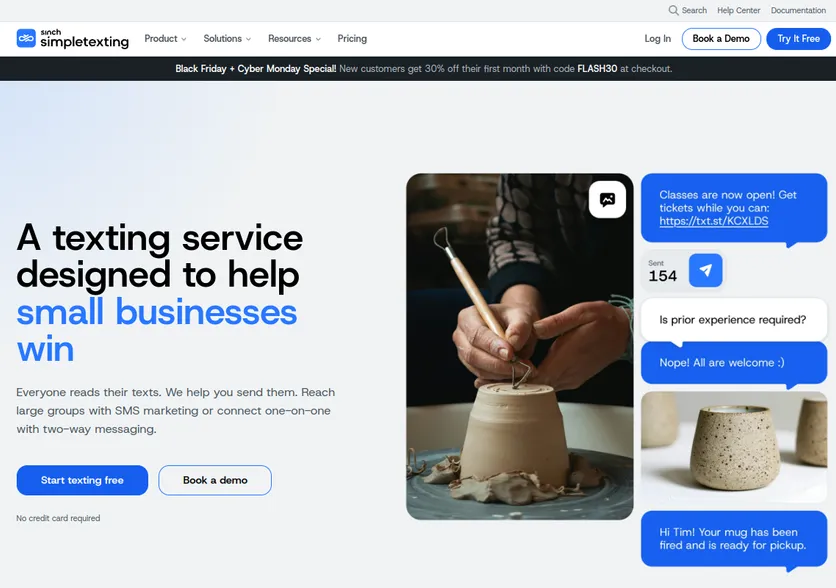
For a support team that also sends appointment reminders and follow-up campaigns, this SimpleTexting plan costs thirty-nine dollars a month for five hundred credits. The shared inbox sits beside mass texting, automations and keyword opt-ins, so the same tool handles both inbound support and outbound nudges. Unused credits roll over, which softens the months when volume dips.
What we like
- Shared inbox plus campaigns and automations in one plan
- Rollover credits soften quiet months
- Keyword opt-ins grow the list without extra tools
Watch out for
- Campaign features can distract from pure support work
- The credit model punishes long back-and-forth threads
How to try it
- Import contacts and connect a number or short code
- Set up the shared inbox and assign agents to conversations
- Build an automation for common replies and reminders
4. EZ Texting
Best for: Small teams that want the cheapest shared inbox
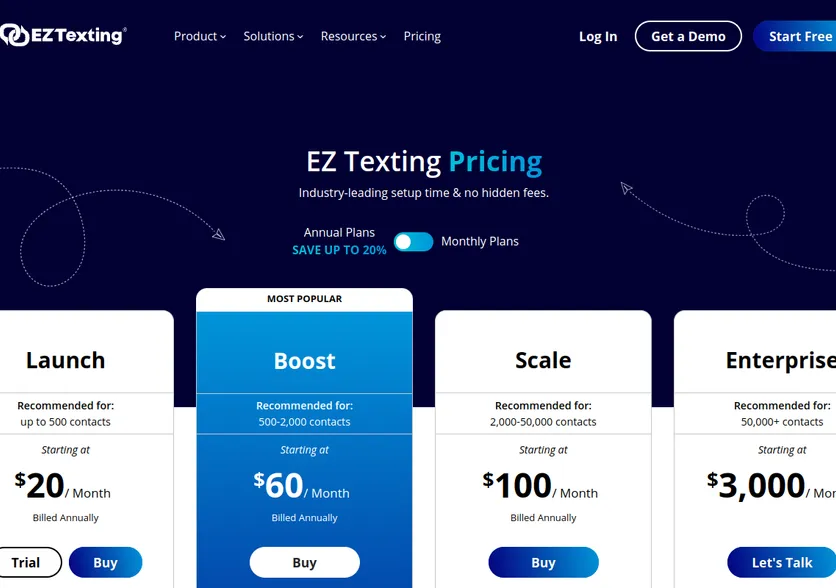
Paid tool Starting price: $25/month · Twenty-five dollars a month on Launch billed monthly, $20 a month billed annually, for 500 credits; Boost is $75 a month and Scale is $125; a $5 a month telecom fee applies on Launch only; extra users are $10 a month
Free plan: 14-day free trial
A small support team that wants a low entry price and a simple inbox finds it here, because this EZ Texting plan costs twenty-five dollars a month for five hundred credits. The inbox keeps every customer thread in one place, templates speed up the common answers, and the mobile app lets agents reply away from their desks. It is the cheapest way onto a shared texting inbox in this list.
What we like
- Lowest entry price among the inbox-first tools here
- Templates speed up the most common support answers
- Mobile app keeps agents replying away from their desks
Watch out for
- Launch includes only one user, so extra seats add up
- The five-dollar telecom fee applies only on the Launch plan
How to try it
- Pick a local number and set up the team inbox
- Write templates for the ten most common questions
- Assign conversations and reply from the web or mobile app
5. SlickText
Best for: Teams that want every feature on the cheapest plan
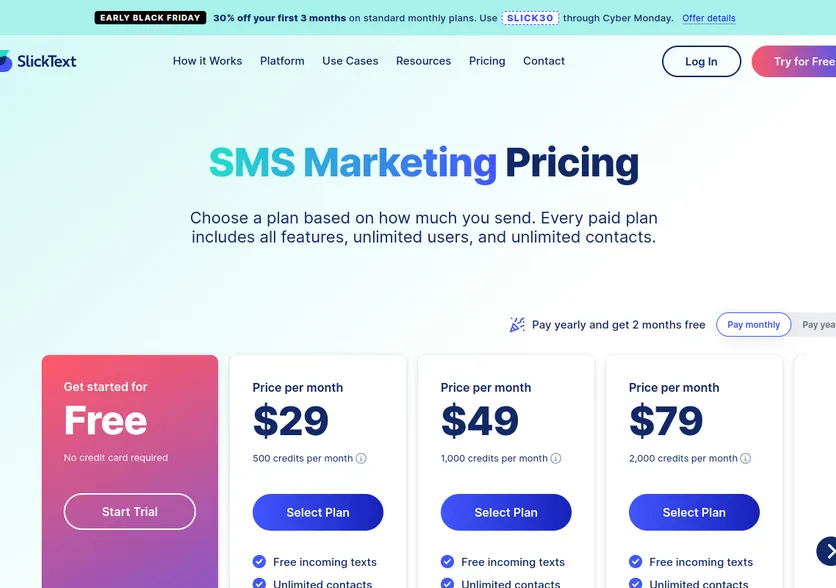
Paid tool Starting price: $29/month · Twenty-nine dollars a month on Basic for 500 credits; 1,000 credits are $49 a month and 2,000 are $79; annual billing is about $24.17 a month; every plan includes all features; credits roll over
Free plan: 14-day free trial
Support teams that hate feature gates will like the flat approach here, since this SlickText plan costs twenty-nine dollars a month for five hundred credits. Every plan includes the full feature set, so automations, surveys and the shared inbox are available from day one rather than locked behind a dearer tier. Rollover credits mean a quiet month still pays for the next busy one.
What we like
- All features on every plan, with no tier gates
- Rollover credits carry unused volume forward
- Built-in surveys collect feedback after each case closes
Watch out for
- Credits are the only meter, so heavy months jump a tier
- No per-seat pricing, so a large team shares one bill
How to try it
- Connect a number and build the shared inbox
- Set up automations for order updates and common answers
- Send a short survey after resolved conversations
6. Textedly
Best for: Teams that want a plain and predictable texting tool
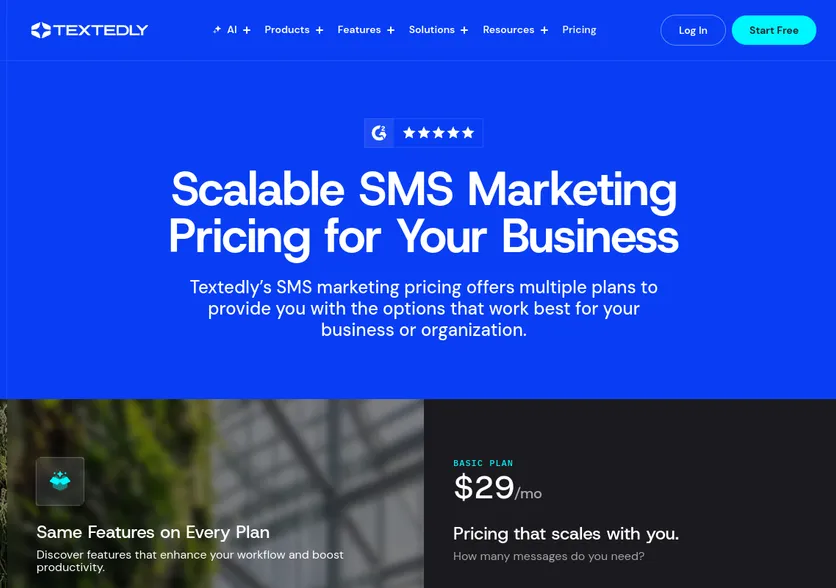
Paid tool Starting price: $29/month · Twenty-nine dollars a month for 500 credits; older listings still show $24 a month, which appears stale against the current vendor compare pages; confirm the figure at checkout
Free plan: 14-day free trial
A support team that sends short updates and two-way replies at steady volume gets a fair deal here, because this Textedly plan costs twenty-nine dollars a month for five hundred credits. The inbox supports group messaging and scheduled sends, and the interface stays simple enough that new agents need almost no training. It suits teams that value a plain, predictable tool over a deep feature list.
What we like
- Simple interface that new agents learn in an afternoon
- Scheduled sends keep reminders going without manual work
- Group messaging covers announcements as well as support
Watch out for
- Older third-party listings still show a stale lower price
- Fewer automation options than the deeper inbox tools
How to try it
- Import contacts and claim a local number
- Set up the inbox and assign agents to threads
- Schedule reminders and follow-ups for open cases
7. Twilio
Best for: Teams with developers who want a custom texting flow
Paid tool Starting price: $0.0079/message · Under a cent per outbound SMS on a US long code, $0.0079 a segment, with volume tiers down to $0.0073; toll-free is $0.0085; carrier surcharges of about $0.003 a segment apply on top; one November 13, 2026 read lists $0.0083 a segment
Free plan: $15 free trial credit
A team with developers on staff can build exactly the support flow it wants, because this Twilio plan costs under a cent per message on a US long code. The API covers sending, receiving, status callbacks and number management, and it plugs into any helpdesk or CRM the team already runs. It is the cheapest per-message route here, but only for teams that can build and maintain the integration.
What we like
- Lowest per-message cost in this list
- Full API control over sending, receiving and status
- Plugs into any helpdesk or CRM with code
Watch out for
- No inbox included, so the team must build or buy one
- Carrier surcharges add to the headline per-message rate
How to try it
- Create an account and buy a long code or toll-free number
- Wire the messaging API into the helpdesk queue
- Add status callbacks and test delivery before going live
8. Plivo
Best for: High-volume teams that need cheap, reliable message pipes
Paid tool Starting price: $0.0077/message · Under a cent per SMS on US long code and short code, $0.0077 a segment; toll-free is $0.0079; MMS is $0.018 on long code; numbers are $0.50 a month; carrier surcharges apply on top
Free plan: $10 free credits
For a support team that already runs its own helpdesk and only needs the pipes, this Plivo plan costs under a cent per message on a US long code. The API is a close match for the market leader at a slightly lower headline rate, and inbound messages cost the same as outbound ones. It is a strong pick for teams that send high volumes and watch every fraction of a cent.
What we like
- Slightly lower headline rate than the best-known API
- Inbound and outbound messages cost the same
- Numbers start at fifty cents a month
Watch out for
- No inbox included, so the team still needs a front end
- Carrier surcharges sit on top of the published rate
How to try it
- Sign up and buy a long code or toll-free number
- Connect the SMS API to the helpdesk or CRM
- Set up delivery reports and monitor the first week closely
Prices above were checked on each vendor’s own website on Nov 28, 2026 and can change — the vendor’s page is the final word. Vendor links are editorial: nobody paid to be listed or ranked here. Vendors who want a featured listing can see how it works on our Get listed page.
How to run support by text without losing track of conversations
Give every customer one thread and never start a second one, because two threads for the same problem is how answers get lost and customers get asked the same question twice. Answer inside the shared inbox rather than from personal phones, so the next agent can see the full history when a shift changes. Set a reply-time target and publish it, since texting feels instant to the customer even when the queue is long. Keep the long explanations out of SMS and send a link to the help article instead, then confirm the fix in the same thread so the conversation has a clear ending.
Before you buy
- Check whether the plan includes a shared inbox, or charges extra seats for every agent who replies
- Confirm how credits are counted, since inbound messages and long threads can burn through a monthly allowance
- Ask whether the tool keeps one thread per customer when a case moves between agents or shifts
- Test the mobile app before buying, because agents will answer half their texts away from a desk
- Make sure the number you buy supports two-way texting in the country your customers are in
Official websites
Official websites of the products reviewed above. Features and prices were checked against these sites when this guide was written, and they can change, so confirm on the vendor site before you buy.
Frequently asked questions
What is SMS software for customer support teams?
It is software that lets a support team send and receive text messages with customers from a shared inbox, so every conversation, assignment and reply lives in one place instead of on individual phones. Good tools add templates, automations, keyword opt-ins and a mobile app, and they keep one thread per customer so any agent can pick up where the last one left off.
How much does SMS support software cost?
Inbox-first tools in this list start at twenty-five dollars a month for five hundred credits, with the dearer team plans reaching one hundred and forty-nine dollars a month for three agents. Per-message APIs are cheaper still, at under a cent per text, but they need a developer to build the inbox. Expect the real monthly cost to rise with extra seats, extra numbers and busy months.
Do customers prefer texting support over email?
Many do, because a text feels faster and more personal than an email thread, and customers already check their phones constantly. Texting works best for short questions, status updates and appointment reminders, while long troubleshooting still belongs on email or a call. The best teams use texting for the quick exchanges and link out to a help article when the answer runs long.
Can a small team run support by text without an API?
Yes, and most small teams should. Inbox-first tools such as Salesmsg, EZ Texting and SimpleTexting give the team a shared number, assignment and templates with no code at all. APIs such as Twilio and Plivo only make sense when the team has a developer and wants texting wired into a helpdesk or CRM it already runs.
Which SMS tool is best for a support team?
SimpleTexting leads this list because it combines a shared inbox with campaigns and automations for thirty-nine dollars a month, which covers both inbound support and outbound reminders. Textline is the better pick for a high-volume operation that needs coaching and audit trails, and Twilio is the cheapest route for a team with developers who can build the inbox themselves.
Compare the eight tools above, then start with a free trial on the one that matches how the team already answers customers, and test it on real threads before moving the whole queue to text.
Browse Business Tools tools