On this page
Linux servers fail quietly: a disk fills up, a service stops answering, a switch port flaps, and nobody notices until users complain. The eight tools below watch all of that over SNMP and other protocols, from a free open-source collector to a hosted platform that pages the on-call engineer. PRTG Network Monitor leads because it covers five hundred sensors for two hundred dollars a month with a free tier for the first hundred, and the rest are ranked on how much of a Linux estate they can see for the price.
How we researched this
We checked every price on the vendor pricing page on November 28, 2026, and only included tools with a published US dollar list price. Auvik, LogicMonitor and NinjaOne sell by quote, so they are not in this list. Prices change, so confirm the current figure on the vendor site before you buy.
Compare the tools
| Name | Best for | Starting price | Free plan | |
|---|---|---|---|---|
 PRTG Network Monitor | Linux teams that want one dashboard for the whole estate | $200/month | Free plan (100 sensors) | Visit |
 ManageEngine OpManager | Small Linux teams that want real monitoring for almost nothing | $95/year | Free edition (3 devices) | Visit |
 Nagios XI | Nagios shops that want the supported edition without a subscription | $1,995 one-time | 60-day free trial | Visit |
| WhatsUp Gold | Mixed Linux and Windows estates that want one map | $1,229/year | 30-day free trial | Visit |
 Datadog | Cloud-first teams running Linux on rented infrastructure | $15/host/month | Free tier (5 hosts) | Visit |
 SolarWinds Network Performance Monitor | Enterprises that need deep network forensics with Linux monitoring | $2,829 | 30-day free trial | Visit |
| Checkmk | Linux-heavy shops that want thousands of checks at a flat rate | $275/month | Free plan (Community edition) | Visit |
| Zabbix | Teams that want open-source monitoring with a hosted option | $50/month | Free software; 5-day free trial | Visit |
The SNMP monitoring software for Linux, compared
1. PRTG Network Monitor
Best for: Linux teams that want one dashboard for the whole estate
Paid tool Starting price: $200/month · Two hundred dollars a month billed annually on PRTG 500 for 500 sensors, about 50 devices; PRTG 1000 is $358 a month and PRTG 5000 is $1,300; freeware covers 100 sensors; subscription-only since July 1, 2024
Free plan: Free plan (100 sensors)
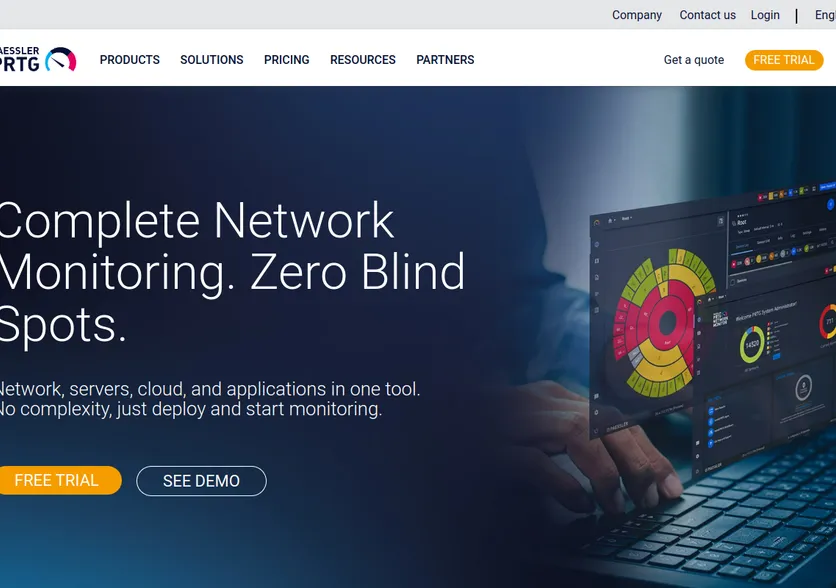
A Linux team that wants one dashboard for servers, switches and services will get there fastest here, because this PRTG Network Monitor plan costs two hundred dollars a month billed annually for five hundred sensors. SNMP, ping, SSH and flow sensors sit side by side, maps show the whole estate at a glance, and alerts reach email, SMS or push before users notice. The free tier covers the first hundred sensors, so a small estate can start without paying.
What we like
- SNMP, ping, SSH and flow sensors in one dashboard
- Free tier covers the first 100 sensors
- Maps and alerts show problems before users notice
Watch out for
- Sensor counting gets confusing once devices multiply
- The Windows-first interface feels dated next to cloud rivals
How to try it
- Install the core server and add Linux hosts by SNMP
- Auto-discover sensors and group them by service
- Set alert thresholds and test the notification path
2. ManageEngine OpManager
Best for: Small Linux teams that want real monitoring for almost nothing
Paid tool Starting price: $95/year · Ninety-five dollars a year on Standard for 10 devices; Professional is $145 a year and Enterprise is $4,595 a year for 250 devices; Free Edition covers 3 devices
Free plan: Free edition (3 devices)
Budget-conscious Linux teams get a surprising amount for the money here, since this ManageEngine OpManager plan costs ninety-five dollars a year for ten devices. It discovers the network automatically, watches interfaces, services and processes over SNMP, and raises alarms with enough context to act on. It is the cheapest paid route onto real network monitoring in this list.
What we like
- Automatic discovery maps the network without manual entry
- SNMP monitoring of interfaces, services and processes
- Cheapest paid plan in this list by a wide margin
Watch out for
- The interface is dense and takes time to learn
- Per-device pricing jumps sharply at the Enterprise tier
How to try it
- Install OpManager and run network discovery
- Add Linux hosts and confirm SNMP credentials
- Set thresholds on disk, CPU and key services
3. Nagios XI
Best for: Nagios shops that want the supported edition without a subscription
Paid tool Starting price: $1,995 one-time · One thousand nine hundred and ninety-five dollars one time on Standard, a perpetual licence; Enterprise is $3,495; per-node tiers run from 50 nodes at $1,995; Nagios Core is free; some listings describe the same figure as yearly, so confirm the licence terms
Free plan: 60-day free trial
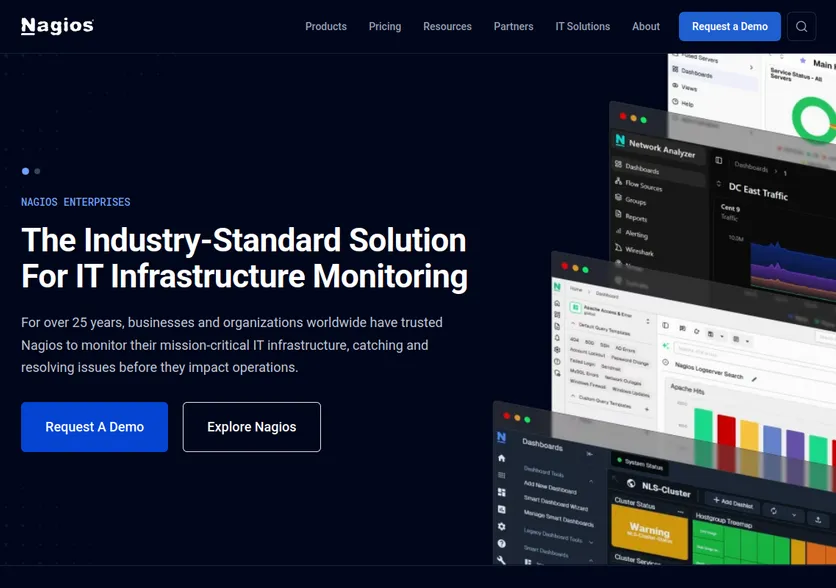
Teams that have run Nagios for years and want the supported edition will find it here, because this Nagios XI plan costs one thousand nine hundred and ninety-five dollars one time for a perpetual licence. The web interface, wizards and reporting sit on top of the same engine that powers the free Core edition, so existing checks and plugins carry over. It suits shops that already know Nagios and want support without a monthly bill.
What we like
- Perpetual licence with no recurring subscription
- Existing Nagios checks and plugins carry over
- Wizards and reporting on top of the familiar engine
Watch out for
- One-time pricing is framed as yearly in some listings, so confirm terms
- The interface shows its age next to newer dashboards
How to try it
- Install Nagios XI and import existing Core configuration
- Run the monitoring wizards for Linux hosts and services
- Set up notifications and test an alert end to end
4. WhatsUp Gold
Best for: Mixed Linux and Windows estates that want one map
Paid tool Starting price: $1,229/year · One thousand two hundred and twenty-nine dollars a year on Business for 50 devices; larger tiers are quoted; 30-day free trial
Free plan: 30-day free trial
A team that manages a mixed estate of Linux servers and Windows boxes gets a single pane of glass here, since this WhatsUp Gold plan costs one thousand two hundred and twenty-nine dollars a year for fifty devices. Discovery builds the map automatically, SNMP polling covers interfaces and services, and the alert centre ties events to actions. It is a solid middle ground between free collectors and enterprise platforms.

What we like
- Automatic discovery builds the network map for you
- SNMP polling covers interfaces, services and devices
- Alert centre ties events to automated actions
Watch out for
- Larger estates need a quoted tier, so the price is not transparent
- No free tier, only a thirty-day trial
How to try it
- Install WhatsUp Gold and discover the network
- Assign monitors to Linux hosts and key services
- Configure the alert centre and test notifications
5. Datadog
Best for: Cloud-first teams running Linux on rented infrastructure
Paid tool Starting price: $15/host/month · Fifteen dollars per host a month on Infrastructure Pro billed annually; on-demand is $18; Enterprise is $23 billed annually; free tier covers up to 5 hosts
Free plan: Free tier (5 hosts)
Cloud-first teams that run Linux on rented infrastructure will feel at home here, because this Datadog plan costs fifteen dollars per host a month billed annually. The agent collects metrics, logs and traces together, SNMP covers the network gear, and dashboards correlate a slow service with the host underneath it. The free tier covers five hosts, so a small cloud estate can try it properly.

What we like
- Metrics, logs and traces in one platform
- SNMP covers network gear beside the cloud hosts
- Free tier covers up to five hosts
Watch out for
- Per-host pricing climbs fast as the estate grows
- The breadth of the platform takes time to learn
How to try it
- Install the Datadog agent on Linux hosts
- Enable SNMP for switches and network devices
- Build a dashboard that ties services to hosts
6. SolarWinds Network Performance Monitor
Best for: Enterprises that need deep network forensics with Linux monitoring
Paid tool Starting price: $2,829 · Two thousand eight hundred and twenty-nine dollars for the SL100 subscription; larger tiers are quoted; 30-day free trial; one September 27, 2026 read says the standalone product page shows no dollar price and asks for a quote, so confirm live
Free plan: 30-day free trial
Enterprises that need deep network forensics alongside Linux server monitoring should look here, because this SolarWinds Network Performance Monitor plan costs two thousand eight hundred and twenty-nine dollars for the SL100 subscription. NetFlow analysis, hop-by-hop path checks and historical baselines show exactly where a slowdown starts. It is the most powerful network tool in this list, and the priciest entry point.
What we like
- NetFlow analysis and hop-by-hop path checks
- Historical baselines show when performance drifted
- Covers network gear and Linux servers in one console
Watch out for
- The entry price is far above the other tools here
- One recent read says the product page now asks for a quote
How to try it
- Install NPM and discover the network and Linux hosts
- Enable NetFlow on core switches and routers
- Set baselines, then configure alerts on deviations
7. Checkmk
Best for: Linux-heavy shops that want thousands of checks at a flat rate
Paid tool Starting price: $275/month · Two hundred and seventy-five dollars a month on Pro billed annually, listed as 190 euros a month; Ultimate is 275 euros a month; Checkmk Cloud is 240 euros a month for 1,000 services; Community edition is free
Free plan: Free plan (Community edition)
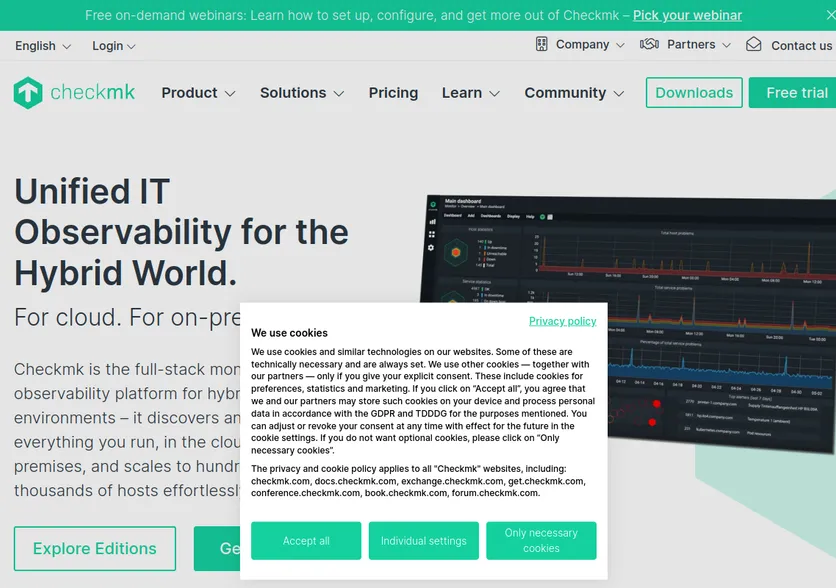
Linux-heavy shops that want thousands of checks without per-device pricing will like this one, because this Checkmk plan costs two hundred and seventy-five dollars a month billed annually. The agent runs natively on Linux, services are discovered automatically, and the rule-based configuration scales to large estates without manual per-host work. The free Community edition is genuinely usable for smaller setups.
What we like
- Native Linux agent with automatic service discovery
- Rule-based configuration scales without per-host work
- Free Community edition is genuinely usable
Watch out for
- Prices are listed in euros, so the dollar figure moves with exchange rates
- The interface rewards experts and confuses newcomers
How to try it
- Install the Checkmk server and deploy the Linux agent
- Run service discovery on each host
- Build rules for thresholds and notifications
8. Zabbix
Best for: Teams that want open-source monitoring with a hosted option
Paid tool Starting price: $50/month · Fifty dollars a month on Zabbix Cloud Nano for 50 NVPS; larger Cloud tiers run to $5,000 a month; the software itself is free open source; Silver support is $325 a month billed annually
Free plan: Free software; 5-day free trial
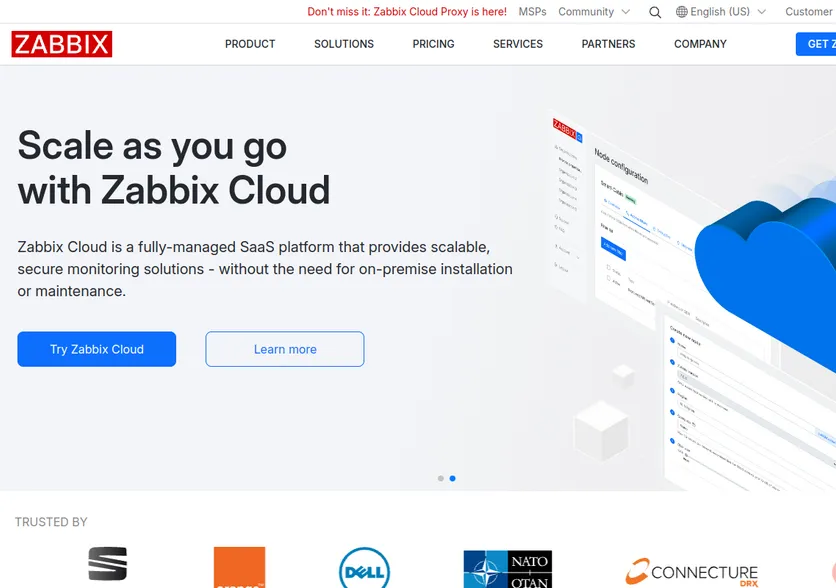
Teams that want open-source monitoring with a hosted option will find both here, because this Zabbix plan costs fifty dollars a month for the Nano cloud tier. The software itself is free and self-hosted, with templates for Linux servers, SNMP devices and applications, and the cloud tier removes the server work. It is the most flexible option in this list for teams that want to own their data.
What we like
- Free open-source software with deep Linux templates
- Cloud hosting from fifty dollars a month removes server work
- Templates cover servers, SNMP devices and applications
Watch out for
- Self-hosting needs real expertise to run well
- The interface is powerful but famously dense
How to try it
- Install Zabbix server or sign up for the cloud tier
- Apply the Linux server and SNMP device templates
- Set triggers and test alerts on a real host
Prices above were checked on each vendor’s own website on Nov 28, 2026 and can change — the vendor’s page is the final word. Vendor links are editorial: nobody paid to be listed or ranked here. Vendors who want a featured listing can see how it works on our Get listed page.
How to set up SNMP monitoring that actually pages you
Start with SNMP version three and unique credentials per device, because the older versions send community strings in plain text and every device sharing one string is a single leak away from exposure. Monitor the things that page you at three in the morning, such as disk space, failed services and interface errors, and leave the nice-to-know counters on a dashboard instead of an alert. Test every alert end to end before you trust it, since a monitor that never fires is worse than no monitor at all. Keep the monitoring server itself monitored, or the first outage will be the one that blinds you.
Before you buy
- Confirm the tool speaks SNMP version three, since older versions send credentials in plain text
- Check whether Linux hosts are covered natively, or only through generic SNMP polling
- Ask how the tool prices growth, since per-sensor, per-device and per-host models behave very differently
- Test alerts end to end before trusting them, including the notification path to the on-call phone
- Make sure the tool keeps history long enough to spot slow drift, not just sudden failures
Official websites
Official websites of the products reviewed above. Features and prices were checked against these sites when this guide was written, and they can change, so confirm on the vendor site before you buy.
Frequently asked questions
What is SNMP monitoring software for Linux?
It is software that watches Linux servers and network devices by polling them over SNMP, the Simple Network Management Protocol, and raising alerts when something goes wrong. It tracks CPU, memory, disk space, running services and network interfaces, and it shows the whole estate on one dashboard. Good tools also collect logs and metrics, so a slow service can be traced to the host or switch underneath it.
How much does SNMP monitoring software cost?
Prices in this list run from ninety-five dollars a year for OpManager Standard to two thousand eight hundred and twenty-nine dollars for the SolarWinds NPM SL100 subscription. Per-host cloud tools start at fifteen dollars a host a month, while Zabbix Cloud starts at fifty dollars a month and the Zabbix software itself is free. The cheapest option depends on how many devices, hosts and sensors the estate actually has.
Is there free SNMP monitoring software for Linux?
Yes, Zabbix and Checkmk both offer free editions, and Nagios Core is free open source. PRTG covers the first hundred sensors free, OpManager has a free edition for three devices, and Datadog covers up to five hosts free. Free editions suit small estates well, but larger networks usually need a paid tier for support, reporting and higher limits.
Which SNMP version should I use?
Use SNMP version three, because it adds authentication and encryption, while version one and version two send community strings in plain text across the network. Every tool in this list supports version three, though some older devices only speak version two. Keep community strings unique per device and never reuse the default public string, which attackers try first.
Which SNMP monitoring tool is best for Linux?
PRTG leads this list because it covers five hundred sensors for two hundred dollars a month with a free tier for the first hundred, and it handles servers, switches and services in one dashboard. OpManager is the best value at ninety-five dollars a year, and Zabbix is the best open-source choice, free to self-host with cloud hosting from fifty dollars a month.
Compare the eight tools above, then start with a free tier or trial on the one that matches the size of the estate, and test its alerts on a real Linux host before trusting it with production.
Browse Network & IP Tools tools