On this page
Startups cannot afford to post blind, because every hour spent on content that nobody sees is an hour stolen from the product. The nine tools below show which posts earn followers, clicks and signups, from a six-dollar-per-channel starter to a full management suite. Buffer leads on value at six dollars per channel a month with a free plan, and the rest are ranked on how clearly they turn social numbers into decisions a small team can act on.
How we researched this
We checked every price on the vendor pricing page on November 28, 2026, and only included tools with a published US dollar list price. Quote-only enterprise analytics platforms publish no prices, so they are not in this list. Prices change, so confirm the current figure on the vendor site before you buy.
Compare the tools
| Name | Best for | Starting price | Free plan | |
|---|---|---|---|---|
 Sprout Social | Startups that report social results to investors or a board | $79/seat/month | 30-day free trial | Visit |
 Hootsuite | Startups that run several accounts and want analytics plus publishing | $99/month | 30-day free trial | Visit |
 Buffer | Startups with a few channels and no analytics budget | $6/channel/month | Free plan (3 channels) | Visit |
 Later | Visual-first startups that live on Instagram and TikTok | $25/month | 14-day free trial | Visit |
 SocialPilot | Startups managing seven or more accounts on a tight budget | $30/month | 14-day free trial | Visit |
 Sendible | Startups and agencies that report analytics to clients | $29/month | 14-day free trial | Visit |
 Agorapulse | Startups where social is customer service as well as marketing | $79/user/month | 30-day free trial | Visit |
| Iconosquare | Startups that bet on Instagram and LinkedIn above all | $49/month | Free trial | Visit |
| Metricool | Startups running several brands from one login | $20/month | Free plan (1 brand) | Visit |
The social media analytics software for startups, compared
1. Sprout Social
Best for: Startups that report social results to investors or a board
Paid tool Starting price: $79/seat/month · Seventy-nine dollars per seat a month on Essentials billed annually; $99 month to month; Standard is $199, Professional is $299 and Advanced is $399; social listening is a paid add-on with custom pricing, so confirm the total
Free plan: 30-day free trial
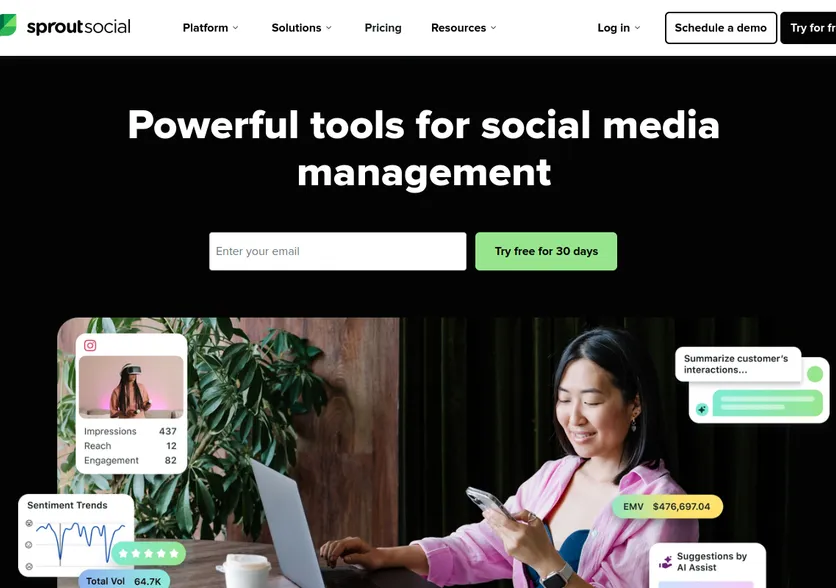
A startup that reports social results to investors or a board needs numbers it can defend, and this Sprout Social plan costs seventy-nine dollars per seat a month billed annually. The reports tie posts to engagement, clicks and audience growth, and the clean presentation makes the monthly review painless. It is the most polished analytics in this list, at the highest starting price for a small team.
What we like
- Reports tie posts to engagement, clicks and growth
- Clean presentation that survives a board review
- Listening and publishing sit beside the analytics
Watch out for
- Listening is a paid add-on with custom pricing
- Per-seat pricing is steep for a very small team
How to try it
- Connect social profiles and set up the reporting dashboard
- Tag campaigns so results can be compared fairly
- Export the monthly report for the team review
2. Hootsuite
Best for: Startups that run several accounts and want analytics plus publishing
Paid tool Starting price: $99/month · Ninety-nine dollars a month on Professional billed annually for 1 user and 10 accounts; Team is $249 a month and Business is $739; no free plan since 2023; 30-day free trial
Free plan: 30-day free trial
Startups that run several social accounts from one login will get the most from the analytics here, since this Hootsuite plan costs ninety-nine dollars a month billed annually for one user and ten accounts. Custom reports pull the best-performing posts across every network into one view, and the team can schedule the next round from the same screen. It suits a startup that wants analytics and publishing in one place.

What we like
- Custom reports across every connected network
- Ten social accounts on the entry plan
- Schedule the next posts from the same screen
Watch out for
- No free plan, only a thirty-day trial
- One user on the entry plan, so teams pay more
How to try it
- Connect all social accounts to one dashboard
- Build a custom report for the best-performing posts
- Schedule the next round from the analytics view
3. Buffer
Best for: Startups with a few channels and no analytics budget
Paid tool Starting price: $6/channel/month · Six dollars per channel a month on Essentials; $5 a month billed annually; Team is $12 a channel a month; free plan covers 3 channels; per-channel rate falls above 10 channels; prices last changed November 2025
Free plan: Free plan (3 channels)
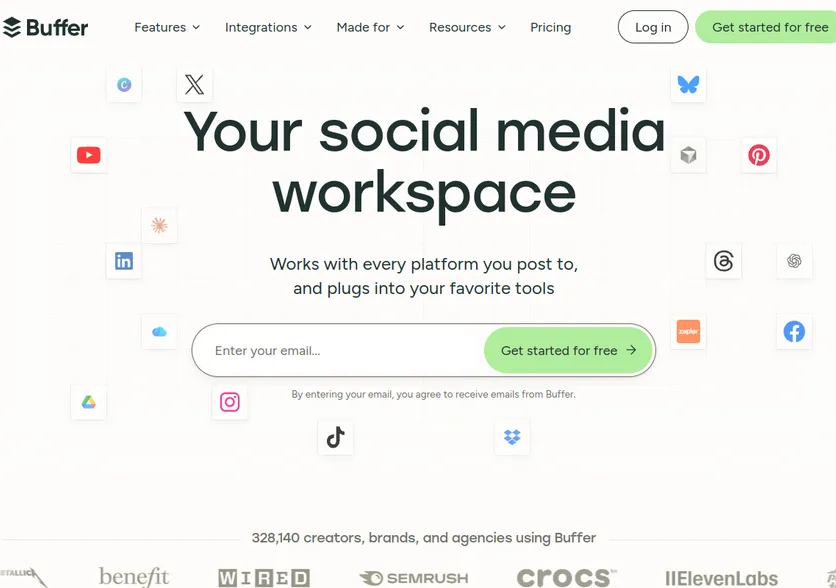
A startup with three social channels and no analytics budget can start free and grow slowly here, because this Buffer plan costs six dollars per channel a month. The analytics show reach, engagement and best times to post without a single chart a founder cannot read, and the free plan covers three channels. It is the cheapest honest analytics in this list, and the easiest to outgrow gracefully.
What we like
- Free plan covers three channels with real analytics
- Charts a founder can read without a data analyst
- Per-channel pricing grows with the startup, not ahead of it
Watch out for
- Analytics are lighter than the dedicated platforms
- No listening features on any plan
How to try it
- Connect the first three channels on the free plan
- Check the best times to post each week
- Upgrade a channel when the startup adds a network
4. Later
Best for: Visual-first startups that live on Instagram and TikTok
Paid tool Starting price: $25/month · Twenty-five dollars a month on Starter; $18.75 a month billed annually; Growth is $50 a month and Scale is $110; Starter covers 1 social set with up to 8 profiles and 30 posts per profile a month; no free plan per a November 20, 2026 re-check; 14-day free trial
Free plan: 14-day free trial
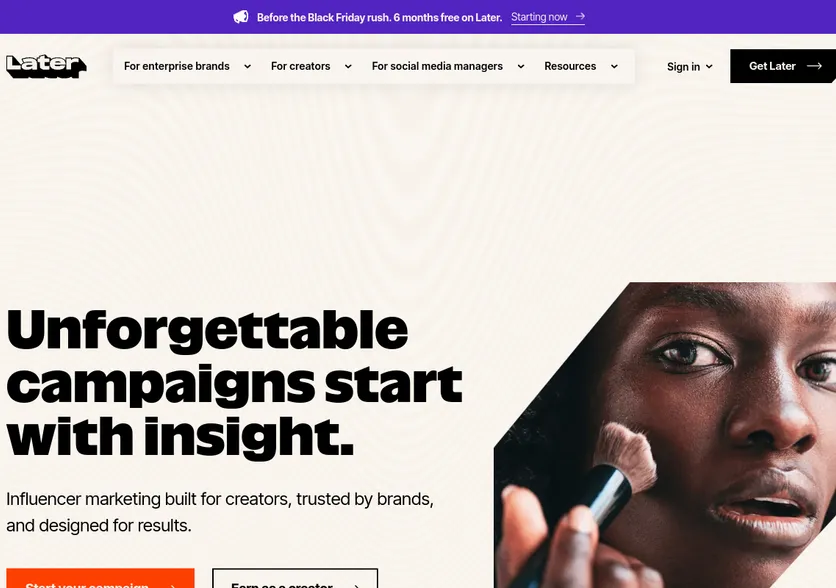
Visual-first startups that live on Instagram and TikTok need analytics that understand images, and this Later plan costs twenty-five dollars a month for one social set with up to eight profiles. It shows which visuals earn saves and shares, the best times to post, and how the link in bio performs. It suits a startup whose feed is its shop window.
What we like
- Analytics built for visual content and saves
- Link in bio tracking shows what the feed actually sells
- Best times to post, per profile
Watch out for
- One social set on Starter, so more brands cost more
- No free plan, only a fourteen-day trial
How to try it
- Connect the social profiles to one social set
- Check which visuals earn the most saves
- Schedule the next posts at the best times shown
5. SocialPilot
Best for: Startups managing seven or more accounts on a tight budget
Paid tool Starting price: $30/month · Thirty dollars a month on Essentials; $25.50 a month billed annually; Standard is $50 a month and Premium is $100; Essentials covers 7 accounts and 1 user; a Black Friday promotion to $21 a month runs until December 18, 2026 and is not the list price; 14-day free trial
Free plan: 14-day free trial
A startup that manages seven or more accounts on a tight budget gets a lot for the money here, because this SocialPilot plan costs thirty dollars a month for seven accounts and one user. The analytics cover reach, engagement and audience growth across every network, and white-labelled reports make the numbers presentable to clients. It is the best value multi-account analytics in this list.

What we like
- Seven accounts on the entry plan
- White-labelled reports for clients and investors
- Analytics across every network in one dashboard
Watch out for
- One user on Essentials, so teams pay for more seats
- A short promotion price is not the list price
How to try it
- Connect all seven accounts to one dashboard
- Build a white-labelled report template
- Review reach and engagement weekly
6. Sendible
Best for: Startups and agencies that report analytics to clients
Paid tool Starting price: $29/month · Twenty-nine dollars a month on Creator billed monthly; $25 a month billed annually; Traction is $89 a month and Scale is $199; one source claims Creator was renamed to Core at $35 a user a month in August 2026, but most September to November 2026 reads show Creator at $29; confirm live
Free plan: 14-day free trial
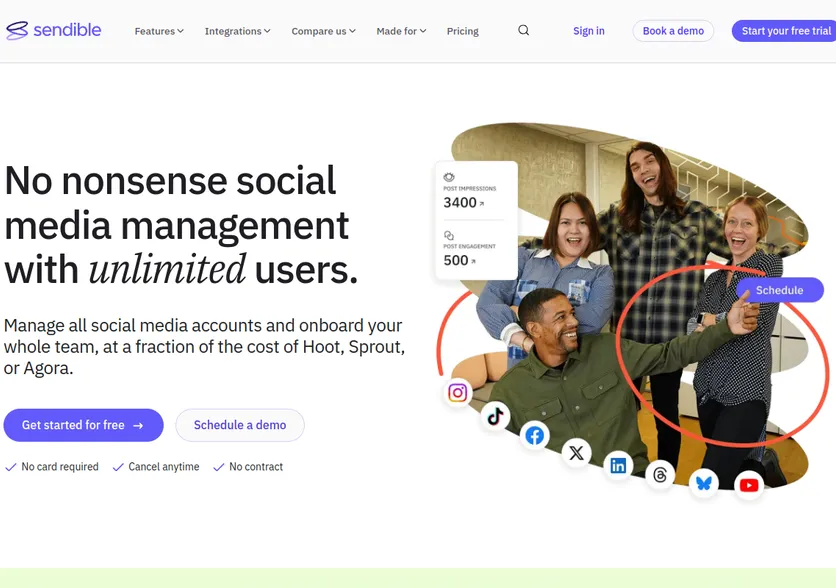
Small agencies and startups that report to clients will like the ready-made reports here, because this Sendible plan costs twenty-nine dollars a month for one user and six profiles. The analytics are built for client reporting, with scheduled reports that arrive by email without anyone remembering to send them. It is the cheapest route onto scheduled, shareable analytics in this list.
What we like
- Scheduled reports arrive by email automatically
- Built for client reporting, not just internal dashboards
- Six profiles on the entry plan
Watch out for
- One source claims the Creator plan was renamed and repriced
- Analytics are lighter than the dedicated platforms
How to try it
- Connect client profiles and pick the report template
- Schedule the weekly report to arrive by email
- Review the numbers with the client each month
7. Agorapulse
Best for: Startups where social is customer service as well as marketing
Paid tool Starting price: $79/user/month · Seventy-nine dollars per user a month on Standard billed annually; $99 month to month; Professional is $119 a month billed annually and Advanced is $149; the free plan ended July 6, 2026; 30-day free trial
Free plan: 30-day free trial
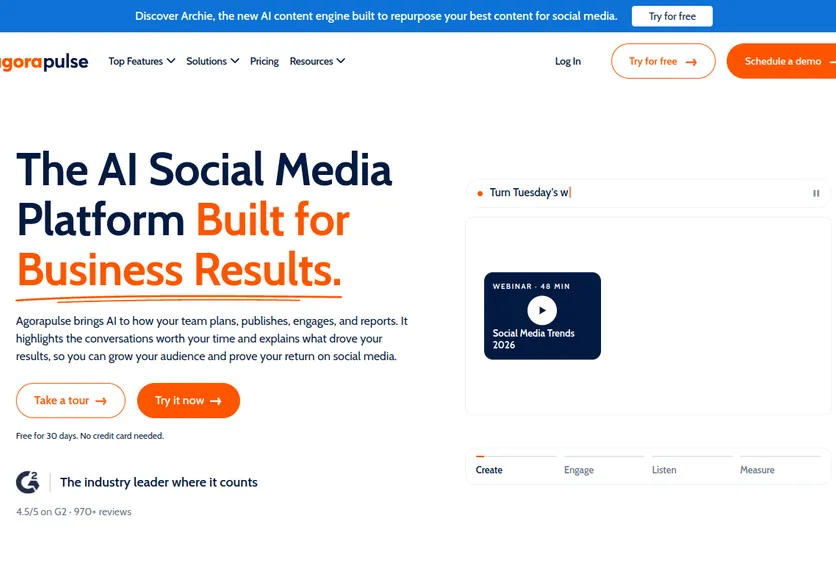
A startup whose social team also answers customers needs analytics tied to response times, and this Agorapulse plan costs seventy-nine dollars per user a month billed annually. The reports show how fast the team replies, which posts earn the most engagement, and how the inbox performs by team member. It suits startups where social is customer service as much as marketing.
What we like
- Reports tie response times to team performance
- Ten profiles included on every tier
- Inbox and analytics share one dashboard
Watch out for
- The free plan ended in July 2026
- Per-user pricing adds up for larger teams
How to try it
- Connect profiles and set up the team inbox
- Check response-time reports each week
- Act on the posts with the highest engagement
8. Iconosquare
Best for: Startups that bet on Instagram and LinkedIn above all
Paid tool Starting price: $49/month · Forty-nine dollars a month on Pro billed annually; $59 month to month; Advanced is $79 a month billed annually and Enterprise is custom; extra profiles are $19 a month; no free plan; one read says the trial needs a sales conversation, so confirm the trial terms
Free plan: Free trial
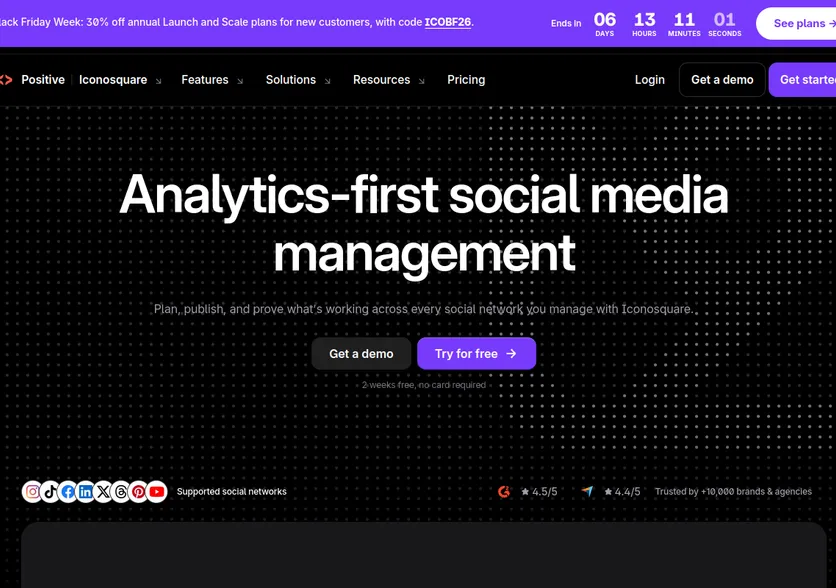
Startups that bet on Instagram and LinkedIn will find the deepest analytics for those networks here, because this Iconosquare plan costs forty-nine dollars a month billed annually for three profiles. It tracks follower growth, best times to post, hashtag performance and competitor benchmarks in unusual depth. It is the best pick when two networks matter more than ten.
What we like
- Deepest Instagram and LinkedIn analytics in this list
- Competitor benchmarks show where the startup stands
- Hashtag performance tracked in detail
Watch out for
- Only three profiles on the entry plan
- Extra profiles cost nineteen dollars a month each
How to try it
- Connect Instagram and LinkedIn profiles
- Check the best times to post for each profile
- Compare the startup against competitors monthly
9. Metricool
Best for: Startups running several brands from one login
Paid tool Starting price: $20/month · Twenty dollars a month on Starter billed annually; $25 month to month; 10 brands are $36 a month billed annually and Advanced starts at $53 a month for 15 brands; free plan covers 1 brand; prices exclude VAT; Starter has no team members, so a second login needs Advanced
Free plan: Free plan (1 brand)
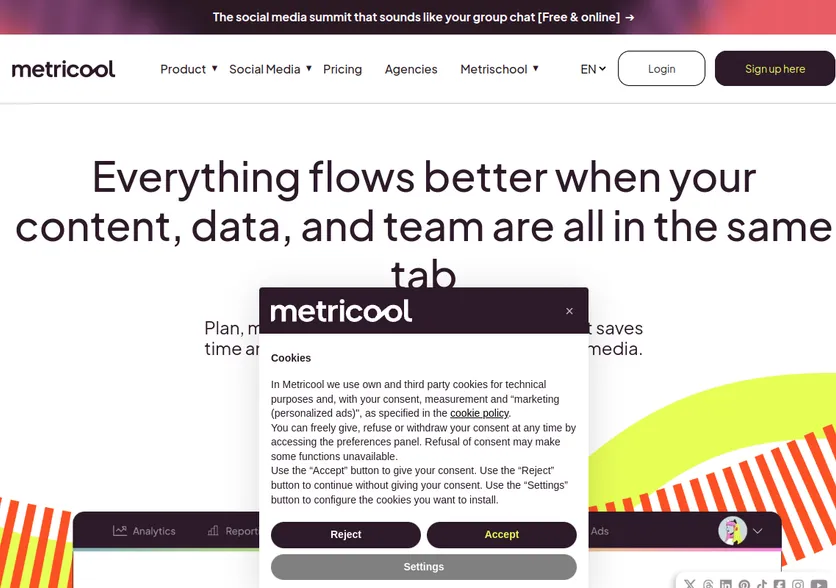
A startup that runs several brands from one login will save money here, because this Metricool plan costs twenty dollars a month billed annually for up to five brands. The analytics cover every network plus the website and ad campaigns, and the free plan covers one brand properly. It is the best multi-brand analytics in this list for the price, with one catch on team logins.
What we like
- Five brands on the entry plan
- Analytics cover social, website and ads together
- Free plan covers one brand properly
Watch out for
- Starter has no team members, so a second login needs Advanced
- Prices exclude VAT, so the bill is higher than the headline
How to try it
- Connect the first brand on the free plan
- Add brands and networks as the startup grows
- Check the combined social and web reports weekly
Prices above were checked on each vendor’s own website on Nov 28, 2026 and can change — the vendor’s page is the final word. Vendor links are editorial: nobody paid to be listed or ranked here. Vendors who want a featured listing can see how it works on our Get listed page.
How to read social analytics without fooling yourself
Compare a post against the startup's own average, not against a viral outlier, because one lucky post will make every normal post look like a failure. Track the metric that matches the goal: followers for awareness, clicks for traffic, and signups for growth, and ignore the rest when you decide what to post next. Give a new format a month before judging it, since the algorithm needs time to find the audience and the audience needs time to find the format. Export the numbers monthly, because a dashboard the team never opens is just decoration.
Before you buy
- Confirm which metrics the plan actually tracks, since likes alone tell a startup almost nothing
- Check how many profiles and brands the entry plan covers, because a growing startup adds networks fast
- Ask whether reports can be exported or scheduled, since a dashboard nobody opens is decoration
- Test the best-times-to-post data on real posts before trusting it to set the schedule
- Make sure the tool covers the networks the startup actually uses, not just the famous ones
Official websites
Official websites of the products reviewed above. Features and prices were checked against these sites when this guide was written, and they can change, so confirm on the vendor site before you buy.
Frequently asked questions
What is social media analytics software for startups?
It is software that measures how a startup's social posts perform, showing reach, engagement, follower growth, clicks and best times to post across every network. It turns raw numbers into reports a small team can act on, such as which topics earn saves and which formats flop. Good tools also track competitors and schedule the next posts from the same dashboard.
How much does social media analytics software cost for a startup?
Prices in this list run from six dollars per channel a month for Buffer to ninety-nine dollars a month for Hootsuite Professional. Most tools start between twenty and thirty dollars a month, with free plans on Buffer and Metricool. A startup should budget for the profiles and brands it will actually run, since entry plans cap both and the next tier is where the real cost appears.
Is there free social media analytics software for startups?
Yes, Buffer covers three channels free with real analytics, and Metricool covers one brand free. Most other tools here offer a free trial of fourteen to thirty days instead. Free plans suit a startup with one or two channels well, but a growing startup will need a paid plan once it adds networks, brands or team members.
Which social media metric matters most for a startup?
It depends on the goal. Follower growth matters for awareness, clicks matter for traffic, and signups matter for growth, while likes alone matter for almost nothing. The best tools let a startup track the metric that matches its goal and ignore the rest. A startup that chases likes will post entertaining content that never sells anything.
Which social media analytics tool is best for a startup?
Buffer is the best value at six dollars per channel a month with a free plan for three channels, and it is the easiest starting point. Metricool is the best pick for a startup running several brands, at twenty dollars a month for five brands. Sprout Social is the best choice when the startup needs board-ready reports and can pay seventy-nine dollars a seat a month.
Compare the nine tools above, then start with a free plan or trial on the one that covers the networks the startup actually uses, and give every new format a month before judging it.
Browse Social Media Tools tools