On this page
Teams post more, faster, and with more mistakes than a solo creator ever will, which is why the approval queue matters more than the scheduler. The nine tools below give teams shared calendars, approvals, assignments and analytics, from a six-dollar-per-channel starter to a full enterprise suite. Buffer leads on value at six dollars per channel a month, and the rest are ranked on how well they keep a team posting on brand without slowing it down.
How we researched this
We checked every price on the vendor pricing page on November 28, 2026, and only included tools with a published US dollar list price. Quote-only enterprise platforms publish no prices, so they are not in this list. Prices change, so confirm the current figure on the vendor site before you buy.
Compare the tools
| Name | Best for | Starting price | Free plan | |
|---|---|---|---|---|
 Hootsuite | Large teams that need scale and approval chains | $99/month | 30-day free trial | Visit |
 Sprout Social | Teams that want one inbox, calendar and task list | $79/seat/month | 30-day free trial | Visit |
 Buffer | Small teams that want simple scheduling without ceremony | $6/channel/month | Free plan (3 channels) | Visit |
 Later | Teams that plan content visually on a calendar | $25/month | 14-day free trial | Visit |
 SocialPilot | Teams managing several clients or brands from one login | $30/month | 14-day free trial | Visit |
 Sendible | Agencies that run social for clients with approvals | $29/month | 14-day free trial | Visit |
 Agorapulse | Teams where social is a service desk and a marketing channel | $79/user/month | 30-day free trial | Visit |
 Zoho Social | Zoho users that want the cheapest team plan | $15/month | Free plan | Visit |
| Loomly | Teams that live by the content calendar | $32/month | 15-day free trial | Visit |
The social media management software for teams, compared
1. Hootsuite
Best for: Large teams that need scale and approval chains
Paid tool Starting price: $99/month · Ninety-nine dollars a month on Professional billed annually for 1 user and 10 accounts; Team is $249 a month and Business is $739; no free plan since 2023; 30-day free trial
Free plan: 30-day free trial
Large teams that need one login for ten accounts and a proper approval chain will find the scale here, because this Hootsuite plan costs ninety-nine dollars a month billed annually for one user and ten accounts. Streams, assignments and team plans keep the work visible, and the Business tier adds the compliance controls a big team needs. It is the most enterprise-ready tool in this list.

What we like
- Ten social accounts on the entry plan
- Team plans add approvals, assignments and roles
- Streams keep every account visible in one view
Watch out for
- No free plan, only a thirty-day trial
- One user on Professional, so teams pay for the Team tier
How to try it
- Connect all ten accounts to one dashboard
- Set up teams, roles and approval rules
- Assign streams and monitor the queue daily
2. Sprout Social
Best for: Teams that want one inbox, calendar and task list
Paid tool Starting price: $79/seat/month · Seventy-nine dollars per seat a month on Essentials billed annually; $99 month to month; Standard is $199, Professional is $299 and Advanced is $399; social listening is a paid add-on with custom pricing, so confirm the total
Free plan: 30-day free trial
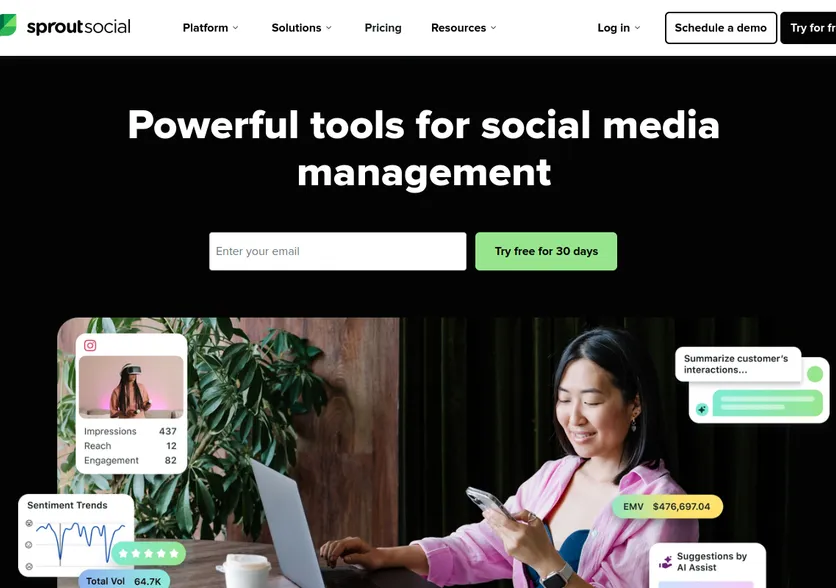
Teams that want every reply, mention and post in one place with clear ownership will like this one, because this Sprout Social plan costs seventy-nine dollars per seat a month billed annually. The smart inbox assigns conversations, the calendar shows the whole week, and tasking keeps nobody guessing who owns what. It is the tidiest team workflow in this list, at a per-seat price that grows with the team.
What we like
- Smart inbox assigns every conversation to an owner
- Calendar and tasking keep the whole team aligned
- Per-seat pricing that grows with the team
Watch out for
- Listening is a paid add-on with custom pricing
- Per-seat pricing is steep for a large team
How to try it
- Connect profiles and set up the smart inbox
- Assign conversations and build the content calendar
- Review team performance in the weekly report
3. Buffer
Best for: Small teams that want simple scheduling without ceremony
Paid tool Starting price: $6/channel/month · Six dollars per channel a month on Essentials; $5 a month billed annually; Team is $12 a channel a month; free plan covers 3 channels; per-channel rate falls above 10 channels; prices last changed November 2025
Free plan: Free plan (3 channels)
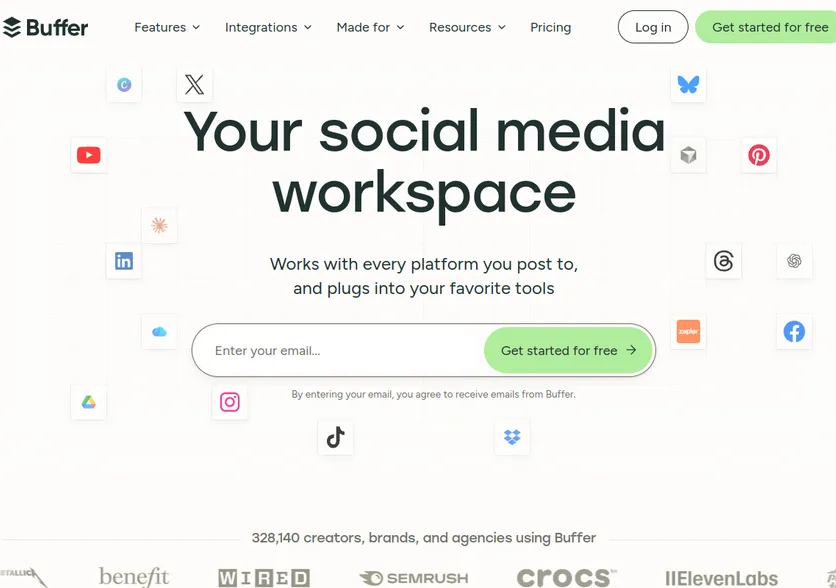
Small teams that want scheduling without a learning curve will get going fastest here, because this Buffer plan costs six dollars per channel a month. The queue is drag-and-drop simple, drafts and approvals work without training, and the free plan covers three channels. It suits a team of two or three that posts daily and wants no ceremony around it.
What we like
- Drag-and-drop queue that needs no training
- Free plan covers three channels
- Drafts and approvals work out of the box
Watch out for
- Approvals are lighter than on the dedicated team tools
- No listening features on any plan
How to try it
- Connect the team's channels to one queue
- Set up drafts and the approval step
- Fill the queue and let the schedule run
4. Later
Best for: Teams that plan content visually on a calendar
Paid tool Starting price: $25/month · Twenty-five dollars a month on Starter; $18.75 a month billed annually; Growth is $50 a month and Scale is $110; Starter covers 1 social set with up to 8 profiles and 30 posts per profile a month; no free plan per a November 20, 2026 re-check; 14-day free trial
Free plan: 14-day free trial
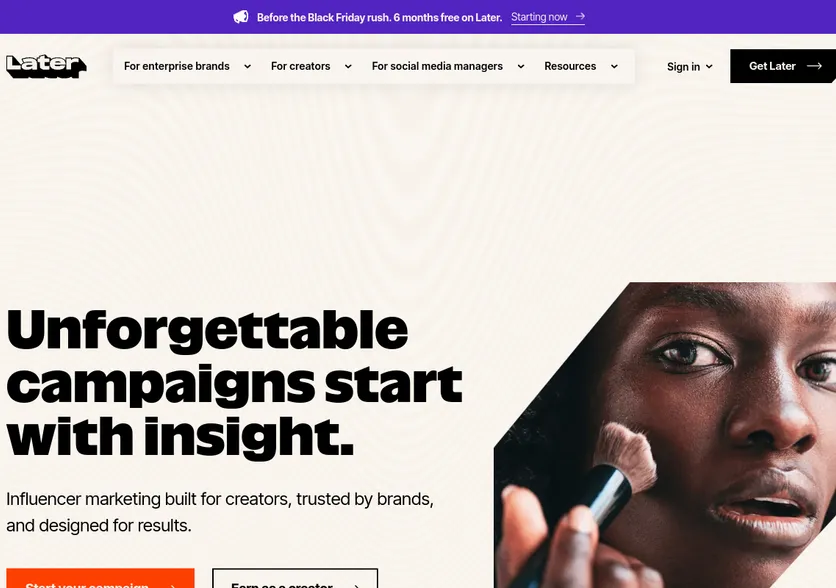
Teams that plan visually will love the calendar-first design here, because this Later plan costs twenty-five dollars a month for one social set with up to eight profiles. The visual calendar shows the whole feed before anything posts, media libraries keep assets organised, and the team can see the grid as followers will see it. It suits a team whose feed is its brand.
What we like
- Visual calendar shows the feed before it posts
- Media library keeps team assets organised
- Eight profiles in one social set
Watch out for
- One social set on Starter, so more brands cost more
- No free plan, only a fourteen-day trial
How to try it
- Connect the eight profiles to one social set
- Build the visual calendar for the month
- Approve the grid before the schedule runs
5. SocialPilot
Best for: Teams managing several clients or brands from one login
Paid tool Starting price: $30/month · Thirty dollars a month on Essentials; $25.50 a month billed annually; Standard is $50 a month and Premium is $100; Essentials covers 7 accounts and 1 user; a Black Friday promotion to $21 a month runs until December 18, 2026 and is not the list price; 14-day free trial
Free plan: 14-day free trial
Teams that manage several clients or brands from one login get strong value here, because this SocialPilot plan costs thirty dollars a month for seven accounts and one user. The calendar, bulk scheduling and client approvals cover the daily workflow, and white-labelled reports keep clients happy. It is the best multi-account team tool in this list for the price.

What we like
- Seven accounts on the entry plan
- Bulk scheduling saves hours on big calendars
- White-labelled reports for clients
Watch out for
- One user on Essentials, so teams pay for more seats
- A short promotion price is not the list price
How to try it
- Connect the seven accounts to one calendar
- Bulk-schedule the month and set up approvals
- Send white-labelled reports to clients
6. Sendible
Best for: Agencies that run social for clients with approvals
Paid tool Starting price: $29/month · Twenty-nine dollars a month on Creator billed monthly; $25 a month billed annually; Traction is $89 a month and Scale is $199; one source claims Creator was renamed to Core at $35 a user a month in August 2026, but most September to November 2026 reads show Creator at $29; confirm live
Free plan: 14-day free trial
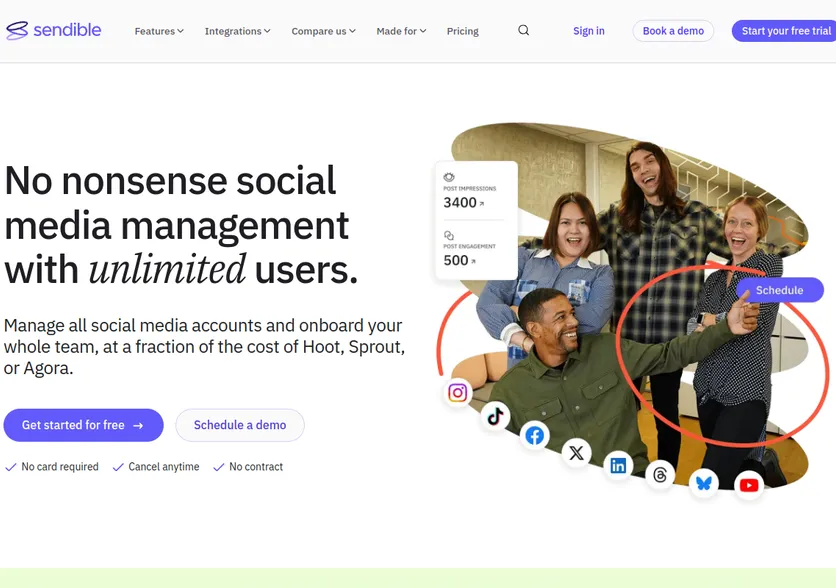
Agencies that run social for clients will appreciate the workflow built for them here, because this Sendible plan costs twenty-nine dollars a month for one user and six profiles. Approval workflows let clients sign off before anything posts, and the dashboard shows every client's queue at once. It is the best agency-shaped team tool in this list for the price.
What we like
- Approval workflows let clients sign off first
- Dashboard shows every client's queue at once
- Six profiles on the entry plan
Watch out for
- One source claims the Creator plan was renamed and repriced
- One user on the entry plan, so teams pay more
How to try it
- Connect client profiles and set up approval workflows
- Build each client's calendar and send for approval
- Publish approved posts and report monthly
7. Agorapulse
Best for: Teams where social is a service desk and a marketing channel
Paid tool Starting price: $79/user/month · Seventy-nine dollars per user a month on Standard billed annually; $99 month to month; Professional is $119 a month billed annually and Advanced is $149; the free plan ended July 6, 2026; 30-day free trial
Free plan: 30-day free trial
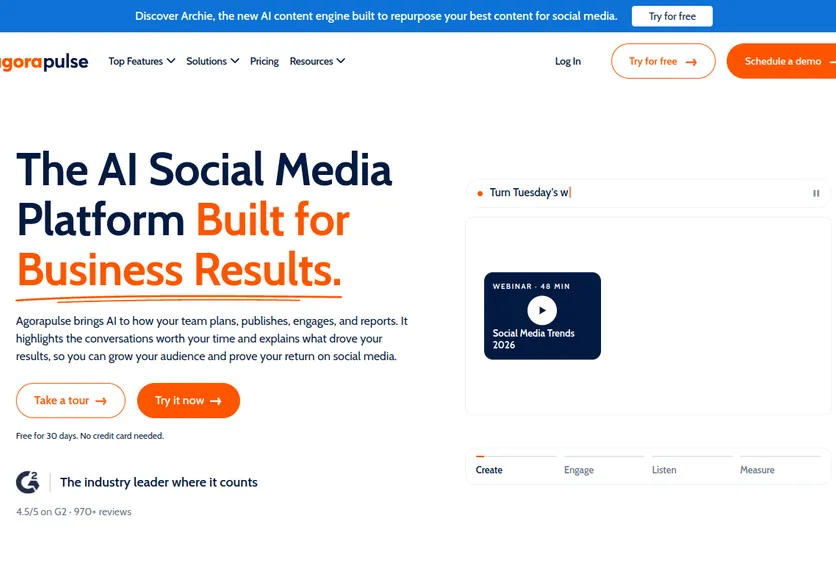
Teams that answer customers on social all day need an inbox that assigns and tracks every conversation, and this Agorapulse plan costs seventy-nine dollars per user a month billed annually. The unified inbox, shared calendar and team reports cover the full workflow, and ten profiles come with every tier. It suits teams where social is a service desk as much as a marketing channel.
What we like
- Unified inbox assigns every conversation
- Ten profiles included on every tier
- Team reports show who answered what and how fast
Watch out for
- The free plan ended in July 2026
- Per-user pricing adds up for larger teams
How to try it
- Connect profiles and set up the unified inbox
- Assign conversations and build the shared calendar
- Review team response times weekly
8. Zoho Social
Best for: Zoho users that want the cheapest team plan
Paid tool Starting price: $15/month · Fifteen dollars a month on Standard; $10 a month billed annually; Professional is $40 a month and Premium is $65; Agency is $320 a month; free plan covers 1 brand and 7 channels without scheduling
Free plan: Free plan
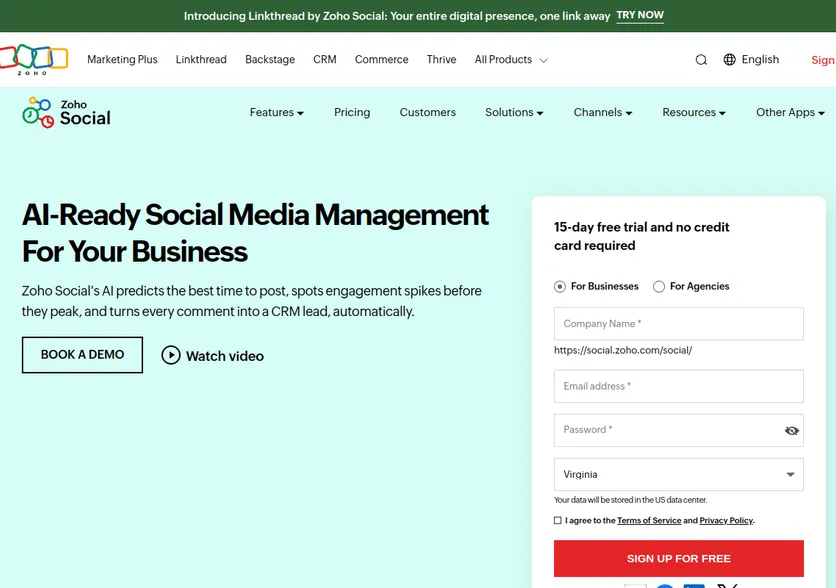
Teams already inside the Zoho world will find the cheapest team option here, because this Zoho Social plan costs fifteen dollars a month for one brand and fourteen channels. It covers scheduling, monitoring and team collaboration, and it talks to Zoho CRM without extra integration work. It is the lowest-priced team plan in this list, with a free plan to start.
What we like
- Lowest-priced team plan in this list
- Fourteen channels on the entry plan
- Works with Zoho CRM without extra integration
Watch out for
- One team member on Standard, so teams pay more
- Free plan cannot schedule posts
How to try it
- Connect the brand and its fourteen channels
- Set up the team and assign roles
- Schedule the week and monitor mentions daily
9. Loomly
Best for: Teams that live by the content calendar
Paid tool Starting price: $32/month · Thirty-two dollars a month on Base billed annually; $42 month to month; Standard is $60 a month billed annually and Advanced is $131; Base covers 2 users and 10 social accounts; 15-day free trial with no card
Free plan: 15-day free trial
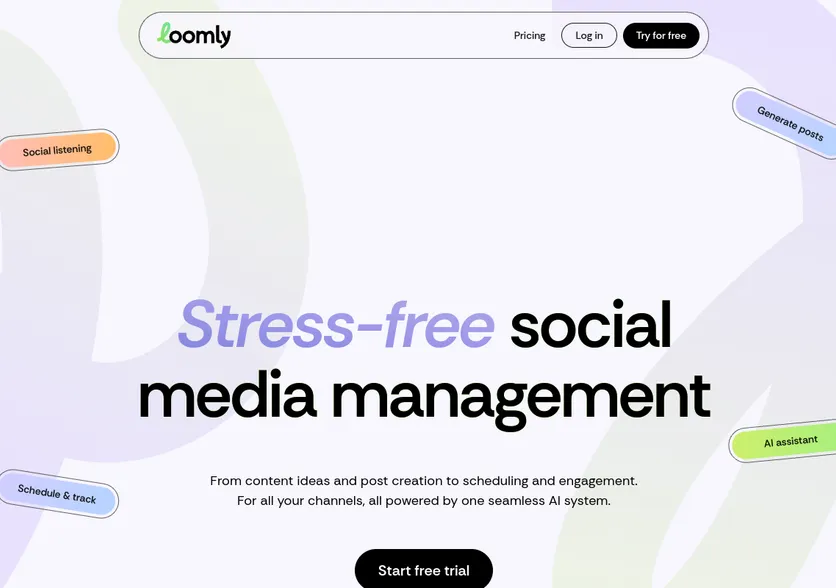
Teams that live or die by the content calendar will find the best one here, because this Loomly plan costs thirty-two dollars a month billed annually for two users and ten social accounts. The calendar is the whole product: drag-and-drop planning, post ideas, approval workflows and a clear view of the month. It is the best calendar-first team tool in this list.
What we like
- Best calendar view in this list
- Approval workflows built into the calendar
- Post ideas help the team plan the month
Watch out for
- Two users on Base, so a solo user pays for a spare seat
- No social listening on any plan
How to try it
- Connect ten social accounts to the calendar
- Plan the month with drag-and-drop posts
- Send posts through approval before they publish
Prices above were checked on each vendor’s own website on Nov 28, 2026 and can change — the vendor’s page is the final word. Vendor links are editorial: nobody paid to be listed or ranked here. Vendors who want a featured listing can see how it works on our Get listed page.
How to keep a team posting without a rogue tweet
Put every post through one approval step, even when the team is small, because the post that embarrasses the brand is always the one nobody checked. Give each person a clear role, so the writer writes, the approver approves, and nobody publishes from a personal phone by mistake. Keep the calendar visible to the whole team, since a surprise post is usually a calendar nobody read. Review the queue every Friday, because a week of scheduled posts can go stale the moment the news changes.
Before you buy
- Confirm how many users and profiles the entry plan covers, since team tools price both
- Check whether approvals are included or locked behind a dearer tier, because that is the feature teams need most
- Ask who can publish directly and who needs approval, since roles are where mistakes happen
- Test the calendar view with the real team before buying, because a confusing calendar kills adoption
- Make sure the tool covers every network the team posts to, not just the famous ones
Official websites
Official websites of the products reviewed above. Features and prices were checked against these sites when this guide was written, and they can change, so confirm on the vendor site before you buy.
Frequently asked questions
What is social media management software for teams?
It is software that lets a team plan, write, approve, schedule and publish social posts from one shared calendar, instead of passing spreadsheets and passwords around. It adds roles, approval workflows, a shared inbox and analytics, so everyone knows what is posting, who approved it and how it performed. Good tools keep the brand consistent while letting several people work at once.
How much does social media management software cost for a team?
Prices in this list run from six dollars per channel a month for Buffer to ninety-nine dollars a month for Hootsuite Professional. Most tools start between fifteen and thirty-two dollars a month, with per-user pricing on Sprout Social and Agorapulse. A team should budget for the users and profiles it will actually run, since entry plans cap both and the next tier is where the real cost appears.
Do teams need approval workflows for social media?
Yes, almost always. A single unapproved post can embarrass a brand, break a client agreement or leak something confidential, and the cost of one mistake dwarfs the cost of an approval step. Tools such as Loomly, Sendible and Hootsuite build approvals into the calendar, so nothing publishes until the right person signs off. Small teams need this as much as large ones.
Can a small team use social media management software?
Yes, and most tools here are built for teams of two to ten. Buffer covers three channels free, Zoho Social starts at fifteen dollars a month, and Loomly covers two users and ten accounts for thirty-two dollars a month. The key is to pick a tool that fits the team today and grows with it, rather than buying an enterprise platform for a team of three.
Which social media management tool is best for a team?
Buffer is the best value at six dollars per channel a month with a free plan for three channels, and it suits small teams best. Loomly is the best pick for teams that live by the calendar, with approval workflows from thirty-two dollars a month. Hootsuite is the best choice for large teams that need ten accounts and proper team plans from ninety-nine dollars a month.
Compare the nine tools above, then start with a free plan or trial on the one that fits the team's size, and put every post through one approval step before it goes live.
Browse Social Media Tools tools