On this page
Sales efficiency is not about working harder; it is about a pipeline where no deal is forgotten and no rep wastes time on admin. HubSpot Sales Hub leads this list at fifteen dollars a seat a month because it gives a small team a real CRM for very little. The other six tools range from nine dollars a user a month for Freshsales to sixty-five dollars a user a month for Dynamics 365 Sales, and every price below was checked on the vendor site. The best tool is the one the reps will actually open every morning.
How we researched this
We checked every price on the vendor pricing page on November 28, 2026, and only included tools with a published US dollar list price. Outreach and Salesloft both sell sales engagement by quote, so neither of them is in this list. Prices change, so confirm the current figure on the vendor site before you buy.
Compare the tools
| Name | Best for | Starting price | Free plan | |
|---|---|---|---|---|
 HubSpot Sales Hub | Small businesses that want their first real sales pipeline | $15/seat/month | Free plan | Visit |
| Dynamics 365 Sales | Mid-size businesses that already run on Microsoft Outlook and Teams | $65/user/month | No free plan; 30-day free trial | Visit |
 Pipedrive | Small sales teams that want a visual pipeline with clear next steps | $14/user/month | No free plan; 14-day free trial | Visit |
 Zoho CRM | Small businesses that want a complete CRM at a low price | $14/user/month | Free plan (up to 3 users) | Visit |
 Freshsales | Small teams that want a modern CRM at the lowest paid price | $9/user/month | No free plan; 21-day free trial | Visit |
| Salesforce Sales Cloud | Growing businesses that want to start small and scale on Salesforce | $25/user/month | Free plan (Free Suite, up to 2 users) | Visit |
 Copper | Small teams that run their business on Google Workspace | $23/seat/month | No free plan; 14-day free trial | Visit |
The software for boosting sales efficiency, compared
1. HubSpot Sales Hub
Best for: Small businesses that want their first real sales pipeline
Paid tool Starting price: $15/seat/month · $15 a seat a month billed annually for Starter ($20 monthly); Professional and Enterprise are higher
Free plan: Free plan
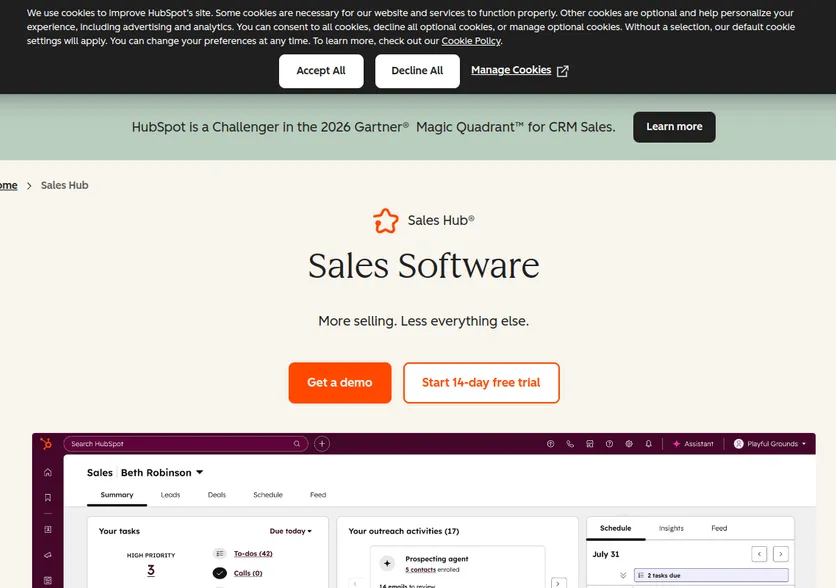
At fifteen dollars a seat a month billed annually, HubSpot Sales Hub Starter is the cheapest way in this list to give a small team a proper sales CRM. It tracks deals, logs emails and calls automatically, and shows the whole pipeline on one dashboard, with free CRM tools underneath for teams that want to start at no cost. The monthly figure is twenty dollars a seat when billed month to month. It fits a small business that wants its first real pipeline without a big monthly commitment.
What we like
- Free CRM tools underneath let a team start at no cost
- Email and call logging happen automatically
- A clean dashboard shows the whole pipeline at a glance
Watch out for
- Advanced automation needs the pricier Professional tier
- Costs rise with every seat, so a large team pays more
How to try it
- Import the current deal list and set up the pipeline stages
- Connect the team's email so calls and messages log themselves
- Run one week of real deals through the pipeline
2. Dynamics 365 Sales
Best for: Mid-size businesses that already run on Microsoft Outlook and Teams
Paid tool Starting price: $65/user/month · $65 a user a month paid yearly for Professional; Enterprise is $105 and Premium is $150 a user a month
Free plan: No free plan; 30-day free trial
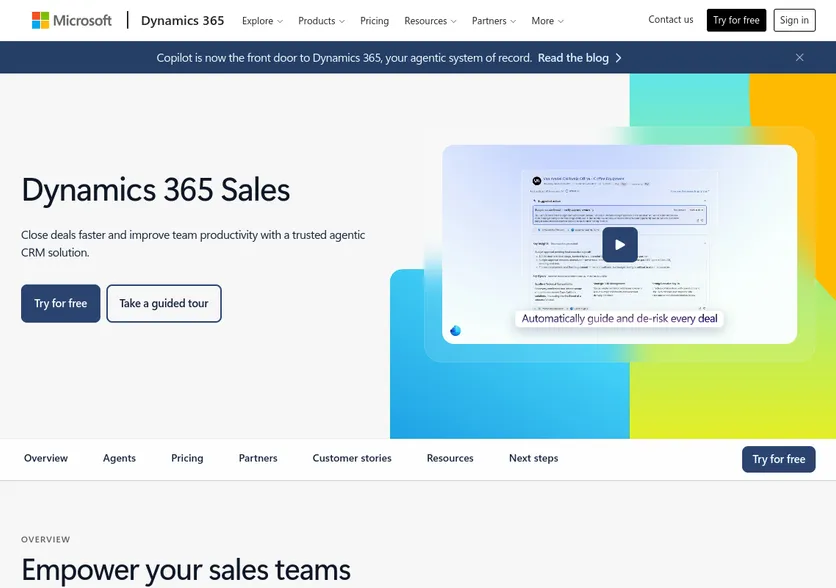
At sixty-five dollars a user a month paid yearly, Dynamics 365 Sales Professional is the Microsoft CRM in this list, and it suits a team that already runs on Outlook, Teams and Office. It tracks opportunities, forecasts revenue and suggests next steps, with artificial intelligence features that score leads and draft emails. The Enterprise tier costs one hundred and five dollars a user a month and Premium costs one hundred and fifty. It fits a mid-size business that lives in the Microsoft ecosystem and wants its CRM there too.
What we like
- Deep integration with Outlook, Teams and Office
- Forecasting and lead scoring built into the Professional tier
- A thirty-day free trial is long enough for a real test
Watch out for
- The most expensive entry price in this list
- Setup takes longer than the simpler CRMs here
How to try it
- Connect Outlook and Teams so emails log themselves
- Import the open opportunities and set the forecast
- Trial the lead scoring on the team's real pipeline
3. Pipedrive
Best for: Small sales teams that want a visual pipeline with clear next steps
Paid tool Starting price: $14/user/month · $14 a user a month billed annually for Essential; the monthly figure is reported as $21 to $24; Advanced is $29 and Professional is $49 a month
Free plan: No free plan; 14-day free trial
At fourteen dollars a user a month billed annually, Pipedrive Essential is the most focused pipeline tool in this list, and it is built around one idea: a deal should always have a next step. It shows the pipeline as a visual board, reminds the rep what to do next and keeps the admin to a minimum. The monthly figure is reported between twenty-one and twenty-four dollars depending on the source, so the annual list price is the figure to budget against. It fits a small sales team that wants to sell rather than manage software.

What we like
- A visual pipeline that shows every deal and its next step
- Minimal admin, so reps spend time selling
- Easy to set up without a consultant
Watch out for
- No free plan, so even a solo rep pays from day one
- Reporting is lighter than the bigger CRMs here
How to try it
- Import the open deals and arrange them by stage
- Set the next activity on every deal in the pipeline
- Check the pipeline after one week of real selling
4. Zoho CRM
Best for: Small businesses that want a complete CRM at a low price
Paid tool Starting price: $14/user/month · $14 a user a month billed annually for Standard ($20 monthly); Professional is $23, Enterprise is $40 and Ultimate is $52 a user a month
Free plan: Free plan (up to 3 users)
At fourteen dollars a user a month billed annually, Zoho CRM Standard is the best-value full CRM in this list for a small team. It tracks leads, deals and customers, automates routine follow-ups and reports on the pipeline, with a free plan for up to three users that lets a tiny team start at no cost. The Professional tier costs twenty-three dollars a user a month and adds deeper automation. It fits a small business that wants a complete CRM at the lowest published price here.

What we like
- A free plan for up to three users gets a tiny team started
- Leads, deals and automation in one affordable licence
- A huge range of Zoho apps integrates with it
Watch out for
- The interface is busier than the simpler tools here
- The best automation sits on the pricier tiers
How to try it
- Start on the free plan with the three-person team
- Import the lead list and set up the deal stages
- Build one automation for follow-up reminders
5. Freshsales
Best for: Small teams that want a modern CRM at the lowest paid price
Paid tool Starting price: $9/user/month · $9 a user a month billed annually for Growth ($11 monthly); Pro is $39 and Enterprise is $59 a user a month; the free plan was removed in November 2026
Free plan: No free plan; 21-day free trial
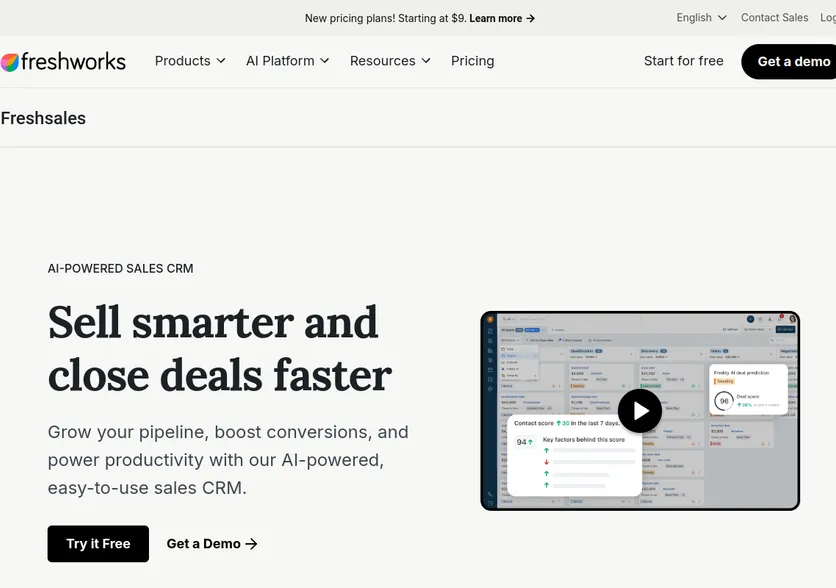
At nine dollars a user a month billed annually, Freshsales Growth is the cheapest paid CRM in this list, and it gives a small team lead scoring, email tracking and pipeline management for less than ten dollars a user. The free plan was removed in November of this year, so there is no free tier now, but a twenty-one day trial lets a team test it properly. The Pro tier costs thirty-nine dollars a user a month for teams that need deeper automation. It fits a small team that wants a modern CRM at the lowest paid price here.
What we like
- The cheapest paid CRM in this list
- Lead scoring and email tracking included on the Growth tier
- A twenty-one day trial is long enough for a real test
Watch out for
- The free plan was removed in November 2026
- Smaller ecosystem than the bigger CRMs here
How to try it
- Import the lead list and set up the pipeline stages
- Turn on lead scoring and check the rankings
- Test the email tracking on a real outreach sequence
6. Salesforce Sales Cloud
Best for: Growing businesses that want to start small and scale on Salesforce
Paid tool Starting price: $25/user/month · $25 a user a month for Starter Suite; Free Suite is $0 for up to two users; Pro Suite is $100 and Core is $195 a user a month
Free plan: Free plan (Free Suite, up to 2 users)
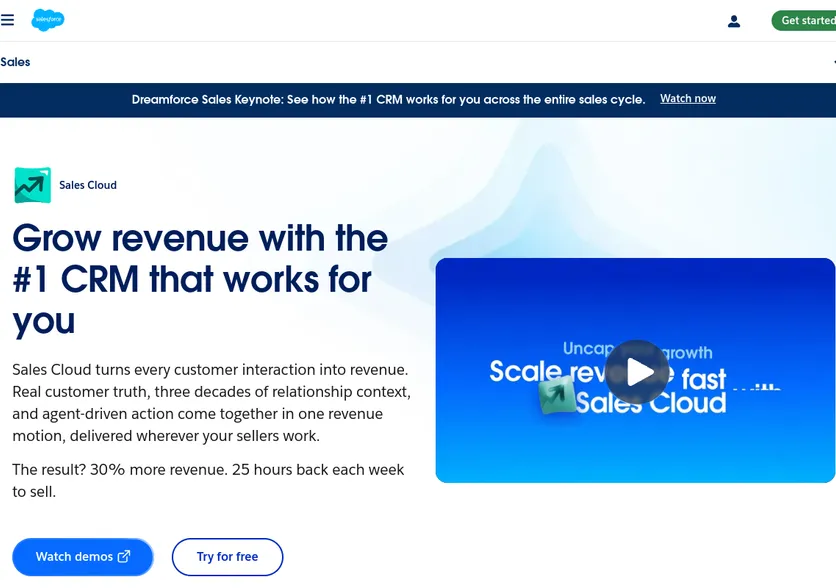
At twenty-five dollars a user a month, Salesforce Sales Cloud Starter Suite is the entry point to the biggest CRM in this list, and it brings lead, account and opportunity management at a small-team price. The Free Suite costs nothing for up to two users, which is a genuine way to start, and the Pro Suite costs one hundred dollars a user a month for teams that need more. It fits a growing business that wants to start small on Salesforce and scale without switching platforms later.
What we like
- A free suite for up to two users gets a team started
- Scales from a two-person team to an enterprise without switching
- The largest app marketplace of any CRM here
Watch out for
- The entry tier is simpler than the Salesforce most people picture
- Costs climb steeply through the higher suites
How to try it
- Start on the Free Suite with the two-person team
- Import the leads and set up the opportunity stages
- Check the Pro Suite features before the team outgrows Starter
7. Copper
Best for: Small teams that run their business on Google Workspace
Paid tool Starting price: $23/seat/month · $23 a seat a month billed annually for Basic ($29 monthly); Professional is $59 and Business is $99 a seat a month billed annually
Free plan: No free plan; 14-day free trial
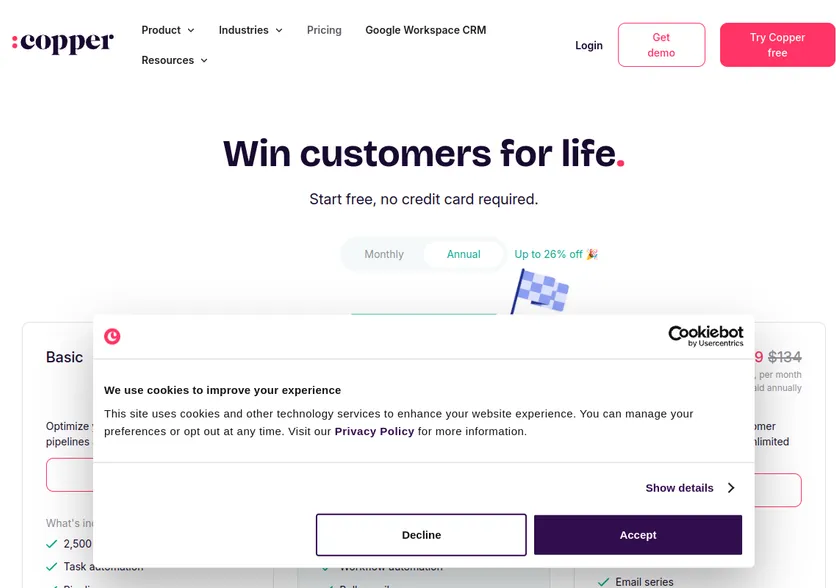
At twenty-three dollars a seat a month billed annually, Copper Basic is the CRM built for teams that live in Google Workspace, and it turns Gmail and Calendar into a sales system. It tracks leads, deals and contacts without leaving the inbox, and it logs emails automatically so reps never update the CRM by hand. The Professional tier costs fifty-nine dollars a seat a month and adds workflow automation. It fits a small team that runs its whole business on Google and wants the CRM to live there too.
What we like
- Built for Google Workspace, so it lives inside Gmail
- Emails log themselves, so reps never update the CRM by hand
- A clean interface that a small team learns in a day
Watch out for
- Less useful for a team that does not use Google
- The Basic tier caps contacts at two thousand five hundred
How to try it
- Connect the team's Google Workspace accounts
- Import the contacts and set up the deal pipeline
- Check the contact cap against the real list size
Prices above were checked on each vendor’s own website on Nov 28, 2026 and can change — the vendor’s page is the final word. Vendor links are editorial: nobody paid to be listed or ranked here. Vendors who want a featured listing can see how it works on our Get listed page.
How to make a CRM actually boost sales efficiency
Start by defining the pipeline stages in the language the team already uses, because a CRM with stages nobody recognises will be ignored within a week. Make the next step mandatory on every deal, so nothing sits without an owner and a date. Automate the admin first: email logging, meeting notes and follow-up reminders are the tasks that eat a rep's day. Measure one thing, such as the number of deals that moved this week, and review it together, since a pipeline nobody looks at is just a database with a nicer name.
Before you buy
- Confirm the tool tracks the whole deal, not just the contact, from first call to close
- Check whether email and calendar sync are included or cost extra on the chosen tier
- Ask how many seats the plan covers, and what happens when the team grows past it
- Make sure the pipeline stages match how the team actually sells, not a generic template
- Test the tool with real deals for a full week before moving the whole pipeline
Official websites
Official websites of the products reviewed above. Features and prices were checked against these sites when this guide was written, and they can change, so confirm on the vendor site before you buy.
Frequently asked questions
What is sales efficiency software?
Sales efficiency software helps a sales team close more deals with the same effort by organising the pipeline, automating admin and making sure no follow-up is missed. It usually means a CRM that tracks leads and deals, logs emails and calls automatically, and reminds reps what to do next. The best tools also report on the pipeline, so the team can see which deals are moving, which are stuck and where the time actually goes.
How much does sales efficiency software cost?
The seven tools here range from free on HubSpot, Zoho and Salesforce's small-team tiers to sixty-five dollars a user a month for Dynamics 365 Sales Professional. Most paid plans sit between nine and twenty-five dollars a user a month, which makes the choice more about fit than price. The real cost to watch is per-seat pricing, since a cheap per-user figure becomes expensive once the whole team is on it.
Which sales CRM is best for a small team?
HubSpot Sales Hub is the best pick for a small team because Starter costs fifteen dollars a seat a month billed annually and free CRM tools let a team start at no cost. Pipedrive at fourteen dollars a user a month suits a team that wants a visual pipeline with clear next steps. Zoho CRM at fourteen dollars a user a month is the better choice when the team wants a CRM with a free plan for three users.
Do I need Salesforce, or will a smaller CRM work?
A smaller CRM such as HubSpot, Pipedrive or Zoho works well for a team of up to twenty people with a straightforward sales process. Salesforce earns its price when the team needs deep customisation, a large app marketplace or reporting across several departments. The honest test is whether the smaller tool still fits after a year of growth: if the team keeps hitting its limits, move to Salesforce, and if it does not, stay small.
Why are Outreach and Salesloft not in this list?
Outreach and Salesloft both sell sales engagement software, but neither publishes a price, so they sell by quote and a reader cannot compare them fairly against the tools here. Every tool in this list has a published US dollar list price that was checked on the vendor site on November 28, 2026. A team that needs a dedicated sales engagement platform should request quotes from those vendors directly and compare the totals.
Compare the seven tools above, then start with a free plan or trial on the tool that matches how the team already sells before paying for a full year.
Browse Business Tools tools