
On this page
Quality calls make loyal customers, and the right QA software turns random spot-checks into a system that coaches every agent. The seven tools below run from fifteen dollars per user a month to eighty-nine, and every price was checked on the vendor site on November 26, 2026. Some score calls automatically, while others add coaching, workforce planning and full contact center suites. Compare the QA features you need with the platform each plan actually includes. Playvox is our first pick — the cheapest route to quality management and coaching.
How we researched this
We started with the call center QA tools teams actually buy, then read each price on the vendor pricing page on November 26, 2026 and noted the free trial each plan carries. We judged them for a quality manager who scores calls, coaches agents and tracks improvement, and we kept only tools with a published price in US dollars. We left out quote-only QA vendors, because a tool with no published price cannot be compared on cost.
Compare the tools
| Name | Best for | Starting price | Free plan | |
|---|---|---|---|---|
 Playvox | Teams that want quality management and coaching at the lowest price | $15/user/month | No free plan; book a demo to try it | Visit |
 ScorebuddyCX | QA teams that want scorecards and coaching without a full contact center | $24/user/month | No free plan; 14-day free trial | Visit |
 Aircall | Small teams that want cloud phone with QA built in | $30/user/month | No free plan; 7-day free trial | Visit |
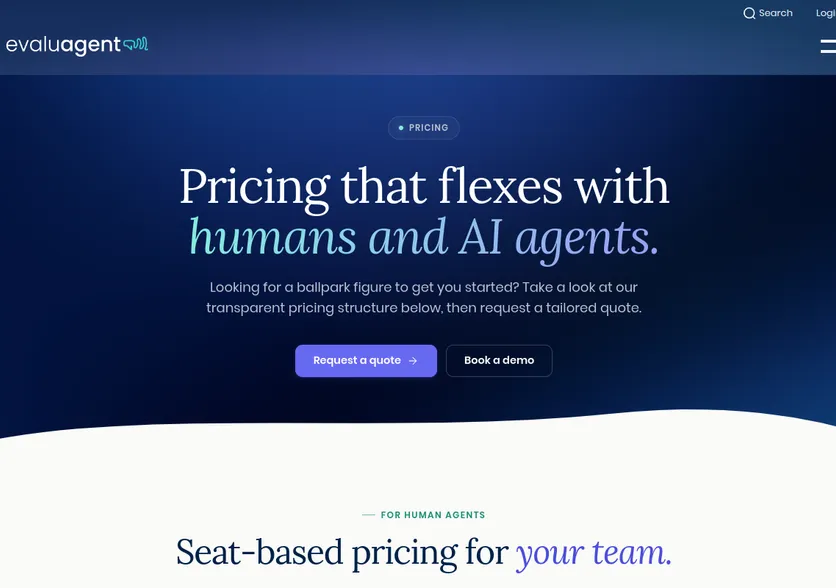
 EvaluAgent | QA teams that want automated scoring with human review | $35/user/month | No free plan; book a demo to try it | Visit |
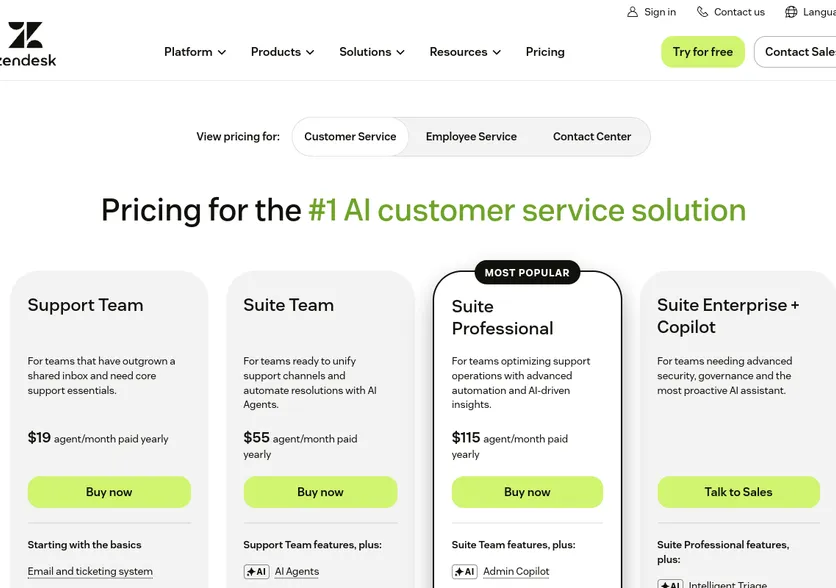
 Zendesk QA | Zendesk teams that want QA and workforce tools on their existing plan | $35/agent/month | No free plan; 14-day free trial | Visit |
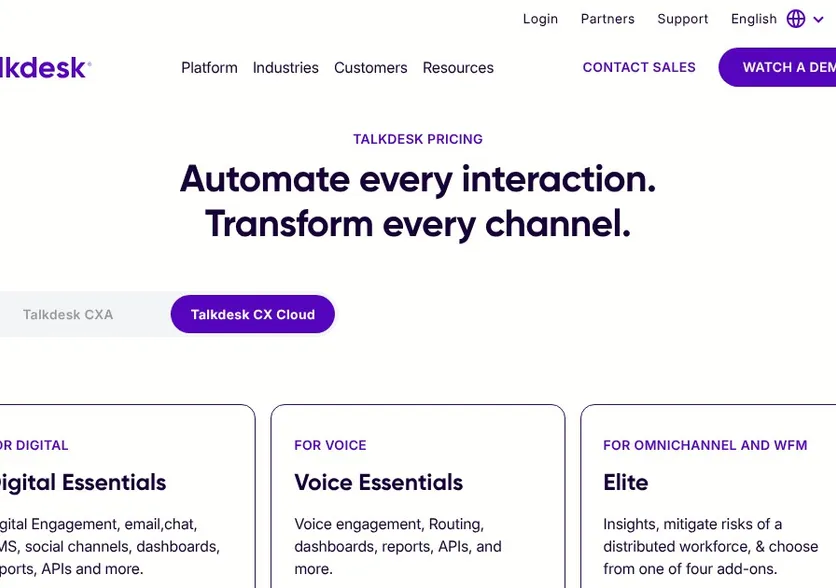
 Talkdesk | Contact centers that want QA inside a full cloud platform | $85/user/month | No free plan; free trial available | Visit |
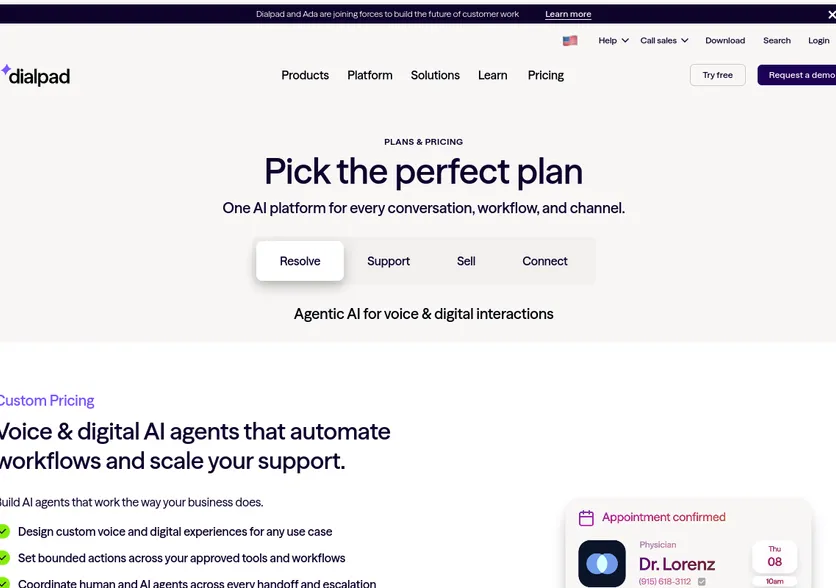
 Dialpad | Contact centers that want AI quality management on every call | $89/user/month | No free plan; 14-day free trial | Visit |
The call center QA software, compared
1. Playvox
Best for: Teams that want quality management and coaching at the lowest price
Paid tool Starting price: $15/user/month · Starter, $15 per user a month; Professional $30; Enterprise $40; onboarding fees run about $3,000 to $7,000
Free plan: No free plan; book a demo to try it
Playvox is the quality management platform that scores agent calls, runs coaching sessions and plans shifts in one place. This Playvox Starter plan costs fifteen dollars per user a month, with Professional and Enterprise tiers that add deeper coaching tools. A quality team can score every call, coach the weakest agents and track improvement without a second app.
What we like
- Quality scoring and coaching in one platform
- Lowest entry price in this comparison
- Workforce planning built into higher tiers
Watch out for
- Fifteen dollars per user a month covers Starter only, with onboarding fees on top
- Quality management and coaching modules cost more on higher tiers
How to try it
- Book a demo from the Playvox pricing page
- Set up a scorecard for your most common call type
- Score a week of calls and coach the lowest scorer
2. ScorebuddyCX
Best for: QA teams that want scorecards and coaching without a full contact center
Paid tool Starting price: $24/user/month · Foundation, $24 per user a month; Accelerate $32; Elite $41
Free plan: No free plan; 14-day free trial
ScorebuddyCX is the quality assurance platform built for contact center QA, with scorecards, calibration and coaching that fit a dedicated QA team. This ScorebuddyCX Foundation plan costs twenty-four dollars per user a month, with a fourteen-day trial to test the scorecards. A QA manager can score calls consistently, calibrate reviewers and prove coaching works.
What we like
- Scorecards built for contact center QA
- Calibration tools that keep reviewers consistent
- Coaching workflows tied to every score
Watch out for
- Twenty-four dollars per user a month is vendor-supplied, not on the vendor site
- No free plan, so a trial is the only way to test it
How to try it
- Start the fourteen-day trial from the Scorebuddy site
- Build a scorecard for your top call type
- Score ten calls and check reviewer agreement
3. Aircall
Best for: Small teams that want cloud phone with QA built in
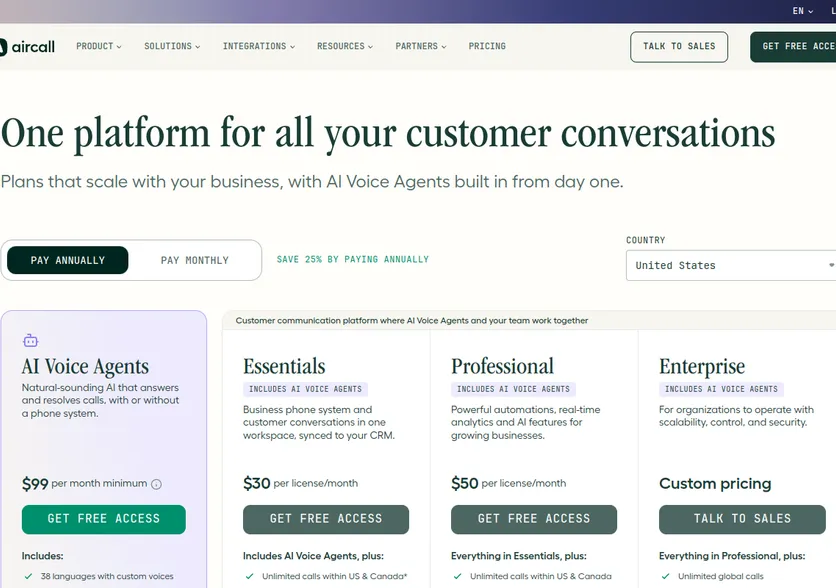
Paid tool Starting price: $30/user/month · Essentials, $30 per user a month billed annually; $40 billed monthly; Professional $50; 3-license minimum
Free plan: No free plan; 7-day free trial
Aircall is the cloud phone system that pairs calling with call monitoring, so a small team can QA calls without a separate platform. This Aircall Essentials plan costs thirty dollars per user a month billed annually, with a three-license minimum. A support team can answer calls, monitor quality and coach agents from one phone app.
What we like
- Cloud phone and call monitoring in one app
- Easy setup with no hardware to install
- Integrates with popular CRM and helpdesk tools
Watch out for
- Thirty dollars per user a month needs three licenses, so the real entry is ninety dollars a month
- Deep QA features need the Professional plan
How to try it
- Start the seven-day trial from the Aircall pricing page
- Connect your helpdesk and import your team
- Monitor a live call and leave coaching notes
4. EvaluAgent
Best for: QA teams that want automated scoring with human review
Paid tool Starting price: $35/user/month · AutoQM and Improvement, from $35 per user a month; AutoQM + Conversation Intelligence from $65
Free plan: No free plan; book a demo to try it
EvaluAgent is the quality platform that scores every call automatically, then lets reviewers focus on the conversations that need a human eye. This EvaluAgent AutoQM and Improvement plan costs thirty-five dollars per user a month, with no free trial. A QA team can score all of its calls instead of sampling a few, and coach agents on the moments that matter.
What we like
- Automated scoring across every call
- Human review focused on the calls that need it
- Coaching and improvement tracking built in
Watch out for
- Thirty-five dollars per user a month with no free trial
- Some sources list a lower Basic price that may be out of date
How to try it
- Book a demo from the EvaluAgent pricing page
- Connect your call recordings to the platform
- Review the automated scores and coach the lowest agents
5. Zendesk QA
Best for: Zendesk teams that want QA and workforce tools on their existing plan
Paid tool Starting price: $35/agent/month · QA, $35 per agent a month billed yearly; requires a Zendesk base plan from $19 per agent a month; WFM and QA bundle $50
Free plan: No free plan; 14-day free trial
Zendesk QA is the quality add-on for Zendesk, scoring support conversations and pairing the scores with workforce planning. This Zendesk QA add-on costs thirty-five dollars per agent a month billed yearly, on top of a Zendesk base plan from nineteen dollars per agent a month. A Zendesk team can score tickets, coach agents and plan shifts without leaving the platform it already uses.
What we like
- Quality scoring inside the Zendesk you already use
- Pairs with workforce management in one bundle
- Scores tickets, chats and calls together
Watch out for
- Thirty-five dollars per agent a month is an add-on, not a standalone price
- Needs a Zendesk base plan, so the real cost is higher
How to try it
- Start the fourteen-day trial from the Zendesk pricing page
- Connect Zendesk QA to your support workspace
- Build a scorecard and score a week of tickets
6. Talkdesk
Best for: Contact centers that want QA inside a full cloud platform
Paid tool Starting price: $85/user/month · CX Cloud Digital Essentials, $85 per user a month; Voice Essentials $105
Free plan: No free plan; free trial available
Talkdesk is the cloud contact center platform with quality management, AI and omnichannel routing built into one system. This Talkdesk CX Cloud Digital Essentials plan costs eighty-five dollars per user a month, with a free trial to test the platform. A contact center can run voice, chat and email with quality scoring on every conversation.
What we like
- Full contact center with QA built in
- AI tools that score and summarize calls
- Omnichannel routing across voice, chat and email
Watch out for
- Eighty-five dollars per user a month is the digital-only entry price
- Voice calls need the higher-priced Voice plan
How to try it
- Start a free trial from the Talkdesk pricing page
- Set up your first digital channel and queue
- Turn on quality scoring and review the first results
7. Dialpad
Best for: Contact centers that want AI quality management on every call
Paid tool Starting price: $89/user/month · AI Contact Center Essentials, $89 per user a month billed annually; $109 billed monthly; Advanced $119; Premium $149
Free plan: No free plan; 14-day free trial
Dialpad is the AI contact center that transcribes every call, scores quality and coaches agents in real time. This Dialpad AI Contact Center Essentials plan costs eighty-nine dollars per user a month billed annually, with a fourteen-day trial. A contact center can catch compliance issues live and coach agents while the call is still happening.
What we like
- AI transcription and scoring on every call
- Real-time coaching while agents talk
- Voice, messaging and meetings in one app
Watch out for
- Eighty-nine dollars per user a month is billed annually
- Quality management features need the Advanced plan
How to try it
- Start the fourteen-day trial from the Dialpad pricing page
- Connect your phone numbers and set up a queue
- Review the AI call scores and coach the lowest agents
Prices above were checked on each vendor’s own website on Nov 26, 2026 and can change — the vendor’s page is the final word. Vendor links are editorial: nobody paid to be listed or ranked here. Vendors who want a featured listing can see how it works on our Get listed page.
What call center QA software costs in 2026
Most QA tools charge per user per month, and the range here runs from fifteen dollars to eighty-nine dollars per user a month. The headline price hides the real cost, because Zendesk QA is an add-on that needs a base plan, and Aircall needs three licenses before the first call. Automated scoring changes the math, because EvaluAgent scores every call while a manual team samples a few, so the dearer tool can cost less per scored call.
Start with the free trial on two tools and score the same twenty calls in each, with the same scorecard. Compare how consistent the scores look, how fast reviewers work, and whether the coaching tools tell agents what to fix. Pick the tool that fits the calls you actually take, because a QA platform built for voice will struggle with chat and email.
Before you buy
- Check whether the price is standalone or an add-on, because Zendesk QA needs a base plan first.
- Count the license minimum, because Aircall needs three licenses before the first call.
- Confirm automated scoring is included, because some tools charge extra for AI scoring.
- Compare the trial lengths, because Aircall gives seven days while Dialpad gives fourteen.
- Test the scorecard tools, because calibration matters more than the number of features.
Official websites
Official websites of the products reviewed above. Features and prices were checked against these sites when this guide was written, and they can change, so confirm on the vendor site before you buy.
Frequently asked questions
Which call center QA software is best in 2026?
Playvox, at fifteen dollars per user a month, is the safest default for quality management and coaching at a low price. ScorebuddyCX wins for dedicated QA teams at twenty-four dollars per user a month, with scorecards and calibration built for the job. Dialpad is the strongest AI option at eighty-nine dollars per user a month, with transcription and live coaching on every call.
How much does call center QA software cost?
Prices here run from fifteen dollars per user a month for Playvox to eighty-nine dollars for Dialpad, with most dedicated QA tools between twenty-four and thirty-five dollars per user a month. Add-on pricing hides the real cost, because Zendesk QA needs a base plan from nineteen dollars per agent a month. Onboarding fees can add thousands on top of the monthly price.
Is there a free call center QA software?
No tool here offers a permanent free plan, but most offer a free trial from seven to fourteen days. ScorebuddyCX and Dialpad give fourteen days, while Aircall gives seven. A trial is long enough to score a week of calls and see whether the scorecards fit your team before you pay.
What should I look for in call center QA software?
Look for scorecards, calibration and coaching first, because those three decide whether quality actually improves. Check whether scoring is automated or manual, whether the tool covers voice, chat and email, and whether the price is standalone or an add-on. Test the scorecard with your own calls, because a generic template rarely fits a real team.
What is automated QA in a call center?
Automated QA uses AI to score every call against a scorecard, instead of a human sampling a few calls a week. Tools like EvaluAgent and Dialpad transcribe conversations, check for compliance phrases and flag the calls that need a human review. A QA team can then coach agents on real patterns instead of guessing from a small sample.
Need everyday business help too? Try Toolsvine's free business tools right in your browser.
Browse Business Tools tools


