On this page
A website built page by page falls apart the moment the header changes, because every page needs the same edit again. The eight tools below build with components instead: change a card once and every page that uses it updates, which is how small teams ship many sites without losing consistency. Webflow leads because its Basic plan costs fifteen dollars a month billed annually and its visual designer builds with real reusable components. The rest are ranked on how far component reuse goes, from simple sections to full app logic.
How we researched this
We checked every price on the vendor pricing page on November 28, 2026, and only included tools with a published US dollar list price. Wix Studio is excluded because its published figures conflict, with twelve dollars and nineteen dollars both appearing in November 2026 reads. Prices change, so confirm the current figure on the vendor site before you buy.
Compare the tools
| Name | Best for | Starting price | Free plan | |
|---|---|---|---|---|
 Webflow | Design-led teams that build component sites visually | $15/month | Free plan (Starter) | Visit |
 Framer | Design-led teams that ship sites from the canvas | $10/month | Free plan | Visit |
 Bubble | Teams that build component layouts with app logic | $32/month | Free plan | Visit |
 Duda | Agencies that build many small-business sites | $19/month | No free plan; 14-day free trial | Visit |
 Squarespace | Small teams that want polished component layouts fast | $19/month | No free plan; 14-day free trial | Visit |
| Elementor | WordPress teams that own their whole stack | $60/year | Free plugin; Pro is paid | Visit |
| Divi | WordPress builders who run many client sites | $89/year | No free plan; 30-day money-back guarantee | Visit |
| Penpot | Open-source teams that design in the browser | $7/editor/month | Free plan (self-hosted free) | Visit |
The software for component-based website layouts, compared
1. Webflow
Best for: Design-led teams that build component sites visually
Paid tool Starting price: $15/month · Fifteen dollars a month billed annually on Basic for a custom domain site, or twenty-five dollars billed monthly; Premium is twenty-five dollars a month billed annually and adds the full CMS
Free plan: Free plan (Starter)
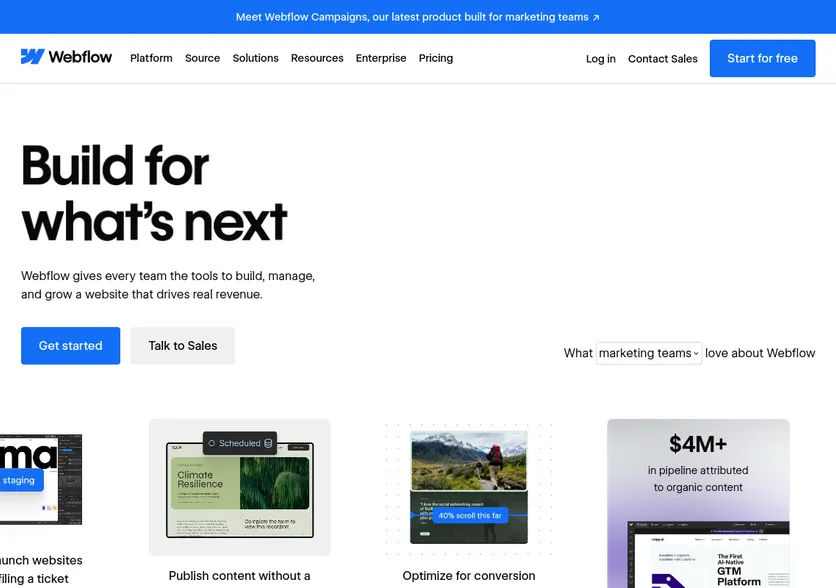
A design-led team that builds component layouts visually will ship fastest with this Webflow plan, which costs fifteen dollars a month billed annually. Its visual designer builds with real components that update everywhere at once, so a layout change never means editing twenty pages. The CMS and hosting are built in, and clean code export keeps handoff honest.
What we like
- Visual designer with real component reuse
- CMS and hosting built in, no plugins needed
- Clean code export for handoff
Watch out for
- Priced per site, so many client sites multiply the bill
- Learning curve is steeper than Framer or Squarespace
How to try it
- Create a site and build the shared components first
- Lay out pages from the component library
- Publish to the custom domain and hand over the editor
2. Framer
Best for: Design-led teams that ship sites from the canvas
Paid tool Starting price: $10/month · Ten dollars a month billed annually on Basic for one site, or fifteen dollars billed monthly; Pro is thirty dollars a month billed annually
Free plan: Free plan
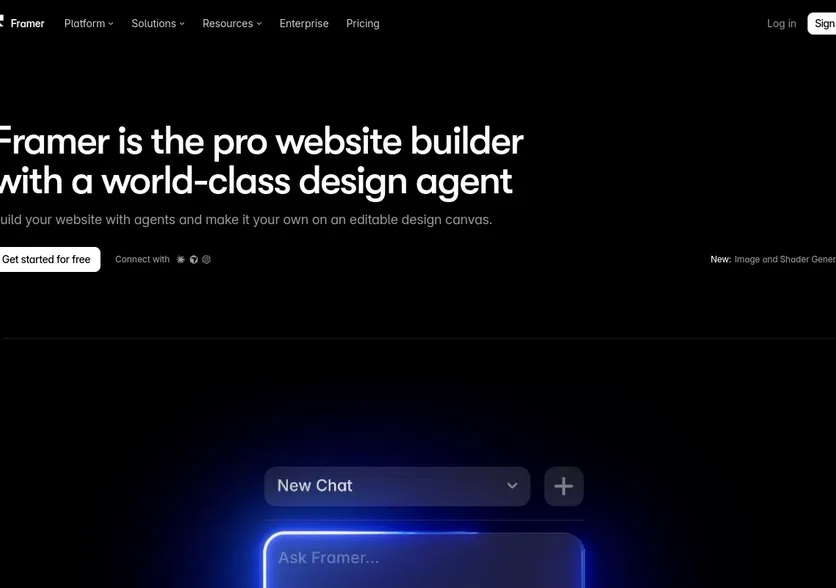
A team that turns a component layout into a live site in an afternoon will love this Framer plan, which costs ten dollars a month billed annually. Its sites publish straight from the design canvas, so the mockup and the live page are the same thing. Motion and interactions need no code, which makes it the fastest route from a component layout to a live site.
What we like
- Sites publish straight from the design canvas
- Motion and interactions without code
- Fastest route from mockup to live site
Watch out for
- Priced per site, so a big portfolio adds up
- CMS features are lighter than Webflow
How to try it
- Design the page and turn repeated blocks into components
- Add interactions and motion to the key sections
- Publish the site and connect the custom domain
3. Bubble
Best for: Teams that build component layouts with app logic
Paid tool Starting price: $32/month · Thirty-two dollars a month billed annually on Starter, or thirty-nine dollars billed monthly; Growth is one hundred and thirty-four dollars a month billed annually
Free plan: Free plan
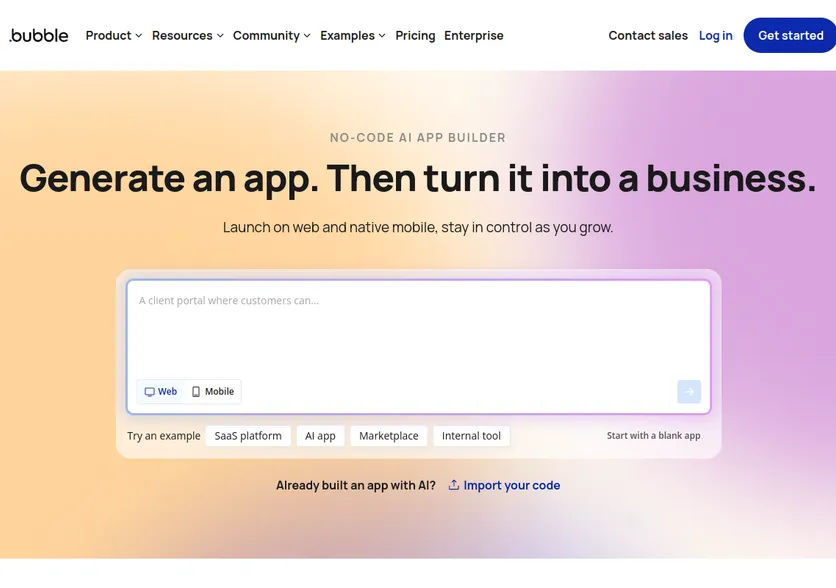
A team whose component layout also needs app logic and a database will build it with this Bubble plan, which costs thirty-two dollars a month billed annually. Its visual editor pairs component layouts with a real database and workflows, so a layout can also behave like an app. Reusable elements keep every page consistent, and plugins cover payments, maps and more.
What we like
- Visual editor with real database and workflows
- Reusable elements keep layouts consistent
- Plugins cover payments, maps and more
Watch out for
- Performance depends on plan capacity
- Steeper learning curve than a plain site builder
How to try it
- Build the reusable elements for headers and cards
- Lay out the pages from those elements
- Connect the workflows and publish the app
4. Duda
Best for: Agencies that build many small-business sites
Paid tool Starting price: $19/month · Nineteen dollars a month billed annually on Basic; Team is twenty-nine dollars and Agency is fifty-two dollars a month billed annually; monthly billing costs more on every plan
Free plan: No free plan; 14-day free trial
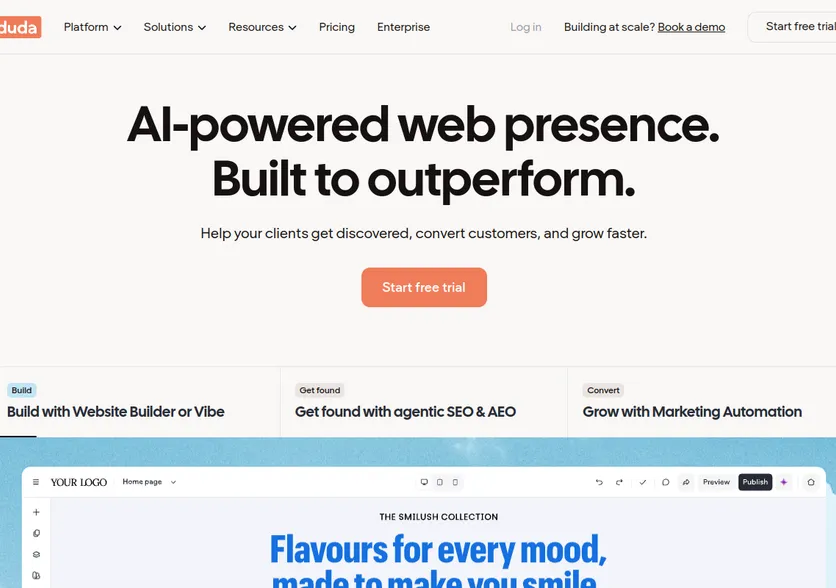
An agency that ships component layouts for many small-business clients will standardise on this Duda plan, which costs nineteen dollars a month billed annually. Its agency tooling sets it apart, with client management and white labelling built around the builder. Team features and strong SEO defaults suit firms that ship many small-business sites a month.
What we like
- Built for agencies with client management included
- Team features and white labelling on higher plans
- Fast sites with strong SEO defaults
Watch out for
- Design freedom is narrower than Webflow
- No free plan, only a trial
How to try it
- Create the site from a template and brand it
- Build the shared sections as reusable blocks
- Invite the client to review and collect feedback
5. Squarespace
Best for: Small teams that want polished component layouts fast
Paid tool Starting price: $19/month · Nineteen dollars a month billed annually on Basic, or twenty-five dollars billed monthly; Core is twenty-nine dollars, Plus is forty-nine dollars and Advanced is ninety-nine dollars a month billed annually
Free plan: No free plan; 14-day free trial
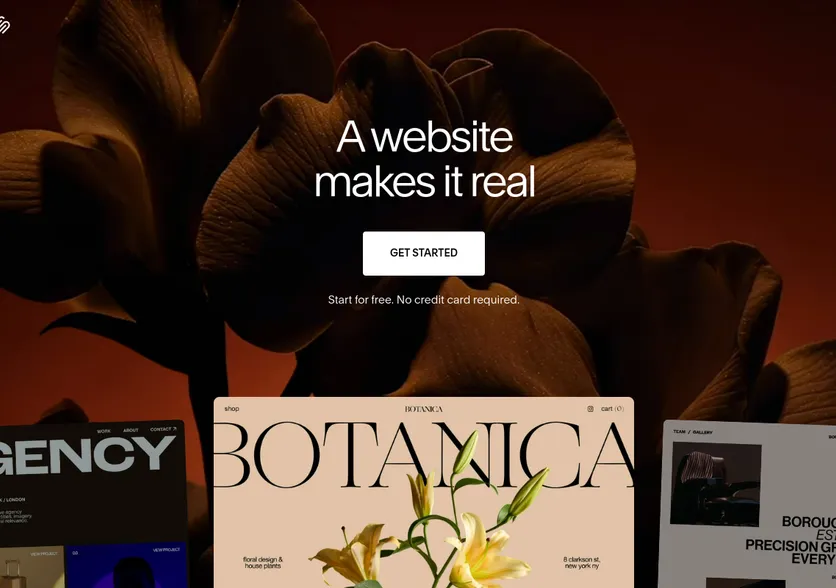
A small team that wants a polished component layout with no learning curve will publish quickest with this Squarespace plan, which costs nineteen dollars a month billed annually. Its polished templates look good with little effort, and sections and blocks reuse across every page. Commerce, scheduling and email are built in, so a small team rarely needs a plugin.
What we like
- Polished templates that look good with little effort
- Sections and blocks reuse across every page
- Commerce, scheduling and email built in
Watch out for
- Component reuse is shallower than Webflow
- No free plan, only a 14-day trial
How to try it
- Pick a template and set the site styles once
- Build pages from reusable sections and blocks
- Publish and hand the client a simple editor
6. Elementor
Best for: WordPress teams that own their whole stack
Paid tool Starting price: $60/year · Sixty dollars a year on Essential for one site; Advanced Solo is eighty-four dollars a year and Advanced is one hundred and eight dollars a year for three sites; older listings show fifty-nine dollars for Essential, and hosting is not included
Free plan: Free plugin; Pro is paid
A WordPress team that builds component layouts it fully owns will control every pixel with this Elementor plan, which costs sixty dollars a year. Its visual builder gives full control over WordPress pages, and global widgets update across the whole site from one edit. The template and add-on ecosystem is the largest in this list, though hosting sits on top of the licence.

What we like
- Full visual control over WordPress pages
- Global widgets update across the whole site
- Huge template and add-on ecosystem
Watch out for
- Needs WordPress hosting on top of the licence
- Heavy pages can slow down without care
How to try it
- Install WordPress and the Elementor plugin
- Build global widgets for headers, footers and cards
- Lay out the pages from the widget library
7. Divi
Best for: WordPress builders who run many client sites
Paid tool Starting price: $89/year · Eighty-nine dollars a year for unlimited websites, or two hundred and forty-nine dollars once for a lifetime licence; Pro is two hundred and seventy-seven dollars a year and adds AI tools and cloud storage; a Black Friday sale cut the yearly price to sixty-seven dollars in late November 2026, so confirm the current price
Free plan: No free plan; 30-day money-back guarantee
A WordPress builder who runs component layouts across many client sites will pay least per site with this Divi plan, which costs eighty-nine dollars a year. Its one licence covers unlimited websites, which makes it the cheapest way to build component layouts for many clients. A lifetime licence ends renewals for good, and the theme and builder come in one package.

What we like
- One licence covers unlimited websites
- Lifetime licence ends renewals for good
- Theme and builder in one package
Watch out for
- No free version or trial, only a money-back guarantee
- Older sites need care migrating to Divi 5
How to try it
- Install Divi on the WordPress site
- Save the shared sections to the Divi library
- Build each page from the saved library sections
8. Penpot
Best for: Open-source teams that design in the browser
Paid tool Starting price: $7/editor/month · Seven dollars per editor a month on the paid cloud plan, capped at one hundred and seventy-five dollars a month for the whole team; self-hosting is free and open source
Free plan: Free plan (self-hosted free)
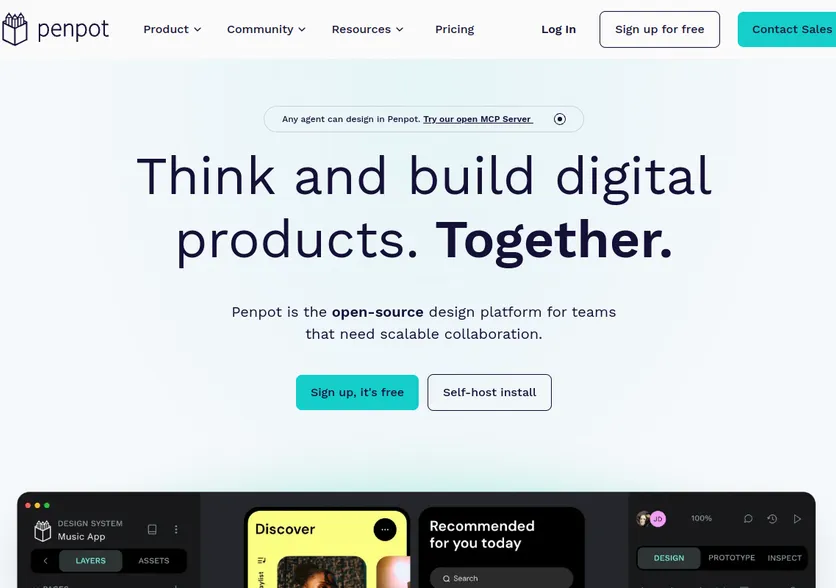
An open-source team that designs component layouts in the browser will work free or cheap with this Penpot plan, which costs seven dollars per editor a month. Its open-source design tool runs in the browser, with components and libraries that work like the big commercial tools. Self-hosting is free, and the paid cloud plan caps at one hundred and seventy-five dollars a month for the whole team.
What we like
- Open source with a free self-hosted option
- Design and code share one open format
- Components and libraries work like the big tools
Watch out for
- Smaller community and fewer templates
- Paid cloud pricing is newer and less documented
How to try it
- Open a project and build the component library
- Lay out the pages from the shared components
- Share the file link for review and handoff
Prices above were checked on each vendor’s own website on Nov 28, 2026 and can change — the vendor’s page is the final word. Vendor links are editorial: nobody paid to be listed or ranked here. Vendors who want a featured listing can see how it works on our Get listed page.
How to build a component-based layout that stays consistent
Design the components before the pages, because a site built page first ends up with five versions of the same card. Name each component for what it does, not where it sits, so the next person can find it without guessing. Keep the variants in one place, since a button with three hidden copies is a button that will break. Test the components on a small screen before building the pages, because a card that only works on desktop will fail everywhere else. Document the rules for spacing and colour in the same place as the components, so the layout survives the next designer.
Before you buy
- Check whether changing a component updates every page that uses it, or only the one you edited
- Make sure the tool exports clean code or publishes directly, since locked-in layouts are hard to move
- Test the components on mobile before committing, because desktop-only components fail in the real world
- Confirm whether the price is per site or per user, since per-site billing multiplies across clients
- Ask how deep the CMS goes, since components without content are just pretty boxes
Official websites
Official websites of the products reviewed above. Features and prices were checked against these sites when this guide was written, and they can change, so confirm on the vendor site before you buy.
Frequently asked questions
What is the best software for component-based website layouts?
Webflow is the best overall pick, at fifteen dollars a month billed annually on Basic, because its visual designer builds with real components that update everywhere at once. Framer is the fastest route from a component layout to a live site, at ten dollars a month billed annually. Divi is the best value for WordPress, at eighty-nine dollars a year for unlimited websites.
How much does Webflow cost?
Webflow Basic costs fifteen dollars a month billed annually, or twenty-five dollars billed monthly, for a custom domain site without the CMS. Premium costs twenty-five dollars a month billed annually and adds the full CMS. Webflow restructured its plans in May 2026, so older listings showing fourteen or eighteen dollars for Basic are stale.
Can I build component layouts for free?
Yes. Webflow, Framer, Bubble, Elementor and Penpot all offer free plans, so a team can build component layouts without paying. The free tiers limit sites, pages or features, so a busy team will outgrow them, but they cover the first real site. Squarespace and Divi have no free plan, though Squarespace offers a fourteen-day trial.
Which tool is best for WordPress component layouts?
Elementor is the best pick for teams that want full control over WordPress, at sixty dollars a year for one site with global widgets that update across the whole site. Divi is the best value for builders who run many client sites, at eighty-nine dollars a year for unlimited websites. Both need WordPress hosting on top of the licence.
What is the cheapest way to build many client sites?
Divi is the cheapest per site, at eighty-nine dollars a year for unlimited websites, or two hundred and forty-nine dollars once for a lifetime licence. Duda suits agencies that want client management built in, at nineteen dollars a month billed annually. Webflow and Framer charge per site, so a big portfolio adds up fast on either.
Compare the eight tools above, then start with a free plan on the tool that matches how the team already builds before paying for a site plan.
Browse Business Tools tools