On this page
A daily report is the job's memory: who was on site, what got done, what went wrong and what it cost, written while it is still true. The seven tools below turn that record into a habit, from a branded PDF the superintendent signs on site to photo galleries the client can browse. Raken leads because its Basic plan costs twenty-three dollars per user a month billed annually and its reports email themselves to the office and the client. The rest are ranked on how easily a crew files the report every day.
How we researched this
We checked every price on the vendor pricing page on November 28, 2026, and only included tools with a published US dollar list price. Procore and Autodesk Construction Cloud are quote-only and are excluded, and Daily Site Log is left out because its price could not be verified on the vendor site. Prices change, so confirm the current figure on the vendor site before you buy.
Compare the tools
| Name | Best for | Starting price | Free plan | |
|---|---|---|---|---|
 Raken | Crews that file branded daily reports from the field | $23/user/month | Free demo | Visit |
 Fieldwire | Field teams that work from drawings and punch lists | $39/user/month | Free plan (Basic, 5 users) | Visit |
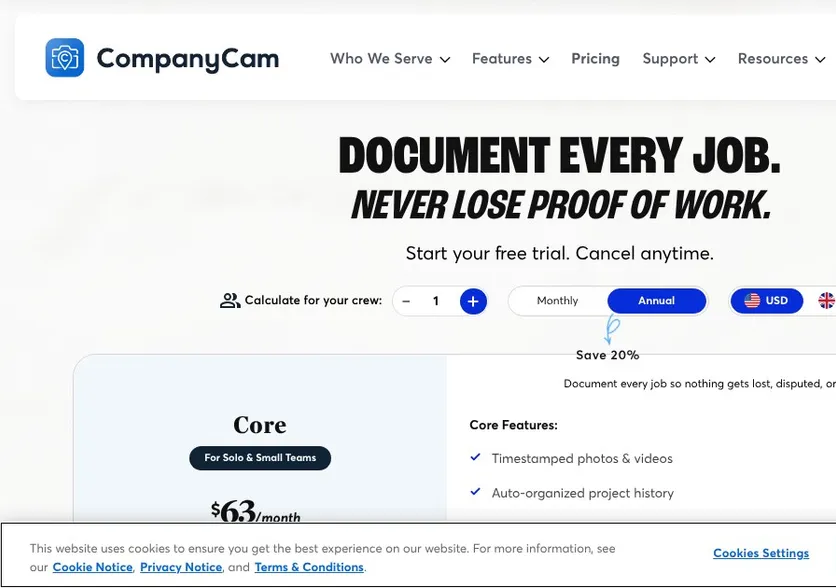
 CompanyCam | Photo-first crews that document every job | $63/month | No free plan; 14-day free trial | Visit |
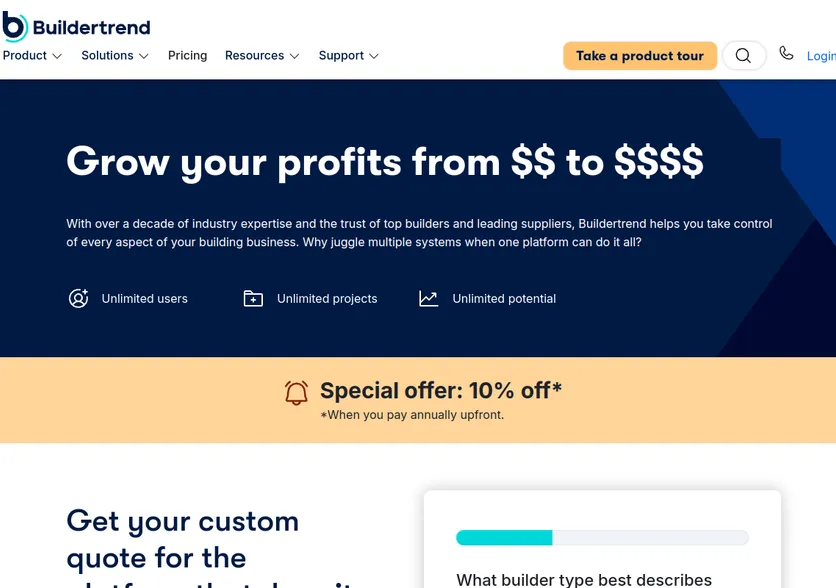
 Buildertrend | Home builders that run the whole job in one system | $499/month | No free plan; free demo | Visit |
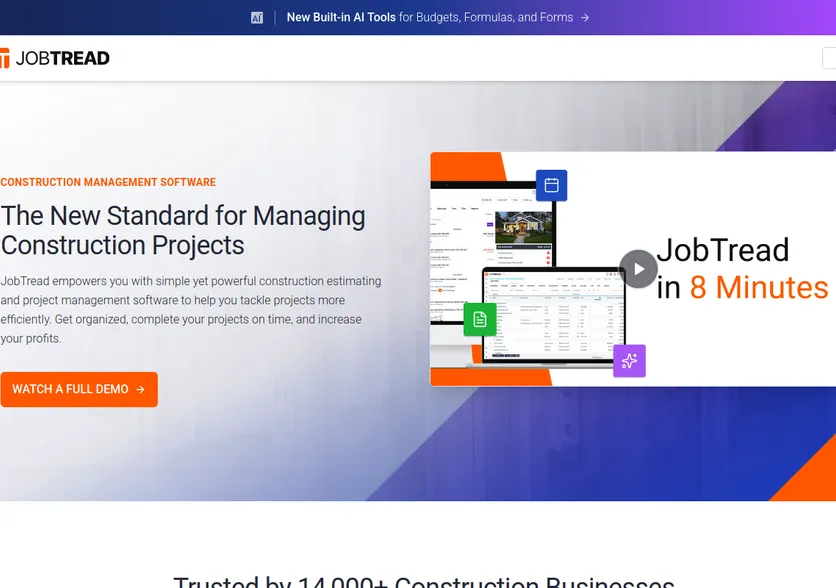
 JobTread | Small builders that live in job budgets | $159/month | No free plan; free demo | Visit |
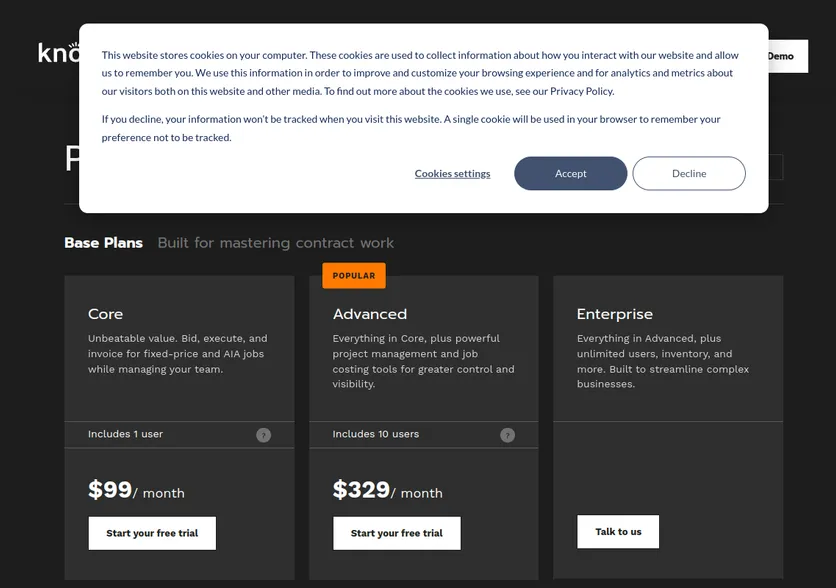
 Knowify | Trade contractors that run their books in QuickBooks | $99/month | No free plan; 14-day free trial | Visit |
 Contractor Foreman | Small contractors that want everything in one cheap system | $49/month | No free plan; 30-day free trial | Visit |
The software for construction daily reports, compared
1. Raken
Best for: Crews that file branded daily reports from the field
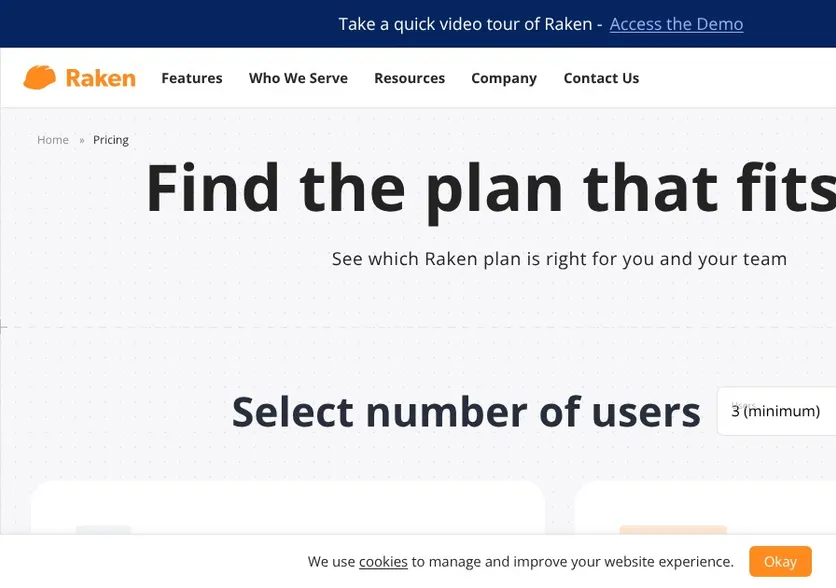
Paid tool Starting price: $23/user/month · Twenty-three dollars per user a month billed annually on Basic, with a three-user minimum; Performance is fifty-nine dollars a user a month billed annually and adds time tracking and safety features
Free plan: Free demo
A superintendent who files a branded daily report with photos will report best with this Raken plan, which costs twenty-three dollars per user a month billed annually. Its branded daily reports carry photos, work logs and notes in a PDF the office can forward to a client. Time cards and production tracking arrive on Performance, and reports email themselves once signed.
What we like
- Branded daily reports with photos and work logs
- Time cards and production tracking on Performance
- Reports email themselves to the office and client
Watch out for
- Three-user minimum, so the floor is sixty-nine dollars a month
- No free plan on the pricing page
How to try it
- Open the daily log and add the crew and hours
- Attach photos and notes from the site
- Sign the report and send it to the office
2. Fieldwire
Best for: Field teams that work from drawings and punch lists
Paid tool Starting price: $39/user/month · Thirty-nine dollars per user a month billed annually on Pro, or fifty-four dollars billed monthly; Business is sixty-four dollars a user a month billed annually and a free Basic plan covers five users and three projects
Free plan: Free plan (Basic, 5 users)
A field team that reports from drawings and punch lists will log the day in this Fieldwire plan, which costs thirty-nine dollars per user a month billed annually. Its plans, tasks, punch lists and photos live in one field app, so a foreman can run the day from the drawings. A free Basic plan covers five users and three projects, and reports and exports start on Pro.

What we like
- Plans, tasks, punch lists and photos in one field app
- Free Basic plan for five users and three projects
- Reports and exports start on Pro
Watch out for
- Reports and exports need the paid Pro plan
- Best for field work, thinner on estimating and budgets
How to try it
- Upload the drawings and mark up the plan
- Create tasks and punch items from the field
- Export the report and share it with the office
3. CompanyCam
Best for: Photo-first crews that document every job
Paid tool Starting price: $63/month · Sixty-three dollars a month billed annually on Core for one user, or seventy-nine dollars billed monthly; Crew is one hundred and nineteen dollars a month billed annually for three users and Scale is two hundred and forty-nine dollars
Free plan: No free plan; 14-day free trial
A crew whose daily report is mostly photos will document it best with this CompanyCam plan, which costs sixty-three dollars a month billed annually. Its time-stamped, GPS-tagged photos give every job a visual record a client can browse. Galleries and timelines sit beside the photos, and AI writes daily logs from them on the higher plans.
What we like
- Time-stamped, GPS-tagged photos on every job
- Galleries and timelines clients can browse
- AI writes daily logs from the photos
Watch out for
- Photo-first, so budgets and schedules are thinner
- Core stops at two users whatever you pay
How to try it
- Create the project and invite the crew
- Capture time-stamped photos at each stage
- Share the gallery link with the client
4. Buildertrend
Best for: Home builders that run the whole job in one system
Paid tool Starting price: $499/month · Four hundred and ninety-nine dollars a month on Essential with unlimited users, or four hundred and forty-nine dollars billed annually; Advanced is seven hundred and ninety-nine dollars a month and Complete is quoted; a one-time onboarding fee applies
Free plan: No free plan; free demo
A home builder whose daily logs feed the schedule and the client portal will run them on this Buildertrend plan, which costs four hundred and ninety-nine dollars a month. Its scheduling, budgets, change orders and client portal cover a residential build end to end, and every plan includes unlimited users. QuickBooks and Xero sync keeps the books honest, though the final price depends on builder type and revenue.
What we like
- Scheduling, budgets, change orders and client portal in one
- Unlimited users on every plan
- QuickBooks and Xero sync for the books
Watch out for
- Dearest generalist in this list
- Final price depends on builder type and revenue
How to try it
- Set up the project with its schedule and budget
- Invite the client to the portal for selections and updates
- Track change orders and costs against the budget
5. JobTread
Best for: Small builders that live in job budgets
Paid tool Starting price: $159/month · One hundred and fifty-nine dollars a month billed annually for the first internal user, or one hundred and ninety-nine dollars month to month; extra users cost twenty dollars each a month billed monthly
Free plan: No free plan; free demo
A small builder whose daily logs tie to the budget will track them in this JobTread plan, which costs one hundred and fifty-nine dollars a month billed annually. Its estimates, budgets and schedules connect in one flow, so a cost overrun shows up while there is still time to fix it. AIA-style billing is included, and the two-way QuickBooks sync keeps the books in step.
What we like
- Estimates, budgets and schedules connect in one flow
- AIA-style billing included
- Two-way QuickBooks sync
Watch out for
- One flat plan, so small teams pay the full base price
- Extra users add up as the office grows
How to try it
- Build the estimate and set the job budget
- Schedule the work and track actual costs
- Send the invoice and sync it to QuickBooks
6. Knowify
Best for: Trade contractors that run their books in QuickBooks
Paid tool Starting price: $99/month · Ninety-nine dollars a month billed annually on Core for one user, or one hundred and forty-nine dollars month to month; Advanced is three hundred and twenty-nine dollars a month billed annually for ten users and Enterprise is quoted
Free plan: No free plan; 14-day free trial
A trade contractor whose daily reports feed QuickBooks job costing will file them with this Knowify plan, which costs ninety-nine dollars a month billed annually. Its QuickBooks sync runs deeper than most rivals, moving retainage and pay-app amounts as well as invoices. Job costing and scheduling sit in one tool, though the fuller job-costing pieces sit on the Advanced plan.
What we like
- Official QuickBooks Online construction partner
- Job costing and scheduling in one tool
- Real-time sync of retainage and pay-app amounts
Watch out for
- The useful job-costing pieces sit on Advanced
- Service dispatch is a ninety-nine-dollar add-on
How to try it
- Connect QuickBooks and import the open jobs
- Build the contract and track costs against it
- Send invoices and watch the sync update the books
7. Contractor Foreman
Best for: Small contractors that want everything in one cheap system
Paid tool Starting price: $49/month · Forty-nine dollars a month billed annually on Basic for one user; Standard is one hundred and five dollars a month billed annually for up to three users and Plus is one hundred and sixty-six dollars for up to eight
Free plan: No free plan; 30-day free trial
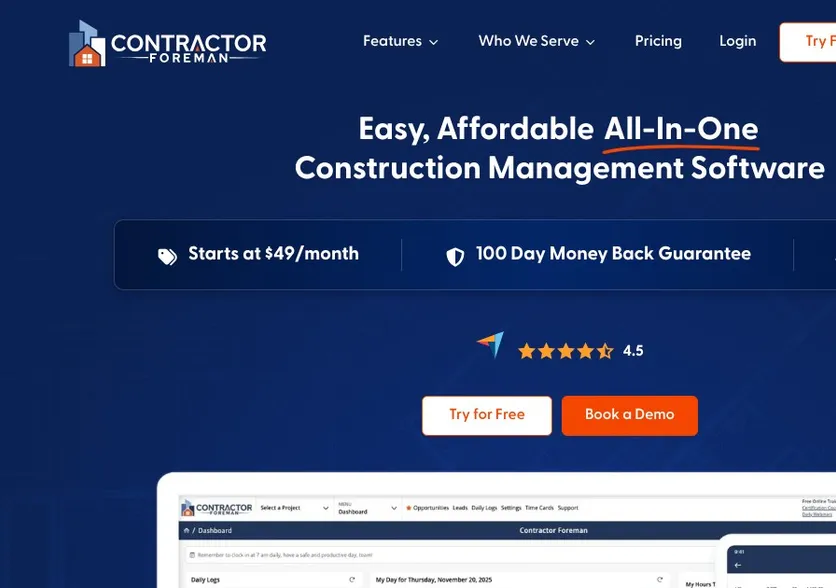
A small contractor that needs daily logs without a big subscription will file them in this Contractor Foreman plan, which costs forty-nine dollars a month billed annually. Its wide feature set packs estimates, bids, scheduling, time cards, daily logs and invoicing into a low flat price. Pricing follows user count rather than per-seat billing, and a client portal comes with every plan.
What we like
- Estimates, bids, scheduling and invoicing in one system
- Flat pricing by user count, not per seat
- Client portal included on every plan
Watch out for
- Basic covers one user with no daily logs or change orders
- No dedicated in-home sales presentation
How to try it
- Build the estimate and send it to the client
- Schedule the job and track costs against the budget
- Invoice from the job and share progress in the client portal
Prices above were checked on each vendor’s own website on Nov 28, 2026 and can change — the vendor’s page is the final word. Vendor links are editorial: nobody paid to be listed or ranked here. Vendors who want a featured listing can see how it works on our Get listed page.
How to get crews to file a daily report every single day
Make the report take five minutes, because a form that takes half an hour will be skipped on the busiest days, which are the days that matter most. Let the crew file it from a phone on site, not from a computer back at the office, since the details fade by then. Pre-fill the crew, the weather and the schedule, so the foreman only adds what changed. Send the finished report to the office and the client automatically, so nobody has to chase it. Review the reports weekly, and tell the crew when a report saved the job, because people repeat what gets noticed.
Before you buy
- Check whether the report can be filed from a phone on site, since office-only reporting gets skipped
- Make sure photos attach to the report with time stamps, since undated photos prove little
- Test whether reports email themselves, because a report nobody reads is just paperwork
- Confirm the minimum user count, since a three-user floor changes the real monthly price
- Ask whether time cards and safety notes are included or cost extra on higher plans
Official websites
Official websites of the products reviewed above. Features and prices were checked against these sites when this guide was written, and they can change, so confirm on the vendor site before you buy.
Frequently asked questions
What is the best software for construction daily reports?
Raken is the best overall pick, at twenty-three dollars per user a month billed annually on Basic, because its branded daily reports carry photos, work logs and notes in a PDF that emails itself. Fieldwire is the best pick for drawing-led reports, at thirty-nine dollars per user a month billed annually. CompanyCam is the best pick when the report is mostly photos, at sixty-three dollars a month billed annually.
How much does Raken cost?
Raken Basic costs twenty-three dollars per user a month billed annually, with a three-user minimum, so the floor is sixty-nine dollars a month. Performance costs fifty-nine dollars a user a month billed annually and adds time tracking, safety and quality features. There is no free plan on the pricing page, and discounts apply at five and ten users.
What should a construction daily report include?
A good daily report records the crew on site, the hours worked, the work completed, the weather, any delays and the photos that prove it. Safety notes and visitors belong in the report too, since both matter in a dispute. The best tools pre-fill the crew and the schedule, so the foreman only adds what changed that day.
Can I file daily reports for free?
Yes, up to a point. Fieldwire offers a free Basic plan for five users and three projects, which covers plans, tasks and photos, though reports and exports need the paid Pro plan. The other tools here offer free trials or demos, but no free plan beyond Fieldwire, so a crew that wants branded reports will pay.
Do daily reports help in a payment dispute?
Yes, they are often the best evidence a contractor has. A signed daily report with photos, hours and work completed shows what was done and when, which is hard to argue against. Keep the reports in one place, signed and time-stamped, and store them where the office can find them in minutes if a claim arrives.
Compare the seven tools above, then start with a free trial on the tool that matches how the crew already reports the day before paying for a full year.
Browse Business Tools tools