On this page
Corporate event budgets fail in the gap between the registration system and the spreadsheet, so the tools below are judged on whether the money and the event live in the same record. Planning Pod leads because it pairs a budget builder that tracks deposits and payments with proposals, contracts and floor plans for seventy-four dollars a month flat. They also need to show the running total before the event, not after it.
How we researched this
We checked every price on the vendor pricing page on November 28, 2026, and only included tools with a published US dollar list price. Cvent, Bizzabo, Whova, Swoogo and Accelevents publish no usable list price and sell by quote, so they are not in this list. Prices change, so confirm the current figure on the vendor site before you buy.
Compare the tools
| Name | Best for | Starting price | Free plan | |
|---|---|---|---|---|
 Planning Pod | Corporate teams that want a flat price for the whole team | $74/month | Free demo available | Visit |
 Zoho Backstage | Zoho teams that want subscription pricing with no ticket commission | $99/month | Free plan (100 attendees per event) | Visit |
 Eventzilla | Low-volume organisers who want pay-as-you-go registration | $1.50/registration | Free for free events | Visit |
 Eventbrite | Organisers selling public tickets who want discovery | $15/month | Free to publish; free events free | Visit |
| Social Tables (now Cvent Event Diagramming) | Planners and venues that need professional floor plans | $49/month | Free plan (1 user, 3 events) | Visit |
| Tripleseat | Venues selling private events from their own space | $375/venue/month | Free demo available | Visit |
 RSVPify | Organisers of invitation-style events with real guest lists | $24/month | Free plan (100 registrations a month) | Visit |
 Luma | Teams running meetups and community events | $59/month | Free plan (unlimited events and guests) | Visit |
The software for corporate event budget tracking, compared
1. Planning Pod
Best for: Corporate teams that want a flat price for the whole team
Paid tool Starting price: $74/month · Seventy-four dollars a month flat for Event Management Planner, up to ten events, unlimited users; Business is one hundred and nine dollars a month for up to twenty-five events; Enterprise 50 is one hundred and fifty-nine dollars a month; Venue Management is one hundred and forty-nine dollars a month; a single third-party listing shows fifty-nine dollars a month, which conflicts with the seventy-four dollar figure and is not used here
Free plan: Free demo available
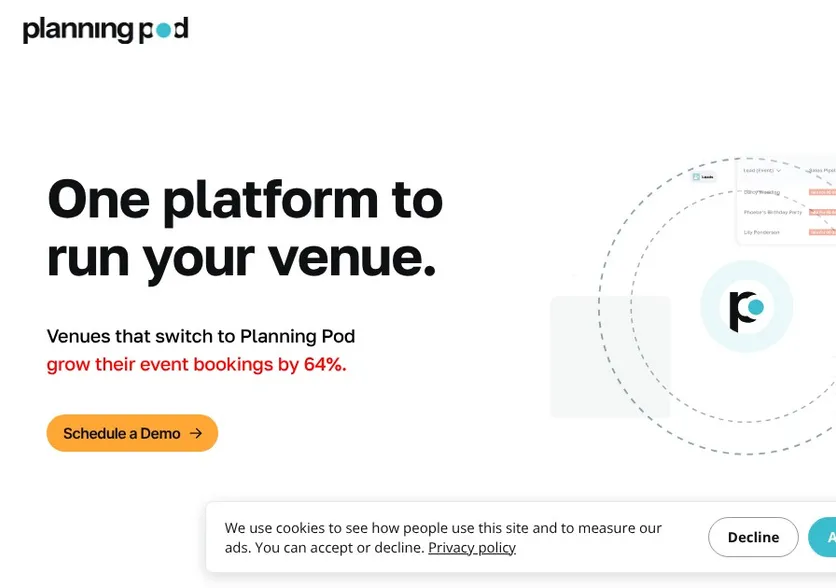
A corporate events team that wants one flat price whatever the headcount starts here, since this Planning Pod plan costs seventy-four dollars a month flat for up to ten events with unlimited users. It covers proposals, contracts, bookings, billing, floor plans and a budget builder that tracks deposits and payments, so the money and the logistics live in one record. The price is set by event volume, not by seats, so adding staff for event season costs nothing extra.
What we like
- Flat monthly price with no per-user fees at all
- Budget builder tracks deposits and payments per event
- Floor plans, contracts and bookings in one record
Watch out for
- No free plan, only a demo, so testing it costs a sales call
- Priced by event volume, so a busy programme pushes the tier up
How to try it
- Create the event and build the budget with deposits
- Send the proposal and contract from the same record
- Track payments and the floor plan through to the day
2. Zoho Backstage
Best for: Zoho teams that want subscription pricing with no ticket commission
Paid tool Starting price: $99/month · Ninety-nine dollars a month billed annually on Essentials for two hundred attendees per event (one hundred and nineteen dollars billed monthly); Premium is two hundred and eight dollars a month billed annually for one thousand attendees; Ultimate is four hundred and sixteen dollars a month billed annually for five thousand; pay-per-event plans start at two hundred and ninety-nine dollars per event
Free plan: Free plan (100 attendees per event)
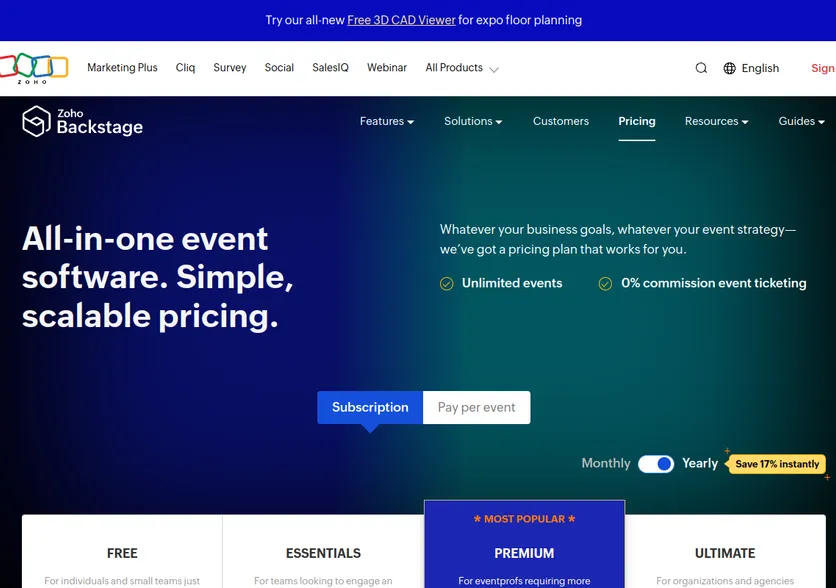
A team already inside the Zoho suite finds the easiest fit here, since this Zoho Backstage plan costs ninety-nine dollars a month billed annually for unlimited events with up to two hundred attendees each. It covers event websites, registration, sessions, speakers, sponsors, check-in and badging with zero percent commission on ticket sales, and the free plan covers one hundred attendees per event. The attendee cap per event is the limit to watch as events grow.
What we like
- Free plan covers one hundred attendees per event
- Zero percent commission on ticket sales
- Unlimited events on every plan, including free
Watch out for
- Attendee caps per event force an upgrade as events grow
- Pay-per-event plans can cost more than a subscription for frequent events
How to try it
- Build the event website and registration form
- Add sessions, speakers and sponsors to the agenda
- Check attendees in with the mobile app on the day
3. Eventzilla
Best for: Low-volume organisers who want pay-as-you-go registration
Paid tool Starting price: $1.50/registration · One dollar and fifty cents per paid registration on Basic, with no monthly fee; Pro is one point nine percent plus one dollar and fifty cents per registration; Plus is two point nine percent plus one dollar and fifty cents; an annual plan with no per-registration fee covers the first five hundred registrations
Free plan: Free for free events
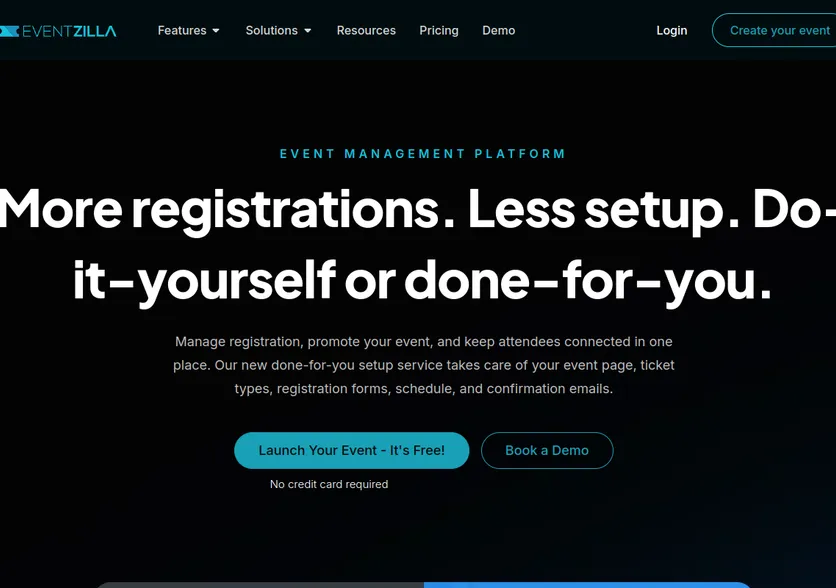
An organiser who runs low-volume paid events and hates monthly fees starts here, since this Eventzilla plan costs one dollar and fifty cents per paid registration with no monthly fee at all. Free events cost nothing, and the registration forms go deep, with conditional logic, agendas and call for papers on the higher tiers. The per-registration fee climbs with volume, so a large conference can cost more than a flat subscription.
What we like
- No monthly fee, so quiet months cost nothing
- Free events stay completely free
- Deep registration forms with conditional logic
Watch out for
- Fees scale with registrations, so big events get expensive
- Payment processing is charged on top of the platform fee
How to try it
- Create the event and build the registration form
- Publish the event and share the registration link
- Export the attendee list and check people in on the day
4. Eventbrite
Best for: Organisers selling public tickets who want discovery
Paid tool Starting price: $15/month · Fifteen dollars a month for the Pro plan at the entry email volume (up to one hundred dollars a month by volume); paid tickets carry a three point seven percent plus one dollar and seventy-nine cents service fee and two point nine percent processing per order; free events carry no platform fee; one listing shows a sixty-nine dollar monthly figure, which conflicts with the fifteen dollar entry and is not used here
Free plan: Free to publish; free events free
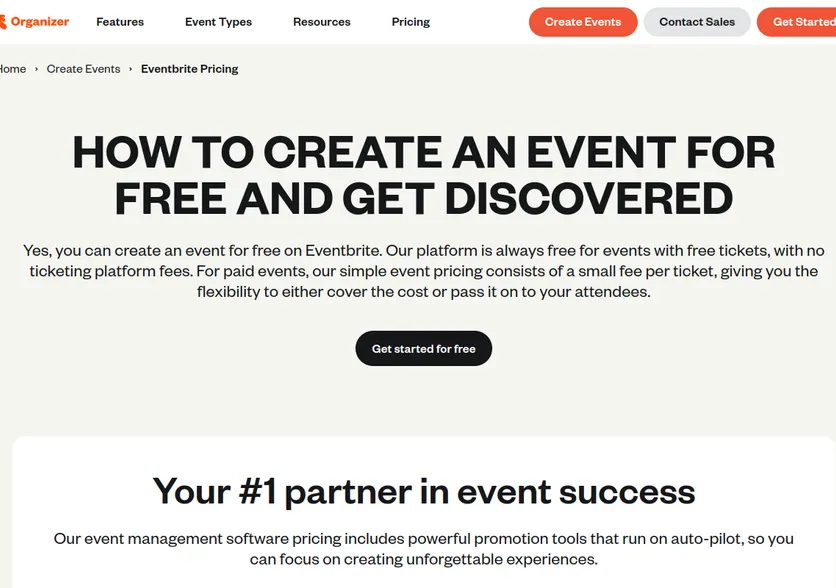
An organiser who sells public tickets and wants a built-in audience starts here, since this Eventbrite Pro plan costs fifteen dollars a month at the entry email volume and adds marketing features on top of the ticketing. Paid tickets carry a service fee of three point seven percent plus one dollar and seventy-nine cents, plus processing, while free events cost nothing to publish. The discovery marketplace is the real draw, since buyers find the event without the organiser advertising it.
What we like
- Built-in discovery marketplace brings buyers to the event
- Free to publish, with fees only on paid tickets
- Fast setup, with an event live in minutes
Watch out for
- Ticket fees add up to about ten percent on a fifty-dollar ticket
- Branding on checkout is limited on the entry plans
How to try it
- Create the event page and set the ticket types
- Publish the listing and share it with the audience
- Track sales and check attendees in with the app
5. Social Tables (now Cvent Event Diagramming)
Best for: Planners and venues that need professional floor plans
Paid tool Starting price: $49/month · Forty-nine dollars a month billed monthly on Standard with a twelve-month commitment, for fifteen events a year; Pro is one hundred and fifty dollars a month for fifty events; Premium is three hundred and twenty dollars a month for unlimited events; the free plan covers one user, three events and two diagrams per event
Free plan: Free plan (1 user, 3 events)
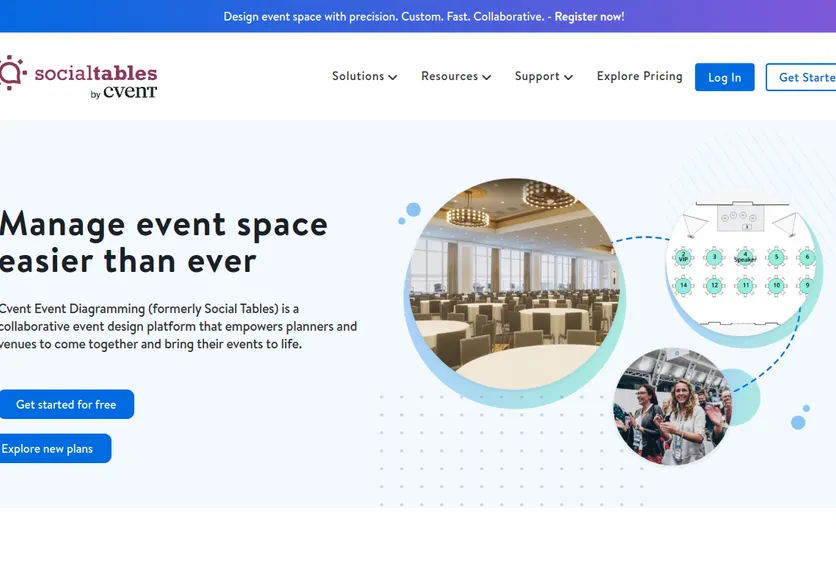
A planner who needs the room drawn properly starts here, since this Social Tables plan costs forty-nine dollars a month for to-scale diagrams, seating charts and meal tracking on professionally drawn venue floor plans. It is the industry-standard diagramming tool, with photo-realistic three-dimensional walkthroughs and unlimited collaborators who can comment on the plan. It draws the room brilliantly and does nothing else, so budgets and contracts live elsewhere.
What we like
- Industry-standard to-scale diagrams and seating charts
- Photo-realistic 3D walkthroughs for stakeholders
- Free plan covers three events, enough to test it properly
Watch out for
- Every paid plan carries a twelve-month commitment
- It covers diagrams only, so budgets and contracts need another tool
How to try it
- Pick the venue floor plan from the library
- Drag tables and seats into place on the diagram
- Share the 3D walkthrough with the client and the venue
6. Tripleseat
Best for: Venues selling private events from their own space
Paid tool Starting price: $375/venue/month · Three hundred and seventy-five dollars per venue a month, with unlimited users and no tier paywalls; the Floor Plans add-on is priced separately, and one third-party listing shows the platform as quote-only, which conflicts with the published starting price and is not used here
Free plan: Free demo available
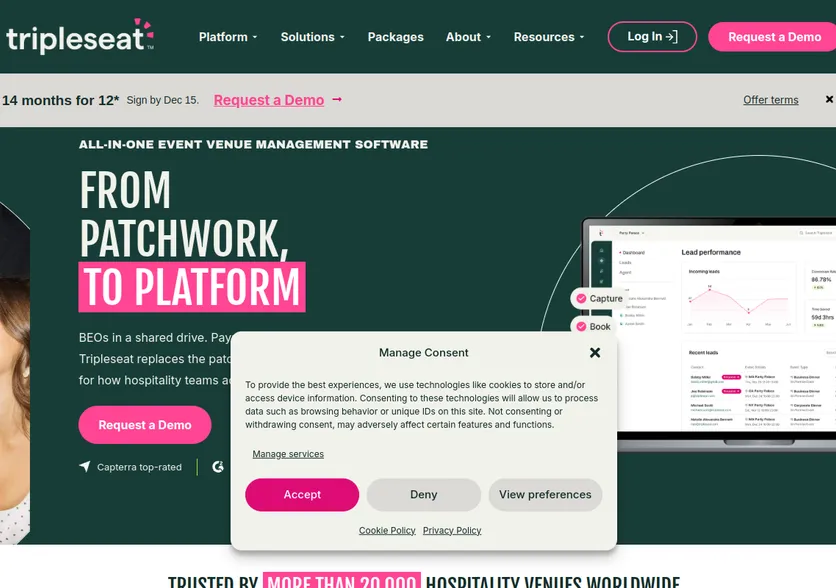
A hotel or restaurant that sells its rooms for private events starts here, since this Tripleseat plan costs three hundred and seventy-five dollars per venue a month with unlimited users and full feature access. The workflow runs from web lead to proposal to signed contract to banquet event order without leaving the platform, which is exactly how a venue books private dining. Floor plans cost extra as an add-on, and the price is built for businesses that earn money from event space.
What we like
- Lead to contract to banquet event order in one platform
- Unlimited users with no feature paywalls
- Built for restaurants, hotels and banquet venues
Watch out for
- The dearest flat price in this list by a wide margin
- Floor plans are a separately priced add-on
How to try it
- Capture the web lead in the Tripleseat inbox
- Send the proposal and collect the signed contract
- Build the banquet event order from the confirmed details
7. RSVPify
Best for: Organisers of invitation-style events with real guest lists
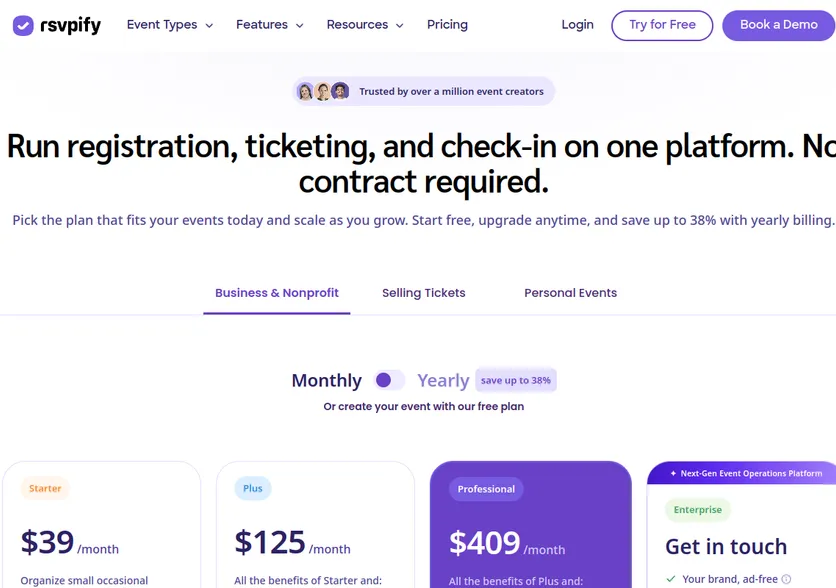
Paid tool Starting price: $24/month · Twenty-four dollars a month billed annually on Starter for one hundred and fifty registrations a month (thirty-nine dollars billed monthly); Plus is eighty-nine dollars a month billed annually for five hundred; Professional is two hundred and ninety-nine dollars a month billed annually for one thousand five hundred; a personal Gold plan is ten dollars a month, and ticket sales carry one point nine five percent plus ninety cents per ticket
Free plan: Free plan (100 registrations a month)
An organiser who runs invitation-style corporate events with a real guest list starts here, since this RSVPify plan costs twenty-four dollars a month billed annually for one hundred and fifty registrations a month. It is built around the list, with plus-ones, meal choices, guest tags and seating, and the free plan covers one hundred registrations a month. Selling tickets follows a separate per-ticket model, so the subscription and the ticket fees are two different bills.
What we like
- Built around the guest list, with plus-ones and meal choices
- Free plan covers one hundred registrations a month
- Seating and table plans included for formal events
Watch out for
- Registration caps force an upgrade as events grow
- Ticket sales carry a separate per-ticket fee
How to try it
- Import the guest list and send the invitations
- Collect RSVPs, meal choices and plus-ones online
- Export the seating plan and check guests in on the day
8. Luma
Best for: Teams running meetups and community events
Paid tool Starting price: $59/month · Fifty-nine dollars a month billed annually on Luma Plus (sixty-nine dollars billed monthly) with zero percent platform fee; the free plan charges a five percent platform fee on paid tickets plus the card fee; Plus adds five thousand sends a week, a custom URL and API access
Free plan: Free plan (unlimited events and guests)
A team that runs community and corporate meetups and wants the cheapest start finds it here, since this Luma plan costs fifty-nine dollars a month billed annually and drops the platform fee on paid tickets to zero. The free plan covers unlimited events and guests with five hundred invites a week, which is the most generous free tier in this list. It is built for meetups and community events, so the corporate budgeting tools in this list are not its strength.
What we like
- Free plan covers unlimited events and guests
- Plus drops the platform fee to zero percent
- Discovery feed helps people find events near them
Watch out for
- No corporate budget tracking or banquet event orders
- Plus only pays for itself once ticket sales pass about fourteen thousand dollars a year
How to try it
- Create the event page and set the ticket types
- Send invites and track registrations in the feed
- Check attendees in and export the guest list
Prices above were checked on each vendor’s own website on Nov 28, 2026 and can change — the vendor’s page is the final word. Vendor links are editorial: nobody paid to be listed or ranked here. Vendors who want a featured listing can see how it works on our Get listed page.
How to track a corporate event budget without losing the receipts
Start with one budget per event that lists every cost line, from the venue to the last name badge, and record deposits the day they are paid. Reconcile registrations against payments weekly, because an unpaid attendee is a budget hole that only shows up at the end. Keep the contract, the invoice and the payment in the same record, so the finance team never has to chase three systems for one event.
Before you buy
- Confirm whether the budget tracks deposits, payments and invoices in the same record as the event
- Check if the price is flat, per user, per event or per registration, since the billing model changes the total fast
- Ask whether ticket fees and payment processing are included, or charged on top of the subscription
- Make sure the finance team can export a report per event without asking the events team for a spreadsheet
- Test the tool on one real event before the programme starts, including a refund and a late registration
Official websites
Official websites of the products reviewed above. Features and prices were checked against these sites when this guide was written, and they can change, so confirm on the vendor site before you buy.
Frequently asked questions
What is corporate event budget tracking software?
It is software that plans, books and pays for corporate events while keeping the budget in the same record as the event. The budget builder lists costs, tracks deposits and payments, and reports spend per event, while registration, contracts, floor plans and check-in cover the logistics. Planning Pod is the closest fit in this list, since its budget builder sits beside proposals, contracts and floor plans in one flat-priced platform.
How much does Planning Pod cost?
Planning Pod Event Management Planner costs seventy-four dollars a month flat for up to ten events with unlimited users. Business and Enterprise add events for more, and Venue Management costs one hundred and forty-nine dollars a month. There is no free plan, only a demo, and a single third-party listing shows fifty-nine dollars a month, which conflicts with the seventy-four dollar figure.
Can I track a corporate event budget for free?
Partly, yes. Zoho Backstage offers a free plan for events of up to one hundred attendees, Eventzilla charges nothing for free events, and Luma is free with unlimited events and guests, though paid tickets carry a five percent platform fee. Eventbrite is also free to publish for free events. None of these free tiers includes a full budget builder, so a team that needs deposit and payment tracking still needs a paid plan such as Planning Pod.
Is Eventbrite or Eventzilla cheaper for paid events?
Eventzilla is cheaper at low volume, since Basic costs one dollar and fifty cents per paid registration with no monthly fee, while Eventbrite charges three point seven percent plus one dollar and seventy-nine cents per ticket plus two point nine percent processing. On a fifty-dollar ticket, Eventbrite takes about five dollars in fees against one dollar and fifty cents on Eventzilla. Eventbrite earns its premium with the discovery marketplace, which brings buyers Eventzilla cannot reach.
Which tool is best for a corporate events team?
Planning Pod is the best pick for a corporate team that runs many events, since the flat seventy-four dollar price covers the whole team with a budget builder, contracts and floor plans. Zoho Backstage is the best subscription value for teams already using Zoho, at ninety-nine dollars a month with no ticket commission. Tripleseat is the best pick for a venue that sells its own space, at three hundred and seventy-five dollars per venue a month.
Compare the eight tools above, then start with the free Zoho Backstage plan or the Eventzilla pay-as-you-go model on the tool that matches how the team bills events before paying for a full year.
Browse Business Tools tools