On this page
Labels carry the barcode, the warnings and the brand all at once, so the design tool has to get the print right the first time. The eight tools below cover that job for small sellers, print shops and warehouses, from a one-time desktop editor to a full variable-data suite. BarTender leads because it prints accurate barcodes and connects to live data for one hundred and ninety-nine dollars a year, and the rest are ranked on how well they turn a design into a printed label.
How we researched this
We checked every price on the vendor pricing page on November 28, 2026, and only included tools with a published US dollar list price. NiceLabel publishes no prices, so it is not in this list, and older one-time prices that no longer match the vendor page are called out in the price notes. Prices change, so confirm the current figure on the vendor site before you buy.
Compare the tools
| Name | Best for | Starting price | Free plan | |
|---|---|---|---|---|
| BarTender | Warehouses and print shops that need reliable barcodes | $199/year | No free plan; 30-day free trial | Visit |
| Labeljoy | Small sellers printing their own product labels | $14.90/month | No free plan; 14-day free trial | Visit |
| Label LIVE | Home businesses printing address and shelf labels | $47.99 one-time | 14-day free trial | Visit |
| ZebraDesigner Pro | Shops printing on Zebra label printers | $345 one-time | Free Essentials edition | Visit |
| LabelInn | Teams that want label design in the browser | $249/year | Free plan (unlimited printing) | Visit |
| FusionPro Creator | Print shops personalising labels at scale | $1,650/year | No free plan | Visit |
| TFORMer Designer | Factories printing labels and forms from one designer | $496/year | No free plan; free trial | Visit |
| CODESOFT | Enterprises printing barcode labels across many sites | $626/year | No free plan; free trial | Visit |
The label design software, compared
1. BarTender
Best for: Warehouses and print shops that need reliable barcodes
Paid tool Starting price: $199/year · One hundred and ninety-nine dollars a year for Starter (Professional $299, Automation $575); Cloud Essentials $390 a year, Cloud Automation $1,750; Enterprise is quoted; annual agreements only, no monthly plan
Free plan: No free plan; 30-day free trial
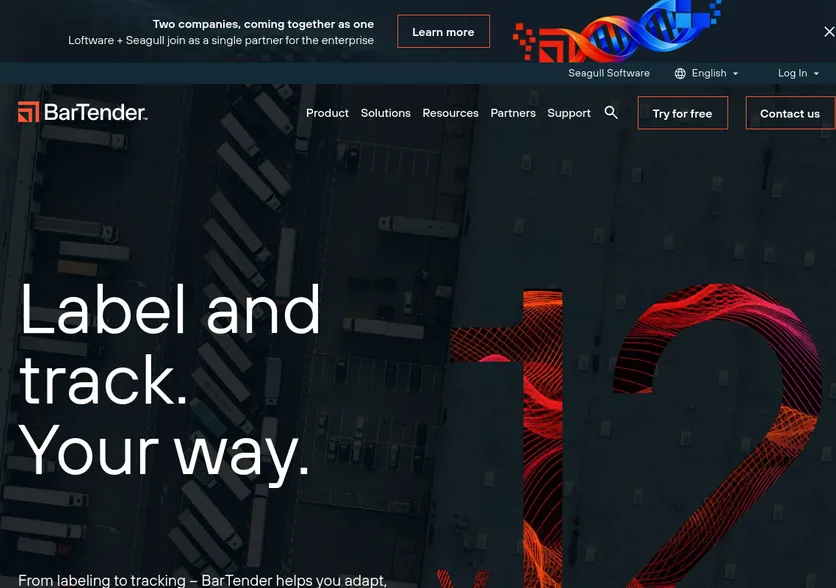
A warehouse or print shop that needs barcodes to scan correctly every time will find the standard here, since this BarTender plan costs one hundred and ninety-nine dollars a year for the Starter edition. It designs labels with hundreds of barcode types, pulls names and prices from spreadsheets and databases, and prints to almost any label printer without driver trouble. The cloud editions add browser-based design for teams that print from more than one site.
What we like
- Hundreds of barcode types with print-time accuracy checks
- Pulls label data live from spreadsheets and databases
- Runs on-premise or in the cloud for distributed teams
Watch out for
- Starter is a single-user licence, so teams pay for each seat
- Annual agreement only, with no monthly billing option
How to try it
- Pick a label size and add the barcode, text and images
- Connect the label fields to a spreadsheet or database
- Print a test label, scan it, then run the full batch
2. Labeljoy
Best for: Small sellers printing their own product labels
Paid tool Starting price: $14.90/month · Fourteen dollars and ninety cents a month billed annually ($22.90 billed monthly, plus a $29.90 setup fee on monthly billing); Business is $379 one time; older listings showing $39 one time appear stale
Free plan: No free plan; 14-day free trial
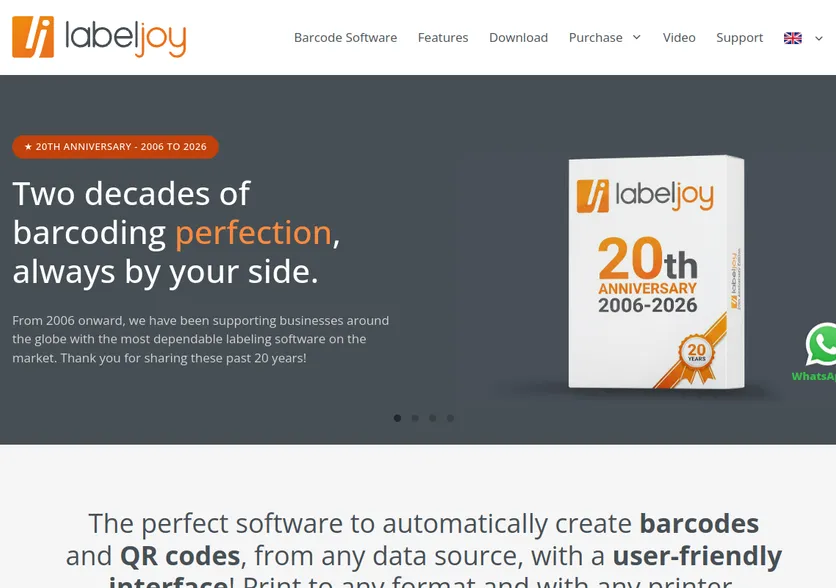
Small sellers who print their own product labels get a friendly designer here, because this Labeljoy plan costs fourteen dollars and ninety cents a month billed annually. It ships with ready-made label templates, imports product data from spreadsheets, and prints barcodes in the common formats without a learning curve. The one-time Business edition suits a shop that would rather pay once than subscribe.
What we like
- Ready-made templates for common product label sizes
- Imports names and prices straight from spreadsheets
- One-time Business edition for buyers who dislike subscriptions
Watch out for
- Monthly billing adds a setup fee and costs far more per month
- No cloud edition, so designs stay on one computer
How to try it
- Choose a label template or set a custom size
- Add text, barcodes and product images to the design
- Connect a spreadsheet, preview the labels, then print
3. Label LIVE
Best for: Home businesses printing address and shelf labels
Paid tool Starting price: $47.99 one-time · Forty-seven dollars and ninety-nine cents one time for Home per computer; Business is $147.99 one time, Logic is $247.99; a subscription is $19.99 a month
Free plan: 14-day free trial
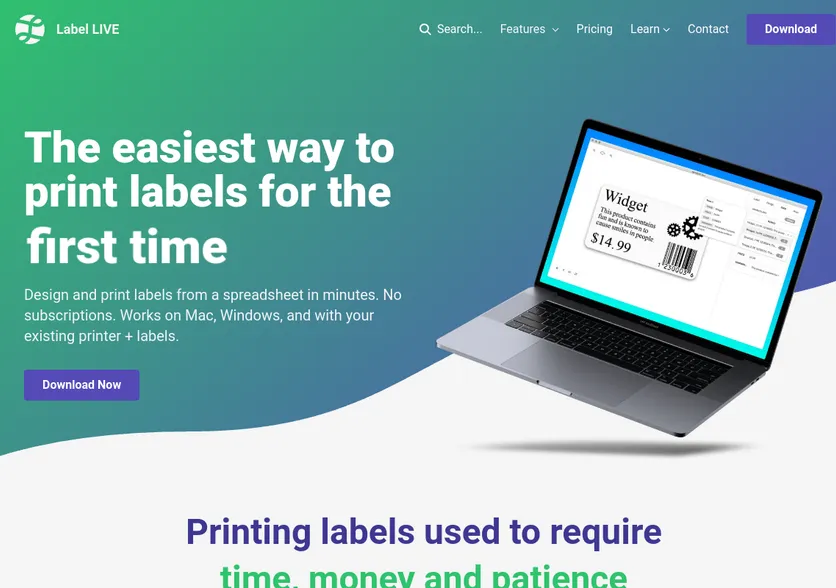
A home business that prints address labels and shelf tags wants a tool that just works, and this Label LIVE plan costs forty-seven dollars and ninety-nine cents one time for the Home edition. It designs labels for printers from all the major brands, handles barcodes and QR codes, and keeps the interface simple enough for a first-time user. The Business edition adds database connections for shops that print in volume.
What we like
- One-time price with no subscription to maintain
- Works with label printers from all the major brands
- Simple interface that a first-time user learns in an afternoon
Watch out for
- The Home edition is licensed per computer, not per user
- Database connections need the dearer Business edition
How to try it
- Pick a printer and a label stock from the built-in list
- Design the label with text, barcodes and images
- Save the template and print the batch when stock arrives
4. ZebraDesigner Pro
Best for: Shops printing on Zebra label printers
Paid tool Starting price: $345 one-time · Three hundred and forty-five dollars one time for Professional 3, single computer; Essentials 3 and Developers 3 are free; reseller listings at $295 and about $228 appear stale against the vendor list
Free plan: Free Essentials edition
Shops that already print on Zebra hardware get the matched designer here, because this ZebraDesigner Pro plan costs three hundred and forty-five dollars one time for a single computer. It builds labels with barcodes, RFID encoding and database links, and it speaks Zebra printers natively so nothing is lost in translation. The free Essentials edition covers basic labels, which makes the paid jump easy to test.
What we like
- Native support for Zebra printers and RFID encoding
- Database links pull live data onto every label
- Free Essentials edition covers basic label work
Watch out for
- The paid licence covers one computer only
- Windows only, so Mac shops need another tool
How to try it
- Install the designer and connect the Zebra printer
- Build the label with barcodes and database fields
- Print a test label, check the scan, then run the job
5. LabelInn
Best for: Teams that want label design in the browser
Paid tool Starting price: $249/year · Two hundred and forty-nine dollars a year for Pro ($24.90 a month); Starter is $79.90 a year ($7.99 a month); free plan prints without limit; 14-day Pro trial
Free plan: Free plan (unlimited printing)
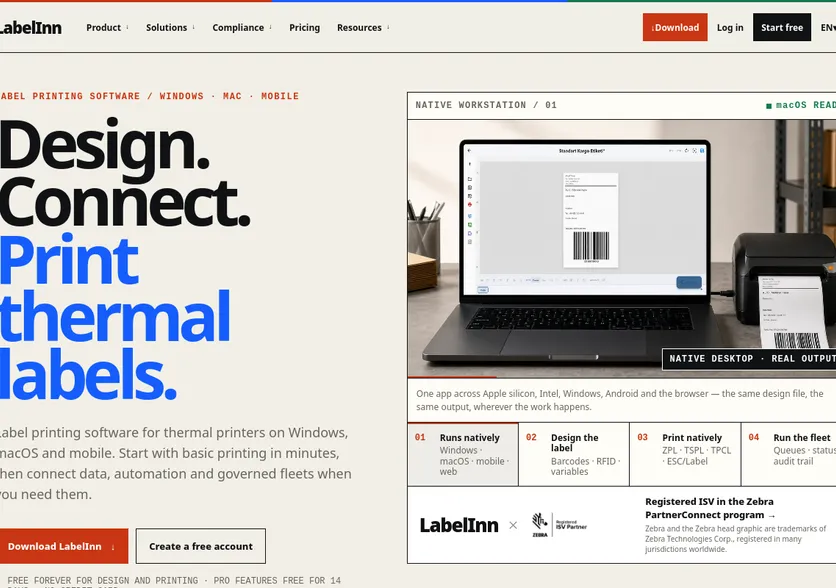
Teams that design labels in the browser will like the modern feel here, since this LabelInn plan costs two hundred and forty-nine dollars a year for the Pro edition. It runs online with no install, offers barcode and QR support, and lets a team share label templates without passing files around. The free plan prints without a limit, so a small shop can run real jobs before paying anything.
What we like
- Runs in the browser with nothing to install
- Free plan prints without a monthly limit
- Shared templates keep a team on the same label design
Watch out for
- Pro features need the yearly plan, not the free tier
- A newer vendor, so template libraries are still growing
How to try it
- Open the designer in the browser and pick a label size
- Add barcodes, QR codes and product details
- Save the template and share it with the team
6. FusionPro Creator
Best for: Print shops personalising labels at scale
Paid tool Starting price: $1,650/year · One thousand six hundred and fifty dollars a year for the Creator plus Expression bundle; Producer starts at $16,500 one time plus maintenance; Server starts at $44,000 one time plus maintenance
Free plan: No free plan
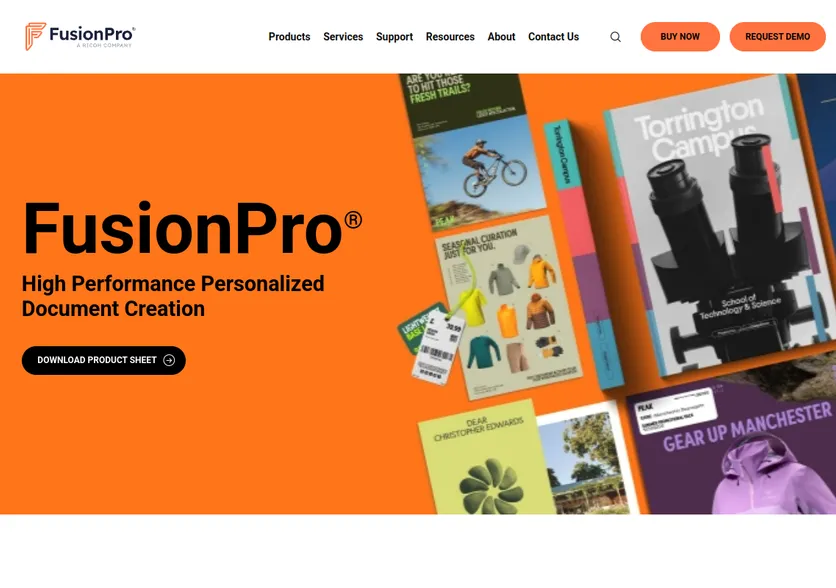
Print shops that personalise every label in a run need variable-data power, and this FusionPro Creator plan costs one thousand six hundred and fifty dollars a year for the Creator bundle. It plugs into InDesign and Acrobat, applies JavaScript rules to swap names, images and offers per recipient, and outputs a dozen print formats including PDF/VT. The bundled Expression tool generates personalised images for each label in the same job.
What we like
- JavaScript rules personalise every label in a run
- Outputs a dozen print formats including PDF/VT
- Bundled Expression generates personalised images per label
Watch out for
- The entry price is steep for light or occasional use
- Complex conditional layouts need JavaScript knowledge
How to try it
- Open the label template in InDesign or Acrobat
- Write the data rules that swap names and images per record
- Compose the run and export the print-ready files
7. TFORMer Designer
Best for: Factories printing labels and forms from one designer
Paid tool Starting price: $496/year · Four hundred and ninety-six dollars per workstation a year (399 euros); 10 workstations are $4,836 a year; TFORMer Workstation is $247 a year; more than 10 workstations are quoted
Free plan: No free plan; free trial
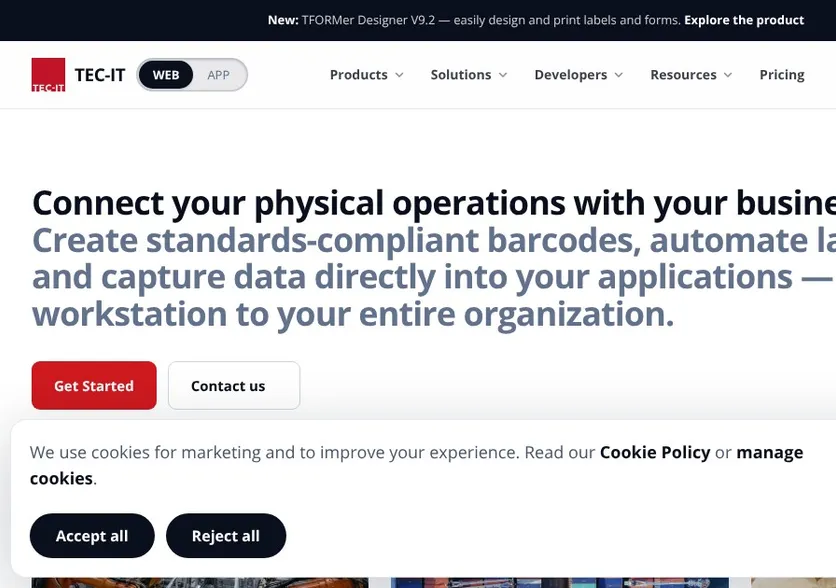
Factories that print labels, forms and reports from one designer will appreciate the breadth here, because this TFORMer Designer plan costs four hundred and ninety-six dollars per workstation a year. It designs labels and forms with broad barcode support, runs on Windows, and plugs into SAP and other business systems for automated printing. The per-workstation price scales linearly, so a plant can licence exactly the seats it needs.
What we like
- Broad barcode support across labels and forms
- Connects to SAP and other business systems
- Per-workstation pricing scales with the plant
Watch out for
- Licences are annual subscriptions, never one-time
- Server and developer editions are quoted, not published
How to try it
- Install the designer on the workstation and open a template
- Add barcodes, text and data fields to the label
- Connect the data source and print the first batch
8. CODESOFT
Best for: Enterprises printing barcode labels across many sites
Paid tool Starting price: $626/year · Six hundred and twenty-six dollars per user a year for Pro (Enterprise $986.99); the vendor storefront shows about $591 starting and other directories list $433 to $451, so confirm the edition price at checkout
Free plan: No free plan; free trial
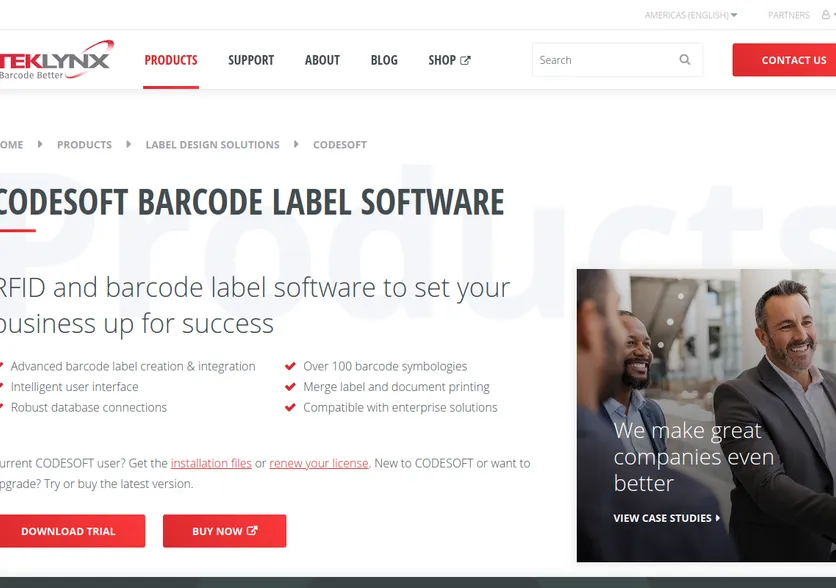
Enterprises that print barcode labels across many sites choose this tool for its depth, since this CODESOFT plan costs six hundred and twenty-six dollars per user a year for the Pro edition. It handles advanced formulas, SQL data links and RFID encoding, and it licences by concurrent users rather than by printer, which favours large printer estates. Multi-year subscriptions bundle support, training and upgrades into the term.
What we like
- Advanced formulas and SQL links for complex labels
- Licences by concurrent users, not by printer
- RFID encoding and enterprise printing controls included
Watch out for
- The vendor storefront and directories disagree on the starting price
- API automation is licensed per printer and can add up fast
How to try it
- Choose the Pro or Enterprise edition for the team
- Design the label with formulas and SQL data links
- Deploy the template to the printers that need it
Prices above were checked on each vendor’s own website on Nov 28, 2026 and can change — the vendor’s page is the final word. Vendor links are editorial: nobody paid to be listed or ranked here. Vendors who want a featured listing can see how it works on our Get listed page.
How to pick a label tool that prints right the first time
Start with the printer, not the price, because a designer that fights your hardware wastes every saving on the licence. Check the barcode types the tool supports against the codes your customers actually scan, then test a real label on real stock before committing. Count the seats honestly: per-computer licences look cheap until a second workstation needs one too. Finally, print a batch from live data, scan every code, and only then sign the yearly agreement. Check the print quality on the smallest label the shop sells, since tiny text exposes a weak designer fast.
Before you buy
- Confirm the tool supports every barcode type the labels must carry, including 2D codes
- Check whether the licence covers one computer, one user or the whole team
- Ask if label data can come live from a spreadsheet, database or business system
- Test the tool on the exact printer and label stock the shop uses daily
- Make sure the price shown is the list price, not a first-year discount or a coupon rate
Official websites
Official websites of the products reviewed above. Features and prices were checked against these sites when this guide was written, and they can change, so confirm on the vendor site before you buy.
Frequently asked questions
What is the best software for designing labels?
BarTender leads this list for warehouses and print shops because it prints accurate barcodes, connects to live data and costs one hundred and ninety-nine dollars a year for Starter. Small sellers should look at Labeljoy instead, which costs fourteen dollars and ninety cents a month billed annually, while shops on Zebra printers get the best match from ZebraDesigner Pro at three hundred and forty-five dollars one time.
Can I design labels for free?
Yes, with LabelInn, which offers a free plan that prints without a limit, and ZebraDesigner Essentials, which is free for basic labels. Both are genuine free tiers rather than trials, so a small shop can design and print real labels without paying. The free tiers lack database links and advanced features, so busy shops should compare the paid plans above.
How much does BarTender cost?
BarTender Starter costs one hundred and ninety-nine dollars a year, Professional costs two hundred and ninety-nine dollars a year, and Automation costs five hundred and seventy-five dollars a year, all on annual agreements with no monthly plan. Cloud Essentials costs three hundred and ninety dollars a year and Cloud Automation costs one thousand seven hundred and fifty dollars a year, while Enterprise is quoted.
Which label software works with Zebra printers?
ZebraDesigner Pro is the matched designer for Zebra printers, with native support, RFID encoding and database links for three hundred and forty-five dollars one time. BarTender also prints to Zebra hardware and suits shops that run mixed printer brands. Label LIVE works with printers from all the major brands, including Zebra, at forty-seven dollars and ninety-nine cents one time for Home.
What is variable data printing for labels?
Variable data printing swaps the name, image, barcode or offer on every label in a run, so each printed label is different. FusionPro Creator is the tool for that job here, at one thousand six hundred and fifty dollars a year, because it applies data rules inside InDesign and Acrobat and outputs print-ready files. It suits direct mail and personalised product labels, not shops that print the same label thousands of times.
Compare the eight tools above, then start with a free trial or the free LabelInn plan on the tool that matches the printers and label volumes the shop already runs before paying for a full year.
Browse Business Tools tools