On this page
HR communication has to reach people who never sit at a desk, so the software has to put updates, chat and forms on the phones staff already carry. The eight tools below cover that job for teams of every size, from a frontline crew of ten to a company of hundreds, and from a simple employee app to a full intranet. Connecteam leads because it puts chat, updates and forms in one mobile app for twenty-nine dollars a month, and the rest are ranked on how well they keep every employee informed.
How we researched this
We checked every price on the vendor pricing page on November 28, 2026, and only included tools with a published US dollar list price. The enterprise intranet and employee experience platforms that sell by quote, including Staffbase, Simpplr, Firstup, Beekeeper, Workvivo, Sociabble and Lumapps, publish no prices, so they are not in this list. Prices change, so confirm the current figure on the vendor site before you buy.
Compare the tools
| Name | Best for | Starting price | Free plan | |
|---|---|---|---|---|
 Connecteam | Frontline teams that need chat, updates and forms in one app | $29/month | Free plan (up to 10 users) | Visit |
 Blink | Frontline teams that want a simple employee app | $3.75/user/month | No free plan; free trial | Visit |
 MangoApps | Mid-size firms that want an intranet plus chat | $9/employee/month | No free plan; free trial | Visit |
 Slack | Teams that already live in chat channels | $7.25/user/month | Free plan (90-day message history) | Visit |
| Zoom Workplace | Teams that meet on video and chat in one place | $14.16/user/month | Free plan (Basic, 40-minute group meetings) | Visit |
 Google Workspace | Teams that want Gmail, Docs and Meet in one bundle | $7/user/month | No free plan; 14-day free trial | Visit |
 Axero | Teams that want an intranet priced by headcount band | $500/month | No free plan; 7-day free trial | Visit |
| Microsoft Teams Essentials | Small firms that want Teams meetings without the full suite | $4/user/month | No free plan; 1-month free trial | Visit |
The software for HR communication, compared
1. Connecteam
Best for: Frontline teams that need chat, updates and forms in one app
Paid tool Starting price: $29/month · Twenty-nine dollars a month billed annually on the Communications Hub Basic for the first thirty users ($35 billed monthly); Advanced is $49 a month billed annually ($59 monthly) and Expert is $99 ($119 monthly); extra users cost $0.50, $1.50 or $3.00 a month; each hub is priced separately, so all three Basic hubs cost $87 a month; a free Small Business plan covers up to ten users
Free plan: Free plan (up to 10 users)
A frontline workforce that never sits at a desk needs the whole company in one phone app, and this Connecteam plan costs twenty-nine dollars a month billed annually. Chat, updates and forms run in one place, and the free plan covers ten users so a small team can start without paying. It is the most frontline-first tool in this list, and the hub pricing means you buy only the hub you need.

What we like
- Chat, updates and forms in one mobile app
- Free plan covers ten users to start
- Each hub is priced separately, so you buy only what you need
Watch out for
- Buying all three hubs triples the monthly bill
- Advanced features such as automation need the dearer tiers
How to try it
- Invite the team and set up the company feed
- Create the chat groups and the update channels
- Publish the first form or survey and track responses
2. Blink
Best for: Frontline teams that want a simple employee app
Paid tool Starting price: $3.75/user/month · Three dollars and seventy-five cents per user a month billed annually on Core ($5.60 billed monthly); Pro is $5.00 a user a month ($7.00 monthly) and Enterprise is quoted; a free trial is included and there is no free plan
Free plan: No free plan; free trial
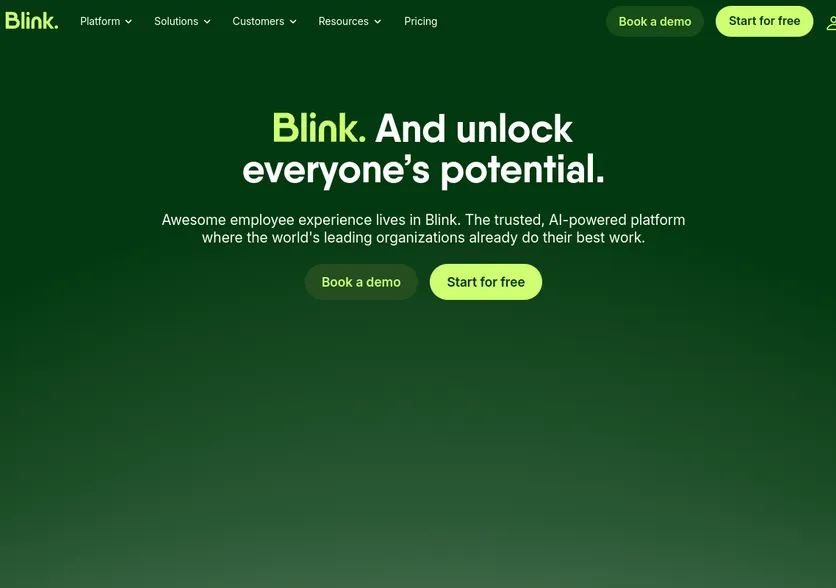
A frontline team that misses emails and noticeboards will actually read the updates here, because this Blink plan costs three dollars and seventy-five cents per user a month billed annually. The feed, chat and hub sit in one simple app on the phones staff already carry, and the per-user price stays low even for a large crew. It is the simplest employee app in this list for a team that just needs everyone informed.
What we like
- Feed, chat and hub in one simple app
- Low per-user price for large frontline teams
- Works well on the phones staff already carry
Watch out for
- No free plan to test with a small group
- Fewer HR features than the all-in-one platforms
How to try it
- Set up the feed and the team groups
- Publish the first update and pin the key documents
- Open chat for the team and track who reads what
3. MangoApps
Best for: Mid-size firms that want an intranet plus chat
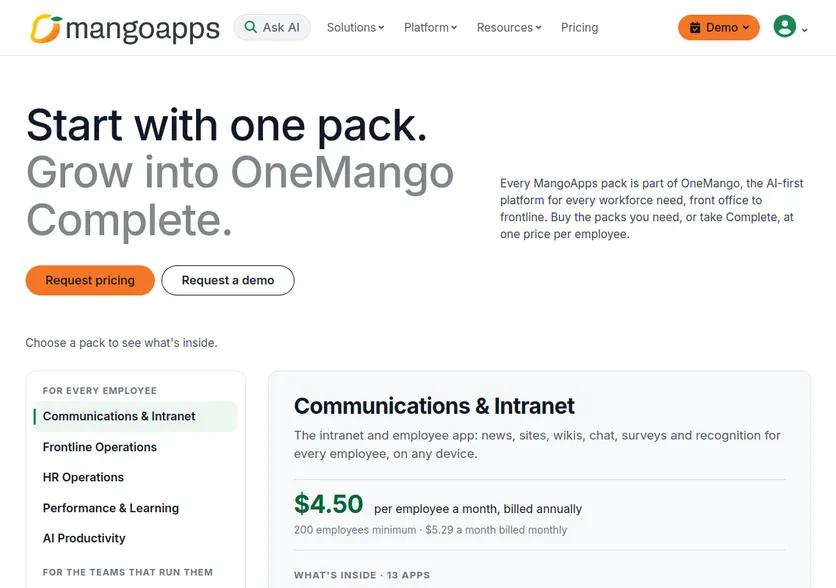
Paid tool Starting price: $9/employee/month · Nine dollars per employee a month on the Communications and Intranet suite with a two-hundred-employee minimum; all five suites together cost $39 a month and specialist suites run $40 to $70 a seat a month; a September 2026 read lists a Workforce figure of $19 a user a month with a ten-user minimum, which conflicts with the vendor page — confirm at checkout
Free plan: No free plan; free trial
A mid-size firm that wants an intranet, chat and file sharing under one roof will find the breadth here wide, because this MangoApps plan costs nine dollars per employee a month. The home page, team spaces and chat give every employee one place to look, and custom branding makes it feel like the company's own system. It suits a firm past two hundred people that wants the intranet to be the front door.
What we like
- Intranet, chat and file sharing in one system
- Two-hundred-employee minimum suits mid-size firms
- Custom branding and domain on the paid plans
Watch out for
- The two-hundred-employee minimum prices small firms out
- Specialist suites cost far more per seat
How to try it
- Set up the intranet home page and the team spaces
- Connect the chat and the file library
- Publish the first company update and track reads
4. Slack
Best for: Teams that already live in chat channels
Paid tool Starting price: $7.25/user/month · Seven dollars and twenty-five cents per user a month billed annually on Pro ($8.75 billed monthly); Business+ is $15 a user a month ($18 monthly); Enterprise+ is listed at $45 a user a month billed annually in one November 2026 read, though other sources call it quote-only — confirm with sales; the free plan keeps ninety days of history and ten apps
Free plan: Free plan (90-day message history)
A team that already lives in chat will get the most from the channels here, since this Slack plan costs seven dollars and twenty-five cents per user a month billed annually. Every conversation sits in a channel that anyone can find later, and thousands of apps connect in a click. It is the most familiar communication tool in this list, and the free plan covers a small team getting started.

What we like
- Channels keep every conversation in one place
- Thousands of apps connect in a click
- Huddles turn a chat into a quick call
Watch out for
- Message history disappears after ninety days on the free plan
- Costs grow with every seat, including part-timers
How to try it
- Create channels for each team and project
- Invite the team and connect the apps you use
- Pin the key messages and set the channel topic
5. Zoom Workplace
Best for: Teams that meet on video and chat in one place
Paid tool Starting price: $14.16/user/month · Fourteen dollars and sixteen cents per user a month billed annually on Pro ($16.99 billed monthly); Business is $18.33 a user a month ($21.99 monthly); an older thirteen-dollar-and-thirty-three-cent Pro figure is stale against the October and November 2026 reads, and the vendor product page shows $15.99 monthly in one read — confirm at checkout
Free plan: Free plan (Basic, 40-minute group meetings)
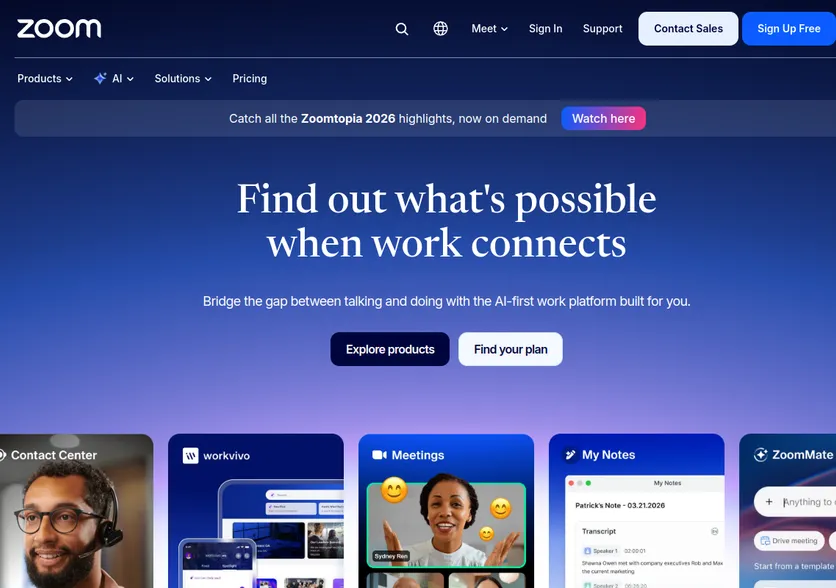
A team that meets on video, chats and shares files all day wants one app for all of it, and this Zoom Workplace plan costs fourteen dollars and sixteen cents per user a month billed annually. Meetings, chat, phone and whiteboard sit together, and the AI Companion summarises meetings and drafts replies. It is the most complete meeting-led communication tool in this list for a team that lives on calls.
What we like
- Meetings, chat, phone and whiteboard in one app
- AI Companion summarises meetings and drafts replies
- Reliable video quality even on weak connections
Watch out for
- The free plan caps group meetings at forty minutes
- The price rose in 2026, so older guides quote a lower figure
How to try it
- Set up the team and the chat channels
- Schedule the first meeting and share the link
- Turn on AI Companion for summaries and notes
6. Google Workspace
Best for: Teams that want Gmail, Docs and Meet in one bundle
Paid tool Starting price: $7/user/month · Seven dollars per user a month billed annually on Business Starter ($8.40 on flexible monthly billing); Standard is $14 a user a month ($16.80 monthly) and Plus is $22 ($26.40 monthly); a fifty percent discount on the first three months ran November 10, 2026 to February 10, 2027 and is not the list price
Free plan: No free plan; 14-day free trial
A team that wants email, documents and video meetings in one bundle will find the value here strong, because this Google Workspace plan costs seven dollars per user a month billed annually. Gmail, Calendar, Docs and Meet share one login, and the admin console manages users and security without extra tools. It is the most complete productivity bundle in this list for a team that wants everything from one vendor.

What we like
- Gmail, Calendar, Docs and Meet in one login
- Thirty gigabytes of storage per user on Starter
- Admin console manages users and security easily
Watch out for
- Starter storage is far below the higher tiers
- The first-three-months discount is not the list price
How to try it
- Create the organisation and add users
- Set up Gmail and shared drives for the team
- Schedule the first meeting in Calendar with a Meet link
7. Axero
Best for: Teams that want an intranet priced by headcount band
Paid tool Starting price: $500/month · Five hundred dollars a month flat on Axero Go Essentials for up to one hundred people; Growth is $2,000 a month flat for up to five hundred people; Premium and Enterprise are quoted at $10 to $15 a user a month billed annually; a seven-day trial is included and the first two months are fifty percent off; a forty-nine dollar Basic figure in third-party directories contradicts the vendor pricing page and is not used
Free plan: No free plan; 7-day free trial
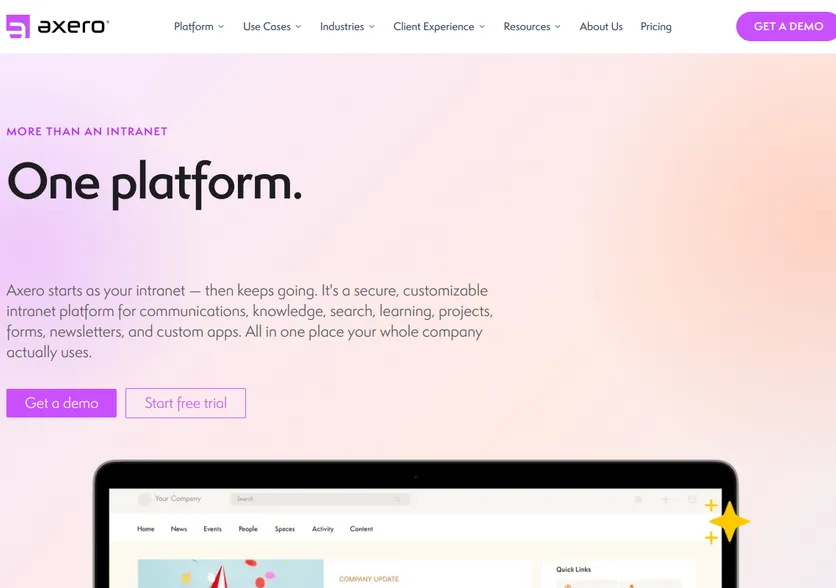
A team that wants an intranet priced by headcount band rather than by seat will like the flat maths here, because this Axero plan costs five hundred dollars a month flat. Pages, files, chat and social features sit in one intranet, and the awards tools give recognition a home. It suits a team near one hundred people that wants the intranet to feel social.
What we like
- Flat monthly price with no per-seat maths
- Pages, files, chat and social features in one intranet
- Awards and recognition tools built in
Watch out for
- The flat price is steep for a team under one hundred
- The entry tier caps at one hundred people
How to try it
- Set up the home page and the department spaces
- Upload the key documents and policies
- Launch the social feed and invite the team
8. Microsoft Teams Essentials
Best for: Small firms that want Teams meetings without the full suite
Paid tool Starting price: $4/user/month · Four dollars per user a month billed annually on Teams Essentials; Microsoft 365 Business Basic, which includes Bookings, is $7 a user a month billed annually ($8.40 monthly)
Free plan: No free plan; 1-month free trial
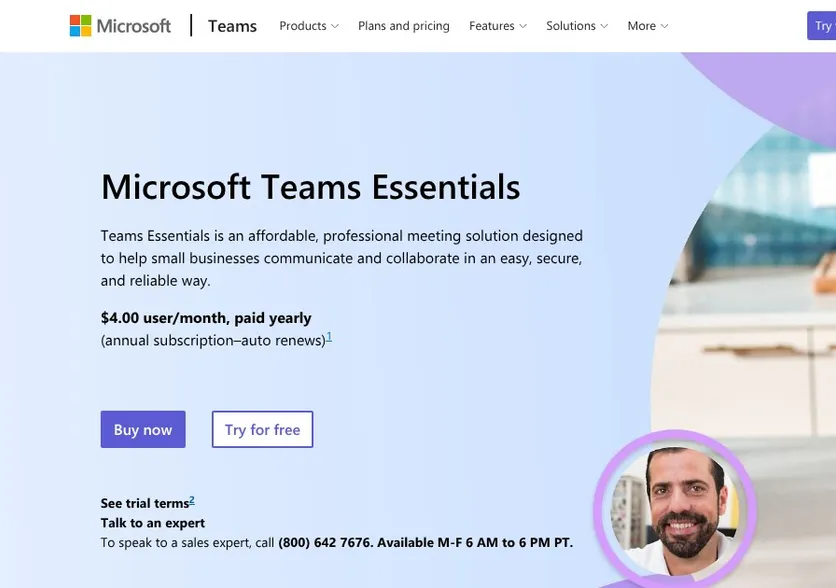
A small firm that wants Teams meetings without buying the full Microsoft bundle starts here, because this Microsoft Teams Essentials plan costs four dollars per user a month billed annually. Unlimited group meetings, chat and file sharing come at the lowest price in this list, and the plan is the cheapest way into Microsoft Teams. It suits a firm that meets a lot and needs little else from Microsoft.
What we like
- Unlimited group meetings with no time limit on the paid plan
- Chat, file sharing and ten gigabytes of storage included
- Cheapest way into Microsoft Teams
Watch out for
- No desktop Office apps included in the plan
- Larger firms need the Microsoft 365 bundle instead
How to try it
- Buy the plan and invite the team
- Schedule the first meeting from Outlook or Teams
- Share files in the chat during the call
Prices above were checked on each vendor’s own website on Nov 28, 2026 and can change — the vendor’s page is the final word. Vendor links are editorial: nobody paid to be listed or ranked here. Vendors who want a featured listing can see how it works on our Get listed page.
How to get every employee reading the same update
Start with the people who never open email, because they are the ones HR communication usually misses. Ask a few frontline staff how they actually get news today, then pick the channel they already use rather than the one head office prefers. Keep updates short and in one place, because a message split across email, chat and a noticeboard is a message nobody reads. Check the per-user price at the real headcount, since a cheap per-seat rate still adds up across hundreds of staff. Finally, measure reads and replies rather than sends, because a sent message is not a received one.
Before you buy
- Confirm the price at the real headcount, not just the entry rate
- Check whether the free plan covers enough users to trial properly
- Test the app on the phones staff actually carry, not just on a desktop
- Ask whether each hub or module is priced separately before signing
- Make sure the tool works offline or on weak signal for frontline staff
Official websites
Official websites of the products reviewed above. Features and prices were checked against these sites when this guide was written, and they can change, so confirm on the vendor site before you buy.
Frequently asked questions
What is the best software for HR communication?
Connecteam is the best overall pick, at twenty-nine dollars a month billed annually, because it puts chat, updates and forms in one mobile app for frontline staff. Slack is the best pick for chat-led teams, at seven dollars and twenty-five cents per user a month billed annually, with channels for every team and project. Google Workspace is the best value bundle, at seven dollars per user a month billed annually.
How much does Connecteam cost?
Connecteam Communications Hub Basic costs twenty-nine dollars a month billed annually for the first thirty users, or thirty-five dollars billed monthly. Advanced costs forty-nine dollars a month billed annually and Expert costs ninety-nine dollars. Each hub is priced separately, so buying all three Basic hubs costs eighty-seven dollars a month, and a free plan covers up to ten users.
Can I communicate with frontline staff for free?
Yes, with Connecteam, which offers a free Small Business plan for up to ten users, and Slack, which offers a free plan with ninety days of message history and ten apps. Both free plans cover a small team getting started, though larger crews will need a paid plan. Google Workspace and Teams Essentials offer free trials rather than free plans.
Which tool is best for a small frontline team?
Connecteam is the best pick for a small frontline team, because the free plan covers ten users and the Basic hub costs twenty-nine dollars a month billed annually. Blink is the cheapest paid option per user, at three dollars and seventy-five cents a month billed annually, with a simple feed, chat and hub. A team should trial both on the phones staff actually carry.
Is Microsoft Teams Essentials still available?
Yes, Microsoft Teams Essentials is still available at four dollars per user a month billed annually, despite reports that it had been retired. It covers unlimited group meetings, chat, file sharing and ten gigabytes of storage, but no desktop Office apps. Larger firms should look at Microsoft 365 Business Basic instead, which costs seven dollars per user a month billed annually.
Compare the eight tools above, then start with a free trial or the free Connecteam plan on the tool that matches how the team already talks before paying for a full year.
Browse Business Tools tools