On this page
HR training has to turn new hires into capable staff and keep everyone current, so the software has to build courses, assign them and prove they were finished. The eight tools below cover that job for teams of every size, from a small business running its first programme to an enterprise training partners and customers as well as staff. TalentLMS leads because it builds courses with no technical skill for sixty-nine dollars a month, and the rest are ranked on how well they get learning finished and tracked.
How we researched this
We checked every price on the vendor pricing page on November 28, 2026, and only included tools with a published US dollar list price. Trainual was left out because it no longer publishes prices publicly, and the quote-only enterprise platforms, including Absorb, LearnUpon, Litmos and Lessonly, publish no prices either. Prices change, so confirm the current figure on the vendor site before you buy.
Compare the tools
| Name | Best for | Starting price | Free plan | |
|---|---|---|---|---|
 TalentLMS | Small businesses launching their first training programme | $69/month | Free plan (up to 5 users) | Visit |
 iSpring Learn | Teams that build training in PowerPoint | $6.91/active user/month | No free plan; 30-day free trial | Visit |
 360Learning | Small teams that want peer-built courses | $8/user/month | No free plan; 30-day free trial | Visit |
 ProProfs Training Maker | Small teams that want AI course creation on a budget | $1.99/learner/month | Free plan (up to 10 learners) | Visit |
| TalentCards | Frontline teams that learn in short bursts on phones | $1.00/user/month | Free plan (up to 5 users) | Visit |
 Docebo | Enterprises training employees, partners and customers | $9/user/month | No free plan; free demo | Visit |
 WorkRamp | Revenue teams that train on real conversations | $9/user/month | No free plan; free demo | Visit |
 LearnDash | WordPress sites that sell or run courses | $199/year | No free plan; 15-day money-back guarantee | Visit |
The software for HR training, compared
1. TalentLMS
Best for: Small businesses launching their first training programme
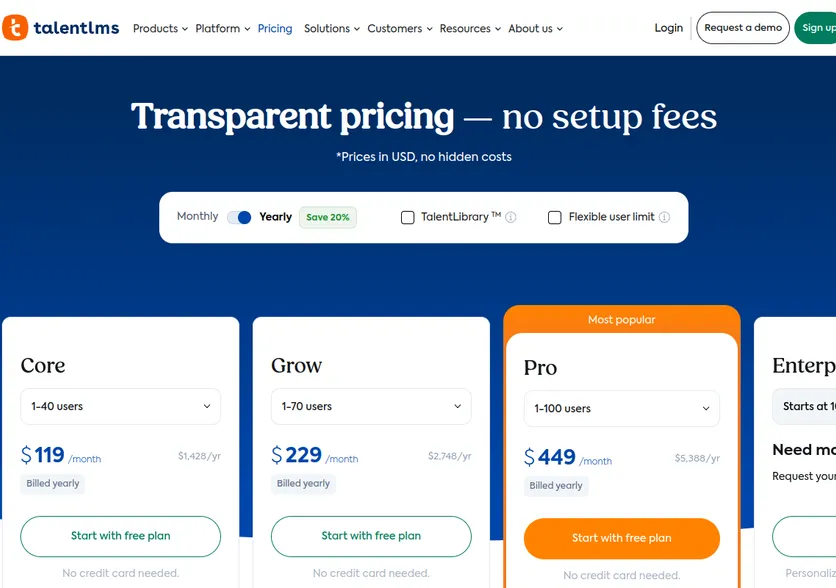
Paid tool Starting price: $69/month · Sixty-nine dollars a month billed annually on Starter for up to forty users ($89 billed monthly); Basic is $149 a month billed annually ($189 monthly), Plus is $279 ($369 monthly) and Premium is $459 ($569 monthly); older pages still show a $59 Starter figure, and a November 18, 2026 comparison cites a $119 Core plan — confirm the current plan names at checkout; the free plan covers up to five users and ten courses
Free plan: Free plan (up to 5 users)
A small business launching its first training programme will get going fastest here, because this TalentLMS plan costs sixty-nine dollars a month billed annually. The course builder needs no technical skill, the free plan covers five users and ten courses, and gamification keeps new hires engaged. It is the most approachable LMS in this list for a team with no learning department.
What we like
- Free plan covers five users and ten courses
- Course builder needs no technical skill
- Gamification and certificates keep learners engaged
Watch out for
- Prices rise steeply with each user tier
- Plan names are changing, so older guides mislead
How to try it
- Create the first course from a template or upload
- Invite learners and assign the course
- Track completions and export the report
2. iSpring Learn
Best for: Teams that build training in PowerPoint
Paid tool Starting price: $6.91/active user/month · Six dollars and ninety-one cents per active user a month on Business at one hundred users ($8,286 a year), falling to $4.46 at three hundred users and $3.97 at five hundred, billed annually; Enterprise is quoted; only users who log in that month are billed, and a thirty-day trial needs no card
Free plan: No free plan; 30-day free trial
A team that already builds training in PowerPoint will feel at home here, because this iSpring Learn plan costs six dollars and ninety-one cents per active user a month. The authoring tools are the ones the team already knows, the mobile app puts courses on every phone, and only users who log in that month are billed. It suits a team of one hundred or more that authors its own courses.
What we like
- PowerPoint-based authoring teams already know
- Pay only for users who log in that month
- Mobile app puts courses on every phone
Watch out for
- The smallest published plan is one hundred users
- Per-user cost falls only as volume rises
How to try it
- Upload the PowerPoint course or build one in iSpring Suite
- Assign the course to a learner group
- Check completions in the reports dashboard
3. 360Learning
Best for: Small teams that want peer-built courses
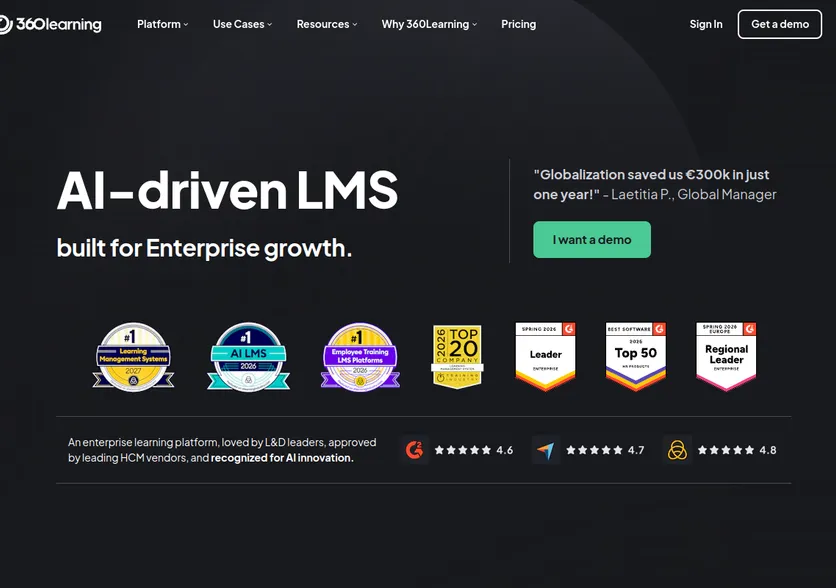
Paid tool Starting price: $8/user/month · Eight dollars per user a month billed monthly on Team, for up to one hundred users, with no annual commitment; Business and Enterprise are quoted on annual contracts, with buyer data putting Business near $10 to $18 per learner a month; a thirty-day trial is included
Free plan: No free plan; 30-day free trial
A small team that wants its own experts to build the training will like the peer model here, because this 360Learning plan costs eight dollars per user a month. Anyone can author a course, not just the learning team, and there is no annual contract on the Team plan. It is the most collaborative LMS in this list for a team under one hundred people.
What we like
- Anyone can author a course, not just L and D
- Pay only for active users each month
- No annual contract on the Team plan
Watch out for
- The public price stops at one hundred users
- Larger teams face a quoted Business contract
How to try it
- Invite subject experts to author the first course
- Publish the course to the team catalogue
- Review the feedback and update the course
4. ProProfs Training Maker
Best for: Small teams that want AI course creation on a budget
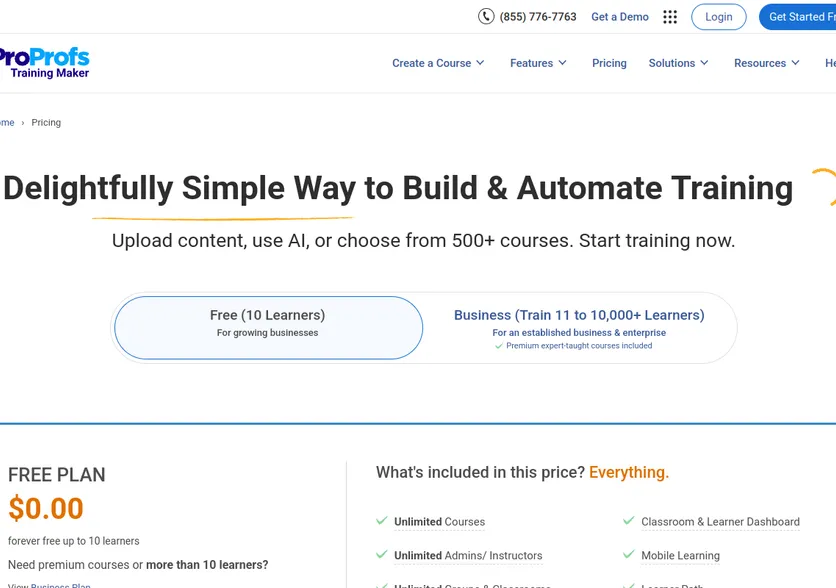
Paid tool Starting price: $1.99/learner/month · One dollar and ninety-nine cents per active learner a month billed annually on Essentials ($23.88 a learner a year), capped at one hundred active learners; Business is $3.99 a learner a month, Business Complete Elite is $4.98 and the People Development Suite starts at $499 a month; the free plan covers up to ten learners
Free plan: Free plan (up to 10 learners)
A small team that wants AI to build its courses will save hours here, because this ProProfs Training Maker plan costs one dollar and ninety-nine cents per active learner a month billed annually. The AI builds a full course from a prompt, the library adds five hundred ready-made courses, and the free plan covers ten learners with all features. It is the cheapest AI course builder in this list for a team on a tight budget.
What we like
- AI builds a full course from a prompt
- Five hundred plus ready-made courses included
- Free plan covers ten learners with all features
Watch out for
- Essentials caps at one hundred active learners
- Per-learner pricing grows with headcount
How to try it
- Create a course with AI or from the library
- Add a quiz and set the passing score
- Assign the course and track completions
5. TalentCards
Best for: Frontline teams that learn in short bursts on phones
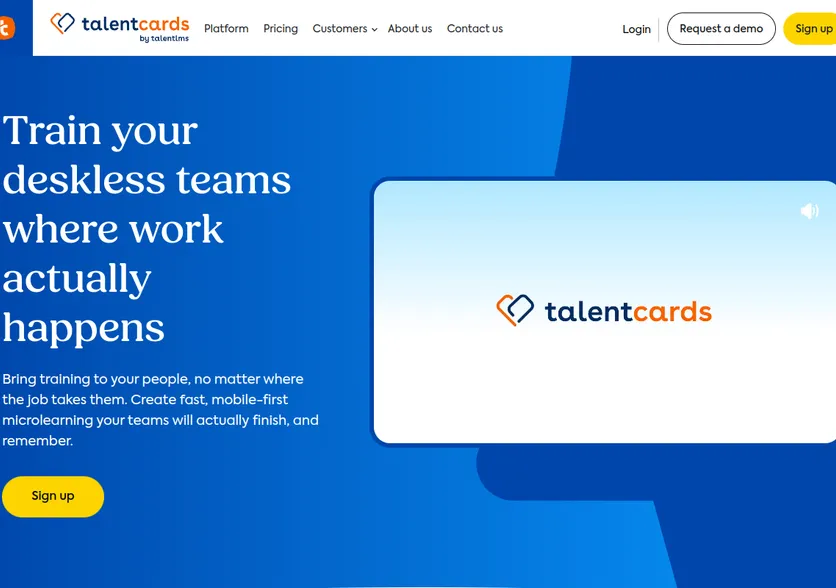
Paid tool Starting price: $1.00/user/month · One dollar per user a month on Standard billed monthly ($0.80 billed annually) for a minimum of fifty users; Premium is $1.50 a user a month billed monthly ($1.20 annually); both plans are sold in fifty-user increments up to two thousand users, and Enterprise is quoted above that; the free plan covers up to five users
Free plan: Free plan (up to 5 users)
A frontline team that learns in five-minute gaps on shift will actually finish the training here, because this TalentCards plan costs one dollar per user a month. Flashcard lessons fit a break, offline access works without a signal, and the AI turns documents into card sets. It is the most mobile-first tool in this list for deskless teams.
What we like
- Flashcard lessons fit a five-minute gap on shift
- Offline access works without a signal
- AI turns documents into card sets
Watch out for
- The fifty-user minimum means small teams pay for empty seats
- Built for microlearning, not long certification courses
How to try it
- Create a card set from a document or template
- Push the set to the team app
- Check completions and send a reminder to stragglers
6. Docebo
Best for: Enterprises training employees, partners and customers
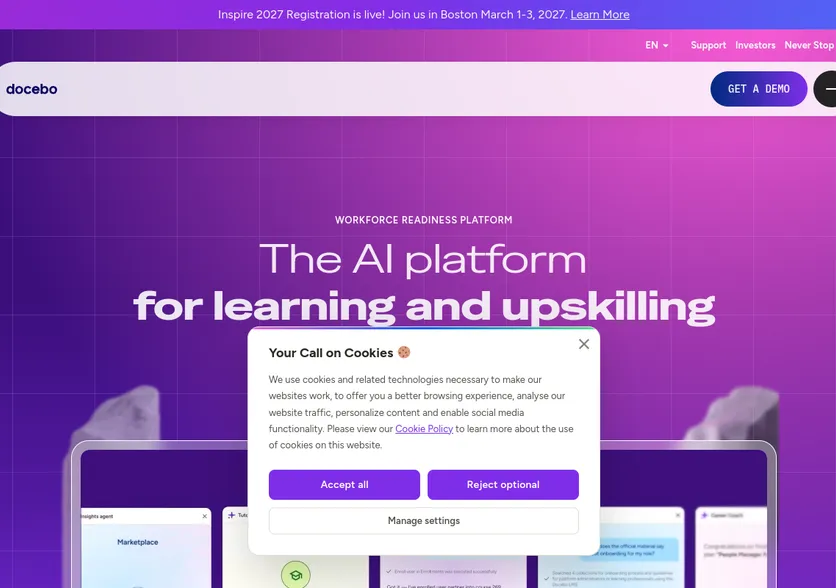
Paid tool Starting price: $9/user/month · Nine dollars per user a month with a two-hundred-and-fifty-user minimum, per Docebo's published FAQ; the pricing page itself is quote-based and complex enterprise deals are custom-quoted; the AWS Marketplace listing shows Elevate at $35,900 a year for five hundred yearly active users (about $6 a user a month) on a thirty-six-month term; no free plan, with a product tour and demo available
Free plan: No free plan; free demo
An enterprise that trains employees, customers and partners from one system will find the reach here widest, because this Docebo plan costs nine dollars per user a month. Branded portals give each audience its own front door, and the AI course generation and content marketplace fill the catalogue fast. It is the most enterprise-ready LMS in this list, though the two-hundred-and-fifty-user minimum sets a high floor.
What we like
- One system trains employees, customers and partners
- AI course generation and a content marketplace
- Multi-audience portals with separate branding
Watch out for
- The two-hundred-and-fifty-user minimum means a twenty-seven thousand dollar floor
- Implementation typically takes four to twenty weeks
How to try it
- Book a demo and map the audiences to train
- Set up the branded portals for each audience
- Publish the first courses and track completions
7. WorkRamp
Best for: Revenue teams that train on real conversations
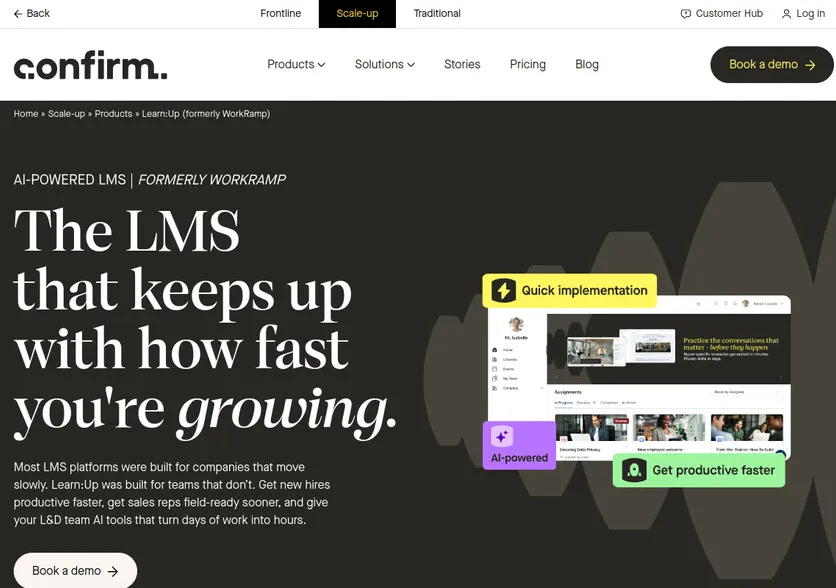
Paid tool Starting price: $9/user/month · Nine dollars per user a month billed annually (on a two-hundred-person basis); the Practice AI-simulation add-on is $4 a user a month; WorkRamp rebranded as Learn:Up
Free plan: No free plan; free demo
A revenue team that needs reps to practise before they sell will rehearse here, because this WorkRamp plan costs nine dollars per user a month billed annually. AI practice sessions run the real sales conversations, and certifications prove a rep is ready before the first live call. It suits a sales-led business that treats training as a revenue tool, not a compliance chore. WorkRamp rebranded as Learn:Up, so older guides still call it WorkRamp.
What we like
- AI practice sessions rehearse real sales calls
- Certifications prove reps are ready to sell
- Integrates with Salesforce and the CRM stack
Watch out for
- The two-hundred-person basis prices small teams out
- The AI practice add-on costs extra per user
How to try it
- Build the onboarding path for new reps
- Assign AI practice sessions for key scenarios
- Certify reps before they take live calls
8. LearnDash
Best for: WordPress sites that sell or run courses
Paid tool Starting price: $199/year · One hundred and ninety-nine dollars a year on Basic for one site; Plus is $399 a year for ten sites and Pro is $799 a year for unlimited sites; LearnDash Cloud, the hosted option, starts at $29 a month; one August 2026 read lists a renamed Essentials, Pro and Elite ladder at $259, $399 and $599 a year, which conflicts with the vendor page reads — confirm at checkout; WordPress hosting is extra
Free plan: No free plan; 15-day money-back guarantee
A WordPress site that wants to sell or run courses without per-user fees will like the flat licence here, because this LearnDash plan costs one hundred and ninety-nine dollars a year. One licence covers unlimited courses and students, and drip content, quizzes and certificates are included rather than sold as add-ons. It is the most cost-effective LMS in this list at scale, though the site still needs WordPress hosting on top.
What we like
- Flat annual licence with no per-user fees
- Unlimited courses and students on every plan
- Drip content, quizzes and certificates included
Watch out for
- Needs WordPress hosting, which costs extra every month
- Non-technical users face a learning curve
How to try it
- Install the plugin on the WordPress site
- Build the first course with lessons and a quiz
- Set the access rules and publish the course
Prices above were checked on each vendor’s own website on Nov 28, 2026 and can change — the vendor’s page is the final word. Vendor links are editorial: nobody paid to be listed or ranked here. Vendors who want a featured listing can see how it works on our Get listed page.
How to run HR training that people actually finish
Start with the one course everyone must finish, because a training system is judged on completions, not on the size of its catalogue. Build that course first, assign it to a small group and watch where people drop off before rolling it out to everyone. Keep courses short and mobile-friendly, because frontline staff learn in five-minute gaps, not in hour-long sessions at a desk. Check the pricing model at the real headcount, since per-user, per-learner and flat licences behave very differently as the team grows. Finally, track completions every week, because a course nobody finishes is a cost, not an investment.
Before you buy
- Confirm how the price is counted, per user, per learner or per active user
- Check the minimum seats or users before committing to a plan
- Test course creation with a real lesson before paying for a year
- Ask whether certificates, reporting and integrations are in the entry tier
- Make sure the courses work on the phones and devices staff actually use
Official websites
Official websites of the products reviewed above. Features and prices were checked against these sites when this guide was written, and they can change, so confirm on the vendor site before you buy.
Frequently asked questions
What is the best software for HR training?
TalentLMS is the best overall pick, at sixty-nine dollars a month billed annually, because it builds courses with no technical skill and the free plan covers five users. iSpring Learn is the best pick for PowerPoint teams, at six dollars and ninety-one cents per active user a month, with authoring the team already knows. ProProfs is the best value, at one dollar and ninety-nine cents per learner a month billed annually.
How much does TalentLMS cost?
TalentLMS Starter costs sixty-nine dollars a month billed annually for up to forty users, or eighty-nine dollars billed monthly. Basic costs one hundred and forty-nine dollars a month billed annually, Plus costs two hundred and seventy-nine dollars and Premium costs four hundred and fifty-nine dollars. The free plan covers up to five users and ten courses with no time limit.
Can I train employees for free?
Yes, with TalentLMS, which offers a free plan for up to five users and ten courses, ProProfs, which is free for up to ten learners, and TalentCards, which is free for up to five users. These free plans cover a small team getting started, though a larger workforce will need a paid plan. iSpring Learn and 360Learning offer thirty-day free trials instead of free plans.
Which LMS is best for frontline workers?
TalentCards is the best pick for frontline workers, at one dollar per user a month, because flashcard lessons fit a five-minute gap on shift and work offline. TalentLMS is the best all-rounder for a mixed workforce, at sixty-nine dollars a month billed annually, with a mobile app for every learner. A team with deskless staff should trial TalentCards first.
Why is Trainual not in this list?
Trainual is not in this list because it no longer publishes prices publicly, so there is no verifiable list price to compare. Third-party estimates put its entry plan near two hundred and forty-nine dollars a month, but estimates are not a published price and this list only includes tools with a price on the vendor's own site. Buyers should get a quote directly from Trainual before budgeting.
Compare the eight tools above, then start with a free trial or the free TalentLMS plan on the tool that matches how the team already trains before paying for a full year.
Browse Business Tools tools