On this page
Engineering data lives in CAD files, but the decisions about it live in PLM, and the gap between the two is where revisions go missing. The seven tools below move CAD data into PLM cleanly, from bills of materials and change orders to full design history. Onshape leads because it is CAD and data management in one cloud app, so nothing needs syncing at all, and the rest are ranked on how reliably they connect design files to the system of record.
How we researched this
We checked every price on the vendor pricing page on November 28, 2026, and only included tools with a published US dollar list price. Windchill, Teamcenter, ENOVIA, Aras, Propel, Duro and Arena PLM all sell by quote, so they are not in this list. Prices change, so confirm the current figure on the vendor site before you buy.
Compare the tools
| Name | Best for | Starting price | Free plan | |
|---|---|---|---|---|
 Onshape | Teams moving CAD and data management to the cloud | $1,500/year | Free plan (public documents, non-commercial use) | Visit |
| OpenBOM | Small teams syncing CAD bills of materials | $30/seat/month | Free plan (up to 2,000 data records) | Visit |
| Autodesk Vault | Autodesk shops controlling Inventor files | $870/year | Basic free with Inventor Professional | Visit |
| Autodesk Fusion Manage | Autodesk teams needing cloud PLM workflows | $1,115/year | No free plan; demo by request | Visit |
| Aligni | Small manufacturers tying PLM to production | $187/month | 30-day free trial | Visit |
| Siemens Teamcenter X | Companies standardising on Siemens PLM | $2,084/year | 30-day free trial | Visit |
| Ciiva | Electronics teams managing component BOMs | $20/user/month | Free plan (2 users, 10,000 components) | Visit |
The software for integrating CAD data into PLM, compared
1. Onshape
Best for: Teams moving CAD and data management to the cloud
Paid tool Starting price: $1,500/year · One thousand five hundred dollars per user a year on Standard; Professional is two thousand five hundred dollars per user a year and Enterprise is quoted; the free plan covers public documents for non-commercial use
Free plan: Free plan (public documents, non-commercial use)
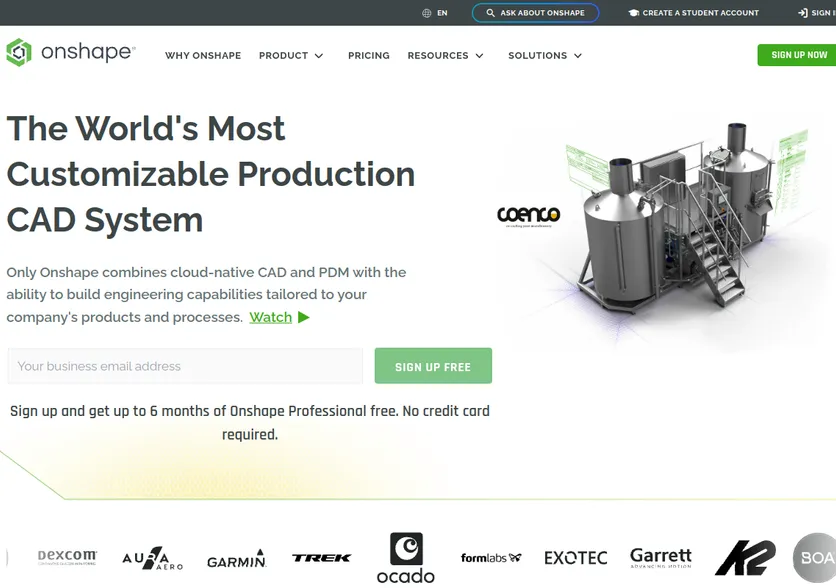
For a team that wants CAD and PLM in the same cloud app, this Onshape plan costs one thousand five hundred dollars per user a year, and it stores every design with built-in version control and release management. Its branching and merging work like software version control, so two engineers never overwrite each other. It is the cleanest answer here for a team that can move its CAD into the cloud.
What we like
- CAD and version control in one cloud app
- Branching and merging prevent overwritten designs
- Built-in release management with approvals
Watch out for
- Needs an always-on connection for full features
- The free plan makes documents public
How to try it
- Import existing CAD files into a cloud document
- Set up release workflows and approval steps
- Invite the team and branch designs for parallel work
2. OpenBOM
Best for: Small teams syncing CAD bills of materials
Paid tool Starting price: $30/seat/month · Thirty dollars per seat a month on the Professional Team plan billed yearly (fifty-five dollars month to month); Company is ninety dollars per seat a month billed yearly; a CAD add-in costs twenty-five dollars per seat a month per CAD system, and extra data records cost one hundred dollars a month per five thousand records
Free plan: Free plan (up to 2,000 data records)
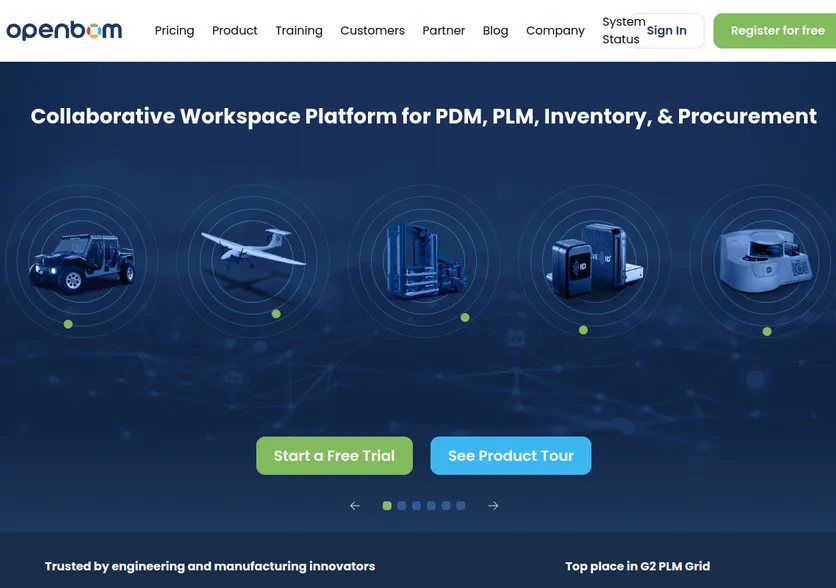
For a team that designs in SolidWorks, Fusion or Onshape and needs its bills of materials under control, this OpenBOM plan costs thirty dollars per seat a month billed annually, and it pulls part data straight from CAD into a live bill of materials. Its change tracking shows who changed a part and when, and vendors and stock levels sit beside each line. It is the cheapest proper bridge between CAD files and a PLM record here.
What we like
- Pulls part data straight from CAD files
- Change tracking shows who changed what and when
- Vendor and stock data sit beside each part
Watch out for
- Each CAD add-in is billed separately per system
- The free plan caps at two thousand data records
How to try it
- Install the CAD add-in for the design tool in use
- Import a design and generate its bill of materials
- Share the live BOM with purchasing and production
3. Autodesk Vault
Best for: Autodesk shops controlling Inventor files
Paid tool Starting price: $870/year · Eight hundred and seventy dollars per user a year on Professional; Office is two hundred and fifteen dollars a year; Basic is free with Inventor Professional, and full PLM capability comes from Autodesk Fusion Manage rather than Vault itself
Free plan: Basic free with Inventor Professional
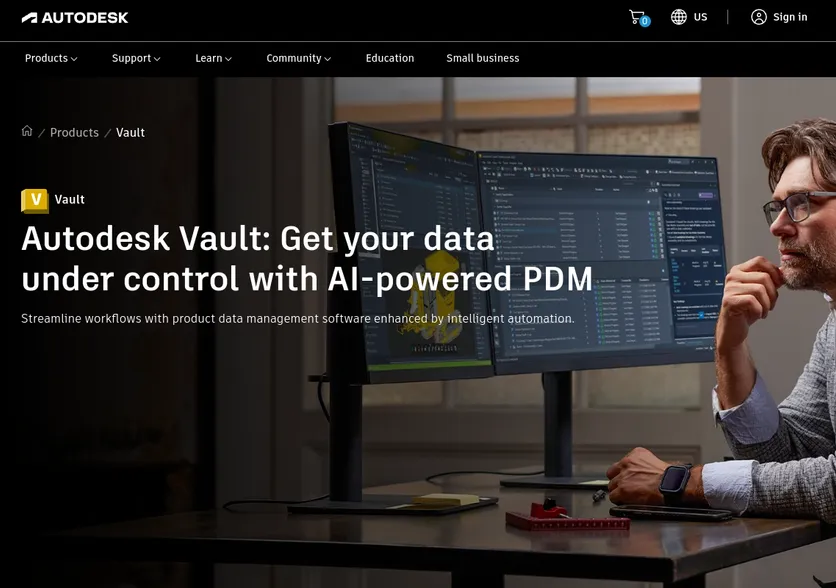
For a team that already designs in Inventor and needs its files controlled, this Autodesk Vault plan costs eight hundred and seventy dollars per user a year, and it versions every CAD file with check-in, check-out and revision history. Its lifecycle states move designs from work in progress to released without spreadsheets. It suits Autodesk shops that want data management beside the CAD they already own.
What we like
- Versions every CAD file with full revision history
- Lifecycle states move designs to released cleanly
- Deep integration with Inventor and AutoCAD
Watch out for
- PLM workflows need the separate Fusion Manage product
- Setup and administration take real effort
How to try it
- Install Vault and connect it to the Inventor install
- Check in the design library and set lifecycle states
- Train the team on check-in and check-out discipline
4. Autodesk Fusion Manage
Best for: Autodesk teams needing cloud PLM workflows
Paid tool Starting price: $1,115/year · About one thousand one hundred and fifteen dollars per user a year, from the Autodesk buy page; the figure is listed as an approximate price, so confirm it at checkout before buying
Free plan: No free plan; demo by request
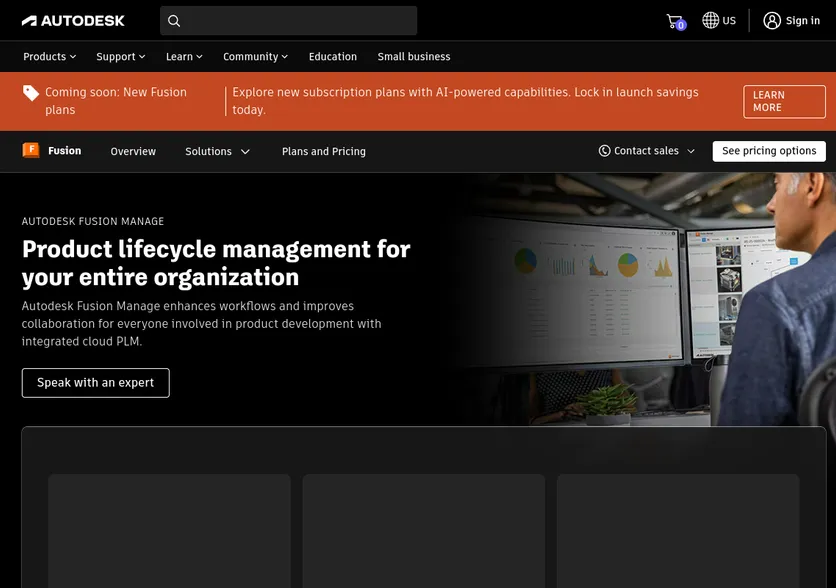
For a team that needs change orders, quality processes and bills of materials in the cloud, this Autodesk Fusion Manage plan costs about one thousand one hundred and fifteen dollars per user a year, and it runs the full PLM workflow from engineering change to release. Its configurable processes cover change, quality and supplier tasks in one place. It is the Autodesk route to real PLM for teams already on Vault or Inventor.
What we like
- Change, quality and supplier processes in one place
- Cloud access for teams across sites
- Configurable workflows fit most engineering processes
Watch out for
- The published price is approximate, not a fixed list figure
- Implementation takes time for complex processes
How to try it
- Map the current change process onto Fusion Manage workflows
- Import bills of materials from Vault or CAD
- Roll out release approvals to the engineering team
5. Aligni
Best for: Small manufacturers tying PLM to production
Paid tool Starting price: $187/month · One hundred and eighty-seven dollars a month flat on MRP Basic; MRP Pro is two hundred and forty dollars a month; the vendor also offers PLM plans, and the older seventy-nine dollar and ninety-nine cent figure in directories is stale
Free plan: 30-day free trial
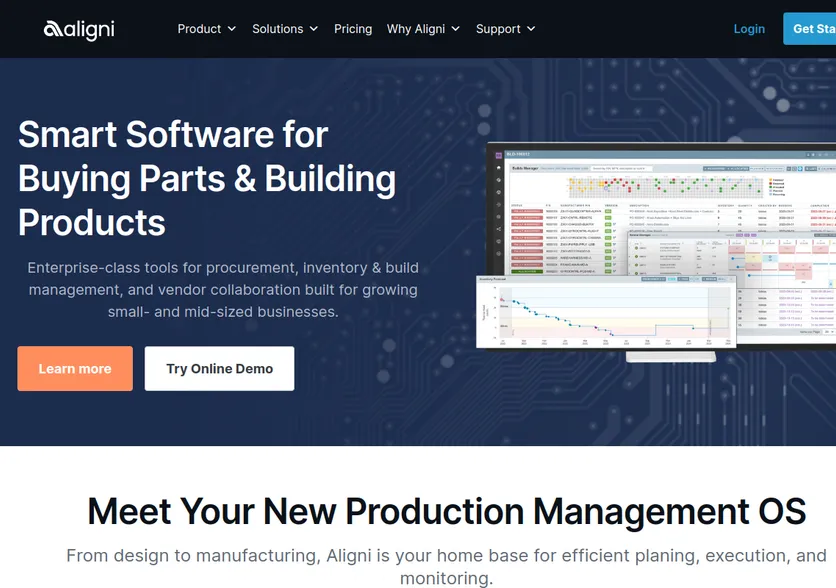
For a small manufacturer that needs MRP and PLM without enterprise pricing, this Aligni plan costs one hundred and eighty-seven dollars a month flat, and it ties parts, bills of materials and purchasing to production planning. Its flat price covers the whole team rather than charging per seat. It is the simplest fit here for a shop that outgrew spreadsheets but not its budget.
What we like
- Flat monthly price covers the whole team
- Parts, BOMs and purchasing in one system
- Free onboarding and data import included
Watch out for
- The published price covers MRP plans, not the full PLM tiers
- Smaller feature set than the enterprise PLM suites
How to try it
- Import the parts list and bills of materials
- Set up purchasing and production planning
- Invite the team and run the first production order
6. Siemens Teamcenter X
Best for: Companies standardising on Siemens PLM
Paid tool Starting price: $2,084/year · About two thousand and eighty-four dollars a year on Essentials, or about one hundred and sixty-five dollars per user a month, from Siemens pricing data; Standard, Advanced and Premium are quoted, and one November 2026 review says Siemens publishes no prices and quotes on request, so confirm the figure with Siemens before buying; each CAD user also needs a separate CAD integration add-on
Free plan: 30-day free trial
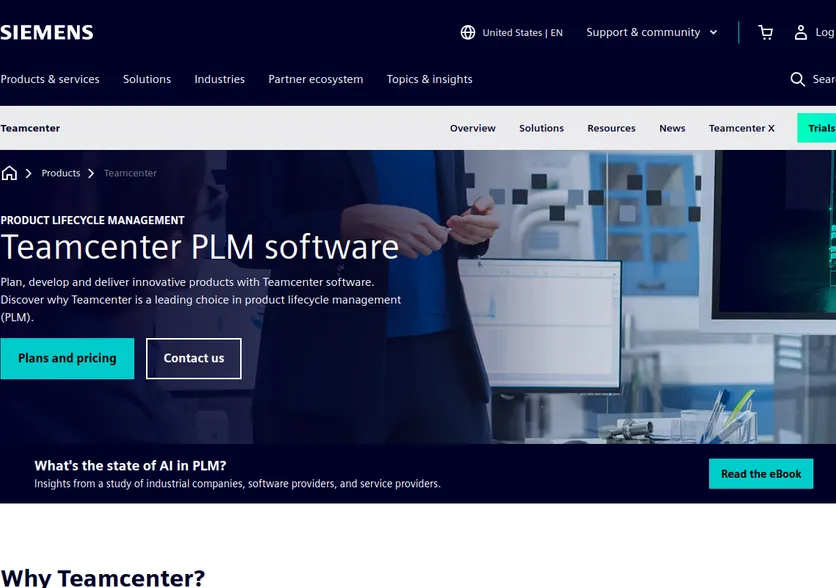
For a company that needs Siemens PLM without running its own servers, this Siemens Teamcenter X plan costs about two thousand and eighty-four dollars a year on Essentials, and it brings product data, change and bill of materials management into the cloud. Its Essentials tier covers the core PLM jobs for a smaller team. It is the enterprise-grade option here for companies standardising on Siemens.
What we like
- Full Siemens PLM without on-premise servers
- Essentials tier covers core PLM for smaller teams
- Thirty-day trial to test the cloud setup
Watch out for
- CAD integration add-ons are billed separately
- Higher tiers are quoted, so costs can climb fast
How to try it
- Start the thirty-day trial on the Essentials tier
- Import product data and bills of materials
- Add the CAD integration for each design tool in use
7. Ciiva
Best for: Electronics teams managing component BOMs
Paid tool Starting price: $20/user/month · Twenty dollars per user a month on Pro, or two hundred dollars per user a year; the free plan covers two users and up to ten thousand components with a single-level bill of materials, while Pro adds multi-level bills of materials and unlimited components
Free plan: Free plan (2 users, 10,000 components)
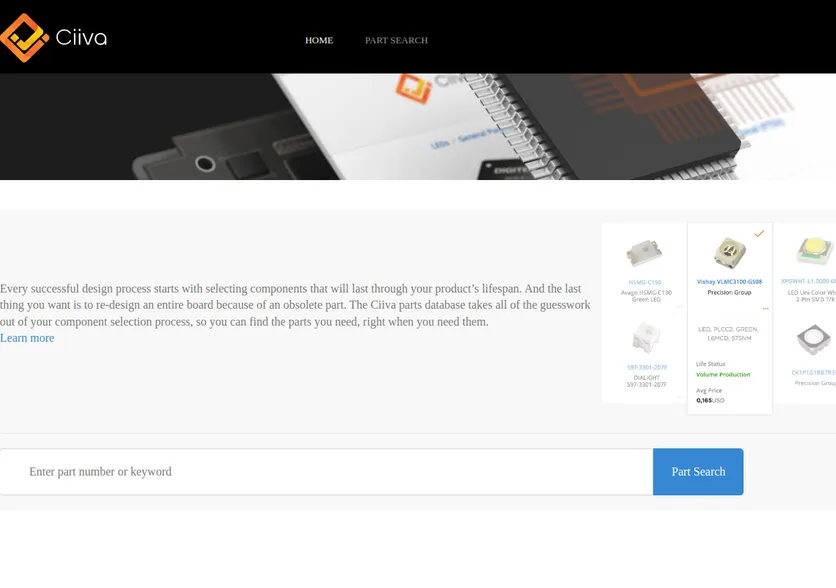
For a hardware team whose CAD data is mostly electronic parts, this Ciiva plan costs twenty dollars per user a month, and it manages electronic bills of materials with live distributor pricing and availability. Its change history shows who altered a component and when, which keeps the PLM record honest. It is the cheapest entry here for electronics teams that live in parts lists.
What we like
- Live distributor pricing beside every part
- Change history keeps the BOM record honest
- Free plan covers small teams with ten thousand components
Watch out for
- Focused on electronic parts, not mechanical assemblies
- No direct integration with mechanical CAD tools
How to try it
- Import the electronic bill of materials from CAD
- Link parts to distributor pricing and availability
- Share the live BOM with procurement and production
Prices above were checked on each vendor’s own website on Nov 28, 2026 and can change — the vendor’s page is the final word. Vendor links are editorial: nobody paid to be listed or ranked here. Vendors who want a featured listing can see how it works on our Get listed page.
How to connect CAD data to PLM without losing revisions
Start with one product and one CAD tool, because a pilot that works beats a company-wide rollout that stalls. Map the fields first: part numbers, revisions and lifecycle states must match between CAD and PLM or the sync will create duplicates. Agree who can release a design and who can change a released part, since PLM only helps when the rules are written down. Import the existing bills of materials, check them line by line, and only then switch the team over. Measure success by how few revisions go missing, not by how many files were moved.
Before you buy
- Confirm the tool connects to the CAD system the team actually designs in, not just the one on the brochure
- Check whether CAD integration is included or billed as a separate add-on per user
- Ask how revisions and lifecycle states move between CAD and PLM, and who approves a release
- Make sure the tool handles the team's bill of materials depth, including multi-level assemblies
- Test the sync on a real product before paying, including a revision change after release
Official websites
Official websites of the products reviewed above. Features and prices were checked against these sites when this guide was written, and they can change, so confirm on the vendor site before you buy.
Frequently asked questions
What is software for integrating CAD data into PLM?
It is software that moves design data from CAD tools into a product lifecycle management system, so bills of materials, revisions, change orders and release states stay in one place. Without it, engineering keeps CAD files in one system and the rest of the business works from spreadsheets that go stale. The tools here range from cloud CAD with PLM built in to add-ons that sync bills of materials from existing CAD files.
How much does Onshape cost?
Onshape costs one thousand five hundred dollars per user a year on Standard, or two thousand five hundred dollars per user a year on Professional. Enterprise is quoted. A free plan covers public documents for non-commercial use. Because Onshape is CAD and data management in one cloud app, it removes the need for a separate sync tool entirely.
Can I integrate CAD data into PLM for free?
Yes, at small scale. OpenBOM offers a free plan covering up to two thousand data records, Ciiva is free for two users and ten thousand components, and Onshape is free for public non-commercial documents. A free plan suits a pilot or a very small team. A production team with real revision control needs a paid plan, which starts at twenty dollars per user a month here.
Which tool is best for a small engineering team?
OpenBOM is the best value for a small team, at thirty dollars per seat a month billed annually, with CAD add-ins for the main design tools. Ciiva is the cheapest pick for electronics teams, at twenty dollars per user a month. Onshape is the best all-rounder if the team is willing to move its CAD into the cloud, since data management comes built in.
Why do most PLM tools not publish prices?
Enterprise PLM is usually sold by quote because the price depends on user counts, modules, CAD integrations and implementation work. Windchill, Teamcenter, ENOVIA, Aras, Propel, Duro and Arena PLM all work this way, which is why they are not in this list. The tools here publish list prices, so a team can budget before talking to sales.
Compare the seven tools above, then run a pilot on one product with the tool that fits the CAD system the team already uses, and check the revision history before rolling it out.
Browse Business Tools tools