
On this page
A software bill of materials is the ingredient list for your code — every library, every version, every license — and without one you cannot answer basic security questions about your own product. The eight tools below run from free generators to a twenty-five-dollar developer plan, and every price was checked on the vendor site on November 26, 2026. Most are free to start, so you can generate your first bill of materials before paying. Snyk is our first pick — a scanner that starts at twenty-five dollars a contributing developer a month and works from day one.
How we researched this
We started with the SBOM tools that development and security teams actually use, then read each price on the vendor pricing page on November 26, 2026 and noted the free plan or free tool each one carries. We judged them for a team that needs a bill of materials for every release without an enterprise budget. We kept only tools with a published price, and we dropped quote-only vendors like Anchore Enterprise, Mend and Black Duck because no list price could be verified.
Compare the tools
| Name | Best for | Starting price | Free plan | |
|---|---|---|---|---|
 Snyk | Teams that want vulnerability scanning and SBOM generation in one place | $25/contributing developer/month | Free plan available | Visit |
 FOSSA | Teams that need license compliance and SBOMs for open-source dependencies | $20/project/month | Free for up to 5 projects and 10 contributing developers | Visit |
 GitHub Code Security | Teams that build on GitHub and want security scanning where the code lives | $30/active committer/month | Free for public repositories | Visit |
 JFrog Xray | Teams that run a large artifact repository and need SBOMs across every build | $950/month | No free tier published on the pricing page | Visit |
 GitLab Ultimate | Teams that want security scanning, SBOMs and DevOps in a single platform | $99/user/month | Free plan available | Visit |
 Syft | Developers who want a free SBOM generator from the command line | $0 | Free and open source | Visit |
 Trivy | Teams that want a free scanner that also finds vulnerabilities | $0 | Free and open source | Visit |
 Dependency-Track | Teams that want a free dashboard to monitor SBOMs across many projects | $0 | Free and open source | Visit |
The software bill of materials SBOM tools, compared
1. Snyk
Best for: Teams that want vulnerability scanning and SBOM generation in one place
Paid tool Starting price: $25/contributing developer/month · Team plan, $25 a contributing developer a month; 5-developer minimum and 10-developer cap, $1,375 a year for 5 developers on annual billing
Free plan: Free plan available
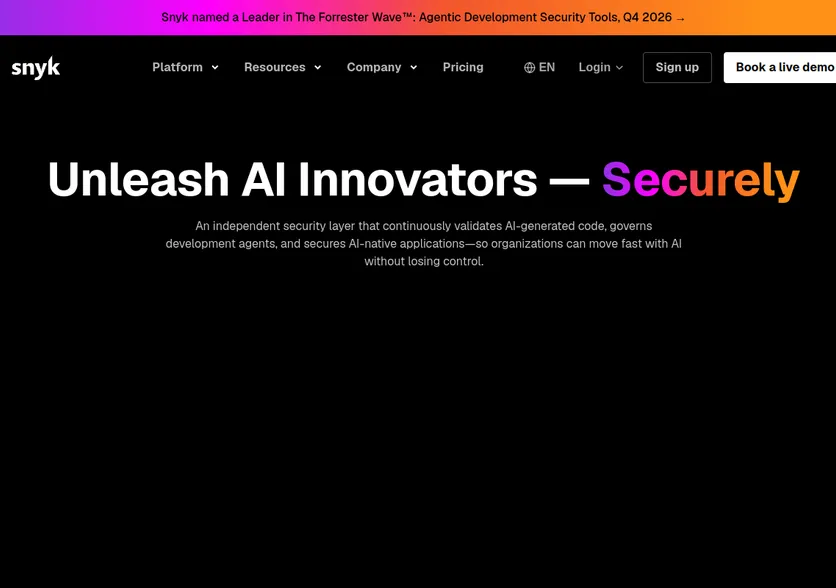
Snyk finds the vulnerable libraries hiding in your dependencies and writes the bill of materials that proves what your software contains. This Snyk Team plan scans code, containers and infrastructure as code, and generates a bill of materials for every build. A development team can catch a bad library before it ships and hand auditors a complete ingredient list on demand.
What we like
- Scans code, containers and infrastructure in one place
- Bill of materials generated for every build
- Fix advice included with each finding
Watch out for
- Team costs twenty-five dollars a contributing developer a month
- Team plan is capped at ten developers
How to try it
- Open the Snyk plans page and start a trial
- Connect your code repository and run the first scan
- Generate a bill of materials for your next release
2. FOSSA
Best for: Teams that need license compliance and SBOMs for open-source dependencies
Paid tool Starting price: $20/project/month · Business plan, $20 a project a month billed annually; free plan covers up to 5 projects and 10 contributing developers; Business is capped at 10 projects and 10 developers
Free plan: Free for up to 5 projects and 10 contributing developers
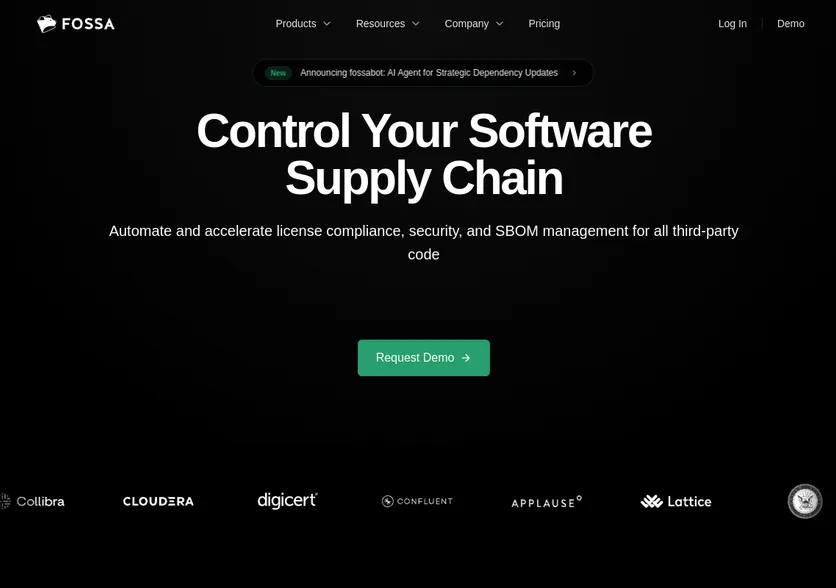
FOSSA watches the open-source licenses in your dependencies, so a stray copyleft license never reaches production unnoticed. This FOSSA Business plan scans dependencies, flags license risks and builds a bill of materials for each project. A team shipping software with hundreds of libraries can prove license compliance without reading every license by hand.
What we like
- License risk detection built in
- Bill of materials for every project
- Free plan covers up to five projects
Watch out for
- Business costs twenty dollars a project a month billed annually
- Business plan is capped at ten projects
How to try it
- Open the FOSSA site and start a trial
- Connect your repository and run the first license scan
- Review the flagged licenses and export the bill of materials
3. GitHub Code Security
Best for: Teams that build on GitHub and want security scanning where the code lives
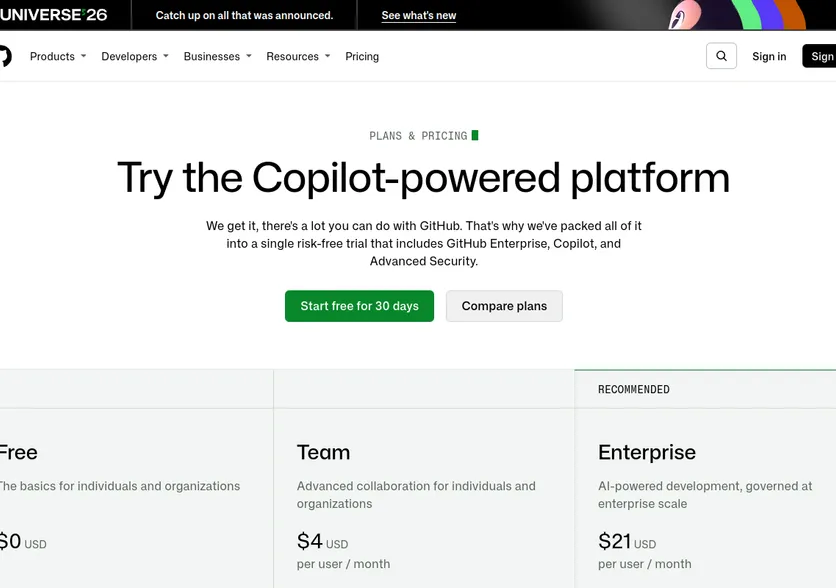
Paid tool Starting price: $30/active committer/month · GitHub Code Security, $30 an active committer a month; Secret Protection $19; both together $49
Free plan: Free for public repositories
GitHub Code Security puts vulnerability scanning and SBOM generation inside the repository itself, so security findings show up next to the code that caused them. This GitHub Code Security plan adds secret scanning, code scanning and dependency review to the GitHub workflow your team already uses. A team can fix a vulnerable dependency in the same pull request that introduced it instead of filing a ticket.
What we like
- Scanning lives inside the repository
- Secret scanning catches leaked credentials
- Dependency review blocks risky pull requests
Watch out for
- Code Security costs thirty dollars an active committer a month
- Secret Protection is a separate nineteen-dollar plan
How to try it
- Open the GitHub pricing page and enable Code Security
- Turn on secret scanning and dependency review
- Review the first findings and fix them in a pull request
4. JFrog Xray
Best for: Teams that run a large artifact repository and need SBOMs across every build
Paid tool Starting price: $950/month · SaaS Enterprise X, $950 a month, the first SaaS tier that includes Xray; self-managed Pro X starts at $27,000 a year; SaaS Pro at $150 a month does not include Xray
Free plan: No free tier published on the pricing page
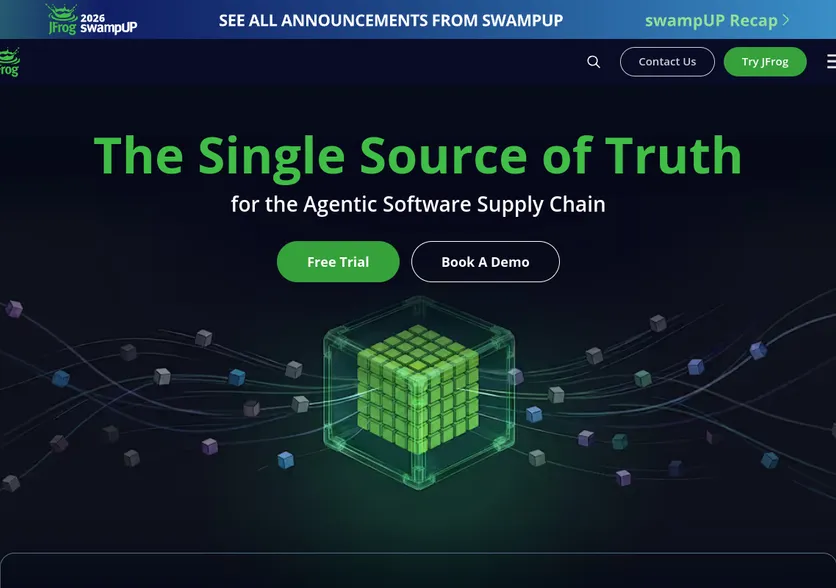
JFrog Xray scans the artifacts in your repository for vulnerabilities and licenses, then builds a bill of materials that follows each release. This JFrog Xray SaaS Enterprise X plan covers binary scanning, license compliance and SBOM export across your whole pipeline. A platform team can prove every artifact in production is clean without slowing the release train.
What we like
- Scans binaries, not just source code
- SBOM export across the whole pipeline
- License compliance built into the scan
Watch out for
- Enterprise X costs nine hundred and fifty dollars a month
- The cheaper SaaS Pro plan does not include Xray
How to try it
- Open the JFrog site and review the pricing page
- Set up an artifact repository and enable Xray scanning
- Export a bill of materials for your next release
5. GitLab Ultimate
Best for: Teams that want security scanning, SBOMs and DevOps in a single platform
Paid tool Starting price: $99/user/month · Ultimate plan, $99 a user a month billed annually; Premium $29; includes SAST, DAST, dependency scanning and SBOM
Free plan: Free plan available
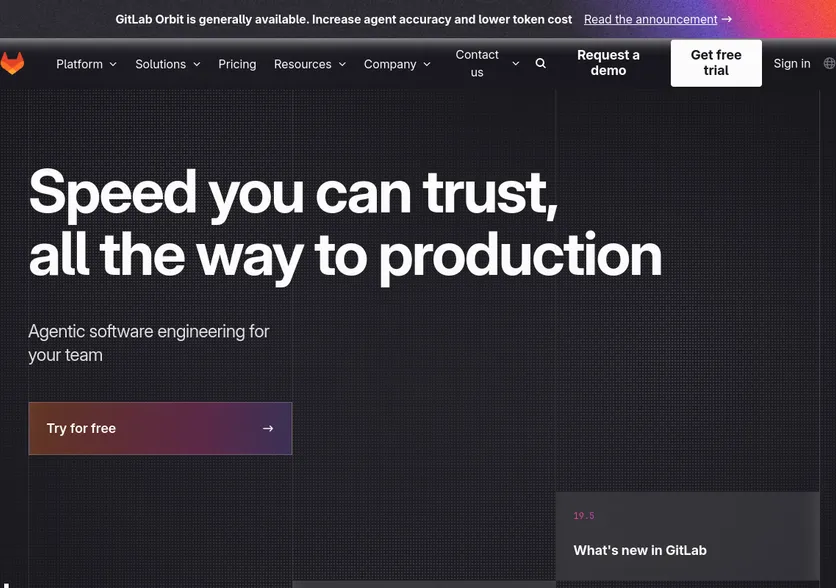
GitLab Ultimate turns the DevOps platform into a security platform, with scanning and SBOM generation built into the pipeline itself. This GitLab Ultimate plan adds static and dynamic analysis, dependency scanning and SBOM export to the GitLab workflow your team already uses. A team can ship code and security evidence together, with every merge request carrying its own bill of materials.
What we like
- Scanning built into the DevOps pipeline
- SBOM export on every pipeline run
- Covers static, dynamic and dependency scanning
Watch out for
- Ultimate costs ninety-nine dollars a user a month billed annually
- Overkill for teams that only need an SBOM
How to try it
- Open the GitLab site and review the pricing page
- Enable dependency scanning in your pipeline
- Export the bill of materials from a pipeline run
6. Syft
Best for: Developers who want a free SBOM generator from the command line
Paid tool Starting price: $0 · Free and open source under the Apache 2.0 license; maintained by Anchore
Free plan: Free and open source
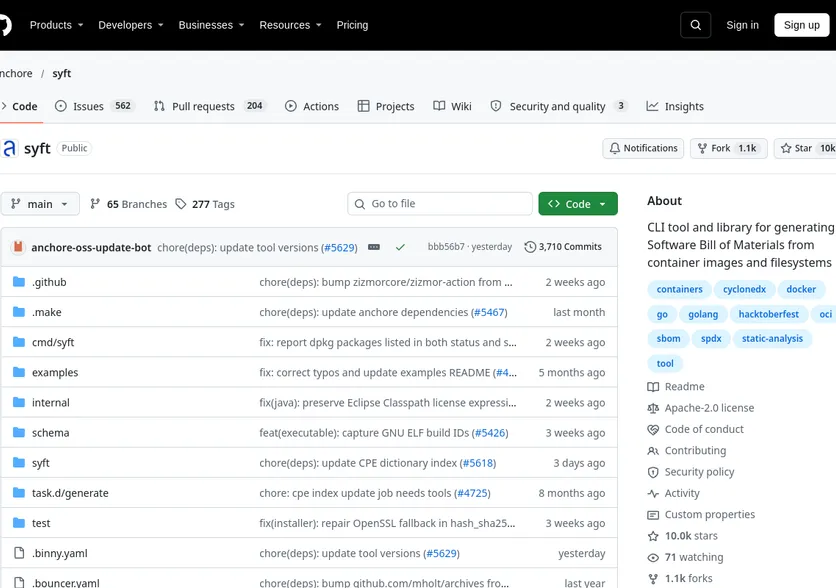
Syft is the free tool that started the modern SBOM habit, turning a container image or a directory into a complete bill of materials in seconds. This Syft open-source project scans images, filesystems and archives, and writes the result in the standard formats auditors expect. A developer can generate an SBOM for any build without paying for a platform or waiting for a sales call.
What we like
- Free and open source under Apache 2.0
- Runs from the command line in seconds
- Output in standard SBOM formats
Watch out for
- No hosted dashboard or team features
- You handle scanning and storage yourself
How to try it
- Open the Syft repository and install the tool
- Point Syft at a container image or a directory
- Export the bill of materials in your preferred format
7. Trivy
Best for: Teams that want a free scanner that also finds vulnerabilities
Paid tool Starting price: $0 · Free and open source under the Apache 2.0 license; maintained by Aqua Security
Free plan: Free and open source
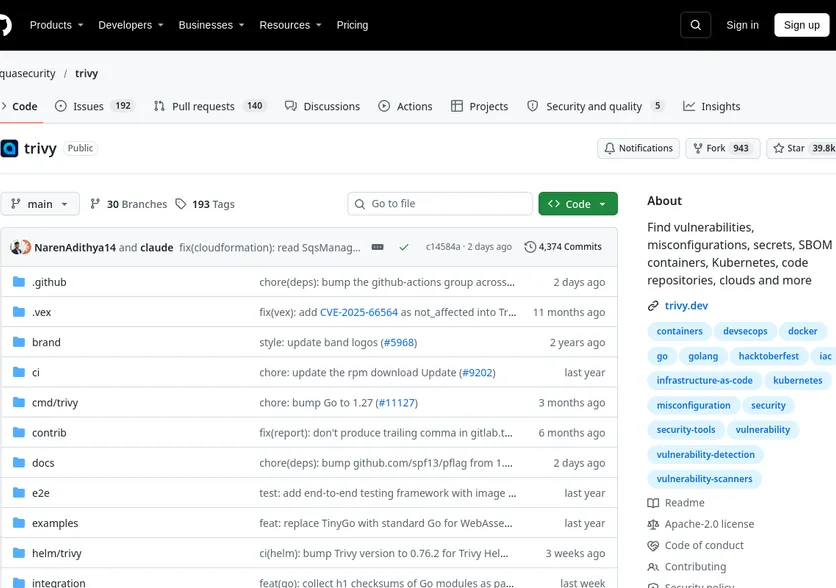
Trivy does double duty, generating a bill of materials and scanning it for known vulnerabilities in the same run. This Trivy open-source project scans container images, filesystems and code repositories, and reports the risky libraries it finds. A team can add SBOM generation and vulnerability scanning to a pipeline with one free tool and no vendor lock-in.
What we like
- Free and open source under Apache 2.0
- SBOM generation plus vulnerability scanning
- Scans images, filesystems and repositories
Watch out for
- No hosted dashboard or team features
- Vulnerability database needs regular updates
How to try it
- Open the Trivy repository and install the tool
- Scan a container image and review the findings
- Add Trivy to your pipeline to generate an SBOM on every build
8. Dependency-Track
Best for: Teams that want a free dashboard to monitor SBOMs across many projects
Paid tool Starting price: $0 · Free and open source OWASP project under the Apache 2.0 license; the vendor site lists the price as zero dollars
Free plan: Free and open source
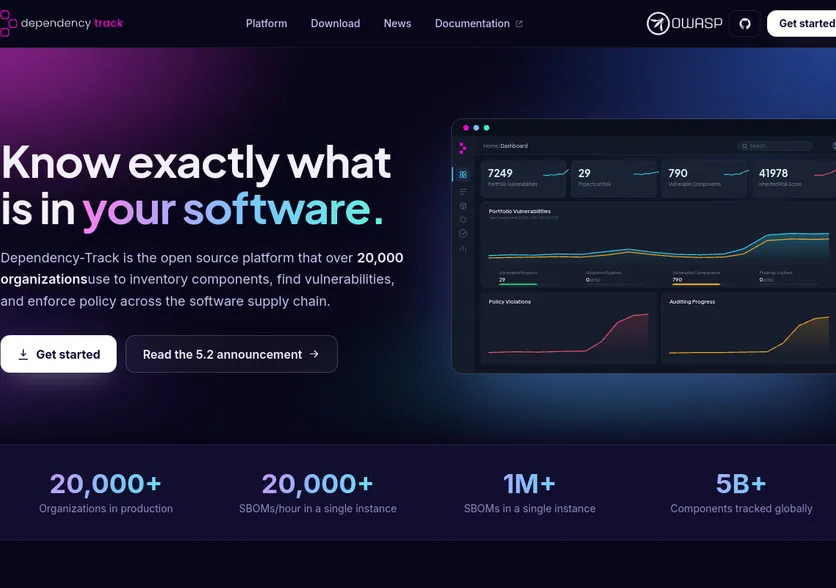
Dependency-Track is the free dashboard for teams that generate SBOMs everywhere and need one place to watch them. This Dependency-Track open-source project ingests bills of materials from every project, tracks vulnerabilities over time and alerts you when a new risk appears. A security team can monitor hundreds of projects from a single screen without paying for a commercial platform.
What we like
- Free and open source under Apache 2.0
- One dashboard for every project SBOM
- Alerts when new vulnerabilities appear
Watch out for
- Self-hosted, so you run the server yourself
- Needs SBOMs from another generator
How to try it
- Open the Dependency-Track site and download the tool
- Upload a bill of materials from your first project
- Set up alerts for new vulnerabilities in your components
Prices above were checked on each vendor’s own website on Nov 26, 2026 and can change — the vendor’s page is the final word. Vendor links are editorial: nobody paid to be listed or ranked here. Vendors who want a featured listing can see how it works on our Get listed page.
What SBOM tools cost in 2026
Most SBOM tools are either free or priced per developer, so a small team can start with a free generator and pay only when it needs a dashboard and policy checks. This list runs from free open-source tools like Syft, Trivy and Dependency-Track to twenty-five dollars a contributing developer a month for Snyk and thirty dollars an active committer a month for GitHub Code Security. The headline plan each vendor shows on its own pricing page is the number in the table above, checked on November 26, 2026.
Start with Syft or Trivy on one project and generate a bill of materials for your next release. Compare the findings with a trial of Snyk or GitHub Code Security, then pick the tool that fits how your team ships. A free generator that runs on every build beats an expensive platform that nobody opens.
Before you buy
- Count the developers first, because most paid plans charge per developer and a team feels every extra seat.
- Check which SBOM formats the tool exports, because auditors expect standard formats, not a vendor-only file.
- Test the tool on your own codebase first, because a demo repository never shows how it handles your dependencies.
- Ask whether you need scanning or just generation: Syft and Trivy generate SBOMs, while Snyk and GitHub Code Security also find vulnerabilities.
- Add up the projects, because a per-project price like FOSSA can cost more than a per-developer price on a large codebase.
Official websites
Official websites of the products reviewed above. Features and prices were checked against these sites when this guide was written, and they can change, so confirm on the vendor site before you buy.
Frequently asked questions
What is the best SBOM tool in 2026?
Snyk Team, at twenty-five dollars a contributing developer a month, is the safest default because it scans code and containers and generates a bill of materials for every build. GitHub Code Security is better for teams that build on GitHub, at thirty dollars an active committer a month. Syft wins when budget is zero, since it generates standard SBOMs free from the command line.
What is the cheapest SBOM tool?
Syft, Trivy and Dependency-Track all cost nothing, since they are free and open-source tools under the Apache 2.0 license. Syft generates SBOMs, Trivy adds vulnerability scanning, and Dependency-Track monitors SBOMs across projects. FOSSA is the cheapest paid option, at twenty dollars a project a month billed annually with a free plan for up to five projects.
Can I generate an SBOM for free?
Yes, easily. Syft turns a container image or a directory into a bill of materials in seconds, and Trivy does the same while scanning for vulnerabilities. Dependency-Track gives you a free dashboard to watch SBOMs across projects. Start with Syft on one project, export the bill of materials, and add a paid scanner only when you need policy checks.
Do I need an SBOM for my software?
If you sell software or ship it to regulated customers, yes. A bill of materials lists every library and version in your product, so you can answer security questions and patch a vulnerable dependency fast. Many buyers now ask for an SBOM before signing, and a free generator like Syft makes the first one easy. Paid tools add scanning and compliance reporting on top.
Which SBOM tool is best for open-source license compliance?
FOSSA is the strongest pick for license compliance, because it scans dependencies, flags risky licenses and builds a bill of materials for each project. Snyk also tracks licenses alongside vulnerabilities, at twenty-five dollars a contributing developer a month. If you only need the bill of materials itself, Syft generates it free and you can review the licenses by hand.
Need everyday security help too? Try Toolsvine's free security tools for small teams right in your browser.
Browse Security & Privacy tools


