On this page
Shared desks only work when booking is easy, because a desk that nobody can find or reserve is just an empty chair. The seven tools below cover that job for offices of every size, from a two-dollar-a-user app for a small team to a platform that runs hundreds of spaces. Skedda leads because per-space pricing with unlimited users costs two hundred and forty-nine dollars a month in the United States, and the rest are ranked on how fairly the price matches the office.
How we researched this
We checked every price on the vendor pricing page on November 28, 2026, and only included tools with a published US dollar list price. Robin, Condeco, OfficeSpace, iOFFICE and AgilQuest publish no prices, so they are not in this list. Prices change, so confirm the current figure on the vendor site before you buy.
Compare the tools
| Name | Best for | Starting price | Free plan | |
|---|---|---|---|---|
 Skedda | Offices that price booking by the space | $249/month | No free plan; free trial | Visit |
| YAROOMS | Small offices that want one flat monthly price | $99/month | No free plan; 14-day free trial | Visit |
| Envoy Desks | Offices that need visitor management with desks | $2/user/month | No free plan; free trial | Visit |
| Kadence | Hybrid teams that plan in-office days in Teams | $4/user/month | No free plan; free trial | Visit |
| deskbird | European teams that want simple per-user pricing | $3.75/active user/month | No free plan; demo on request | Visit |
| Officely | Teams-first offices with hundreds of spaces | $2/space/month | No free plan; free trial | Visit |
| OfficeRnD Workplace | Hybrid offices with more staff than desks | $99/month | No free plan; free trial | Visit |
The software for managing shared desks, compared
1. Skedda
Best for: Offices that price booking by the space
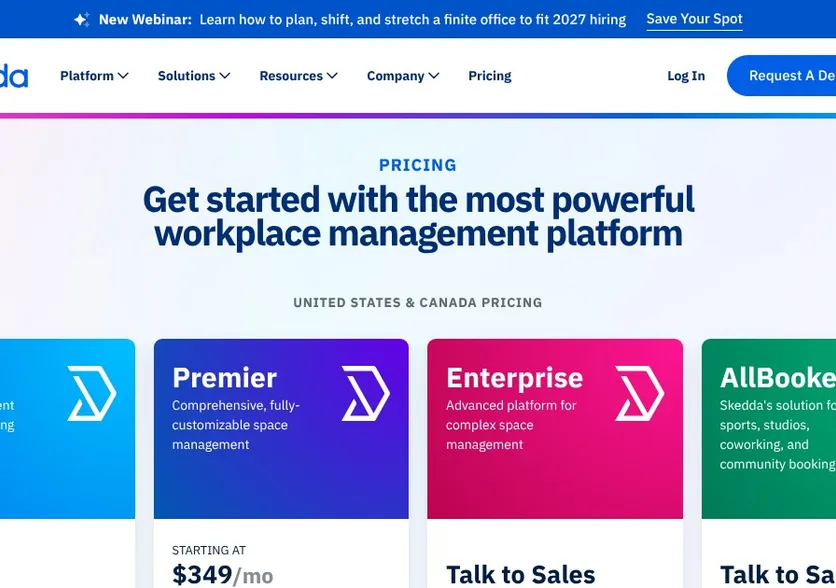
Paid tool Starting price: $249/month · Two hundred and forty-nine dollars a month billed annually on Plus in the United States and Canada, covering thirty-five spaces; the ninety-nine-dollar Starter plan is sold only in Europe, the Middle East and Asia Pacific; Premier is three hundred and forty-nine dollars
Free plan: No free plan; free trial
An office that wants to pay for desks rather than people finds its match here, because this Skedda plan costs two hundred and forty-nine dollars a month billed annually on Plus in the United States and Canada, covering thirty-five spaces. Interactive floor plans, booking rules and unlimited users come on every tier, and the two-way Microsoft 365 sync keeps rooms in step. It is the best overall pick in this list for an office that books desks and rooms by the space.
What we like
- Per-space pricing with unlimited users included
- Interactive floor plans on every plan
- Two-way sync with Microsoft 365 rooms
Watch out for
- The ninety-nine-dollar Starter plan is not sold in the US
- Visitor management costs extra as a ninety-nine-dollar add-on
How to try it
- Draw the floor plan and mark the bookable spaces
- Set booking rules for who can book what and when
- Connect Microsoft 365 so rooms sync both ways
2. YAROOMS
Best for: Small offices that want one flat monthly price
Paid tool Starting price: $99/month · Ninety-nine dollars a month on Starter for ten to twenty users at one location, with twenty bookable spaces; Business is three hundred and ninety-nine dollars and Enterprise eight hundred and ninety-nine dollars; annual billing saves twenty percent; visitor management is a ninety-nine-dollar add-on
Free plan: No free plan; 14-day free trial
A small office that wants one flat number for desk and room booking finds it here, because this YAROOMS plan costs ninety-nine dollars a month on Starter for ten to twenty users at one location. Desk booking, room booking, floor plans and a visitor log share one dashboard, and no per-user meter runs in the background. It is the simplest buy in this list for an office that just wants people to stop double-booking the same desk.
What we like
- One flat price with no per-user meter
- Desk and room booking in one dashboard
- Auto-release frees no-show rooms on every plan
Watch out for
- Starter tops out at twenty users, so growing offices move up fast
- Visitor management costs extra per location
How to try it
- Set up the office map with desks and rooms
- Invite the team and set the booking rules
- Open the room displays for the meeting rooms
3. Envoy Desks
Best for: Offices that need visitor management with desks
Paid tool Starting price: $2/user/month · Two dollars per user a month; desk booking sits inside Envoy's wider workplace and visitor platform, so the full suite costs more; one comparison lists five dollars per resource, which conflicts with the two-dollar figure
Free plan: No free plan; free trial
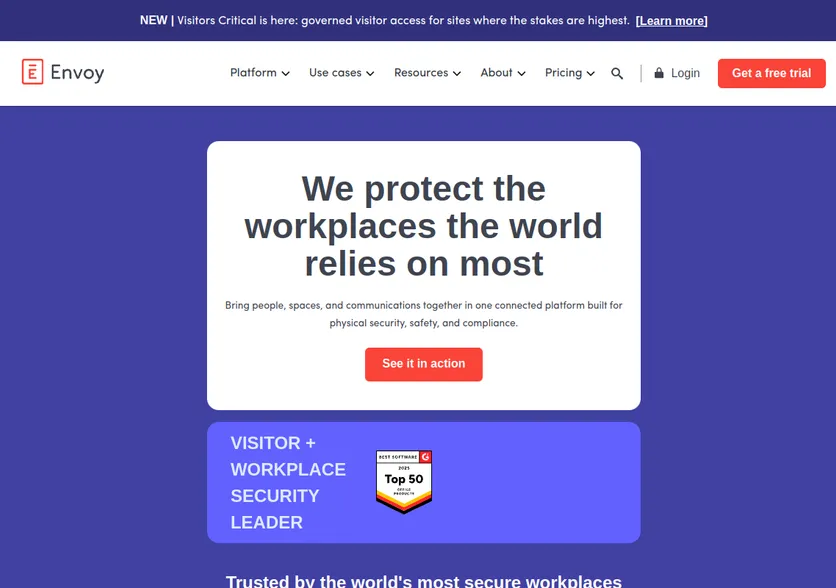
An office that greets visitors as often as it books desks gets both jobs here, because this Envoy Desks plan costs two dollars per user a month. Desk booking sits inside Envoy's wider workplace and visitor platform, so sign-in, host alerts and emergency lists come in the same system. It is the best value in this list for a team that cares about the front door as much as the desk plan.
What we like
- Cheapest entry price in this list
- Visitor management and desks in one platform
- Emergency lists and host alerts built in
Watch out for
- Desk booking is one piece of a wider suite
- The full platform costs more than the headline rate
How to try it
- Set up the office and its desks in Envoy
- Connect visitor sign-in to the desk booking flow
- Publish the desk map so staff can book from the app
4. Kadence
Best for: Hybrid teams that plan in-office days in Teams
Paid tool Starting price: $4/user/month · Four dollars per user a month on Standard, as listed by Kadence on G2; the vendor site routes pricing through sales, so confirm by quote; Enterprise is quoted; only users who actually book are billed
Free plan: No free plan; free trial
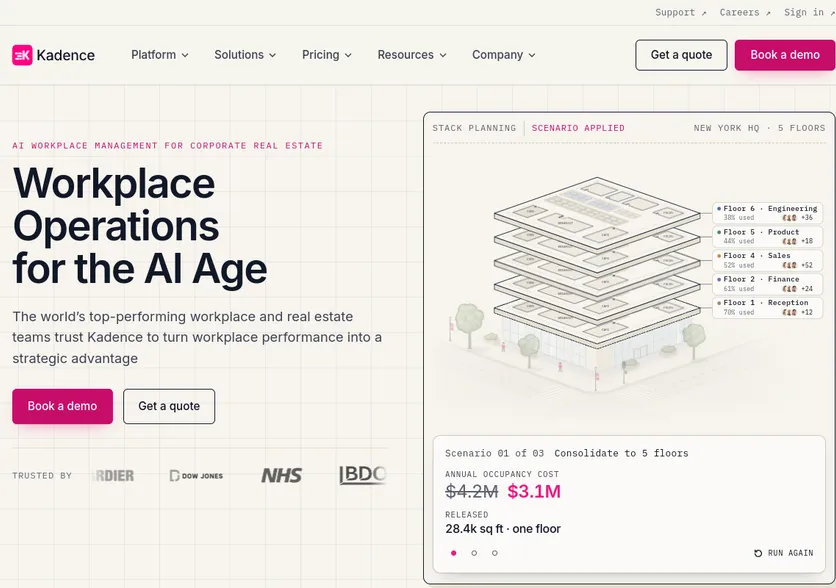
A hybrid team that plans its office days inside Microsoft Teams finds its fit here, because this Kadence plan costs four dollars per user a month on Standard. Interactive maps show team neighbourhoods, an employee locator shows who is in, and desk and room booking tie into the same in-office schedule. It is the best pick in this list for a team that coordinates office days rather than just booking desks.
What we like
- Team neighbourhoods and an employee locator
- Booking works inside Microsoft Teams
- Only users who actually book are billed
Watch out for
- The price comes from a vendor-reported listing, not a pricing page
- Reporting is the most-cited weakness in user reviews
How to try it
- Connect Kadence to Microsoft Teams
- Set up team neighbourhoods on the office map
- Ask the team to mark their in-office days
5. deskbird
Best for: European teams that want simple per-user pricing
Paid tool Starting price: $3.75/active user/month · Three dollars and seventy-five cents per active user a month billed annually on Business ($4.75 month to month), with a twenty-five-licence minimum; Professional and Enterprise are quoted
Free plan: No free plan; demo on request
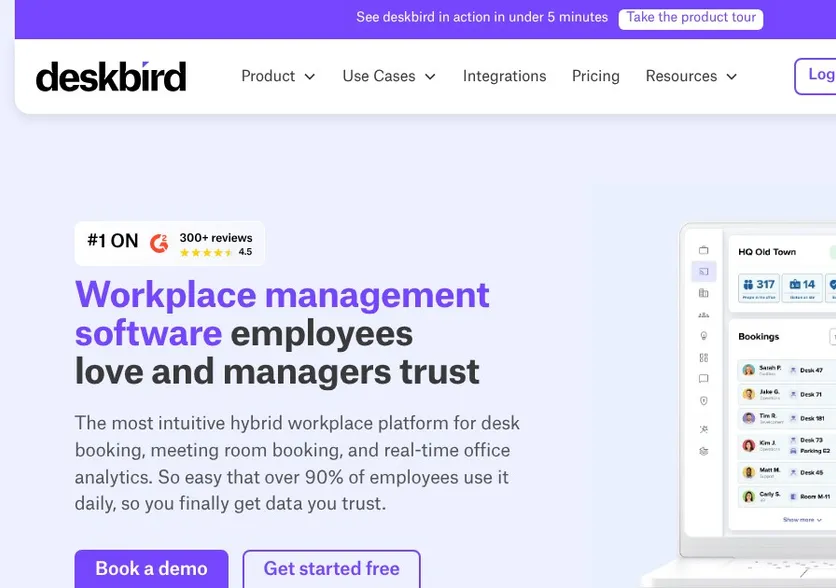
A team that wants one clear per-user price for desks, rooms and parking finds it here, because this deskbird plan costs three dollars and seventy-five cents per active user a month billed annually on Business. The mobile app, Teams app and Outlook add-in all book the same desks, and check-in with auto-release keeps the map honest. It is the most transparent per-user buy in this list for a team of twenty-five or more.
What we like
- One clear price per active user
- Desks, rooms and parking in one app
- Built and hosted in Europe with strong compliance
Watch out for
- A twenty-five-licence minimum shuts out small teams
- Visitor management needs a paid add-on
How to try it
- Import the team and set the office floor plan
- Book the first desks from the mobile app
- Turn on check-in and auto-release for no-shows
6. Officely
Best for: Teams-first offices with hundreds of spaces
Paid tool Starting price: $2/space/month · Two dollars per bookable space a month billed annually ($2.50 month to month), with a five-hundred-dollar monthly minimum; every feature is included and there are no per-user fees; one listing shows a one-thousand-dollar minimum, which looks stale
Free plan: No free plan; free trial
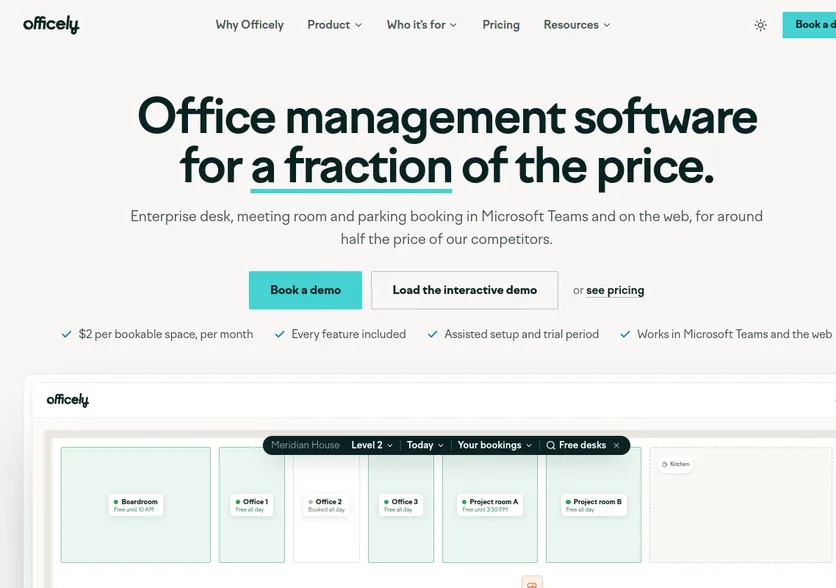
A Microsoft Teams office with hundreds of desks, rooms and parking spaces gets the simplest maths here, because this Officely plan costs two dollars per bookable space a month billed annually. Every feature is included in the one plan, everyone who books is free, and the bill follows spaces rather than headcount. It is the best pick in this list for a large office that wants one price and no tiers.
What we like
- One plan with every feature included
- No per-user fees, so hiring never raises the bill
- Booking works in Microsoft Teams and on the web
Watch out for
- The five-hundred-dollar minimum suits larger offices best
- Reporting centres on attendance, not deeper analytics
How to try it
- Count the desks, rooms and parking spaces to price
- Set up booking rules in Microsoft Teams
- Open the web app for staff who do not use Teams
7. OfficeRnD Workplace
Best for: Hybrid offices with more staff than desks
Paid tool Starting price: $99/month · Ninety-nine dollars a month billed annually on Start, for up to one hundred and fifty users, plus two dollars per bookable resource and eight dollars per meeting room a month; Professional is three hundred and ninety-nine dollars and Enterprise is quoted; some plans bill in euros
Free plan: No free plan; free trial
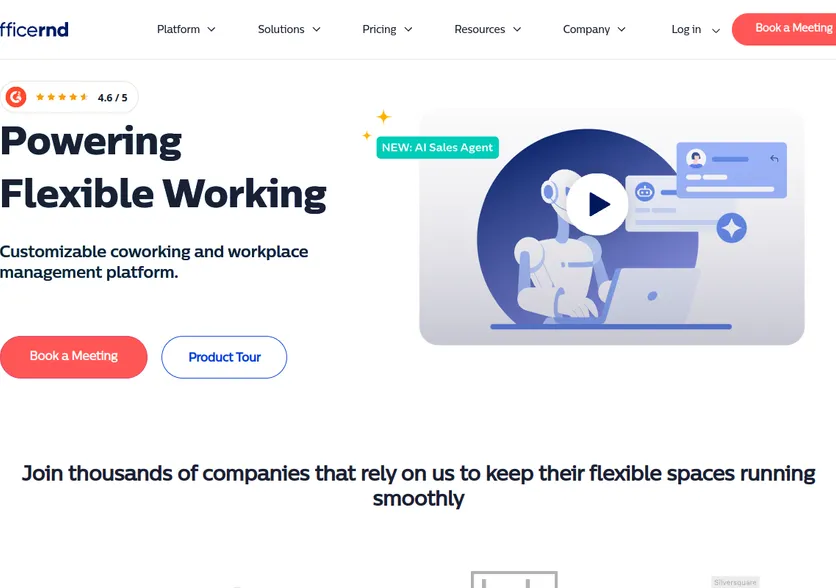
An office with far more staff than desks gets the fairest bill here, because this OfficeRnD Workplace plan costs ninety-nine dollars a month billed annually on Start, for up to one hundred and fifty users. Desks cost about two dollars each and meeting rooms about eight dollars a month behind that minimum, so the bill follows the office rather than the headcount. It is the best pick in this list for a hybrid office where only half the staff comes in on any given day.
What we like
- Bill follows desks and rooms, not headcount
- Up to one hundred and fifty users on the entry plan
- Bookings work from Teams, Outlook, Google and Slack
Watch out for
- A room-heavy office pays well above the ninety-nine-dollar base
- Visitor management is a paid add-on
How to try it
- Count the desks and meeting rooms to price
- Set up the floor plan and booking rules
- Connect Teams, Outlook or Slack for bookings
Prices above were checked on each vendor’s own website on Nov 28, 2026 and can change — the vendor’s page is the final word. Vendor links are editorial: nobody paid to be listed or ranked here. Vendors who want a featured listing can see how it works on our Get listed page.
How to make hot-desking work without daily arguments
Publish the desk map where everyone can see it, because most booking arguments start with a desk nobody knew was taken. Set clear rules for who can book what and how far ahead, and let check-in with auto-release free the desks that no-shows leave empty. Keep one channel for booking problems, so a broken QR code or a double booking gets fixed the same day. Finally, review the usage data every month, since a map full of empty desks usually means the rules, not the staff, need changing. And keep the map honest: a desk marked free that is really taken is worse than no map at all.
Before you buy
- Confirm the billing unit: per user, per space, per resource or flat monthly
- Check whether rooms, parking and visitors are included or paid add-ons
- Ask if check-in and auto-release free no-show desks automatically
- Make sure the tool syncs with the calendars the team already uses
- Test the booking flow on a phone with real staff before paying
Official websites
Official websites of the products reviewed above. Features and prices were checked against these sites when this guide was written, and they can change, so confirm on the vendor site before you buy.
Frequently asked questions
What is the best software for managing shared desks?
Skedda is the best pick, because per-space pricing with unlimited users suits offices that book by the space, and Plus costs two hundred and forty-nine dollars a month billed annually in the United States. Envoy Desks is the best value at two dollars a user a month, and deskbird suits teams that want one clear per-user price at three dollars and seventy-five cents an active user a month. The right choice depends on whether the office counts people or spaces.
How much does shared desk software cost?
Prices in this list run from two dollars a user a month for Envoy Desks to two hundred and forty-nine dollars a month for Skedda Plus. YAROOMS Starter and OfficeRnD Start both cost ninety-nine dollars a month, deskbird Business is three dollars and seventy-five cents an active user a month, and Officely is two dollars a space a month with a five-hundred-dollar minimum. Count the real cost at the office's actual size before comparing.
Is there free shared desk software?
No, none of the seven tools in this list offers a free plan. Skedda, Envoy Desks, Kadence, Officely and OfficeRnD offer free trials, YAROOMS offers a fourteen-day trial, and deskbird offers a demo on request. Trials cover a real office test, but a team that wants a permanent free tier will need to look outside this list. Budget for a subscription from the start.
Can these tools book meeting rooms too?
Yes, most tools in this list book meeting rooms as well as desks, including Skedda, YAROOMS, deskbird, Officely and OfficeRnD. Kadence covers rooms too, and Envoy Desks sits inside a wider workplace platform that covers rooms. Check whether rooms cost extra: on OfficeRnD, meeting rooms cost about eight dollars a month each, while on Skedda they count as spaces inside the plan.
Should I choose per-user or per-space pricing?
Pick the billing unit that matches the office: per-user pricing suits offices where most staff come in most days, while per-space pricing suits offices with far more staff than desks. Count the real monthly cost at the office's actual desks, rooms and users, including minimums and add-ons. Test the booking flow on a phone with real staff, and confirm the calendar sync works with the system the team already uses.
Compare the seven tools above, then start with a free trial or demo on the one that matches the office size and billing model before paying for a full year.
Browse Business Tools tools