
On this page
Running a small business means sales, books, payroll and clients all at once, so the software has to cover more than one job. The seven tools below run from fifteen dollars a month to forty-nine dollars a month plus six dollars per person, and every price was checked on the vendor site on November 27, 2026. Some bundle everything, others do one job well, so match the tool to the gap. Zoho One is our first pick — the most complete bundle for a small business.
How we researched this
We started with the small business tools owners actually buy, then read each price on the vendor pricing page on November 27, 2026 and noted the free trial each plan carries. We judged them for an owner who needs sales, books and payroll without a sales call, and we kept only tools with a published list price. We left out enterprise suites that sell by quote, because a small business cannot budget for a price it cannot see.
Compare the tools
| Name | Best for | Starting price | Free plan | |
|---|---|---|---|---|
 Zoho One | Owners that want CRM, books, HR and support under one invoice | $37/employee/month | 30-day free trial | Visit |
 HoneyBook | Creative and service businesses that run proposals, contracts and payments in one flow | $29/month | No free plan; 30-day free trial | Visit |
 QuickBooks Online | Owners that work with a bookkeeper and want the accounting standard | $38/month | Free plan available | Visit |
 Xero | Teams that share the books and want no per-user fees | $27/month | No free plan; 30-day free trial | Visit |
 FreshBooks | Freelancers and service businesses that bill clients for hours and projects | $23/month | No free plan; 30-day free trial | Visit |
 Gusto | Owners that want full-service payroll with tax filing and benefits | $49/month + $6/person | Free until your first payroll run | Visit |
 Zoho Books | Owners that want the cheapest paid accounting with bank feeds | $15/month | Free plan for revenue under $50,000 a year; 1 user plus 1 accountant | Visit |
The software for running a small business, compared
1. Zoho One
Best for: Owners that want CRM, books, HR and support under one invoice
Paid tool Starting price: $37/employee/month · All-Employee, thirty-seven dollars per employee a month billed annually; forty-five dollars billed monthly
Free plan: 30-day free trial
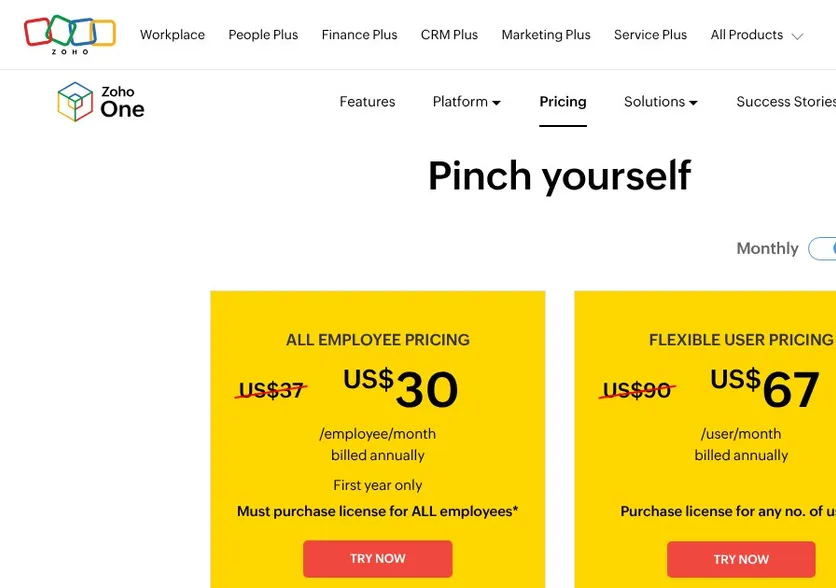
Zoho One is the bundle pick here, packing more than forty-five apps for CRM, books, HR and support under one invoice. This Zoho One All-Employee plan costs thirty-seven dollars per employee a month billed annually, or forty-five dollars billed monthly. An owner that wants one login for everything gets CRM, Books, Desk and People in one place, though All-Employee pricing needs a license for every person on payroll.
What we like
- More than forty-five apps under one invoice
- CRM, Books, Desk and People in one place
- One login for the whole business
Watch out for
- All-Employee pricing needs a license for every person on payroll
- Flexible User costs ninety dollars a user a month
How to try it
- Open the Zoho One pricing page and start the thirty-day trial
- Turn on CRM and Books for your team
- Compare the All-Employee and Flexible User models before you buy
2. HoneyBook
Best for: Creative and service businesses that run proposals, contracts and payments in one flow
Paid tool Starting price: $29/month · Starter, twenty-nine dollars a month billed annually; thirty-six dollars billed monthly
Free plan: No free plan; 30-day free trial
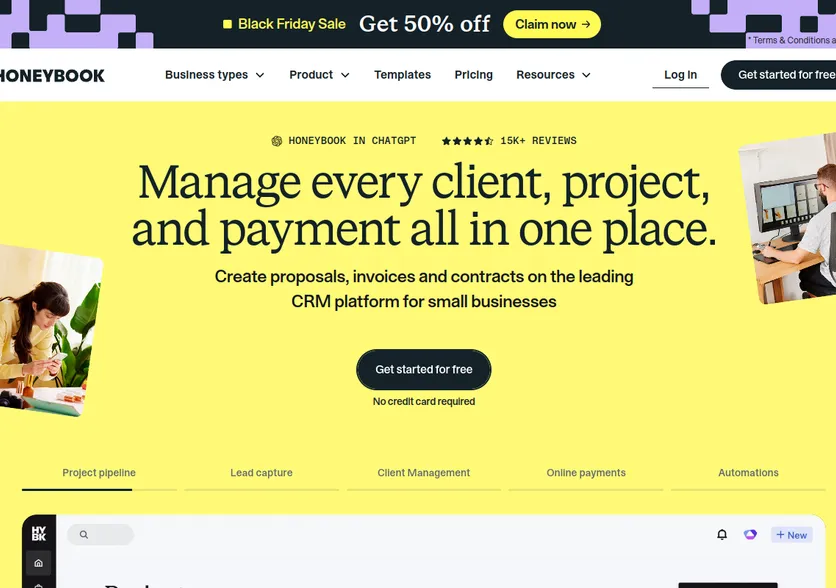
HoneyBook is the client-work pick here, running inquiries, proposals, contracts and payments in one flow. This HoneyBook Starter plan costs twenty-nine dollars a month billed annually, or thirty-six dollars billed monthly. A creative or service business gets a client portal and HoneyBook AI, though Starter allows only two live lead forms.
What we like
- Proposals, contracts and invoices in one flow
- Client portal with HoneyBook AI
- Unlimited clients and projects on every plan
Watch out for
- Starter allows only two live lead forms
- Card processing fees sit on top of the subscription
How to try it
- Open the HoneyBook pricing page and start the thirty-day trial
- Send a proposal and collect a payment
- Test the client portal with a real customer
3. QuickBooks Online
Best for: Owners that work with a bookkeeper and want the accounting standard
Paid tool Starting price: $38/month · Simple Start, thirty-eight dollars a month; Essentials costs eighty-five dollars and Plus costs one hundred forty dollars
Free plan: Free plan available
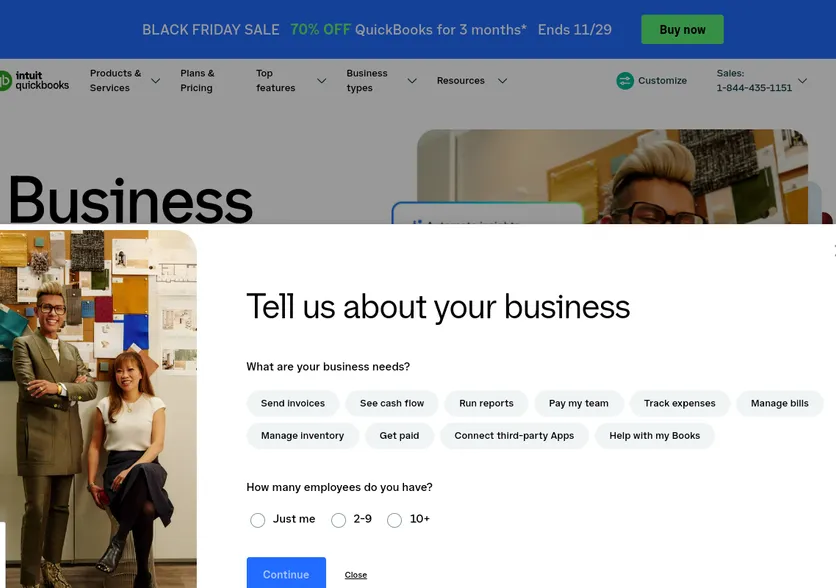
QuickBooks Online is the accounting standard here, with invoicing, bank feeds and reports that accountants already know. This QuickBooks Online Simple Start plan costs thirty-eight dollars a month, while Essentials costs eighty-five dollars and Plus costs one hundred forty dollars. An owner that works with a bookkeeper gets more than eight hundred integrations, though Simple Start covers one user only.
What we like
- Invoicing and bank feeds accountants already know
- More than eight hundred integrations
- Free plan available for one user
Watch out for
- Simple Start covers one user only
- Payroll costs extra per employee
How to try it
- Open the QuickBooks pricing page and check Simple Start
- Connect your bank and categorize one month of transactions
- Invite your accountant before you buy
4. Xero
Best for: Teams that share the books and want no per-user fees
Paid tool Starting price: $27/month · Early, twenty-seven dollars a month; Growing costs fifty-nine dollars and Established costs ninety-seven dollars
Free plan: No free plan; 30-day free trial
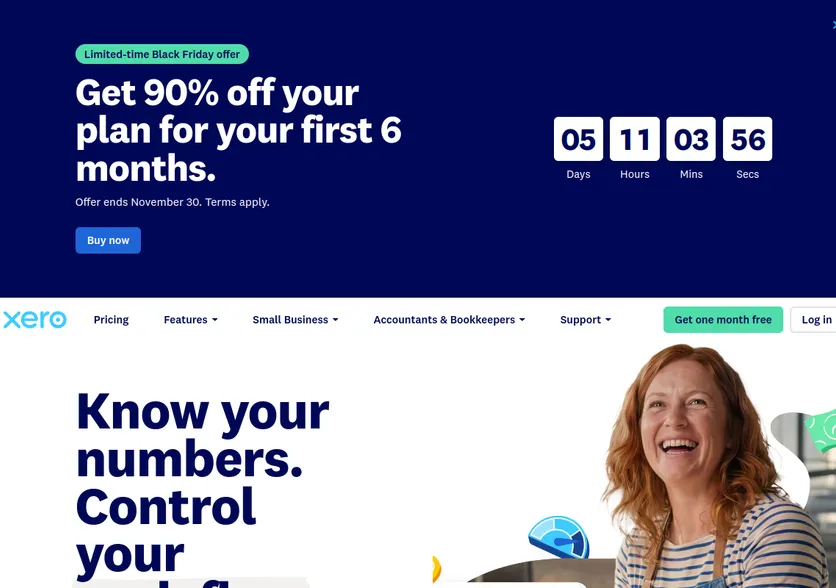
Xero is the no-per-user-fee pick here, charging by plan tier instead of by seat. This Xero Early plan costs twenty-seven dollars a month, while Growing costs fifty-nine dollars and Established costs ninety-seven dollars. A team that shares the books gets unlimited users and bank reconciliation, though Early caps at twenty invoices and five bills a month.
What we like
- Unlimited users with no per-user fees
- Bank reconciliation built in
- Accountant-friendly reports
Watch out for
- Early caps at twenty invoices and five bills a month
- The ninety percent intro offer ends after six months
How to try it
- Open the Xero pricing page and start the thirty-day trial
- Connect your bank and reconcile one month
- Check the invoice cap against your volume
5. FreshBooks
Best for: Freelancers and service businesses that bill clients for hours and projects
Paid tool Starting price: $23/month · Lite, twenty-three dollars a month for up to five billable clients; Plus costs forty-three dollars
Free plan: No free plan; 30-day free trial
FreshBooks is the invoicing-first pick here, built for service businesses that bill clients for hours and projects. This FreshBooks Lite plan costs twenty-three dollars a month for up to five billable clients, while Plus costs forty-three dollars. A freelancer that bills clients gets time tracking, estimates and late-payment reminders, though each extra team member costs eleven dollars a month.
What we like
- Invoicing-first design for service businesses
- Time tracking built in
- Late-payment reminders on every plan
Watch out for
- Lite caps at five billable clients
- Each extra team member costs eleven dollars a month
How to try it
- Open the FreshBooks pricing page and start the thirty-day trial
- Send an invoice and track time on one job
- Test the late-payment reminders before you buy
6. Gusto
Best for: Owners that want full-service payroll with tax filing and benefits
Paid tool Starting price: $49/month + $6/person · Simple, forty-nine dollars a month plus six dollars per person a month; Plus costs eighty dollars a month plus twelve dollars per person
Free plan: Free until your first payroll run
Gusto is the payroll pick here, pairing full-service tax filing with HR and benefits in one platform. This Gusto Simple plan costs forty-nine dollars a month plus six dollars per person a month, while Plus costs eighty dollars a month plus twelve dollars per person. An owner that runs payroll gets unlimited pay runs and federal, state and local tax filings, though Simple covers one state only.

What we like
- Full-service tax filing on every plan
- Unlimited pay runs with direct deposit
- Benefits brokerage with no admin markup
Watch out for
- Simple covers one state only
- The bill grows by six dollars with every person you add
How to try it
- Open the Gusto pricing page and check the Simple plan
- Run your first payroll and check the tax filings
- Add benefits when your team is ready
7. Zoho Books
Best for: Owners that want the cheapest paid accounting with bank feeds
Paid tool Starting price: $15/month · Standard, fifteen dollars a month billed annually for three users; twenty dollars billed monthly
Free plan: Free plan for revenue under $50,000 a year; 1 user plus 1 accountant
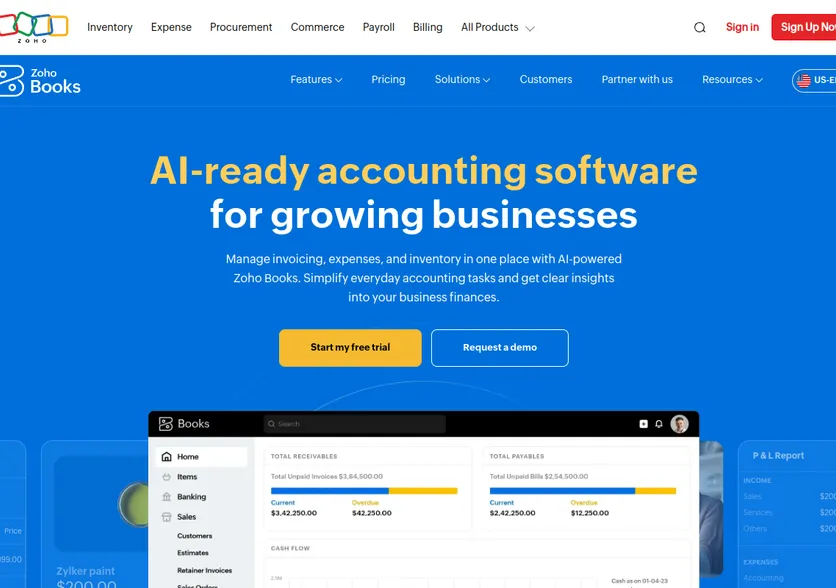
Zoho Books is the cheapest accounting pick here, with bank feeds and 1099 e-filing at fifteen dollars a month. This Zoho Books Standard plan costs fifteen dollars a month billed annually for three users, or twenty dollars billed monthly. An owner that wants cheap books gets recurring invoices and custom reports, though the free plan ends when revenue passes fifty thousand dollars a year.
What we like
- Cheapest paid accounting in this list
- Bank feeds with 1099 e-filing
- Extra users cost only two dollars and fifty cents a month
Watch out for
- Free plan ends when revenue passes fifty thousand dollars a year
- Standard caps at five thousand invoices a year
How to try it
- Open the Zoho Books pricing page and claim the free plan
- Connect your bank and send one invoice
- Upgrade to Standard when you pass the free limits
Prices above were checked on each vendor’s own website on Nov 27, 2026 and can change — the vendor’s page is the final word. Vendor links are editorial: nobody paid to be listed or ranked here. Vendors who want a featured listing can see how it works on our Get listed page.
What small business software costs in 2026
Most tools here charge a flat monthly rate or per user a month, so the bill depends on headcount and the jobs you cover. A fifteen dollar accounting plan looks small next to a thirty-seven dollar bundle, yet the bundle replaces three separate subscriptions. Promo rates muddy the picture: first-year discounts and ninety percent intro offers end fast, so budget for the list price from month four.
Start with the free plan or trial on two tools and run one real month of business in each. Compare how an invoice becomes cash, how payroll posts, and whether the plan you buy covers the users you actually have. Pick the tool that saves you an evening a week, because a system nobody opens is money wasted.
Before you buy
- Count every user first, because per-user pricing multiplies with each person on the team.
- Check the intro offers, because ninety percent discounts end after a few months and the list price takes over.
- Confirm the plan covers your jobs, because Zoho One All-Employee needs a license for every person on payroll.
- Test one real month during the trial, because a business tool lives or dies on daily use.
- Compare bundles and single tools, because one bundle can replace three separate subscriptions.
Official websites
Official websites of the products reviewed above. Features and prices were checked against these sites when this guide was written, and they can change, so confirm on the vendor site before you buy.
Frequently asked questions
Which small business software is best in 2026?
Zoho One is the best overall pick at thirty-seven dollars per employee a month billed annually, with more than forty-five apps in one bundle. Zoho Books is the cheapest accounting at fifteen dollars a month billed annually, while HoneyBook is the best for client work at twenty-nine dollars a month. Pick Zoho One for a full bundle, Zoho Books for cheap books, and HoneyBook for proposals and payments.
How much does small business software cost?
Flat plans here run from fifteen dollars to forty-nine dollars a month, while per-user plans run from twenty-three dollars to thirty-eight dollars a month. A solo owner pays roughly fifteen to forty dollars a month for one tool, while a bundle runs thirty-seven dollars per employee a month. Free plans cover QuickBooks, Zoho Books and Gusto until the first payroll run, so start free and pay only when the limits bite.
Do I need one bundle or several tools?
A bundle like Zoho One suits an owner who wants CRM, books, HR and support under one invoice. Single tools suit an owner who needs one job done well, like HoneyBook for client work or Gusto for payroll. Start with the job that hurts most, then add a bundle only when three separate bills cost more than one.
Is there a free small business tool?
QuickBooks Online offers a free plan, Zoho Books is free under fifty thousand dollars of revenue, and Gusto is free until your first payroll run. HoneyBook, Xero and FreshBooks offer thirty-day trials instead. Start free to learn the workflow, then pay for the plan that covers your team.
What should I look for in small business software?
Look for invoicing that turns into cash fast, books your accountant can read, and payroll that files taxes for you. Check the per-user price, the free plan limits and whether the plan covers the users you actually have. The best tool is the one that saves you an evening a week, not the one with the longest feature list.
Need everyday business help too? Try Toolsvine's free business tools right in your browser.
Browse Business Tools tools


