
On this page
IT teams lose track of hardware, software licenses and warranty dates the moment the asset count passes a few hundred, and a spreadsheet stops being enough. The seven tools below run from nineteen dollars per agent a month to one thousand four hundred ninety-nine dollars a year, and every price was checked on the vendor site on November 27, 2026. Most combine network discovery with license tracking and reporting, so compare asset limits, discovery depth and help desk links rather than the headline price alone. Lansweeper is our first pick — the deepest network discovery for the money.
How we researched this
We started with the software inventory tools IT teams actually buy, then read each price on the vendor pricing page on November 27, 2026 and noted the free trial each plan carries. We judged them for teams that track hardware, software licenses and warranties across hundreds of devices, and we kept only tools with a published dollar price. We dropped ServiceNow and Device42 because neither publishes a list price on its own site, and we dropped free self-hosted tools because they have no published price to compare.
Compare the tools
| Name | Best for | Starting price | Free plan | |
|---|---|---|---|---|
 Lansweeper | IT teams that want deep automatic discovery of every device on the network | $299/month | Free plan for up to 100 assets; 14-day free trial | Visit |
 SysAid | IT teams that want asset management inside a full help desk and service platform | $89/agent/month | No free plan; 30-day free trial | Visit |
 InvGate Asset Management | Mid-size IT teams that want a dedicated asset platform with strong reporting | $1,499/year | No free plan; 30-day free trial | Visit |
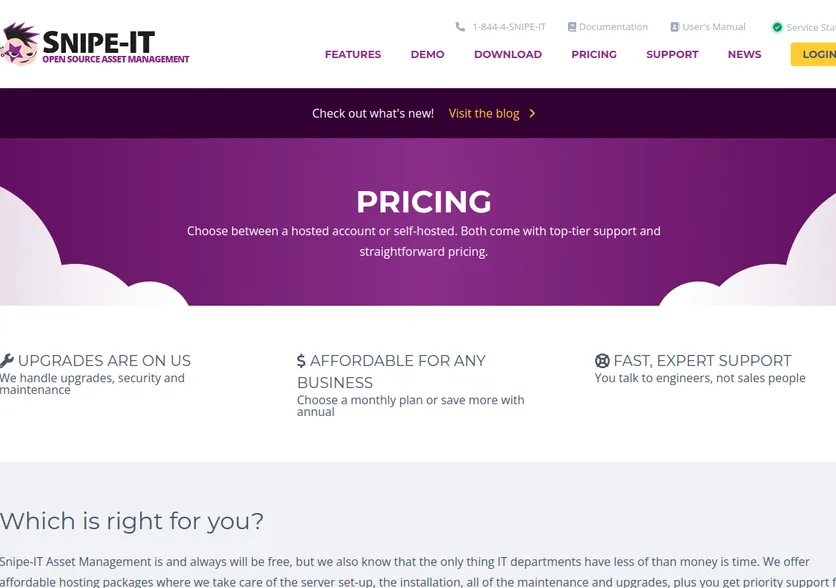
 Snipe-IT | Small IT teams that want simple asset tracking at the lowest hosted price here | $39.99/month | Free self-hosted Community Edition available | Visit |
 Freshservice | IT teams that want a modern help desk with asset management on the higher plans | $19/agent/month | No free plan; 14-day free trial | Visit |
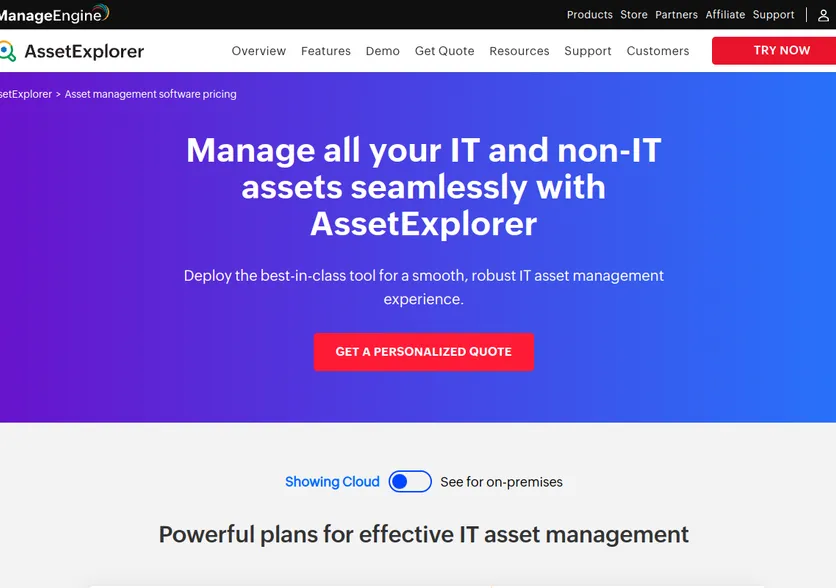
 ManageEngine AssetExplorer | IT teams that track software licenses and purchase orders alongside hardware | $115/month | Free edition for 50 nodes; 30-day trial | Visit |
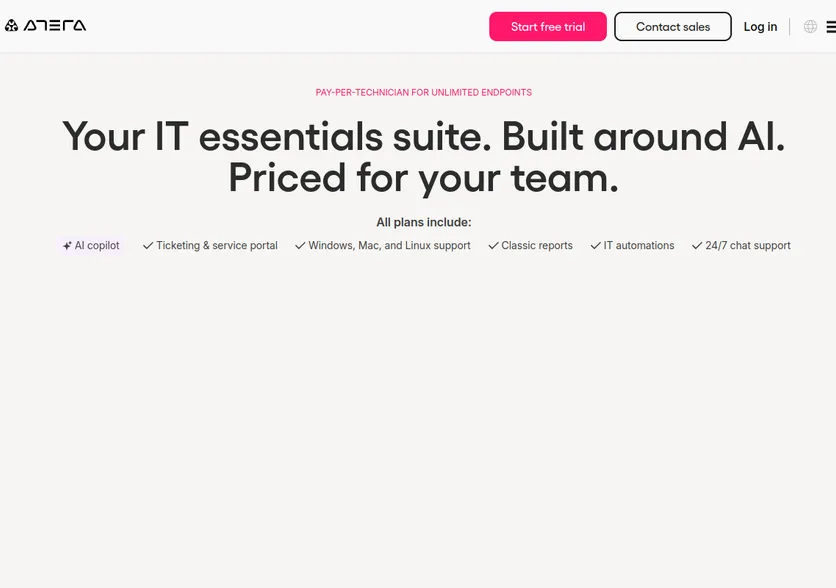
 Atera | IT teams and providers that manage unlimited devices per technician | $149/technician/month | No free plan; 30-day free trial | Visit |
The software inventory management for IT teams, compared
1. Lansweeper
Best for: IT teams that want deep automatic discovery of every device on the network
Paid tool Starting price: $299/month · Starter plan, two hundred ninety-nine dollars a month billed annually for two thousand assets
Free plan: Free plan for up to 100 assets; 14-day free trial
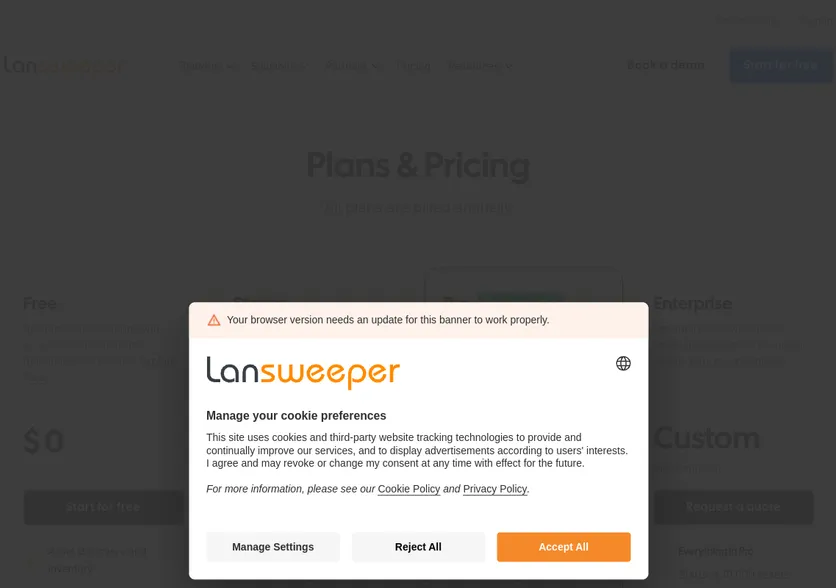
Lansweeper scans the network and builds a complete inventory of computers, servers, printers and network devices, then tracks software installs and license use on each one. This Lansweeper Starter plan costs two hundred ninety-nine dollars a month billed annually and covers two thousand assets with reporting and integrations included. An IT team can find forgotten hardware, spot unlicensed software and answer audit questions from one dashboard instead of hunting through spreadsheets.
What we like
- Automatic discovery finds devices spreadsheets miss
- Free plan covers up to one hundred assets
- Strong software license tracking and reporting
Watch out for
- The Starter plan jumps in price as asset counts grow
- Setup takes time on large or segmented networks
How to try it
- Open the Lansweeper pricing page and claim the free plan
- Run a network scan and review the discovered devices
- Check the software license report before the trial ends
2. SysAid
Best for: IT teams that want asset management inside a full help desk and service platform
Paid tool Starting price: $89/agent/month · Professional plan, eighty-nine dollars per agent a month billed annually at ten to nineteen agents, falling to fifty-nine dollars at seventy to one hundred agents
Free plan: No free plan; 30-day free trial
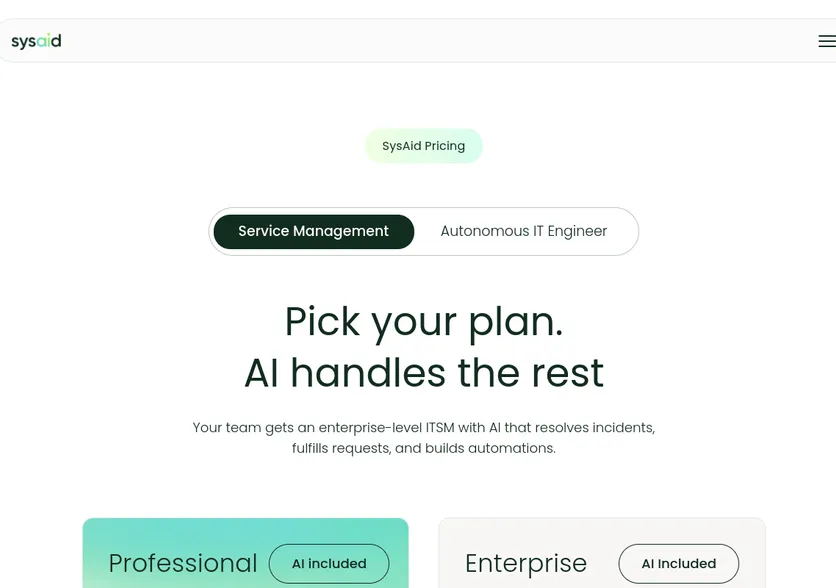
SysAid pairs asset management with a full IT service platform, so tickets, assets and automations live in one place instead of three tools. This SysAid Professional plan costs eighty-nine dollars per agent a month billed annually and includes two hundred fifty managed assets with AI-powered ticket handling. An IT team can link a broken laptop to its ticket history, automate routine fixes and see which assets cost the most support time.
What we like
- Asset management inside a full IT service platform
- AI features that automate routine ticket work
- Per-agent pricing with volume discounts
Watch out for
- No free plan, only a thirty-day trial
- Asset management adds cost beyond the base help desk
How to try it
- Open the SysAid pricing page and start the thirty-day trial
- Import your assets and link them to open tickets
- Set up one automation and measure the time it saves
3. InvGate Asset Management
Best for: Mid-size IT teams that want a dedicated asset platform with strong reporting
Paid tool Starting price: $1,499/year · Starter plan, one thousand four hundred ninety-nine dollars a year for five hundred IP devices
Free plan: No free plan; 30-day free trial
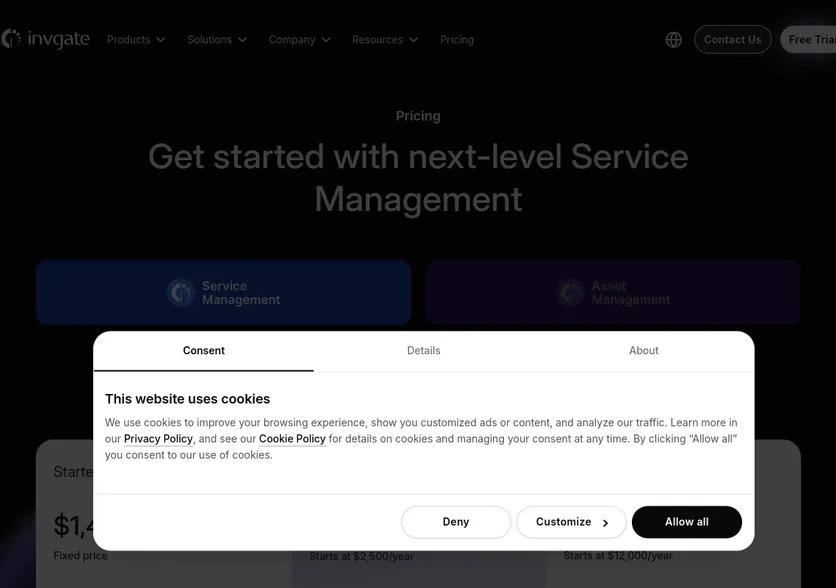
InvGate Asset Management is a dedicated asset platform that discovers hardware and software across the network and tracks each item from purchase to retirement. This InvGate Asset Management Starter plan costs one thousand four hundred ninety-nine dollars a year and covers five hundred IP devices with reporting and integrations included. An IT manager can see every laptop, license and warranty in one place, then prove compliance when auditors ask.
What we like
- Dedicated asset platform with deep reporting
- Flat yearly price for five hundred devices
- Tracks assets from purchase to retirement
Watch out for
- No free plan, only a thirty-day trial
- No built-in help desk, so tickets need a separate tool
How to try it
- Open the InvGate pricing page and start the thirty-day trial
- Run a discovery scan and review the asset list
- Build a warranty report for your oldest devices
4. Snipe-IT
Best for: Small IT teams that want simple asset tracking at the lowest hosted price here
Paid tool Starting price: $39.99/month · Basic Hosting plan, thirty-nine dollars and ninety-nine cents a month, or three hundred ninety-nine dollars and ninety-nine cents a year
Free plan: Free self-hosted Community Edition available
Snipe-IT keeps asset tracking simple, recording who has each laptop, license and accessory and when it is due back. This Snipe-IT Basic Hosting plan costs thirty-nine dollars and ninety-nine cents a month and includes hosted setup, updates and support without a server to manage. A small IT team can check out equipment, track licenses and run audit reports from a clean interface, or run the free self-hosted edition instead.
What we like
- Lowest hosted price in this comparison
- Free self-hosted edition for teams with a server
- Simple check-in and check-out for equipment
Watch out for
- No automatic network discovery on the hosted plan
- Fewer integrations than the fuller platforms here
How to try it
- Open the Snipe-IT pricing page and start the hosted trial
- Add your laptops and licenses to the inventory
- Run a check-out for one employee and test the audit report
5. Freshservice
Best for: IT teams that want a modern help desk with asset management on the higher plans
Paid tool Starting price: $19/agent/month · Starter plan, nineteen dollars per agent a month billed annually; asset management opens at the Growth plan
Free plan: No free plan; 14-day free trial
Freshservice is the modern help desk in this list, with a clean interface, automation and a service catalog that employees actually use. This Freshservice Starter plan costs nineteen dollars per agent a month billed annually, though asset management opens at the Growth plan for forty-nine dollars per agent a month. An IT team can start with tickets and automation, then add asset tracking when the device count justifies the higher plan.

What we like
- Clean modern interface employees enjoy using
- Strong automation and service catalog
- Lowest entry price for a full IT service platform
Watch out for
- Asset management needs the Growth plan, not Starter
- No free plan, only a fourteen-day trial
How to try it
- Open the Freshservice pricing page and start the fourteen-day trial
- Set up your ticket queues and service catalog
- Compare the Growth plan asset features before you buy
6. ManageEngine AssetExplorer
Best for: IT teams that track software licenses and purchase orders alongside hardware
Paid tool Starting price: $115/month · Cloud plan for two hundred fifty assets, one hundred fifteen dollars a month, or one thousand two hundred forty-five dollars a year
Free plan: Free edition for 50 nodes; 30-day trial
ManageEngine AssetExplorer tracks hardware, software licenses and purchase orders together, so the finance and IT views of the same assets finally match. This AssetExplorer Cloud plan costs one hundred fifteen dollars a month for two hundred fifty assets and includes license compliance, warranty tracking and reporting. An IT team can prove license compliance, plan renewals and see which software is barely used.
What we like
- Hardware, licenses and purchase orders in one view
- Strong license compliance and warranty tracking
- Free edition for fifty nodes
Watch out for
- The interface feels dated next to newer rivals
- On-premises and cloud prices differ, so compare both
How to try it
- Open the AssetExplorer pricing page and claim the free edition
- Import your software licenses and check compliance
- Build a renewal report for the next quarter
7. Atera
Best for: IT teams and providers that manage unlimited devices per technician
Paid tool Starting price: $149/technician/month · IT Department Professional plan, one hundred forty-nine dollars per technician a month billed annually, or one hundred sixty-nine dollars billed monthly
Free plan: No free plan; 30-day free trial
Atera charges per technician rather than per device, so one subscription covers every computer, server and network device that technician manages. This Atera IT Department Professional plan costs one hundred forty-nine dollars per technician a month billed annually and includes remote monitoring, patching, automation and asset tracking. An IT team with hundreds of devices pays for technicians, not endpoints, which keeps the bill predictable as the fleet grows.
What we like
- Unlimited devices per technician, so the bill stays predictable
- Remote monitoring, patching and automation included
- Asset tracking built into the same console
Watch out for
- No free plan, only a thirty-day trial
- Per-technician pricing suits teams, not solo admins with few devices
How to try it
- Open the Atera pricing page and start the thirty-day trial
- Install agents on your devices and review the inventory
- Set up one patch policy and one automation before you buy
Prices above were checked on each vendor’s own website on Nov 27, 2026 and can change — the vendor’s page is the final word. Vendor links are editorial: nobody paid to be listed or ranked here. Vendors who want a featured listing can see how it works on our Get listed page.
What software inventory management costs in 2026
Software inventory tools price by agent, by device or by flat yearly license, so the cheapest headline depends on how many devices you manage. Plans here run from nineteen dollars per agent a month to one thousand four hundred ninety-nine dollars a year, and per-technician plans like Atera beat per-device pricing once the fleet passes a few hundred endpoints. Count your devices first, because a plan that looks cheap at fifty assets can triple at five hundred.
Start with the free plan or trial on two tools and run a real discovery scan on each. Compare how many devices each one finds, how it tracks licenses and how clean the audit reports look. Pick the tool that finds the most of your network, because an inventory that misses devices cannot protect them.
Before you buy
- Count every device on the network first, because asset limits decide the real price on most tools here.
- Check whether discovery is automatic, because manual entry tools miss devices that scanners find.
- Confirm the plan tracks software licenses, because hardware-only inventory cannot prove compliance.
- Test the reporting during the trial, because audit reports are the main reason teams buy these tools.
- Compare per-agent, per-device and flat pricing, because the cheapest model changes with fleet size.
Official websites
Official websites of the products reviewed above. Features and prices were checked against these sites when this guide was written, and they can change, so confirm on the vendor site before you buy.
Frequently asked questions
Which software inventory tool is best for IT teams in 2026?
Lansweeper is the best overall pick, with the deepest automatic discovery from two hundred ninety-nine dollars a month. Snipe-IT is the cheapest hosted option at thirty-nine dollars and ninety-nine cents a month, while InvGate is the best dedicated asset platform at one thousand four hundred ninety-nine dollars a year.
How much does software inventory management cost?
Plans in this list run from nineteen dollars per agent a month to one thousand four hundred ninety-nine dollars a year, and the right model depends on fleet size. Per-technician plans suit large fleets, per-agent plans suit help desk teams and flat yearly licenses suit mid-size IT departments. Free plans cover up to one hundred assets.
What is the difference between asset management and IT service management?
Asset management tracks what you own, including hardware, licenses and warranties, while IT service management handles tickets, incidents and service requests. Tools like SysAid and Freshservice combine both, while Lansweeper, InvGate and Snipe-IT focus on assets. Pick a combined tool if tickets and assets should share one record.
Can I track software inventory for free?
Yes, Lansweeper has a free plan for up to one hundred assets, Snipe-IT has a free self-hosted edition and AssetExplorer has a free edition for fifty nodes. Free plans suit a small office or a trial, while larger fleets need a paid plan for discovery, reporting and support.
How do I keep software licenses compliant?
Start by scanning the network to find every installed application, then match installs against purchased licenses in the same tool. Set up alerts for unlicensed installs and renewal dates, and run a compliance report before every audit. The tools here automate the scan and the match, which beats a spreadsheet.
Need everyday network help too? Try Toolsvine's free network tools right in your browser.
Browse Network & IP Tools tools


