
On this page
Most companies pay for software seats nobody uses, and the waste only shows up at renewal time when the invoice is already signed. Torii is the pick that makes the waste visible first: it finds every app on the network, maps who actually opens it, and flags the licenses that can be reclaimed before the next bill. This guide compares seven software license management tools for cost optimization, from a $2.50-a-user plan to a flat $10,000-a-year platform, with live 2026 prices, free plans and trials, so a team can cut spend without cutting tools people need.
How we researched this
We checked the pricing page of every vendor on this list on November 26, 2026, and kept only tools that publish a real dollar price for license or spend management. Each tool had to discover the software a company runs, show usage per license, and help reclaim or renegotiate unused seats, and we compared entry prices, free plans, trial length and how the bill scales as the estate grows.
Compare the tools
| Name | Best for | Starting price | Free plan | |
|---|---|---|---|---|
 Torii | IT teams that want the cheapest per-user start with deep app discovery | $2.50/user/month | Free trial | Visit |
 Freshservice | IT teams that want license tracking inside a full service desk | $19/agent/month | 14-day free trial | Visit |
 SpendHound | Mid-size companies that want benchmark data before every renewal | $10,000/year | Free Pro plan under 1,000 employees | Visit |
 ManageEngine AssetExplorer | IT teams that want asset and license tracking with an on-premises option | $115/month | Free edition up to 50 cloud nodes | Visit |
 Lansweeper | Mid-size IT teams that want automatic discovery of devices and software | $299/month | Free plan up to 100 assets | Visit |
 Snipe-IT | Small teams that want flat-rate asset tracking with a free self-hosted option | $39.99/month | Free self-hosted edition | Visit |
 InvGate Asset Management | IT teams that want license compliance and full asset management in one tool | $1,499/year | 30-day free trial | Visit |
The license management tools, compared
1. Torii
Best for: IT teams that want the cheapest per-user start with deep app discovery
Paid tool Starting price: $2.50/user/month · Basic plan $2.50 per employee a month billed annually ($2.75 billed monthly); Growth and Enterprise plans are priced by quote
Free plan: Free trial
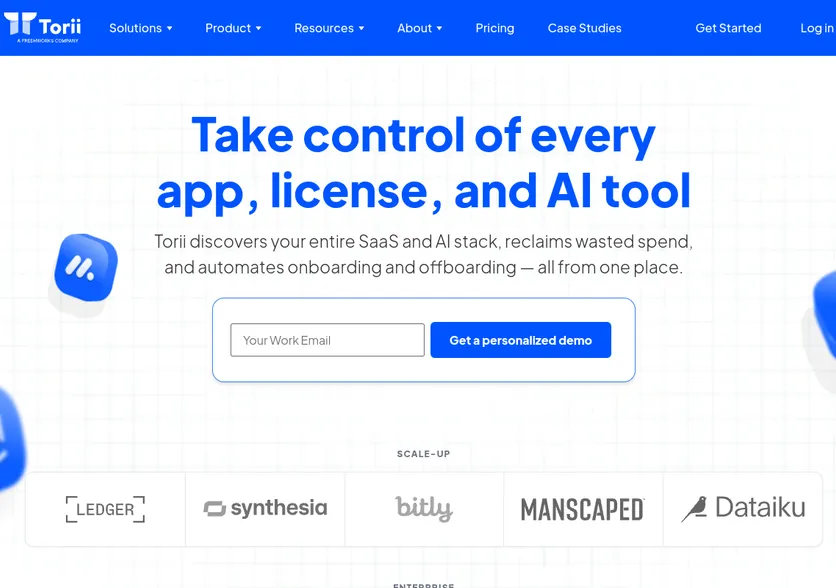
Torii finds the apps a company actually runs by watching sign-ins, finance records and browser extensions, then ties every license to a real person. This Torii Basic plan starts at $2.50 per employee a month billed annually, which makes it the cheapest per-user entry on this list for license cleanup. It is the pick when the first job is discovery, because you cannot reclaim a license you do not know exists.
What we like
- Discovers shadow apps across nine data sources
- Automates onboarding and offboarding workflows
- Cheapest per-user entry on this list
Watch out for
- Growth and Enterprise pricing needs a sales call
- Per-employee billing grows with headcount
How to try it
- Open the Torii pricing page and start the free trial
- Connect identity, finance and browser sources for discovery
- Review the unused license report and reclaim seats
2. Freshservice
Best for: IT teams that want license tracking inside a full service desk
Paid tool Starting price: $19/agent/month · Starter $19 per agent a month billed annually; Growth $49; Pro $99; Enterprise by quote; 14-day free trial on all plans
Free plan: 14-day free trial
Freshservice pairs a full IT service desk with asset management that tracks software installs against purchased licenses, so underused seats show up next to the tickets they came from. This Freshservice Starter plan costs $19 per agent a month billed annually and includes incident, knowledge and task management with a support portal. It fits a team that wants license counts inside the same tool that runs IT support, rather than a separate dashboard for renewals.

What we like
- License tracking sits inside a full service desk
- Asset units scale with the estate, not headcount
- 14-day free trial with full features
Watch out for
- License management needs the asset management setup, not just tickets
- Per-agent billing grows with the support team
How to try it
- Open the Freshservice pricing page and start the 14-day free trial
- Import the asset inventory and link software to purchased licenses
- Review license compliance reports and reclaim unused seats
3. SpendHound
Best for: Mid-size companies that want benchmark data before every renewal
Paid tool Starting price: $10,000/year · Plus plan $10,000 a year for 1,000 to 5,000 employees with a $150,000 savings guarantee; Pro is free under 1,000 employees; Enterprise by quote
Free plan: Free Pro plan under 1,000 employees
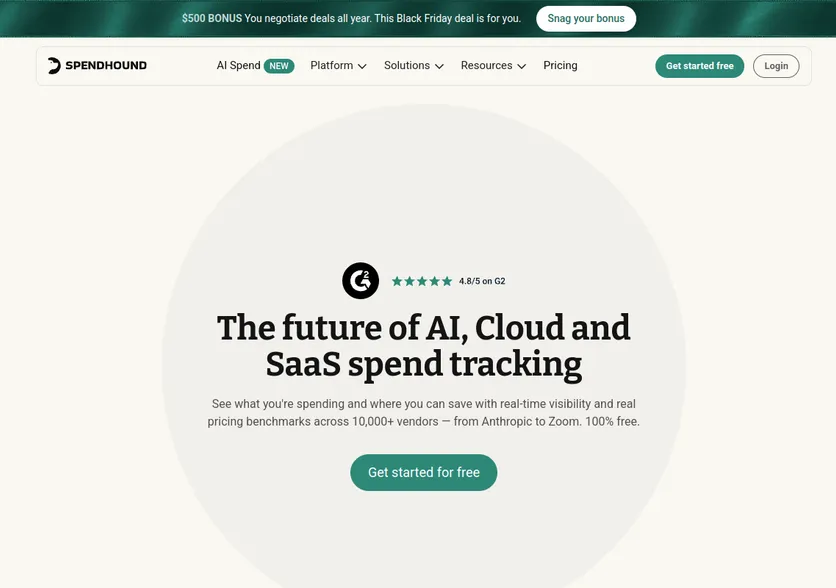
SpendHound answers one question before a renewal is signed: what do other companies actually pay for this same software. This SpendHound Plus plan costs $10,000 a year for companies with 1,000 to 5,000 employees and pairs SKU-level benchmarks with procurement experts on every deal. It is the pick when the saving comes from negotiation, not from counting seats.
What we like
- Benchmarks from more than 1,500 companies
- Free full platform under 1,000 employees
- Savings guarantee on the Plus plan
Watch out for
- Price jumps from $0 to $10,000 at 1,000 staff
- Enterprise pricing is by quote only
How to try it
- Open the SpendHound pricing page and check the free tier
- Connect the ERP or upload contracts for benchmarking
- Let a procurement expert prepare the renewal case
4. ManageEngine AssetExplorer
Best for: IT teams that want asset and license tracking with an on-premises option
Paid tool Starting price: $115/month · Cloud edition $115 a month for 250 IT assets ($1,245 a year); on-premises edition from $955 a year for 250 assets
Free plan: Free edition up to 50 cloud nodes
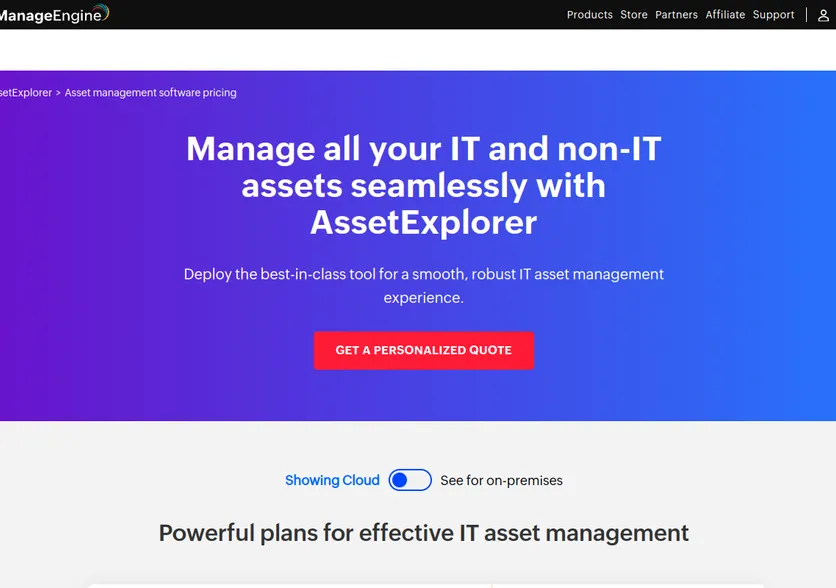
ManageEngine AssetExplorer tracks hardware and installed software across the whole estate, then reports license compliance status and allocation per asset. This ManageEngine AssetExplorer cloud edition starts at $115 a month for 250 IT assets, with an on-premises edition from $955 a year. It fits a team that wants license counts tied to real machines instead of a separate SaaS dashboard.
What we like
- Priced per asset, not per user
- Cloud or on-premises deployment
- Free edition never expires
Watch out for
- No SaaS subscription spend tracking
- Costs rise with every asset added
How to try it
- Open the AssetExplorer pricing page and start the trial
- Run a network scan to build the asset inventory
- Check license compliance and allocation reports
5. Lansweeper
Best for: Mid-size IT teams that want automatic discovery of devices and software
Paid tool Starting price: $299/month · Starter $299 a month billed annually for 2,000 assets; Pro from $528 a month; Enterprise by quote
Free plan: Free plan up to 100 assets
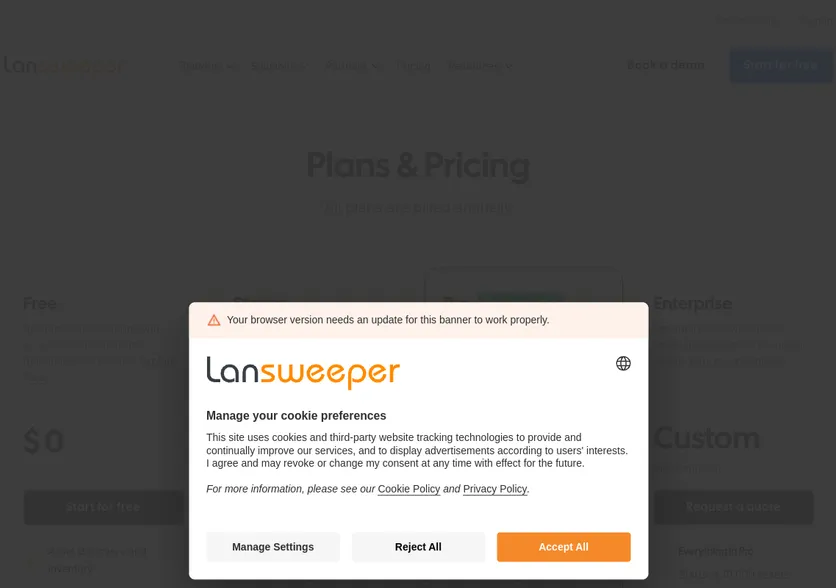
Lansweeper starts with discovery: it scans the network and builds an inventory of every device and the software installed on it, which is the raw data any license count needs. This Lansweeper Starter plan is listed at $299 a month billed annually for 2,000 assets, with a free plan for up to 100 assets. It is the pick when the estate is unknown and the first job is finding what is actually out there.
What we like
- Agentless discovery needs no installed agents
- Free plan covers up to 100 assets
- Unlimited user seats on paid plans
Watch out for
- Paid plans start at 2,000 assets
- License optimization is a separate add-on
How to try it
- Open the Lansweeper pricing page and start the free plan
- Run an agentless network scan of the estate
- Review installed software against purchased licenses
6. Snipe-IT
Best for: Small teams that want flat-rate asset tracking with a free self-hosted option
Paid tool Starting price: $39.99/month · Basic Hosting $39.99 a month or $399.99 a year; Small Business $99.99 a month; Dedicated $249.99 a month; self-hosted edition is free
Free plan: Free self-hosted edition
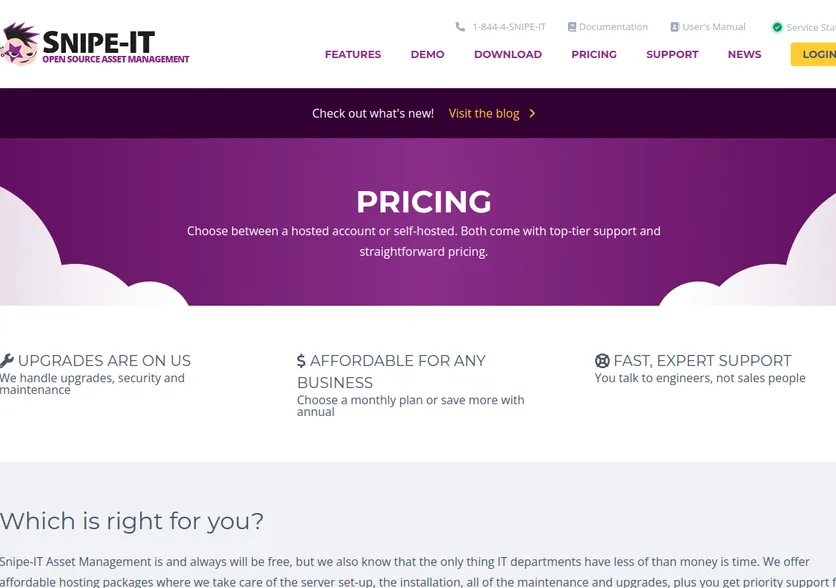
Snipe-IT is open-source asset management that tracks who has which laptop, when it is due back, and which licenses are expiring, all for a flat fee that never grows with headcount. This Snipe-IT Basic Hosting plan costs $39.99 a month and covers unlimited users and unlimited assets. It fits a team that would rather host the tool itself for free or pay one flat hosting fee than count seats.
What we like
- Flat fee with unlimited users and assets
- Free self-hosted edition
- Simple check-in and check-out workflow
Watch out for
- No automatic network discovery
- Self-hosting needs server skills
How to try it
- Open the Snipe-IT pricing page and pick a hosting plan
- Import assets and assign them to staff
- Set license expiry alerts for every renewal
7. InvGate Asset Management
Best for: IT teams that want license compliance and full asset management in one tool
Paid tool Starting price: $1,499/year · Starter $1,499 a year for 500 IP devices and 1,000 non-IP devices; Professional from $2,500 a year; Enterprise from $12,000 a year
Free plan: 30-day free trial
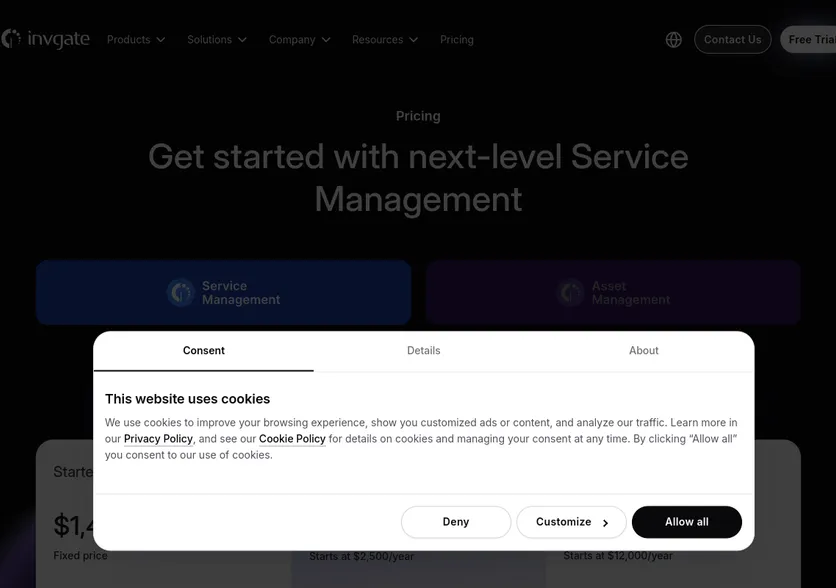
InvGate Asset Management combines asset discovery, inventory, software metering and lifecycle tracking in one no-code platform built for IT teams. This InvGate Asset Management Starter plan costs $1,499 a year for 500 IP devices and 1,000 non-IP devices, with a software compliance module for license tracking. It is the pick when license compliance, contracts and usage metering need to live in the same place as the hardware inventory.
What we like
- No-code setup with fast deployment
- Software metering shows real usage
- Fixed Starter package with no add-ons
Watch out for
- Starter package cannot be customized
- Per-device pricing grows with the estate
How to try it
- Open the InvGate pricing page and start the trial
- Run agent and agentless discovery across the network
- Turn on software metering and compliance reports
Prices above were checked on each vendor’s own website on Nov 26, 2026 and can change — the vendor’s page is the final word. Vendor links are editorial: nobody paid to be listed or ranked here. Vendors who want a featured listing can see how it works on our Get listed page.
How to read the price before you commit
Prices on this list run from $2.50 a user a month to $10,000 a year, and the billing unit is the whole story: per-user tools are cheap for small teams and expensive for large ones, while flat-rate tools flip that math. A $2.50 Torii seat looks tiny until the company has 2,000 employees, and a $1,499 InvGate Starter package looks steep until it covers 500 devices. Before paying, count the licenses the team actually holds, then run a discovery scan and compare the real usage against the purchased count, because the gap between the two is the saving. Check whether the plan charges per user, per device or per application, and whether unused-seat reclamation is included or sold as an add-on.
Before you buy
- Count every paid seat and every installed license before comparing prices, because the gap between the two is the saving.
- Confirm whether discovery, usage metering and renewal alerts are included or sold as separate add-ons.
- Check the billing unit carefully: per user, per device and per application scale very differently as the company grows.
- Run the free plan or trial against the real estate for two weeks to see how many unused licenses it actually finds.
- Ask how the price changes when the team crosses the next tier, such as 100 assets or 1,000 employees.
Official websites
Official websites of the products reviewed above. Features and prices were checked against these sites when this guide was written, and they can change, so confirm on the vendor site before you buy.
Frequently asked questions
What is the cheapest software license management tool?
Torii is the cheapest per-user entry here, at $2.50 per employee a month billed annually on the Basic plan. Snipe-IT is the cheapest flat-rate route, with a free self-hosted edition and managed hosting from $39.99 a month for unlimited users and assets. The right cheap pick depends on size: per-user tools win under about 100 staff, while flat-rate tools win above that.
How do these tools actually save money on licenses?
They discover every app and license the company holds, measure who actually uses each one, and flag seats that sit idle. Torii and Lansweeper start with discovery, Freshservice and SpendHound add renewal alerts and benchmark pricing, and InvGate and AssetExplorer tie licenses to real devices. Reclaiming idle seats and renegotiating renewals with benchmark data are where most of the saving comes from.
Do I need a license management tool if I already track assets?
Asset tracking alone does not show usage, and usage is what decides whether a license is wasted. A tool that only lists devices will miss SaaS seats that nobody opens and renewals that roll over unnoticed. License management adds usage metering, renewal dates and compliance status on top of the inventory, so the team can act on the data instead of just storing it.
Can I try these tools before paying?
Yes. Torii, Freshservice, Snipe-IT hosting, InvGate and AssetExplorer all offer free trials or free editions, SpendHound is free for companies under 1,000 employees, and Lansweeper has a free plan for up to 100 assets. Run the trial against the real estate, not a demo file, so the unused licenses it finds are real and the saving is measurable.
Which tool is best for a small team with under 100 staff?
Snipe-IT is the best small-team pick: free to self-host, or $39.99 a month hosted, with unlimited users and assets on every plan. Torii is the other strong small-team pick at $2.50 per employee a month, with the deepest discovery on this list. Both let a small team find unused licenses without signing an annual enterprise contract first.
Still tracking software spend in spreadsheets? Try free invoice, budget and time tools on Toolsvine right in your browser.
Browse Business Tools tools


