
On this page
Every team ends up with the same problem: work spread across chat, docs, email and video, with nobody sure where the latest version lives. The eight tools below are the software most teams buy, from chat and docs to video calls and project boards, with prices from about $7 a month per user, and every price was checked on the vendor site on November 26, 2026. Most offer a free plan or a free trial, so a team can test the workflow before paying. Slack is our first pick — one searchable home for every conversation, decision and file.
How we researched this
We started with the software tools teams actually buy and use every day, then read each price on the vendor pricing page on November 26, 2026 and noted the free plan or trial each one carries. We judged them for a small team that needs chat, docs, meetings and task tracking without paying for four separate tools. We kept only tools with a published price, and we dropped any tool whose price we could not verify.
Compare the tools
| Name | Best for | Starting price | Free plan | |
|---|---|---|---|---|
 Slack | Teams that live in chat and need every decision searchable | $7.25/user/month | Free plan (limited message history) | Visit |
 Notion | Teams that want docs, wikis and tasks in one workspace | $10/user/month | Free plan (individual use) | Visit |
 Asana | Teams that track work across projects and deadlines | $10.99/user/month | Free plan (Personal, up to 10 teammates) | Visit |
 Monday | Teams that want visual boards for every workflow | $9/seat/month | Free plan (up to 2 seats) | Visit |
 Zoom | Teams that meet by video every day | $14.16/user/month | Free plan (40-minute group meetings) | Visit |
 Google Workspace | Teams that run email, docs and calendars on Google | $7/user/month | 14-day free trial; no free plan | Visit |
 Microsoft 365 | Teams that run on Outlook, Word and Teams | $7/user/month | 30-day free trial; no free plan | Visit |
 ClickUp | Teams that want tasks, docs and goals in one app | $9/user/month | Free plan (Free Forever, 100 MB storage) | Visit |
The software tools, compared
1. Slack
Best for: Teams that live in chat and need every decision searchable
Paid tool Starting price: $7.25/user/month · Pro plan, per user per month billed annually; month-to-month billing is $8.75 a user
Free plan: Free plan (limited message history)
When client messages pile up across email and text, Slack pulls every conversation into one searchable place. This Slack Pro plan covers unlimited message history, group video huddles and integrations with the apps a team already uses, so decisions stop getting lost in inboxes. The channel layout keeps each project separate, which means a freelancer can switch clients without losing the thread.

What we like
- Every decision stays searchable
- Huddles replace quick calls
- Huge integration library
Watch out for
- Pro costs about $7.25 a month per user
- Message history is limited on the free plan
How to try it
- Open the Slack pricing page and start the free plan
- Create a channel for each client or project
- Invite the team and connect your other apps
2. Notion
Best for: Teams that want docs, wikis and tasks in one workspace
Paid tool Starting price: $10/user/month · Plus plan, per user per month billed annually; month-to-month billing is $12 a user
Free plan: Free plan (individual use)
Notion turns scattered notes, docs and task lists into one workspace a team can actually navigate. This Notion Plus plan covers unlimited blocks, shared teamspaces and version history, so a growing team stops losing work in five different apps. The flexible pages suit almost any workflow, from a content calendar to a product roadmap.

What we like
- Docs, wikis and tasks in one place
- Flexible pages fit any workflow
- Version history on the Plus plan
Watch out for
- Plus costs about $10 a month per user
- AI features cost extra on top
How to try it
- Open the Notion pricing page and start the free plan
- Build a teamspace for your first project
- Add pages, databases and tasks inside it
3. Asana
Best for: Teams that track work across projects and deadlines
Paid tool Starting price: $10.99/user/month · Starter plan, per user per month billed annually; month-to-month billing is $13.49 a user
Free plan: Free plan (Personal, up to 10 teammates)
Asana keeps every project, deadline and owner visible on one board, so nothing slips between meetings. This Asana Starter plan covers unlimited projects, timeline views and reporting dashboards, so a team lead can see what is late before the client asks. The task templates speed up repeat work, which matters most for teams that run the same process every week.

What we like
- Timeline views show every deadline
- Templates speed up repeat projects
- Dashboards flag late work early
Watch out for
- Starter costs about $10.99 a month per user
- Advanced reporting needs a higher tier
How to try it
- Open the Asana pricing page and start the free plan
- Create a project and add your tasks
- Assign owners and set due dates
4. Monday
Best for: Teams that want visual boards for every workflow
Paid tool Starting price: $9/seat/month · Work Management Basic plan, per seat per month billed annually with a 3-seat minimum; month-to-month billing is $12 a seat
Free plan: Free plan (up to 2 seats)
Monday turns work into colourful boards that show status at a glance, which suits teams that think visually. This Monday Basic plan covers unlimited boards, file storage and basic automations, so a small team can track a whole project without a spreadsheet. The three-seat minimum fits a tiny team, and the boards scale up as the team grows.

What we like
- Visual boards show status instantly
- Templates for almost any workflow
- Scales from 3 seats upward
Watch out for
- Basic costs about $9 a month per seat
- Three-seat minimum on paid plans
How to try it
- Open the Monday pricing page and start the free plan
- Pick a board template for your workflow
- Add items, owners and due dates
5. Zoom
Best for: Teams that meet by video every day
Paid tool Starting price: $14.16/user/month · Workplace Pro plan, per user per month billed annually; month-to-month billing is $16.99 a user
Free plan: Free plan (40-minute group meetings)
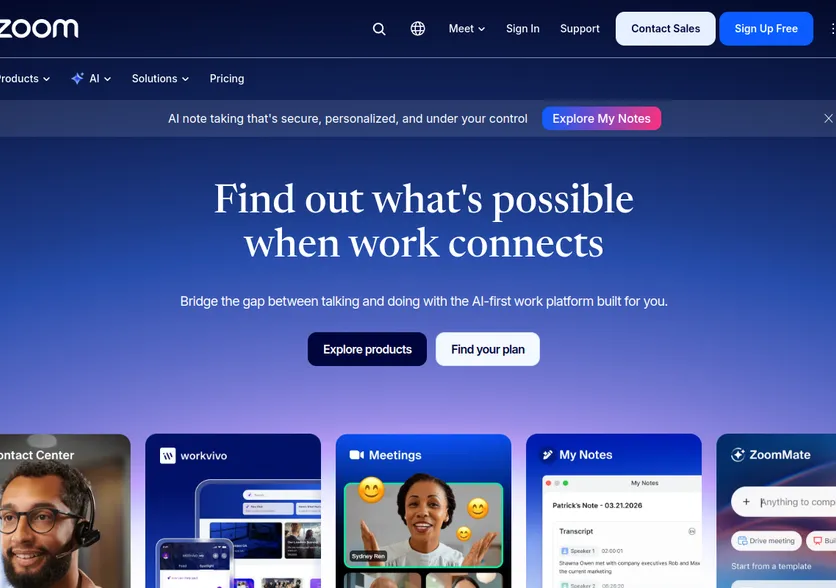
Zoom is the video meeting standard for teams that meet clients face to face every day. This Zoom Workplace Pro plan covers unlimited meetings, cloud recording and AI meeting summaries, so a team can review decisions without taking notes during the call. The reliable connection and simple join link make it the safe choice for client calls.
What we like
- Reliable video clients trust
- AI summaries save note-taking
- Cloud recording included on Pro
Watch out for
- Pro costs about $14.16 a month per user
- Group meetings cap at 40 minutes free
How to try it
- Open the Zoom pricing page and start the free plan
- Schedule your first meeting and share the link
- Record the call and read the AI summary
6. Google Workspace
Best for: Teams that run email, docs and calendars on Google
Paid tool Starting price: $7/user/month · Business Starter plan, per user per month billed annually; flexible monthly billing is $8.40 a user
Free plan: 14-day free trial; no free plan
Google Workspace bundles email, docs, storage and video calls into one login a team already knows. This Google Workspace Business Starter plan covers custom email, shared drives and video meetings for every user, so a new hire is productive on day one. The familiar apps mean almost no training, which saves a small team real time.

What we like
- One login for email, docs and calls
- Familiar apps, almost no training
- Custom email on your domain
Watch out for
- Starter costs about $7 a month per user
- Storage is limited on Starter
How to try it
- Open the Google Workspace pricing page and start the trial
- Set up custom email for your domain
- Invite the team to shared drives
7. Microsoft 365
Best for: Teams that run on Outlook, Word and Teams
Paid tool Starting price: $7/user/month · Business Basic plan, per user per month billed annually; month-to-month billing is $8.40 a user
Free plan: 30-day free trial; no free plan
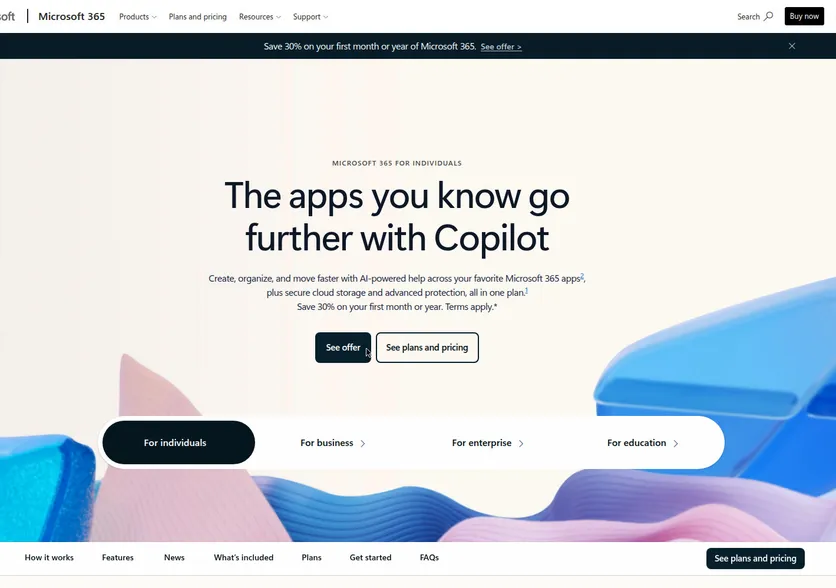
Microsoft 365 gives a team the Office apps it already knows, plus email and chat in one subscription. This Microsoft 365 Business Basic plan covers web versions of Word and Excel, business email and Teams meetings, so a team can collaborate without buying separate tools. The admin controls suit teams that need to manage devices and access centrally.
What we like
- Office apps the team already knows
- Business email and Teams included
- Strong admin and device controls
Watch out for
- Basic costs about $7 a month per user
- Desktop Office apps need a higher tier
How to try it
- Open the Microsoft 365 business page and start the trial
- Set up business email for your domain
- Invite the team to Teams and OneDrive
8. ClickUp
Best for: Teams that want tasks, docs and goals in one app
Paid tool Starting price: $9/user/month · Core plan, $9 per user a month billed annually; month-to-month billing is $12 a user
Free plan: Free plan (Free Forever, 100 MB storage)
ClickUp packs tasks, docs, goals and chat into one app, so a team can stop paying for four tools. This ClickUp Core plan covers unlimited storage, integrations and custom fields, so a growing team can shape the workspace around its own process. The low per-user price makes it the cheapest all-in-one on this list.

What we like
- Tasks, docs and goals in one app
- Cheapest all-in-one here
- Custom fields shape any workflow
Watch out for
- Core costs about $9 a month per user
- Free plan storage is only 100 MB
How to try it
- Open the ClickUp pricing page and start the free plan
- Create a space for your team
- Add tasks, docs and goals inside it
Prices above were checked on each vendor’s own website on Nov 26, 2026 and can change — the vendor’s page is the final word. Vendor links are editorial: nobody paid to be listed or ranked here. Vendors who want a featured listing can see how it works on our Get listed page.
What software tools cost in 2026
Most software tools charge per user per month, so the team size decides the bill more than the plan name does. A ten-person team pays about $70 a month on the cheapest plans here and about $140 a month on the dearest, which is a gap worth noticing before signup. Annual billing cuts the price on almost every tool, so a team that commits for a year saves real money.
Start with the free plan on two or three tools and run a real week of work through them. Compare how fast the team finds a decision and how often people open the app without being asked, then pick the set the team will actually use.
Before you buy
- Count the seats you will pay for, because per-user pricing means a ten-person team pays ten times the headline price.
- Check the free plan limits first, because message history and storage caps decide whether the free tier is usable.
- Test the tools together for a week, because chat, docs and tasks must work as a set, not as separate apps.
- Ask whether the tool fits your clients, because guests and external sharing matter when work crosses company lines.
- Add up the yearly bill, because annual billing saves money on almost every tool here, while monthly billing stays flexible.
Official websites
Official websites of the products reviewed above. Features and prices were checked against these sites when this guide was written, and they can change, so confirm on the vendor site before you buy.
Frequently asked questions
What are the best software tools to use in 2026?
Slack, at about $7.25 a month per user, is the safest default because every team member already knows chat and the search finds any decision fast. Notion is better when docs and wikis matter most, since it covers notes, databases and tasks in one workspace. ClickUp wins on pure value, at about $9 a month per user for tasks, docs and goals together.
What is the cheapest software tool here?
Google Workspace, Microsoft 365 and ClickUp all start at about $7 to $9 a month per user, which is the lowest paid price on this list. Google Workspace gives email and docs for that price, Microsoft 365 gives Office apps and Teams, and ClickUp gives tasks, docs and goals. The right pick depends on which apps the team already uses every day.
Can I use these software tools for free?
Yes, most of them do. Slack, Notion, Asana, Monday, Zoom and ClickUp all offer free plans with real limits, from message history to storage caps. Google Workspace and Microsoft 365 offer free trials instead, 14 and 30 days, so a team can test the full setup before paying. Start free, then pay only for the seats you need.
Which tool is best for a small team on a budget?
ClickUp, at about $9 a month per user on the Core plan, gives a small team tasks, docs, goals and chat in one subscription. Notion Plus at about $10 a month per user is close behind when docs matter more than tasks. Both have free plans, so a team can run a real week of work through each one before choosing.
Do these tools work together?
Most of them do, and that is the point of buying a set rather than one app. Slack connects with Asana, Monday, ClickUp, Zoom and Google Workspace, so updates flow into chat without extra work. Notion links with Slack and Google Workspace too, and ClickUp imports from Asana and Monday. Check the integration list for the apps you already pay for.
Need everyday business help too? Try Toolsvine's free business tools for teams and startups right in your browser.
Browse Business Tools tools


