On this page
A stocktake that finds nothing wrong is a stocktake nobody trusts, and a chain that guesses its counts loses money twice. The eight tools below cover that job for multi-location retailers of every size, from a free mobile counter for one shop to a warehouse system that counts thousands of items. Sortly leads because it turns a phone into a barcode scanner and a count sheet in one app for forty-nine dollars a month on Advanced, and the rest are ranked on how much counting power they give for the price.
How we researched this
We checked every price on the vendor pricing page on November 29, 2026, and only included tools with a published US dollar list price. The quote-only inventory platforms that sell by sales call publish no prices, so they are not in this list. Prices change, so confirm the current figure on the vendor site before you buy.
Compare the tools
| Name | Best for | Starting price | Free plan | |
|---|---|---|---|---|
 Cin7 Core | Chains that count often and order from counts | $349/month | No free plan; 14-day free trial | Visit |
 Lightspeed Retail | Chains that count regularly per store | $89/month | Free demo | Visit |
 Zoho Inventory | Small retailers counting stock by hand | $29/month | Free plan (50 orders a month) | Visit |
 inFlow Inventory | Retailers that count stock weekly | $129/month | No free plan; 14-day free trial | Visit |
 Sortly | Retailers counting with a phone | $49/month | Free plan (100 items, 1 user) | Visit |
 Fishbowl Inventory | Warehouses counting thousands of items | $229/month | No free plan; free demo | Visit |
 EZOfficeInventory | Teams counting equipment as well as stock | $44.75/month | Free trial | Visit |
 Finale Inventory | Multichannel sellers counting across warehouses | $63/month | No free plan; 14-day free trial | Visit |
The stocktake software for multi-location retailers, compared
1. Cin7 Core
Best for: Chains that count often and order from counts
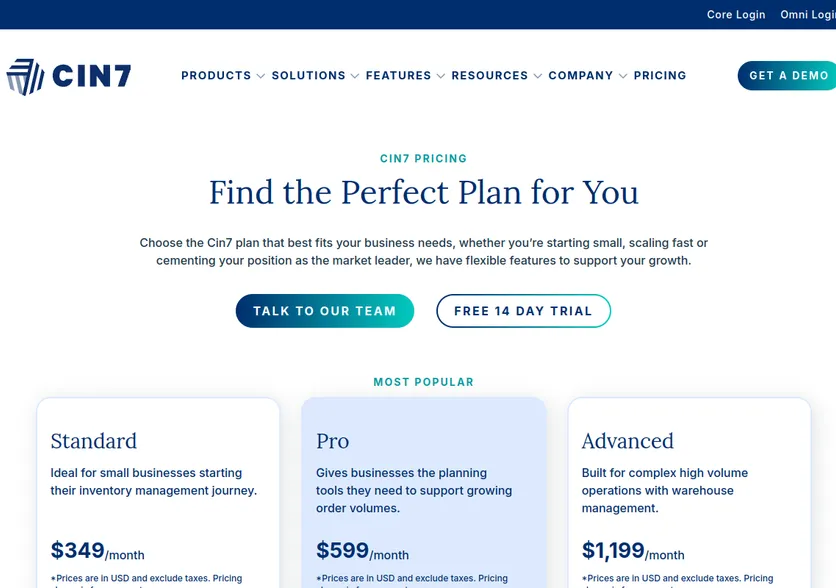
Paid tool Starting price: $349/month · Three hundred and forty-nine dollars a month on Standard; Pro is five hundred and ninety-nine dollars and Advanced is one thousand one hundred and ninety-nine dollars; fourteen-day trial, no free plan; the vendor publishes no billing term, and prices are listed for new customers; the Omni edition is quote-only
Free plan: No free plan; 14-day free trial
A stocktake that closes the gap between the system count and the shelf count starts with accurate data, and this Cin7 Core plan costs three hundred and forty-nine dollars a month on Standard. It counts stock per location, flags variances as they appear and reconciles them against purchase orders and sales. It suits chains that count often and want the count to feed straight into ordering.
What we like
- Counts per location with variance flags
- Reconciles counts against orders and sales
- Counts feed straight into purchase orders
Watch out for
- No free plan, so testing needs the fourteen-day trial
- The vendor publishes no billing term for the tiers
How to try it
- Import stock levels for every location
- Run a count per store and flag the variances
- Reconcile the gaps and raise the next order
2. Lightspeed Retail
Best for: Chains that count regularly per store
Paid tool Starting price: $89/month · Eighty-nine dollars a month on Basic billed annually (one hundred and nine dollars billed monthly); Core is one hundred and seventy-nine dollars and Plus is three hundred and thirty-nine dollars billed annually; this is the Retail product, not the separate Restaurant product
Free plan: Free demo
Counting stock is easier when the till and the shelves share one count, and this Lightspeed Retail plan costs eighty-nine dollars a month on Basic billed annually. It runs full and partial counts per store, flags the gaps against sales history and updates the web shop when a count changes. It fits chains that count regularly and want the corrected numbers live the same day.

What we like
- Full and partial counts per store
- Gaps flagged against sales history
- Corrected counts update the web shop at once
Watch out for
- The Restaurant product is separate, with different pricing
- Advanced reporting sits on the dearer tiers
How to try it
- Add every store and its opening stock levels
- Run a full or partial count in one store
- Reconcile the gaps and publish the corrected count
3. Zoho Inventory
Best for: Small retailers counting stock by hand
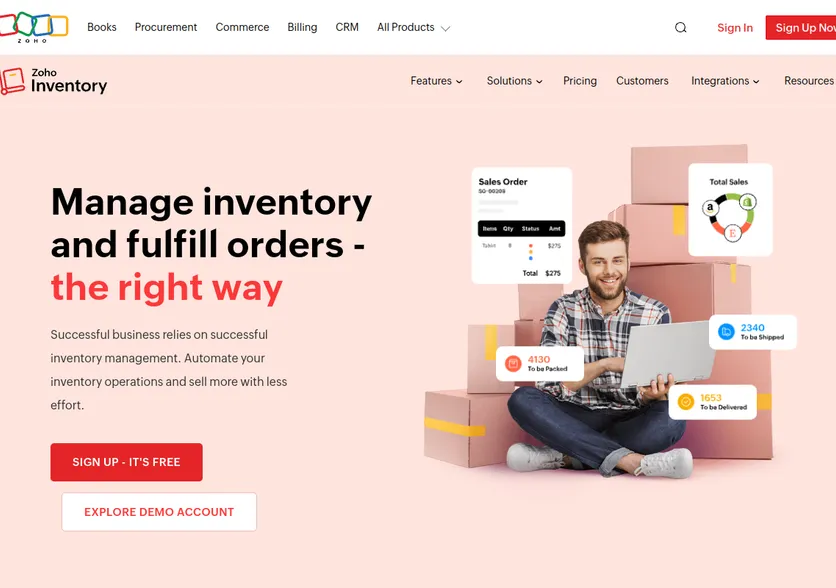
Paid tool Starting price: $29/month · Twenty-nine dollars a month on Standard billed annually (thirty-nine dollars billed monthly); Professional is seventy-nine dollars, Premium is one hundred and twenty-nine dollars and Enterprise is two hundred and forty-nine dollars billed annually; free plan covers fifty orders a month; Standard covers five hundred orders a month, though one listing shows fifteen hundred
Free plan: Free plan (50 orders a month)
Small retailers that count stock by hand will find a cheap way to do it properly here, since this Zoho Inventory plan costs twenty-nine dollars a month on Standard billed annually. It runs stock counts per warehouse, adjusts levels after each count and tracks the variance over time. The free plan covers fifty orders a month, so a small shop can test counting before paying.
What we like
- Stock counts per warehouse with variance tracking
- Levels adjust automatically after each count
- Free plan covers fifty orders a month
Watch out for
- Order caps differ across listings for the Standard tier
- Multi-warehouse features need the dearer tiers
How to try it
- Add warehouses and set the opening stock
- Run a count and adjust the levels
- Track the variance over time and reorder
4. inFlow Inventory
Best for: Retailers that count stock weekly
Paid tool Starting price: $129/month · One hundred and twenty-nine dollars a month on Entrepreneur billed annually (one hundred and sixty-one dollars billed monthly); Small Business is three hundred and forty-nine dollars and Mid-Size is six hundred and ninety-nine dollars billed annually; fourteen-day trial, no free plan; older listings of eighty-nine and ninety-nine dollars are stale
Free plan: No free plan; 14-day free trial
Teams that count stock weekly and want the numbers to match the shelves get a solid tool here, because this inFlow Inventory plan costs one hundred and twenty-nine dollars a month billed annually on Entrepreneur. It runs counts per location, handles assemblies and transfers, and reports on shrinkage and variance. It suits retailers that treat the weekly count as a routine, not a crisis.
What we like
- Counts per location with shrinkage reports
- Assemblies and transfers handled in one system
- Strong stock control without enterprise pricing
Watch out for
- Older listings show lower prices that are now stale
- No free plan, so testing needs the fourteen-day trial
How to try it
- Add products and stock levels for every location
- Run the weekly count and record the variances
- Review the shrinkage report and adjust the orders
5. Sortly
Best for: Retailers counting with a phone
Paid tool Starting price: $49/month · Forty-nine dollars a month on Advanced as the list price (twenty-four dollars is a first-year yearly promo); Ultra is one hundred and forty-nine dollars and Premium is two hundred and ninety-nine dollars a month; the free plan covers one hundred items and one user
Free plan: Free plan (100 items, 1 user)
A retailer that counts with a phone instead of a clipboard will like this Sortly plan, which costs forty-nine dollars a month on Advanced as the list price. It scans barcodes, counts items by photo and location, and syncs the count to the cloud as it happens. The free plan covers one hundred items and one user, so a single shop can try mobile counting first.
What we like
- Barcode scans and photo counts from a phone
- Counts sync to the cloud as they happen
- Free plan covers one hundred items and one user
Watch out for
- The twenty-four dollar figure is a first-year promo, not the list
- Deeper inventory features need the dearer tiers
How to try it
- Add items with photos and barcode labels
- Scan the shelves and count by location
- Sync the count and review the variances
6. Fishbowl Inventory
Best for: Warehouses counting thousands of items
Paid tool Starting price: $229/month · Two hundred and twenty-nine dollars a month on Essentials; this is the Fishbowl Inventory product, not the restaurant GRM product, which has a different Essential price; free demo available
Free plan: No free plan; free demo
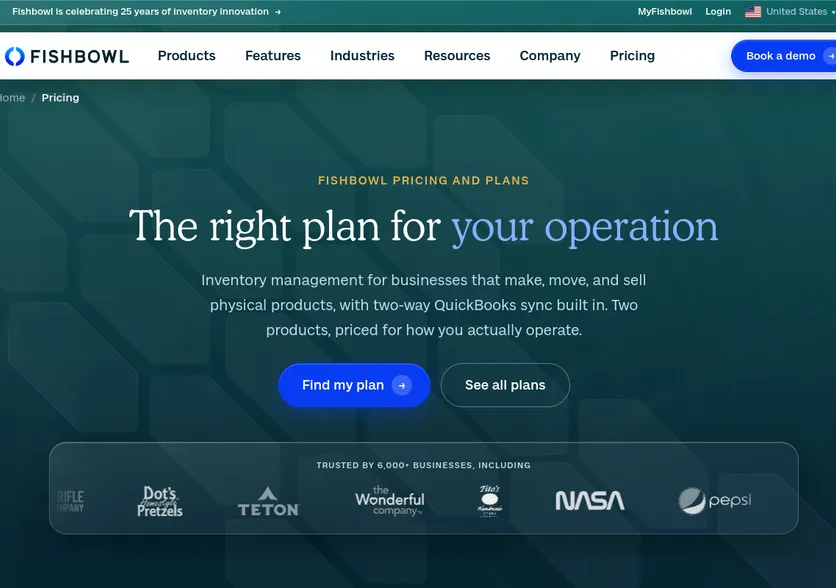
Warehouses that count thousands of items need a system built for scale, and this Fishbowl Inventory plan costs two hundred and twenty-nine dollars a month on Essentials. It runs cycle counts, tracks stock by bin and lot, and reconciles variances against manufacturing and sales. It fits operations where the count is a daily routine across a large warehouse.
What we like
- Cycle counts with bin and lot tracking
- Variances reconciled against manufacturing and sales
- Built for large warehouses, not small shops
Watch out for
- No free plan, so testing needs a demo
- Setup is heavier than the small-team tools here
How to try it
- Set up bins and lots for the warehouse
- Run a cycle count on one section
- Reconcile the variances and adjust the levels
7. EZOfficeInventory
Best for: Teams counting equipment as well as stock
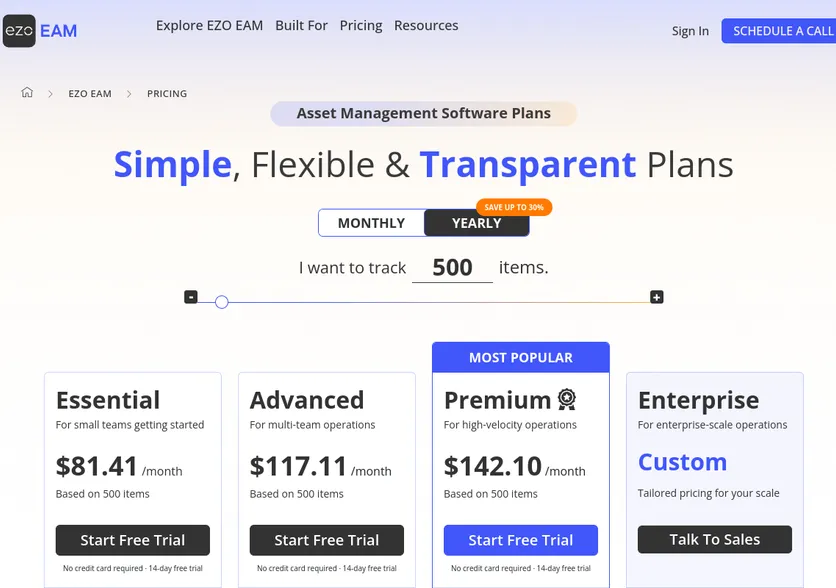
Paid tool Starting price: $44.75/month · Forty-four dollars and seventy-five cents a month on Essential billed annually at one hundred items (forty-eight dollars billed monthly); the same tier is sixty-three dollars and fifty-five cents at three hundred items and eighty-one dollars and forty-one cents at five hundred; Advanced and Premium tiers cost more
Free plan: Free trial
Businesses that count equipment as well as stock get a tracker built for assets here, since this EZOfficeInventory plan costs forty-four dollars and seventy-five cents a month billed annually on Essential at one hundred items. It counts assets by barcode or QR code, tracks who holds what and schedules maintenance alongside the count. It suits teams that lose track of equipment as often as they lose track of stock.
What we like
- Assets counted by barcode or QR code
- Tracks who holds each item and where it is
- Maintenance scheduled alongside the count
Watch out for
- The price rises with the number of items tracked
- Retail stock features are lighter than the stock tools here
How to try it
- Add assets with barcode or QR labels
- Run a count and check who holds each item
- Schedule maintenance for the items that need it
8. Finale Inventory
Best for: Multichannel sellers counting across warehouses
Paid tool Starting price: $63/month · Sixty-three dollars a month on Starter billed annually (seventy-five dollars billed monthly); Bronze is one hundred and sixty-six dollars, Silver is two hundred and ninety-one dollars and Gold is four hundred and fifty-eight dollars billed annually; fourteen-day trial; older figures of ninety-nine and two hundred and seventy-five dollars are stale
Free plan: No free plan; 14-day free trial
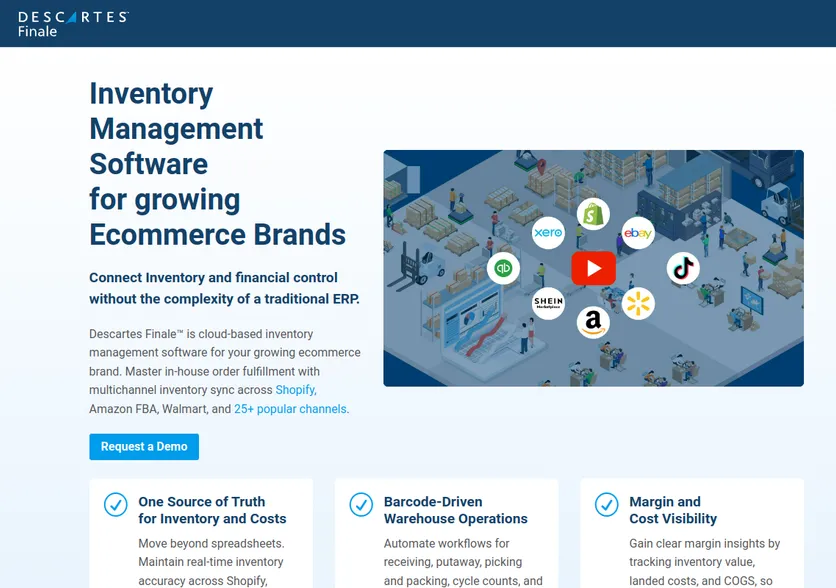
Sellers that count across warehouses and sales channels need one reconciled count, and this Finale Inventory plan costs sixty-three dollars a month billed annually on Starter. It runs counts per warehouse, syncs stock with every channel and flags variances before they become lost sales. It fits multichannel sellers whose stock lives in several places at once.
What we like
- Counts per warehouse synced with every channel
- Variances flagged before they become lost sales
- One reconciled count across all locations
Watch out for
- Older listings show prices that are now stale
- No free plan, so testing needs the fourteen-day trial
How to try it
- Connect every sales channel and warehouse
- Run a count per warehouse and sync the results
- Review the variances and update the channels
Prices above were checked on each vendor’s own website on Nov 29, 2026 and can change — the vendor’s page is the final word. Vendor links are editorial: nobody paid to be listed or ranked here. Vendors who want a featured listing can see how it works on our Get listed page.
How to run a stocktake that finds the real gaps
Count in sections, not in one marathon, because tired counters make mistakes and a sectioned count can be checked as it goes. Freeze stock movements during each section so sales and transfers do not change the numbers mid-count. Count blind, with the counter entering what they see rather than what the system expects, since a count that matches the system by design finds nothing. Reconcile variances the same day while the shelves are still fresh in memory, and investigate the big gaps before the small ones. Finally, keep the count routine weekly for fast movers, so a small gap never grows into a write-off.
Before you buy
- Check the tool counts by barcode scan from a phone, because manual entry is where counting errors start
- Make sure counts can run per location and per section, without freezing the whole business
- Confirm variances flag automatically and reconcile against sales, transfers and purchase orders
- Ask whether the price covers all locations or charges extra per store, warehouse or user
- Test a count on one real section of stock before rolling the tool out to every location
Official websites
Official websites of the products reviewed above. Features and prices were checked against these sites when this guide was written, and they can change, so confirm on the vendor site before you buy.
Frequently asked questions
What is stocktake software for multi-location retailers?
It is inventory software that counts stock in every store and warehouse, compares the count with the system record and flags the gaps. Good tools count by barcode scan from a phone, run counts per location or section without freezing the whole business, and reconcile variances against sales, transfers and purchase orders. For multi-location retailers it replaces the clipboard count and the spreadsheet that used to hold the results.
How much does Sortly cost?
Sortly costs forty-nine dollars a month on Advanced as the list price, with Ultra at one hundred and forty-nine dollars and Premium at two hundred and ninety-nine dollars a month. The twenty-four dollar figure some pages show is a first-year yearly promo, not the list price, so budget for the forty-nine dollar rate. The free plan covers one hundred items and one user.
Can I do stocktakes for free?
Yes, with Sortly and Zoho Inventory, which both offer genuine free plans rather than trials. Sortly covers one hundred items and one user, with barcode scans and photo counts from a phone, and Zoho Inventory covers fifty orders a month, including stock counts per warehouse. A single shop can run a real count on either of them, and paid tiers add more items, locations and automation.
Which tool is best for a small multi-location retailer?
Zoho Inventory is the best value for a small multi-location retailer, at twenty-nine dollars a month billed annually, with counts, transfers and orders in one system and a free plan for fifty orders. Sortly is the better pick once mobile counting matters, at forty-nine dollars a month, because it scans barcodes from a phone. Cin7 Core suits a chain that counts often and wants the count to feed straight into ordering.
How often should I count stock?
Count fast movers weekly and slow movers monthly, with a full count once or twice a year, because a small gap found early is cheap and a big gap found late is a write-off. Cycle counting, where one section is counted each week, keeps the whole store accurate without closing for a day. Tools such as Fishbowl and Cin7 Core run cycle counts as a routine, while Sortly and Zoho Inventory suit smaller weekly counts.
Compare the eight tools above, then start with a free plan or trial on the one that matches how your stores actually count, and check whether the price covers every location before paying for a full year.
Browse Business Tools tools