
On this page
A freelancer who asks clients for feedback needs a survey tool that looks professional and costs little. The eight tools below cover simple questionnaires, conversational surveys and full research studies, with prices from about $19 a month to about $99 a month, and every price was checked on the vendor site on November 26, 2026. Most offer a free plan or a free trial, so a freelancer can send a real survey before paying. Typeform is our first pick — beautiful conversational surveys that clients actually finish.
How we researched this
We started with the survey tools freelancers actually buy, then read each price on the vendor pricing page on November 26, 2026 and noted the free plan or trial each one carries. We judged them for a solo freelancer who sends client surveys and needs professional results without agency pricing. We kept only tools with a published price, and we dropped any tool whose price we could not verify.
Compare the tools
| Name | Best for | Starting price | Free plan | |
|---|---|---|---|---|
 SurveyMonkey | Freelancers who send client surveys under a trusted brand name | $39/month | Free plan (10 questions per survey) | Visit |
| Typeform | Freelancers who want surveys clients actually finish | $28/month | Free plan (10 responses a month) | Visit |
 Jotform | Freelancers who need forms, payments and uploads in one tool | $34/month | Free plan (Starter, 5 forms, 100 submissions a month) | Visit |
 SurveySparrow | Freelancers who want chat-style surveys on a low flat price | $19/month | Free plan (basic surveys, limited responses) | Visit |
 Zoho Survey | Freelancers already running their business on Zoho apps | $35/month | Free plan (basic surveys) | Visit |
 Alchemer | Freelancers who run serious research surveys solo | $55/user/month | Free plan (basic surveys) | Visit |
 QuestionPro | Freelancers who want enterprise-grade survey tools solo | $99/user/month | Free plan (Essentials, basic surveys) | Visit |
 Paperform | Creative freelancers who want forms that look designed | $24/month | 14-day free trial; no free plan | Visit |
The survey tools, compared
1. SurveyMonkey
Best for: Freelancers who send client surveys under a trusted brand name
Paid tool Starting price: $39/month · Advantage Annual plan, $468 a year billed annually; Standard Monthly is $149 a month
Free plan: Free plan (10 questions per survey)
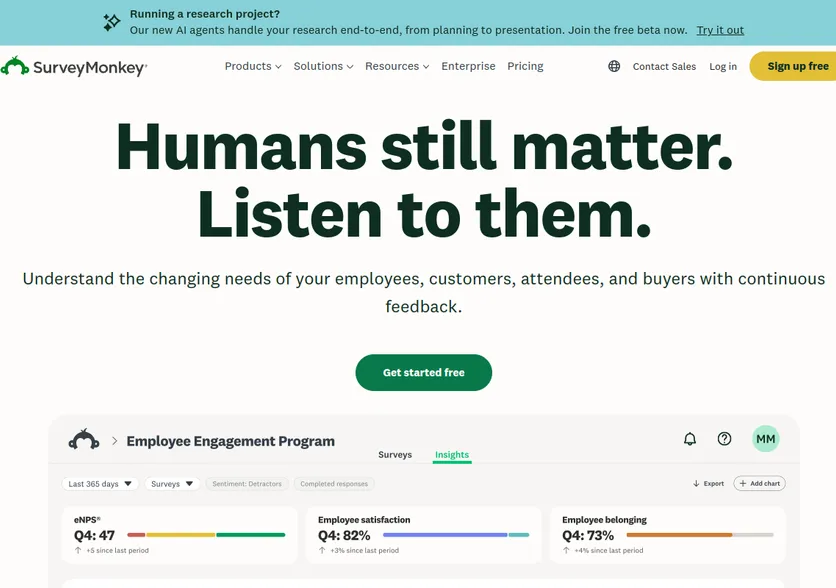
SurveyMonkey is the survey name clients already trust, which helps when a freelancer sends a questionnaire to a new customer. This SurveyMonkey Advantage plan covers unlimited surveys, custom branding and data exports, so a freelancer can run client feedback all year without hitting a cap. The question bank and templates speed up survey design, which matters when the survey is not the main job.
What we like
- Clients trust the brand instantly
- Huge template and question bank
- Unlimited surveys on Advantage
Watch out for
- Advantage costs $39 a month
- Standard Monthly is $149 a month
How to try it
- Open the SurveyMonkey pricing page and start the free plan
- Pick a template or write your own questions
- Send the survey and export the results
2. Typeform
Best for: Freelancers who want surveys clients actually finish
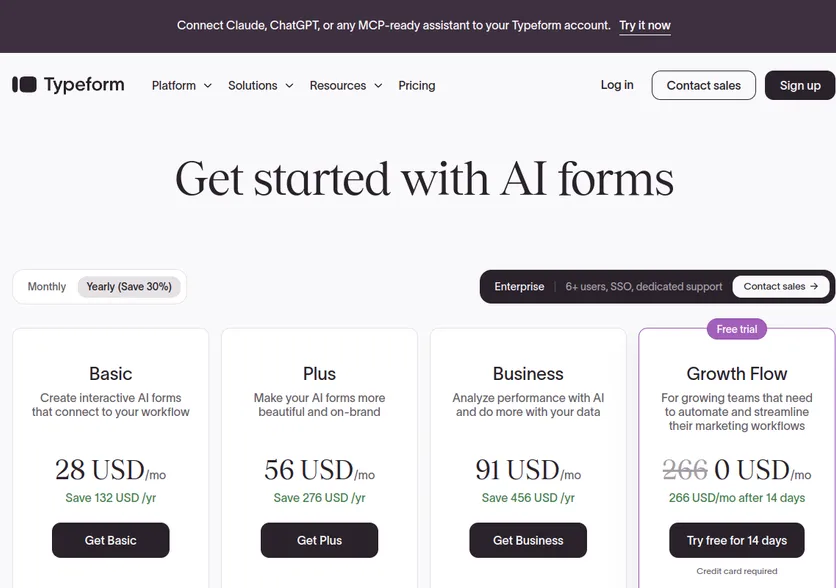
Paid tool Starting price: $28/month · Basic plan, per month billed annually; month-to-month billing is $39 a month
Free plan: Free plan (10 responses a month)
Typeform turns a dull questionnaire into a conversation, which lifts completion rates for client surveys. This Typeform Basic plan covers 100 responses a month, logic jumps and custom branding, so a freelancer can ask follow-up questions that adapt to each answer. The clean design makes the survey feel like part of the brand, not an afterthought.
What we like
- Conversational style lifts completion
- Logic jumps adapt to each answer
- Beautiful design, on brand
Watch out for
- Basic costs about $28 a month
- Basic covers only 100 responses a month
How to try it
- Open the Typeform pricing page and start the free plan
- Build a conversational form with logic jumps
- Share the link and watch responses arrive
3. Jotform
Best for: Freelancers who need forms, payments and uploads in one tool
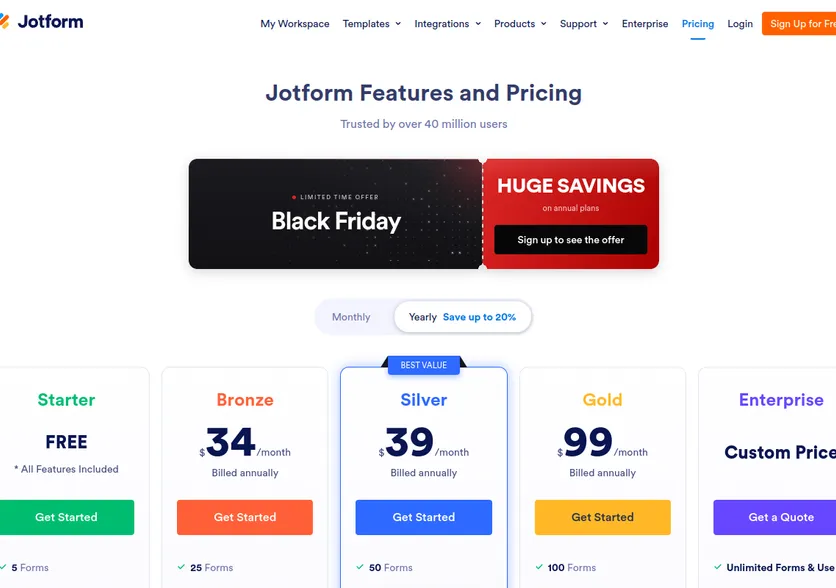
Paid tool Starting price: $34/month · Bronze plan, per month billed annually; month-to-month billing is $39 a month
Free plan: Free plan (Starter, 5 forms, 100 submissions a month)
Jotform is the form builder a freelancer reaches for when the survey needs payments, uploads or signatures too. This Jotform Bronze plan covers 1,000 submissions a month, file uploads and payment collection, so one tool can handle intake forms, feedback and invoices. The template library covers almost every freelance niche, from coaching to design.
What we like
- Payments and uploads in one form
- Huge template library
- 1,000 submissions a month on Bronze
Watch out for
- Bronze costs about $34 a month
- Free plan covers only 5 forms
How to try it
- Open the Jotform pricing page and start the free plan
- Pick a template for your niche
- Add payment or upload fields and publish
4. SurveySparrow
Best for: Freelancers who want chat-style surveys on a low flat price
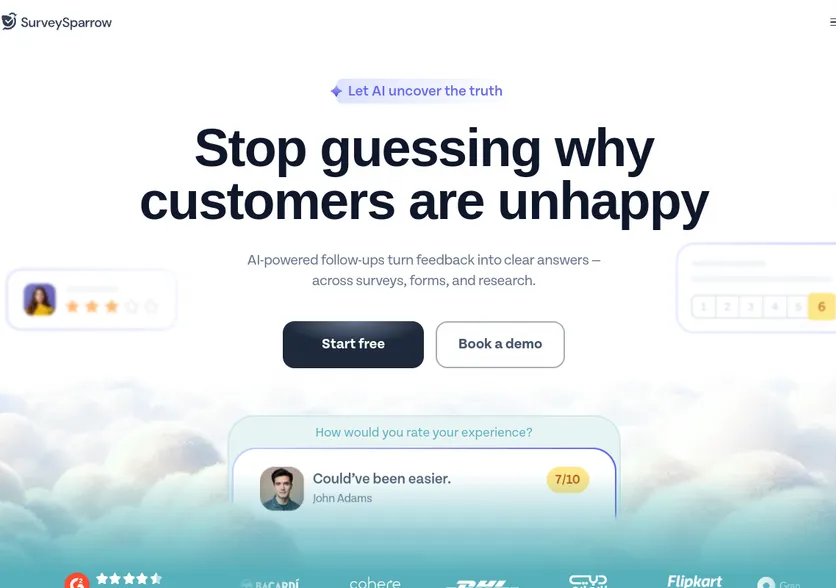
Paid tool Starting price: $19/month · Basic plan, $228 a year billed annually for 1 user and 2,500 responses a year; no monthly billing
Free plan: Free plan (basic surveys, limited responses)
SurveySparrow makes surveys feel like chats, which keeps respondents answering to the last question. This SurveySparrow Basic plan covers 2,500 responses a year, conversational surveys and basic reporting, so a solo freelancer can run feedback without a monthly bill that stings. The annual-only billing suits a freelancer who plans the year ahead.
What we like
- Chat style keeps people answering
- Lowest flat price on this list
- 2,500 responses a year on Basic
Watch out for
- Basic costs $19 a month, annual only
- One user only on the Basic plan
How to try it
- Open the SurveySparrow pricing page and start the free plan
- Build a chat-style survey
- Share it and check the response report
5. Zoho Survey
Best for: Freelancers already running their business on Zoho apps
Paid tool Starting price: $35/month · Plus plan, per month billed monthly
Free plan: Free plan (basic surveys)
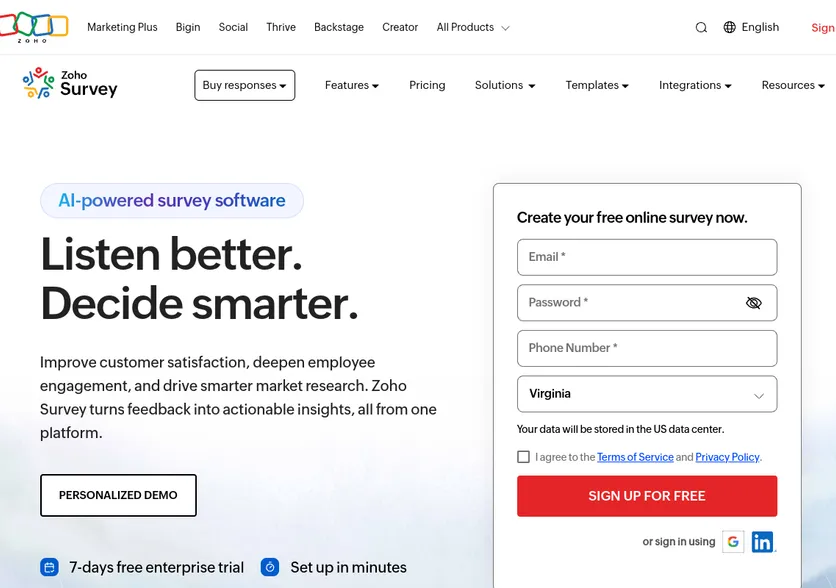
Zoho Survey fits a freelancer who already runs the business on Zoho apps and wants surveys in the same account. This Zoho Survey Plus plan covers unlimited surveys, logic branching and reports that export cleanly, so client feedback flows straight into the CRM. The monthly billing is simple, with no annual contract to sign.
What we like
- Unlimited surveys on Plus
- Fits the wider Zoho suite
- Simple monthly billing
Watch out for
- Plus costs $35 a month
- Some prices vary by region and source
How to try it
- Open the Zoho Survey pricing page and start the free plan
- Build a survey with logic branching
- Send it and export the report to your CRM
6. Alchemer
Best for: Freelancers who run serious research surveys solo
Paid tool Starting price: $55/user/month · Collaborator plan, per user per month billed monthly; annual billing is $315 a user a year
Free plan: Free plan (basic surveys)
Alchemer suits a freelancer who runs serious research surveys and needs logic that adapts to every answer. This Alchemer Collaborator plan covers advanced question types, survey logic and reporting, so a research-heavy freelancer can run complex studies solo. The per-user pricing means a one-person business pays for one seat only.
What we like
- Advanced logic for complex studies
- Per-user pricing suits solo work
- Detailed reporting included
Watch out for
- Collaborator costs $55 a month per user
- Pricier than simpler survey tools
How to try it
- Open the Alchemer pricing page and start the free plan
- Build a survey with advanced logic
- Launch it and review the detailed report
7. QuestionPro
Best for: Freelancers who want enterprise-grade survey tools solo
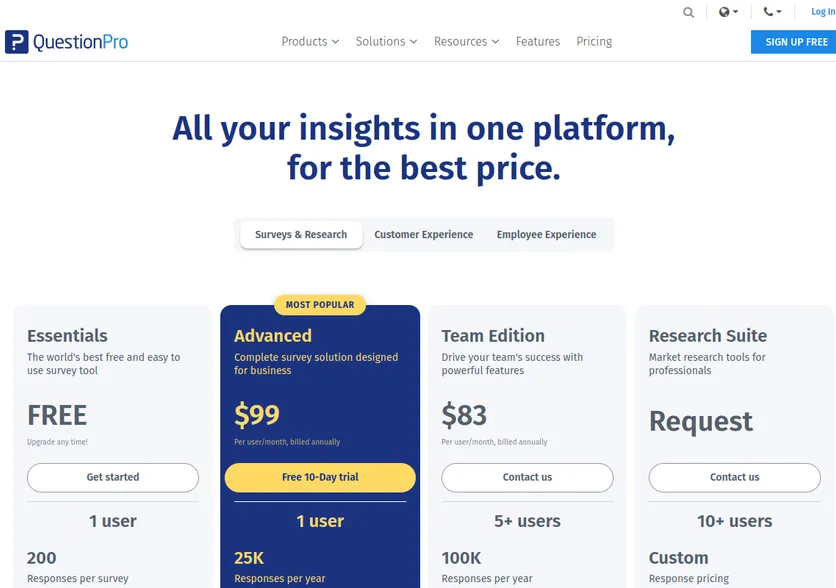
Paid tool Starting price: $99/user/month · Advanced plan, per user per month billed annually; Team Edition is $83 a user a month with 5 or more users
Free plan: Free plan (Essentials, basic surveys)
QuestionPro gives a freelancer enterprise-grade survey tools at a price a solo business can still justify. This QuestionPro Advanced plan covers unlimited surveys, advanced logic and detailed analytics, so a freelancer can run client research that looks like agency work. The free Essentials plan covers basic surveys, which is enough to test the tool first.
What we like
- Unlimited surveys on Advanced
- Analytics that look like agency work
- Free Essentials plan to test with
Watch out for
- Advanced costs $99 a month per user
- Dearest tool on this list
How to try it
- Open the QuestionPro pricing page and start the free plan
- Build an advanced survey with logic
- Launch it and study the analytics
8. Paperform
Best for: Creative freelancers who want forms that look designed
Paid tool Starting price: $24/month · Essentials plan, per month billed annually; month-to-month billing is $29 a month
Free plan: 14-day free trial; no free plan
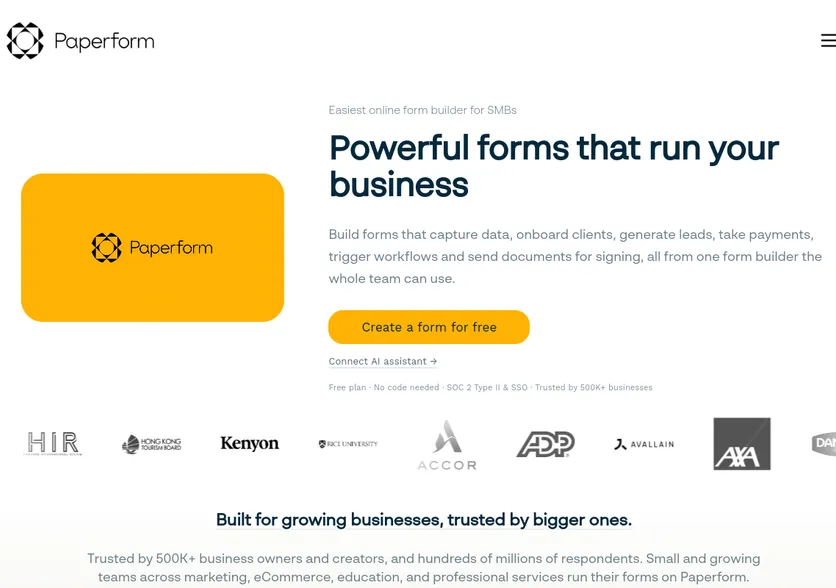
Paperform blends forms, surveys and payments into pages that look like they were designed, not generated. This Paperform Essentials plan covers 1,200 submissions a year, payment collection and custom branding, so a freelancer can take bookings and feedback in one place. The design freedom suits creatives who care how the form looks.
What we like
- Forms that look professionally designed
- Payments and bookings in one place
- Custom branding on Essentials
Watch out for
- Essentials costs about $24 a month
- No free plan, trial only
How to try it
- Open the Paperform pricing page and start the trial
- Design a form with your brand style
- Add payments and publish the link
Prices above were checked on each vendor’s own website on Nov 26, 2026 and can change — the vendor’s page is the final word. Vendor links are editorial: nobody paid to be listed or ranked here. Vendors who want a featured listing can see how it works on our Get listed page.
What survey software costs in 2026
Survey tools charge by responses, by users or by flat monthly price, and the billing model decides which one is cheap for a freelancer. A solo freelancer who sends a few surveys a month pays least on a low flat plan such as SurveySparrow, while a freelancer who surveys hundreds of clients needs a high response cap. Response limits matter more than the headline price, because overage fees add up fast.
Start with the free plan on two tools and send the same survey through both. Compare the completion rate and how the results look to a client, then pick the tool that makes your work look professional.
Before you buy
- Count the responses you will collect each month, because low response caps trigger overage fees that cost more than a higher plan.
- Check whether the plan covers your branding, because a survey with another logo on it looks less professional to clients.
- Test the survey on a real client first, because every tool here offers a free plan or trial and completion rates matter most.
- Ask whether the tool exports clean data, because survey results must land in a spreadsheet or CRM without manual cleanup.
- Add up the yearly cost, because annual billing saves money on most tools here, while monthly billing stays flexible.
Official websites
Official websites of the products reviewed above. Features and prices were checked against these sites when this guide was written, and they can change, so confirm on the vendor site before you buy.
Frequently asked questions
What is the best survey software for freelancers in 2026?
Typeform, at about $28 a month, is the safest default because its conversational style lifts completion rates and clients enjoy answering. SurveyMonkey is better when the brand name matters, since clients trust it instantly and the templates speed up design. Jotform wins when the form must also take payments or uploads, which the others handle less well.
What is the cheapest survey software for freelancers?
SurveySparrow, at $19 a month billed annually, is the cheapest paid plan here and covers 2,500 responses a year for one user. Paperform is close behind at about $24 a month with payments and branding included. Typeform's free plan covers 10 responses a month, which suits a freelancer who surveys only a few clients at a time.
Can I send surveys for free?
Yes, most of them do. SurveyMonkey, Typeform, Jotform, SurveySparrow, Zoho Survey, Alchemer and QuestionPro all offer free plans with real limits, from response caps to form counts. Paperform offers a 14-day free trial instead. Send a real survey on the free plan first, then pay only when the limits start to pinch.
Which survey tool gets the most responses?
Typeform and SurveySparrow, because both use a conversational style that keeps respondents answering to the last question. A long grid of questions loses people halfway, while one question at a time feels like a chat. Keep the survey short, ask the most important question first, and brand the page so clients trust the link.
Do survey tools work for client feedback and research?
Yes, and the tools here split into two groups. Typeform, SurveyMonkey and Jotform suit quick client feedback, with templates and fast setup. Alchemer and QuestionPro suit deeper research, with advanced logic, branching and analytics that handle complex studies. Pick the group that matches the work, then compare prices inside it.
Need everyday business help too? Try Toolsvine's free business tools for freelancers and small teams right in your browser.
Browse Business Tools tools


