On this page
A small practice cannot afford a system that needs an administrator to run it. The eight tools below are built for one to five practitioners, with telehealth that starts from the appointment and billing that follows the visit. Jane leads because it puts scheduling, charting, billing and video in one calm interface for fifty-nine dollars a month, and the rest are ranked on how little admin they add to a small team.
How we researched this
We checked every price on the vendor pricing page on November 29, 2026, and only included tools with a published dollar list price. WebPT sells by quote only, so it is not in this list, and the tools that publish no single list price cannot be compared fairly. Prices change, so confirm the current figure on the vendor site before you buy.
Compare the tools
| Name | Best for | Starting price | Free plan | |
|---|---|---|---|---|
 Jane | Small practices that want one calm system | $59/month | No free plan | Visit |
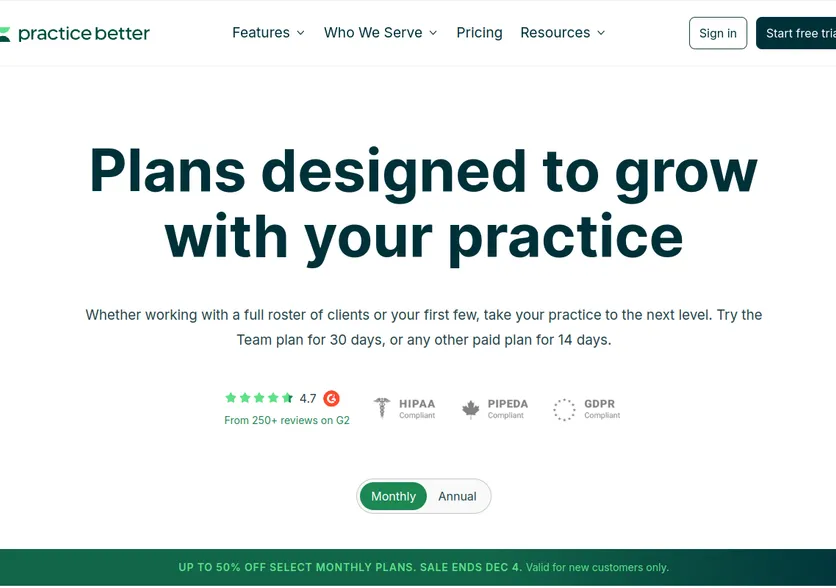
 Practice Better | Small practices that want the lowest price | $25/month | Free Sprout plan for up to 3 clients | Visit |
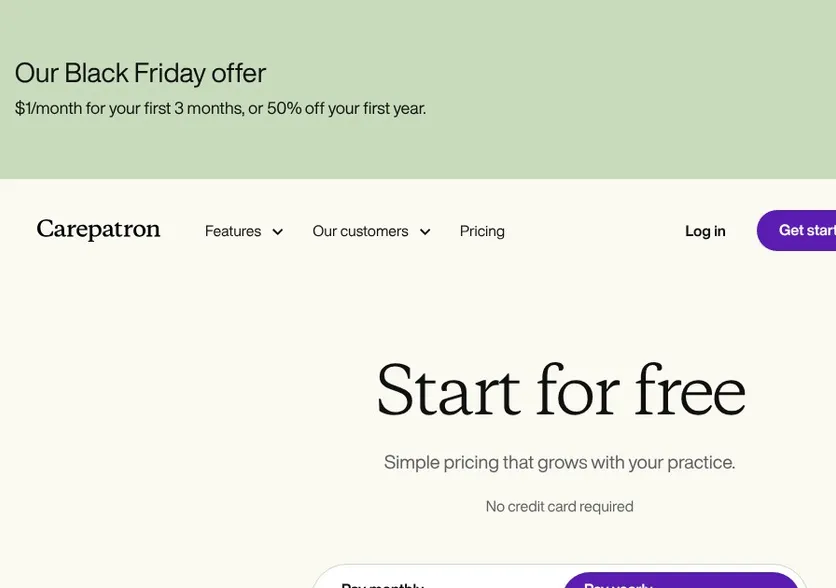
 Carepatron | Small practices that want a free start | $31/user/month | Free plan with unlimited clients, telehealth and AI scribe; 14-day trial of Advanced | Visit |
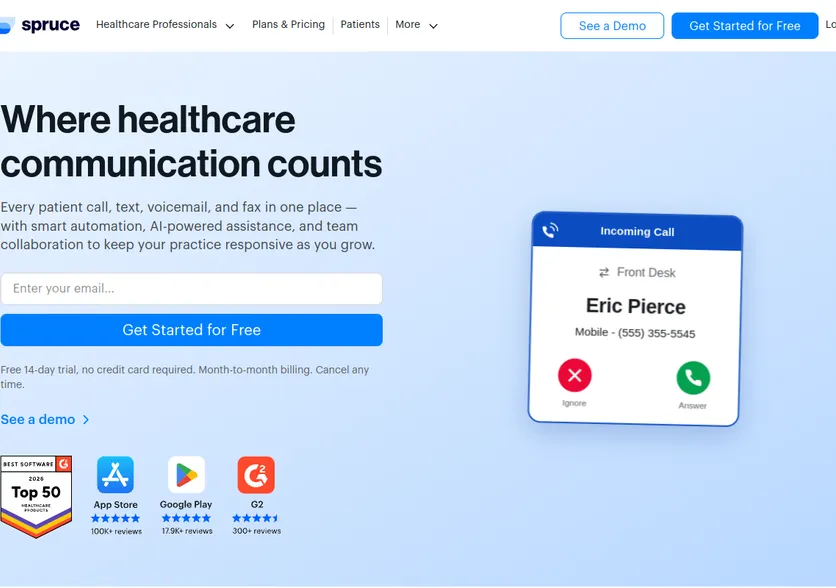
 Spruce Health | Small practices that want simple messaging | $24/user/month | Free trial available | Visit |
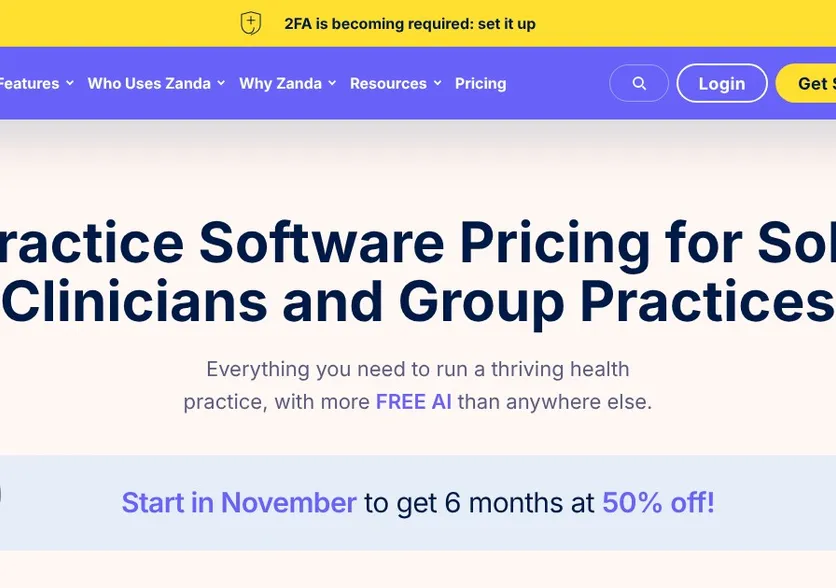
 Zanda | Small practices on a budget | $29/month | No free plan listed | Visit |
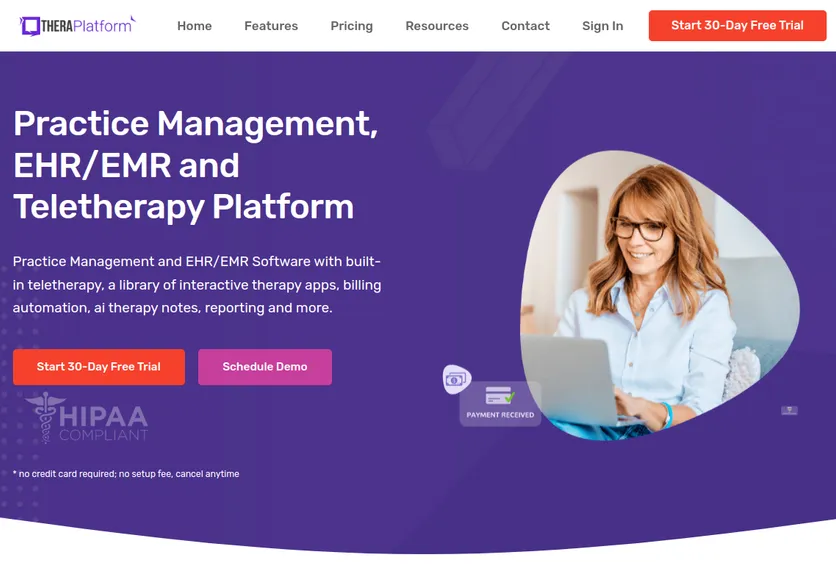
 TheraPlatform | Small practices that want AI-drafted notes | $39/month | No free plan; 30-day free trial with no card required | Visit |
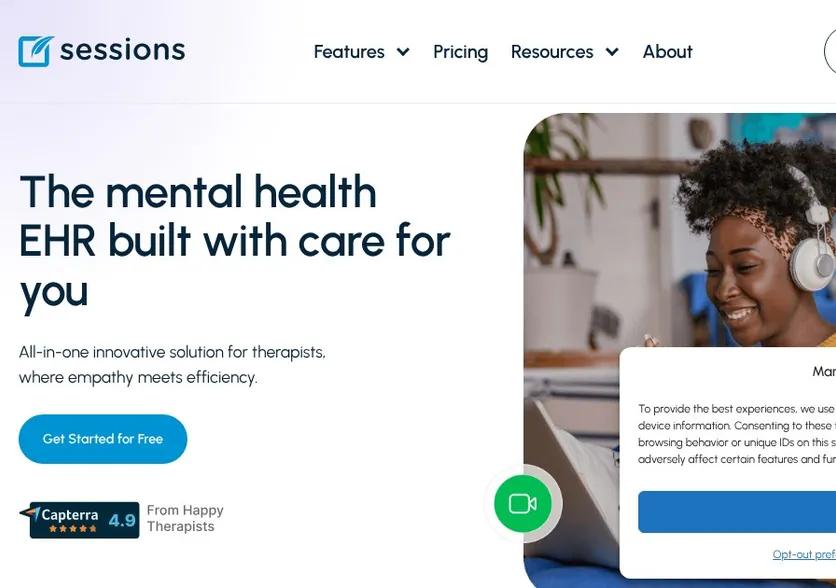
 Sessions Health | Solo practitioners that want a free start | $39/month | Free Freemium plan for up to three clients | Visit |
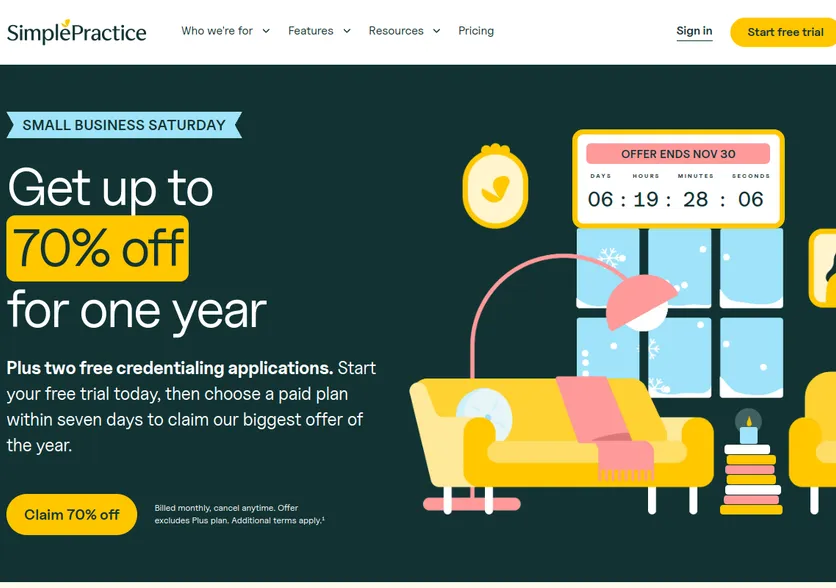
 SimplePractice | Small practices that take insurance | $49/month | No free plan; 30-day free trial | Visit |
The telehealth software for small practices, compared
1. Jane
Best for: Small practices that want one calm system
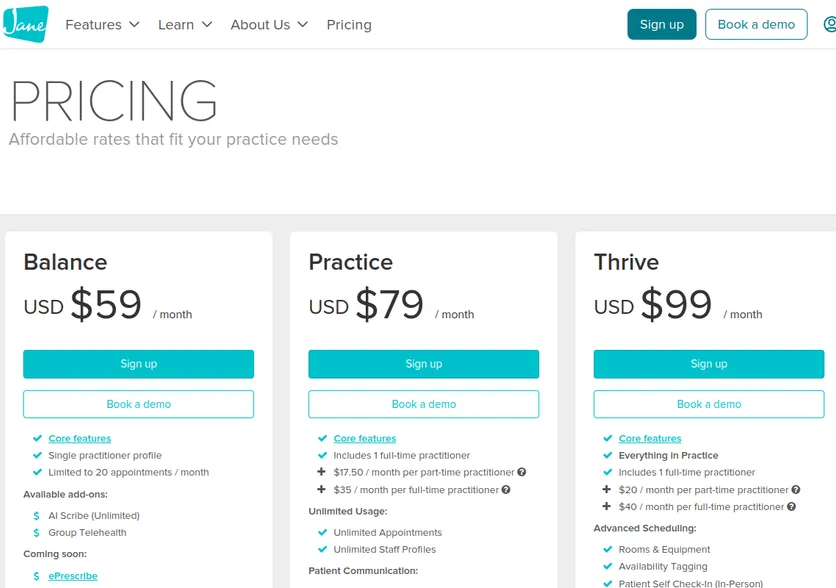
Paid tool Starting price: $59/month · Fifty-nine dollars a month on the standard plan, covering scheduling, charting, billing and telehealth; check the vendor page for multi-practitioner and multi-location pricing
Free plan: No free plan
A small practice that wants one calm system for the whole day starts here, since this Jane plan costs fifty-nine dollars a month, and it puts scheduling, charting, billing and telehealth in the same window. Online booking and reminders cut no-shows sharply, and the video visit runs inside the same chart as an in-person appointment. The price is per practice, so a team that grows past one location should check the vendor page for its real total before signing up.
What we like
- Scheduling charting and billing live in one calm interface
- Online booking and reminders cut no-shows sharply
- Telehealth runs inside the same chart as in-person visits
Watch out for
- The price is per clinic, so multi-location costs add up
- Some advanced reporting needs the higher tiers
How to try it
- Set up practitioners rooms and services in Jane
- Open online booking and set reminder rules
- Run a video visit from the appointment and chart in the same window
2. Practice Better
Best for: Small practices that want the lowest price
Paid tool Starting price: $25/month · Twenty-five dollars a month billed annually on Starter ($35 billed monthly) for ten clients; Professional is $59 billed annually ($69 billed monthly) for three hundred clients; Plus is $89 ($99 billed monthly); Team is $145 ($155 billed monthly)
Free plan: Free Sprout plan for up to 3 clients
The cheapest full system for a small practice is here, because this Practice Better plan costs twenty-five dollars a month billed annually, and it covers client management, programs and video in one place. Forms and programs automate client follow-up, and the free Sprout plan covers up to three clients for a practice that is just starting. The ten-client cap on Starter pushes a growing practice up a tier, so count the active caseload before choosing the plan.
What we like
- Client management programs and telehealth in one place
- The Starter price is the lowest full system here
- Forms and programs automate client follow-up
Watch out for
- Client caps on Starter push growing practices up a tier
- Some automation features need Professional or above
How to try it
- Set up services programs and intake forms
- Invite clients and share their program in the portal
- Run video sessions and track progress in the client record
3. Carepatron
Best for: Small practices that want a free start
Paid tool Starting price: $31/user/month · Thirty-one dollars per user a month billed annually on Plus ($39 billed monthly); Advanced is $39 per user a month billed annually ($49 billed monthly); older promotional figures of fifteen dollars and fifty cents and nineteen dollars and fifty cents are stale
Free plan: Free plan with unlimited clients, telehealth and AI scribe; 14-day trial of Advanced
A small practice that wants the most generous free tier starts here, because this Carepatron plan costs thirty-one dollars per user a month billed annually, and the free plan already covers unlimited clients with telehealth and an AI scribe. Scheduling, billing and records live in one app, and the AI scribe drafts notes from the session. The free plan caps appointments at one hundred a month, so a busy practice will need the paid plan sooner than the headline suggests.
What we like
- Free plan covers unlimited clients with telehealth included
- AI scribe drafts notes from the session
- Scheduling billing and records live in one app
Watch out for
- The free plan caps appointments at one hundred a month
- Some features need the Advanced tier
How to try it
- Create the workspace and add practitioners and services
- Open online booking and share the link with clients
- Run the video visit and let the AI scribe draft the note
4. Spruce Health
Best for: Small practices that want simple messaging
Paid tool Starting price: $24/user/month · Twenty-four dollars per user a month billed monthly on Basic; Communicator is $49 per user a month; the trial length is not published on the pricing page, so confirm it before signing up
Free plan: Free trial available
A small practice that wants the simplest possible patient experience finds it here, since this Spruce Health plan costs twenty-four dollars per user a month billed monthly, and it puts secure messaging and telehealth in one simple app. Phone, fax and messaging share one number, and the interface is easy for a small team to adopt without training. The feature set is narrower than full practice suites, and pricing details beyond Basic are thin on the vendor page.
What we like
- Secure messaging and telehealth in one simple app
- Phone fax and messaging share one number
- The interface is easy for small teams to adopt
Watch out for
- The feature set is narrower than full practice suites
- Pricing details beyond Basic are thin on the vendor page
How to try it
- Set up the practice number and team inbox
- Invite patients to message through the secure app
- Start a video visit from the conversation when needed
5. Zanda
Best for: Small practices on a budget
Paid tool Starting price: $29/month · Twenty-nine dollars a month; Zanda was formerly Power Diary, and the pricing page still sits on the old Power Diary address; check the vendor page for higher tiers and add-ons
Free plan: No free plan listed
A small practice that wants a full system at a low price finds it here, because this Zanda plan costs twenty-nine dollars a month, and it covers booking, notes, billing and telehealth. Templates speed up notes for repeat appointment types, which suits a practice that runs the same visits all day. The interface feels simpler than pricier practice suites, and some integrations need the higher tiers.
What we like
- Practice management covers booking notes billing and telehealth
- Templates speed up notes for repeat appointment types
- The price is low for a full practice system
Watch out for
- The interface feels simpler than pricier practice suites
- Some integrations need the higher tiers
How to try it
- Add practitioners services and appointment types
- Set up online booking with intake forms attached
- Chart the visit and send the invoice from the same record
6. TheraPlatform
Best for: Small practices that want AI-drafted notes
Paid tool Starting price: $39/month · Thirty-nine dollars a month on Basic for one provider; Pro is $69 and Pro Plus is $79 a month; AI Notes is a $30 per provider a month add-on; telehealth is included; an early-bird fifty percent off three months offer is not the list price
Free plan: No free plan; 30-day free trial with no card required
A small practice that wants therapy-focused notes with its video finds them here, since this TheraPlatform plan costs thirty-nine dollars a month for one provider, and telehealth is included rather than charged as an add-on. AI Notes drafts session notes from the visit, which saves time after a busy day. The early-bird discount is not the list price, and some tools need the Pro or Pro Plus tiers.
What we like
- Telehealth notes and scheduling in one therapy-focused app
- AI Notes drafts session notes from the visit
- The price is low for a single provider
Watch out for
- The early-bird discount is not the list price
- Some tools need the Pro or Pro Plus tiers
How to try it
- Set up the provider profile and appointment types
- Enable telehealth and send clients the session link
- Review the AI note draft and sign it after the visit
7. Sessions Health
Best for: Solo practitioners that want a free start
Paid tool Starting price: $39/month · Thirty-nine dollars a month on Professional for the first practitioner, twenty-nine dollars for each additional practitioner; telehealth adds ten dollars per practitioner a month for up to four participants; AI Assist is $35 a month
Free plan: Free Freemium plan for up to three clients
A solo practitioner who wants a clean system with a genuinely free tier starts here, because this Sessions Health plan costs thirty-nine dollars a month for the first practitioner, and the free plan covers up to three clients. Extra practitioners cost twenty-nine dollars each, which is less than the first, and telehealth seats up to four participants per session. Telehealth is a paid add-on rather than included, so add ten dollars per practitioner a month to the headline before comparing.
What we like
- Clean notes and scheduling with a genuinely free tier
- Telehealth seats up to four participants per session
- Extra practitioners cost less than the first
Watch out for
- Telehealth is a paid add-on, not included
- The feature set is lighter than the big practice suites
How to try it
- Create the practice and invite the first practitioner
- Add the telehealth add-on and test a session
- Use the free tier for up to three clients to start
8. SimplePractice
Best for: Small practices that take insurance
Paid tool Starting price: $49/month · Forty-nine dollars a month on Starter; Essential is $79 and Plus is $99 a month; older guides showing twenty-nine dollars are stale after a 2026 price rise, and a fifty percent off three months promotion is not the list price
Free plan: No free plan; 30-day free trial
A small practice that takes insurance and wants the portal to do the admin finds it here, since this SimplePractice plan costs forty-nine dollars a month, and it covers scheduling, notes, billing and telehealth in one system. The client portal handles intake forms and payments, and insurance billing tools suit a practice that takes cover. The recent price rise makes it more expensive than older guides show, so ignore any listing that still prints twenty-nine dollars.
What we like
- Scheduling notes billing and telehealth in one system
- Client portal handles intake forms and payments
- Insurance billing tools suit practices that take cover
Watch out for
- The recent price rise makes it more expensive than older guides show
- Some features need the Essential or Plus tiers
How to try it
- Create the practice and add clinicians and services
- Turn on the client portal with intake forms
- Run a video session and complete the note and invoice after
Prices above were checked on each vendor’s own website on Nov 29, 2026 and can change — the vendor’s page is the final word. Vendor links are editorial: nobody paid to be listed or ranked here. Vendors who want a featured listing can see how it works on our Get listed page.
How a small practice adds telehealth without adding admin
Pick one tool for the whole visit, because a small practice has no time for a video app, a notes app and a billing app that never talk to each other. Start with the free tier or the cheapest plan and run real visits on it for two weeks, since a trial on demo data hides the problems that real patients expose. Write the intake form once and reuse it for every new patient, and set the reminder rules before the first video visit, not after the first no-show. When the practice grows past five practitioners, revisit the choice, because the tool that suits a solo clinician may not suit a team.
Before you buy
- Pick one tool for the whole visit, not a video app plus a notes app plus billing
- Run real visits on the free tier or cheapest plan for two weeks before paying
- Check the client cap, since a low cap pushes a growing practice up a tier fast
- Make sure the video runs in the browser, so patients need no download
- Confirm the tool exports patient records, so leaving later does not strand the practice
Official websites
Official websites of the products reviewed above. Features and prices were checked against these sites when this guide was written, and they can change, so confirm on the vendor site before you buy.
Frequently asked questions
What is the best telehealth software for a small practice?
Jane is the best overall pick for a small practice, at fifty-nine dollars a month, because scheduling, charting, billing and telehealth live in one calm interface. Practice Better is the best value at twenty-five dollars a month billed annually, with client programs and video built in. Carepatron is the best free start, with unlimited clients, telehealth and an AI scribe on its free plan and paid plans from thirty-one dollars a user a month.
Can a small practice use telehealth software for free?
Yes, Carepatron offers a free plan with unlimited clients, telehealth and an AI scribe, though appointments are capped at one hundred a month. Practice Better offers a free Sprout plan for up to three clients, and Sessions Health offers a free plan for up to three clients. A solo practitioner can start on a free plan and move to a paid plan when the caseload grows past the free cap.
How much does telehealth software cost a small practice?
Practice Better is the cheapest full system here, at twenty-five dollars a month billed annually on Starter for ten clients. Zanda costs twenty-nine dollars a month, Carepatron costs thirty-one dollars per user a month billed annually on Plus, and Jane costs fifty-nine dollars a month. A practice that only needs video can start free on doxy.me, though scheduling and notes would then live elsewhere.
Does Carepatron really offer a free plan?
Yes, Carepatron offers a free plan with unlimited clients, telehealth and an AI scribe, which is the most generous free tier in this list. The free plan caps appointments at one hundred a month and reserves some features for the Advanced tier, which costs thirty-nine dollars per user a month billed annually. A small practice with a light caseload can run on the free plan for months before needing to pay.
Which tool is easiest for patients to use?
Spruce Health is the easiest for patients, with secure messaging and video in one simple app that needs no download. Sessions Health is close behind, since its free plan lets a new patient try the practice with no friction. Jane and Carepatron also keep the patient side simple, with booking links and reminders that arrive by text or email, which matters more than any feature list when patients are older or less technical.
Compare the eight tools above, then start with a free trial or the free plan on the tool that matches how the small practice already runs its day before paying for a full year.
Browse Health & Fitness Calculators tools