On this page
An agency sells hours, so the time tracker is the billing system: every untracked hour is money the client never sees. Harvest starts Teams at nine dollars a seat with profitability reports per client, while Clockify opens at three dollars and ninety-nine cents a seat. We read every price on the vendor pricing page on November 29, 2026, and kept only tools with a published dollar rate.
How we researched this
We read every price on the vendor pricing page on November 29, 2026, and kept only tools with a published dollar rate. We ranked the shortlist on billable-hour accuracy, project budgets, and fit for client work. Quote-only enterprise tools were dropped, as were trackers with no project or client structure.
Compare the tools
| Name | Best for | Starting price | Free plan | |
|---|---|---|---|---|
 Harvest | Agencies that bill clients by the hour and track projects | $9/seat/month | Free plan (1 seat, 2 projects) | Visit |
 Toggl Track | Agencies that want a timer the whole team uses | $9/user/month | Free plan (up to 3 users) | Visit |
 Clockify | Agencies that want the cheapest paid seat with reports | $3.99/seat/month | Free plan (up to 5 users) | Visit |
 Time Doctor | Remote agencies that need visibility into daily work | $6.67/user/month | No free plan; free trial available | Visit |
 Hubstaff | Agencies with remote or field staff that need GPS and payroll | $4.99/seat/month | No free plan; 14-day free trial | Visit |
 Timely | Agencies that hate manual timesheets | $9/user/month | No free plan; 14-day free trial | Visit |
 Everhour | Agencies that live in Asana, Trello or Jira | $8.50/seat/month | Free plan (up to 5 users) | Visit |
 Teamwork | Agencies that want projects and time in one platform | $9.99/month | No free plan; free trial available | Visit |
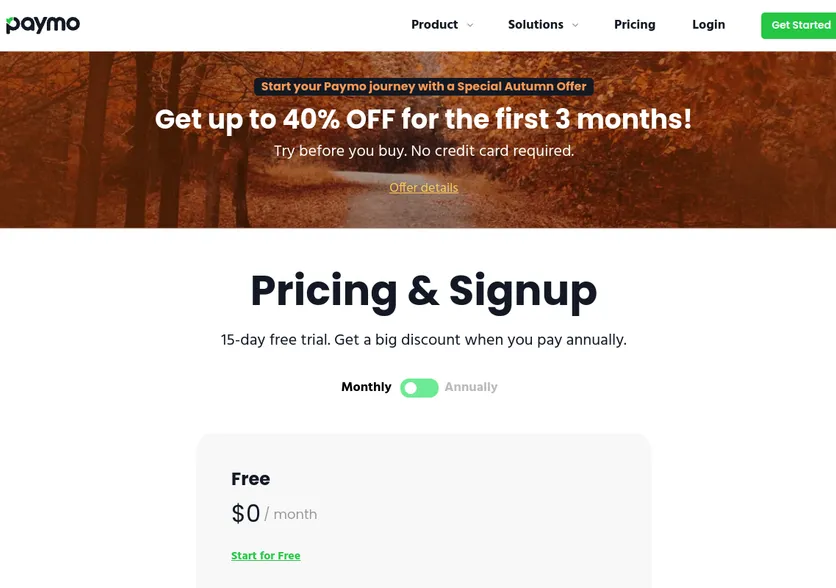
 Paymo | Agencies that want time tracking and invoicing together | $5.90/user/month | No free plan; free trial available | Visit |
The 9 best time tracking tools for agencies
1. Harvest
Best for: Agencies that bill clients by the hour and track projects
Paid tool Starting price: $9/seat/month · Teams costs nine dollars per seat a month billed annually (eleven dollars monthly); Enterprise fourteen dollars (seventeen dollars and fifty cents monthly); the Forecast add-on costs five dollars per user a month billed annually; a thirty-day trial needs no card. Older reads list Teams at eleven dollars; the November 2026 reads agree on nine dollars billed annually.
Free plan: Free plan (1 seat, 2 projects)
Harvest starts Teams at nine dollars per seat a month billed annually, built for agencies that bill clients by the hour. It tracks time and expenses against projects, and the reports show which clients are profitable before the invoice goes out. Forecast costs five dollars a user a month as an add-on, and the free plan covers one seat and two projects.

What we like
- Time and expenses against projects
- Profitability reports per client
- Free plan for one seat
Watch out for
- Free plan covers only one seat
- Forecast costs extra per user
How to try it
- Start on the free plan with one seat
- Create your clients and projects
- Invite the team and start tracking time
2. Toggl Track
Best for: Agencies that want a timer the whole team uses
Paid tool Starting price: $9/user/month · Starter costs nine dollars per user a month billed annually (twelve dollars monthly); Premium sixteen dollars (twenty-four dollars monthly); Enterprise is custom; the Time Off add-on costs two dollars per user a month and Capacity five dollars. One guide lists the free plan at five users; the vendor FAQ caps it at three.
Free plan: Free plan (up to 3 users)
Toggl Track starts Starter at nine dollars per user a month billed annually, with a one-click timer your team will actually use. It reports time by client, project and task, so an agency can see the real cost of every engagement without chasing timesheets. Premium costs sixteen dollars per user a month and adds forecasting, while Enterprise is quoted.

What we like
- One-click timer the team actually uses
- Reports by client, project and task
- Free plan for up to three users
Watch out for
- Free plan covers only three users
- Premium costs nearly double Starter
How to try it
- Start on the free plan with up to three users
- Create clients and projects for each engagement
- Share the timer with the whole team
3. Clockify
Best for: Agencies that want the cheapest paid seat with reports
Paid tool Starting price: $3.99/seat/month · Basic costs three dollars and ninety-nine cents per seat a month billed annually (four dollars and ninety-nine cents monthly); Standard five dollars and forty-nine cents (six dollars and ninety-nine cents monthly); Pro seven dollars and ninety-nine cents (nine dollars and ninety-nine cents monthly); Enterprise eleven dollars and ninety-nine cents (fourteen dollars and ninety-nine cents monthly); kiosk seats start at seventy-nine cents; a seven-day trial applies.
Free plan: Free plan (up to 5 users)
Clockify opens Basic at three dollars and ninety-nine cents per seat a month billed annually, the cheapest paid seat in this list. It tracks time by project and client with reports, and the free plan covers up to five users before a single dollar is spent. Standard costs five dollars and forty-nine cents and Pro seven dollars and ninety-nine cents per seat a month billed annually.

What we like
- Cheapest paid seat in this list
- Free plan for up to five users
- Time by project and client with reports
Watch out for
- Free plan reporting is basic
- Scheduling sits on the higher plans
How to try it
- Start on the free plan with up to five users
- Create projects for each client engagement
- Check the weekly report for unprofitable work
4. Time Doctor
Best for: Remote agencies that need visibility into daily work
Paid tool Starting price: $6.67/user/month · Basic costs six dollars and sixty-seven cents per user a month billed annually (eight dollars monthly); Standard eleven dollars and sixty-seven cents (fourteen dollars monthly); Premium sixteen dollars and seventy cents (twenty dollars monthly); Enterprise is custom; video screen recording costs three dollars per user a month as an add-on on Basic and Standard.
Free plan: No free plan; free trial available
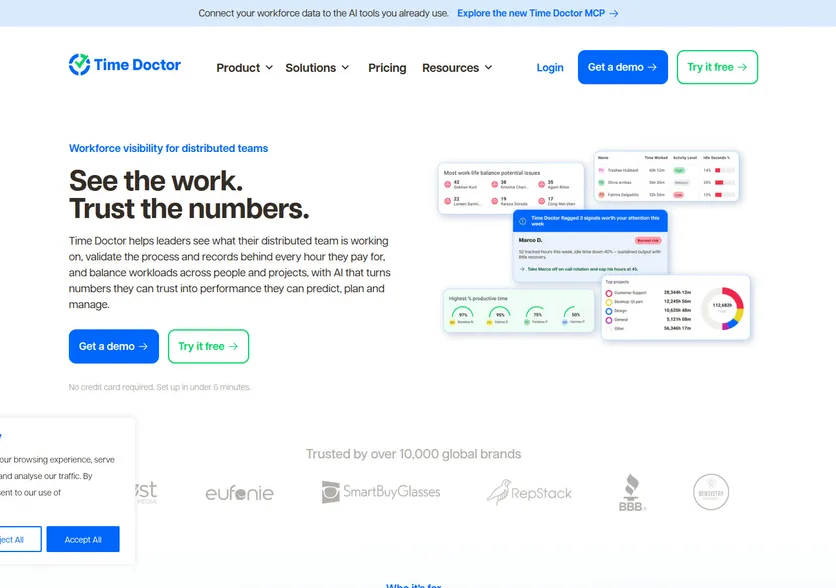
Time Doctor starts Basic at six dollars and sixty-seven cents per user a month billed annually, with screenshots and app tracking for remote agency teams. It records time against projects with activity levels and website tracking, so a manager can see what the team is working on without asking. Premium costs sixteen dollars and seventy cents and adds client logins and project budgets, while video screen recording costs three dollars a user a month extra.
What we like
- Screenshots and app tracking built in
- Activity levels per project
- Client logins on the Premium plan
Watch out for
- No free plan is offered
- Screen recording costs extra per user
How to try it
- Start a free trial from the pricing page
- Create projects for each client
- Invite the team and review the first activity report
5. Hubstaff
Best for: Agencies with remote or field staff that need GPS and payroll
Paid tool Starting price: $4.99/seat/month · Starter costs four dollars and ninety-nine cents per seat a month billed annually (seven dollars monthly); Grow seven dollars and fifty cents (nine dollars monthly); Team ten dollars (twelve dollars monthly); Enterprise twenty-five dollars billed annually only; a two-seat minimum applies on Starter, Grow and Team; Insights costs two dollars and fifty cents, Locations three dollars and thirty-three cents, and the silent app two dollars and fifty cents per seat a month billed annually.
Free plan: No free plan; 14-day free trial
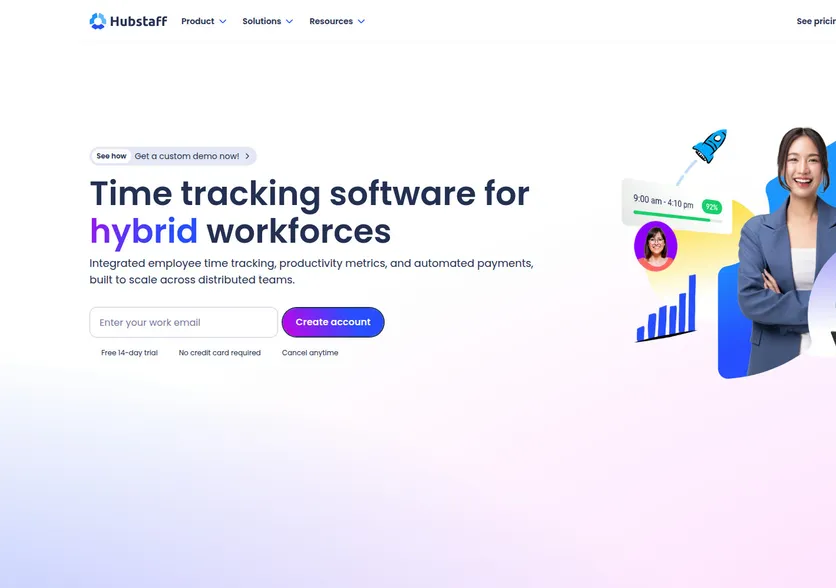
Hubstaff starts Starter at four dollars and ninety-nine cents per seat a month billed annually, with GPS and screenshots for field and remote teams. It tracks time, screenshots and app use, and the payroll features pay staff from the hours logged, so an agency can run time and pay in one place. Team costs ten dollars a seat and Enterprise twenty-five dollars billed annually only, and Starter, Grow and Team all need at least two seats.
What we like
- GPS and screenshots for remote teams
- Payroll runs from logged hours
- 14-day trial with no card needed
Watch out for
- Two-seat minimum on Starter, Grow and Team
- Insights and Locations cost extra
How to try it
- Start the 14-day trial from the pricing page
- Create projects and invite at least two seats
- Turn on screenshots and set the payroll rules
6. Timely
Best for: Agencies that hate manual timesheets
Paid tool Starting price: $9/user/month · Starter costs nine dollars per user a month billed annually (eleven dollars monthly) for up to five users and twenty projects; Premium sixteen dollars (twenty dollars monthly) for up to fifty users and unlimited projects; Unlimited twenty-two dollars (twenty-eight dollars monthly) with no caps; Enterprise is quoted.
Free plan: No free plan; 14-day free trial
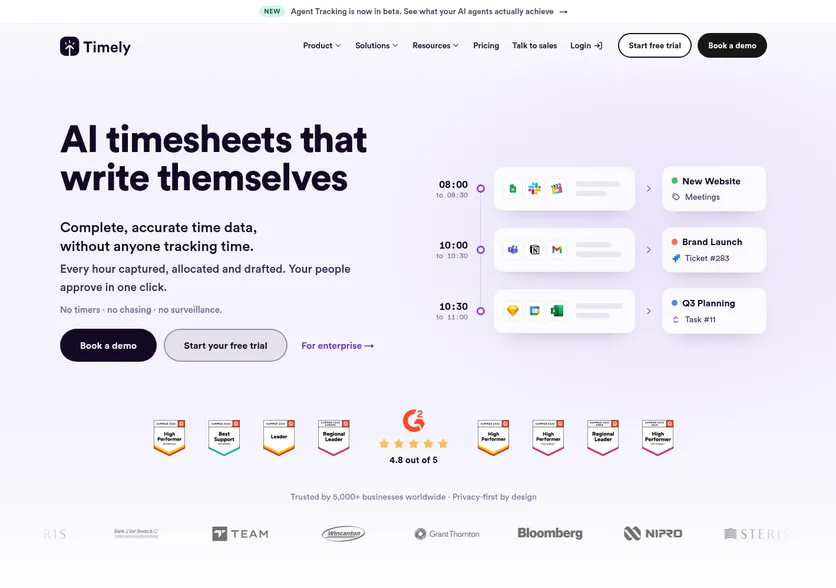
Timely starts Starter at nine dollars per user a month billed annually, for up to five users and twenty projects. It builds timesheets automatically from the apps your team already uses, so nobody has to remember what they did on Tuesday. Premium costs sixteen dollars for up to fifty users and unlimited projects, and Unlimited at twenty-two dollars has no caps at all.
What we like
- Timesheets built automatically from app use
- Unlimited projects on Premium
- No manual entry for the team
Watch out for
- Starter caps at five users and twenty projects
- No free plan is offered
How to try it
- Start the 14-day trial from the pricing page
- Connect the apps your team uses daily
- Review the first automatic timesheet
7. Everhour
Best for: Agencies that live in Asana, Trello or Jira
Paid tool Starting price: $8.50/seat/month · Team costs eight dollars and fifty cents per seat a month billed annually (ten dollars monthly) with a five-seat minimum, so the smallest paid account costs five hundred ten dollars a year; the free plan covers up to five users without integrations. October reads show a Lite plan at five dollars; the November 2026 pricing page lists only the Team plan.
Free plan: Free plan (up to 5 users)
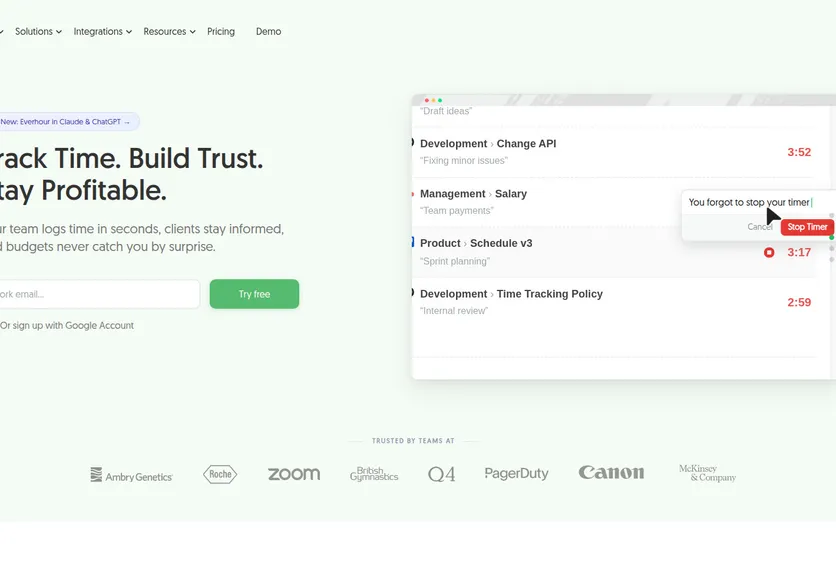
Everhour costs eight dollars and fifty cents per seat a month billed annually on the Team plan, with a five-seat minimum. It lives inside Asana, Trello, Jira and Basecamp, so an agency tracks time inside the tools it already uses for projects. The smallest paid account costs five hundred ten dollars a year, and the free plan covers up to five users without integrations.
What we like
- Time tracking inside Asana, Trello and Jira
- Budgets and cost tracking per project
- Free plan for up to five users
Watch out for
- Five-seat minimum on the paid plan
- Free plan has no integrations
How to try it
- Start on the free plan with up to five users
- Connect your project tool of choice
- Set budgets and watch the burn rate
8. Teamwork
Best for: Agencies that want projects and time in one platform
Paid tool Starting price: $9.99/month · Basics costs nine dollars and ninety-nine cents a month; Accelerate twenty-four dollars and ninety-nine cents; these rates are the settled figures agreed with the client, verified live on the pricing page on November 29, 2026.
Free plan: No free plan; free trial available
Teamwork starts Basics at nine dollars and ninety-nine cents a month, as the project platform agencies pair with time tracking. It runs projects, tasks and client work in one place, with time tracking built in, so an agency can see hours and progress side by side. Accelerate costs twenty-four dollars and ninety-nine cents a month and adds the deeper reporting and controls larger agencies need.

What we like
- Projects and time tracking in one place
- Client work tracked against budgets
- Deep reporting on the Accelerate plan
Watch out for
- No free plan is offered
- Time tracking sits inside a project platform
How to try it
- Start a free trial from the pricing page
- Set up your first client project
- Turn on time tracking for the team
9. Paymo
Best for: Agencies that want time tracking and invoicing together
Paid tool Starting price: $5.90/user/month · Plans start at five dollars and ninety cents per user a month; the higher tiers cost ten dollars and ninety cents and sixteen dollars and ninety cents; these rates are the settled figures agreed with the client, verified live on the pricing page on November 29, 2026.
Free plan: No free plan; free trial available
Paymo starts at five dollars and ninety cents per user a month, the cheapest agency tool in this list with invoicing built in. It tracks time, manages projects and invoices clients from the same hours, so an agency can bill from the time log without retyping. The higher tiers cost ten dollars and ninety cents and sixteen dollars and ninety cents per user a month.
What we like
- Invoicing built in from the time log
- Cheapest agency tool with invoicing
- Projects and time in one place
Watch out for
- No free plan is offered
- Higher tiers cost nearly triple the start
How to try it
- Start a free trial from the pricing page
- Create your first client project
- Log time and raise an invoice from it
Prices above were checked on each vendor’s own website on Nov 29, 2026 and can change — the vendor’s page is the final word. Vendor links are editorial: nobody paid to be listed or ranked here. Vendors who want a featured listing can see how it works on our Get listed page.
How to stop losing billable hours
Start the timer before the work, not after it: the hours you reconstruct from memory at five o’clock are always shorter than the ones you actually worked. Bill from the time log, not from a guess, and send the client a summary with the invoice so the hours are never a surprise. Check the budget burn every Friday, because a project that drifts ten percent over in week one will drift forty percent over by delivery. Finally, review the unbillable hours each month, since admin and meetings are the quiet leak in every agency. Audit the client list every quarter, because a client who stopped paying still eats hours if nobody closes the project.
Before you buy
- Start the timer before the work, not after it ends.
- Bill from the time log, not from a memory guess.
- Check the budget burn every Friday before it drifts.
- Confirm the tool reports time by client and project.
- Review unbillable hours monthly to find the leak.
Official websites
Official websites of the products reviewed above. Features and prices were checked against these sites when this guide was written, and they can change, so confirm on the vendor site before you buy.
Frequently asked questions
What is the best time tracking software for agencies?
Harvest is the best pick for agencies that bill by the hour, because it pairs time tracking with profitability reports per client. Toggl Track is the simplest timer the whole team will actually use. Clockify is the cheapest paid seat at three dollars and ninety-nine cents a month, so pick by whether you need profit reports, simplicity or price.
How much does time tracking cost for an agency?
A ten-person agency pays about forty dollars a month on Clockify Basic billed annually, and about ninety dollars a month on Harvest Teams or Toggl Track Starter. Time Doctor Basic costs about sixty-seven dollars a month, and Paymo starts at about fifty-nine dollars a month. Everhour needs five seats minimum, so its smallest paid account costs five hundred ten dollars a year.
Which agency time tracker has a free plan?
Harvest is free for one seat and two projects, Clockify is free for up to five users, and Everhour is free for up to five users without integrations. Toggl Track is free for up to three users. Time Doctor, Hubstaff, Timely, Teamwork and Paymo have no free plan, so those teams start on a trial instead.
Do agency time trackers do invoicing?
Yes, Harvest, Paymo and Teamwork all invoice from the tracked hours, so the bill comes straight from the time log. Harvest pairs invoicing with profitability reports per client, and Paymo is the cheapest of the three at five dollars and ninety cents per user a month. Toggl Track and Clockify focus on tracking and leave invoicing to another tool.
Can time tracking show which clients are profitable?
Yes, Harvest shows profitability per client from the time and expenses logged, and Everhour tracks budgets and costs per project. Timely builds timesheets automatically from the apps your team uses, so the hours are already there when you check the budget. Pick a tool with project budgets if profit per client is the question you keep asking.
Try our free Invoice Generator — build a client invoice from your tracked hours in your browser, no upload, no account.
Browse Business Tools tools