
On this page
A small business needs time tracking that records hours, projects and invoices without slowing anyone down, and the wrong tool shows up as unbilled hours at month end. The eight tools below run from about five dollars a month to about twenty dollars a month, and every price was checked on the vendor site on November 26, 2026. Most offer a free plan or a free trial, so a team can test real hours before paying. Toggl Track is our first pick — the simplest timer on this list, starting at nine dollars a user a month.
How we researched this
We started with the time trackers small businesses actually use to bill hours and pay staff, then read each price on the vendor pricing page on November 26, 2026 and noted the free plan or trial each one carries. We judged them for a team that tracks hours by project, needs clean timesheets and wants invoices without manual entry. We kept only tools with a published price, and we dropped any tool whose price we could not verify on the vendor site.
Compare the tools
| Name | Best for | Starting price | Free plan | |
|---|---|---|---|---|
 Toggl Track | Teams that want the simplest timer and clean reports | $9/user/month | Free plan for up to five users | Visit |
 Harvest | Teams that bill clients from tracked hours | $9/user/month | Free plan for one user and two projects | Visit |
 Clockify | Teams that want a free plan with unlimited users | $5.49/user/month | Free plan for unlimited users | Visit |
 Hubstaff | Remote teams that need activity monitoring with time tracking | $4.99/user/month | 14-day free trial, no free plan | Visit |
 Time Doctor | Managers who need productivity insight with screenshots | $6.67/user/month | 14-day free trial, no free plan | Visit |
 Timely | Teams that forget to start timers and want automatic timesheets | $9/user/month | 14-day free trial, no free plan | Visit |
 Everhour | Teams that track time inside Asana, Trello or Monday | $5/user/month | 14-day free trial, no free plan | Visit |
 QuickBooks Time | Teams that already run QuickBooks Online | $20/month + $10/user/month | 30-day free trial, no free plan | Visit |
The time tracking software for small business, compared
1. Toggl Track
Best for: Teams that want the simplest timer and clean reports
Paid tool Starting price: $9/user/month · Starter plan, $9 a user a month billed annually or $12 billed monthly; Premium $16 a user a month
Free plan: Free plan for up to five users
Toggl Track is the timer most small teams learn in minutes, with one click to start and one click to stop. This Toggl Track Starter plan covers time tracking, reports and billable rates for a small team. A team can start a timer, switch projects and send the weekly report without opening a manual.
What we like
- Simplest timer on this list
- Clean reports clients understand
- Free plan for up to five users
Watch out for
- Starter costs nine dollars a user a month
- No screenshots or activity monitoring
How to try it
- Open the Toggl Track pricing page and start the free trial
- Create a project and start your first timer
- Check the weekly report and send it to a client
2. Harvest
Best for: Teams that bill clients from tracked hours
Paid tool Starting price: $9/user/month · Teams plan, $9 a user a month billed annually or $11 billed monthly; usage fees for projects and clients apply on top
Free plan: Free plan for one user and two projects
Harvest ties time tracking straight to invoicing, so the hours a team logs become the invoice a client pays. This Harvest Teams plan covers unlimited projects, invoicing and expense tracking for a small team. A team can track a project, watch the budget burn and send the invoice from the same login.

What we like
- Time tracking tied to invoicing
- Budget alerts stop overruns early
- Free plan for one user and two projects
Watch out for
- Teams costs nine dollars a user a month
- Usage fees for projects and clients apply on top
How to try it
- Open the Harvest pricing page and start the free trial
- Create a project and set the budget
- Track hours and send the first invoice
3. Clockify
Best for: Teams that want a free plan with unlimited users
Paid tool Starting price: $5.49/user/month · Standard plan, $5.49 a user a month billed annually or $6.99 billed monthly
Free plan: Free plan for unlimited users
Clockify is the free-first tracker, with a free plan that covers unlimited users and a paid plan that adds the features a growing team needs. This Clockify Standard plan covers time off, invoicing and approvals for a small team. A team can track every hour for free and pay only when it needs approvals and reports.

What we like
- Free plan covers unlimited users
- Cheapest paid plan with approvals
- Simple timer that is easy to learn
Watch out for
- Standard costs about five dollars fifty a user a month
- Advanced features need higher tiers
How to try it
- Open the Clockify pricing page and create a free account
- Create a project and start your first timer
- Upgrade to Standard when you need approvals
4. Hubstaff
Best for: Remote teams that need activity monitoring with time tracking
Paid tool Starting price: $4.99/user/month · Starter plan, $4.99 a user a month billed annually or $7 billed monthly; two-seat minimum
Free plan: 14-day free trial, no free plan
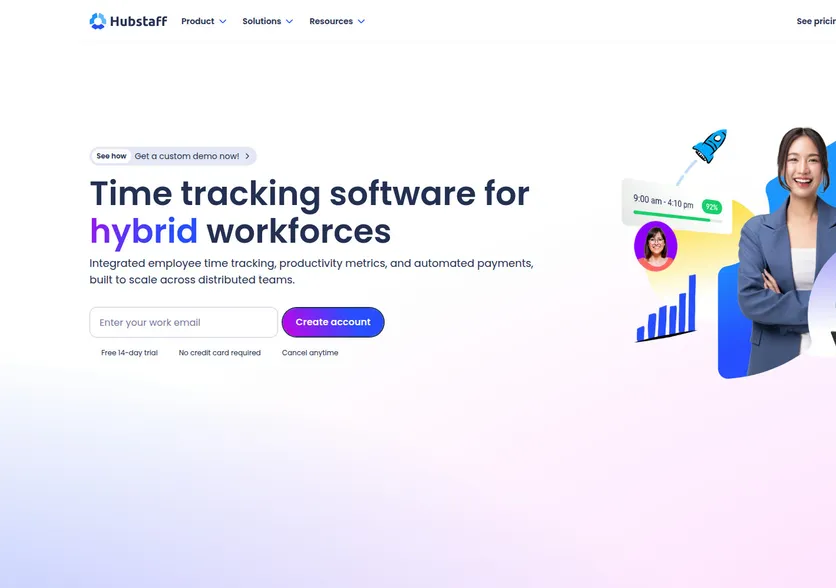
Hubstaff is the tracker for remote teams, with screenshots and activity levels that show what the workday actually looked like. This Hubstaff Starter plan covers time tracking, screenshots and activity monitoring for a small team. A manager can see hours, activity and apps in one report without asking anyone for a status update.
What we like
- Screenshots and activity monitoring included
- Cheapest paid plan on this list
- Payroll tools on higher tiers
Watch out for
- Starter costs about five dollars a user a month
- Two-seat minimum applies
How to try it
- Open the Hubstaff pricing page and start the free trial
- Invite your team and install the tracker
- Check the activity report at the end of the week
5. Time Doctor
Best for: Managers who need productivity insight with screenshots
Paid tool Starting price: $6.67/user/month · Basic plan, $6.67 a user a month billed annually or $8 billed monthly
Free plan: 14-day free trial, no free plan
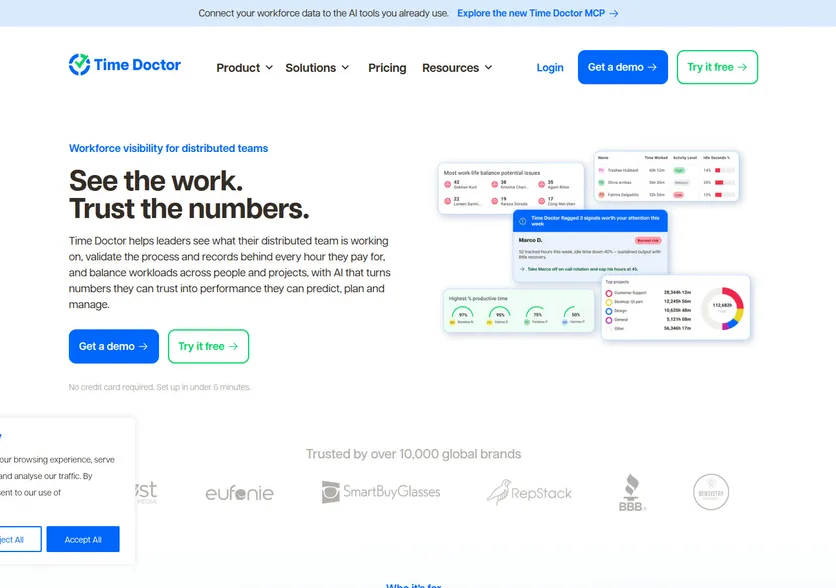
Time Doctor is the monitoring-first tracker, with screenshots, app usage and productivity ratings that show how the day was spent. This Time Doctor Basic plan covers automatic tracking, projects and screenshots for a small team. A manager can see which hours were productive and which apps ate the afternoon.
What we like
- Screenshots and activity monitoring included
- Automatic tracking with no manual timers
- Productivity ratings for every user
Watch out for
- Basic costs about seven dollars a user a month
- No integrations on the Basic plan
How to try it
- Open the Time Doctor pricing page and start the free trial
- Invite your team and install the tracker
- Check the productivity report at the end of the week
6. Timely
Best for: Teams that forget to start timers and want automatic timesheets
Paid tool Starting price: $9/user/month · Starter plan, $9 a user a month billed annually or $11 billed monthly; five users and twenty projects maximum
Free plan: 14-day free trial, no free plan
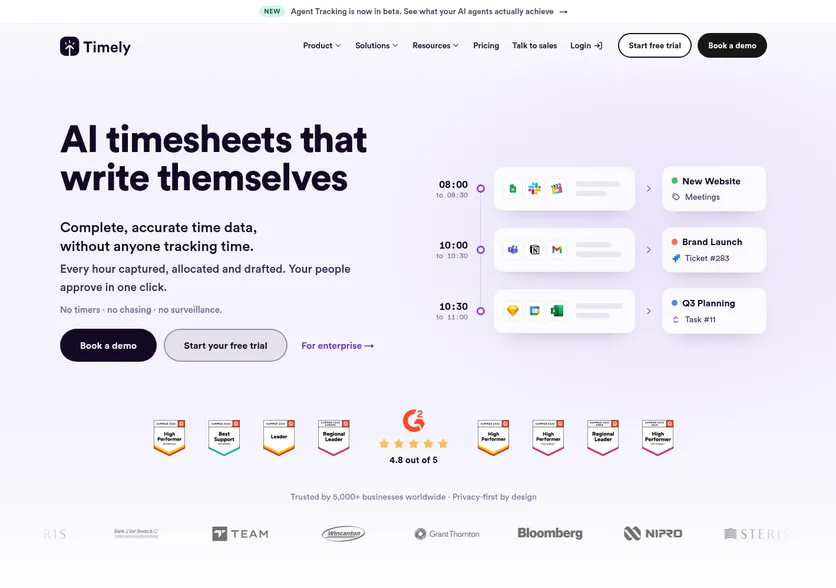
Timely records the workday automatically and drafts the timesheet, which suits teams that never remember to start a timer. This Timely Starter plan covers automatic tracking, AI timesheets and project budgets for a small team. A team can review the drafted timesheet at the end of the day instead of reconstructing it from memory.
What we like
- Automatic timesheets with no manual entry
- AI drafts entries from real activity
- Billable hour reports included
Watch out for
- Starter costs nine dollars a user a month
- Starter caps at five users and twenty projects
How to try it
- Open the Timely pricing page and start the free trial
- Install the tracker and let it record the day
- Review the drafted timesheet and approve it
7. Everhour
Best for: Teams that track time inside Asana, Trello or Monday
Paid tool Starting price: $5/user/month · Lite plan, $5 a user a month billed annually or $6 billed monthly; two-seat minimum and ten-user maximum
Free plan: 14-day free trial, no free plan
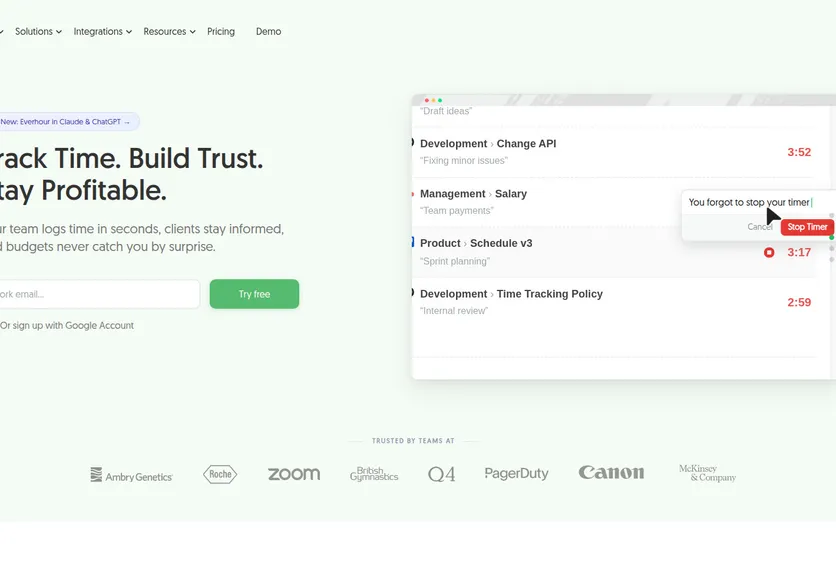
Everhour lives inside the project tools a team already uses, adding timers and budgets to Asana, Trello and Monday. This Everhour Lite plan covers time tracking, reporting and invoicing for a small team. A team can track hours without leaving its project board and bill the client from the same data.
What we like
- Works inside Asana, Trello and Monday
- Cheap per-user price for a small team
- Invoicing built into the same login
Watch out for
- Lite costs five dollars a user a month
- Lite caps at ten users
How to try it
- Open the Everhour pricing page and start the free trial
- Connect your project tool and add the timer
- Track hours and check the budget report
8. QuickBooks Time
Best for: Teams that already run QuickBooks Online
Paid tool Starting price: $20/month + $10/user/month · Premium plan, $20 a month base plus $10 per user a month; Elite $40 base plus $12 per user a month
Free plan: 30-day free trial, no free plan
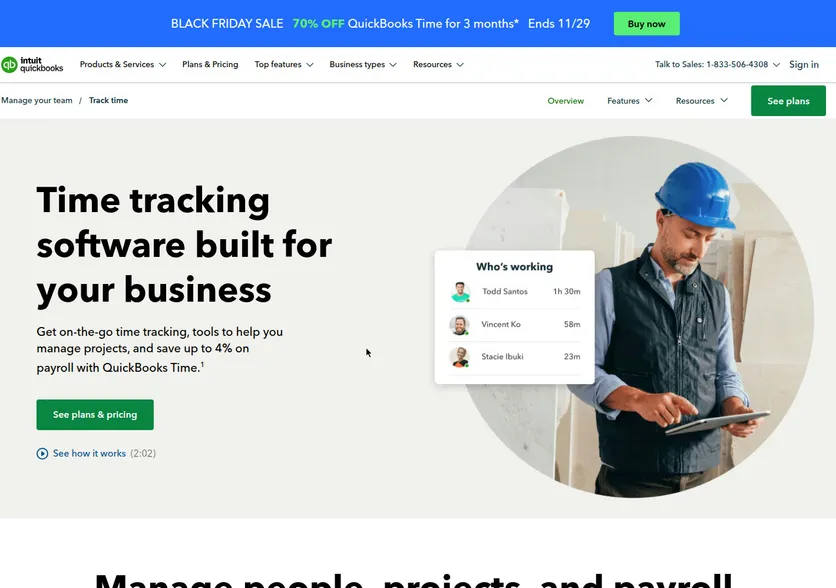
QuickBooks Time is the tracker for teams whose books already live in QuickBooks, with hours flowing straight into payroll. This QuickBooks Time Premium plan covers mobile clock-ins, GPS, scheduling and timesheet approvals. A team can clock in by phone, track the job and watch the hours land in payroll without a spreadsheet.
What we like
- Hours flow straight into QuickBooks payroll
- GPS clock-ins for field teams
- Time kiosk for shared devices
Watch out for
- Premium costs twenty dollars a month plus ten per user
- Requires a QuickBooks Online account
How to try it
- Open the QuickBooks Time pricing page and start the free trial
- Invite your team and install the Workforce app
- Approve the first timesheets and sync to payroll
Prices above were checked on each vendor’s own website on Nov 26, 2026 and can change — the vendor’s page is the final word. Vendor links are editorial: nobody paid to be listed or ranked here. Vendors who want a featured listing can see how it works on our Get listed page.
What time tracking software costs in 2026
Most time trackers charge per user, so the right comparison is the cost per seat, not the headline number. This list runs from about five dollars a month for Hubstaff and Everhour to about twenty dollars a month plus ten dollars per user for QuickBooks Time, and every figure is the list price from the vendor pricing page, checked on November 26, 2026. A base fee plus a per-user rate looks cheap until the team grows, so multiply before you buy.
Start with the free plan or trial on two tools and track one real week through both. Compare how easy the timer feels, whether the reports make invoicing faster, and how the bill looks when a second person joins. The tool your team actually starts every morning is the one worth paying for.
Before you buy
- Count your seats first, because per-user pricing multiplies fast once the whole team joins.
- Check the free plan limits, because a free plan that caps users forces a paid upgrade fast.
- Test the timer with real work, because a timer the team will not start is money wasted.
- Ask whether invoicing is included, because hours that cannot become an invoice need a second tool.
- Add up the base fee, because a base fee plus a per-user rate costs more than a flat per-user price.
Official websites
Official websites of the products reviewed above. Features and prices were checked against these sites when this guide was written, and they can change, so confirm on the vendor site before you buy.
Frequently asked questions
Which time tracking software is best for small business in 2026?
Toggl Track, at nine dollars a user a month, is the safest default because it is the simplest timer to learn and the reports are easy to read. Clockify, at about five dollars fifty a user a month, is better when a team wants a free plan for unlimited users. Harvest, at nine dollars a user a month, wins when tracked hours need to become client invoices.
What is the cheapest time tracking software for small business?
Hubstaff Starter, at about five dollars a user a month billed annually, is the cheapest paid plan here and adds screenshots and activity monitoring. Everhour Lite, at five dollars a user a month, adds timers inside Asana, Trello and Monday. Clockify Standard, at about five dollars fifty a user a month, adds approvals and invoicing to a free plan that covers unlimited users.
Can small businesses track time for free?
Yes, several tools here have a free plan. Clockify is free for unlimited users, Toggl Track is free for up to five users, and Harvest is free for one user and two projects. Hubstaff, Time Doctor, Timely and Everhour offer a fourteen-day free trial instead, and QuickBooks Time offers a thirty-day trial. Start free and pay only when the limits bite.
Do time trackers with screenshots invade privacy?
They can feel that way, which is why a team should agree the rules before turning them on. Hubstaff and Time Doctor both take screenshots and record app usage, so tell the team what is captured and why. Toggl Track, Clockify and Harvest track time without screenshots, which suits teams that want hours without monitoring.
Which time tracker is best for remote teams?
Hubstaff is the best pick for remote teams, because it adds screenshots and activity levels to time tracking from about five dollars a user a month. Time Doctor is the alternative, with productivity ratings and app usage from about seven dollars a user a month. Timely suits teams that forget timers, since it records the day automatically and drafts the timesheet.
Need everyday productivity help too? Try Toolsvine's free productivity tools for small teams right in your browser.
Browse Productivity Tools tools


