On this page
A government contractor bills the taxpayer by the hour, so every timesheet has to survive an audit: who worked, on which contract, and approved by whom. The nine tools below were picked for that standard, from QuickBooks payroll sync to approval chains that lock signed-off hours. QuickBooks Time leads because it costs twenty dollars a month plus ten dollars a user a month and sends approved hours straight into QuickBooks payroll and job costing.
How we researched this
We checked every price on the vendor pricing page on November 29, 2026, and only included tools with a published US dollar list price. Quote-only platforms and tools with no verifiable price were left out. Prices change, so confirm the current figure on the vendor site before you buy.
Compare the tools
| Name | Best for | Starting price | Free plan | |
|---|---|---|---|---|
 QuickBooks Time | Businesses already running QuickBooks Online | $20/month + $10/user/month | No free plan; 30-day free trial | Visit |
 ClockShark | Construction and field service crews that need GPS proof | $40/month + $8/user/month | No free plan; 14-day free trial | Visit |
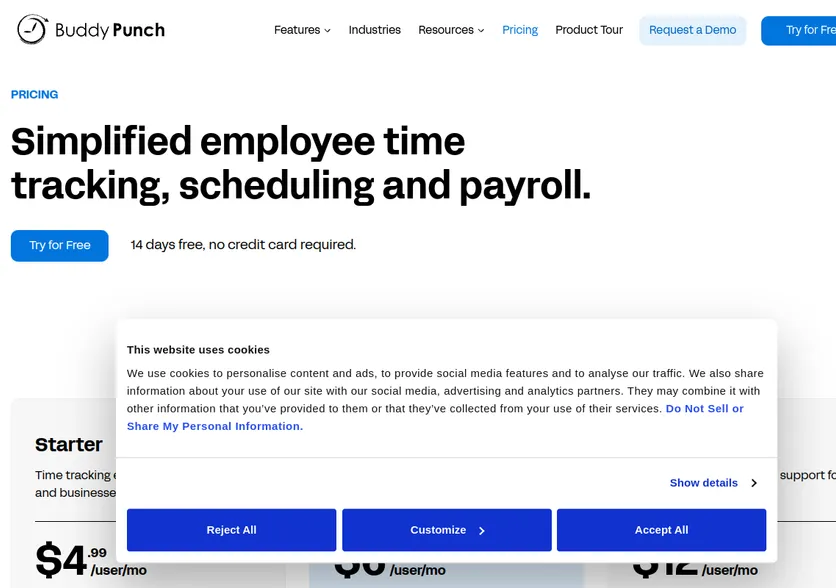
 Buddy Punch | Hourly teams that need punch-proof clock-ins | $4.49/user/month + $19/month | No free plan; 14-day free trial | Visit |
 Deputy | Shift-based teams that need a time clock with compliance | $4.50/user/month | No free plan; 31-day free trial | Visit |
 Time Doctor | Remote teams that want proof of work with screenshots | $6.67/user/month | No free plan; 14-day free trial | Visit |
 Hubstaff | Remote teams that need screenshots and activity levels | $4.99/user/month | No free plan; 14-day free trial | Visit |
 Avaza | Service teams that want timesheets, projects and invoicing together | $11.95/month | Free plan (1 timesheet user) | Visit |
 BigTime | Professional services firms that bill by project and hour | $20/user/month | No free plan; free trial | Visit |
 actiTIME | Project teams that need approvals and leave planning together | $6/user/month | Free plan (up to 3 users) | Visit |
The timesheet software for government contractors, compared
1. QuickBooks Time
Best for: Businesses already running QuickBooks Online
Paid tool Starting price: $20/month + $10/user/month · Twenty dollars a month base fee plus ten dollars per user a month on Time Premium; Time Elite is $40 a month plus $12 per user; the per-user fees rose by two dollars on July 1, 2026, so older listings showing eight and ten dollars are stale; a QuickBooks Online account is required and the base fee is half price for the first three months
Free plan: No free plan; 30-day free trial
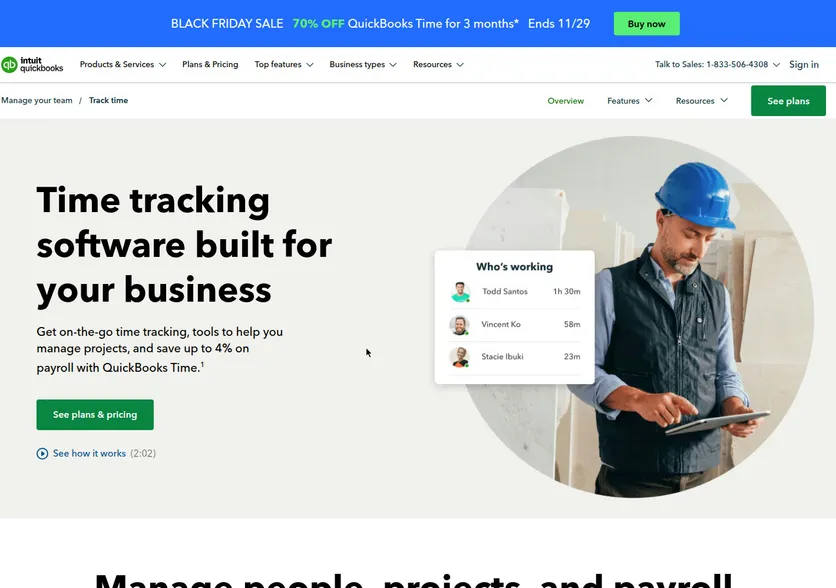
For a government contractor that needs an audit-ready paper trail, QuickBooks Time costs twenty dollars a month plus ten dollars a user a month and keeps every hour approved and recorded. Built for businesses that already keep their books in QuickBooks, it sends approved hours straight into payroll, job costing and invoicing with no export step. The GPS clock and time kiosk suit crews who start the day on site rather than at a desk.
What we like
- Hours flow straight into QuickBooks payroll and invoicing
- GPS tracking and geofence reminders on Elite
- Time kiosk turns a tablet into a clock-in station
Watch out for
- A QuickBooks Online subscription is required on top of the price
- Monthly billing only, with no annual discount
How to try it
- Connect QuickBooks Time to the QuickBooks Online account
- Invite the team to the Workforce app and set up jobs
- Approve timesheets and sync the hours into payroll
2. ClockShark
Best for: Construction and field service crews that need GPS proof
Paid tool Starting price: $40/month + $8/user/month · Forty dollars a month base fee plus eight dollars per user a month on Standard; Pro is $60 a month plus ten dollars per user and adds job costing and PTO management; the base fee includes one admin
Free plan: No free plan; 14-day free trial
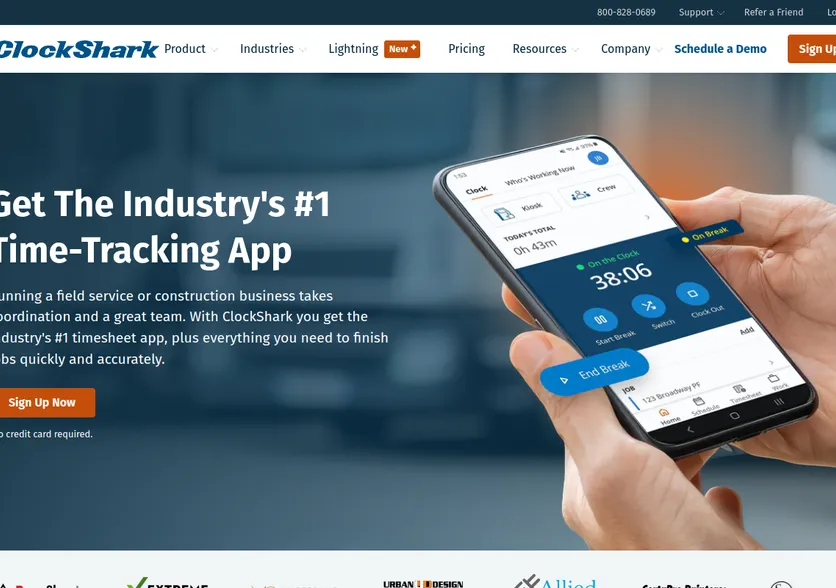
A contractor billing the government by the hour gets a defensible record here, since ClockShark costs forty dollars a month plus eight dollars a user a month and logs approvals with each timesheet. It was built for crews who start the day on a job site, with GPS clock-ins, geofences and job tracking that tie every hour to the project it belongs to. The office sees who is on site in real time and payroll gets clean, job-coded hours.
What we like
- GPS tracking and geofencing on every plan
- Job and task tracking ties hours to the right project
- QuickBooks integration syncs hours into payroll
Watch out for
- The base fee plus per-user pricing adds up fast for big crews
- No free plan, only a fourteen-day trial
How to try it
- Set up jobs and invite the crew to the mobile app
- Let staff clock in with GPS from the job site
- Review the timesheets by job and approve them for payroll
3. Buddy Punch
Best for: Hourly teams that need punch-proof clock-ins
Paid tool Starting price: $4.49/user/month + $19/month · Four dollars and forty-nine cents per user a month billed annually on Starter ($4.99 billed monthly), plus a nineteen-dollar monthly base fee on every plan; Pro is $5.99 billed annually and Enterprise is $10.99; a real-time GPS add-on costs two dollars a user a month
Free plan: No free plan; 14-day free trial
Government contractors that need clean cost records will like this one, because Buddy Punch costs four dollars and forty-nine cents a user a month billed annually, plus a nineteen-dollar monthly base fee and ties hours to projects and budgets. It is a time clock built to stop time theft, with a photo or facial check on every punch and GPS coordinates to prove where the punch happened. The approved hours sync straight into the payroll tools small businesses already use.
What we like
- Facial recognition and webcam photos stop buddy punching
- GPS location and geofencing on every punch
- Payroll sync with QuickBooks, Gusto, ADP and Paychex
Watch out for
- The nineteen-dollar base fee makes tiny teams pay more per head
- Scheduling and geofencing need the Pro plan
How to try it
- Set up locations and invite the team to the mobile app
- Turn on photo verification and geofencing for each job site
- Approve timesheets and export them to the payroll provider
4. Deputy
Best for: Shift-based teams that need a time clock with compliance
Paid tool Starting price: $4.50/user/month · Four dollars and fifty cents per user a month for the Time and Attendance module; Scheduling is the same price as a separate module; Premium bundles both for six dollars a user a month; Enterprise is quoted
Free plan: No free plan; 31-day free trial
For a government contractor that needs an audit-ready paper trail, Deputy costs four dollars and fifty cents a user a month and keeps every hour approved and recorded. It was built around the shift, so the schedule, the time clock and the compliance rules all live in one app. Staff clock in from a phone with photo verification, and the approved hours flow straight into payroll.

What we like
- Mobile time clock with GPS, photo verification and geofencing
- Auto-scheduling fills shifts around availability and rules
- Break and overtime guardrails built for labor law
Watch out for
- Scheduling and time tracking are separate modules, so most teams pay for both
- No free plan, only a thirty-one-day trial
How to try it
- Import the team and set up locations with their pay rules
- Publish the schedule and let staff clock in from the mobile app
- Approve timesheets and export them to payroll
5. Time Doctor
Best for: Remote teams that want proof of work with screenshots
Paid tool Starting price: $6.67/user/month · Six dollars and sixty-seven cents per user a month billed annually on Basic ($8 billed monthly); Standard is $11.67 billed annually and Premium is $16.70; older listings showing five dollars and ninety cents for Basic are stale
Free plan: No free plan; 14-day free trial
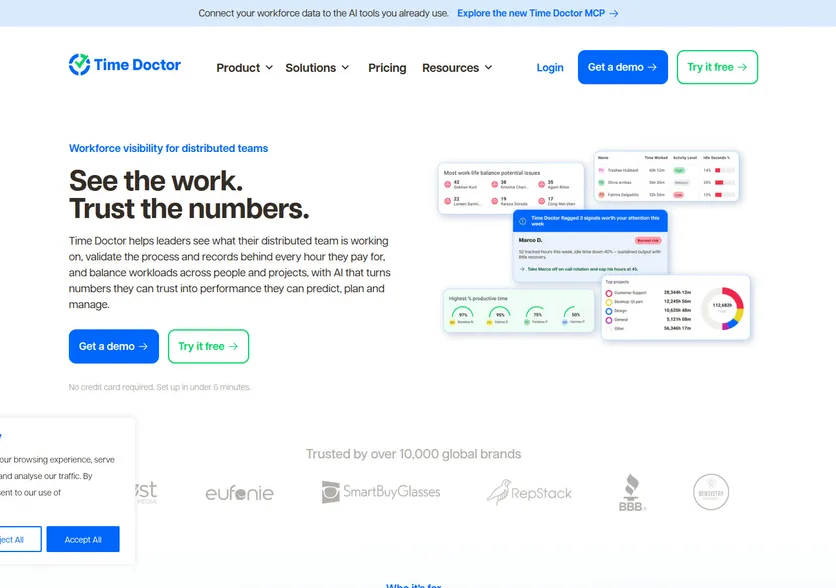
A contractor billing the government by the hour gets a defensible record here, since Time Doctor costs six dollars and sixty-seven cents a user a month billed annually and logs approvals with each timesheet. It records screenshots, app use and a minute-by-minute timeline, then turns that record into payroll-ready timesheets. The Basic plan already includes the monitoring most managers ask for, while payroll and integrations wait for Standard.
What we like
- Screenshots and app tracking from the cheapest plan
- Payroll and timesheet approvals on Standard
- Distraction alerts nudge staff back to work
Watch out for
- No free plan, only a fourteen-day trial
- Video screen recording and single sign-on need Premium
How to try it
- Create the team and install the desktop tracker on each computer
- Turn on screenshots and set the privacy rules for the team
- Check the daily timeline and approve timesheets for payroll
6. Hubstaff
Best for: Remote teams that need screenshots and activity levels
Paid tool Starting price: $4.99/user/month · Four dollars and ninety-nine cents per user a month billed annually on Starter ($7 billed monthly); Grow is $7.50 billed annually, Team is $10 and Enterprise is $25; Starter, Grow and Team carry a two-seat minimum
Free plan: No free plan; 14-day free trial
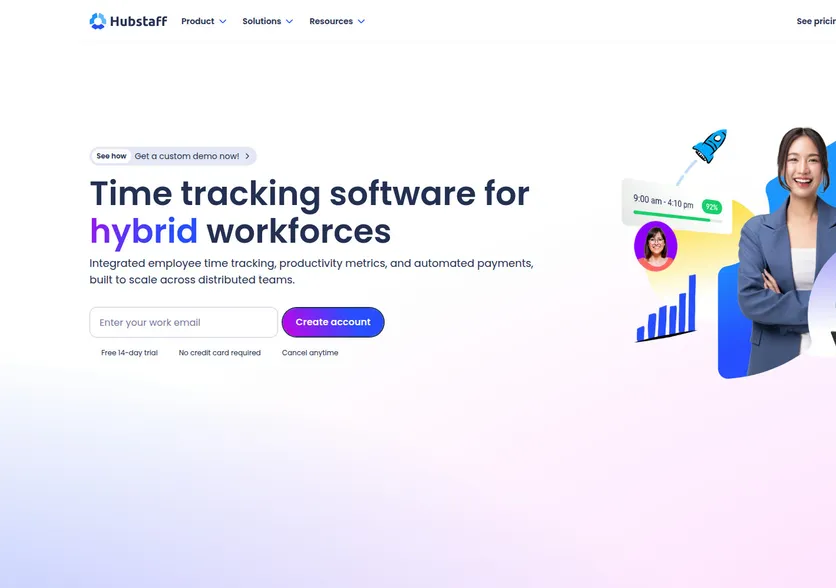
Government contractors that need clean cost records will like this one, because Hubstaff costs four dollars and ninety-nine cents a user a month billed annually and ties hours to projects and budgets. It pairs a simple timer with screenshots, app tracking and activity levels, so a manager can see what the hours actually contained. The same data feeds payroll and client invoices, which is why distributed teams keep it after the trial ends.
What we like
- Screenshots and activity levels show real work, not just hours
- Automated payroll turns approved time into payments
- GPS tracking and geofencing for field and hybrid crews
Watch out for
- Every person counts as a paid seat, including managers who never track time
- Add-ons for insights and locations cost extra per seat
How to try it
- Install the desktop app on each team member's computer
- Set screenshot frequency and activity tracking in the organization settings
- Review timesheets weekly and approve them for payroll
7. Avaza
Best for: Service teams that want timesheets, projects and invoicing together
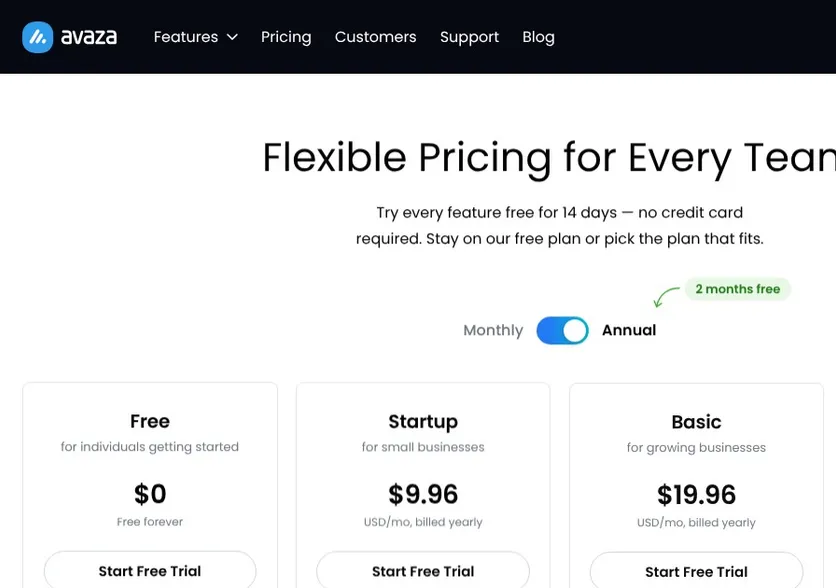
Paid tool Starting price: $11.95/month · Eleven dollars and ninety-five cents a month for the paid plan base, with additional Timesheet or Admin users at seven dollars a user a month; the free plan includes one timesheet user, five projects and five invoices a month; there is no seat minimum
Free plan: Free plan (1 timesheet user)
For a government contractor that needs an audit-ready paper trail, Avaza costs eleven dollars and ninety-five cents a month and keeps every hour approved and recorded. It bundles projects, timesheets, expenses and invoicing into one subscription, with approvals included even on the free plan. Clients can follow tasks and approve estimates without costing a seat, which suits service teams that bill by the hour.
What we like
- Timesheets with approvals on every plan, including Free
- Projects, expenses, quotes and invoices in one subscription
- Unlimited free client collaborators on every plan
Watch out for
- The base price covers a small seat bundle, so growing teams add seven-dollar users
- No native payroll, so hours must be exported
How to try it
- Create a project and invite the team and clients
- Log time against tasks and submit the timesheet for approval
- Turn approved hours into an invoice and send it online
8. BigTime
Best for: Professional services firms that bill by project and hour
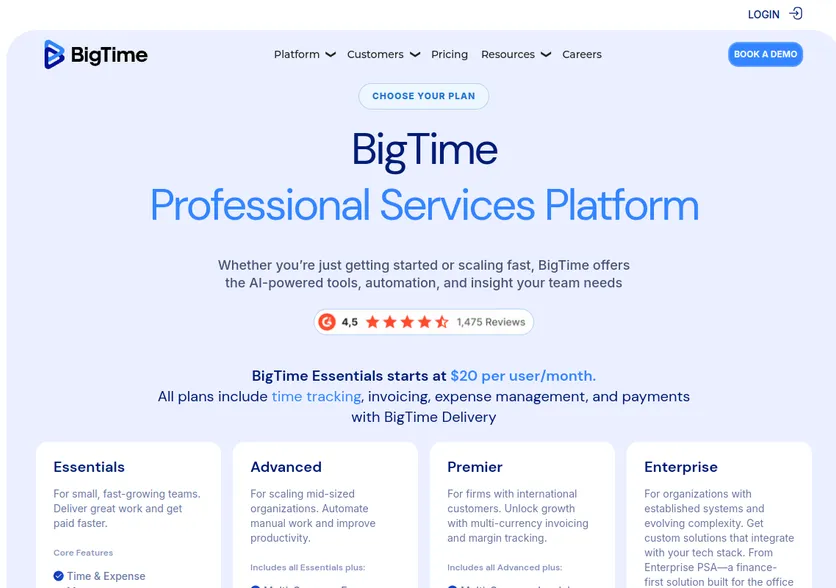
Paid tool Starting price: $20/user/month · Twenty dollars per user a month on Essentials; Advanced is $35 a user a month and Premier is $45; Projector is $60; Foresight is quoted
Free plan: No free plan; free trial
A contractor billing the government by the hour gets a defensible record here, since BigTime costs twenty dollars a user a month and logs approvals with each timesheet. It is a professional services platform first and a time tracker second, with project budgets, expenses and invoicing wrapped around the timer. Firms that live on billable hours get utilisation and profitability reports that a simple tracker cannot match.
What we like
- Project accounting with budgets and invoicing built in
- Client portal and custom reporting on Advanced
- Resource planning and multi-currency billing on Premier
Watch out for
- No free plan, only a free trial
- The entry price is high for a team that only needs a timer
How to try it
- Set up clients and projects with their budgets
- Track time and expenses against each project
- Review utilisation reports and invoice from the approved hours
9. actiTIME
Best for: Project teams that need approvals and leave planning together
Paid tool Starting price: $6/user/month · Six dollars per user a month billed annually for teams of one to forty users ($7 billed monthly); forty-one to two hundred users pay five dollars billed annually; two hundred plus users pay a flat one thousand two hundred and fifty dollars a month billed annually; a self-hosted version is sold once at one hundred and twenty dollars a user
Free plan: Free plan (up to 3 users)
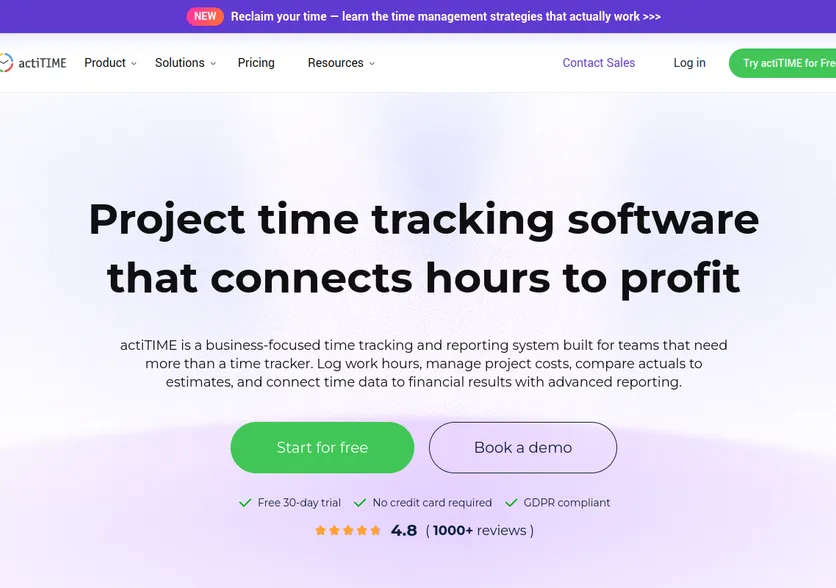
Government contractors that need clean cost records will like this one, because actiTIME costs six dollars a user a month billed annually and ties hours to projects and budgets. It is a timesheet tool for project teams that bill or cost their hours, with approvals, budgets and leave planning in the same place. Each project chooses its own billing method, so a mixed portfolio of fixed-fee and hourly work stays clean.
What we like
- Timesheet approvals on every paid plan
- Leave planning sits beside time tracking
- Self-hosted version available for a one-time fee
Watch out for
- No offline mobile time entry
- The free plan has no approvals or overtime tracking
How to try it
- Create projects and set the billing method for each one
- Invite the team and set their leave allowances
- Approve timesheets weekly and export the hours for billing
Prices above were checked on each vendor’s own website on Nov 29, 2026 and can change — the vendor’s page is the final word. Vendor links are editorial: nobody paid to be listed or ranked here. Vendors who want a featured listing can see how it works on our Get listed page.
How a government contractor keeps timesheets audit-ready
Turn approvals on before the first hour is logged, because an unapproved timesheet is a weak record in any audit. Lock each period once approved so nobody can edit hours after the fact, and keep the edit history so every change has a name and a reason. Tie every hour to a contract and a task code, since auditors ask which contract paid for which hour. Finally, export the approved record monthly and store it outside the tool, since a paper trail in one system is one outage from disappearing.
Before you buy
- Confirm timesheet approvals and period locking are included, not sold as an add-on
- Check whether the tool keeps an edit history that shows who changed an hour and when
- Make sure every hour can be tied to a contract and a task code for cost reporting
- Ask if approved hours export cleanly for payroll and for the accounting system
- Test the approval chain with a real project team before rolling the tool out to everyone
Official websites
Official websites of the products reviewed above. Features and prices were checked against these sites when this guide was written, and they can change, so confirm on the vendor site before you buy.
Frequently asked questions
What is the best timesheet software for a government contractor?
QuickBooks Time is the best overall pick, at twenty dollars a month plus ten dollars a user a month on Premium, with approved hours flowing straight into QuickBooks payroll and job costing. Avaza suits contractors that invoice the government, with approvals on every plan from eleven dollars and ninety-five cents a month. actiTIME is the cheapest approval-first option, at six dollars a user a month billed annually.
What makes a timesheet audit-ready?
An audit-ready timesheet records who worked, on which contract and task, for how long, approved by whom and when, with a history of every change after approval. Period locking matters most: once a week is approved, nobody should edit it without leaving a trace. Clockify Pro, TrackingTime Pro, TMetric Business and actiTIME lock periods, so check the tier before choosing.
Do government contractors need DCAA-compliant software?
Contractors on cost-reimbursable federal contracts need timekeeping that meets DCAA rules, including daily entry, supervisor approval and an audit trail. None of the tools in this list is sold as DCAA-compliant out of the box, so confirm the controls with the vendor and your auditor before choosing. For fixed-price work, the approval and locking features here are usually enough.
How much does timesheet software cost a government contractor?
actiTIME costs six dollars a user a month billed annually for teams up to forty users, and Avaza starts at eleven dollars and ninety-five cents a month plus seven dollars per extra user. QuickBooks Time costs twenty dollars a month plus ten dollars a user, so twenty users cost about two hundred and twenty dollars a month. BigTime is the dearest here at twenty dollars a user a month, but adds project accounting the cheaper tools lack.
Can a government contractor track time for free?
Avaza is free for one timesheet user with five projects and approvals included, which suits a solo contractor. actiTIME is free for up to three users, and Clockify is free for up to five users. The free tiers cover timers and some approvals, but period locking, audit exports and payroll sync usually need a paid plan, so budget for at least the first paid tier.
Compare the nine tools above, then trial the one whose approvals and locking match the contract requirements before paying for a full year.
Browse Business Tools tools