On this page
A startup lives or dies on the emails its product sends, and a password reset that never arrives loses a user faster than any bug in the app. The eight tools below send those messages at startup prices, from a free tier that covers the first few thousand emails to a pay-as-you-go service that costs pennies per thousand. Resend leads because it sends fifty thousand emails for twenty dollars a month with a modern API, and the rest are ranked on how far a small budget stretches.
How we researched this
We checked every price on the vendor pricing page on November 29, 2026, and only included tools with a published list price. The enterprise email platforms that sell by quote, including SparkPost, MessageBird and Sinch, publish no self-serve prices, so they are not in this list. Prices change, so confirm the current figure on the vendor site before you buy.
Compare the tools
| Name | Best for | Starting price | Free plan | |
|---|---|---|---|---|
 Resend | Startups that want a modern email API | $20/month | Free plan (3,000 emails/month, 100/day) | Visit |
 Brevo | Startups that want marketing and transactional in one | $9/month | Free plan (300 emails/day) | Visit |
 Postmark | Startups that put deliverability first | $15/month | Free plan (100 emails/month) | Visit |
 SendGrid | Startups already on Twilio | $19.95/month | No free plan; 60-day trial (100/day) | Visit |
 Mailgun | Developer teams that want routes and validation | $15/month | Free plan (100 emails/day) | Visit |
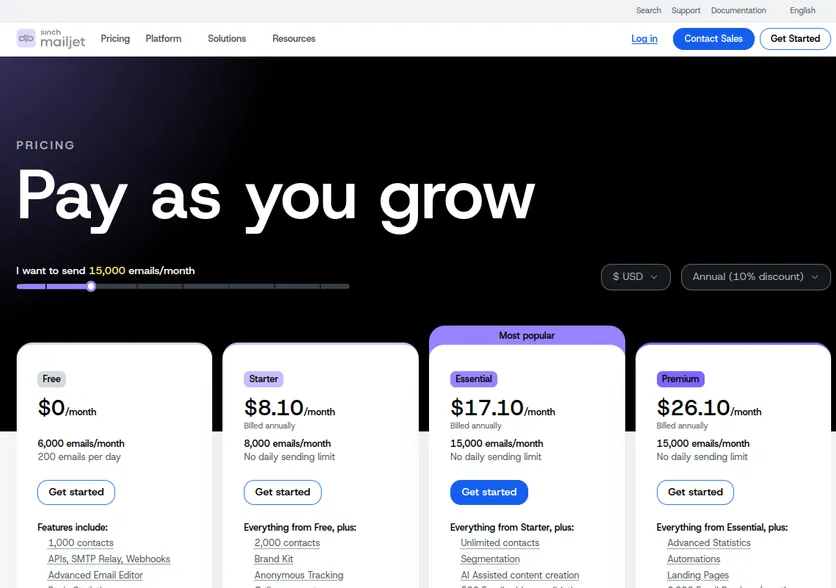
 Mailjet | Startups that want the biggest free allowance | $19/month | Free plan (6,000 emails/month, 200/day) | Visit |
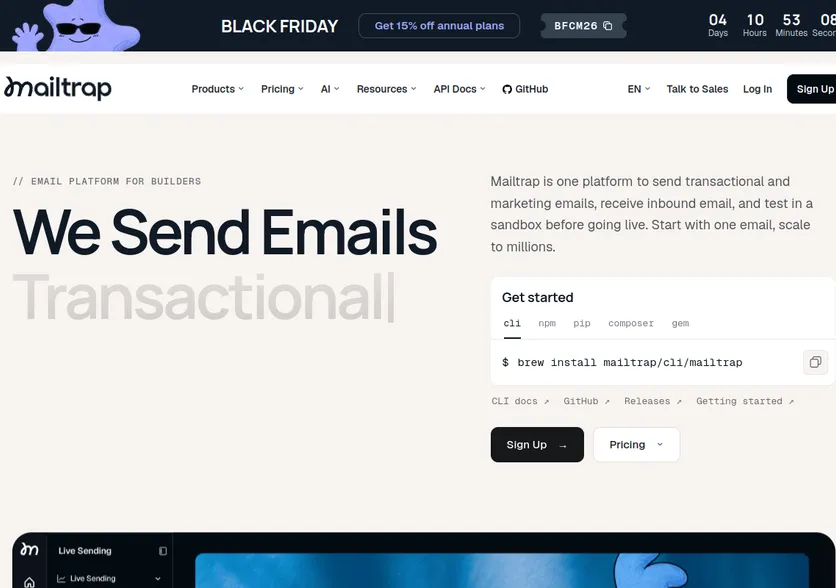
 Mailtrap | Startups that test email before sending live | $15/month | Free plan (4,000 emails/month, 150/day) | Visit |
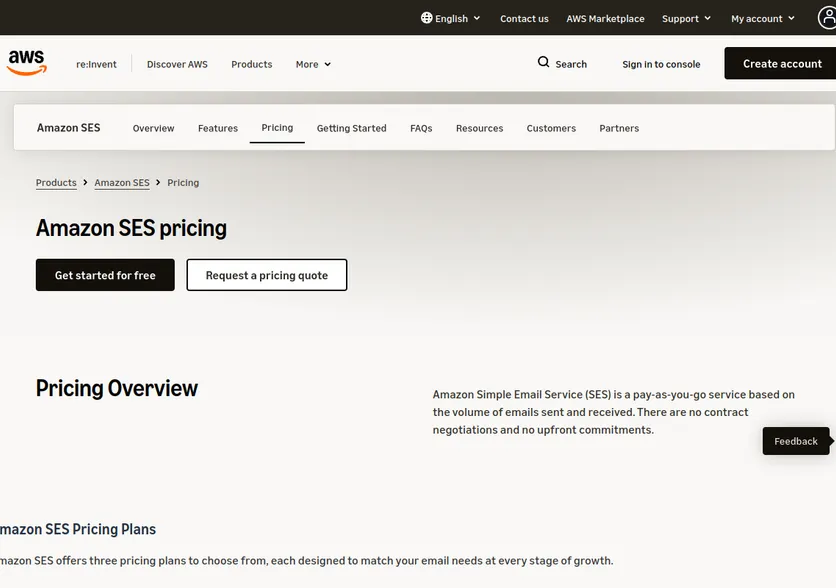
 Amazon SES | Startups on AWS that send at high volume | $0.10 per 1,000 emails | No free plan; up to $200 AWS credits | Visit |
The transactional email software for startups, compared
1. Resend
Best for: Startups that want a modern email API
Paid tool Starting price: $20/month · Twenty dollars a month for 50,000 emails on Pro; Scale is $90 a month for 100,000; overage is $0.90 per 1,000; free plan covers 3,000 emails a month, 100 a day
Free plan: Free plan (3,000 emails/month, 100/day)
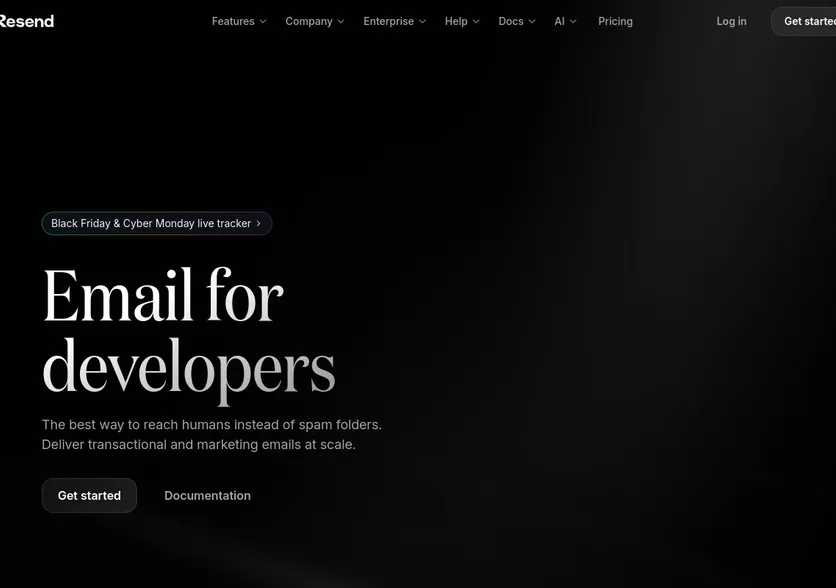
A startup that sends product email from code wants an API that feels modern, and this Resend plan costs twenty dollars a month for fifty thousand emails on Pro. The free plan covers three thousand emails a month with a one hundred a day cap, and inbound email, batch sending and React Email templates sit on every plan. Scale is ninety dollars a month for one hundred thousand emails, which suits a startup whose volume grows fast.
What we like
- Clean API with React Email templates built in
- Inbound email on every plan, including free
- Fifty thousand emails for $20 a month on Pro
Watch out for
- Free plan caps at 100 emails a day, so one busy day ends it
- No visual template editor on the entry plans
How to try it
- Create an account and verify the sending domain
- Send the first email through the API or SMTP
- Check the delivery logs and set up webhooks
2. Brevo
Best for: Startups that want marketing and transactional in one
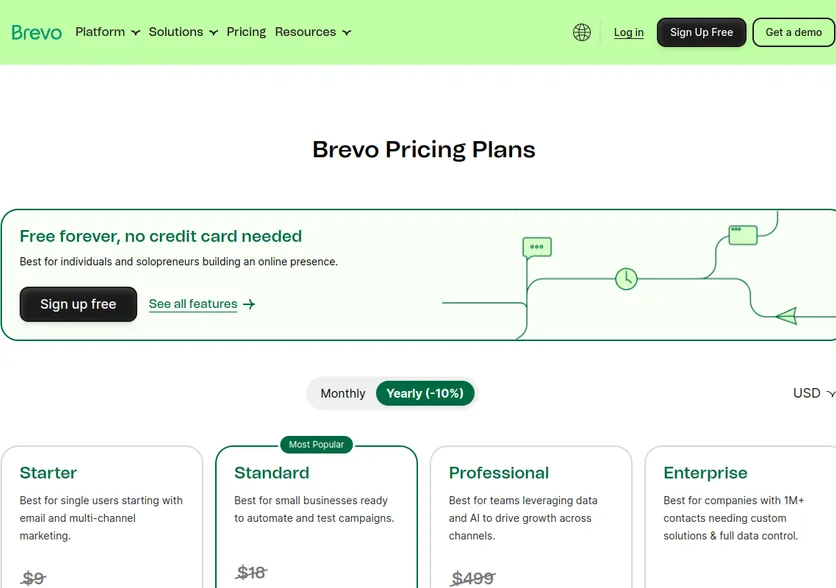
Paid tool Starting price: $9/month · Nine dollars a month for 5,000 emails on Starter; $17 a month at 10,000 emails and $56 at 50,000; free plan allows 300 emails a day
Free plan: Free plan (300 emails/day)
A startup that sends newsletters beside password resets saves a subscription here, because this Brevo plan costs nine dollars a month for five thousand emails on Starter. The free plan allows three hundred emails a day with no expiry, and the same account handles campaigns, automation and transactional mail. Seventeen dollars a month covers ten thousand emails and fifty-six dollars covers fifty thousand, so the price follows volume in small steps.
What we like
- Marketing and transactional email in one account
- Free plan allows 300 emails a day
- Price follows volume in small steps
Watch out for
- No published overage rate, so buy the next step instead
- Transactional API is one feature among many
How to try it
- Verify the sending domain and set up authentication
- Create the transactional templates in the editor
- Connect the API and send the first live email
3. Postmark
Best for: Startups that put deliverability first
Paid tool Starting price: $15/month · Fifteen dollars a month for 10,000 emails on Basic; Pro is $16.50 and Platform $18; overage is $1.80, $1.30 and $1.20 per 1,000; free plan covers 100 emails a month
Free plan: Free plan (100 emails/month)
A startup whose password resets and receipts must land in the inbox every time gets a focused tool here, because this Postmark plan costs fifteen dollars a month for ten thousand emails on Basic. Transactional and broadcast mail run in separate message streams, and the free tier covers only one hundred emails a month for testing. Pro is sixteen dollars and fifty cents and Platform is eighteen, each with the same ten thousand emails but lower overage rates.
What we like
- Separate streams for transactional and broadcast mail
- Fast delivery with detailed bounce reporting
- Simple pricing with three close-priced tiers
Watch out for
- Free tier covers only 100 emails a month
- Inbound email needs Pro or Platform
How to try it
- Create a server for the transactional mail
- Verify the domain and add the sending credentials
- Send a test message and check the delivery details
4. SendGrid
Best for: Startups already on Twilio
Paid tool Starting price: $19.95/month · Nineteen dollars and ninety-five cents a month for 50,000 emails on Essentials; Pro is $89.95 a month for 100,000; no permanent free plan, 60-day trial at 100 emails a day
Free plan: No free plan; 60-day trial (100/day)
A startup already using Twilio for messaging keeps its email in the same account here, because this SendGrid plan costs nineteen dollars and ninety-five cents a month for fifty thousand emails on Essentials. Pro is eighty-nine dollars and ninety-five cents for one hundred thousand, and a sixty day trial sends one hundred emails a day before payment starts. There is no permanent free plan, so a startup that sends almost nothing should look at the free tiers elsewhere in this list.
What we like
- Fifty thousand emails on the entry paid plan
- Deep analytics and suppression management
- Twilio billing and support in one place
Watch out for
- No permanent free plan, only a trial
- Email validation sits on Pro and Premier only
How to try it
- Create a SendGrid account inside the Twilio console
- Authenticate the sending domain
- Send the first campaign or API message and check delivery
5. Mailgun
Best for: Developer teams that want routes and validation
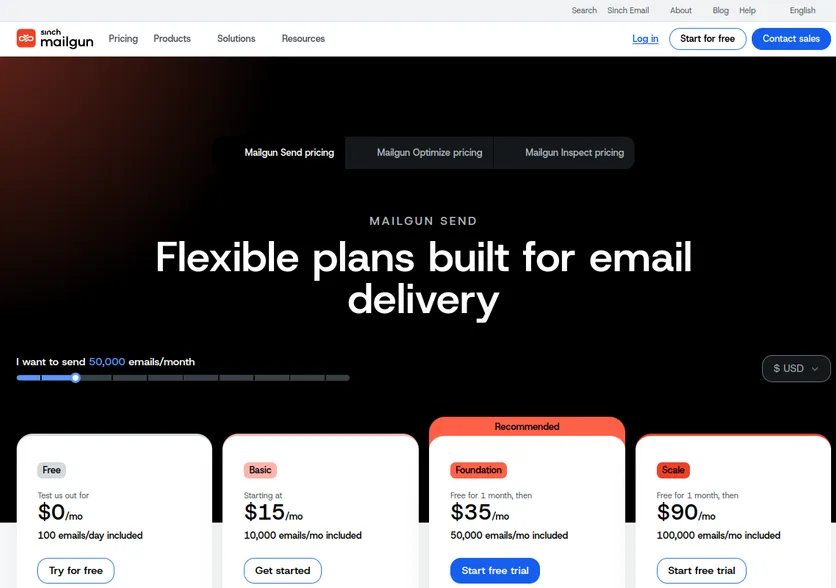
Paid tool Starting price: $15/month · Fifteen dollars a month for 10,000 emails on Basic; Foundation is $35 for 50,000 and Scale $90 for 100,000; overage from $1.80 per 1,000; free plan allows 100 emails a day
Free plan: Free plan (100 emails/day)
A developer team that routes inbound mail and validates addresses as well as sending gets those tools here, because this Mailgun plan costs fifteen dollars a month for ten thousand emails on Basic. The free plan allows one hundred emails a day, and Foundation is thirty-five dollars for fifty thousand while Scale is ninety for one hundred thousand. Email validation is a paid add-on rather than included, so budget for it if the list needs cleaning.
What we like
- Inbound routes and validation beside sending
- Clear volume ladder from 10,000 to 100,000 emails
- Long track record with developer teams
Watch out for
- Email validation is a paid add-on, not included
- Free plan caps at 100 emails a day
How to try it
- Add and verify the sending domain
- Create the routes for inbound mail
- Send through the API and monitor the logs
6. Mailjet
Best for: Startups that want the biggest free allowance
Paid tool Starting price: $19/month · Nineteen dollars a month for 15,000 emails on Essential; Starter is $9 for 8,000 and Premium $29 for 15,000 with automations; free plan covers 6,000 emails a month, 200 a day. Some reads list Essential from $17 a month
Free plan: Free plan (6,000 emails/month, 200/day)
A startup that sends a few thousand emails a month and wants to pay nothing for now gets the biggest free tier here, because this Mailjet plan costs nineteen dollars a month for fifteen thousand emails on Essential. The free plan covers six thousand emails a month with a two hundred a day cap, and Starter is nine dollars for eight thousand. Some reads list Essential from seventeen dollars a month, so confirm the current price on the pricing page before ordering.
What we like
- Largest free tier in this list at 6,000 a month
- Visual template editor on every plan
- Marketing and transactional mail in one account
Watch out for
- Some reads list Essential from $17 a month instead
- No published overage rate, so buy the next step
How to try it
- Create the account and verify the sending domain
- Build the first template in the visual editor
- Send through the API and check the statistics
7. Mailtrap
Best for: Startups that test email before sending live
Paid tool Starting price: $15/month · Fifteen dollars a month for 10,000 emails on Basic; $20 for 50,000 and $30 for 100,000; free plan allows 4,000 emails a month, 150 a day
Free plan: Free plan (4,000 emails/month, 150/day)
A startup that tests its email in a safe sandbox before real customers see it gets that here, because this Mailtrap plan costs fifteen dollars a month for ten thousand emails on Basic. The same account covers email testing and production sending, and the free plan allows four thousand emails a month with a one hundred and fifty a day cap. Twenty dollars a month covers fifty thousand and thirty dollars covers one hundred thousand.
What we like
- Email testing and production sending in one account
- Generous free tier at 4,000 emails a month
- Simple volume ladder to 100,000 emails
Watch out for
- Testing features share the account with production sending
- Support is lighter than the bigger providers offer
How to try it
- Set up the testing inbox for staging mail
- Switch the production domain to the sending plan
- Monitor delivery and check the test results
8. Amazon SES
Best for: Startups on AWS that send at high volume
Paid tool Starting price: $0.10 per 1,000 emails · Ten cents per 1,000 emails on the à la carte rate with no monthly fee. Bundled plans start at $0.16 per 1,000 on Essentials and $0.22 plus $105 a month on Pro; no permanent free tier for new signups, up to $200 of AWS credits
Free plan: No free plan; up to $200 AWS credits
A startup already running on AWS gets the cheapest email per message here, because this Amazon SES service costs ten cents per one thousand emails on the pay-as-you-go rate. There is no monthly fee on that rate, and bundled plans start at sixteen cents per one thousand on Essentials and twenty-two cents plus one hundred and five dollars a month on Pro. New accounts get up to two hundred dollars of AWS credits, but there is no permanent free email tier for new signups.
What we like
- Cheapest per-email price in this list
- No monthly fee on the pay-as-you-go rate
- Scales to millions of emails without a plan change
Watch out for
- Most setup friction in this list, with a sandbox to escape
- No permanent free email tier for new signups
How to try it
- Verify the sending domain in the AWS console
- Request production access to lift the sandbox limits
- Send through the API and watch the bounce rates
Prices above were checked on each vendor’s own website on Nov 29, 2026 and can change — the vendor’s page is the final word. Vendor links are editorial: nobody paid to be listed or ranked here. Vendors who want a featured listing can see how it works on our Get listed page.
How to keep startup email out of the spam folder
Authenticate the sending domain before the first real email goes out, because a domain without proper records is the fastest route to the spam folder. Send transactional mail and marketing mail from separate streams or subdomains, so a bad campaign never drags down password resets. Watch bounce and complaint rates every week and remove bad addresses at once, since a rising bounce rate hurts the whole domain. Start on a free tier and move to a paid plan when volume grows, rather than paying for capacity the startup does not use yet.
Before you buy
- Confirm the free tier covers the startup's real volume or budget for the first paid tier
- Check whether the price is per email sent or per contact stored
- Ask if dedicated IPs, inbound email and webhooks are included or paid add-ons
- Make sure deliverability tools like authentication and suppression lists are built in
- Test the service with real transactional mail before paying, including password resets
Official websites
Official websites of the products reviewed above. Features and prices were checked against these sites when this guide was written, and they can change, so confirm on the vendor site before you buy.
Frequently asked questions
What is transactional email software for startups?
It is an email service that sends the messages an app generates itself, such as password resets, receipts, order confirmations and notifications. Unlike marketing email, which goes to a list on a schedule, transactional email is triggered by one user's action and must arrive within seconds, so deliverability and speed matter more than design.
How much does Resend cost for a startup?
Resend costs twenty dollars a month for fifty thousand emails on Pro, with Scale at ninety dollars for one hundred thousand. The free plan covers three thousand emails a month with a one hundred a day cap, so a small startup can send real product email for nothing until volume grows past that limit.
Can a startup send transactional email for free?
Yes, with Mailjet, which offers six thousand emails a month free with a two hundred a day cap, and with Resend at three thousand a month, Mailtrap at four thousand and Brevo at three hundred a day. SendGrid has no permanent free plan, only a sixty-day trial, and Amazon SES has no free tier for new signups.
How should a startup choose between these tools?
Start with the free tier that fits the current volume, then move to the cheapest paid plan that holds the next volume step. Resend is the best all-round paid pick at twenty dollars for fifty thousand, Brevo is the cheapest paid start at nine dollars, and Amazon SES is the cheapest per email once volume passes one hundred thousand a month.
Which tool is best for a small startup?
Mailjet is the best choice for a startup that wants the biggest free allowance, at six thousand emails a month. Resend is the best paid pick for most startups, at twenty dollars for fifty thousand emails with a modern API, and Postmark is the best choice when every message must land in the inbox without delay.
Compare the eight tools above, then start with a free tier on the one that matches the startup's email volume before paying for a full year.
Browse Marketing & Ads Calculators tools