On this page
Software ships worldwide on day one, which means the strings in the app need translating into every language the team supports, and doing that by hand in spreadsheets breaks the moment a feature changes. The eight tools below manage that job, from syncing strings with the code repository to delivering finished translations back to the app. Crowdin leads because it covers sixty thousand hosted words free and charges fifty dollars a month billed annually for Pro, and the rest are ranked on how well they fit a team shipping software.
How we researched this
We checked every price on the vendor pricing page on November 29, 2026, and only included tools with a published list price. The enterprise platforms that sell by quote, including Smartling and Transifex, publish no self-serve prices, so they are not in this list. Prices change, so confirm the current figure on the vendor site before you buy.
Compare the tools
| Name | Best for | Starting price | Free plan | |
|---|---|---|---|---|
 Crowdin | Teams that want strong free and low-cost plans | $50/month | Free plan (60,000 hosted words, 1 private project) | Visit |
 POEditor | Small teams that want simple cheap string management | $20/month | Free plan (1,000 strings) | Visit |
 Lokalise | Larger teams that need automation at scale | $149/month | No free plan; 14-day free trial | Visit |
 Phrase | Enterprises with big translation teams | $1,245/month | No free plan; 14-day free trial | Visit |
 Localazy | Small teams that want a friendly low price | $39/month | Free plan; no free trial | Visit |
 LingoHub | Mid-size teams automating from Git | €249/month | No free plan; 14-day free trial | Visit |
 Tolgee | Developers who want in-context editing | €69/month | Free plan (30,000 words, 3 seats) | Visit |
 Locize | Teams already using i18next | $7/month | Free plan (2,000 words, 2 languages) | Visit |
The translation services for software, compared
1. Crowdin
Best for: Teams that want strong free and low-cost plans
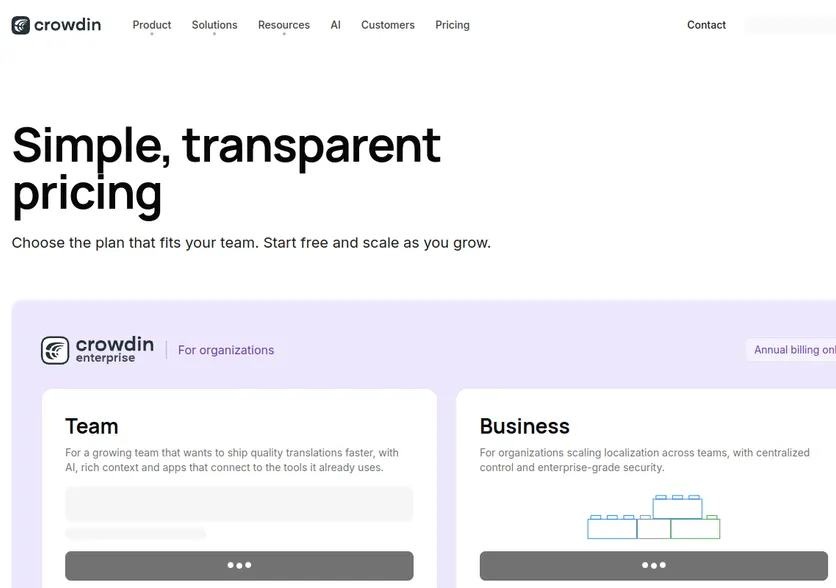
Paid tool Starting price: $50/month · Fifty dollars a month billed annually on Pro ($59 monthly); Team is $150 a month billed annually and Team Plus $450; free plan covers 60,000 hosted words and 1 private project. One November 2026 read lists Pro from $75 a month
Free plan: Free plan (60,000 hosted words, 1 private project)
A team translating its first app wants a generous free tier and a cheap first paid step, and this Crowdin plan costs fifty dollars a month billed annually on Pro. The free plan covers sixty thousand hosted words and one private project, while Team is one hundred and fifty dollars a month billed annually and Team Plus is four hundred and fifty. One November 2026 read lists Pro from seventy-five dollars a month, so confirm the current price on the pricing page before ordering.
What we like
- Free plan with sixty thousand hosted words
- Translators and proofreaders join for free
- Strong integrations with code repositories
Watch out for
- One read lists Pro from $75 a month instead of $50
- Enterprise features sit on the dearer tiers
How to try it
- Create the project and upload the source strings
- Invite translators and reviewers to the project
- Sync the translations back to the repository
2. POEditor
Best for: Small teams that want simple cheap string management
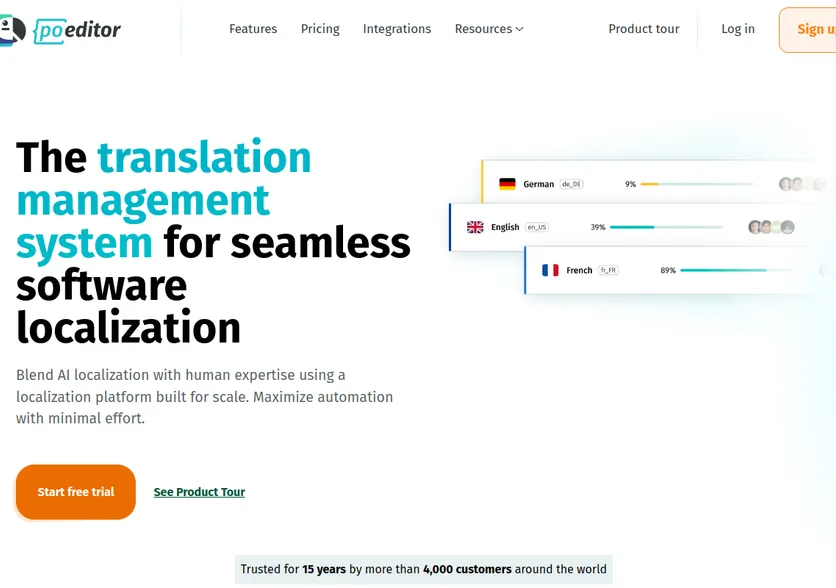
Paid tool Starting price: $20/month · Twenty dollars a month on Start ($17 billed annually); Plus is $60, Premium $160 and Enterprise $260; free plan covers 1,000 strings
Free plan: Free plan (1,000 strings)
A small team that just needs its strings organised and translated gets the cheapest simple option here, because this POEditor plan costs twenty dollars a month on Start. Annual billing drops it to seventeen dollars a month, and Plus is sixty dollars while Premium is one hundred and sixty and Enterprise is two hundred and sixty. The free plan covers one thousand strings, and pricing follows string count rather than seats, which keeps the bill predictable.
What we like
- Cheapest simple string management in this list
- Pricing by strings, not seats, keeps costs predictable
- Free plan with one thousand strings
Watch out for
- Fewer automation features than the bigger platforms
- String limits push larger projects up the tiers
How to try it
- Create the project and upload the string files
- Invite contributors to translate and review
- Export the finished strings to the app
3. Lokalise
Best for: Larger teams that need automation at scale
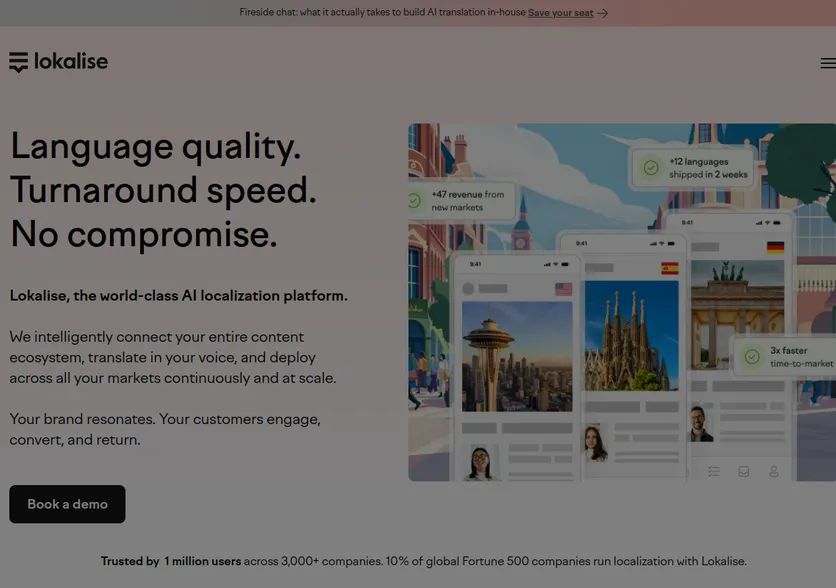
Paid tool Starting price: $149/month · One hundred and forty-nine dollars a month billed annually on Explorer ($169 monthly); Growth is $379 billed annually ($439 monthly) and Advanced $1,049; 14-day free trial, no free plan
Free plan: No free plan; 14-day free trial
A larger team shipping software in many languages needs automation more than a low price, and this Lokalise plan costs one hundred and forty-nine dollars a month billed annually on Explorer. Growth is three hundred and seventy-nine dollars billed annually and Advanced is one thousand and forty-nine, with translators and reviewers getting free seats on paid plans. Monthly billing is one hundred and sixty-nine dollars, and there is a fourteen day trial but no free plan.
What we like
- Strong automation for large language sets
- Translator and reviewer seats free on paid plans
- Repository integrations that open pull requests
Watch out for
- No free plan, only a fourteen day trial
- Price climbs fast as processed words grow
How to try it
- Connect the repository and import the strings
- Set up the translation workflow and reviewers
- Sync the finished translations back to the app
4. Phrase
Best for: Enterprises with big translation teams
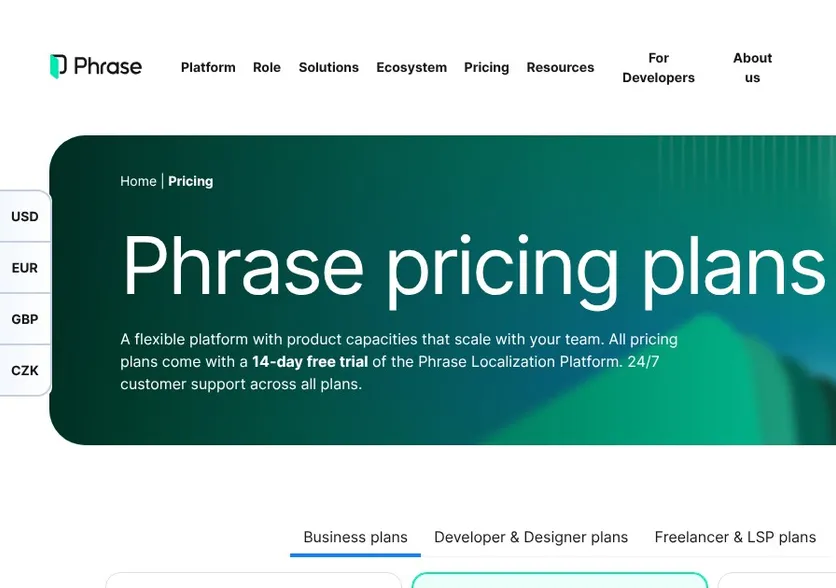
Paid tool Starting price: $1,245/month · One thousand two hundred and forty-five dollars a month billed annually on Team; Freelancer is $27 a month; Business and Enterprise are quoted. Lower developer plans start from $525 a month billed yearly; 14-day free trial, no free plan
Free plan: No free plan; 14-day free trial
An enterprise with a large translation team and strict review rules needs a platform built for scale, and this Phrase plan costs one thousand two hundred and forty-five dollars a month billed annually on Team. Freelancer is twenty-seven dollars a month for a single user, while Business and Enterprise are quoted. Lower developer plans start from five hundred and twenty-five dollars a month billed yearly, so confirm which tier the team actually needs before ordering.
What we like
- Built for large teams with strict review rules
- Strong workflow and quality checks
- Handles software, documents and marketing copy
Watch out for
- Most expensive starting price in this list
- Lower developer plans start from $525 a month billed yearly
How to try it
- Set up the project and the review workflow
- Import the software strings from the repository
- Assign translators and track the review stages
5. Localazy
Best for: Small teams that want a friendly low price
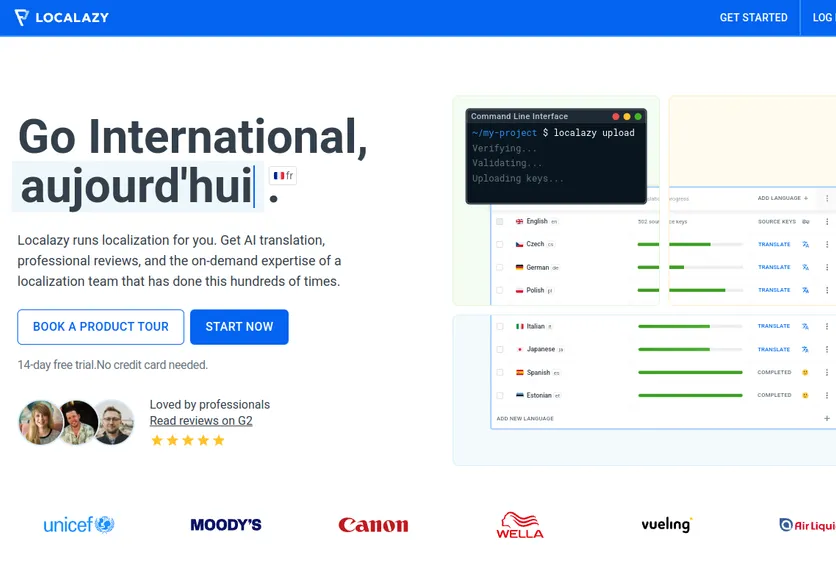
Paid tool Starting price: $39/month · Thirty-nine dollars a month; reads range from $33 to $41 a month. Professional is $73 a month and Business $175 for larger teams; free plan available
Free plan: Free plan; no free trial
A small team that wants localisation without a steep learning curve gets a friendly option here, because this Localazy plan costs thirty-nine dollars a month. Reads of the vendor page range from thirty-three to forty-one dollars a month, and the Professional tier runs seventy-three dollars while Business is one hundred and seventy-five for larger teams. The free plan covers the first keys, so a team can test the workflow on a real feature before paying.
What we like
- Friendly interface that small teams learn fast
- Low starting price for a real project
- Free plan for testing the workflow
Watch out for
- Vendor page reads range from $33 to $41 a month
- Professional tier jumps to $73 a month
How to try it
- Create the project and add the source keys
- Invite the team to translate and review
- Sync the translations to the app
6. LingoHub
Best for: Mid-size teams automating from Git
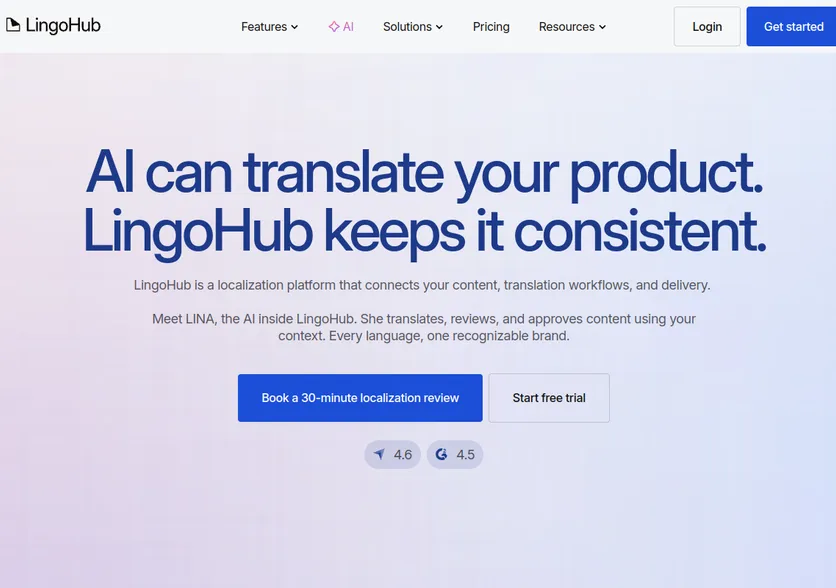
Paid tool Starting price: €249/month · Two hundred and forty-nine euros a month on Platform (€209 billed yearly), excluding VAT. Older reads list Starter plans from €45 to €55 a month, so confirm the current tiers before ordering; 14-day free trial, no free plan
Free plan: No free plan; 14-day free trial
A mid-size team that lives in Git and wants localisation on autopilot gets that here, because this LingoHub plan costs two hundred and forty-nine euros a month on Platform. Annual billing drops it to two hundred and nine euros a month, with unlimited seats and projects, five hundred thousand AI credits and five million hosted characters a month. Older reads list Starter plans from forty-five to fifty-five euros a month, so confirm the current tiers before ordering.
What we like
- Automation from Git repositories
- AI translation and review in one pass
- Unlimited seats and projects on Platform
Watch out for
- Older reads list Starter plans from €45 a month
- Priced in euros, so US teams should check the exchange cost
How to try it
- Connect the Git repository to the project
- Let the AI engine translate and review in one pass
- Sync the approved translations back to the code
7. Tolgee
Best for: Developers who want in-context editing
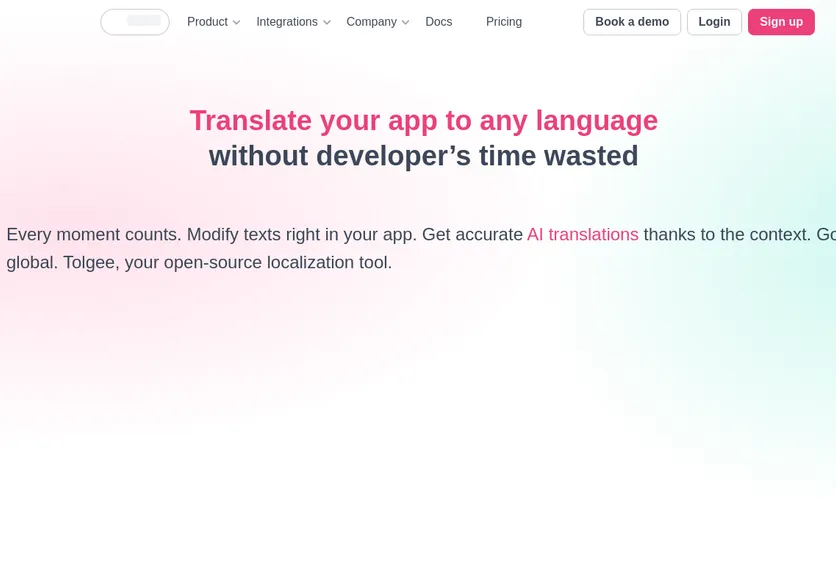
Paid tool Starting price: €69/month · Sixty-nine euros a month on Translate (€58 billed yearly); free plan covers 30,000 words and 3 seats; core is open source and free to self-host
Free plan: Free plan (30,000 words, 3 seats)
A developer who wants to edit translations inside the live app gets that here, because this Tolgee plan costs sixty-nine euros a month on Translate. Annual billing drops it to fifty-eight euros a month, and the free plan covers thirty thousand words and three seats. The core is open source and free to self-host, which suits a team that wants to own its translation stack rather than rent it.
What we like
- In-context editing inside the live app
- Open source core, free to self-host
- Free plan with thirty thousand words
Watch out for
- Priced in euros, so US teams should check the exchange cost
- Smaller community than the big platforms offer
How to try it
- Add the Tolgee SDK to the app
- Edit translations in context inside the live app
- Sync the finished strings back to the project
8. Locize
Best for: Teams already using i18next
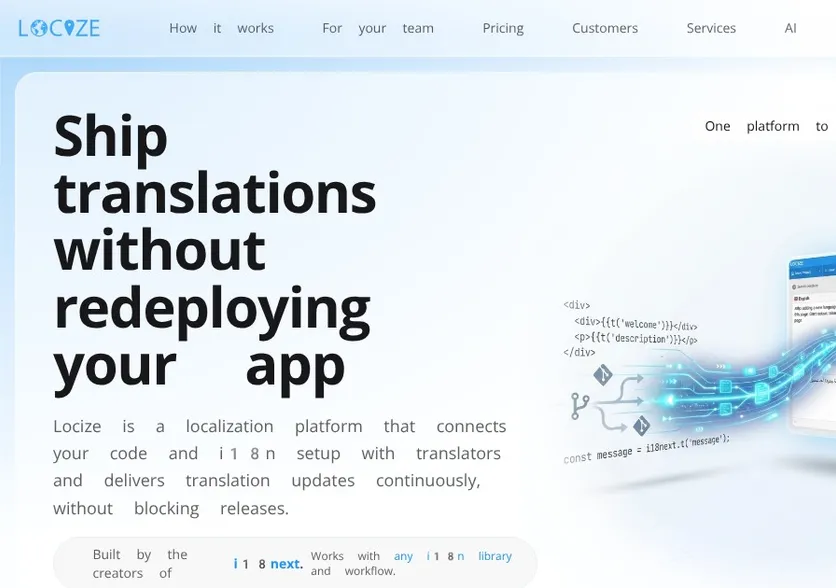
Paid tool Starting price: $7/month · Seven dollars a month on Starter for 15,000 words and 5 languages; Growth is $49 a month; free plan covers 2,000 words and 2 languages
Free plan: Free plan (2,000 words, 2 languages)
A team already using i18next for its app gets the most natural fit here, because this Locize plan costs seven dollars a month on Starter. The free plan covers two thousand words in two languages, and translations are served from a CDN so text changes need no redeploy. Growth is forty-nine dollars a month, which suits a team whose word count grows with every release.
What we like
- Built for i18next by its creators
- CDN delivery with no redeploy needed
- Cheapest paid plan in this list
Watch out for
- Built for i18next, so other frameworks fit less well
- Word limits push larger projects up the tiers
How to try it
- Connect the i18next project to Locize
- Translate the strings and review them
- Publish the translations to the CDN
Prices above were checked on each vendor’s own website on Nov 29, 2026 and can change — the vendor’s page is the final word. Vendor links are editorial: nobody paid to be listed or ranked here. Vendors who want a featured listing can see how it works on our Get listed page.
How to ship software in a new language without breaking it
Keep every string in the translation tool and out of the code, because a hardcoded label is a string nobody can translate without a developer. Give translators context for each string, including where it appears and what the variables mean, since a bare word translates differently in a button than in a sentence. Review every machine translation with a human before it ships, and test the app in the new language with long German words and right-to-left text so the layout holds. Ship one language at a time and fix the workflow before adding the next, rather than launching five languages on the same day.
Before you buy
- Confirm the price covers the languages the software actually ships in
- Check whether translators and reviewers get free seats or count as paid users
- Ask if machine translation usage is included or billed per word on top
- Make sure the platform syncs with the code repository the team already uses
- Test the tool on one real feature before paying, including a string with variables
Official websites
Official websites of the products reviewed above. Features and prices were checked against these sites when this guide was written, and they can change, so confirm on the vendor site before you buy.
Frequently asked questions
What are translation services for software?
They are translation management systems that help a software team translate its app, website and help pages into other languages. Good tools sync strings with the code repository, track which translations are done and reviewed, and deliver the finished text back to the app, so a new feature ships in every language at once instead of one at a time.
How much does Crowdin cost for software translation?
Crowdin costs fifty dollars a month billed annually on Pro, or fifty-nine dollars month to month. The free plan covers sixty thousand hosted words and one private project, Team is one hundred and fifty dollars a month billed annually and Team Plus is four hundred and fifty, so a team can start free and grow into the paid tiers.
Can a software team translate for free?
Yes, with Crowdin at sixty thousand hosted words, POEditor at one thousand strings, Tolgee at thirty thousand words and Locize at two thousand words. Lokalise and Phrase offer fourteen-day trials but no free plan, so a team that wants to test before paying should start with one of the free tiers above.
Which tool is best for a small software team?
Crowdin is the best all-round pick, at fifty dollars a month billed annually with a generous free tier and free seats for translators. POEditor is the cheapest simple option at twenty dollars a month, and Locize is the best choice for a team already using i18next, at seven dollars a month for the Starter plan.
Is machine translation good enough for software strings?
Machine translation is fast and cheap for a first draft, but it misses context, tone and the variables inside software strings, so a human should review every string before it ships. The tools in this list pair machine translation with review workflows for that reason, and the cheapest way to ship in a new language is machine translation plus a human review pass.
Compare the eight tools above, then start with a free trial on the one that matches how the team ships software before paying for a full year.
Browse Developer Tools tools