On this page
A course that only exists in one language reaches only a fraction of your learners, and translating by hand in spreadsheets breaks the moment the source course changes. The seven platforms below manage localization for global teams, from seventeen dollars a month to one thousand two hundred and forty-five dollars a month, and every price was checked on the vendor site on November 27, 2026. Lokalise is our first pick — the automation that moves course content to translators and back is what a global team actually needs.
How we researched this
We looked for localization tools that publish a price and suit a global learning team, where courses must ship in several languages and the content keeps changing. We read each price on the vendor pricing page on November 27, 2026, and favoured tools with translation memory, glossaries and an integration with course authoring software. We dropped XTM, Smartling and memoQ because none of them publishes a dollar price, so a team cannot compare them without a sales call.
Compare the tools
| Name | Best for | Starting price | Free plan | |
|---|---|---|---|---|
| Lokalise | Global teams that need a full localization platform with automation. | $120/month | Free tier available (2 languages, 500 units). | Visit |
 Crowdin | Global teams that want a strong platform at a lower price. | $75/month | Free plan available (40,000 hosted words). | Visit |
 Smartcat | Global teams that want AI translation with human review built in. | $100/month | No free plan; 15-day free trial. | Visit |
 Phrase | Global teams that need an enterprise localization suite. | $1,245/month | No free plan; demo available. | Visit |
 Weglot | Global teams that need a learning portal or website translated fast. | $17/month | Free tier available (2,000 words). | Visit |
| DeepL Pro | Global teams that need accurate machine translation of course text. | $8.74/user/month | Free tier available (1,500 characters per input). | Visit |
| Transifex | Global teams that want a hosted localization platform with a simple plan. | $160/month | No free plan; demo available. | Visit |
The e learning localization software for global teams, compared
1. Lokalise
Best for: Global teams that need a full localization platform with automation.
Paid tool Starting price: $120/month · One hundred and twenty dollars a month for the Start plan on an annual subscription. Essential costs two hundred and thirty dollars a month; the free tier covers up to two languages and five hundred units.
Free plan: Free tier available (2 languages, 500 units).
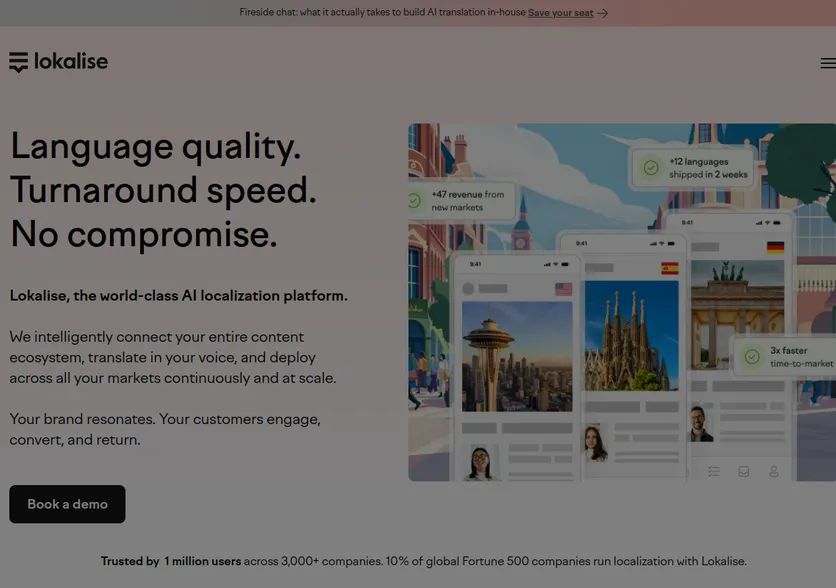
Lokalise is the localization platform that global learning teams choose when courses must ship in many languages at once, with automation that moves content from the course tool to the translator and back. This Lokalise Start plan costs one hundred and twenty dollars a month on an annual subscription and covers translation memory, glossaries and machine translation. A team rolling out training worldwide gets one place to manage keys, reviewers and releases instead of a spreadsheet that never stays in date.
What we like
- Automation that moves content to translators and back
- Translation memory and glossaries keep terms consistent
- Integrations with course tools and code repositories
Watch out for
- Costs rise with keys, so a large course catalogue adds up
- The cheapest plan limits the languages you can ship
How to try it
- Connect Lokalise to your course authoring tool or repository.
- Upload your source content and set up the languages you ship in.
- Assign reviewers and release translated courses when they approve.
2. Crowdin
Best for: Global teams that want a strong platform at a lower price.
Paid tool Starting price: $75/month · Seventy-five dollars a month for the Pro plan. The price rose from fifty dollars on November 16, 2026 and the Team plan was removed; free hosted words were cut from sixty thousand to forty thousand.
Free plan: Free plan available (40,000 hosted words).
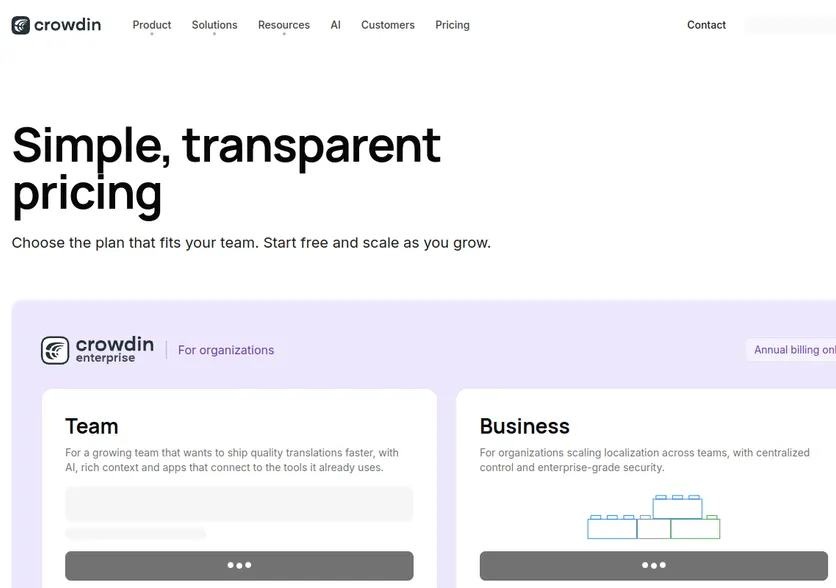
Crowdin is the localization platform for teams that want most of Lokalise for less money, with a free tier that is generous enough to start on. This Crowdin Pro plan costs seventy-five dollars a month, after a price rise from fifty dollars on November 16, 2026. A global team gets translation memory, glossaries, machine translation and integrations with the tools that build their courses.
What we like
- Strong feature set at seventy-five dollars a month
- Free plan covers forty thousand hosted words
- Wide integrations with course and code tools
Watch out for
- The Pro price rose by half in November 2026
- Free hosted words were cut from sixty thousand to forty thousand
How to try it
- Create a project and upload your course content for translation.
- Connect your course tool so new strings flow in automatically.
- Invite translators and reviewers, then export the finished languages.
3. Smartcat
Best for: Global teams that want AI translation with human review built in.
Paid tool Starting price: $100/month · One hundred dollars a month billed annually for the Adapt plan, or one thousand two hundred dollars a year. Unlimited users and one hundred thousand Smartwords a year; fifteen-day free trial.
Free plan: No free plan; 15-day free trial.
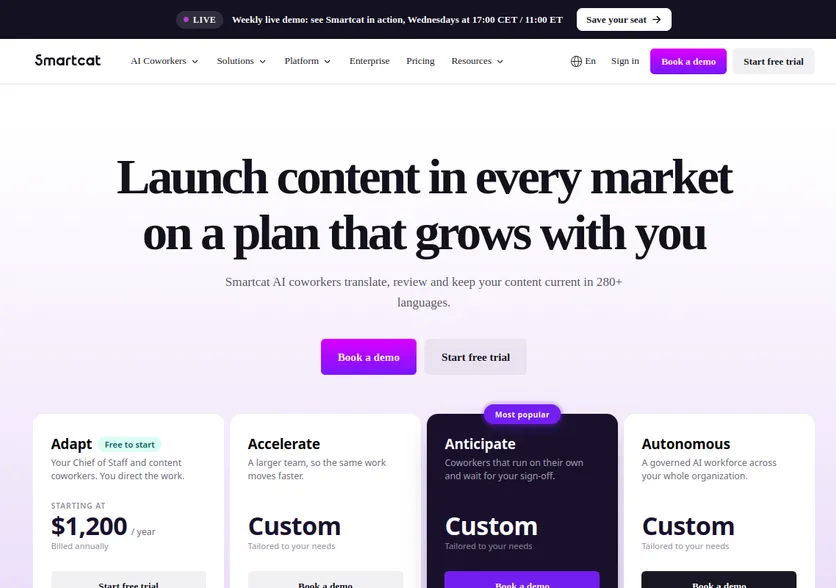
Smartcat is the AI translation platform for teams that want machine translation, human review and a marketplace of translators in one place. This Smartcat Adapt plan costs one hundred dollars a month billed annually and covers unlimited users with one hundred thousand Smartwords a year. A global learning team gets AI that drafts translations and reviewers who polish them, so courses ship faster without losing quality.
What we like
- AI drafts plus human review in one workflow
- Unlimited users on the Adapt plan
- Marketplace of translators when you need a human
Watch out for
- Smartwords run out on a large course catalogue
- No free plan, only a fifteen-day trial
How to try it
- Upload your course files and let Smartcat AI draft the translations.
- Assign human reviewers to polish the draft in each language.
- Export the finished courses and publish them to your learners.
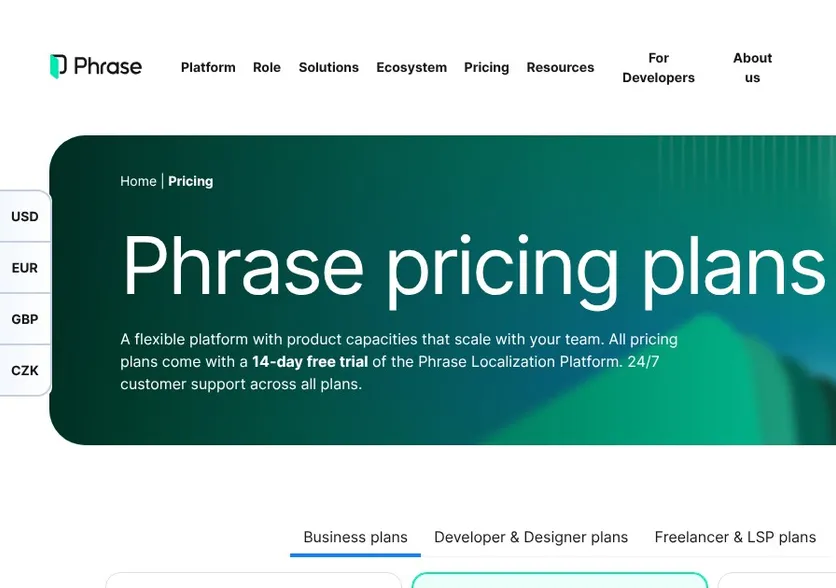
4. Phrase
Best for: Global teams that need an enterprise localization suite.
Paid tool Starting price: $1,245/month · One thousand two hundred and forty-five dollars a month billed annually for the Team plan, the cheapest business plan. Freelancer costs twenty-seven dollars a month and Software UI/UX costs five hundred and twenty-five dollars a month.
Free plan: No free plan; demo available.
Phrase is the enterprise localization suite for teams that manage software and learning content together, with translation memory that grows with every project. This Phrase Team plan costs one thousand two hundred and forty-five dollars a month billed annually and is the cheapest business plan in the range. A global team gets a translation management system, quality checks and integrations that keep course content in step with the product it teaches.
What we like
- Enterprise translation memory across all projects
- Quality checks catch errors before release
- Integrations with course tools and code repositories
Watch out for
- One thousand two hundred and forty-five dollars a month is enterprise pricing
- The cheaper plans are for freelancers, not teams
How to try it
- Book a demo and set up your first localization project.
- Connect Phrase to your course authoring tool and repository.
- Set up quality checks and reviewer roles, then release languages.
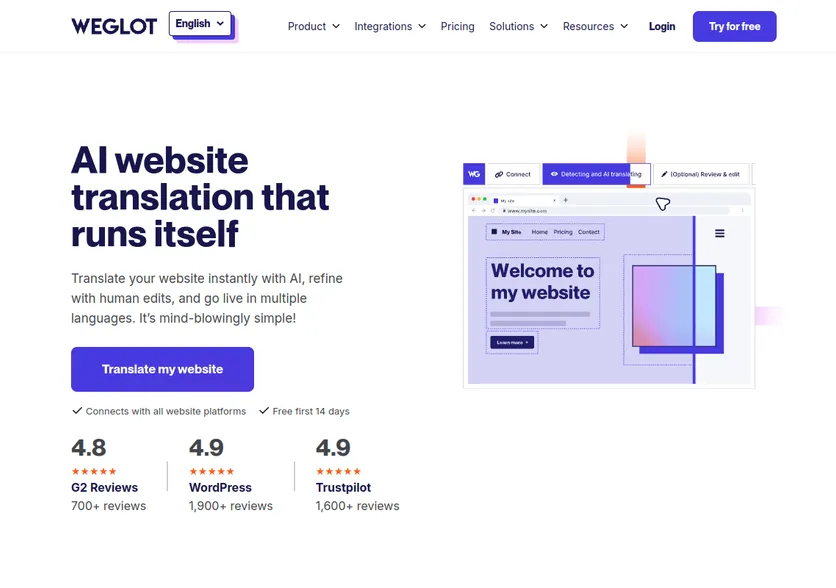
5. Weglot
Best for: Global teams that need a learning portal or website translated fast.
Paid tool Starting price: $17/month · Seventeen dollars a month for the Starter plan, or one hundred and seventy dollars a year on annual billing. Business costs thirty-two dollars a month and Pro costs eighty-seven dollars a month; the free tier covers two thousand words.
Free plan: Free tier available (2,000 words).
Weglot is the website translation tool for teams that need a learning portal or course site in several languages without rebuilding it. This Weglot Starter plan costs seventeen dollars a month and translates up to two thousand words with a free tier to start on. A global team gets a translated site in minutes, with a visual editor to fix anything the machine gets wrong.
What we like
- A translated website in minutes, not weeks
- Visual editor to fix machine translation errors
- Free tier covers two thousand words to start
Watch out for
- It translates websites, not course files inside an authoring tool
- Word limits mean a large site needs a dearer plan
How to try it
- Add Weglot to your learning portal or course website.
- Choose the languages your learners need and let Weglot translate.
- Fix any awkward phrases in the visual editor and publish.
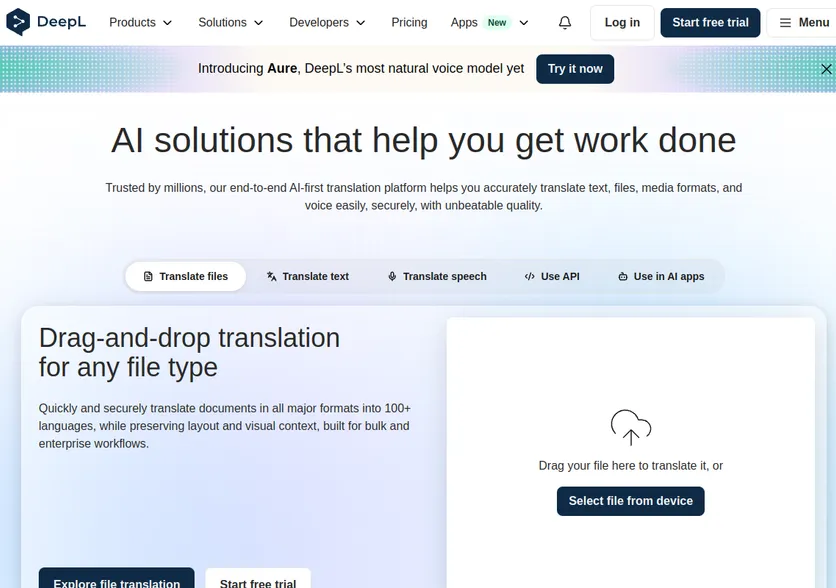
6. DeepL Pro
Best for: Global teams that need accurate machine translation of course text.
Paid tool Starting price: $8.74/user/month · Eight dollars and seventy-four cents per user a month billed annually for the Pro Starter plan. Ten dollars and forty-nine cents month to month; Advanced costs twenty-eight dollars and seventy-four cents and Ultimate costs fifty-seven dollars and forty-nine cents.
Free plan: Free tier available (1,500 characters per input).
DeepL is the machine translation service that teams trust when accuracy matters more than speed, because its translations read like a human wrote them. This DeepL Pro Starter plan costs eight dollars and seventy-four cents per user a month billed annually. A global learning team gets fast, accurate translation of course text, glossaries and document translation in one subscription.
What we like
- Translations that read like a human wrote them
- Glossaries keep your course terms consistent
- Document translation handles whole course files
Watch out for
- It translates text, it does not manage a localization workflow
- Per user pricing adds up across a large team
How to try it
- Open DeepL Pro and paste or upload your course text.
- Choose the target language and apply your glossary terms.
- Review the translation and export it for your course tool.
7. Transifex
Best for: Global teams that want a hosted localization platform with a simple plan.
Paid tool Starting price: $160/month · One hundred and sixty dollars a month for the Starter plan.
Free plan: No free plan; demo available.
Transifex is the hosted localization platform for teams that want a straightforward plan and a tool that handles software strings and course content alike. This Transifex Starter plan costs one hundred and sixty dollars a month. A global team gets translation memory, glossaries, machine translation and integrations with the tools that build their courses.
What we like
- Simple hosted platform with no infrastructure to run
- Translation memory and glossaries included
- Integrations with course and code tools
Watch out for
- More expensive than Crowdin for the same job
- No free plan, only a demo
How to try it
- Create a project and upload your course content.
- Connect your course tool so new strings flow in automatically.
- Invite translators and reviewers, then release the finished languages.
Prices above were checked on each vendor’s own website on Nov 27, 2026 and can change — the vendor’s page is the final word. Vendor links are editorial: nobody paid to be listed or ranked here. Vendors who want a featured listing can see how it works on our Get listed page.
What global teams should check first
Count your keys and words before you buy, because most localization plans charge by volume, not by user. A course catalogue with thousands of strings costs more than the headline price suggests, and a plan that limits languages can force an upgrade mid project. Start with the languages your learners actually need, not the ones you might reach one day.
Check the integration with your course authoring tool, because a tool that cannot pull new strings automatically will leave you copying text by hand. Test the glossary and translation memory on real course content, not demo text, and make sure reviewers can approve translations before they ship. A free tier on Crowdin or Weglot lets you prove the workflow before paying anything.
Before you buy
- Count your keys and words first, because most plans charge by volume, not by user.
- Check whether machine translation is included, because it is often a paid add-on.
- Confirm the tool plugs into your course authoring software before you buy.
- Ask who can approve translations, because a broken review workflow slows every release.
- Test the glossary and translation memory on real course content, not demo text.
Official websites
Official websites of the products reviewed above. Features and prices were checked against these sites when this guide was written, and they can change, so confirm on the vendor site before you buy.
Frequently asked questions
Which e learning localization software is best for global teams?
Lokalise is the best overall pick at one hundred and twenty dollars a month, with automation that moves course content to translators and back. Crowdin is the best value at seventy-five dollars a month with a generous free plan. Smartcat suits teams that want AI drafts plus human review for one hundred dollars a month billed annually.
How much does e learning localization software cost?
Entry prices here run from seventeen dollars a month for Weglot to one thousand two hundred and forty-five dollars a month for Phrase Team. Most global teams pay between seventy-five and one hundred and sixty dollars a month for a proper localization platform. Count your keys and words first, because most plans charge by volume, not by user.
Is there a free way to start localizing courses?
Yes. Weglot offers a free tier for two thousand words and translates a learning portal in minutes. Crowdin has a free plan for forty thousand hosted words, and Lokalise has a free tier for two languages and five hundred units. DeepL has a free tier for short texts, but it translates rather than managing a localization workflow.
What features matter most for localizing e learning?
A localization platform should offer translation memory, glossaries, machine translation, a review workflow and an integration with your course authoring tool. Translation memory saves money by reusing past translations, and glossaries keep your course terms consistent. Without a review step, machine translation errors will reach your learners.
Which tool suits an enterprise localization team?
Phrase Team at one thousand two hundred and forty-five dollars a month is the enterprise option, built for teams that manage software and learning content together. It offers a full translation management system with quality checks and deep integrations. Smaller teams get most of the same features from Lokalise or Crowdin at a tenth of the price.
Need everyday learning help too? Try Toolsvine's free education tools right in your browser.
Browse Education & Learning tools