
On this page
A company that sets pay without market data either overpays or loses people to a better offer. The seven tools below cover pay bands, benchmarking, commission plans and full HR suites, with prices from about $3 an employee a year to about $799 a month, and every price was checked on the vendor site on November 26, 2026. Most offer a free plan or a free trial, so a company can test the data before paying. CompUp is our first pick — pay bands and benchmarking for about $3 an employee a year.
How we researched this
We started with the compensation tools companies actually buy, then read each price on the vendor pricing page on November 26, 2026 and noted the free plan or trial each one carries. We judged them for a small company that needs pay bands and benchmarking without hiring a consultant. We kept only tools with a published price, and we dropped any tool whose price we could not verify, including Pave, whose Core plan no longer appears on its own pricing page.
Compare the tools
| Name | Best for | Starting price | Free plan | |
|---|---|---|---|---|
 Lattice | Growing companies that already run performance on Lattice | $6/seat/month | Free plan (Foundations trial; compensation is a paid add-on) | Visit |
 Gusto | Small companies that want payroll, HR and compensation in one account | $49/month + $6/person/month | Free until first payroll | Visit |
 BambooHR | Small companies that want HR and compensation in one system | $25/employee/month | 14-day free trial; no free plan | Visit |
 Deel | Companies with remote staff in several countries | $15/employee/month | Free plan (basic global hiring tools) | Visit |
| CompUp | Startups that need pay bands at the lowest price | $3/employee/year | Free plan (basic benchmarking) | Visit |
 Mercer | Companies that need benchmark data for a single role | $300/job | No free plan; benchmark data sold per job | Visit |
 Spiff | Sales teams that need commission plans that work | $75/user/month | Free trial available; no free plan | Visit |
The compensation tools, compared
1. Lattice
Best for: Growing companies that already run performance on Lattice
Paid tool Starting price: $6/seat/month · Compensation add-on, per seat per month billed annually on top of Foundations at $13 a seat a month; $4,000 minimum annual agreement
Free plan: Free plan (Foundations trial; compensation is a paid add-on)
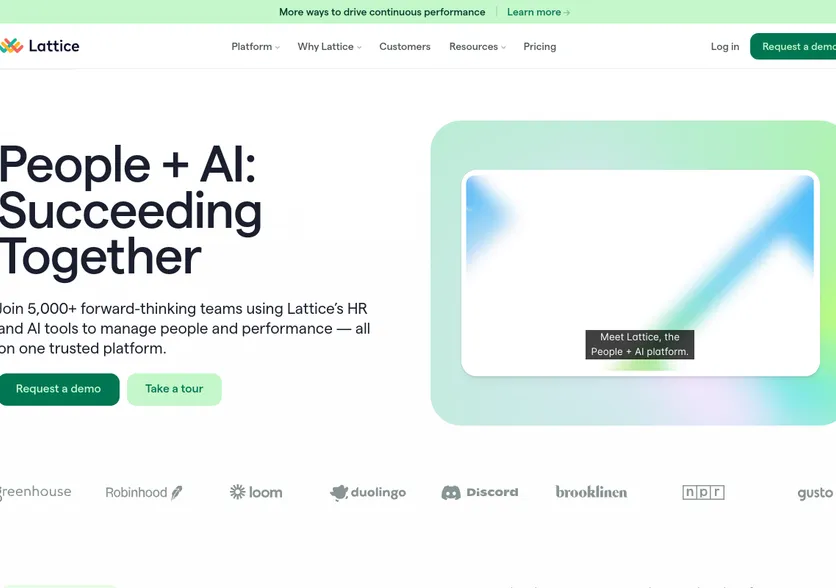
Lattice is the people platform a growing company already uses for performance, and compensation is an add-on on top. This Lattice Compensation add-on costs about $6 a seat a month on top of the Foundations plan, so a team can run pay bands and reviews in one place. The $4,000 minimum annual agreement means it suits a company with a real headcount, not a tiny startup.
What we like
- Pay bands and reviews in one place
- Benchmark data included
- Suits companies already on Lattice
Watch out for
- Add-on costs about $6 a seat a month extra
- $4,000 minimum annual agreement
How to try it
- Open the Lattice pricing page and start the trial
- Add the Compensation add-on
- Build pay bands from the benchmark data
2. Gusto
Best for: Small companies that want payroll, HR and compensation in one account
Paid tool Starting price: $49/month + $6/person/month · Simple, billed monthly; Plus $80 plus $12 per person; Premium custom-priced; free until first payroll
Free plan: Free until first payroll
Gusto runs payroll, HR and benefits in one account, so a small company can set pay and run payroll from the same place. This Gusto Simple plan starts at about forty-nine dollars a month plus about six dollars a person a month and covers unlimited payroll runs with automatic tax filing. It is payroll first, so a company that needs market benchmarking as well will pair it with a pay band tool.

What we like
- Payroll, HR and benefits in one account
- Unlimited pay runs with automatic tax filing
- Published prices with no sales call needed
Watch out for
- Simple covers payroll in one state only
- The per-person fee adds up fast as headcount grows
How to try it
- Create a Gusto account and add your team
- Set pay bands for each role from the HR tools
- Run payroll and review compensation costs together
3. BambooHR
Best for: Small companies that want HR and compensation in one system
Paid tool Starting price: $25/employee/month · Elite plan, per employee per month, includes compensation management; flat $650 a month for up to 25 employees
Free plan: 14-day free trial; no free plan
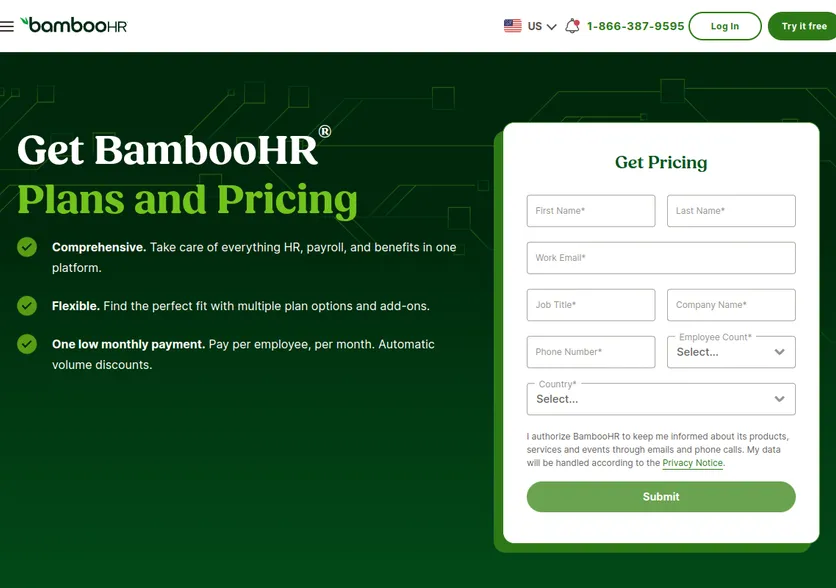
BambooHR is the HR system a small company buys first, and compensation management comes with the top plan. This BambooHR Elite plan costs about $25 an employee a month and includes compensation management, so a company can run HR and pay in one account. The flat $650 a month for up to 25 employees makes the maths simple for a small team.
What we like
- HR and compensation in one account
- Flat $650 a month for up to 25 staff
- Simple pricing for small teams
Watch out for
- Elite costs about $25 an employee a month
- No free plan, trial only
How to try it
- Open the BambooHR pricing page and start the trial
- Set up employee records
- Turn on compensation management on Elite
4. Deel
Best for: Companies with remote staff in several countries
Paid tool Starting price: $15/employee/month · Compensation features from $15 an employee a month
Free plan: Free plan (basic global hiring tools)
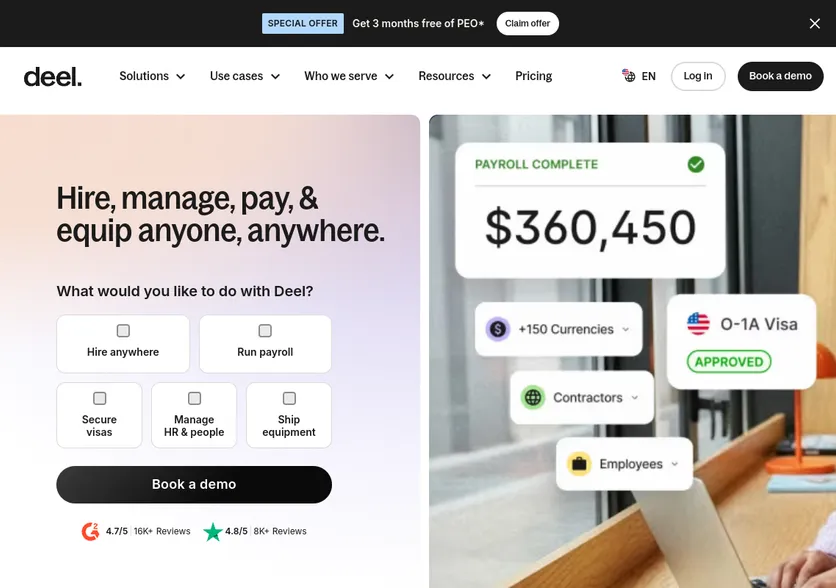
Deel handles global payroll and hiring, and compensation features start from about $15 an employee a month. This Deel plan covers compensation tools alongside payroll, so a company with remote staff in several countries can manage pay in one place. The global reach is the key feature, because local payroll tools cannot handle multi-country teams.
What we like
- Global payroll and compensation together
- Suits multi-country teams
- Compensation from $15 an employee
Watch out for
- Compensation starts at $15 an employee
- Full pricing varies by country
How to try it
- Open the Deel pricing page and start the free plan
- Add your global team members
- Turn on compensation features
5. CompUp
Best for: Startups that need pay bands at the lowest price
Paid tool Starting price: $3/employee/year · $3 an employee a year
Free plan: Free plan (basic benchmarking)
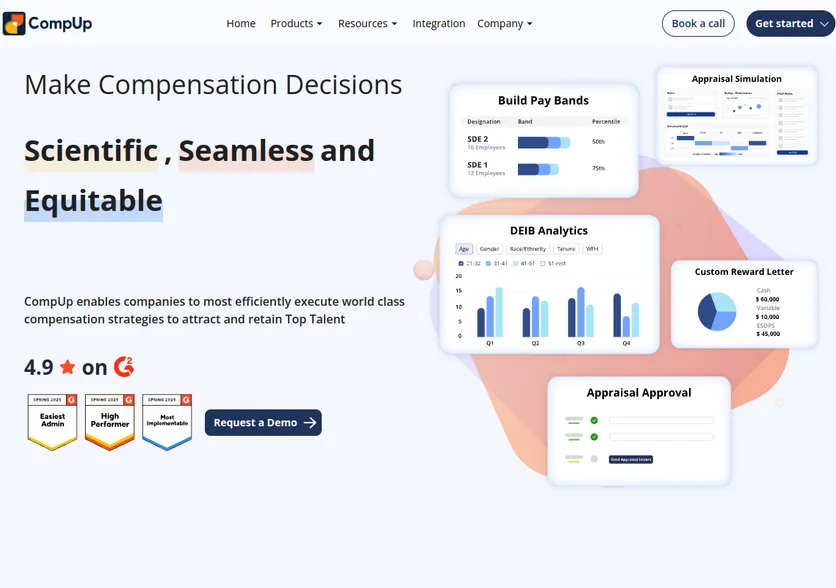
CompUp is the cheapest way to build pay bands, at about $3 an employee a year. This CompUp plan covers salary benchmarking and pay band design, so a startup can set fair pay without hiring a consultant. The low price makes it the obvious first step for a company that has never built pay bands before.
What we like
- Cheapest pay band tool here
- Benchmarking built in
- No consultant needed
Watch out for
- Price is per employee per year
- Smaller feature set than full HR suites
How to try it
- Open the CompUp homepage and start the free plan
- Look up salary benchmarks for your roles
- Build pay bands from the data
6. Mercer
Best for: Companies that need benchmark data for a single role
Paid tool Starting price: $300/job · Benchmark data sold per job by credit card; platform pricing is quoted
Free plan: No free plan; benchmark data sold per job
Mercer sells benchmark data by the job, which suits a company that needs one salary figure rather than a whole platform. This Mercer benchmark data costs about $300 per job by credit card, so a company can buy the data for a single role without a contract. The platform pricing is quoted separately, which suits larger companies that need the full suite.

What we like
- Buy data for one role, no contract
- Trusted benchmark source
- Credit card purchase, fast access
Watch out for
- Data costs about $300 per job
- Platform pricing is quote-only
How to try it
- Open the Mercer homepage
- Buy benchmark data for the role
- Use the figure to set the pay band
7. Spiff
Best for: Sales teams that need commission plans that work
Paid tool Starting price: $75/user/month · Spiff plan, per user per month billed annually; extra connectors cost $250 a month each
Free plan: Free trial available; no free plan
Spiff is the sales commission tool a company buys when spreadsheets stop working. This Spiff plan costs about $75 a user a month and covers commission plans, tracking and payouts, so a sales team can see exactly what each deal earns. The Salesforce connection suits a company already running its sales on Salesforce.
What we like
- Commission plans that scale
- Reps see what each deal earns
- Salesforce connection built in
Watch out for
- Spiff costs about $75 a user a month
- Extra connectors cost $250 a month each
How to try it
- Open the Spiff pricing page
- Set up commission plans for the team
- Track payouts as deals close
Prices above were checked on each vendor’s own website on Nov 26, 2026 and can change — the vendor’s page is the final word. Vendor links are editorial: nobody paid to be listed or ranked here. Vendors who want a featured listing can see how it works on our Get listed page.
What compensation software costs in 2026
Compensation tools charge per employee, per seat or per job, and the range here runs from about $3 an employee a year to about $75 a user a month. A 50-person company pays about $150 a year on CompUp and about $1,250 a month on BambooHR Elite, which shows how much the billing model matters. Pay band tools are cheap, while full HR suites with compensation built in cost far more.
Start with the cheapest data first and build pay bands for your most common roles. Compare the benchmark figures against real offers you have seen, then pick the tool that matches your team size and budget.
Before you buy
- Check whether the price covers market data, because a compensation tool without benchmarks is just a spreadsheet with a logo.
- Count the employees you will cover, because per-employee pricing means a 100-person team pays far more than a 10-person team.
- Ask whether the plan includes pay bands, because bands are what stop two people in the same role earning different pay.
- Test the benchmark data on roles you know, because stale or thin data leads to offers that candidates reject.
- Add up the yearly cost including minimums, because some tools charge a $4,000 minimum even for a small team.
Official websites
Official websites of the products reviewed above. Features and prices were checked against these sites when this guide was written, and they can change, so confirm on the vendor site before you buy.
Frequently asked questions
What is the best user-friendly compensation software in 2026?
CompUp, at about $3 an employee a year, is the safest default because it covers benchmarking and pay band design at a price any startup can afford. Lattice is better when the company already runs performance there, since the compensation add-on keeps pay and reviews in one place. BambooHR wins when the company wants HR and compensation together on the Elite plan.
What is the cheapest compensation software?
CompUp, at about $3 an employee a year, is by far the cheapest tool here and covers benchmarking and pay bands. Mercer is the cheapest way to buy a single salary figure, at about $300 per job with no contract. Deel starts at $15 an employee a month for compensation features, which suits a company with global staff.
Can I try compensation software for free?
Yes, some of them do. CompUp and Deel both offer free plans with basic features. Lattice, BambooHR and Spiff offer free trials instead. Test the benchmark data on roles you know well before paying, because data quality is what you are buying.
Which tool is best for a small company?
CompUp, at about $3 an employee a year, suits a company under 50 people that needs pay bands without a big budget. BambooHR Elite, at a flat $650 a month for up to 25 employees, suits a small company that wants HR and compensation in one account. Lattice suits a growing company already using it for performance, though the $4,000 minimum is a real cost.
Do compensation tools cover sales commissions?
Yes, and Spiff is the specialist here. At about $75 a user a month, it covers commission plans, tracking and payouts for sales teams, with a Salesforce connection built in. The other tools here cover base pay, pay bands and benchmarking, so a company that pays sales commissions needs Spiff alongside a pay band tool.
Need everyday business help too? Try Toolsvine's free business tools for teams and startups right in your browser.
Browse Business Tools tools


