On this page
An art gallery is a venue, a shop and a database at once: the walls need a calendar, the stock needs a catalogue, and the collectors need a relationship. The eight tools below cover inventory, sales, websites and events for galleries of every size. Artlogic leads because it runs the database, website and sales pipeline for two hundred and five dollars a month, and the rest are ranked on how well they fit a gallery that sells art, not tickets.
How we researched this
We checked every price on the vendor pricing page on November 29, 2026, and only included tools with a published US dollar list price. ArtBase is no longer sold after being absorbed by Artlogic, and the museum platforms that sell by quote, including Veevart and GalleryManager, publish no prices, so they are not in this list. Prices change, so confirm the current figure on the vendor site before you buy.
Compare the tools
| Name | Best for | Starting price | Free plan | |
|---|---|---|---|---|
 Artlogic | Commercial galleries that want database, website and sales in one | $205/month | No free plan; demo only | Visit |
 Artwork Archive | Small galleries that need inventory and consignments on a budget | $39/month | No free plan; 14-day free trial | Visit |
 Collector Systems | Galleries and collections where audit trails and valuations matter | $95/user/month | No free plan; demo only | Visit |
 Masterpiece Manager | Galleries that want inventory plus point of sale in one system | $169/month | No free plan; free trial | Visit |
 ArtCloud | Galleries selling in person and online through Artsy | $99/month | Free plan (50 artworks) | Visit |
 ArtPlacer | Galleries that sell by showing art in collectors rooms | $40/month | No free plan; 14-day free trial | Visit |
 ArtBinder | Galleries that sell at art fairs as well as in the space | $119/month | No free plan; free trial | Visit |
 SimpleConsign | Consignment galleries that need payout tracking built in | $129/month | No free plan; 15-day free trial | Visit |
The venue management software for art galleries, compared
1. Artlogic
Best for: Commercial galleries that want database, website and sales in one
Paid tool Starting price: $205/month · Two hundred and five dollars a month on Gallery Essential billed annually (two hundred and twenty-six dollars billed monthly); Professional is four hundred and nine dollars; the vendor lists one hundred and fifty-six pounds a month in sterling and the US price is the dollar figure shown here
Free plan: No free plan; demo only
A commercial gallery that wants its stock, website and sales in one system will find the industry standard here, since this Artlogic plan costs two hundred and five dollars a month billed annually and covers up to twenty-five thousand artworks with unlimited contacts and invoices. Private viewing rooms, offer emails and a sales app keep collectors close, and the website templates are built for art rather than adapted from retail. It is the most complete platform in this list for a gallery that sells seriously.

What we like
- Database, website, private views and sales in one subscription
- More than 6,000 galleries, artists and collectors use it
- Sales pipeline and offer tracking built for art deals
Watch out for
- The Expert tier is quoted, so large galleries must negotiate
- The price is high for a gallery with a small stock list
How to try it
- Import the artwork records and set up the artist roster
- Publish the gallery website from the same database
- Send private view links and track offers to close
2. Artwork Archive
Best for: Small galleries that need inventory and consignments on a budget
Paid tool Starting price: $39/month · Thirty-nine dollars a month on Organization Standard billed annually (forty-six dollars billed monthly); Plus is seventy-eight dollars and Enterprise is one hundred and fifty-six dollars; artist plans start at nine dollars a month
Free plan: No free plan; 14-day free trial
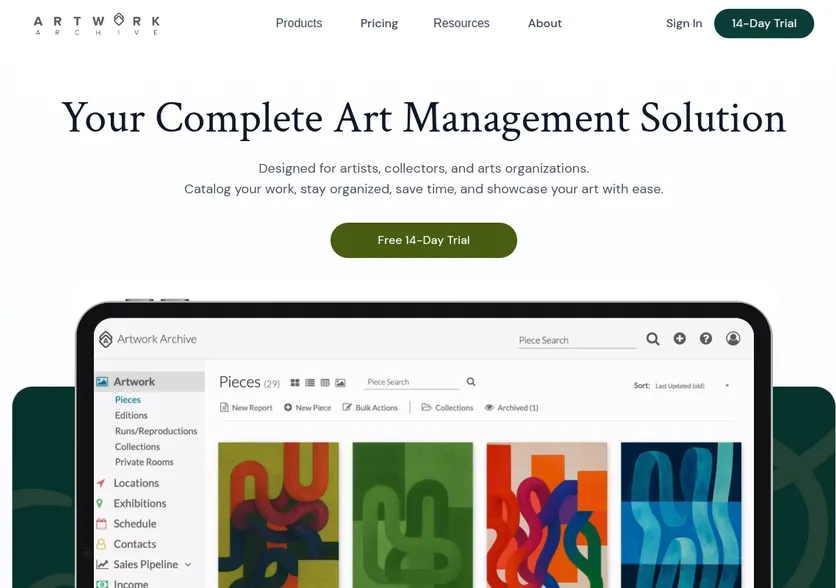
A small gallery that needs proper inventory and consignments without the Artlogic price will find its home here, since this Artwork Archive plan costs thirty-nine dollars a month billed annually for five hundred pieces and three users. Consignment reports, invoicing and contact management cover the daily gallery jobs, and public collection pages let collectors browse the stock online. It is the cheapest credible gallery system in this list.
What we like
- Organization plans from $39 a month with a 14-day free trial
- Consignments, invoicing and contacts in one cloud system
- Public collection pages show the stock to collectors
Watch out for
- No built-in point of sale or website builder at this tier
- The entry plan caps at five hundred pieces and three users
How to try it
- Import the artwork list with images and locations
- Set up consignment terms for each artist
- Share the public collection page with collectors
3. Collector Systems
Best for: Galleries and collections where audit trails and valuations matter
Paid tool Starting price: $95/user/month · Ninety-five dollars per user a month on CS Core with unlimited object records and ten gigabytes of storage; CS Enterprise is one hundred and eighty-five dollars per user a month with fifty gigabytes and unlimited sub-accounts
Free plan: No free plan; demo only
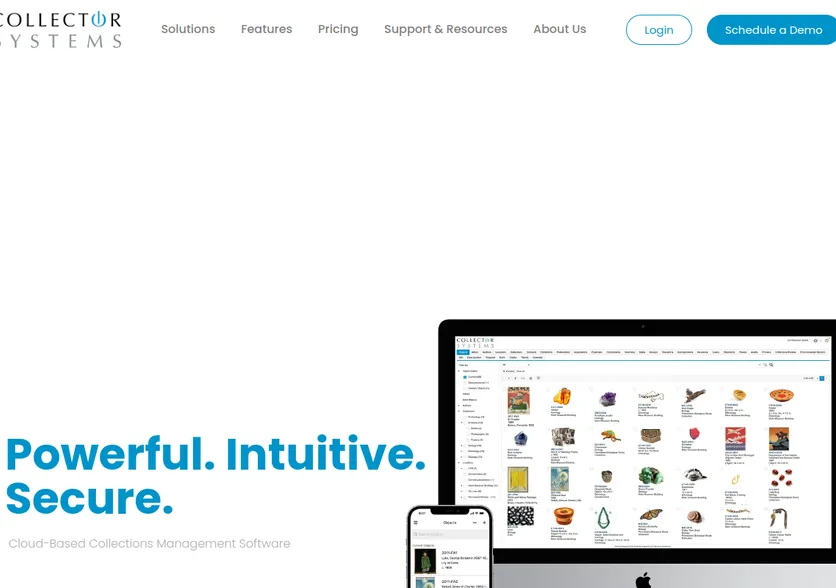
A gallery or collection that answers to insurers, auditors and family offices will want the security credentials here, since this Collector Systems plan costs ninety-five dollars per user a month and holds SOC 2 Type 2 and ISO 27001 certification. Unlimited object records, more than a thousand specialised fields and valuation tools cover the cataloguing job properly. It suits collections where provenance and audit trails matter as much as sales.
What we like
- SOC 2 Type 2 and ISO 27001 certified cloud platform
- Unlimited object records with 1,000-plus specialised fields
- Valuations and registrarial services available in-house
Watch out for
- Per-user pricing adds up quickly for a larger gallery team
- No website builder or sales pipeline included
How to try it
- Set up the collection structure and custom fields
- Import objects with images, provenance and valuations
- Share private gallery views with advisers and insurers
4. Masterpiece Manager
Best for: Galleries that want inventory plus point of sale in one system
Paid tool Starting price: $169/month · One hundred and sixty-nine dollars a month on the Gallery plan plus a one thousand dollar set-up fee; Artist is thirty-nine dollars, Collector is eighty-nine dollars plus a five hundred dollar set-up, and Museum is two hundred and ninety-nine dollars plus a three thousand dollar set-up
Free plan: No free plan; free trial
A gallery that sells at the front desk as well as online will like the built-in till here, since this Masterpiece Manager plan costs one hundred and sixty-nine dollars a month and bundles inventory, contacts and point of sale in every plan. Unlimited users, artists and items come with the Gallery tier, plus email marketing and live support. It is the best pick for a gallery that wants the shop counter and the database in one place.

What we like
- Point of sale and auction modules built in
- Unlimited users, artists and items on the Gallery plan
- Website add-on available from $19 a month
Watch out for
- A one thousand dollar set-up fee lands on the first bill
- The interface is more functional than beautiful
How to try it
- Import the inventory and set up the artist roster
- Configure the point of sale for the front desk
- Publish the gallery website add-on from the same stock
5. ArtCloud
Best for: Galleries selling in person and online through Artsy
Paid tool Starting price: $99/month · Ninety-nine dollars a month per user on Manager Essential; Professional is one hundred and thirty-two dollars and Expert is one hundred and ninety-three dollars; ArtCloud joined Artlogic in 2025 and its Manager plans were still listed at these prices in November 2026 reads
Free plan: Free plan (50 artworks)
A gallery that sells in person and on Artsy will find a neat fit here, since this ArtCloud plan costs ninety-nine dollars a month per user and combines inventory, CRM, consignment reporting and e-commerce in one platform. The website builder is integrated, so the online gallery shows live stock without a second system. It suits galleries that want sales and marketing beside the database.

What we like
- Inventory, CRM and e-commerce in one platform
- Integrated website builder with live stock
- Consignment reporting and invoicing included
Watch out for
- Website plans are priced separately from Manager plans
- The Artlogic merger may change the product roadmap
How to try it
- Import the artwork inventory and artist contacts
- Connect the website builder to show live stock
- Send consignment reports and invoices from the same system
6. ArtPlacer
Best for: Galleries that sell by showing art in collectors rooms
Paid tool Starting price: $40/month · Forty dollars a month on Business Professional billed annually (forty-five dollars billed monthly); Growth is seventy-seven dollars and Premium is one hundred and forty-four dollars; artist plans start at eight dollars a month billed annually
Free plan: No free plan; 14-day free trial
A gallery that needs collectors to see art on their own walls will love the visualisation here, since this ArtPlacer plan costs forty dollars a month billed annually and offers room mockups, virtual exhibitions and a CRM for the whole roster. Personal Spaces let collectors preview works in their own rooms, and the presentation suite turns a viewing into a polished proposal. It is the best tool in this list for selling art by showing it in place.

What we like
- Room mockups and virtual exhibitions for every work
- Personal Spaces let collectors preview art at home
- CRM and presentation tools built for art sales
Watch out for
- Virtual exhibitions need the Plus artist plan or a business plan
- Not a full inventory system on its own
How to try it
- Upload the artworks and build the gallery roster
- Create room mockups for the works on offer
- Share Personal Spaces with collectors before the viewing
7. ArtBinder
Best for: Galleries that sell at art fairs as well as in the space
Paid tool Starting price: $119/month · One hundred and nineteen dollars a month as the directory listing figure; the vendor publishes no pricing page, so confirm the current figure with ArtBinder before buying
Free plan: No free plan; free trial
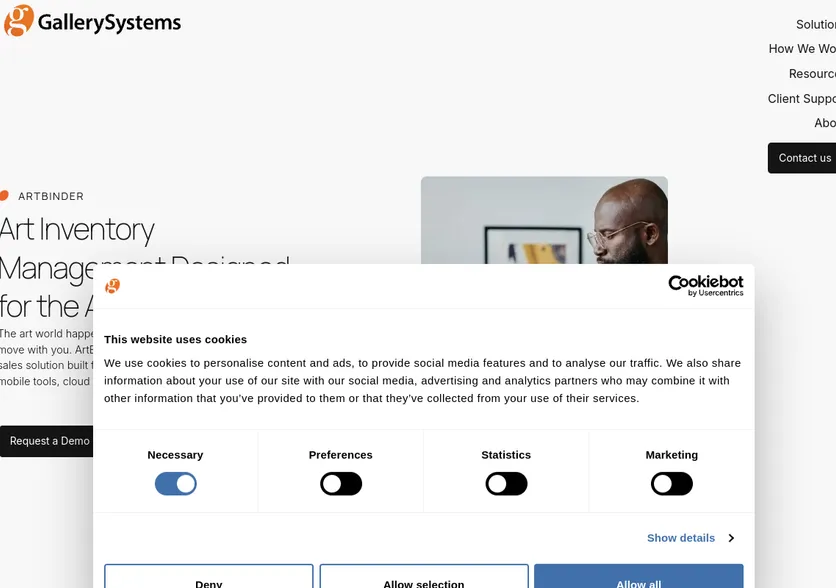
A gallery that runs art fairs as well as its own walls will appreciate the mobile-first approach here, since this ArtBinder plan costs one hundred and nineteen dollars a month and puts inventory and sales on the phone as well as the desktop. Consignments, contacts and invoicing travel to the fair in the same app, so nothing is retyped back at the gallery. It suits galleries that sell as much on the road as in the space.
What we like
- Mobile app carries inventory and sales to art fairs
- Consignments, contacts and invoicing in one system
- Built for galleries, artists and collectors together
Watch out for
- The vendor publishes no pricing page, so the figure is directory-sourced
- Smaller feature set than the database-first platforms
How to try it
- Import the inventory and set up the artist roster
- Install the mobile app for fair-day selling
- Sync fair sales back to the gallery records
8. SimpleConsign
Best for: Consignment galleries that need payout tracking built in
Paid tool Starting price: $129/month · One hundred and twenty-nine dollars a month on Basic per location; Professional is two hundred and seventy-nine dollars a month per location; the vendor publishes no pricing page, so confirm the current figure with SimpleConsign before buying
Free plan: No free plan; 15-day free trial
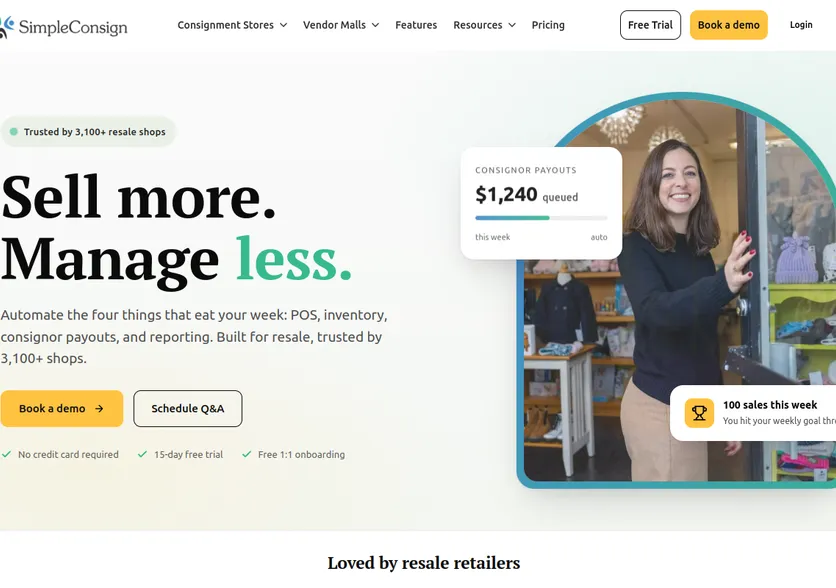
A gallery that runs on consignment will find its whole model here, since this SimpleConsign plan costs one hundred and twenty-nine dollars a month per location and tracks consignments, payouts and inventory from intake to sale. The 15-day free trial lets a gallery test it on real stock before committing. It is the most focused consignment tool in this list.
What we like
- Consignment tracking from intake to artist payout
- Per-location pricing suits a single gallery space
- 15-day free trial with no card required
Watch out for
- The vendor publishes no pricing page, so the figure is directory-sourced
- Narrower than the all-in-one gallery platforms
How to try it
- Set up the consignment terms for each artist
- Log new stock at intake with photos and prices
- Run payouts and reports when works sell
Prices above were checked on each vendor’s own website on Nov 29, 2026 and can change — the vendor’s page is the final word. Vendor links are editorial: nobody paid to be listed or ranked here. Vendors who want a featured listing can see how it works on our Get listed page.
How to run a gallery like a venue without losing the art in the admin
Start from the stock list, because every gallery job hangs off it: the wall plan, the website, the consignment report and the invoice all need the same record. Pick a system that keeps one artwork record across inventory, sales and the website, so a sold work disappears everywhere at once. Check the consignment math before you sign, since payout errors are the fastest way to lose an artist. Then test the website on a phone, because most collectors now browse art on one. Choose the tool that fits the gallery size, since a small space does not need museum software and a large gallery cannot run on a simple spreadsheet.
Before you buy
- Confirm one artwork record feeds inventory, website and sales, with no retyping
- Check whether consignment reports and artist payouts are built in or bolted on
- Ask if the website shows live stock and hides sold works automatically
- Make sure the system handles editions, loans and exhibitions, not just single works
- Test the tool on a real consignment, from intake to payout, before paying
Official websites
Official websites of the products reviewed above. Features and prices were checked against these sites when this guide was written, and they can change, so confirm on the vendor site before you buy.
Frequently asked questions
What is venue management software for art galleries?
It is software that runs a gallery as a venue and a shop at once: artwork inventory, consignments, artist payouts, collector contacts, a website and event bookings in one system. The best tools keep a single record for each artwork, so a sale updates the stock list, the website and the consignment report together.
How much does Artlogic cost for a gallery?
Artlogic costs two hundred and five dollars a month on Gallery Essential billed annually, or two hundred and twenty-six dollars billed monthly. Professional is four hundred and nine dollars a month. The vendor lists one hundred and fifty-six pounds a month in sterling, and the dollar figure shown here is the vendor US price.
Can a small gallery manage its stock for free?
Not fully, but cheaply. Artwork Archive starts at nine dollars a month for artists and thirty-nine dollars for organisations, with a 14-day free trial, and ArtCloud has a free plan for fifty artworks. Artlogic is the premium option at two hundred and five dollars a month, so a small gallery should start with the cheaper tools above.
Which tool is best for a gallery that sells at art fairs?
ArtBinder is the best pick for fair selling, at one hundred and nineteen dollars a month, because its mobile app carries inventory and sales to the fair floor. Artlogic is the stronger all-round platform if the gallery also needs a website and a sales pipeline, at two hundred and five dollars a month.
Do these tools handle consignments and artist payouts?
Most of them do. Artwork Archive, ArtCloud, Masterpiece Manager, ArtBinder and SimpleConsign all track consignments, and SimpleConsign is built around payout tracking. Artlogic handles consignments through its sales pipeline, while Collector Systems focuses on cataloguing and valuations rather than payouts.
Compare the eight tools above, then start with a free trial on the one that matches how your gallery actually sells before paying for a full year.
Browse Business Tools tools