On this page
An art school application lives or dies by the portfolio, and a weak website can bury strong work before a tutor ever sees it. The seven tools below give art students a professional portfolio for eight to fourteen dollars a month, and every price was checked on the vendor site on November 27, 2026. Adobe Portfolio is our first pick — nine dollars and ninety-nine cents a month through Behance Pro, with up to five sites, is the cheapest honest way for a student to look professional.
How we researched this
We looked for portfolio tools that publish a price and suit an art student, where the budget is small, the work is visual and the portfolio must impress admissions tutors. We read each price on the vendor pricing page on November 27, 2026, and favoured tools with a custom domain, a mobile friendly layout and a free tier or trial. We dropped Squarespace and Wix here because their portfolio plans overlap the commerce tools in this batch at different prices, and we dropped website builders that charge a portfolio premium without a visual focus.
Compare the tools
| Name | Best for | Starting price | Free plan | |
|---|---|---|---|---|
| Adobe Portfolio | Art students who want a portfolio with their Adobe subscription. | $9.99/month | No free plan; 7-day free trial of Behance Pro. | Visit |
| Carbonmade | Art students who want a beautiful portfolio with no design skills needed. | $9.99/month | Free unlimited trial until you go live. | Visit |
| Format | Art students who want a professional portfolio with client proofing. | $10/month | No free plan; 14-day free trial. | Visit |
| Cargo | Art students who want a distinctive, design-led portfolio. | $14/month | Free for students. | Visit |
| ArtStation Pro | Art students who want to be seen by the creative industry. | $9.95/month | Free tier available. | Visit |
| Dribbble Pro | Art students who want a portfolio where designers hang out. | $8/month | No free plan. | Visit |
| PhotoShelter | Art students who photograph their work and need client galleries. | $10/month | No free plan; 14-day free trial. | Visit |
The e portfolio software for art students, compared
1. Adobe Portfolio
Best for: Art students who want a portfolio with their Adobe subscription.
Paid tool Starting price: $9.99/month · Nine dollars and ninety-nine cents a month for Behance Pro on an annual commitment, which includes up to five Adobe Portfolio sites. Creative Cloud Pro costs sixty-nine dollars and ninety-nine cents a month and also includes Portfolio.
Free plan: No free plan; 7-day free trial of Behance Pro.
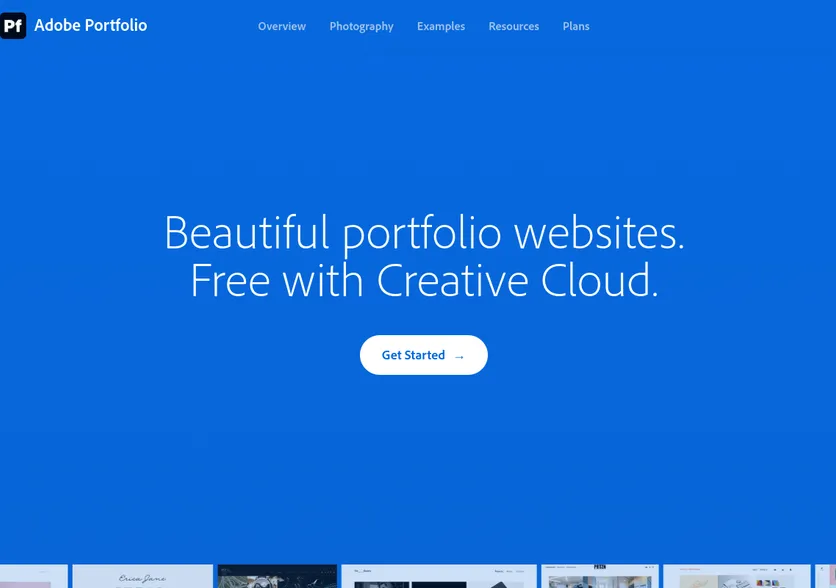
Adobe Portfolio is the portfolio builder that comes with a Creative Cloud or Behance Pro subscription, so an art student may already own it without knowing. This Adobe Portfolio plan costs nine dollars and ninety-nine cents a month through Behance Pro on an annual commitment, and includes up to five portfolio sites. A student gets a clean, fast portfolio that pulls work straight from Behance, with no extra subscription to pay.
What we like
- Included with Behance Pro and Creative Cloud
- Up to five portfolio sites on one subscription
- Work imports straight from Behance
Watch out for
- There is no permanent free plan
- Design control is narrower than Cargo or Format
How to try it
- Open Adobe Portfolio and sign in with your Adobe account.
- Choose a layout and import your best work from Behance.
- Add a custom domain and publish the portfolio for admissions.
2. Carbonmade
Best for: Art students who want a beautiful portfolio with no design skills needed.
Paid tool Starting price: $9.99/month · Nine dollars and ninety-nine cents a month for the Beginner plan, or ninety-nine dollars a year on annual billing. Professional costs fourteen dollars and ninety-nine cents and Unlimited costs twenty-four dollars and ninety-nine cents a month.
Free plan: Free unlimited trial until you go live.
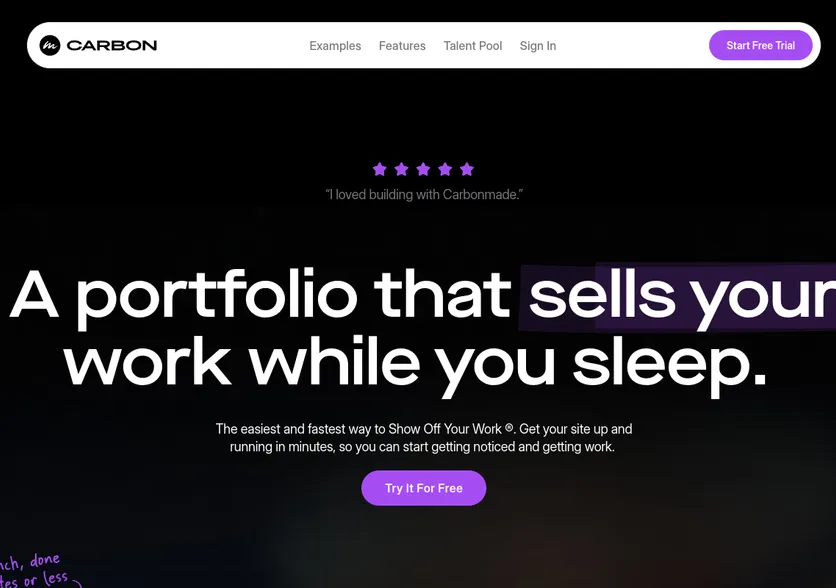
Carbonmade is the portfolio builder for art students who want their work to look good without learning web design first. This Carbonmade Beginner plan costs nine dollars and ninety-nine cents a month, or ninety-nine dollars a year on annual billing. A student gets unlimited projects in a clean layout, with a free trial that runs until the portfolio goes live.
What we like
- Beautiful layouts with no design skills needed
- Free trial runs until you go live
- Unlimited projects on the Beginner plan
Watch out for
- No permanent free plan, only a trial until launch
- Fewer layout options than Cargo or Format
How to try it
- Create an account and upload your best pieces.
- Arrange the projects in the order you want tutors to see them.
- Publish the portfolio and share the link with admissions.
3. Format
Best for: Art students who want a professional portfolio with client proofing.
Paid tool Starting price: $10/month · Ten dollars a month for the Basic plan billed annually, or fourteen dollars month to month. Pro costs seventeen dollars a month on annual billing and Pro Plus costs twenty-six dollars a month.
Free plan: No free plan; 14-day free trial.
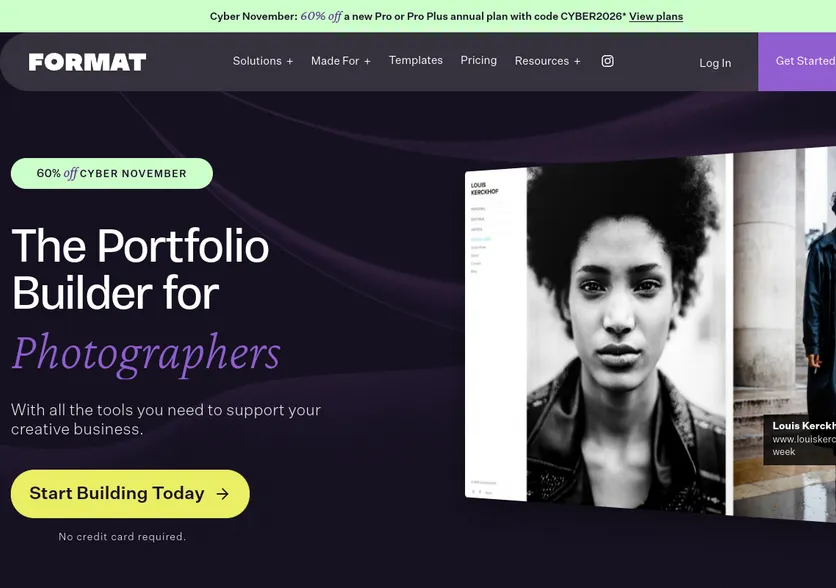
Format is the portfolio platform for art students who want a professional site with client galleries and a store built in. This Format Basic plan costs ten dollars a month billed annually, or fourteen dollars month to month. A student gets a portfolio, a blog and a store in one place, with client proofing for the first paid work after graduation.
What we like
- Portfolio, blog and store in one plan
- Client proofing for the first paid work
- Professional themes built for visual work
Watch out for
- No permanent free plan, only a fourteen-day trial
- The Basic plan limits the store to a small catalogue
How to try it
- Choose a portfolio theme and upload your best work.
- Add a blog and a store for prints or commissions.
- Connect a custom domain and share the link with admissions.
4. Cargo
Best for: Art students who want a distinctive, design-led portfolio.
Paid tool Starting price: $14/month · Fourteen dollars a month billed yearly, or nineteen dollars month to month. Single plan with unlimited sites and one custom domain included; Commerce add-on costs five dollars and fifty cents a month on annual billing; free for students.
Free plan: Free for students.
Cargo is the portfolio platform for art students who want a site that looks like nothing else, with layouts that tutors actually remember. This Cargo plan costs fourteen dollars a month billed yearly, or nineteen dollars month to month, and it is free for students. A student gets unlimited sites and a custom domain in a single plan, with a community of designers whose work sets the standard.
What we like
- Distinctive layouts that tutors remember
- Unlimited sites on a single plan
- Free for students with a valid student status
Watch out for
- The learning curve is steeper than Carbonmade
- Selling prints needs the Commerce add-on
How to try it
- Create an account and pick a template that fits your work.
- Upload your projects and arrange them the way you want.
- Publish the site on your custom domain and share it widely.
5. ArtStation Pro
Best for: Art students who want to be seen by the creative industry.
Paid tool Starting price: $9.95/month · Nine dollars and ninety-five cents a month billed annually for Pro. Fifteen dollars month to month; Studio costs twenty-nine dollars and ninety-nine cents a month; a free tier exists.
Free plan: Free tier available.
ArtStation Pro is the portfolio and community for art students who want their work seen by the people who hire artists. This ArtStation Pro plan costs nine dollars and ninety-five cents a month billed annually, or fifteen dollars month to month. A student gets a portfolio, a blog and a store on the platform where game and film studios look for talent, with a free tier to start on.
What we like
- The platform where studios look for artists
- Portfolio, blog and store in one subscription
- Free tier lets you start without paying
Watch out for
- The community is strongest for games and film art
- The free tier lacks a custom domain
How to try it
- Create a free ArtStation account and upload your best work.
- Upgrade to Pro for a custom domain and a store.
- Share your portfolio with studios and admissions tutors.
6. Dribbble Pro
Best for: Art students who want a portfolio where designers hang out.
Paid tool Starting price: $8/month · Eight dollars a month billed yearly for the Standard plan, or ninety-six dollars a year. Lite costs four dollars a month billed yearly; Plus costs ninety-nine dollars a month.
Free plan: No free plan.
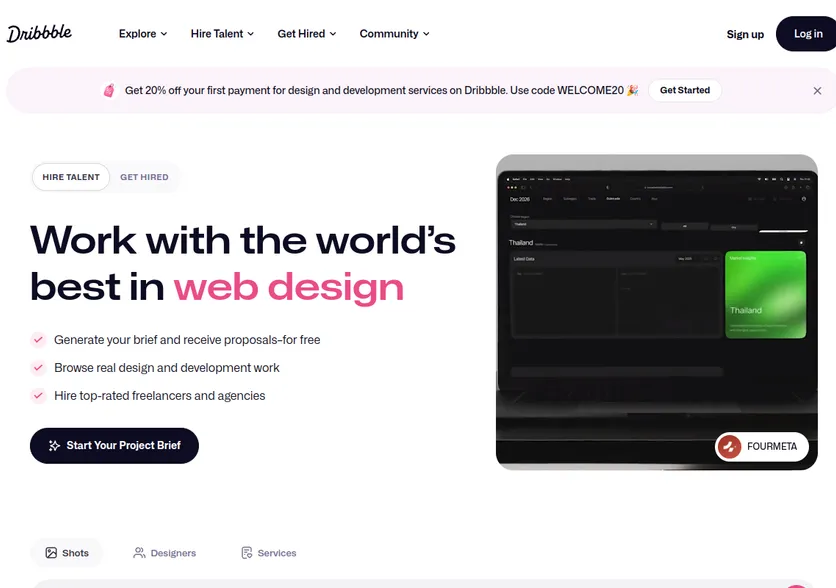
Dribbble Pro is the portfolio for art students who want their work in front of the design community, not just on a personal website. This Dribbble Pro Standard plan costs eight dollars a month billed yearly, or ninety-six dollars a year. A student gets a portfolio, a shot feed and access to design jobs, with the Lite plan at four dollars a month for a cheaper start.
What we like
- Your work sits where designers and hirers browse
- Portfolio, shots and job access in one plan
- Lite plan starts at four dollars a month
Watch out for
- No free plan, only paid tiers
- The community leans to graphic and product design
How to try it
- Create a Dribbble account and upload your best shots.
- Upgrade to Pro for a full portfolio and job access.
- Share your profile with studios and admissions tutors.
7. PhotoShelter
Best for: Art students who photograph their work and need client galleries.
Paid tool Starting price: $10/month · Ten dollars a month for the Basic plan billed annually, or twelve dollars and ninety-nine cents month to month.
Free plan: No free plan; 14-day free trial.
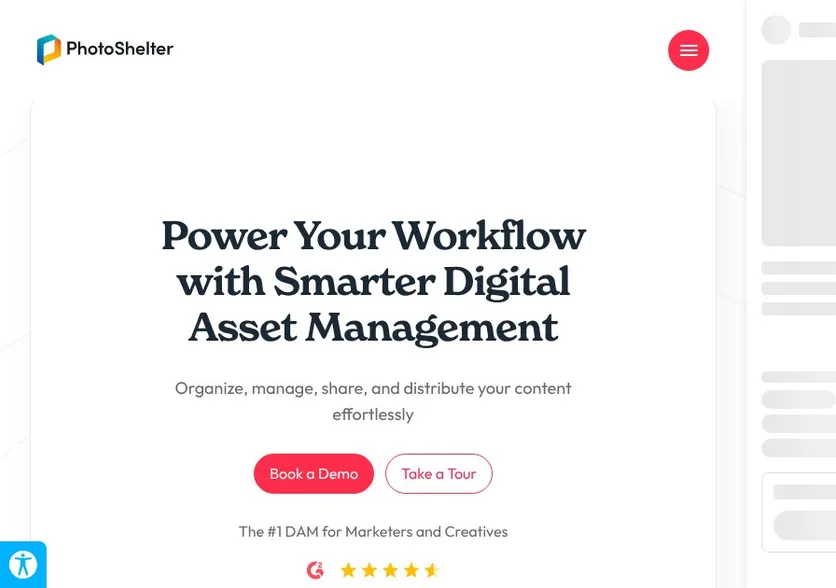
PhotoShelter is the portfolio and client gallery platform for art students whose work starts with a camera. This PhotoShelter Basic plan costs ten dollars a month billed annually, or twelve dollars and ninety-nine cents month to month. A student gets a portfolio website and private client galleries in one place, so the same account serves admissions and the first paid shoot.
What we like
- Portfolio and private client galleries in one account
- Built for photographers and their workflow
- Fourteen-day free trial to test a real portfolio
Watch out for
- Built for photography, not for illustration or design
- No permanent free plan, only a trial
How to try it
- Create an account and upload your best photographs.
- Build your portfolio site and set up a client gallery.
- Share the portfolio with admissions and the gallery with clients.
Prices above were checked on each vendor’s own website on Nov 27, 2026 and can change — the vendor’s page is the final word. Vendor links are editorial: nobody paid to be listed or ranked here. Vendors who want a featured listing can see how it works on our Get listed page.
What art students should check first
Check the custom domain first, because a portfolio on a subdomain looks unfinished to an admissions tutor. Adobe Portfolio, Carbonmade and Cargo all include a domain or a free student option, so the monthly price is the whole cost. Test the mobile view yourself, because most tutors browse on a phone, and a layout that breaks on a small screen costs you the place.
Put your strongest piece first and show ten to fifteen pieces that prove range without repeating yourself. A portfolio that is easy to browse beats a bigger one that is hard to navigate, so cut ruthlessly. Start free where you can, Cargo for students or Carbonmade until you go live, and only pay when the portfolio is ready to share.
Before you buy
- Check the custom domain is included, because a portfolio on a subdomain looks unfinished.
- Confirm the plan lets you show enough projects, because a limit can hide your best work.
- Test the mobile view, because most admissions tutors browse on a phone.
- Check whether the plan takes a cut of sales, because a fee eats your print income.
- Pick a tool you can keep after graduation, because rebuilding a portfolio is painful.
Official websites
Official websites of the products reviewed above. Features and prices were checked against these sites when this guide was written, and they can change, so confirm on the vendor site before you buy.
Frequently asked questions
Which e portfolio software is best for art students?
Adobe Portfolio is the best value at nine dollars and ninety-nine cents a month through Behance Pro, and you may already own it with a Creative Cloud subscription. Carbonmade is the easiest at the same price, with a free trial until you go live. Cargo is the most distinctive at fourteen dollars a month, and it is free for students.
How much does portfolio software cost an art student?
Most portfolio tools here cost between eight and fourteen dollars a month, with Adobe Portfolio, Carbonmade and ArtStation Pro all under ten dollars. Format and PhotoShelter cost ten dollars a month, and Cargo costs fourteen dollars a month but is free for students. A custom domain is usually included, so the monthly price is the whole cost.
Is there a free way for an art student to build a portfolio?
Yes. Cargo is free for students, Carbonmade lets you build for free until you go live, and ArtStation has a free tier. Adobe Portfolio comes free with a Creative Cloud student subscription. Start on a free option, build the portfolio, and only pay when you need a custom domain or a store.
What features matter most in a student portfolio?
A portfolio tool should offer a custom domain, unlimited projects or a generous limit, a mobile friendly layout and a way to sell prints or take commissions. Admissions tutors browse on phones, so test the mobile view yourself. If the tool takes a cut of sales, check the percentage before you list anything.
How should an art student choose what to show?
Put your strongest piece first, because a tutor decides in seconds whether to keep looking. Show ten to fifteen pieces that prove range without repeating yourself, and keep the captions short. A portfolio that is easy to browse beats a bigger one that is hard to navigate, so cut ruthlessly.
Need everyday image help too? Try Toolsvine's free image tools right in your browser.
Browse Image Tools tools