On this page
Remote design teams live in their tools, and the wrong one turns a simple review into a week of screenshots. The eight tools below let designers, developers and stakeholders draw, comment and ship together in real time, with prices from three dollars a seat a month to sixteen dollars. Every price was checked on November 27, 2026, and most offer a free plan. Figma is our first pick — the design tool remote teams actually gather around, with the deepest collaboration features.
How we researched this
We started with the design tools remote teams use every day, then read each price on the vendor pricing page on November 27, 2026. We judged them for a distributed team that needs real-time editing, commenting and handoff, and we noted where the price is per editor, per seat or per project. We dropped any tool with no published price, and we left out tools that are not built for collaboration.
Compare the tools
| Name | Best for | Starting price | Free plan | |
|---|---|---|---|---|
 Figma | Remote teams that want the deepest design collaboration | $16/editor/month | Free Starter plan | Visit |
 Miro | Teams that whiteboard and plan together remotely | $8/member/month | Free plan with 3 editable boards | Visit |
 Canva | Non-designers that need fast branded graphics | $10/month | Free plan | Visit |
 Sketch | Mac-only teams that want a native design app | $10/editor/month | No free plan; free trial available | Visit |
 Lucidchart | Teams that diagram flows and systems together | $9/month | Free plan with 3 documents | Visit |
 Zeplin | Teams that hand off designs to developers | $12/seat/month | Free plan with 1 project | Visit |
 Framer | Teams that design and publish websites together | $10/month | Free plan | Visit |
 Mural | Facilitators that run workshops and design sprints remotely | $9.99/member/month | Free plan | Visit |
The collaborative design software for remote teams, compared
1. Figma
Best for: Remote teams that want the deepest design collaboration
Paid tool Starting price: $16/editor/month · Sixteen dollars per editor a month billed annually for the Professional Full seat, or twenty dollars monthly; Dev seats cost twelve dollars annual and Collab seats three dollars annual. Organization Full seats cost fifty-five dollars and Enterprise ninety dollars, and a Full seat includes three thousand AI credits a month
Free plan: Free Starter plan
Figma is the design tool remote teams gather around, with real-time editing, commenting and developer handoff in one canvas. This Figma Professional plan costs sixteen dollars per editor a month billed annually and covers full design seats with AI credits and shared libraries. A remote team gets a design tool where everyone works in the same file at the same time.

What we like
- Real-time editing in the same file
- Deepest collaboration features here
- Dev Mode for clean handoff
Watch out for
- Sixteen-dollar Full seat is the dearest here
- Org and Enterprise plans jump to fifty-five dollars
How to try it
- Open the Figma site and create a free account
- Invite your team and start a design file
- Share the file for comments and hand off to developers
2. Miro
Best for: Teams that whiteboard and plan together remotely
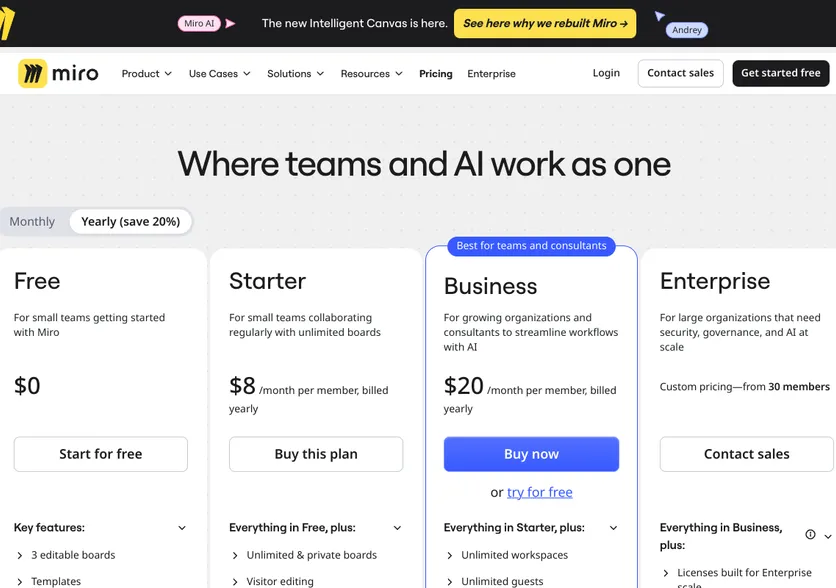
Paid tool Starting price: $8/member/month · Eight dollars per member a month billed annually for the Starter plan, or ten dollars monthly; Business costs twenty dollars annual. The free plan covers three editable boards
Free plan: Free plan with 3 editable boards
Miro is the visual workspace where remote teams whiteboard, plan and design together on an infinite canvas. This Miro Starter plan costs eight dollars per member a month billed annually and covers unlimited boards with templates and comments. A remote team gets a whiteboard that doubles as a design space, with the lowest paid price here.
What we like
- Lowest paid price in this comparison
- Infinite canvas with strong templates
- AI features on the paid plans
Watch out for
- Free plan covers only three editable boards
- Not a full design tool like Figma
How to try it
- Open the Miro site and create a free account
- Pick a template and start a board
- Invite your team and run a workshop live
3. Canva
Best for: Non-designers that need fast branded graphics
Paid tool Starting price: $10/month · Ten dollars a month billed annually for Canva Pro, or fifteen dollars monthly; Teams costs ten dollars per user a month annual with a two-user minimum. The old twelve-dollar Pro price is outdated, and the new rate was checked on November 27, 2026
Free plan: Free plan
Canva is the design platform for non-designers, with templates, brand kits and collaboration in the browser. This Canva Pro plan costs ten dollars a month billed annually and covers premium templates, brand kits and background removal. A remote team gets fast branded graphics without a designer on every file.

What we like
- Easiest tool for non-designers here
- Huge template library
- Brand kits keep every design on-brand
Watch out for
- Not a real product design tool
- Teams plan needs two users minimum
How to try it
- Open the Canva site and create a free account
- Pick a template and set up your brand kit
- Share the design and comment with your team
4. Sketch
Best for: Mac-only teams that want a native design app
Paid tool Starting price: $10/editor/month · Ten dollars per editor a month billed annually for the Standard plan, or twelve dollars monthly; Business costs twenty dollars annual. A perpetual license for Mac costs one hundred twenty dollars once, and Sketch runs on Mac only, with no Windows or Linux version
Free plan: No free plan; free trial available
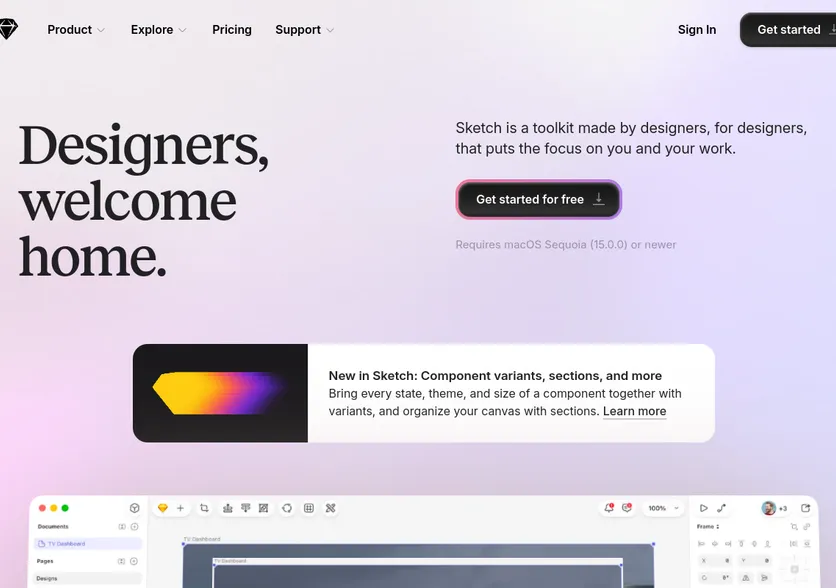
Sketch is the native Mac design app for product and interface design, with symbols, libraries and collaboration through the web. This Sketch Standard plan costs ten dollars per editor a month billed annually and covers design files with shared libraries and comments. A Mac-only team gets a fast native app with a one-time license option.
What we like
- Fast native Mac app
- One-time license option for Mac
- Strong symbol and library system
Watch out for
- Mac only, no Windows or Linux
- Smaller community than Figma
How to try it
- Open the Sketch site and start the free trial
- Download the Mac app and open a design file
- Share the file for comments and handoff
5. Lucidchart
Best for: Teams that diagram flows and systems together
Paid tool Starting price: $9/month · Nine dollars a month billed annually for the Individual plan; Team costs ten dollars per user a month annual with a three-user minimum. The Individual price was seven dollars ninety-five before the latest increase, and the free plan covers three documents with seventy-five shapes each
Free plan: Free plan with 3 documents
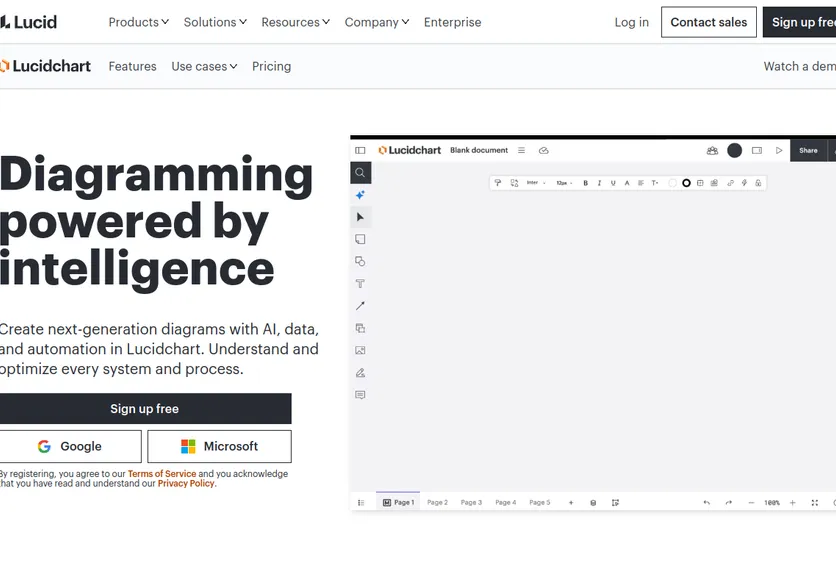
Lucidchart is the diagramming tool for flows, org charts and system maps, with real-time collaboration on every canvas. This Lucidchart Individual plan costs nine dollars a month billed annually and covers unlimited documents with data linking and comments. A remote team gets diagrams that stay live and shared, instead of static images in a slide deck.
What we like
- Best diagramming tool in this comparison
- Data linking keeps diagrams live
- Strong template library
Watch out for
- Not a full product design tool
- Team plan needs three users minimum
How to try it
- Open the Lucidchart site and create a free account
- Pick a diagram template and start drawing
- Share the canvas and comment with your team
6. Zeplin
Best for: Teams that hand off designs to developers
Paid tool Starting price: $12/seat/month · Twelve dollars per seat a month billed annually for the Advanced plan, or fifteen dollars monthly, with up to fifty projects; Basic costs thirteen dollars seventy-five per project a month annual, and the free plan covers one project. Enterprise is custom
Free plan: Free plan with 1 project
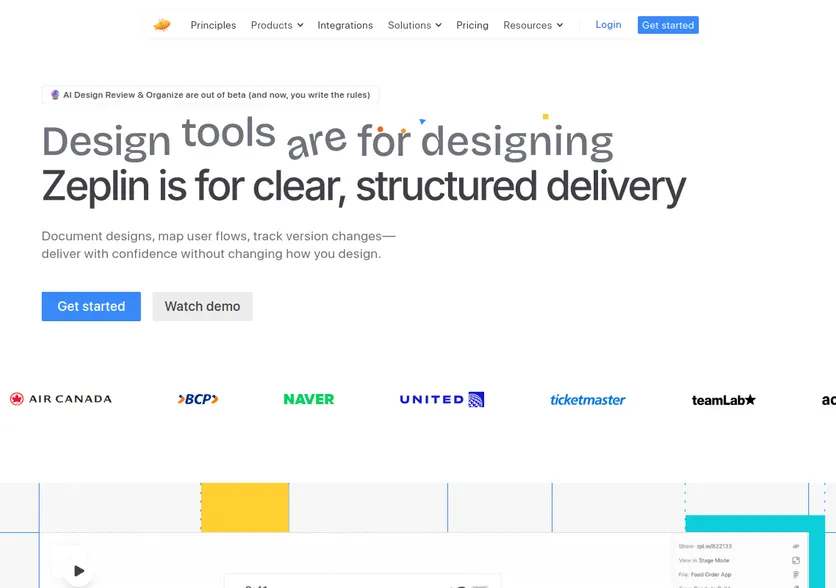
Zeplin is the design handoff platform that turns design files into specs, assets and code for developers. This Zeplin Advanced plan costs twelve dollars per seat a month billed annually and covers up to fifty projects with styleguides and annotations. A remote team gets handoff without the back-and-forth, because developers read specs straight from the design.
What we like
- Cleanest design-to-developer handoff here
- Styleguides keep every project consistent
- Annotations replace long email threads
Watch out for
- Not a design tool, only a handoff tool
- Basic plan is priced per project
How to try it
- Open the Zeplin site and create a free account
- Publish your design files from Figma or Sketch
- Share the project with developers for specs and assets
7. Framer
Best for: Teams that design and publish websites together
Paid tool Starting price: $10/month · Ten dollars a month billed yearly for the Basic plan per site, or fifteen dollars monthly; Pro costs thirty dollars a month, and the Scale plan was retired in June 2026. The old five-dollar Basic price is outdated
Free plan: Free plan
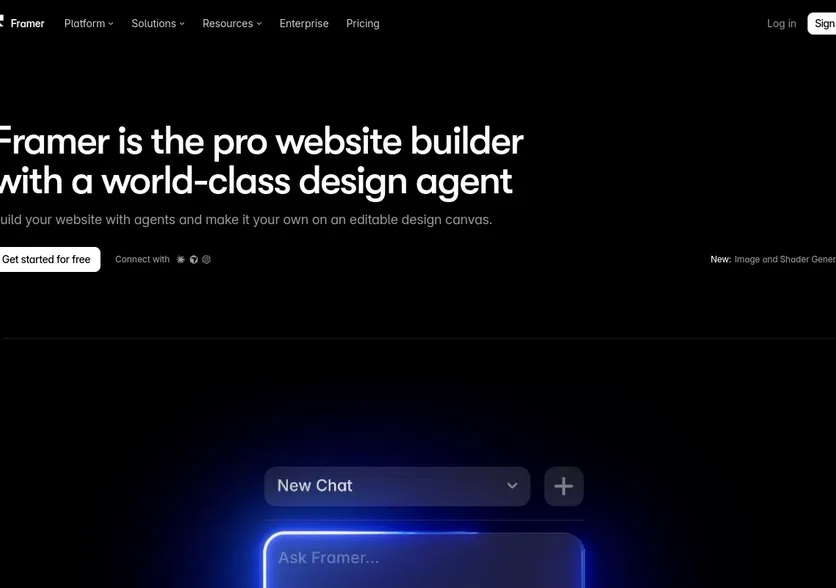
Framer is the website builder that lets designers publish real sites from a canvas, with no code needed. This Framer Basic plan costs ten dollars a month billed yearly per site and covers a custom domain with CMS and analytics. A remote team gets design and publishing in one tool, so the site ships the moment the design is done.
What we like
- Design and publish in one tool
- Real sites, not just mockups
- Strong CMS for content pages
Watch out for
- Priced per site, so costs grow with sites
- Not a general design tool
How to try it
- Open the Framer site and create a free account
- Pick a template and design your site
- Publish to your domain and share the link
8. Mural
Best for: Facilitators that run workshops and design sprints remotely
Paid tool Starting price: $9.99/member/month · Nine dollars ninety-nine per member a month billed annually for the Team plus plan, or twelve dollars monthly; Business costs seventeen dollars ninety-nine per member a month annual. The free plan covers unlimited murals with three editable at a time
Free plan: Free plan
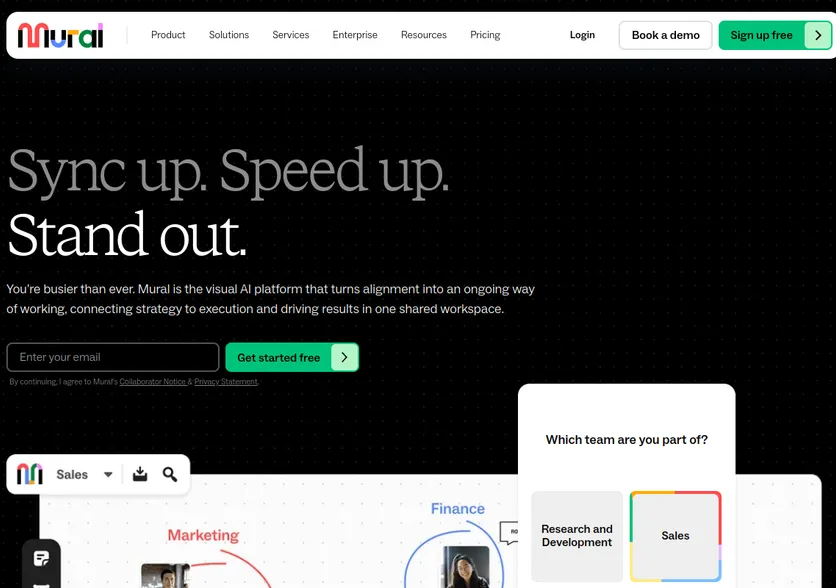
Mural is the digital workspace for visual collaboration, built for workshops, design sprints and team planning. This Mural Team plus plan costs nine dollars ninety-nine per member a month billed annually and covers unlimited murals with facilitation tools and templates. A remote team gets a workshop space that feels like a real room, with sticky notes and voting built in.
What we like
- Best facilitation tools in this comparison
- Strong template library for workshops
- Private mode for honest voting
Watch out for
- Not a full design tool like Figma
- Business plan nearly doubles the price
How to try it
- Open the Mural site and create a free account
- Pick a workshop template and start a mural
- Invite your team and run the session live
Prices above were checked on each vendor’s own website on Nov 27, 2026 and can change — the vendor’s page is the final word. Vendor links are editorial: nobody paid to be listed or ranked here. Vendors who want a featured listing can see how it works on our Get listed page.
What collaborative design costs a remote team in 2026
Collaborative design pricing hides in the seat type. Figma charges sixteen dollars for a Full seat but only three dollars for a Collab seat, and Sketch charges ten dollars per editor while Zeplin charges twelve dollars per seat with a fifty-project cap. Count your editors before you compare, because viewers and commenters are free on most tools.
Start with the free plan and run a real project through it. Check that comments work, that the file stays in sync, and that developers can read the specs without a second tool. Pick the tool your least technical teammate can use, because a design tool that only designers understand is not collaborative.
Before you buy
- Check the billing unit before you compare, because per-editor, per-seat and per-project prices are three different bills.
- Count the editors, not the viewers, because most tools charge only for people who edit.
- Test the free plan first, because a free plan that covers three boards can run a small team.
- Confirm the tool runs on your platform, because Sketch is Mac only and will not work on Windows.
- Ask whether handoff is included, because a design tool without developer handoff needs a second subscription.
Official websites
Official websites of the products reviewed above. Features and prices were checked against these sites when this guide was written, and they can change, so confirm on the vendor site before you buy.
Frequently asked questions
Which collaborative design software is best for remote teams in 2026?
Figma is the best overall pick at sixteen dollars per editor a month, with the deepest real-time collaboration and developer handoff. Miro is the best pick for whiteboarding and planning at eight dollars per member a month, with the lowest paid price here. Canva is the best pick for non-designers at ten dollars a month, with templates and brand kits in the browser.
How much does collaborative design software cost?
Prices in this list run from three dollars a seat a month for a Figma Collab seat to sixteen dollars per editor a month for a Figma Full seat, with most tools landing between eight and twelve dollars a month. Miro is the cheapest paid plan at eight dollars, and Sketch, Canva and Framer all cost ten dollars a month. Count editors only, because viewers are free on most tools.
Do these tools work on Windows and Mac?
Yes, except Sketch. Figma, Miro, Canva, Lucidchart, Zeplin, Framer and Mural all run in the browser on Windows, Mac and Linux, with desktop apps for most. Sketch is Mac only, with no Windows or Linux version, though its web app lets others view and comment. Check your team's platforms before you buy.
Can non-designers use these tools?
Yes, especially Canva and Miro. Canva is built for non-designers, with templates and brand kits that keep every design on-brand, and Miro's whiteboard needs no design skill at all. Figma and Sketch are professional design tools, so non-designers should stick to commenting and viewing. Start with the free plan to see what your team can do.
What is the difference between Figma and Miro?
Figma is a product design tool for interfaces and prototypes, with developer handoff and design systems, while Miro is a whiteboard for planning, workshops and brainstorming. A remote team often needs both: Figma for the product, Miro for the planning. Figma costs sixteen dollars per editor a month, and Miro costs eight dollars per member a month.
Need everyday image help too? Try Toolsvine's free image tools right in your browser.
Browse Image Tools tools