
On this page
An enterprise design system lives or dies on whether designers and developers use the same components, and that only happens when the tooling makes it easy. Figma is the pick that anchors the system: multiplayer editing from $16 a full seat a month, with free viewing for everyone else. This guide compares seven UI design tools for enterprise design systems, from a $10-a-month site builder to a $49-an-editor documentation platform, with live 2026 prices and free plans, so a design team can pick the stack that keeps the system consistent.
How we researched this
We checked the pricing page of every vendor on this list on November 26, 2026, and kept only tools that publish a real dollar price. Each tool had to support shared components, design tokens or developer handoff, and fit an enterprise design system rather than a solo side project, and we compared entry prices, seat rules and how the bill scales, because per-editor, per-user and per-project pricing behave very differently.
Compare the tools
| Name | Best for | Starting price | Free plan | |
|---|---|---|---|---|
 Figma | Product design teams that need multiplayer editing and Dev Mode | $16/editor/month | Free Starter plan | Visit |
 Sketch | Mac-only teams that want a native app that works offline | $12/editor/month | 30-day free trial | Visit |
 Framer | Teams that design and publish websites from one canvas | $10/month | Free plan | Visit |
| UXPin | Teams prototyping with real coded components from their library | $29/seat/month | Free plan | Visit |
 Zeplin | Teams that want a separate handoff space for developers | $13.75/month | Free plan | Visit |
 Supernova | Teams that want token pipelines and design-to-code automation | $35/user/month | Free Starter plan | Visit |
 zeroheight | Teams that want hosted design system docs with Figma embeds | $49/editor/month | Free plan | Visit |
The UI design tools, compared
1. Figma
Best for: Product design teams that need multiplayer editing and Dev Mode
Paid tool Starting price: $16/editor/month · Professional $16 per full seat a month billed annually ($20 billed monthly); Organization $45 a month; Dev seats $12 a month
Free plan: Free Starter plan
Figma is where product design happens: designers, product managers and engineers in one file, commenting on live work, with a component system that lets a design team of five operate like twenty. This Figma Professional plan costs $16 per full seat a month billed annually, with free viewing for stakeholders. It is the pick when the design system lives in shared libraries and the whole company needs to see it.

What we like
- Multiplayer editing in real time
- Shared libraries for design systems
- Viewers and commenters are free
Watch out for
- Per-editor billing grows with the team
- Organization tier jumps to $45 a seat
How to try it
- Open the Figma pricing page and start the free plan
- Create a team library with the core components
- Turn on Dev Mode for developer handoff
2. Sketch
Best for: Mac-only teams that want a native app that works offline
Paid tool Starting price: $12/editor/month · Standard $12 per editor a month billed yearly; Professional $24 a month; Enterprise $44 a month; Mac-only licence $120 a seat once
Free plan: 30-day free trial
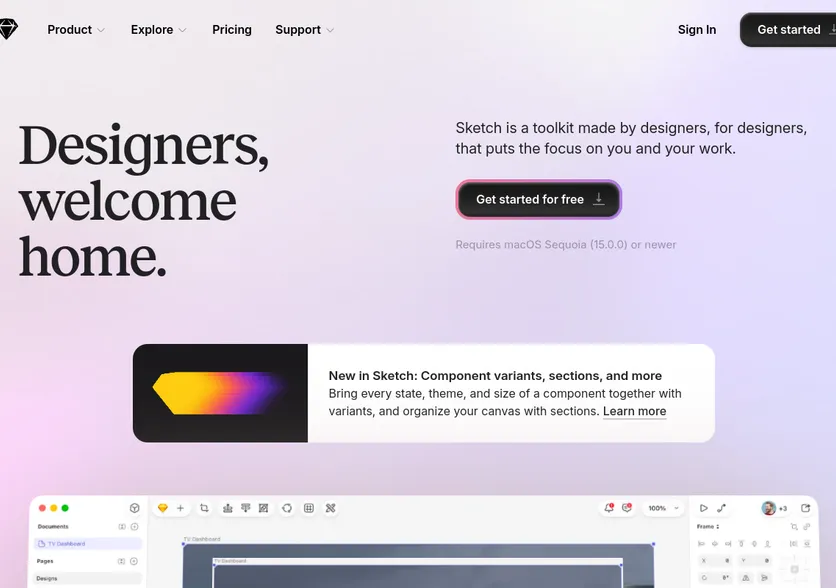
Sketch is a macOS-native design toolkit that pioneered modern UI design, with a lightweight interface, a Symbols system and a deep plugin ecosystem. This Sketch Standard plan costs $12 per editor a month billed yearly, with viewers browsing and commenting free in the web app. It fits a design team where every editor works on a Mac and wants a native app that runs offline.
What we like
- Native Mac performance and offline use
- Mature Symbols and plugin ecosystem
- One-time Mac licence option at $120
Watch out for
- Mac only, no Windows editor
- Weaker real-time collaboration than Figma
How to try it
- Open the Sketch pricing page and start the trial
- Build a Symbols library for the design system
- Share files in the web app for free viewers
3. Framer
Best for: Teams that design and publish websites from one canvas
Paid tool Starting price: $10/month · Basic site plan $10 a month on yearly billing; Pro $30 a month; additional editors $20 a month each
Free plan: Free plan
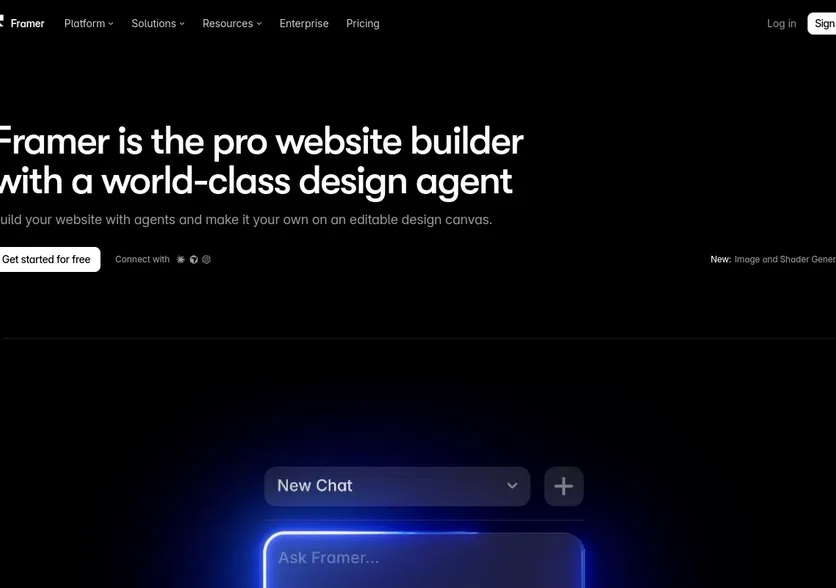
Framer removes the handoff for marketing sites entirely: the designed page is the shipped page, with hosting, CMS and animation handled in the same tool. This Framer Basic site plan costs $10 a month on yearly billing, with a free plan for sites on a Framer domain. It fits a design team that ships web pages weekly and wants design and publishing under one subscription.
What we like
- Designed page is the shipped page
- Hosting and CMS included
- Free plan for personal sites
Watch out for
- Priced per site, not per editor
- Product interfaces are not websites
How to try it
- Open the Framer pricing page and start the free plan
- Design the landing page on the canvas
- Publish it with hosting and CMS included
4. UXPin
Best for: Teams prototyping with real coded components from their library
Paid tool Starting price: $29/seat/month · First paid plan $29 per seat a month; free plan limited to 2 prototypes
Free plan: Free plan
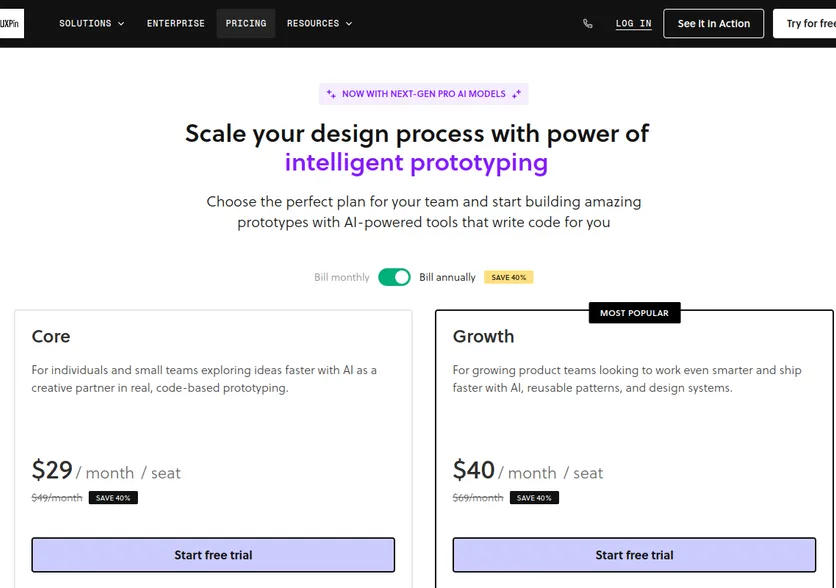
UXPin is a code-backed prototyping platform whose Merge technology lets designers build prototypes from the team's actual React component library instead of static shapes. This UXPin first paid plan costs $29 per seat a month and includes unlimited prototypes, built-in coded libraries and conditional logic. It is the pick when prototypes must behave like the final product, because what gets tested is the real component.
What we like
- Prototypes use real coded components
- Conditional logic and variables included
- Design systems stay in sync with code
Watch out for
- Highest learning curve here
- Needs a React library to shine
How to try it
- Open the UXPin pricing page and start the free plan
- Connect the React component library with Merge
- Build a prototype from real coded components
5. Zeplin
Best for: Teams that want a separate handoff space for developers
Paid tool Starting price: $13.75/month · From $13.75 a month per project; free plan available for one project
Free plan: Free plan
Zeplin is the handoff layer between design and development, turning finalized screens into specs, assets and code snippets that developers can read without opening a design file. This Zeplin plan starts at $13.75 a month per project, with a free plan for one project. It fits a team that wants handoff as a focused job, separate from the design tool itself.
What we like
- Focused handoff, not a broad tool
- Specs and assets developers can use
- Cheap per-project pricing
Watch out for
- Handoff only, no design editing
- Per-project billing adds up fast
How to try it
- Open the Zeplin pricing page and start the free plan
- Publish the first project from the design file
- Share specs and assets with developers
6. Supernova
Best for: Teams that want token pipelines and design-to-code automation
Paid tool Starting price: $35/user/month · Pro $35 per user a month; Starter free with 3 editor seats, 20 pages and 1 design system
Free plan: Free Starter plan
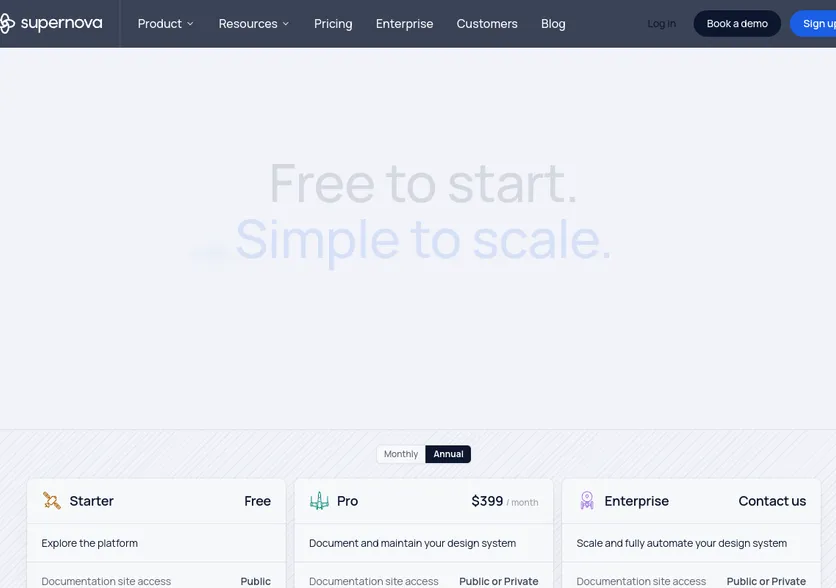
Supernova imports tokens and components from Figma and Storybook, then publishes documentation and code output from the same source, so the design system and the shipped code never drift apart. This Supernova Pro plan costs $35 per user a month and raises the limits to 10 editor seats, unlimited pages and 2 design systems. It is the pick when tokens are the source of truth and the pipeline must turn them into code.
What we like
- Token pipelines from Figma to code
- Docs and code from one source
- Free Starter plan with 3 editors
Watch out for
- Pro still limits design systems to 2
- Code-led teams get the most value
How to try it
- Open the Supernova pricing page and start the free plan
- Import tokens from Figma into the first system
- Publish docs and code output from one source
7. zeroheight
Best for: Teams that want hosted design system docs with Figma embeds
Paid tool Starting price: $49/editor/month · Starter $49 per editor a month after a 14-day trial; free plan with 1 editor, 1 styleguide and 1 token set
Free plan: Free plan
zeroheight is a hosted platform for design system documentation, with Figma embeds, written guidelines, tokens and code content on one public or private site. This zeroheight Starter plan costs $49 per editor a month after a 14-day trial and allows up to 5 editors, 2 styleguides and 3 token sets. It is the pick when the design system needs a home that designers, developers and product managers can all read.
What we like
- Hosted docs with Figma embeds
- Tokens, guidance and code in one place
- AI assistant for editors included
Watch out for
- Highest per-editor price here
- Free plan allows only 1 editor
How to try it
- Open the zeroheight pricing page and start the trial
- Create the first styleguide from Figma embeds
- Add tokens and guidelines for the team
Prices above were checked on each vendor’s own website on Nov 26, 2026 and can change — the vendor’s page is the final word. Vendor links are editorial: nobody paid to be listed or ranked here. Vendors who want a featured listing can see how it works on our Get listed page.
How to read the price before you commit
Prices on this list run from $10 a month to $49 an editor a month, and the seat rule decides the real cost: per-editor tools charge for everyone who designs, while viewers, commenters and guests are usually free. A $16 Figma seat looks cheap until the team has thirty editors, and a $49 zeroheight editor looks steep until it serves a hundred readers for free. Before paying, count the editors separately from the viewers, then run the free plan on one real component library for two weeks, because the first library shows whether the team actually maintains it. Check whether Dev Mode, tokens and handoff are included or gated behind a higher tier.
Before you buy
- Count editors separately from viewers, because most tools charge only for people who edit or design.
- Confirm whether Dev Mode, design tokens and developer handoff are included or gated behind a higher tier.
- Run the free plan on one real component library for two weeks to see whether the team maintains it.
- Check the free plan caps: editor counts, styleguides and token sets decide how long free lasts.
- Ask how the price changes when a fifth editor or a second design system is added to the account.
Official websites
Official websites of the products reviewed above. Features and prices were checked against these sites when this guide was written, and they can change, so confirm on the vendor site before you buy.
Frequently asked questions
What is the cheapest UI design tool for an enterprise design system?
Framer is the cheapest entry here at $10 a month on yearly billing for a Basic site plan, but it suits marketing sites rather than product interfaces. Figma is the cheapest product-design pick at $16 per full seat a month billed annually, with free viewing for stakeholders. The right cheap pick depends on the output: websites favour Framer, while product interfaces favour Figma.
Do designers and developers need separate tools?
Not always. Figma covers design and handoff in one file, with Dev Mode for developers, while Zeplin and zeroheight add a dedicated handoff or documentation layer on top. A separate handoff tool helps when developers should never open a design file, but it adds a subscription and a sync step. Start with one tool and add a layer only when handoff actually breaks.
What are design tokens and why do they matter?
Design tokens are the named values for colors, spacing, type and radii that a design system shares between design files and code. Tools such as Supernova and zeroheight store tokens in one place and export them as code, so a color change in the system updates every product at once. Without tokens, the same color drifts into a dozen slightly different values across products.
Can a small team run a design system on a free plan?
Yes, for a while. Figma has a free Starter plan, Supernova has a free Starter plan with 3 editors, and zeroheight has a free plan with 1 editor. Free plans cap editors, styleguides and token sets, so they work for a first system with one or two editors and break when the team grows. Treat free as a way to prove the system works, not as a permanent home.
Which tool is best for a team that already uses Figma?
zeroheight is the best companion for a Figma team: hosted design system docs with Figma embeds from $49 an editor a month, keeping guidelines and tokens beside the files. Supernova is the other strong companion at $35 a user a month, turning Figma tokens into code output. Both extend Figma rather than replacing it, so the team keeps its existing files.
Still designing in a vacuum? Try free design tools on Toolsvine right in your browser.
Browse CSS & Web Design Generators tools


