
On this page
A woodworker sketches a chair on paper, then needs to see it from every angle before the first cut. The right 3D software draws the piece, tests the joints and sends the toolpaths to a CNC machine, so a design that looks good on screen becomes a chair that stands straight. The seven tools below range from a fast modeller for a small shop to full platforms for a production floor. Fusion 360 is our first pick for a woodworker who wants design and CNC in one tool.
How we researched this
We started with the 3D design tools woodworkers actually use, then read each price on the vendor site on November 27, 2026 and noted the trial or free edition each one carries. We judged them for a woodworker who needs a clean model, a cut list and a CNC toolpath without a factory budget. We dropped Cabinet Vision and Woodwork for Inventor because neither publishes a list price on its own site.
Compare the tools
| Name | Best for | Starting price | Free plan | |
|---|---|---|---|---|
 Fusion 360 | Woodworkers who want design, joints and CNC toolpaths in one tool | $680/year | Free trial and free personal-use edition | Visit |
| VCarve Pro | Woodworkers who run a CNC router and want a one-time purchase | $699 one-time | No free plan; free trial | Visit |
| Vectric Aspire | Woodworkers who carve three-dimensional reliefs on a CNC | $1,995 one-time | No free plan; free trial | Visit |
 SketchUp Pro | Woodworkers who want fast furniture models at a fair price | $399/year | No free plan; free trial | Visit |
 AutoCAD | Woodworkers who need precise two-dimensional drawings for the shop | $2,095/year | No free plan; free trial | Visit |
 Rhino | Woodworkers who model curved and sculpted furniture | $995 one-time | No free plan; ninety-day evaluation | Visit |
 Vectorworks Architect | Woodworkers who design built-in furniture with building data | $1,530/year | No free plan; free trial | Visit |
The 3d design software for woodworking, compared
1. Fusion 360
Best for: Woodworkers who want design, joints and CNC toolpaths in one tool
Paid tool Starting price: $680/year · Six hundred eighty dollars a year, or eighty-five dollars a month; free trial and free personal-use edition
Free plan: Free trial and free personal-use edition
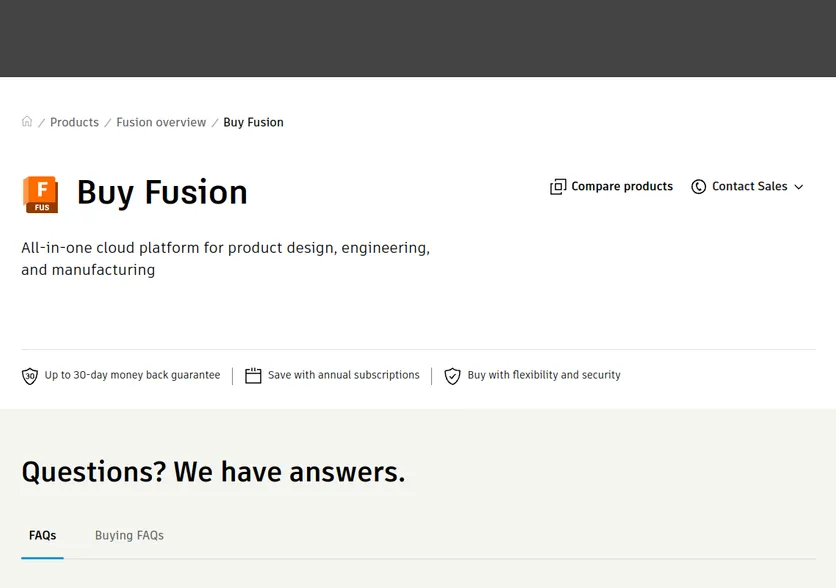
Fusion 360 draws furniture in three dimensions, tests the joints and generates the toolpaths for a CNC machine, so a design goes from screen to shop floor in one app. This Fusion 360 subscription costs six hundred eighty dollars a year, with a free trial and a free personal-use edition for hobbyists. A woodworker who runs a CNC gets the full pipeline for a fair price, though the tool takes time to learn.
What we like
- Design and CNC toolpaths in one tool
- Joint testing before the first cut
- Free personal-use edition for hobbyists
Watch out for
- Takes time to learn the full toolset
- Subscription only, no one-time purchase
How to try it
- Open the Fusion 360 page and start the trial
- Model a chair and test the joints
- Generate the toolpaths and send them to the CNC
2. VCarve Pro
Best for: Woodworkers who run a CNC router and want a one-time purchase
Paid tool Starting price: $699 one-time · Six hundred ninety-nine dollars once, perpetual licence; VCarve Desktop costs three hundred forty-nine dollars once
Free plan: No free plan; free trial
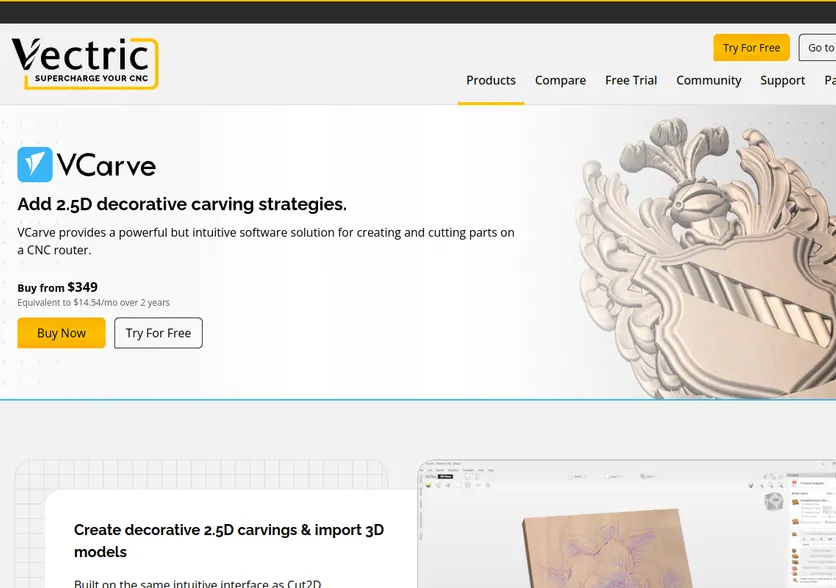
VCarve Pro turns a design into CNC toolpaths for a router, with carving, inlays and sign work that a woodworker can run in the shop. This VCarve Pro licence costs six hundred ninety-nine dollars once, with no subscription and no yearly bill. A shop with a CNC router gets a proven tool for a single payment, though the tool is built for routing rather than full three-dimensional modelling.
What we like
- One-time purchase with no subscription
- Built for CNC routing and carving
- Sign work and inlays included
Watch out for
- Built for routing, not full three-dimensional modelling
- No subscription means paid upgrades for new versions
How to try it
- Open the VCarve Pro page and start the trial
- Draw a sign or panel and set the toolpaths
- Send the file to the CNC router and cut it
3. Vectric Aspire
Best for: Woodworkers who carve three-dimensional reliefs on a CNC
Paid tool Starting price: $1,995 one-time · One thousand nine hundred ninety-five dollars once, perpetual licence
Free plan: No free plan; free trial
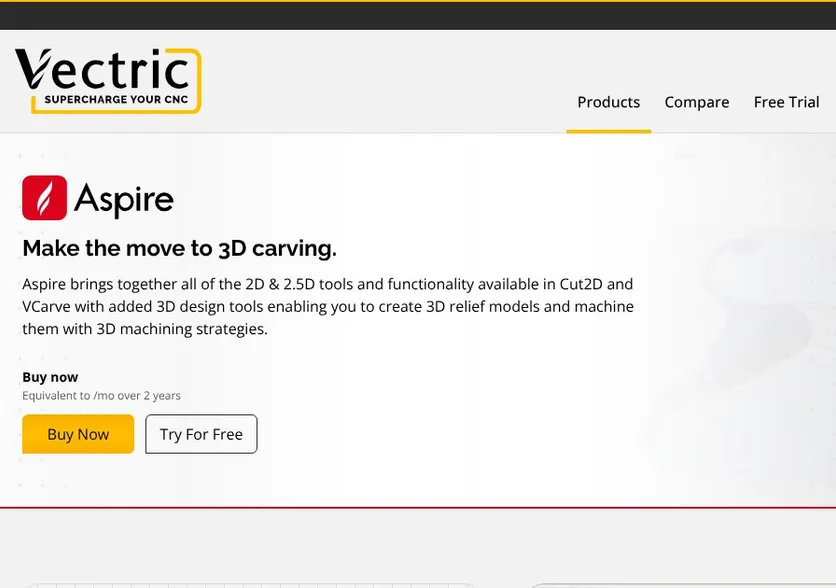
Vectric Aspire carves three-dimensional reliefs, from a raised panel to a sculpted chair back, with tools that a CNC router can follow. This Vectric Aspire licence costs one thousand nine hundred ninety-five dollars once, with no subscription and no yearly bill. A shop that carves reliefs gets the full three-dimensional toolset for a single payment, though the price is the highest one-time cost here.
What we like
- Full three-dimensional relief carving
- One-time purchase with no subscription
- Includes everything in VCarve Pro
Watch out for
- Highest one-time price in this comparison
- Built for CNC work, not general modelling
How to try it
- Open the Aspire page and start the trial
- Model a relief and set the toolpaths
- Send the file to the CNC router and carve it
4. SketchUp Pro
Best for: Woodworkers who want fast furniture models at a fair price
Paid tool Starting price: $399/year · Pro plan, three hundred ninety-nine dollars a year; Go plan costs one hundred twenty-nine dollars a year
Free plan: No free plan; free trial
SketchUp Pro draws furniture fast, with a simple push-and-pull modeller that turns a sketch into a three-dimensional chair in an afternoon. This SketchUp Pro subscription costs three hundred ninety-nine dollars a year, with a cheaper Go plan for simpler work. A small shop gets a quick model and a cut list without a big budget, though the tool needs an add-on for CNC toolpaths.

What we like
- Fastest modelling in this comparison
- Lowest price for a full design tool
- Cut list add-ons for the shop floor
Watch out for
- No CNC toolpaths without an add-on
- Lighter than a full building platform
How to try it
- Open the SketchUp plans page and start the trial
- Draw the furniture piece and check the joints
- Export the cut list for the shop floor
5. AutoCAD
Best for: Woodworkers who need precise two-dimensional drawings for the shop
Paid tool Starting price: $2,095/year · Two thousand ninety-five dollars a year, or two hundred sixty dollars a month
Free plan: No free plan; free trial
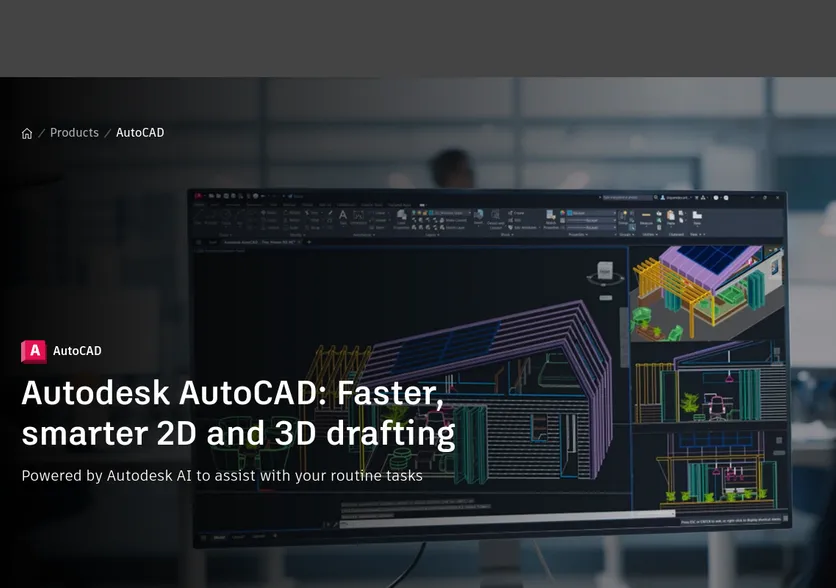
AutoCAD draws furniture with millimetre precision, so the shop gets exact dimensions for every board, joint and cut. This AutoCAD subscription costs two thousand ninety-five dollars a year, which is the highest yearly price here. A woodworker who hands drawings to a shop gets the industry standard for precision, though the tool is slower for three-dimensional modelling than SketchUp Pro.
What we like
- Industry standard for precise drawings
- Exact dimensions for every board
- Huge library of blocks and symbols
Watch out for
- Highest yearly price in this comparison
- Slower for three-dimensional modelling
How to try it
- Open the AutoCAD page and start the trial
- Draw the furniture plan with exact dimensions
- Export the drawings for the shop floor
6. Rhino
Best for: Woodworkers who model curved and sculpted furniture
Paid tool Starting price: $995 one-time · Nine hundred ninety-five dollars once for a commercial licence; upgrade costs five hundred ninety-five dollars and education costs one hundred ninety-five dollars
Free plan: No free plan; ninety-day evaluation
Rhino models curved furniture, from a bent chair back to a sculpted table edge, with free-form tools that a boxy modeller cannot match. This Rhino licence costs nine hundred ninety-five dollars once, with a ninety-day evaluation to test it. A woodworker who designs curved pieces gets a powerful modeller for a single payment, though the tool needs a separate app for CNC toolpaths.

What we like
- Best free-form modelling in this comparison
- One-time purchase with no subscription
- Ninety-day evaluation to test it
Watch out for
- No CNC toolpaths without a separate app
- Steeper learning curve for beginners
How to try it
- Open the Rhino sales page and start the evaluation
- Model a curved piece with free-form tools
- Export the model for the shop floor
7. Vectorworks Architect
Best for: Woodworkers who design built-in furniture with building data
Paid tool Starting price: $1,530/year · Architect plan, one thousand five hundred thirty dollars a year; monthly price is not published clearly on the vendor site
Free plan: No free plan; free trial
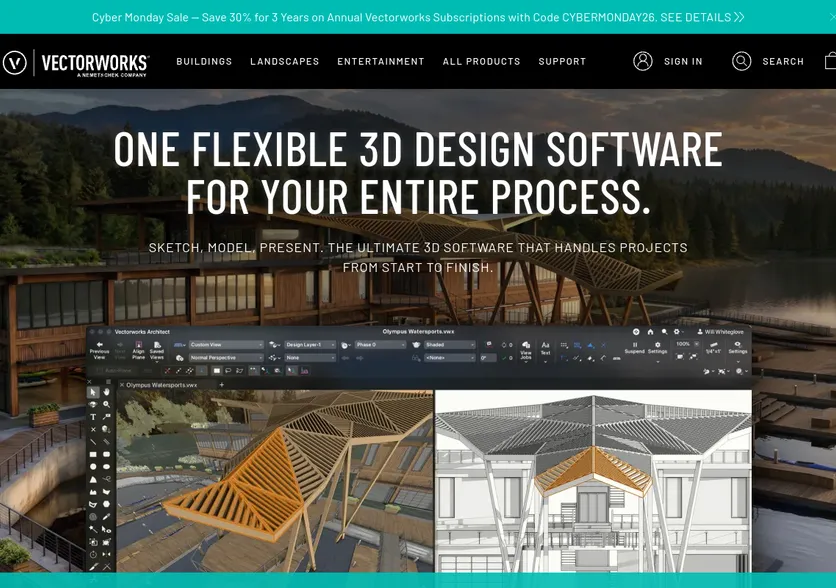
Vectorworks Architect draws built-in furniture with real building data, so the same model produces the render for the client and the drawings for the shop. This Vectorworks Architect subscription costs one thousand five hundred thirty dollars a year, which puts it in the middle of this list. A designer who builds fitted furniture gets a professional tool that handles structure as well as style, though the price is far above SketchUp Pro.
What we like
- One model for renders and shop drawings
- Strong tools for fitted furniture
- Good fit for built-in and cabinet work
Watch out for
- Monthly price is not published clearly
- Built for architecture rather than furniture
How to try it
- Open the Vectorworks site and start the trial
- Build the furniture model with real dimensions
- Export the drawings and the client render
Prices above were checked on each vendor’s own website on Nov 27, 2026 and can change — the vendor’s page is the final word. Vendor links are editorial: nobody paid to be listed or ranked here. Vendors who want a featured listing can see how it works on our Get listed page.
What woodworking design software costs in 2026
Woodworking design software costs from three hundred ninety-nine dollars a year on SketchUp Pro to two thousand ninety-five dollars a year on AutoCAD, with one-time purchases from six hundred ninety-nine dollars on VCarve Pro to one thousand nine hundred ninety-five dollars on Aspire. A subscription suits a shop that wants updates and support, while a one-time licence suits a shop that wants to pay once and keep the tool. Fusion 360 sits in the middle at six hundred eighty dollars a year and adds CNC toolpaths that the cheaper tools lack.
Model one real piece on the trial before you pay, and check whether the joints fit, whether the cut list is clear and whether the toolpaths run on your CNC. Pick the tool that fits the biggest piece you build, not the smallest, because a model that cannot handle a curved chair back costs more than the upgrade. A small shop should budget four hundred to seven hundred dollars, while a CNC shop should budget seven hundred to two thousand.
Before you buy
- Compare the yearly price first, because SketchUp Pro costs three hundred ninety-nine dollars a year while AutoCAD costs two thousand ninety-five.
- Decide subscription versus one-time, because VCarve Pro costs six hundred ninety-nine dollars once and never bills again.
- Check the CNC tools, because Fusion 360 and VCarve Pro send toolpaths to the router while SketchUp Pro needs an add-on.
- Use the trial or free edition before paying, because Fusion 360 offers a free personal-use edition and Rhino offers ninety days.
- Match the tool to the work, because Aspire carves reliefs while AutoCAD draws precise shop drawings.
Official websites
Official websites of the products reviewed above. Features and prices were checked against these sites when this guide was written, and they can change, so confirm on the vendor site before you buy.
Frequently asked questions
Which 3D design software is best for woodworking in 2026?
Fusion 360 is the best overall pick for a woodworker who wants design, joints and CNC toolpaths in one tool, at six hundred eighty dollars a year. VCarve Pro is the best value for a CNC shop at six hundred ninety-nine dollars once, and SketchUp Pro is the fastest modeller at three hundred ninety-nine dollars a year. Choose Fusion 360 for the full pipeline, VCarve Pro for a CNC router and SketchUp Pro for speed.
How much does woodworking design software cost?
Paid plans in this list run from three hundred ninety-nine dollars a year on SketchUp Pro to two thousand ninety-five dollars a year on AutoCAD. One-time licences run from six hundred ninety-nine dollars on VCarve Pro to one thousand nine hundred ninety-five dollars on Aspire, with Rhino at nine hundred ninety-five dollars once. A small shop should budget four hundred to seven hundred dollars, while a CNC shop should budget seven hundred to two thousand.
Is Fusion 360 good for woodworking?
Yes, because Fusion 360 draws furniture, tests the joints and generates CNC toolpaths in one tool, which is the full pipeline a woodworker needs. A free personal-use edition covers hobbyists, while the paid plan costs six hundred eighty dollars a year. Use the trial to model one piece end to end and check whether the toolpaths run on your CNC before you pay.
What is the best CNC software for woodworking?
VCarve Pro is the best pick for a CNC router at six hundred ninety-nine dollars once, with carving, inlays and sign work built in. Vectric Aspire adds three-dimensional relief carving at one thousand nine hundred ninety-five dollars once, while Fusion 360 adds full design and toolpaths at six hundred eighty dollars a year. Choose VCarve Pro for routing, Aspire for reliefs and Fusion 360 for the full design pipeline.
Is there free woodworking design software?
Fusion 360 offers a free personal-use edition for hobbyists, which covers design and CNC toolpaths for non-commercial work. The other tools here offer trials instead, with Rhino giving a ninety-day evaluation and the rest offering a trial of similar length. A hobbyist can start free on Fusion 360 and upgrade to the paid plan when the work turns commercial.
Need everyday image help too? Try Toolsvine's free image tools right in your browser.
Browse Image Tools tools


