On this page
Post-production is a review business: every cut goes out, notes come back pinned to a frame, and the next version has to be better. The eight tools below run that loop for teams of every size, from a freelance editor to a post house with a formal approval chain. Frame.io leads because it puts comments on the Premiere timeline for fifteen dollars per member a month, and the rest are ranked on how cleanly they run a post review for the price.
How we researched this
We checked every price on the vendor pricing page on November 29, 2026, and only included tools with a published US dollar list price. CineSync is the exception: its price rests on agreeing directory listings because the vendor site publishes no clear pricing page, and that is disclosed in the price note. Prices change, so confirm the current figure on the vendor site before you buy.
Compare the tools
| Name | Best for | Starting price | Free plan | |
|---|---|---|---|---|
 Frame.io | Post-production teams that cut in Premiere | $15/member/month | Free plan (2 members, 2 GB) | Visit |
 Filestage | Post houses that review cuts, posters and scripts together | $199/month | Free plan (1 project, 5 files a month) | Visit |
 Ziflow | Post teams with a strict multi-stage approval chain | $249/month | No free plan; free trial | Visit |
 ReviewStudio | Small post teams that want proper review at a low price | $12/user/month | Free plan (3 active reviews, 5 GB) | Visit |
 Wipster | Freelance editors and tiny post teams on a budget | $9.95/month | No free plan; free trial, no card required | Visit |
 Krock.io | Post teams that deliver huge files to clients | $10/user/month | Free plan (1 user, 2 projects, 2 GB) | Visit |
 SyncSketch | Teams that review animation and effects frame by frame | $9/user/month | Free plan (5 users, 2 projects, 1 GB, non-commercial) | Visit |
| CineSync | Film and television teams that review dailies across time zones | $10/user/month | No free plan; free trial | Visit |
The video review software for post-production teams, compared
1. Frame.io
Best for: Post-production teams that cut in Premiere
Paid tool Starting price: $15/member/month · Fifteen dollars per member a month billed annually on Pro ($156 a member a year); Team is twenty-five dollars per member a month billed annually ($264 a year); reviewers join free; the free plan covers two members and two gigabytes
Free plan: Free plan (2 members, 2 GB)
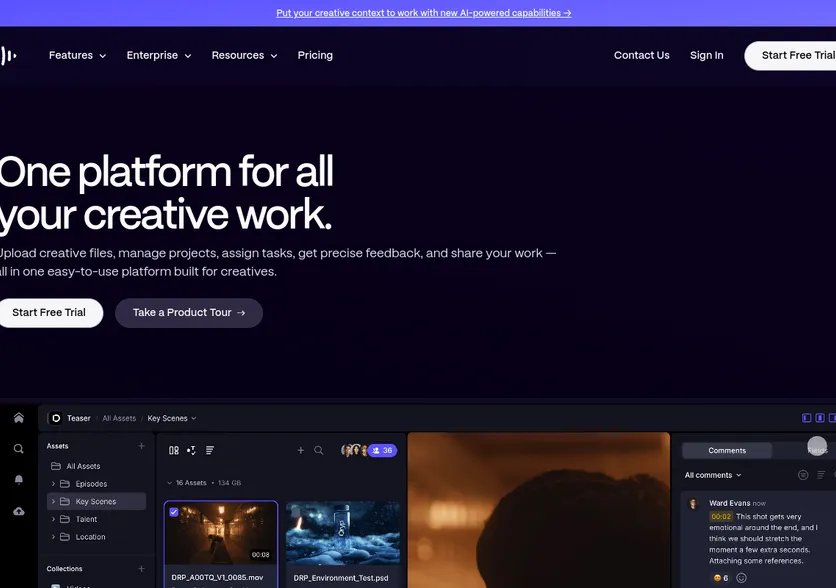
Post-production teams that cut in Premiere will find the review loop already built here, because this Frame.io plan costs fifteen dollars per member a month billed annually on Pro, and comments land directly on the timeline with time codes attached. Version stacks keep every cut in order, and the approval step tells the editor exactly when a version is final. It is the safest default for a team that already lives in Adobe.
What we like
- Comments land on the Premiere timeline with time codes
- Version stacks keep every cut in order
- Reviewers join free, so clients never pay
Watch out for
- Paid per member, so a large team adds up fast
- The free plan covers only two members
How to try it
- Upload the cut to a Frame.io project
- Share the review link with the director and client
- Apply the time-coded notes and upload the next version
2. Filestage
Best for: Post houses that review cuts, posters and scripts together
Paid tool Starting price: $199/month · One hundred and ninety-nine dollars a month billed annually on Starter ($249 a month month to month); Business is three hundred and twenty-nine dollars a month billed annually; the old one hundred and nine dollar Basic plan is retired
Free plan: Free plan (1 project, 5 files a month)
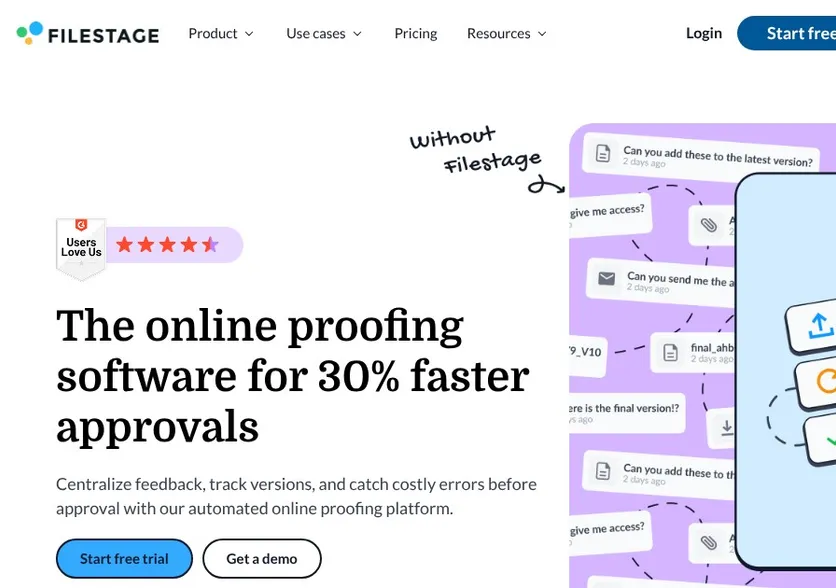
A post house that reviews cuts, posters, scripts and music in one place will find the widest tool here, since this Filestage plan costs one hundred and ninety-nine dollars a month billed annually on Starter, and it reviews every file type a production touches. The approval workflow with checklists is the strongest part, and the audit trail proves who signed off on what. It costs more than the video-only tools, so it earns its price when the team reviews more than video.
What we like
- Reviews video, images, documents and audio in one place
- Approval checklists and a clear audit trail
- Version comparison shows exactly what changed
Watch out for
- The dearest tool in this list
- The old one hundred and nine dollar plan is retired
How to try it
- Create a project for the production
- Upload the cut and invite reviewers
- Collect approvals and mark the final version
3. Ziflow
Best for: Post teams with a strict multi-stage approval chain
Paid tool Starting price: $249/month · Two hundred and forty-nine dollars a month billed annually on Standard for fifteen users and one terabyte; Pro is three hundred and twenty-nine dollars a month; some November reads still show one hundred and ninety-nine dollars, which appears to be the price before a late-November rise
Free plan: No free plan; free trial
A post team with a strict approval chain will get the most control here, because this Ziflow plan costs two hundred and forty-nine dollars a month billed annually on Standard, and it routes proofs through multi-stage approvals automatically. The flat rate covers fifteen users, so the whole post team shares one predictable bill. The price rose late in November, so older listings that show one hundred and ninety-nine dollars are out of date.

What we like
- Automated routing through multi-stage approvals
- One flat rate covers fifteen users
- Proof comparison for frame-accurate changes
Watch out for
- The price rose late in November
- No free plan, only a trial
How to try it
- Upload the cut as a proof
- Route it through the approval stages
- Compare versions and approve the final cut
4. ReviewStudio
Best for: Small post teams that want proper review at a low price
Paid tool Starting price: $12/user/month · Twelve dollars per user a month billed annually on Pro ($15 a user a month month to month); Advanced is twenty dollars a user a month billed annually with a five-user minimum; Enterprise is custom with a twenty-user minimum
Free plan: Free plan (3 active reviews, 5 GB)
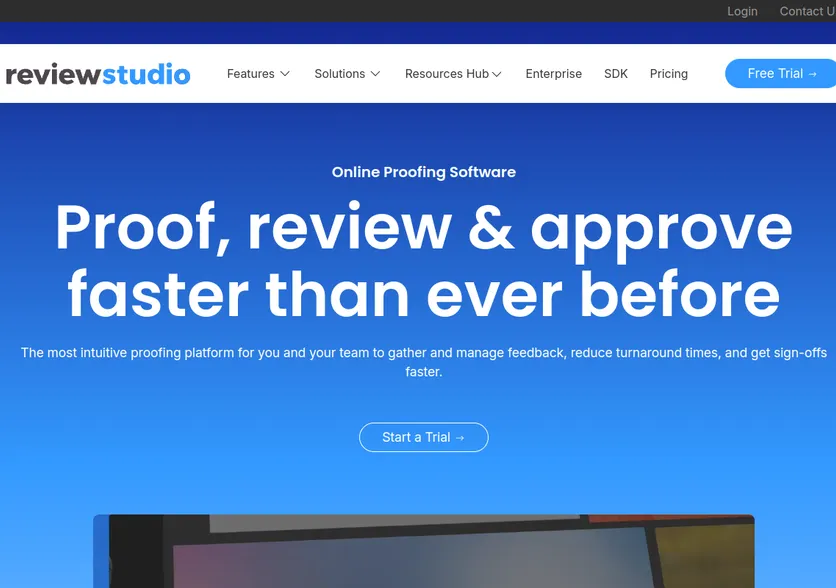
A small post team that wants proper review tools at a low price will settle here, because this ReviewStudio plan costs twelve dollars a user a month billed annually on Pro, and it includes time-coded comments, markup and version history. The free plan covers three active reviews, which is enough to run a real project through the tool before paying. It is simpler than Frame.io, which suits a small team and limits a large one.
What we like
- Twelve dollars a user a month on Pro
- Free plan covers three active reviews
- Markup and version history included
Watch out for
- Simpler than Frame.io for large-team workflows
- Advanced needs a five-user minimum
How to try it
- Create a review from the uploaded cut
- Invite the team and the client
- Apply the markup notes and upload the revision
5. Wipster
Best for: Freelance editors and tiny post teams on a budget
Paid tool Starting price: $9.95/month · Nine dollars and ninety-five cents a month billed annually on Light ($11.95 a month month to month); Team is nineteen dollars and ninety-five cents per user a month billed annually with two hundred and fifty gigabytes from the start; reviewers are unlimited and free
Free plan: No free plan; free trial, no card required
Freelance editors and tiny post teams will find the cheapest paid option here, because this Wipster plan costs nine dollars and ninety-five cents a month billed annually on Light, and it still covers time-coded comments, versioning and unlimited free reviewers. The trial needs no card, so a team can test it on a real cut before paying. The Light plan caps storage at fifty gigabytes, which is the main limit for long-form work.
What we like
- Cheapest paid review tool in this list
- Unlimited free reviewers
- A trial that needs no card
Watch out for
- No free plan, only a trial
- Light storage caps at fifty gigabytes
How to try it
- Upload the cut to Wipster
- Share the review link with the client
- Collect time-coded notes and upload the next cut
6. Krock.io
Best for: Post teams that deliver huge files to clients
Paid tool Starting price: $10/user/month · Ten dollars per user a month on Pro with a two-user minimum, including two terabytes of storage and unlimited projects; the Unlimited and Enterprise plan is four hundred dollars a month for one hundred users; annual billing gives one month free
Free plan: Free plan (1 user, 2 projects, 2 GB)
Post teams that deliver huge files to clients will value the storage here, because this Krock.io plan costs ten dollars a user a month on Pro, and it includes two terabytes of storage with unlimited projects and four-K review. The client review pages look polished, which matters when the client is paying for the production. Annual billing gives one month free, so the real yearly cost is lower than the headline.
What we like
- Two terabytes of storage on the ten dollar plan
- Four-K review with unlimited projects
- Polished client-facing review pages
Watch out for
- Pro needs a two-user minimum
- A smaller community than the big review tools
How to try it
- Upload the cut to a Krock.io project
- Send the client the review page
- Collect comments and deliver the approved cut
7. SyncSketch
Best for: Teams that review animation and effects frame by frame
Paid tool Starting price: $9/user/month · Nine dollars per user a month billed annually on Indie ($12 a user a month month to month); Team is nineteen dollars a user a month billed annually and Enterprise is thirty-six dollars; the free Light plan covers five users and two projects for non-commercial use
Free plan: Free plan (5 users, 2 projects, 1 GB, non-commercial)
Teams that review animation, effects and colour frame by frame will find their tool here, because this SyncSketch plan costs nine dollars a user a month billed annually on Indie, and it plays the same frames in sync for the whole team while anyone draws notes on them. That matters when the feedback is about a single frame of an effect. The free plan is non-commercial, so a working post house needs the paid tier.
What we like
- Synced playback for the whole team
- Drawing tools for frame-accurate notes
- A free plan for learning the workflow
Watch out for
- The free plan is non-commercial only
- Less suited to live-action review than Frame.io
How to try it
- Upload the shot to SyncSketch
- Invite the team and play the frames in sync
- Draw notes on the frames and approve the shot
8. CineSync
Best for: Film and television teams that review dailies across time zones
Paid tool Starting price: $10/user/month · Ten dollars per user a month; the price is confirmed by directory listings, since the vendor site does not publish a clear pricing page; an old two hundred and forty-nine dollar a year figure is wrong and must not be used
Free plan: No free plan; free trial
Film and television post teams that review dailies across time zones have used this tool for years, because this CineSync plan costs ten dollars a user a month, and it plays the same media in sync for reviewers in different countries. The drawing tools and annotations are built for the kind of detailed notes a director gives on a cut. The price is confirmed by directory listings rather than a vendor pricing page, so confirm it before buying.
What we like
- Synced playback for reviewers in different countries
- Drawing tools built for director notes
- A long track record in film and television
Watch out for
- No clear pricing page on the vendor site
- Dearer than Wipster or SyncSketch for the same job
How to try it
- Create a session and upload the media
- Invite reviewers from different locations
- Play in sync and collect annotated notes
Prices above were checked on each vendor’s own website on Nov 29, 2026 and can change — the vendor’s page is the final word. Vendor links are editorial: nobody paid to be listed or ranked here. Vendors who want a featured listing can see how it works on our Get listed page.
How to run a post-production review that ends in approval
Lock the version before sending it, because notes on a cut that keeps changing are worthless. Ask every reviewer to comment on the frame, so the editor never has to guess which shot a note means. Set a deadline for notes, since an open review drags for days. Keep the approval in the tool, not in an email, so the whole team can see that the cut is final. Also keep the review link private to the people who need it, since a public link can leak an unreleased cut, and archive old versions instead of deleting them for good.
Before you buy
- Lock the version before sending it for review
- Ask reviewers to comment on the frame, not in email
- Set a deadline for notes so the review does not drag
- Keep the approval in the tool where everyone can see it
- Check that clients can review free without a paid seat
Official websites
Official websites of the products reviewed above. Features and prices were checked against these sites when this guide was written, and they can change, so confirm on the vendor site before you buy.
Frequently asked questions
What is the best video review software for post-production?
Frame.io is the best overall pick for a post team that cuts in Premiere, because comments land on the timeline with time codes at fifteen dollars per member a month. Filestage is better for a post house that also reviews posters, scripts and music. A small team on a budget should start with ReviewStudio at twelve dollars a user a month or Wipster at nine dollars and ninety-five cents a month.
How much does video review software cost?
Prices in this list run from nine dollars and ninety-five cents a month for Wipster Light to two hundred and forty-nine dollars a month for Ziflow Standard. Frame.io Pro costs fifteen dollars per member a month, and most tools let reviewers comment free. The right budget depends on the team size and whether the review covers only video or every file type in the production.
Is CineSync still available?
Yes, CineSync is still available and still used by film and television teams for synced review across time zones. The plan costs ten dollars a user a month according to agreeing directory listings, since the vendor site does not publish a clear pricing page. An old two hundred and forty-nine dollar a year figure that appears in some listings is wrong and should be ignored.
Can clients review a cut without paying for a seat?
Yes, Frame.io, Wipster, Krock.io and SyncSketch all let reviewers comment without a paid seat, which keeps the bill tied to the team. Filestage and Ziflow charge a flat monthly rate, so the number of reviewers matters less there. Check the reviewer terms on any tool before sharing a link, since a client who hits a paywall will not leave notes at all.
What is the difference between Frame.io and Filestage?
Frame.io is the video-first review tool, built around time-coded comments and a Premiere integration, at fifteen dollars per member a month. Filestage reviews every file type, including images, documents and audio, with approval checklists, at one hundred and ninety-nine dollars a month. A team that only reviews video should pick Frame.io, while a post house that reviews everything should pick Filestage.
Compare the eight tools above, then start with a free plan or trial on the tool that matches the team size and the review workflow before paying for a full year.
Browse Video Tools tools