On this page
Windows YouTubers have a different shortlist from Mac creators: the best editors are the ones that run well on a Windows machine, install cleanly and export without fuss. The nine tools below cover that list, from a free browser editor to the industry-standard timeline. Camtasia leads because it is the tutorial tool Windows creators actually use, at one hundred and seventy-nine dollars and eighty-eight cents a year, and the rest are ranked on how well they run a Windows channel for the price.
How we researched this
We checked every price on the vendor pricing page on November 29, 2026, and only included tools with a published US dollar list price. Movavi and PowerDirector carry disclosed conflicts where November reads disagree on the figure. Prices change, so confirm the current figure on the vendor site before you buy.
Compare the tools
| Name | Best for | Starting price | Free plan | |
|---|---|---|---|---|
 Camtasia | Windows creators who teach on screen | $179.88/year | Free trial | Visit |
 Filmora | Windows beginners who want a friendly editor | $49.99/year | Free plan (watermarked exports) | Visit |
 PowerDirector | Windows creators who want AI editing help | $69.99/year | Free plan (PowerDirector Essential) | Visit |
 DaVinci Resolve Studio | Windows YouTubers who want a pro editor without a bill | $295 one-time | Free plan (full editor, no watermark) | Visit |
 Adobe Premiere Pro | Windows creators who work with agencies and clients | $22.99/month | No free plan; 7-day free trial | Visit |
 Movavi Video Editor | Windows creators who want simple editing fast | $69.95/year | No free plan; 7-day free trial | Visit |
 Clipchamp | Windows creators who want the simplest built-in editor | $9.99/month | Free plan (1080p exports, no watermark) | Visit |
 VSDC | Windows creators on a tight budget | $19.99/year | Free plan (no watermark) | Visit |
 VEED | Windows creators who edit in the browser | $12.25/seat/month | Free plan (720p, watermarked) | Visit |
The video software for YouTube Windows, compared
1. Camtasia
Best for: Windows creators who teach on screen
Paid tool Starting price: $179.88/year · One hundred and seventy-nine dollars and eighty-eight cents a year on Essentials, per user billed yearly; Starter is thirty-nine dollars a year with watermarked exports; Create is two hundred and forty-nine dollars a year and Pro is five hundred and ninety-nine dollars a year; Camtasia is subscription-only since the autumn of 2024
Free plan: Free trial
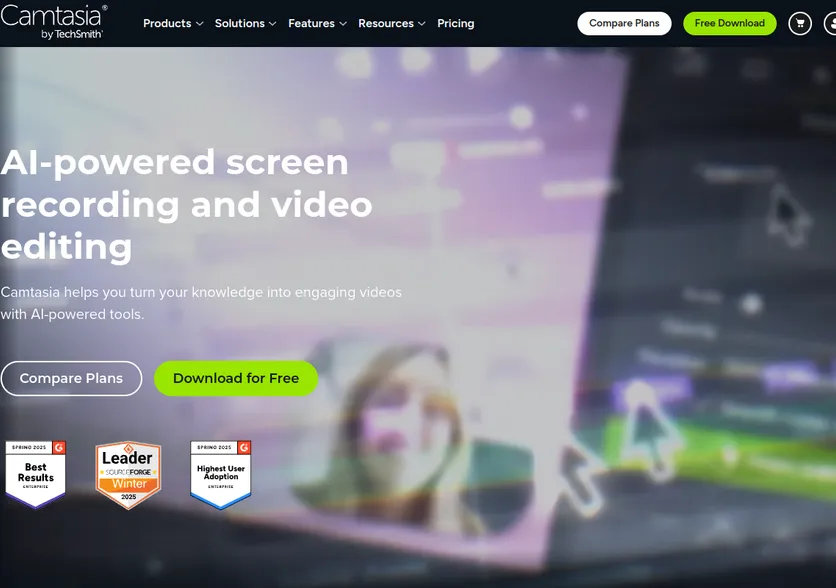
Windows creators who teach on screen will find the tutorial tool here, because this Camtasia plan costs one hundred and seventy-nine dollars and eighty-eight cents a year on Essentials, and it records the screen and webcam together, then edits the result with callouts, quizzes and SCORM export. Nothing else in this list does training video as well. It runs on Windows and Mac only, and it is subscription-only, so there is no one-time licence.
What we like
- Screen and webcam recording in one Windows app
- Quizzes and SCORM export for training
- Callouts and cursor effects built in
Watch out for
- Subscription-only, with no one-time licence
- No multicam and a four-K maximum
How to try it
- Record the screen and webcam on Windows
- Cut the recording and add callouts
- Export and upload the video to YouTube
2. Filmora
Best for: Windows beginners who want a friendly editor
Paid tool Starting price: $49.99/year · Forty-nine dollars and ninety-nine cents a year on Basic; Advanced is fifty-nine dollars and ninety-nine cents a year with one thousand AI credits a month; a perpetual licence is seventy-nine dollars and ninety-nine cents one time
Free plan: Free plan (watermarked exports)
A Windows beginner who wants a friendly editor will start here, because this Filmora plan costs forty-nine dollars and ninety-nine cents a year on Basic, and it runs on Windows and Mac with multi-track editing, templates and AI helpers. The drag-and-drop timeline is easy to learn, and the template library means a first video looks good the same evening. Free exports carry a watermark, so a channel that publishes weekly needs the paid tier.

What we like
- Drag-and-drop timeline a beginner learns fast
- Templates and AI helpers included
- A perpetual licence for seventy-nine dollars and ninety-nine cents
Watch out for
- Free exports carry a watermark
- AI credits cost extra beyond the Advanced allowance
How to try it
- Import the clips into Filmora on Windows
- Cut the timeline and add titles
- Export without a watermark and upload
3. PowerDirector
Best for: Windows creators who want AI editing help
Paid tool Starting price: $69.99/year · Sixty-nine dollars and ninety-nine cents a year for PowerDirector 365, listed at seventy-nine dollars and ninety-nine cents; Director Suite is one hundred and twenty-five dollars and ninety-nine cents a year; a one-time PowerDirector 2027 licence is one hundred and thirty-nine dollars and ninety-nine cents; some November reads show fifty-nine dollars and ninety-nine cents or seventy-four dollars and ninety-nine cents, which look like promotions
Free plan: Free plan (PowerDirector Essential)
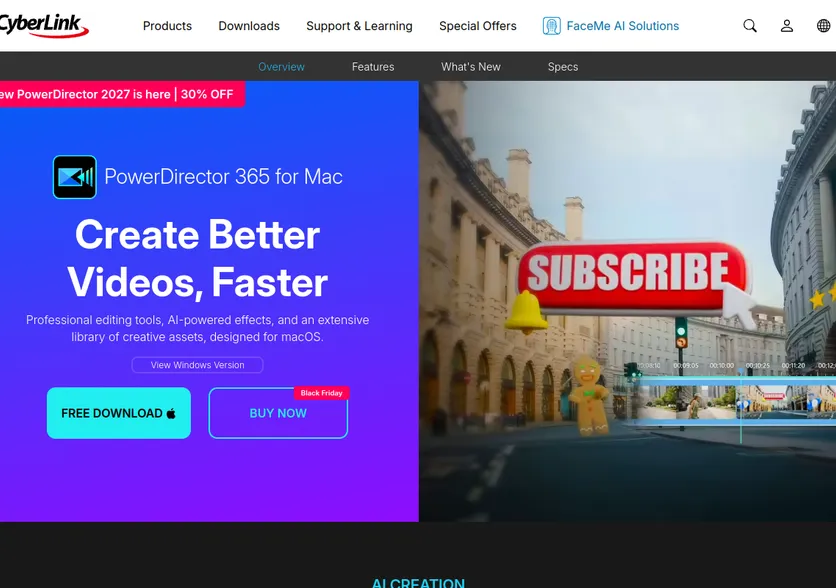
A Windows creator who wants AI editing help will find it here, because this PowerDirector plan costs sixty-nine dollars and ninety-nine cents a year for PowerDirector 365, and it brings text-based editing, auto captions and fast rendering to a Windows-friendly timeline. The free Essential version is enough to learn the tool, and the one-time licence suits creators who dislike subscriptions. The price varies between listings, so confirm it at checkout.
What we like
- Text-based editing and auto captions on Windows
- Fast rendering with a friendly timeline
- A one-time licence for one hundred and thirty-nine dollars and ninety-nine cents
Watch out for
- The price varies between listings and promotions
- Fewer pro features than Premiere or Resolve
How to try it
- Import the footage on Windows
- Cut with text-based editing
- Export and upload the video to YouTube
4. DaVinci Resolve Studio
Best for: Windows YouTubers who want a pro editor without a bill
Paid tool Starting price: $295 one-time · Two hundred and ninety-five dollars one time for the Studio licence, with free updates; the free version includes most editing features with no watermark
Free plan: Free plan (full editor, no watermark)
A Windows YouTuber who wants a pro editor without a monthly bill will find it here, because this DaVinci Resolve Studio plan costs two hundred and ninety-five dollars once, and it runs on Windows with editing, colour, effects and audio in one app. The free version is already a full editor with no watermark, and Studio adds the AI tools and noise reduction. It needs a powerful computer, so check the hardware before committing.
What we like
- Two hundred and ninety-five dollars once, with free updates
- Runs on Windows with full pro features
- A free version with no watermark
Watch out for
- Needs a powerful computer for smooth playback
- A steep learning curve for beginners
How to try it
- Download Resolve and import the footage
- Cut the timeline and grade the colour
- Export and upload the finished video
5. Adobe Premiere Pro
Best for: Windows creators who work with agencies and clients
Paid tool Starting price: $22.99/month · Twenty-two dollars and ninety-nine cents a month on the single-app annual plan billed monthly ($275.88 a year); about thirty-four dollars and forty-nine cents a month month to month; Adobe marks twenty-two dollars and ninety-nine cents as first-year pricing for new subscribers; the All Apps plan is fifty-nine dollars and ninety-nine cents a month
Free plan: No free plan; 7-day free trial
A Windows creator who works with agencies will need this timeline, because this Adobe Premiere Pro plan costs twenty-two dollars and ninety-nine cents a month on the annual plan, and it is the editor most clients and collaborators already use. Text-based editing and auto captions speed up the rough cut, and the link to After Effects covers motion graphics. The headline rate is first-year pricing, so the renewal may cost more.
What we like
- The timeline most clients and collaborators use
- Text-based editing and auto captions
- Dynamic Link to After Effects and Photoshop
Watch out for
- The headline rate is first-year pricing
- No perpetual licence, so the cost never stops
How to try it
- Import the footage and build the sequence on Windows
- Cut with text-based editing
- Export with the YouTube preset and upload
6. Movavi Video Editor
Best for: Windows creators who want simple editing fast
Paid tool Starting price: $69.95/year · Sixty-nine dollars and ninety-five cents a year for Video Editor Plus; some November reads show fifty-four dollars and ninety-five cents a year for the plain Video Editor, and a lifetime licence from about one hundred and forty-nine dollars and ninety-five cents; a monthly plan costs fourteen dollars and ninety-five cents for the first month, then nineteen dollars and ninety-five cents
Free plan: No free plan; 7-day free trial
A Windows creator who wants simple editing without a learning curve will find it here, because this Movavi Video Editor plan costs sixty-nine dollars and ninety-five cents a year for Video Editor Plus, and it covers drag-and-drop editing, AI background removal, automatic subtitles and noise removal. The interface explains itself with tooltips, so a first video comes together fast. There is no free plan, only a seven-day trial with watermarked exports.
What we like
- Drag-and-drop editing a beginner learns in an hour
- AI subtitles in more than one hundred languages
- A lifetime licence option from about one hundred and forty-nine dollars and ninety-five cents
Watch out for
- No free plan, only a seven-day trial
- Some listings show a lower fifty-four dollar figure for the plain editor
How to try it
- Import the clips into Movavi on Windows
- Cut the timeline and add subtitles
- Export and upload the video to YouTube
7. Clipchamp
Best for: Windows creators who want the simplest built-in editor
Paid tool Starting price: $9.99/month · Nine dollars and ninety-nine cents a month billed annually on Premium ($119.99 a year); $11.99 a month month to month; Premium is also included in Microsoft 365 Personal and Family, so many Windows users already have it
Free plan: Free plan (1080p exports, no watermark)
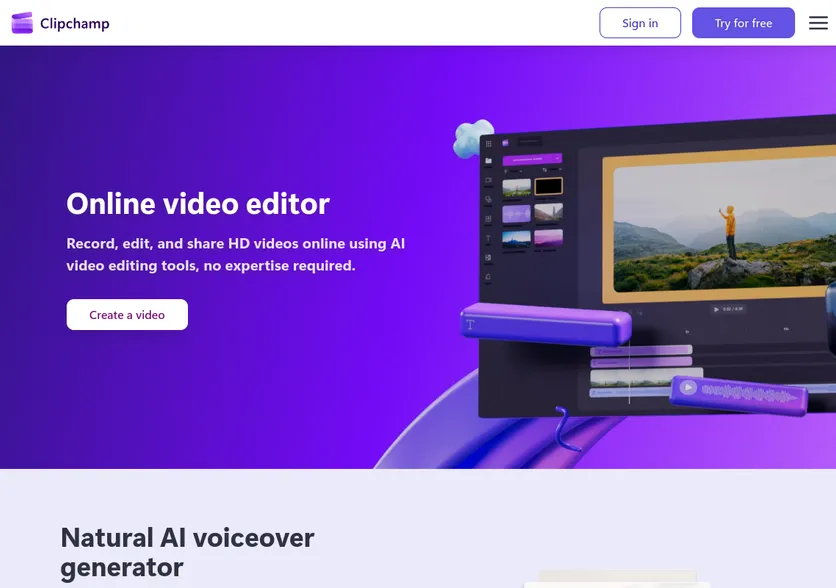
A Windows creator who already pays for Microsoft 365 may own this already, because this Clipchamp plan costs nine dollars and ninety-nine cents a month billed annually on Premium, and it is built into Windows 11 with a browser editor that needs no install. The free plan exports 1080p with no watermark, which is rare, and Premium adds four-K export, premium stock and a brand kit. It is the simplest editor in this list, which is a strength for quick social edits and a limit for long-form work.
What we like
- Built into Windows 11 with no install
- Free plan exports 1080p with no watermark
- Premium included in Microsoft 365 Personal and Family
Watch out for
- Simplest editor in this list, with the fewest pro features
- Four-K export needs the paid plan
How to try it
- Open Clipchamp from Windows 11 or the browser
- Cut the clip and add captions
- Export and upload the video to YouTube
8. VSDC
Best for: Windows creators on a tight budget
Paid tool Starting price: $19.99/year · Nineteen dollars and ninety-nine cents a year on Pro
Free plan: Free plan (no watermark)
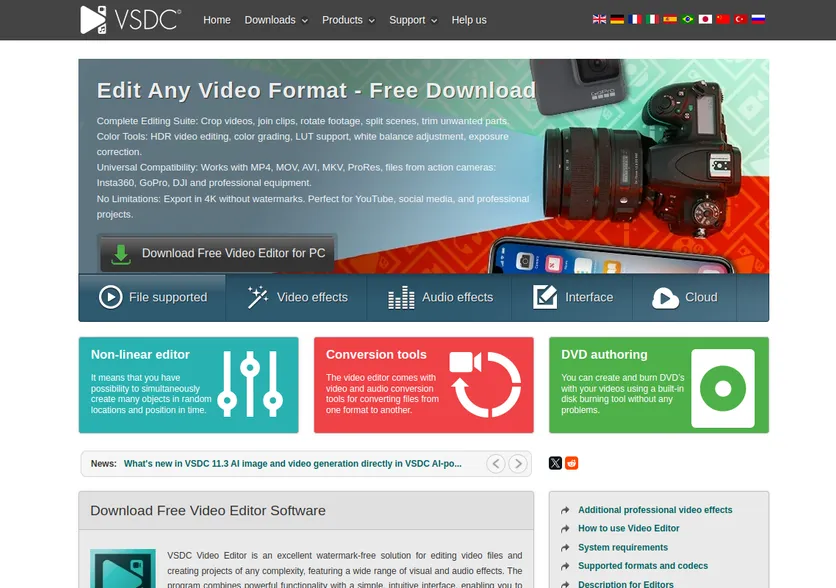
A Windows creator on a tight budget will find the cheapest paid editor here, because this VSDC plan costs nineteen dollars and ninety-nine cents a year on Pro, and the free version already exports with no watermark. It runs only on Windows, which is fine for this list, and it covers multi-track editing, colour correction and motion tracking. The interface looks dated next to Filmora, but the price is hard to argue with.
What we like
- Cheapest paid editor in this list
- Free version exports with no watermark
- Windows-only, with multi-track editing and motion tracking
Watch out for
- A dated interface next to Filmora or PowerDirector
- Fewer templates and AI helpers than the dearer editors
How to try it
- Download VSDC on Windows and import the clips
- Cut the timeline and add effects
- Export and upload the video to YouTube
9. VEED
Best for: Windows creators who edit in the browser
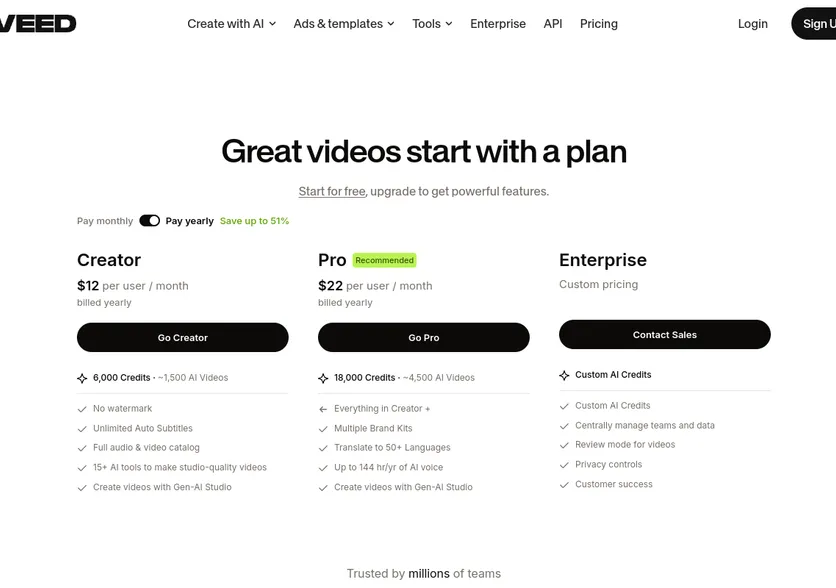
Paid tool Starting price: $12.25/seat/month · Twelve dollars and twenty-five cents per seat a month billed annually on Creator ($147 a year); $25 a seat a month month to month; Pro is twenty-two dollars and eight cents a seat a month billed annually; the old twelve dollar Basic plan is retired; self-serve workspaces cap at three editors
Free plan: Free plan (720p, watermarked)
A Windows creator who edits in the browser will find the quickest route here, because this VEED plan costs twelve dollars and twenty-five cents a seat a month billed annually on Creator, and it covers editing, auto-subtitles, screen recording and AI avatars in one browser tab. Nothing needs installing, so the same project opens on any Windows machine. The old Basic plan is retired, so older comparisons quoting twelve dollars flat are out of date.
What we like
- Editing, subtitles and screen recording in one browser tab
- Nothing to install on any Windows machine
- Unlimited auto-subtitles under a fair-use limit
Watch out for
- Self-serve workspaces cap at three editors
- Creator exports cap at 1080p, not four-K
How to try it
- Open VEED in the browser and upload the clip
- Cut the timeline and add auto-subtitles
- Export and upload the video to YouTube
Prices above were checked on each vendor’s own website on Nov 29, 2026 and can change — the vendor’s page is the final word. Vendor links are editorial: nobody paid to be listed or ranked here. Vendors who want a featured listing can see how it works on our Get listed page.
How to pick a YouTube editor that runs well on Windows
Check the system requirements first, because a pro editor on a weak laptop will stutter and crash. Prefer a tool with a free plan or trial, and cut a real video in it before paying. Compare the total cost over three years, since a one-time licence often beats a subscription for a creator who edits every week. Finally, make sure the export presets include YouTube, so the upload step is one click. Also test the export on the actual Windows machine that will do the work, since a smooth edit on a demo video can still stutter on a long timeline with effects.
Before you buy
- Check the system requirements against the actual Windows machine
- Cut a real video on the free plan or trial before paying
- Compare the three-year cost of subscriptions against one-time licences
- Confirm that the export presets include YouTube uploads
- Make sure the editor runs natively on Windows, not in a wrapper
Official websites
Official websites of the products reviewed above. Features and prices were checked against these sites when this guide was written, and they can change, so confirm on the vendor site before you buy.
Frequently asked questions
What is the best video editing software for YouTube on Windows?
Camtasia is the best pick for Windows creators who teach on screen, because it records and edits tutorials in one app for one hundred and seventy-nine dollars and eighty-eight cents a year. Filmora is the best beginner editor at forty-nine dollars and ninety-nine cents a year. DaVinci Resolve Studio is the best value pro editor at two hundred and ninety-five dollars once, with free updates.
Is there a free video editor for YouTube on Windows?
Yes, several. Clipchamp is built into Windows 11 and its free plan exports 1080p with no watermark. DaVinci Resolve is free with no watermark and is a full professional editor. VSDC is free with no watermark and runs only on Windows. A creator can run a whole channel on any of these three without paying anything.
How much does Filmora cost on Windows?
Filmora Basic costs forty-nine dollars and ninety-nine cents a year on Windows, and Advanced costs fifty-nine dollars and ninety-nine cents a year with one thousand AI credits a month. A perpetual licence costs seventy-nine dollars and ninety-nine cents one time. The free plan exports with a watermark, so a channel that publishes weekly should budget for the paid tier.
Can I use Final Cut Pro on Windows?
No, Final Cut Pro runs only on Mac, so a Windows creator cannot use it at all. The closest Windows options are DaVinci Resolve Studio at two hundred and ninety-five dollars once and Premiere Pro at twenty-two dollars and ninety-nine cents a month. Both run natively on Windows and cover the same professional work, including colour grading and multi-track editing.
Is Clipchamp really free on Windows 11?
Yes, Clipchamp is built into Windows 11 and its free plan exports 1080p video with no watermark, which is rare for a free editor. Premium costs nine dollars and ninety-nine cents a month billed annually and adds four-K export, premium stock and a brand kit. Premium is also included in Microsoft 365 Personal and Family, so many Windows users already have it without paying extra.
Compare the nine tools above, then start with a free plan or trial on the editor that matches the Windows machine and the videos the channel actually publishes.
Browse Video Tools tools