On this page
A YouTube video with clean motion tracking, a green screen that actually keys and titles that move will keep a viewer watching longer than a video that relies on jump cuts alone. The eight tools below cover motion graphics, compositing, tracking and screen replacement for creators who edit on a desktop. Adobe After Effects leads because it is the industry standard at twenty-two dollars and ninety-nine cents a month, and the rest are ranked on how well they fit a creator budget.
How we researched this
We checked every price on the vendor pricing page on November 29, 2026, and only included tools with a published US dollar list price. The tools that sell by quote or through a bundle with no clean published price, including Red Giant Complete through Maxon One and HitFilm after the Artlist acquisition, are not in this list. Prices change, so confirm the current figure on the vendor site before you buy.
Compare the tools
| Name | Best for | Starting price | Free plan | |
|---|---|---|---|---|
 Adobe After Effects | YouTubers who want the industry-standard motion graphics tool | $22.99/month | 7-day free trial | Visit |
 DaVinci Resolve Studio | YouTubers who want edit, grade and VFX in one free app | $295 one-time | Free version available | Visit |
 Fusion Studio | Creators who want a dedicated standalone compositor | $295 one-time | No free plan; free trial | Visit |
 Mocha Pro | Creators who need the best planar tracking for inserts | $325/year | 15-day free trial | Visit |
 Nuke Indie | Creators who want film-grade compositing on a creator budget | $499/year | Free non-commercial version | Visit |
 Boris FX Sapphire | Creators who want premium glows, flares and transitions | $545/year | 14-day free trial | Visit |
 Silhouette | Creators who rotoscope subjects out of shots regularly | $545/year | No free plan; free trial | Visit |
 Apple Motion | Mac-based YouTubers who edit in Final Cut Pro | $49.99 one-time | No free plan; free trial | Visit |
The VFX software for YouTubers, compared
1. Adobe After Effects
Best for: YouTubers who want the industry-standard motion graphics tool
Paid tool Starting price: $22.99/month · Twenty-two dollars and ninety-nine cents a month for the single app, annual billed monthly; month-to-month is thirty-four dollars and forty-nine cents; Teams is thirty-seven dollars and ninety-nine cents a user a month; the full Creative Cloud plan is fifty-nine dollars and ninety-nine cents a month
Free plan: 7-day free trial
A YouTuber who wants the same tool the studios use will start here, since this Adobe After Effects plan costs twenty-two dollars and ninety-nine cents a month billed annually and covers motion graphics, compositing, tracking and the full plugin ecosystem. Its integration with Premiere Pro means a creator can move between edit and effects without rendering in between. It is the best pick for a creator who wants the industry standard.
What we like
- Largest template and plugin ecosystem for creators
- Deep integration with Premiere Pro and the Adobe suite
- Best motion tracking and keying in its class
Watch out for
- Subscription never ends, so the lifetime cost keeps growing
- Demands a fast machine and a steep learning curve
How to try it
- Download the 7-day free trial from Adobe
- Import a Premiere Pro project and add a motion graphic
- Export the finished video back to Premiere Pro
2. DaVinci Resolve Studio
Best for: YouTubers who want edit, grade and VFX in one free app
Paid tool Starting price: $295 one-time · Two hundred and ninety-five dollars one-time for the Studio licence; the free version includes the full Fusion compositing page; no subscription
Free plan: Free version available
A YouTuber who edits, grades and composites in one app will save the most here, since this DaVinci Resolve Studio plan costs two hundred and ninety-five dollars one-time and includes the full Fusion compositing page with no subscription. The free version already covers most creator effects, and Studio adds stereoscopic tools, noise reduction and a neural engine. It is the best free start in this list.
What we like
- Free version includes the full Fusion compositing page
- One-time $295 licence with no subscription ever
- Best colour grading tool in this list built in
Watch out for
- Fusion node workflow is harder to learn than layer tools
- Studio extras matter more to pros than to creators
How to try it
- Download the free version from Blackmagic Design
- Open the Fusion page and add a node-based effect
- Upgrade to Studio when the free version limits a project
3. Fusion Studio
Best for: Creators who want a dedicated standalone compositor
Paid tool Starting price: $295 one-time · Two hundred and ninety-five dollars one-time; no subscription; a free trial is available on the Blackmagic site
Free plan: No free plan; free trial
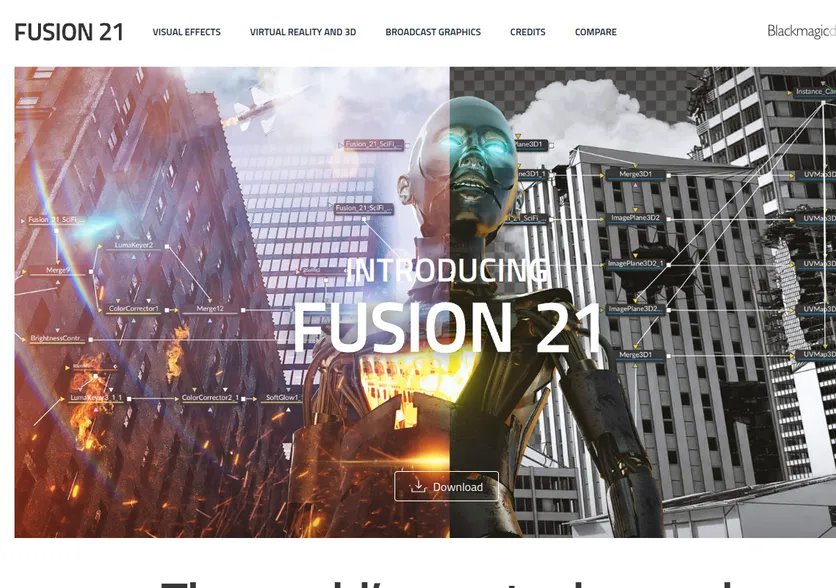
A compositor who wants a dedicated node-based tool will find its home here, since this Fusion Studio plan costs two hundred and ninety-five dollars one-time and runs as a standalone studio-grade compositor. It handles the same node workflows as the Fusion page inside DaVinci Resolve, with a bigger screen for complex shots. It suits creators who composite in a separate app from their edit.
What we like
- Studio-grade node compositing for a one-time $295
- Same Fusion engine used inside DaVinci Resolve
- No subscription, so the licence never expires
Watch out for
- No editing or grading, so it needs a second app
- Node workflow is slower to learn than layers
How to try it
- Download the free trial from Blackmagic Design
- Import the footage and build a node tree
- Render the composite and cut it into the edit
4. Mocha Pro
Best for: Creators who need the best planar tracking for inserts
Paid tool Starting price: $325/year · Three hundred and twenty-five dollars a year for a single-host plugin licence; forty-eight dollars a month on the monthly plan; some November 2026 listings show two hundred and ninety-five dollars a year, which appears to be an older figure
Free plan: 15-day free trial
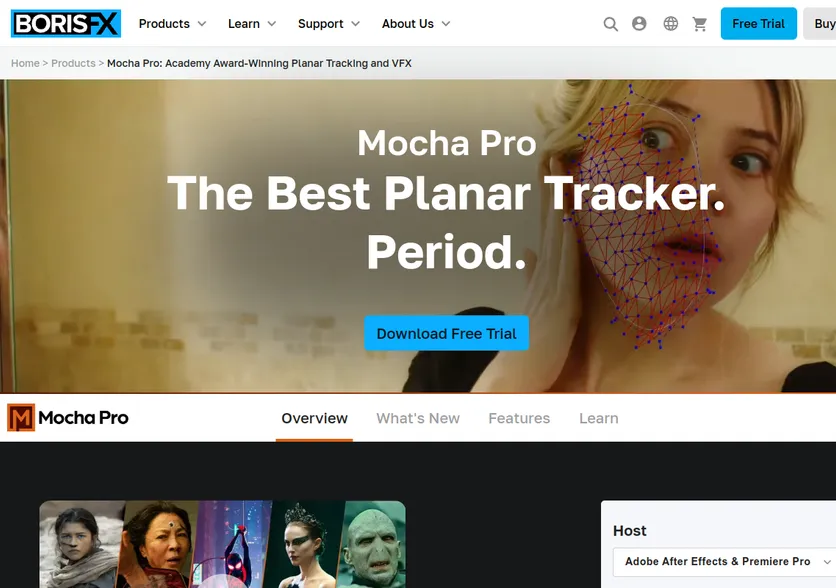
A YouTuber who needs rock-solid tracking for screen inserts and object removal will find the best tracker here, since this Mocha Pro plan costs three hundred and twenty-five dollars a year as a plugin for After Effects, Premiere Pro or DaVinci Resolve. Its planar tracking handles shots that point trackers cannot, and the remove module cleans up wires and rigs. It is the best tracking plugin in this list.
What we like
- Best planar tracking in its class for screen inserts
- Remove module cleans wires and rigs from shots
- Works as a plugin inside After Effects and Resolve
Watch out for
- It is a plugin, not a full editor, so it needs a host app
- Two different list prices circulate for the annual plan
How to try it
- Download the 15-day free trial from Boris FX
- Track a screen insert with the planar tracker
- Render the track inside the host application
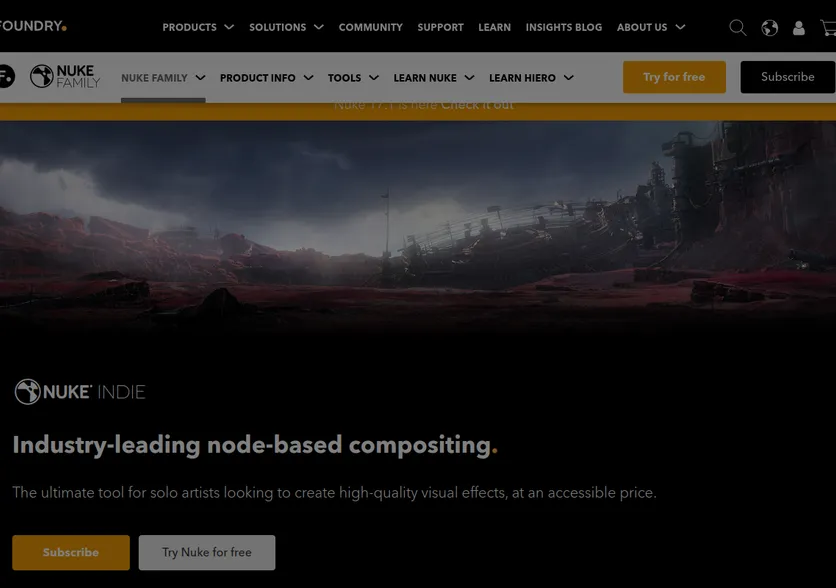
5. Nuke Indie
Best for: Creators who want film-grade compositing on a creator budget
Paid tool Starting price: $499/year · Four hundred and ninety-nine dollars a year for the Indie seat; the standard seat is three thousand eight hundred and thirty-nine dollars a year; Indie is capped at one hundred thousand dollars of annual revenue
Free plan: Free non-commercial version
A YouTuber who wants the same compositor the film industry uses will find the cheapest route here, since this Nuke Indie plan costs four hundred and ninety-nine dollars a year and offers the full node-based compositor at a fraction of the studio price. The Indie seat is capped at one hundred thousand dollars of annual revenue, which covers most creators. It suits a creator who wants film-grade compositing on a creator budget.
What we like
- Same node compositor used by film studios
- Indie price is a fraction of the standard seat
- Full toolset with no watermark on the Indie seat
Watch out for
- Revenue cap of $100,000 a year on the Indie seat
- Steepest learning curve in this list
How to try it
- Download the free non-commercial version from Foundry
- Build a node tree for a green screen shot
- Upgrade to Indie when the project earns money
6. Boris FX Sapphire
Best for: Creators who want premium glows, flares and transitions
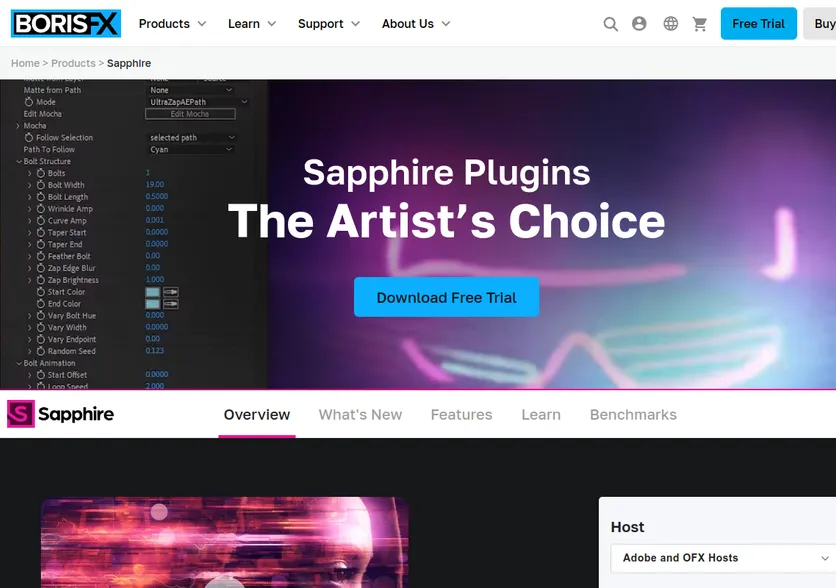
Paid tool Starting price: $545/year · Five hundred and forty-five dollars a year for the annual plan; some directory listings show forty-seven dollars a month, about five hundred and sixty-four dollars a year, so confirm the current figure with Boris FX
Free plan: 14-day free trial
A YouTuber who wants the glow, flare and transition looks that define premium channels will find them here, since this Boris FX Sapphire plan costs five hundred and forty-five dollars a year and bundles over two hundred and seventy effects and transitions. Its glows and light effects are the ones viewers recognise from big channels, and it plugs into After Effects, Premiere Pro and Resolve. It suits creators who want a signature look fast.
What we like
- Over 270 effects and transitions in one bundle
- Signature glow and flare looks used by big channels
- Works inside After Effects, Premiere Pro and Resolve
Watch out for
- Annual price is dearer than the other effect bundles here
- Two list prices circulate for the annual plan
How to try it
- Download the 14-day free trial from Boris FX
- Apply a Sapphire glow to a title card
- Save the look as a preset for the whole channel
7. Silhouette
Best for: Creators who rotoscope subjects out of shots regularly
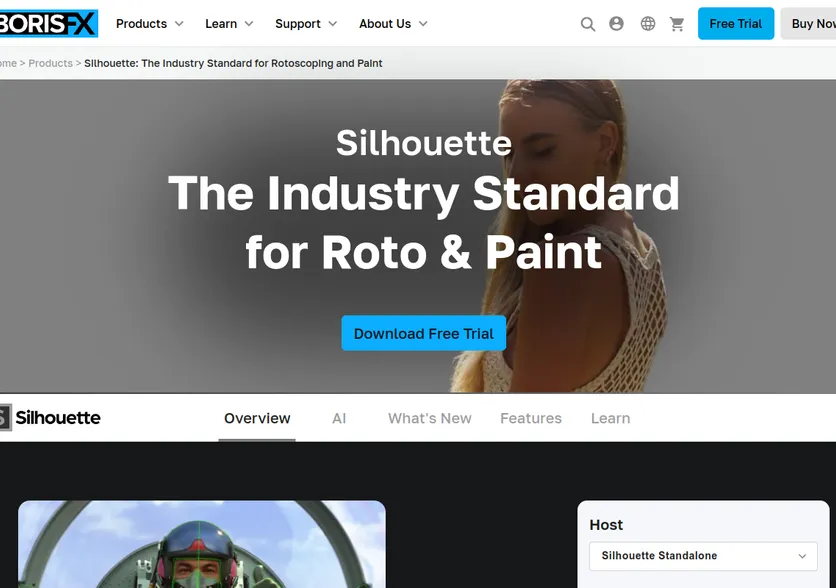
Paid tool Starting price: $545/year · Five hundred and forty-five dollars a year for the plugin set; eight hundred and seventy-five dollars a year for the standalone application
Free plan: No free plan; free trial
A YouTuber who needs clean rotoscoping and paint for a tricky shot will find the best roto tool here, since this Silhouette plan costs five hundred and forty-five dollars a year as a plugin set and is the industry standard for rotoscoping and paint. Its planar tracker and magnetic splines make cutting out a subject faster than any other tool here. It suits creators who rotoscope regularly and want the pro tool.
What we like
- Industry-standard rotoscoping and paint tool
- Magnetic splines make cutting out subjects faster
- Planar tracker built in for moving shots
Watch out for
- Plugin price is dear for a tool used on occasional shots
- Standalone application costs $875 a year
How to try it
- Download the free trial from Boris FX
- Rotoscope a subject with the magnetic spline
- Export the matte into the host application
8. Apple Motion
Best for: Mac-based YouTubers who edit in Final Cut Pro
Paid tool Starting price: $49.99 one-time · Forty-nine dollars and ninety-nine cents one-time on the Mac App Store; macOS only; no subscription
Free plan: No free plan; free trial
A Mac-based YouTuber who wants real motion graphics for the price of a takeaway will find the best value here, since this Apple Motion plan costs forty-nine dollars and ninety-nine cents one-time and covers titles, generators and behaviours for Final Cut Pro. Its templates plug straight into Final Cut, so a creator can build a channel look in an afternoon. It is the cheapest real motion graphics tool in this list.
What we like
- Full motion graphics for $49.99 once, no subscription
- Templates plug straight into Final Cut Pro
- Behaviours make animation easy without keyframes
Watch out for
- Mac only, so Windows creators cannot use it
- Smaller effect library than After Effects
How to try it
- Buy Motion from the Mac App Store
- Open a title template and customise it for the channel
- Publish the title to Final Cut Pro as a template
Prices above were checked on each vendor’s own website on Nov 29, 2026 and can change — the vendor’s page is the final word. Vendor links are editorial: nobody paid to be listed or ranked here. Vendors who want a featured listing can see how it works on our Get listed page.
How to pick VFX software that matches your channel, not your wishlist
Start with the edit, not the effects, because a creator who edits in Premiere Pro will get the most from After Effects, and a Final Cut editor will get the most from Motion. Then count how many shots per video actually need effects, since a channel that needs one title card a week does not need a five hundred dollar plugin. Learn one tool deeply before buying another, because most creators abandon a second tool within a month. Finally, check the machine, since node compositors and trackers demand far more RAM and GPU than a title tool.
Before you buy
- Confirm the tool plugs into the editor you already use
- Count how many shots per video actually need effects before buying
- Start with the free version or trial and finish one real video first
- Check the machine meets the RAM and GPU needs of the tool
- Learn one tool deeply before adding a second effect app
Official websites
Official websites of the products reviewed above. Features and prices were checked against these sites when this guide was written, and they can change, so confirm on the vendor site before you buy.
Frequently asked questions
What is the best VFX software for YouTubers in 2026?
Adobe After Effects is the best overall pick for YouTubers, at twenty-two dollars and ninety-nine cents a month, because it is the industry standard with the largest template and plugin ecosystem. DaVinci Resolve is the best free start, since its free version includes the full Fusion compositing page, and Apple Motion is the best value on Mac at forty-nine dollars and ninety-nine cents once.
Is there free VFX software for YouTubers?
Yes. DaVinci Resolve has a free version that includes the full Fusion compositing page, which covers most creator effects with no subscription. Nuke has a free non-commercial version, and Blender is free, though it has no paid price to compare here. Start with Resolve free, then pay for Studio at two hundred and ninety-five dollars once.
How much does After Effects cost for a YouTuber?
After Effects costs twenty-two dollars and ninety-nine cents a month for the single app, annual billed monthly. Month-to-month is thirty-four dollars and forty-nine cents, and Teams is thirty-seven dollars and ninety-nine cents a user a month. The full Creative Cloud plan is fifty-nine dollars and ninety-nine cents a month.
Do I need Nuke or Silhouette as a YouTuber?
Most YouTubers do not. Nuke Indie at four hundred and ninety-nine dollars a year is for creators who want film-grade compositing, and Silhouette at five hundred and forty-five dollars a year is for creators who rotoscope regularly. After Effects or DaVinci Resolve covers the effects most channels need.
What is the cheapest VFX software for a Mac YouTuber?
Apple Motion is the cheapest real motion graphics tool for a Mac YouTuber, at forty-nine dollars and ninety-nine cents one-time on the Mac App Store, with no subscription. It plugs straight into Final Cut Pro, so a creator can build a channel look in an afternoon without paying a monthly fee.
Compare the eight tools above, then start with the free trial or free version of the one that plugs into the editor you already use.
Browse Video Tools tools