
On this page
Compositing is where shots come together, and the right tool decides whether a freelancer can take on film work or stays stuck on simple fixes. The seven tools below run from about twenty-three dollars a month to over five thousand dollars a year, and every price was checked on the vendor site on November 26, 2026. Most offer a free version or trial, so you can test a real shot before paying. Adobe After Effects is our first pick — the most versatile compositor for freelance motion work.
How we researched this
We started with the compositing tools VFX freelancers actually buy, then read each price on the vendor pricing page on November 26, 2026 and noted the free version or trial each one carries. We judged them for a freelancer who composites shots for clients, and we kept only tools with a published price in US dollars. We dropped Silhouette because the vendor publishes no price, and we skipped free-only tools like Natron and Blender because they carry no paid plan.
Compare the tools
| Name | Best for | Starting price | Free plan | |
|---|---|---|---|---|
 Adobe After Effects | Freelancers who need motion graphics and compositing in one app | $22.99/month | No free plan; 7-day free trial | Visit |
 Fusion Studio | Freelancers who want node compositing without a subscription | $295 one-time | Fusion is free inside DaVinci Resolve | Visit |
 DaVinci Resolve Studio | Freelancers who want editing, color and compositing in one app | $295 one-time | Free version with the Fusion page included | Visit |
 Nuke Indie | Solo film compositors who need the industry-standard node tool | $499/year | No free plan; free trial available | Visit |
 Mocha Pro | Freelancers who need planar tracking for roto and cleanup | $295/year | No free plan; 14-day free trial | Visit |
 Sapphire | Freelancers who want a huge library of looks and effects | $545/year | No free plan; free trial available | Visit |
 Autodesk Flame | Lead finishing artists doing commercials and episodic work | $5,215/year | No free plan; 30-day free trial | Visit |
The compositing software for VFX freelancers, compared
1. Adobe After Effects
Best for: Freelancers who need motion graphics and compositing in one app
Paid tool Starting price: $22.99/month · Single app plan, annual plan billed monthly; month-to-month billing costs more
Free plan: No free plan; 7-day free trial
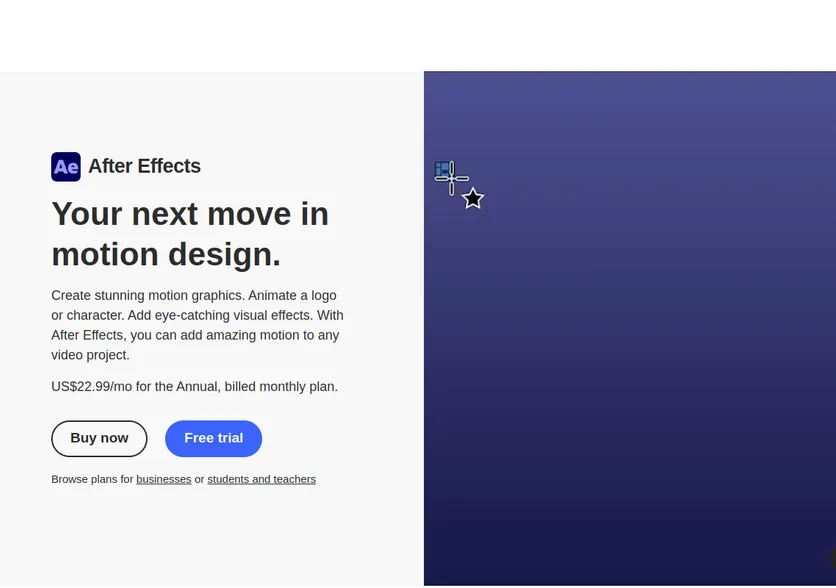
After Effects is the motion graphics standard that freelancers use for titles, animation and compositing, with a plugin ecosystem no rival matches. This Adobe After Effects single app plan costs twenty-two dollars and ninety-nine cents a month on an annual plan billed monthly. A freelancer who mixes compositing with motion design will find no faster way to deliver client work.
What we like
- Biggest plugin ecosystem in compositing
- Motion graphics and compositing in one app
- Every client already knows the format
Watch out for
- Subscription never ends, so costs add up
- Layer workflow is slower than nodes for big shots
How to try it
- Open the Adobe plans page and start the trial
- Import a shot and add a tracked element
- Render a test composite and check the quality
2. Fusion Studio
Best for: Freelancers who want node compositing without a subscription
Paid tool Starting price: $295 one-time · One-time perpetual license, $295; Fusion is also free inside DaVinci Resolve
Free plan: Fusion is free inside DaVinci Resolve
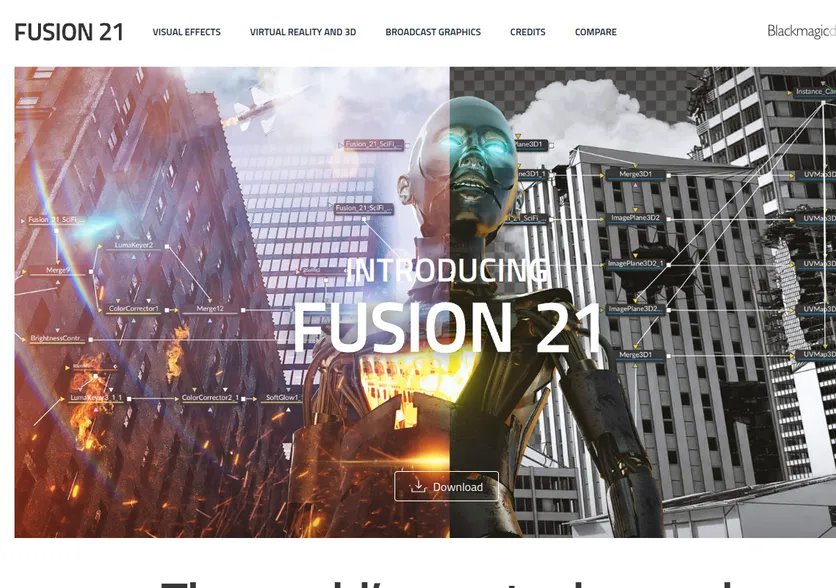
Fusion Studio is Blackmagic's standalone node compositor, with the same tools used on feature films, sold as a one-time purchase. This Fusion Studio license costs two hundred and ninety-five dollars once, with no monthly bill ever. A freelancer who hates subscriptions will love paying once and owning the tool for good.
What we like
- One-time price with no subscription
- True node workflow like Nuke
- Free version inside DaVinci Resolve
Watch out for
- Fewer third-party plugins than After Effects
- Smaller community for troubleshooting
How to try it
- Open the Blackmagic Fusion page and buy the Studio license
- Build a node tree for a keying shot
- Render the composite and compare it with your old tool
3. DaVinci Resolve Studio
Best for: Freelancers who want editing, color and compositing in one app
Paid tool Starting price: $295 one-time · One-time perpetual license, $295; the free version of DaVinci Resolve includes the Fusion page
Free plan: Free version with the Fusion page included
DaVinci Resolve Studio bundles editing, color grading, audio and the Fusion compositing page into one application for a single payment. This DaVinci Resolve Studio license costs two hundred and ninety-five dollars once and includes every future update. A freelancer who edits and finishes their own shots will find the whole pipeline in one place.
What we like
- Edit, color and compositing in one app
- One-time price with free updates
- Free version is remarkably complete
Watch out for
- Needs a strong machine for 4K work
- Fusion page is smaller than standalone Fusion
How to try it
- Open the Blackmagic Resolve page and buy the Studio license
- Cut a shot on the Edit page
- Switch to the Fusion page and composite the effect
4. Nuke Indie
Best for: Solo film compositors who need the industry-standard node tool
Paid tool Starting price: $499/year · Annual subscription, $499 a year for solo artists under $100,000 annual revenue; full Nuke is $3,839 a year
Free plan: No free plan; free trial available
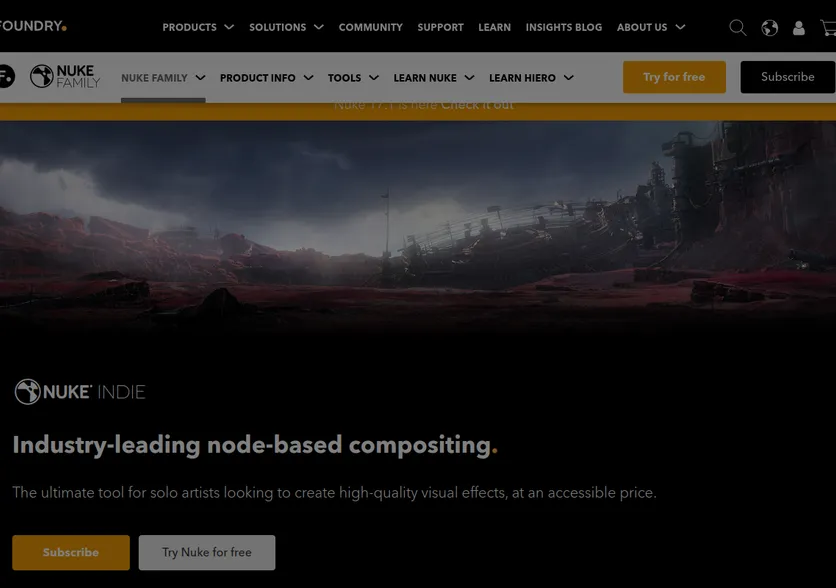
Nuke Indie brings the film industry's standard compositor to solo artists, with the full node toolset and editorial environment at a fraction of the studio price. This Nuke Indie subscription costs four hundred and ninety-nine dollars a year for artists earning under a hundred thousand dollars. A freelancer aiming at film and episodic work will find Nuke on the resume opens doors.
What we like
- Industry-standard node compositing
- Includes NukeX and Studio capabilities
- Strongest resume signal in film VFX
Watch out for
- Revenue cap of a hundred thousand dollars a year
- Resolution and pipeline limits apply
How to try it
- Open the Foundry Nuke Indie page and check the revenue cap
- Start the trial and build a node graph for a shot
- Test the editorial tools on a multi-shot sequence
5. Mocha Pro
Best for: Freelancers who need planar tracking for roto and cleanup
Paid tool Starting price: $295/year · Single-host plugin subscription, $295 a year or $37 a month; multi-host is $595 a year and perpetual is $695
Free plan: No free plan; 14-day free trial
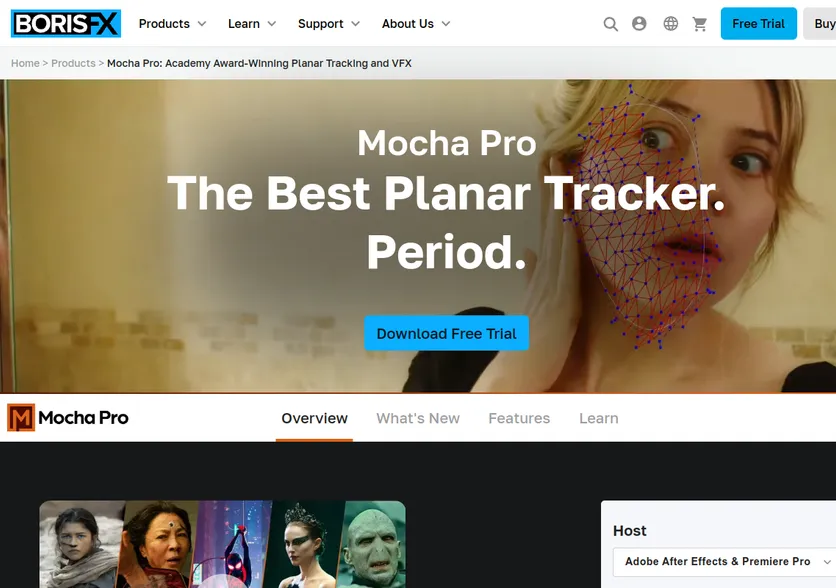
Mocha Pro is the planar tracker that roto artists use to follow surfaces through a shot, turning hours of keyframing into tracked shapes. This Mocha Pro single-host plugin costs two hundred and ninety-five dollars a year and plugs into After Effects, Nuke, Fusion and more. A freelancer doing screen replacements, cleanup or roto will finish shots in a fraction of the time.
What we like
- Best planar tracking in its price range
- Plugs into almost every host
- Pays for itself on one roto job
Watch out for
- Single-host license covers one app only
- Needs a host app to run
How to try it
- Open the Boris FX Mocha Pro page and start the trial
- Track a surface in your shot with the planar tracker
- Export the tracked shapes to your compositor
6. Sapphire
Best for: Freelancers who want a huge library of looks and effects
Paid tool Starting price: $545/year · Annual subscription, $545 a year or $80 a month; perpetual is $1,865
Free plan: No free plan; free trial available
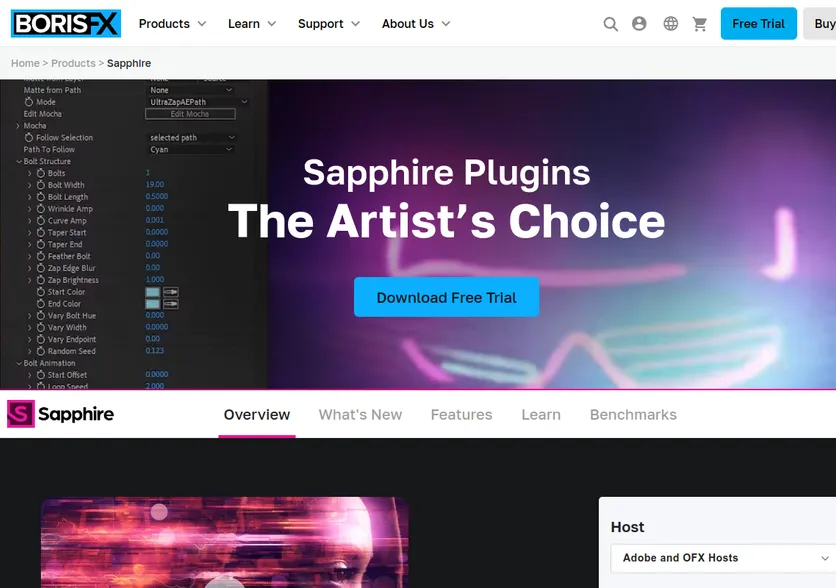
Sapphire is the effects library that compositors reach for when a shot needs a look, with hundreds of glows, flares, transitions and distortions. This Sapphire annual subscription costs five hundred and forty-five dollars a year and plugs into After Effects, Resolve, Nuke and more. A freelancer who finishes many different shots will find the presets save hours on every job.
What we like
- Huge library of production-ready effects
- Works in almost every host
- Presets speed up client revisions
Watch out for
- Needs a host app to run
- Yearly price is steep for occasional use
How to try it
- Open the Boris FX Sapphire page and start the trial
- Browse the preset browser for your shot
- Apply an effect and tune it in your host app
7. Autodesk Flame
Best for: Lead finishing artists doing commercials and episodic work
Paid tool Starting price: $5,215/year · Annual subscription, $5,215 a year or $435 a month billed annually; monthly billing is $650 a month; Flame Assist and Flare are $2,775 a year each
Free plan: No free plan; 30-day free trial
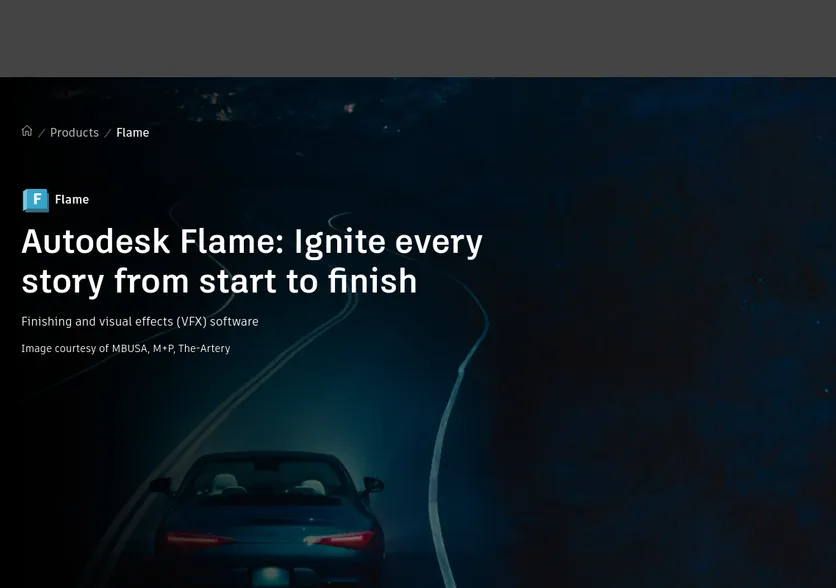
Flame is the finishing environment where commercials and episodic shows are composited, graded and delivered in one application. This Autodesk Flame annual subscription costs five thousand two hundred and fifteen dollars a year, which puts it far above the rest of this list. A freelancer leading finishing sessions with clients in the room will find no tool that matches its speed.
What we like
- Fastest client-supervised finishing available
- Compositing, color and delivery in one app
- Industry standard for commercial finishing
Watch out for
- Five thousand a year is the highest price here
- Needs high-end Linux or Mac hardware
How to try it
- Open the Autodesk Flame page and start the 30-day trial
- Import a commercial spot and build the composite
- Grade, finish and deliver the spot from the same timeline
Prices above were checked on each vendor’s own website on Nov 26, 2026 and can change — the vendor’s page is the final word. Vendor links are editorial: nobody paid to be listed or ranked here. Vendors who want a featured listing can see how it works on our Get listed page.
What compositing software costs in 2026
Compositing costs split into two shapes, and this list shows both. Subscriptions like After Effects and Nuke Indie charge every month or year, while one-time tools like Fusion Studio and DaVinci Resolve Studio cost two hundred and ninety-five dollars once and never bill again. The headline plan each vendor shows on its own pricing page is the number in the table above, checked on November 26, 2026.
Start with the free version or trial on two tools and composite one real shot through each, from keying to final render. Compare how fast the node or layer workflow feels, whether the tracker holds on a hard shot, and how the render looks on a big screen. Pick the tool that finishes your typical shot fastest, because speed is what a freelancer sells.
Before you buy
- Check whether the price is a subscription or a one-time purchase, because the totals diverge fast.
- Test the tracker on a hard shot, because a weak tracker costs hours on every job.
- Confirm the host apps, because plugins like Mocha Pro and Sapphire need another tool to run.
- Count the plugins you already own, because switching hosts can mean rebuying them.
- Ask about the free version, because Fusion and Resolve let you work before you pay.
Official websites
Official websites of the products reviewed above. Features and prices were checked against these sites when this guide was written, and they can change, so confirm on the vendor site before you buy.
Frequently asked questions
Which compositing software is best for VFX freelancers in 2026?
After Effects, at about twenty-three dollars a month, is the safest default because it mixes motion graphics with compositing and every client knows it. Fusion Studio is the best value at two hundred and ninety-five dollars once, with true node compositing and no subscription. Nuke Indie is the best choice for film work at four hundred and ninety-nine dollars a year.
How much does compositing software cost?
Most tools here cost between twenty-three dollars a month and five hundred and forty-five dollars a year, with Fusion Studio and DaVinci Resolve Studio as one-time purchases of two hundred and ninety-five dollars. Nuke Indie costs four hundred and ninety-nine dollars a year, while Flame is the outlier at over five thousand dollars a year for commercial finishing. A freelancer can start free with Resolve or Fusion and pay only when the work demands it.
Is Fusion Studio better than After Effects?
Fusion Studio is better for node-based compositing and for freelancers who hate subscriptions, because it costs two hundred and ninety-five dollars once. After Effects is better for motion graphics, titles and quick client work, because its plugin library and layer workflow are faster for those jobs. Many freelancers own both and pick per project.
Do I need Nuke Indie as a freelancer?
Only if you want film or episodic work, because Nuke is the industry standard there and clients ask for it by name. The Indie edition costs four hundred and ninety-nine dollars a year for artists earning under a hundred thousand dollars. For commercials, YouTube or corporate work, After Effects or Fusion Studio cover the same shots for less.
Can I composite for free?
Yes, DaVinci Resolve is free with the Fusion page included, and Fusion itself is free inside Resolve, so you can composite real shots without paying. Nuke has a free non-commercial edition for learning, and After Effects, Mocha Pro and Sapphire all offer free trials. Start free, and pay only when a client job needs a feature the free version lacks.
Need everyday video help too? Try Toolsvine's free video tools right in your browser.
Browse Video Tools tools


