On this page
A rescue squad runs on seconds, and the message that reaches everyone at once saves the call. The eight tools below cover that job for volunteer squads, from a four dollar a user a month team chat to a three hundred and forty-nine dollar a month dispatch system that tracks who is responding. Slack leads because it puts channels, huddles and alerts in one app for seven dollars and twenty-five cents a user a month billed annually, and the rest are ranked on how fast they reach a volunteer and how clearly they show who is coming.
How we researched this
We checked every price on the vendor pricing page on November 29, 2026, and only included tools with a published US dollar list price; Remind was left out because its paid Hub plan is quote-only and its free Chat plan has no price, Everbridge and AlertMedia were left out because they sell by quote, and GroupMe and Band are free apps with no paid tier, so they have no price to compare. Prices change, so confirm the current figure on the vendor site before you buy.
Compare the tools
| Name | Best for | Starting price | Free plan | |
|---|---|---|---|---|
 Slack | Squads that coordinate in writing as well as by voice | $7.25/user/month | Free plan | Visit |
 Microsoft Teams | Squads that already use Microsoft accounts and Office | $4/user/month | Free plan | Visit |
 Zello | Field crews that talk like a radio net on scene | $6.80/user/month | Free trial available | Visit |
 IamResponding | Squads that plan staffing around who is responding | $349/month | No free plan | Visit |
 Active911 | Small volunteer squads on a tight budget | $16.65/device/year | Free plan | Visit |
 TeamSnap | Squads that need rostering as much as messaging | $9.99/month | Free plan | Visit |
 PagerDuty | Squads with a formal duty roster and escalation rules | $21/user/month | Free plan (up to 5 users) | Visit |
 Voxer | Crews that need a replayable record of voice messages | $6/user/month | Free plan | Visit |
How to keep a rescue squad reachable on every call
1. Slack
Best for: Squads that coordinate in writing as well as by voice
Paid tool Starting price: $7.25/user/month · Seven dollars and twenty-five cents per user a month on Pro billed annually, or eight dollars and seventy-five cents billed monthly; Business Plus is fifteen dollars billed annually and adds AI search and daily recaps
Free plan: Free plan
A squad that needs one place for channels, alerts and calls will settle here, because this Slack plan costs seven dollars and twenty-five cents per user a month billed annually and keeps every conversation in searchable channels. Huddles turn a text thread into a live voice call in one click, and integrations pull alerts from dispatch tools. It is the best overall pick for a squad that coordinates in writing as well as by voice.

What we like
- Channels keep every conversation searchable and organised
- Huddles turn a text thread into a live voice call instantly
- Integrations pull alerts from dispatch and mapping tools
Watch out for
- Free plan keeps only ninety days of message history
- No built-in dispatch paging or response tracking
How to try it
- Create channels for dispatch, logistics and social
- Connect the dispatch tool so alerts land in Slack
- Start a huddle when a call needs live coordination
2. Microsoft Teams
Best for: Squads that already use Microsoft accounts and Office
Paid tool Starting price: $4/user/month · Four dollars per user a month on Teams Essentials billed annually; Microsoft 365 Business Basic is seven dollars a user a month paid yearly and adds the full Office suite; Business Basic without Teams is five dollars and forty cents on the July 2026 price list
Free plan: Free plan
A squad that already lives on Microsoft will pay the least here, because this Microsoft Teams plan costs four dollars per user a month billed annually and covers chat, calls and meetings in one app. Channels organise the squad by function, and the free plan is generous enough for a small team to start. It is the best value pick for a squad that already uses Microsoft accounts.

What we like
- Cheapest paid team chat in this list at four dollars a month
- Chat, calls and meetings in one app the team may already own
- Channels organise the squad by function or station
Watch out for
- Essentials is chat only, so the full suite costs seven dollars
- No dispatch paging or response tracking built in
How to try it
- Set up the squad with Teams Essentials accounts
- Create channels for dispatch, logistics and training
- Link the calendar so duty rosters stay visible
3. Zello
Best for: Field crews that talk like a radio net on scene
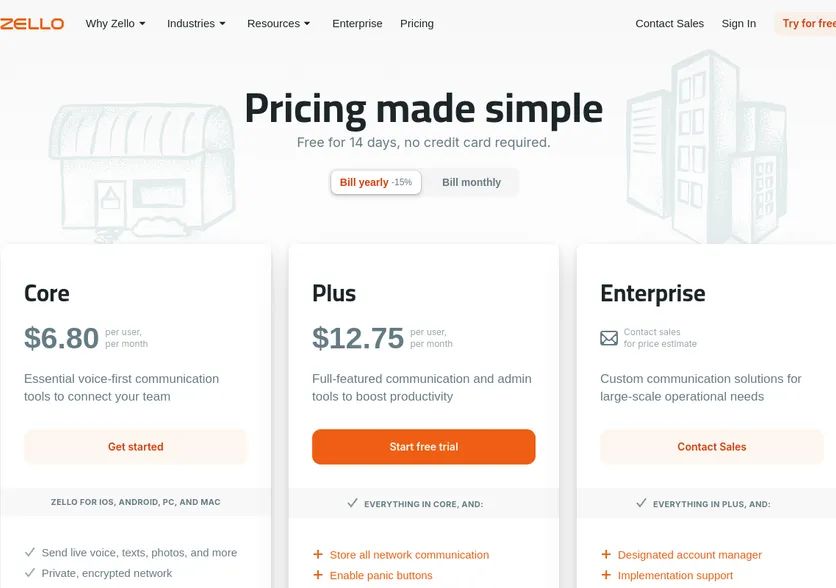
Paid tool Starting price: $6.80/user/month · Six dollars and eighty cents per user a month on Core billed yearly, or eight dollars billed monthly; Plus is twelve dollars and seventy-five cents billed yearly and adds more admin controls; the free consumer app is a different product and does not allow commercial use
Free plan: Free trial available
A field crew that talks like a radio net will work fastest here, because this Zello plan costs six dollars and eighty cents per user a month billed yearly and turns any phone into a push-to-talk handset. Private channels, live location and text messages ride in the same app, so the squad hears and sees where everyone is. It is the best pick for a crew that works on foot, in trucks and on scene.
What we like
- Push-to-talk voice works like a radio on any phone
- Live location shows where every responder is
- Private channels keep squad traffic separate
Watch out for
- Voice only, so written records need another tool
- The free consumer app cannot be used for squad work
How to try it
- Set up private channels for each squad and function
- Install Zello Work on every responder phone
- Test push-to-talk and location tracking on a drill
4. IamResponding
Best for: Squads that plan staffing around who is responding
Paid tool Starting price: $349/month · Three hundred and forty-nine dollars a month billed annually; an older directory listing quotes three hundred dollars per feature, which appears stale against the November 2026 vendor read, so confirm the rate before buying
Free plan: No free plan
A squad that needs to know who is coming, and when, will find its answer here, because this IamResponding plan costs three hundred and forty-nine dollars a month billed annually and shows every responder reply in real time. Dispatch alerts go out by text and app, and the dashboard maps who is en route and their arrival time. It is the best pick for a squad that plans staffing around each call.
What we like
- Real-time replies show who is coming and when they arrive
- Dispatch alerts reach responders by text and app together
- Dashboard maps en-route responders for the duty officer
Watch out for
- Three hundred and forty-nine dollars a month is a big bill for a small squad
- Older listings quote three hundred dollars, which appears stale
How to try it
- Connect IamResponding to the dispatch system
- Invite every volunteer and set their response options
- Watch the dashboard on the next call and staff around replies
5. Active911
Best for: Small volunteer squads on a tight budget
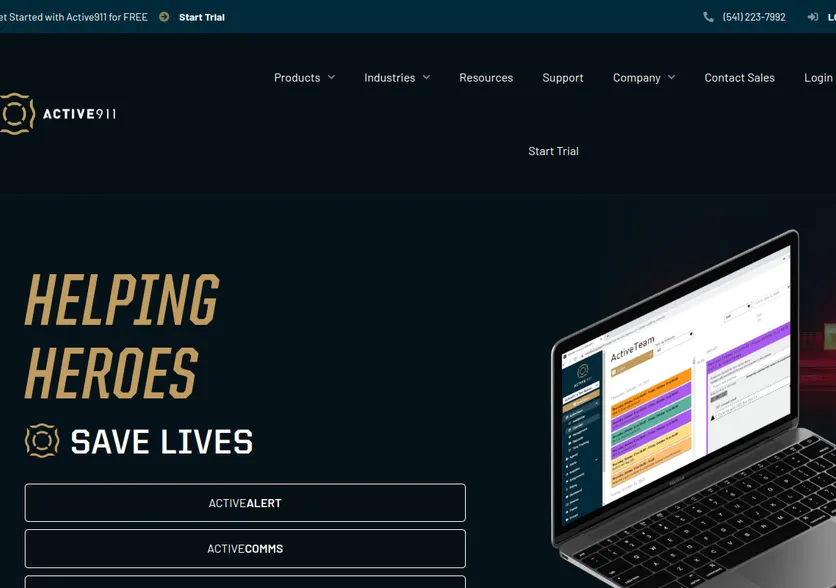
Paid tool Starting price: $16.65/device/year · Sixteen dollars and sixty-five cents per device per year on ActiveAlert; ActiveComms is sixty dollars per licence per year plus two hundred and fifty dollars per ActiveBridge per year, both lower at volume; an older directory listing quotes fourteen dollars a year, which appears stale
Free plan: Free plan
A squad that wants the cheapest real dispatch alert will find it here, because this Active911 plan costs sixteen dollars and sixty-five cents per device per year and pushes the call to every responder phone in seconds. Alerts carry maps and response tracking, so the duty officer sees who got the call. It is the best value pick for a small volunteer squad on a tight budget.
What we like
- Cheapest dispatch alert in this list at under seventeen dollars a year
- Alerts reach every responder phone in seconds with maps
- Per-device pricing scales with the squad, not the budget
Watch out for
- ActiveComms adds sixty dollars per licence plus a bridge fee
- Basic records and fewer admin tools than IamResponding
How to try it
- Sign up and add a device for each responder
- Connect Active911 to the dispatch system
- Test the alert on a drill and check response tracking
6. TeamSnap
Best for: Squads that need rostering as much as messaging
Paid tool Starting price: $9.99/month · Nine dollars and ninety-nine cents a month; one directory quotes six dollars and sixty-seven cents a month billed annually, and another lists plans from five dollars and eighty-four cents to ten dollars and eighty-four cents, so confirm the rate at checkout
Free plan: Free plan
A squad that organises like a sports team will feel at home here, because this TeamSnap plan costs nine dollars and ninety-nine cents a month and covers scheduling, rosters and messaging in one app. Availability tracking shows who is free for the next shift, and group messages reach the whole squad at once. It is the best pick for a squad that needs rostering as much as messaging.
What we like
- Scheduling, rosters and messaging in one app
- Availability tracking shows who is free for the next shift
- Group messages reach the whole squad at once
Watch out for
- Built for sports teams, so dispatch features are basic
- Listings disagree on the price, quoting six to eleven dollars
How to try it
- Set up the squad roster and duty schedule
- Invite volunteers and set their availability
- Send group messages for callouts and training
7. PagerDuty
Best for: Squads with a formal duty roster and escalation rules
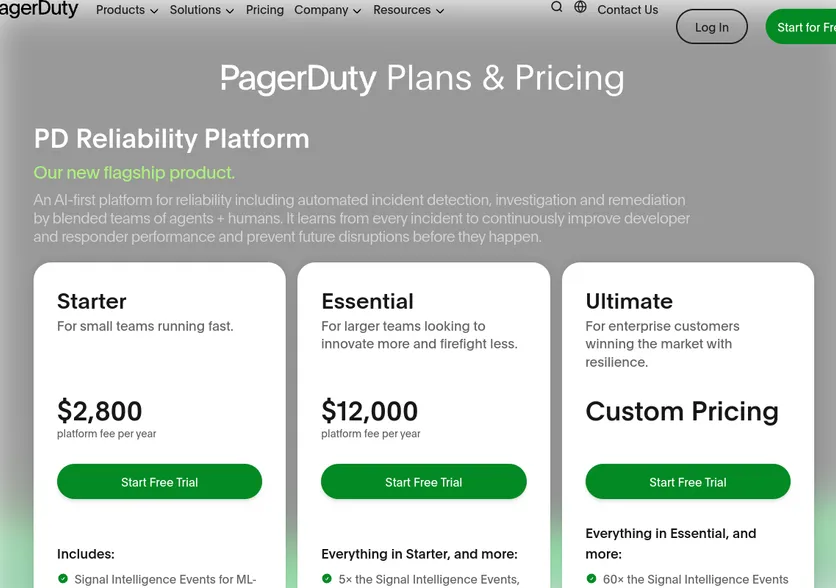
Paid tool Starting price: $21/user/month · Twenty-one dollars per user a month on Professional Incident Management billed annually, or twenty-five dollars billed monthly; the free plan covers five users; the newer Reliability Platform charges annual fees from two thousand eight hundred dollars a year for ten seats
Free plan: Free plan (up to 5 users)
A squad that runs formal on-call rotations will value the structure here, because this PagerDuty plan costs twenty-one dollars per user a month billed annually and manages schedules, escalation policies and post-incident reviews. Alerts escalate automatically when nobody answers, so a call never dies in silence. It is the best pick for a squad with a formal duty roster and escalation rules.
What we like
- On-call schedules and escalation policies built in
- Alerts escalate automatically when nobody answers
- Post-incident reviews turn every call into a lesson
Watch out for
- Twenty-one dollars a user is dear for a volunteer squad
- The newer platform plans start at two thousand eight hundred dollars a year
How to try it
- Set up the on-call schedule for the squad
- Define escalation policies for unanswered alerts
- Run a post-incident review after the next call
8. Voxer
Best for: Crews that need a replayable record of voice messages
Paid tool Starting price: $6/user/month · Six dollars per user a month on Business billed annually; the free plan keeps messages for thirty days and covers basic voice messaging
Free plan: Free plan
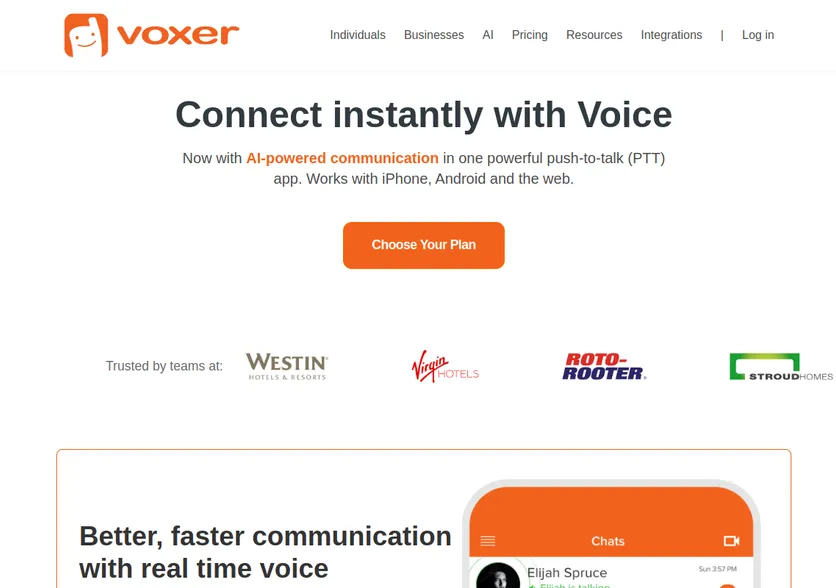
A crew that wants voice messages it can replay will like this option, because this Voxer plan costs six dollars per user a month billed annually and records every voice message as well as carrying live talk. A responder who missed the call can replay the message, and the private network keeps squad traffic separate. It is the best pick for a crew that needs a record of what was said.
What we like
- Recorded voice messages can be replayed later
- Live talk and recorded messages in the same app
- Private network with admin control over the squad
Watch out for
- No dispatch paging or response tracking built in
- Free plan keeps messages for only thirty days
How to try it
- Set up a private network for the squad
- Invite responders and create channels per function
- Use live talk on scene and replay messages after
Prices above were checked on each vendor’s own website on Nov 29, 2026 and can change — the vendor’s page is the final word. Vendor links are editorial: nobody paid to be listed or ranked here. Vendors who want a featured listing can see how it works on our Get listed page.
How to keep a rescue squad reachable on every call
Test the alert on a real drill before trusting it on a real call, because a system that works in the station may fail in a dead spot on the road. Keep one channel for dispatch and one for chatter, since a call that drowns in jokes gets missed. Make sure every volunteer can answer from the phone already in a pocket, with no special radio to carry. Check who is responding, not just who was paged, and run a post-call review so the next alert works better than the last.
Before you buy
- Test the alert on a real drill, including from dead spots on the road, before trusting it
- Keep dispatch and chatter on separate channels, so urgent calls are never buried
- Confirm every volunteer can answer from the phone already in a pocket
- Check that the tool shows who is responding, not just who was paged
- Run a post-call review after every major incident, so the next alert works better
Official websites
Official websites of the products reviewed above. Features and prices were checked against these sites when this guide was written, and they can change, so confirm on the vendor site before you buy.
Frequently asked questions
What is the best communication software for rescue squads?
Slack is the best overall pick, because it covers channels, huddles and integrations from seven dollars and twenty-five cents a user a month billed annually. Zello is the best pick for field crews at six dollars and eighty cents a user a month, with push-to-talk voice and live location. Microsoft Teams is the best value at four dollars a user a month billed annually.
How much does IamResponding cost?
IamResponding costs three hundred and forty-nine dollars a month billed annually, according to a November 2026 read of the vendor pricing page. An older directory listing quotes three hundred dollars per feature, which appears stale. The price covers the whole department rather than a per-user fee, so it suits squads with many volunteers.
What is the cheapest dispatch alert for a volunteer squad?
Active911 is the cheapest in this list at sixteen dollars and sixty-five cents per device per year on ActiveAlert. That covers dispatch alerts with maps and response tracking for each responder device. IamResponding is far dearer at three hundred and forty-nine dollars a month, but it adds live response tracking and staffing tools that Active911 does not include.
Can a rescue squad use Slack for dispatch?
Yes, with integrations that pull dispatch alerts into a Slack channel, though Slack has no built-in paging or response tracking. Pair it with IamResponding or Active911 for the alert itself, and use Slack for the coordination that follows. Teams works the same way, and Zello covers the voice side that neither chat app handles well.
Is Remind free for volunteer squads?
Remind Chat is free for individual teachers and small group leaders, with ten classes and one hundred and fifty participants per class. Remind Hub, which a squad would need for organisation-wide messaging, is priced by custom quote with no published price. Remind Hub will not renew beyond the 2026-27 school year, so squads should not build on it.
Compare the eight tools above, then test the alert on a real drill with the whole squad, and keep dispatch and chatter on separate channels from day one.
Browse Business Tools tools