On this page
A startup cannot afford a breach, and it cannot afford a security team either, so the vulnerability platform has to do the prioritising. The seven tools below scan assets, cloud and code, rank the flaws that matter, and were priced on November 29, 2026. Tenable Vulnerability Management leads because it covers the whole estate for three thousand five hundred dollars a year, and the rest are ranked on how much security a small team gets for the money.
How we researched this
We checked every price on the vendor pricing page on November 29, 2026, and only included tools with a published US dollar list price. The quote-only platforms that dominate this market, including Qualys VMDR, Wiz, Orca Security, Checkmarx One and Veracode, publish no prices, so they are not in this list. Prices change, so confirm the current figure on the vendor site before you buy.
Compare the tools
| Name | Best for | Starting price | Free plan | |
|---|---|---|---|---|
 Tenable Vulnerability Management | Startups that need one vulnerability platform | $3,500/year | Free trial | Visit |
 Rapid7 InsightVM | Startups that want risk-ranked scanning | $1.62/asset/month | Free trial | Visit |
 CrowdStrike Falcon Spotlight | Startups already running Falcon sensors | $7.99/device/month | Free trial | Visit |
 Microsoft Defender Vulnerability Management | Startups already on Microsoft 365 | $2/user/month | Free trial (1 month) | Visit |
 Tenable Nessus Professional | DevOps teams that scan their own infrastructure | $4,790/year | Free Essentials plan | Visit |
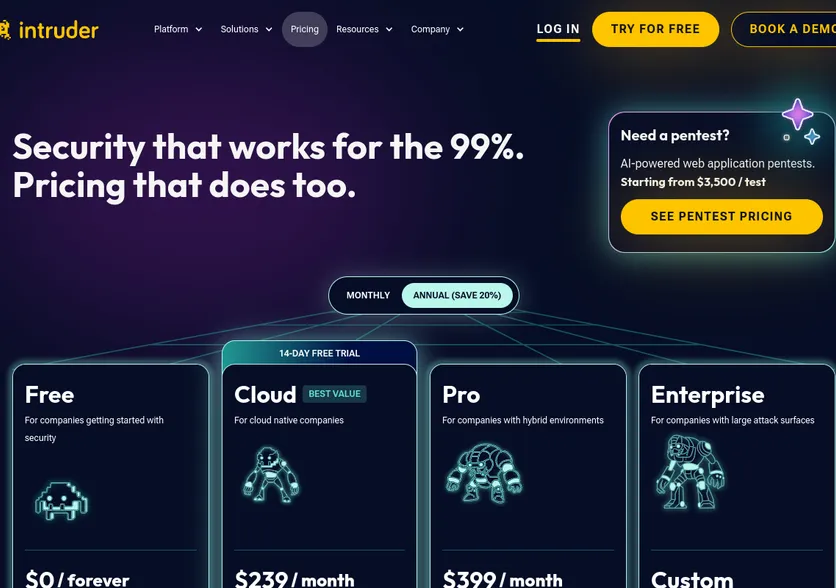
 Intruder | Small teams that need external scanning without fuss | $119/month | Free plan | Visit |
 Detectify | Startups that scan public web apps and APIs | $85/month | Free trial | Visit |
The vulnerability management software for startups, compared
1. Tenable Vulnerability Management
Best for: Startups that need one vulnerability platform
Paid tool Starting price: $3,500/year · Three thousand five hundred dollars a year for one hundred assets (six thousand eight hundred and twenty-five dollars for two years, nine thousand nine hundred and seventy-five dollars for three years); one November 2026 read of the purchase page shows three thousand seven hundred dollars in the main annual block, so confirm the figure at checkout
Free plan: Free trial
A startup that needs one platform for assets, cloud and identities rather than five tools can start here, and this Tenable Vulnerability Management plan costs three thousand five hundred dollars a year for one hundred assets with risk scores that prioritise what to fix first. Thousands of plugins cover new threats quickly, and the platform scales from a small estate to a large one. It is the broadest vulnerability platform here for a growing startup.
What we like
- Covers assets, cloud and identities in one platform
- Risk scores prioritise what to fix first
- Thousands of plugins cover new threats fast
Watch out for
- Priced per asset, so the bill grows with the estate
- Some reads show a three thousand seven hundred dollar figure
How to try it
- Deploy sensors across cloud and on-premise assets
- Run the first scan and review the risk scores
- Assign fixes by priority and rescan to confirm
2. Rapid7 InsightVM
Best for: Startups that want risk-ranked scanning
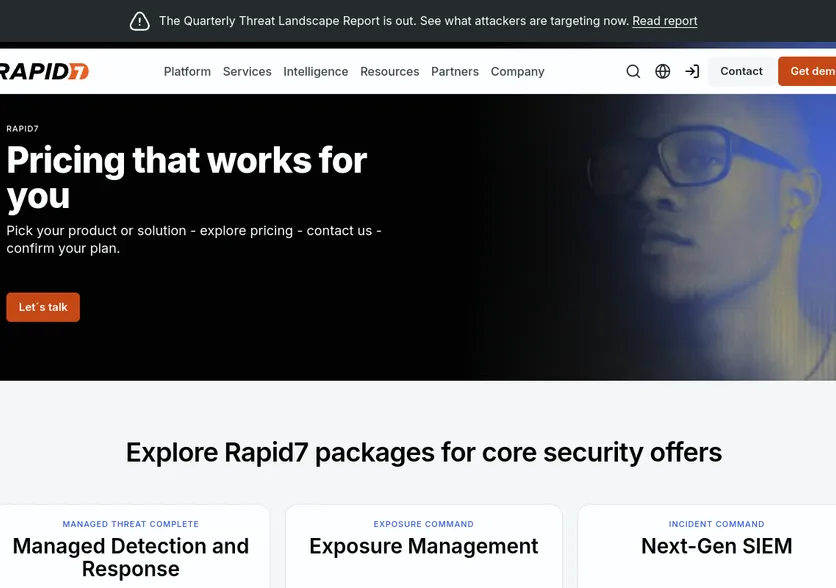
Paid tool Starting price: $1.62/asset/month · One dollar and sixty-two cents per asset a month at five hundred assets (nine thousand seven hundred and twenty dollars a year); InsightVM is now sold inside Exposure Command, whose Essentials packages are quoted, though the per-asset figure still shows on the vendor general pricing page
Free plan: Free trial
A startup that wants its riskiest flaws ranked before the team starts patching needs live risk data, and this Rapid7 InsightVM plan costs one dollar and sixty-two cents per asset a month with live dashboards, remediation projects and agentless scanning. The team sees risk change as fixes land, and projects track each fix to completion. It is the clearest risk-ranked scanner here for a small security team.
What we like
- Live dashboards show risk as it changes
- Remediation projects track fixes to completion
- Agent and agentless scanning in one product
Watch out for
- The new Exposure Command packaging is quote-based
- Per-asset pricing climbs with every new device
How to try it
- Install agents or scan the network agentless
- Review the risk-ranked findings dashboard
- Create remediation projects and track fixes
3. CrowdStrike Falcon Spotlight
Best for: Startups already running Falcon sensors
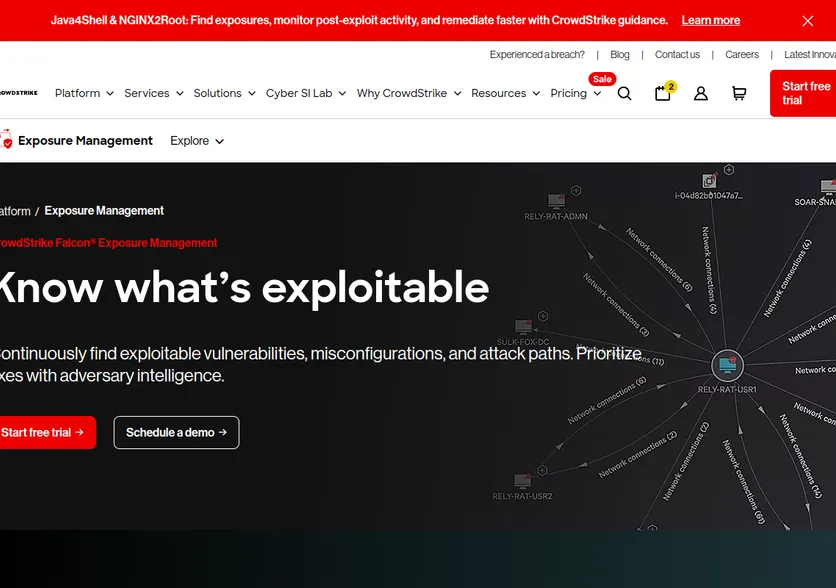
Paid tool Starting price: $7.99/device/month · Seven dollars and ninety-nine cents per device a month, as part of Falcon Exposure Management; the figure rests on November 2026 reads of the vendor pricing page, since CrowdStrike lists modules without a public rate card in some views, so confirm it before buying
Free plan: Free trial
A startup already running Falcon sensors can add vulnerability data without another agent, and this CrowdStrike Falcon Spotlight plan costs seven dollars and ninety-nine cents per device a month with real-time exposure data from the endpoint. It prioritises the flaws attackers actually exploit, and findings feed the same console as the endpoint alerts. It is the easiest add-on here for a Falcon shop.
What we like
- Shares the Falcon sensor already on the endpoint
- Real-time exposure data with no extra agent
- Prioritises flaws attackers actually exploit
Watch out for
- Needs Falcon sensors already deployed
- Module pricing is hard to pin down on the vendor site
How to try it
- Confirm Falcon sensors are deployed on endpoints
- Open Exposure Management and review the findings
- Patch the exploitable flaws first and rescan
4. Microsoft Defender Vulnerability Management
Best for: Startups already on Microsoft 365
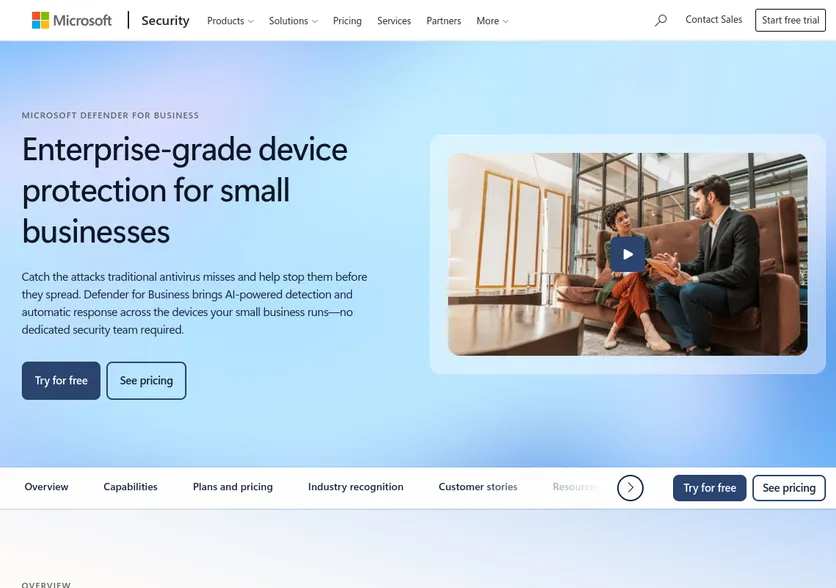
Paid tool Starting price: $2/user/month · Two dollars per user a month as an add-on with an annual commitment, and it requires Defender for Endpoint Plan 2 or a suite that includes it, such as Microsoft 365 E5; a standalone price of three dollars per user a month was reported in October 2026 but does not appear on the current vendor pricing page; core capabilities are included in Plan 2 and E5
Free plan: Free trial (1 month)
A startup already paying for Microsoft 365 can add vulnerability management to the same console, and this Microsoft Defender Vulnerability Management plan costs two dollars per user a month as an add-on to Defender for Endpoint Plan 2. Findings feed the Microsoft security portal, and fixes push out through Intune. It is the cheapest option here for a Microsoft shop.
What we like
- No new agent when Defender for Endpoint is running
- Findings feed straight into the Microsoft security portal
- Covers apps, certificates and browsers too
Watch out for
- Needs Plan 2 or E5, so the add-on is not standalone
- The standalone three dollar figure is not on the vendor page
How to try it
- Confirm Defender for Endpoint Plan 2 or E5 is active
- Enable the Vulnerability Management add-on
- Review the recommendations and push fixes through Intune
5. Tenable Nessus Professional
Best for: DevOps teams that scan their own infrastructure
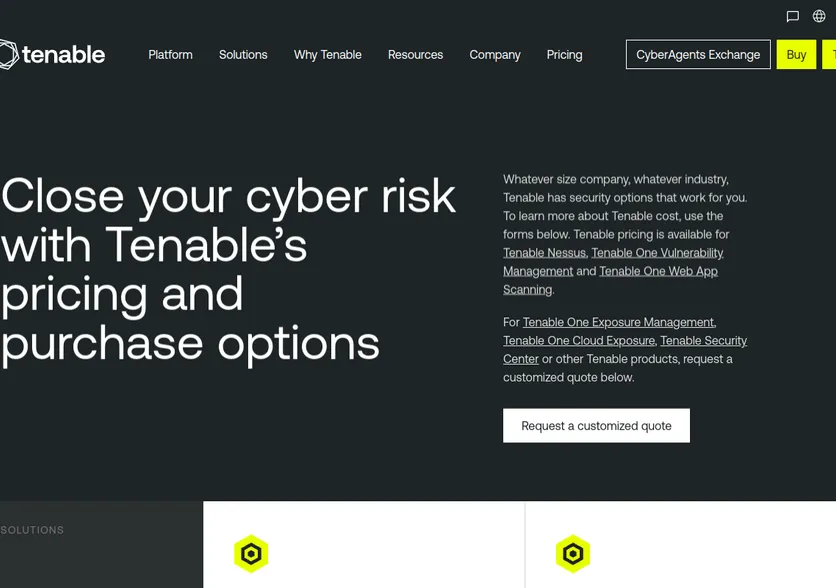
Paid tool Starting price: $4,790/year · Four thousand seven hundred and ninety dollars a year for Nessus Professional for one scanner with unlimited IPs (nine thousand three hundred and thirty dollars and ninety-five cents for two years, thirteen thousand six hundred and thirty-seven dollars and fifty-four cents for three years); Expert is six thousand seven hundred and ninety dollars a year; older four thousand three hundred and ninety dollar and three thousand nine hundred and ninety dollar figures are stale
Free plan: Free Essentials plan
A startup that scans its own servers and wants the scanner security teams have trusted for years can start here, and this Tenable Nessus Professional plan costs four thousand seven hundred and ninety dollars a year for one scanner with unlimited IPs. Thousands of plugins cover new flaws fast, and credentialed scans give the deepest results. It is the most proven standalone scanner here.
What we like
- The scanner security teams have trusted for years
- Unlimited IPs on one scanner licence
- Thousands of plugins with fast coverage of new flaws
Watch out for
- The price rose in March 2026 and again since
- One scanner licence suits one team, not a whole company
How to try it
- Install Nessus and add the targets to scan
- Run a credentialed scan for the deepest results
- Export the findings into the pipeline or ticket queue
6. Intruder
Best for: Small teams that need external scanning without fuss
Paid tool Starting price: $119/month · One hundred and nineteen dollars a month on Essential when billed annually (one hundred and forty-nine dollars a month month to month) for five infrastructure targets with monthly scheduled scans; Cloud is two hundred and thirty-nine dollars a month and Pro is three hundred and ninety-nine dollars a month on annual billing, though the vendor page currently leaves Cloud and Pro prices as quote-based, so confirm the Essential rate before buying
Free plan: Free plan
A small team that needs external scanning without a security engineer to run it wants a tool that just works, and this Intruder plan costs one hundred and nineteen dollars a month with continuous scanning of infrastructure, web apps and APIs. Emerging threat checks run automatically, and the free plan covers five web apps. It is the simplest scanner here for a lean startup.
What we like
- Continuous scanning of infrastructure, web apps and APIs
- Emerging threat checks run automatically
- Free plan covers five web apps
Watch out for
- Internal scanning needs the Pro tier
- Each target needs its own licence, so costs grow
How to try it
- Add the domains and IPs to scan
- Run the first scan and review the findings
- Schedule regular scans and track fixes
7. Detectify
Best for: Startups that scan public web apps and APIs
Paid tool Starting price: $85/month · Eighty-five dollars a month for Deep Scan when billed annually (one hundred and five dollars a month month to month); Asset Monitoring is four hundred and twenty dollars a month billed annually; directories disagree, with some listing eighty-nine or ninety-nine dollars a month, because the vendor publishes no public rate card, so confirm the figure before buying
Free plan: Free trial
A startup whose public web apps and APIs are its main exposure needs findings a human has verified, and this Detectify plan costs eighty-five dollars a month with Deep Scan and Asset Monitoring that finds forgotten subdomains. Ethical hackers verify the findings, and developers get clear fix guidance. It is the best external scanner here for web-first startups.
What we like
- Findings are verified by ethical hackers
- Asset Monitoring finds forgotten subdomains
- Clear fix guidance for developers
Watch out for
- No public rate card on the vendor site
- Directory prices disagree between eighty-five and ninety-nine dollars
How to try it
- Add the domains and APIs to monitor
- Run a Deep Scan and review the verified findings
- Fix the critical issues and rescan to confirm
Prices above were checked on each vendor’s own website on Nov 29, 2026 and can change — the vendor’s page is the final word. Vendor links are editorial: nobody paid to be listed or ranked here. Vendors who want a featured listing can see how it works on our Get listed page.
How to run vulnerability management with a tiny team
Scan everything first, because the asset you forgot is the one an attacker finds. Fix the flaws that are actually exploitable before the ones with the scariest scores, and set a weekly rhythm so patching becomes a habit rather than a panic. Automate the scan and the ticket, because a small team cannot chase findings by hand. Report progress to the whole company in plain language, and rescan after every fix so the risk score reflects reality. Keep one owner for the whole programme, so fixes do not fall between teams.
Before you buy
- Check that pricing follows assets, not users, and count the real estate before buying
- Confirm the tool scans cloud, code and identities, not just servers
- Ask how risk scores are calculated, because a scary number is not a plan
- Make sure fixes can be tracked to completion and verified by a rescan
- Test the trial on the real estate, since a demo environment hides the hard parts
Official websites
Official websites of the products reviewed above. Features and prices were checked against these sites when this guide was written, and they can change, so confirm on the vendor site before you buy.
Frequently asked questions
What is vulnerability management software for startups?
It is software that finds, ranks and tracks security flaws across servers, cloud services and code, so a small team fixes the dangerous ones first. The best tools scan continuously, score each flaw by real risk, and track every fix to completion, which matters when there is no dedicated security team.
How much does vulnerability management cost for a startup?
Prices in this list start at two dollars per user a month for Microsoft Defender Vulnerability Management as an add-on, and one dollar and sixty-two cents per asset a month for Rapid7 InsightVM. Tenable Vulnerability Management costs three thousand five hundred dollars a year for one hundred assets, while Nessus Professional is four thousand seven hundred and ninety dollars a year.
Can a startup manage vulnerabilities for free?
Partly, with Tenable Nessus Essentials and the free plans from Intruder and Snyk, which cover small estates and a handful of targets. The free tiers suit a very small startup, but a growing company will need a paid plan once the asset count or the target list grows.
Which tool is best for a startup with no security team?
Tenable Vulnerability Management is the best pick for a startup with no security team, at three thousand five hundred dollars a year with risk scores that prioritise what to fix first. Intruder is the simpler choice, at one hundred and nineteen dollars a month with continuous scanning that needs almost no setup.
How often should a startup scan for vulnerabilities?
Continuously, or at least weekly, since new flaws are published every day and a monthly scan leaves a long window open. The tools here scan on a schedule or continuously, and the best practice is to rescan after every fix so the risk score reflects the real state of the estate.
Compare the seven tools above, then start with a free trial on the tool that matches how the startup scans before paying for a full year.
Browse Security & Privacy tools