On this page
A DevOps pipeline ships code every day, and every deploy is a chance to ship a vulnerability too. The scanner has to live inside the pipeline, flag the flaw where the developer works, and stay out of the way otherwise. The seven tools below were priced on November 29, 2026, from a ten-dollar developer scanner to an enterprise platform. Snyk leads because it scans code and dependencies inside the pull request for twenty-five dollars per developer a month, and the rest are ranked on pipeline fit.
How we researched this
We checked every price on the vendor pricing page on November 29, 2026, and only included tools with a published US dollar list price. The quote-only scanners, including Acunetix, now Invicti Web plus API, Qualys VMDR, Checkmarx One and Veracode, publish no list prices, so they are not in this list. Prices change, so confirm the current figure on the vendor site before you buy.
Compare the tools
| Name | Best for | Starting price | Free plan | |
|---|---|---|---|---|
 Snyk | DevOps teams of five to ten developers | $25/dev/month | Free plan | Visit |
 Tenable Nessus Professional | DevOps teams that scan their own infrastructure | $4,790/year | Free Essentials plan | Visit |
 Rapid7 InsightVM | Startups that want risk-ranked scanning | $1.62/asset/month | Free trial | Visit |
 Burp Suite Professional | Teams doing hands-on web application testing | $449/year | Free Community Edition | Visit |
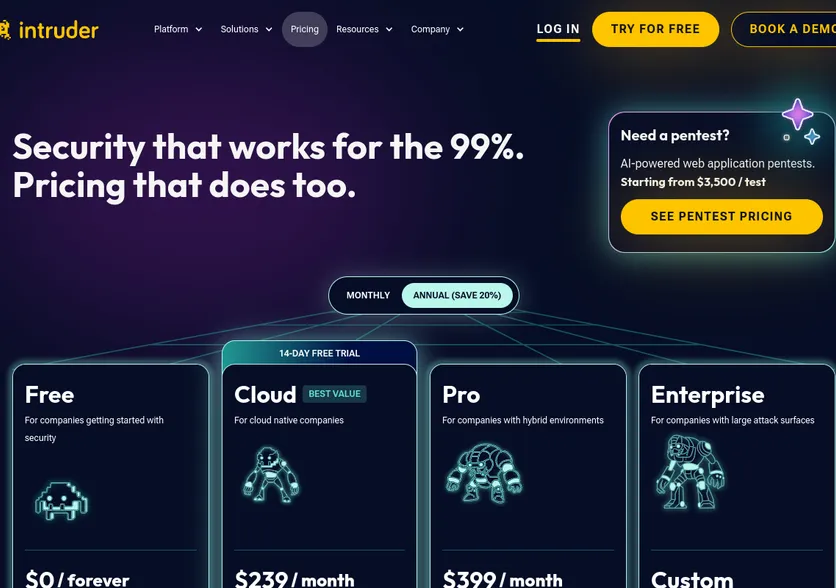
 Intruder | Small teams that need external scanning without fuss | $119/month | Free plan | Visit |
 Detectify | Startups that scan public web apps and APIs | $85/month | Free trial | Visit |
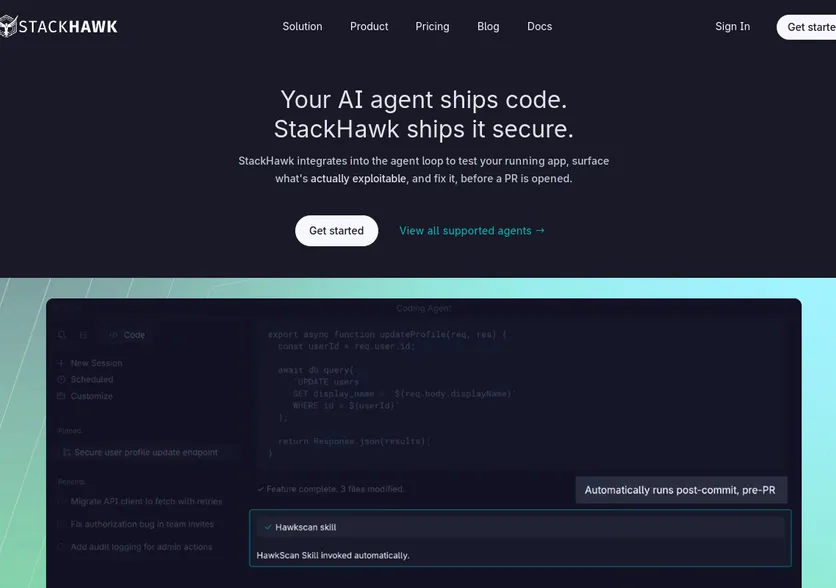
 StackHawk | DevOps teams that test inside AI coding agents | $10/user/month | 14-day free trial | Visit |
The vulnerability scanning software for DevOps pipelines, compared
1. Snyk
Best for: DevOps teams of five to ten developers
Paid tool Starting price: $25/dev/month · Twenty-five dollars per contributing developer a month on Team, with a minimum of five and a maximum of ten developers, so the smallest monthly bill is one hundred and twenty-five dollars; the checkout page lists one thousand three hundred and seventy-five dollars a year for five developers on annual billing; above ten developers the only path is a credit-based Enterprise contract
Free plan: Free plan
A DevOps team that ships code daily needs security findings inside the pull request, not in a separate report, and this Snyk plan costs twenty-five dollars per developer a month with scans of code, dependencies, containers and infrastructure as code. Fix suggestions land where developers already work, and billing follows contributing developers rather than total seats. It is the most developer-friendly scanner here for small teams.
What we like
- Scans code, dependencies, containers and infrastructure as code
- Fix suggestions land inside the pull request
- Bills on contributing developers, not total seats
Watch out for
- Team caps at ten developers, then Enterprise pricing applies
- The five-seat minimum means the entry bill is one hundred and twenty-five dollars
How to try it
- Connect the repositories to monitor
- Run the first scan across code and dependencies
- Fix the flagged issues from the pull request suggestions
2. Tenable Nessus Professional
Best for: DevOps teams that scan their own infrastructure
Paid tool Starting price: $4,790/year · Four thousand seven hundred and ninety dollars a year for Nessus Professional for one scanner with unlimited IPs (nine thousand three hundred and thirty dollars and ninety-five cents for two years, thirteen thousand six hundred and thirty-seven dollars and fifty-four cents for three years); Expert is six thousand seven hundred and ninety dollars a year; older four thousand three hundred and ninety dollar and three thousand nine hundred and ninety dollar figures are stale
Free plan: Free Essentials plan
A pipeline that deploys to servers the team owns needs those servers scanned on a schedule, and this Tenable Nessus Professional plan costs four thousand seven hundred and ninety dollars a year for one scanner with unlimited IPs. Credentialed scans find the deep issues a surface scan misses, and findings export into the ticket queue. It is the most thorough infrastructure scanner here for a DevOps team.
What we like
- The scanner security teams have trusted for years
- Unlimited IPs on one scanner licence
- Thousands of plugins with fast coverage of new flaws
Watch out for
- The price rose in March 2026 and again since
- One scanner licence suits one team, not a whole company
How to try it
- Install Nessus and add the targets to scan
- Run a credentialed scan for the deepest results
- Export the findings into the pipeline or ticket queue
3. Rapid7 InsightVM
Best for: Startups that want risk-ranked scanning
Paid tool Starting price: $1.62/asset/month · One dollar and sixty-two cents per asset a month at five hundred assets (nine thousand seven hundred and twenty dollars a year); InsightVM is now sold inside Exposure Command, whose Essentials packages are quoted, though the per-asset figure still shows on the vendor general pricing page
Free plan: Free trial
A pipeline that changes daily needs risk data that changes with it, and this Rapid7 InsightVM plan costs one dollar and sixty-two cents per asset a month with live dashboards and remediation projects that track fixes. Agent and agentless scanning cover cloud and on-premise assets in one product. It is the best risk-ranked scanner here for a team that deploys often.
What we like
- Live dashboards show risk as it changes
- Remediation projects track fixes to completion
- Agent and agentless scanning in one product
Watch out for
- The new Exposure Command packaging is quote-based
- Per-asset pricing climbs with every new device
How to try it
- Install agents or scan the network agentless
- Review the risk-ranked findings dashboard
- Create remediation projects and track fixes
4. Burp Suite Professional
Best for: Teams doing hands-on web application testing
Paid tool Starting price: $449/year · Four hundred and forty-nine dollars per user a year for a single-user Professional licence; teams buying five to ten licences typically pay three hundred and eighty to four hundred and twenty dollars per user a year; Enterprise Edition is priced per concurrent scan
Free plan: Free Community Edition
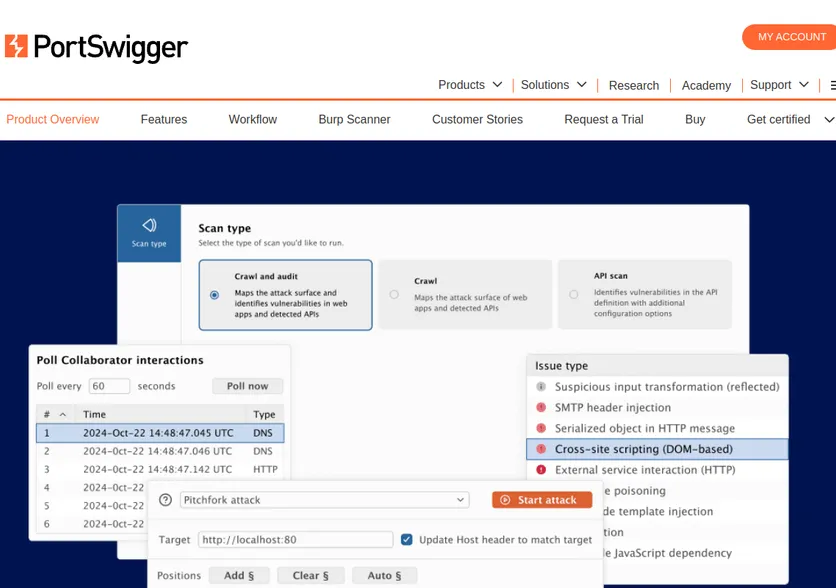
A team that tests its own web apps before release needs the toolkit professional pentesters use, and this Burp Suite Professional plan costs four hundred and forty-nine dollars a year per user with an automated scanner, unrestricted Intruder and Collaborator evidence. Manual testing finds the business-logic flaws scanners miss, and over three hundred extensions add coverage. It is the industry standard here for hands-on web testing.
What we like
- The industry-standard manual testing toolkit
- Automated scanner plus unrestricted Intruder
- Over three hundred extensions in the BApp store
Watch out for
- Priced per user, so a team of testers adds up
- A toolkit, not a managed service, so the team runs the tests
How to try it
- Install Burp Suite and set the browser proxy
- Crawl the app and run the automated scanner
- Exploit and report the findings with Collaborator evidence
5. Intruder
Best for: Small teams that need external scanning without fuss
Paid tool Starting price: $119/month · One hundred and nineteen dollars a month on Essential when billed annually (one hundred and forty-nine dollars a month month to month) for five infrastructure targets with monthly scheduled scans; Cloud is two hundred and thirty-nine dollars a month and Pro is three hundred and ninety-nine dollars a month on annual billing, though the vendor page currently leaves Cloud and Pro prices as quote-based, so confirm the Essential rate before buying
Free plan: Free plan
A DevOps team that wants external scans running without babysitting a scanner can set this up in an afternoon, and this Intruder plan costs one hundred and nineteen dollars a month with continuous scanning of infrastructure, web apps and APIs. Emerging threat checks run on their own, and scheduled scans keep the pipeline honest. It is the lowest-effort scanner here for a small team.
What we like
- Continuous scanning of infrastructure, web apps and APIs
- Emerging threat checks run automatically
- Free plan covers five web apps
Watch out for
- Internal scanning needs the Pro tier
- Each target needs its own licence, so costs grow
How to try it
- Add the domains and IPs to scan
- Run the first scan and review the findings
- Schedule regular scans and track fixes
6. Detectify
Best for: Startups that scan public web apps and APIs
Paid tool Starting price: $85/month · Eighty-five dollars a month for Deep Scan when billed annually (one hundred and five dollars a month month to month); Asset Monitoring is four hundred and twenty dollars a month billed annually; directories disagree, with some listing eighty-nine or ninety-nine dollars a month, because the vendor publishes no public rate card, so confirm the figure before buying
Free plan: Free trial
A pipeline that ships public web apps needs an external eye on what attackers can see, and this Detectify plan costs eighty-five dollars a month with Deep Scan and Asset Monitoring that catches forgotten subdomains. Findings are verified by ethical hackers before they reach the team, and fix guidance is written for developers. It is the best external check here for web apps in a pipeline.
What we like
- Findings are verified by ethical hackers
- Asset Monitoring finds forgotten subdomains
- Clear fix guidance for developers
Watch out for
- No public rate card on the vendor site
- Directory prices disagree between eighty-five and ninety-nine dollars
How to try it
- Add the domains and APIs to monitor
- Run a Deep Scan and review the verified findings
- Fix the critical issues and rescan to confirm
7. StackHawk
Best for: DevOps teams that test inside AI coding agents
Paid tool Starting price: $10/user/month · Ten dollars per user a month on Wingman, with unlimited applications and fifty agentic scans per user each month; Scale is quoted by team with unlimited scans; older Secure and Scale per-contributor tiers of thirty-nine and fifty-nine dollars a month on directories were replaced by the Wingman model in September 2026
Free plan: 14-day free trial
A team that writes code with an AI assistant can test security in the same window, and this StackHawk plan costs ten dollars per user a month with DAST inside Claude Code, Cursor and Copilot. Fifty scans per user a month cover a busy pipeline, and unlimited applications mean no per-app maths. It is the cheapest commercial DAST entry here for a DevOps team.
What we like
- Runs DAST inside Claude Code, Cursor and Copilot
- Fifty scans per user a month at a low price
- Unlimited applications on the entry plan
Watch out for
- Fifty scans a month can run out on a chatty pipeline
- Governance and discovery sit on the quoted Scale tier
How to try it
- Install Wingman in the coding agent
- Point it at the running app and start a scan
- Fix the findings and rerun the scan on the next commit
Prices above were checked on each vendor’s own website on Nov 29, 2026 and can change — the vendor’s page is the final word. Vendor links are editorial: nobody paid to be listed or ranked here. Vendors who want a featured listing can see how it works on our Get listed page.
How to put vulnerability scanning inside the pipeline
Scan on every pull request, not once a month, because a flaw found at merge time costs ten times less than one found in production. Block the build only on critical and high findings at first, or developers will learn to ignore the gate. Feed results into the ticket queue automatically, and give each finding a fix suggestion so the developer does not have to research it. Review the false positives weekly, because a noisy scanner gets switched off quietly. Keep the scan history, so the team can show progress over time.
Before you buy
- Check that scans run inside the pipeline on every pull request, not once a month
- Confirm findings come with fix guidance, or developers will ignore the queue
- Ask how the tool prices the team, since per-developer and per-target billing differ wildly
- Make sure false positives can be tuned, because a noisy scanner gets switched off
- Test the gate on a real repository before blocking any production deploy
Official websites
Official websites of the products reviewed above. Features and prices were checked against these sites when this guide was written, and they can change, so confirm on the vendor site before you buy.
Frequently asked questions
What is vulnerability scanning software for DevOps pipelines?
It is software that scans code, dependencies, containers and running web apps for known flaws every time the pipeline runs, and reports the findings where developers work. The best tools block a deploy on critical findings, suggest fixes in the pull request, and keep a record of every scan.
How much does DevOps vulnerability scanning cost?
Prices in this list start at ten dollars per user a month for StackHawk and twenty-five dollars per developer a month for Snyk Team, while Burp Suite Professional costs four hundred and forty-nine dollars a year per user. Tenable Nessus Professional is four thousand seven hundred and ninety dollars a year for one scanner.
Can I scan a pipeline for free?
Yes, with Snyk, which offers a free plan covering code, dependencies and containers with limited test volumes, and with Burp Suite Community Edition, which is free for manual testing. Intruder also offers a free plan covering five web apps, so a small team can start scanning without paying.
Which scanner is best for a small DevOps team?
Snyk is the best pick for a small DevOps team, at twenty-five dollars per developer a month with scans of code, dependencies and containers inside the pull request. StackHawk is the cheaper alternative, at ten dollars per user a month with DAST inside the coding agent.
Should scanning block a deploy?
Only on critical and high findings at first, because blocking on every flaw teaches developers to bypass the gate. Start with warnings, fix the backlog, and then tighten the gate once the team trusts the scanner and the false positive rate is low.
Compare the seven tools above, then start with the free Snyk plan or the free Burp Suite Community Edition on the tool that matches how the team ships before paying for a full year.
Browse Security & Privacy tools