On this page
A third-party warehouse that runs a client out of stock has failed at the one thing it is paid for, and over-ordering the slow movers is just as costly. The eight tools below cover that job for warehouses of every size, from a forecast app that suggests reorders to a full inventory system with manufacturing. Inventory Planner leads because it forecasts demand from real sales history for one hundred and nineteen dollars and ninety-nine cents per thirty days, and the rest are ranked on keeping clients stocked without tying up cash.
How we researched this
We checked every price on the vendor pricing page on November 29, 2026, and only included tools with a published US dollar list price. The enterprise replenishment platforms that sell by quote, including ShipBob, Extensiv, SkuVault, Manhattan Active, Blue Yonder and SAP EWM, publish no prices, so they are not in this list. Prices change, so confirm the current figure on the vendor site before you buy.
Compare the tools
| Name | Best for | Starting price | Free plan | |
|---|---|---|---|---|
 Inventory Planner | Sellers that need demand forecasts and reorder points | $119.99/30 days | No free plan; 14-day free trial | Visit |
 Fishbowl | Growing brands that need real warehouse control | $229/month | No free plan; free trial available | Visit |
 Cin7 Core | Multi-channel brands that need inventory everywhere | $349/month | 14-day free trial | Visit |
 Katana | Makers and small manufacturers that sell online | $299/month | Free plan (30 SKUs) | Visit |
 Ordoro | Sellers that want inventory and shipping in one place | $499/month | No free plan; free trial available | Visit |
 inFlow Inventory | Small makers and sellers that need simple stock control | $99/month | 14-day free trial | Visit |
 Zoho Inventory | Small sellers that want cheap, solid inventory | $29/month | Free plan (50 orders a month) | Visit |
 Unleashed | Manufacturers that need inventory and production | $399/month | No free plan; 14-day free trial | Visit |
The warehouse replenishment software for 3PL warehouses, compared
1. Inventory Planner
Best for: Sellers that need demand forecasts and reorder points
Paid tool Starting price: $119.99/30 days · One hundred and nineteen dollars and ninety-nine cents per thirty days on Essentials via the Shopify listing; the vendor homepage is parked, so the Shopify listing is the price source; higher tiers are quoted on the listing
Free plan: No free plan; 14-day free trial
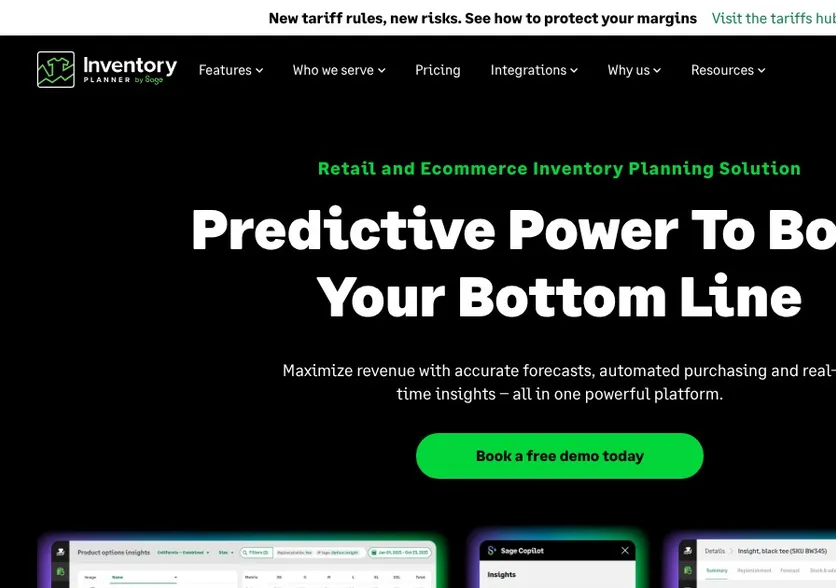
A third-party warehouse that must never run a client out of stock gets demand forecasting and smart reorder suggestions with this Inventory Planner plan, which costs one hundred and nineteen dollars and ninety-nine cents per thirty days. It forecasts demand from sales history and suggests reorders, so a warehouse stops guessing how much to buy and when. The reorder points update as sales change, which keeps fast movers in stock without over-ordering slow ones.
What we like
- Forecasts demand so reorders land before stock runs out
- Reorder suggestions based on real sales history
- Works as a Shopify app with quick setup
Watch out for
- The vendor homepage is parked, so support runs through the app listing
- Forecasts need real sales history, so new products start blind
How to try it
- Install the app from the Shopify listing
- Connect sales history so forecasts have data to learn from
- Review the first reorder suggestions before placing orders
2. Fishbowl
Best for: Growing brands that need real warehouse control
Paid tool Starting price: $229/month · Two hundred and twenty-nine dollars a month on the Essentials plan, the entry inventory plan; higher plans add advanced warehousing and automation, so confirm the tier that fits your order volume before you buy
Free plan: No free plan; free trial available
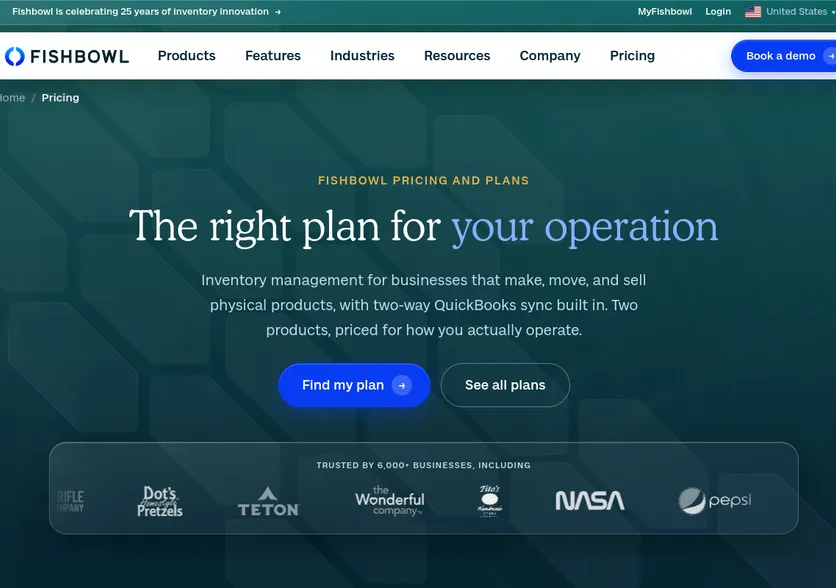
A third-party warehouse that must never run a client out of stock gets full inventory, picking and shipping control with this Fishbowl plan, which costs two hundred and twenty-nine dollars a month. It handles multi-location stock, purchase orders and manufacturing in one place, so a growing brand stops juggling spreadsheets and separate apps. The barcode scanning keeps picks accurate as order volume climbs, which is where a brand usually starts losing money on mispicks.
What we like
- Barcode picking and packing built for warehouse teams
- Tracks inventory across warehouses, channels and locations
- Manufacturing and order tools in the same system
Watch out for
- No free plan, so small teams pay from day one
- Setup takes real work on locations, bins and barcodes
How to try it
- Connect the sales channels and import the product catalog
- Set up warehouse locations and bin layouts for every product
- Run a test order from receipt to shipment before going live
3. Cin7 Core
Best for: Multi-channel brands that need inventory everywhere
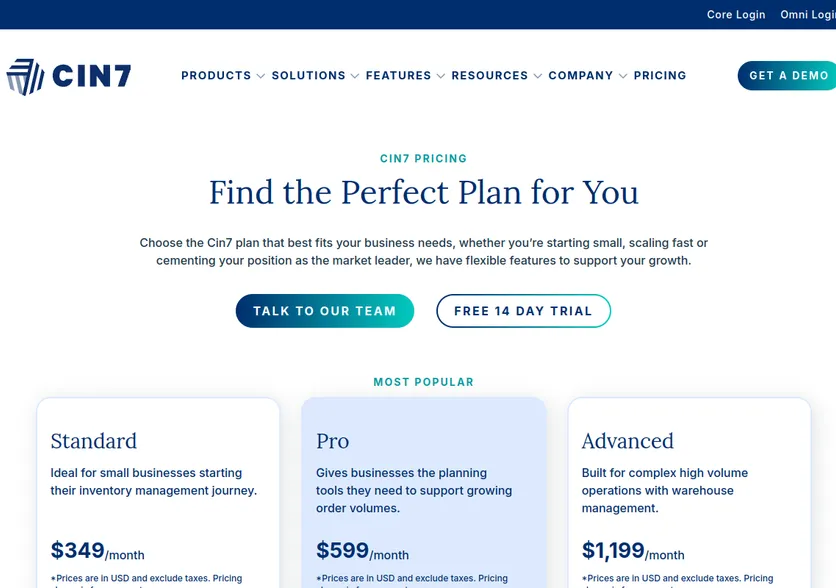
Paid tool Starting price: $349/month · Three hundred and forty-nine dollars a month on Standard (five users, six thousand orders a year, two integrations); Pro is five hundred and ninety-nine dollars a month and Advanced is one thousand one hundred and ninety-nine dollars a month; Omni is quoted; fourteen-day free trial
Free plan: 14-day free trial
A third-party warehouse that must never run a client out of stock gets multi-channel inventory and order control with this Cin7 Core plan, which costs three hundred and forty-nine dollars a month. It keeps stock, orders and suppliers in sync across every channel, so the warehouse always sees the same numbers the storefront shows. The order routing and backorder handling suit brands that sell the same products on several channels at once.
What we like
- Connects Shopify, marketplaces and warehouses in one system
- Handles backorders, bundles and multi-location stock
- Strong reporting on stock value and sell-through
Watch out for
- Standard caps at two integrations, so bigger stacks pay more
- The learning curve is steep for a first warehouse system
How to try it
- Connect Shopify and the other sales channels first
- Import products, stock levels and supplier details
- Map the warehouse locations, then test a full order cycle
4. Katana
Best for: Makers and small manufacturers that sell online
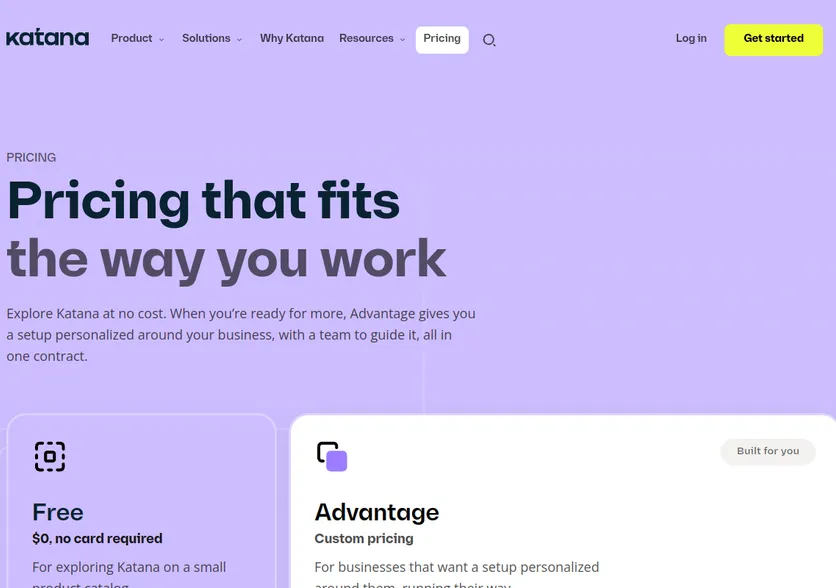
Paid tool Starting price: $299/month · Two hundred and ninety-nine dollars a month on Core; Advantage is a custom tier with no published price; the free plan covers thirty SKUs with unlimited users
Free plan: Free plan (30 SKUs)
A third-party warehouse that must never run a client out of stock gets inventory plus light manufacturing control with this Katana plan, which costs two hundred and ninety-nine dollars a month. It pairs inventory with simple production planning, so a maker knows what to build, what raw materials are on hand and what is ready to ship. The visual board makes stock and production obvious at a glance, which suits small teams without a warehouse manager.
What we like
- Visual production planning that makers actually understand
- Free plan covers thirty products with unlimited users
- Shopify and accounting integrations work out of the box
Watch out for
- Manufacturing depth is light next to a full ERP system
- The paid plan starts high for a very small maker
How to try it
- Add the product catalog with bills of materials
- Connect Shopify and set the warehouse locations
- Plan the first production run and track raw material stock
5. Ordoro
Best for: Sellers that want inventory and shipping in one place
Paid tool Starting price: $499/month · Four hundred and ninety-nine dollars a month on Pro; Express is fifty-nine dollars a month for shipping only and Enterprise is nine hundred and ninety-nine dollars a month
Free plan: No free plan; free trial available
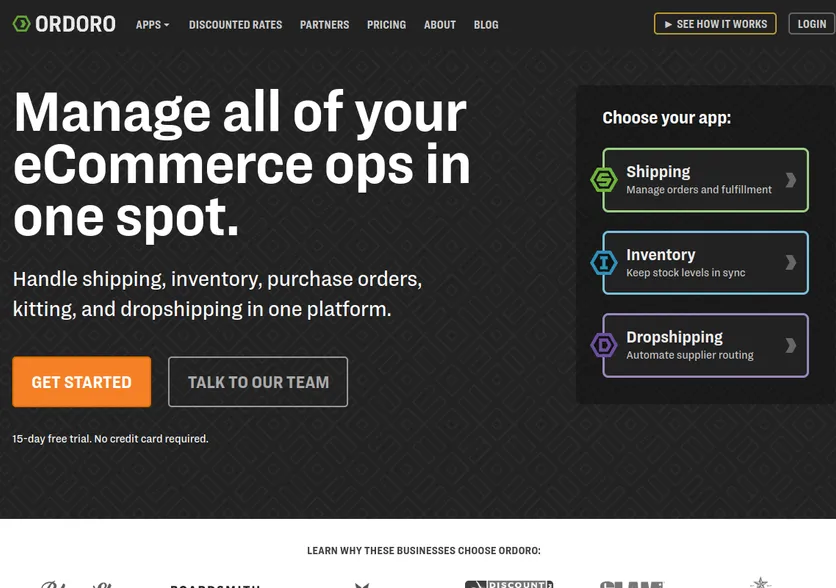
A third-party warehouse that must never run a client out of stock gets inventory, shipping and supplier control in one app with this Ordoro plan, which costs four hundred and ninety-nine dollars a month. It combines inventory with shipping and dropshipping, so a seller can manage stock, suppliers and labels without switching apps. The supplier and purchase-order tools suit sellers who reorder often and track stock by supplier.
What we like
- Shipping, inventory and supplier management in one app
- Dropshipping tools built in for suppliers and purchase orders
- Kitting and bundling for sellers with combined products
Watch out for
- Pro is a big jump from the shipping-only Express plan
- The interface shows its age next to newer tools
How to try it
- Connect the store and import products and stock
- Set up shipping carriers and rate shopping
- Create suppliers and purchase orders for the next restock
6. inFlow Inventory
Best for: Small makers and sellers that need simple stock control
Paid tool Starting price: $99/month · Ninety-nine dollars a month on Lite billed annually ($129 billed monthly); Core is two hundred and ninety-nine dollars a month billed annually and Pro is four hundred and ninety-nine dollars a month billed annually; Max is six hundred and ninety-nine dollars a month billed annually; a four hundred and ninety-nine dollar one-time onboarding fee applies on most plans; fourteen-day free trial
Free plan: 14-day free trial
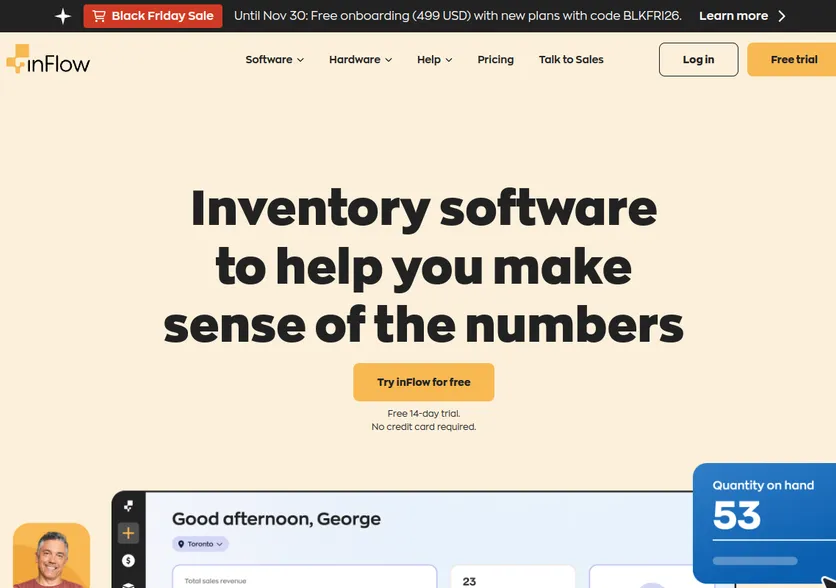
A third-party warehouse that must never run a client out of stock gets simple inventory, orders and barcode scanning with this inFlow Inventory plan, which costs ninety-nine dollars a month. It keeps inventory simple for a small team, with orders, purchase orders and barcode scanning that a new hire learns in a day. The straightforward design suits a maker or small seller who wants stock control without a warehouse consultant.
What we like
- Easy to learn, with a clean interface for small teams
- Barcode scanning and purchase orders included
- Works on desktop and mobile for warehouse and office
Watch out for
- The one-time onboarding fee applies on most plans
- Multi-warehouse depth is lighter than the dearer tools
How to try it
- Import products and set opening stock levels
- Connect the sales channels for order sync
- Scan a test batch through receiving, picking and packing
7. Zoho Inventory
Best for: Small sellers that want cheap, solid inventory
Paid tool Starting price: $29/month · Twenty-nine dollars a month on Standard billed annually ($39 billed monthly); Professional is seventy-nine dollars a month billed annually and Premium is one hundred and twenty-nine dollars a month billed annually; Enterprise is two hundred and forty-nine dollars a month billed annually; the free plan covers fifty orders a month; an older July 2026 read showed higher tiers, which the November 2026 reads supersede
Free plan: Free plan (50 orders a month)
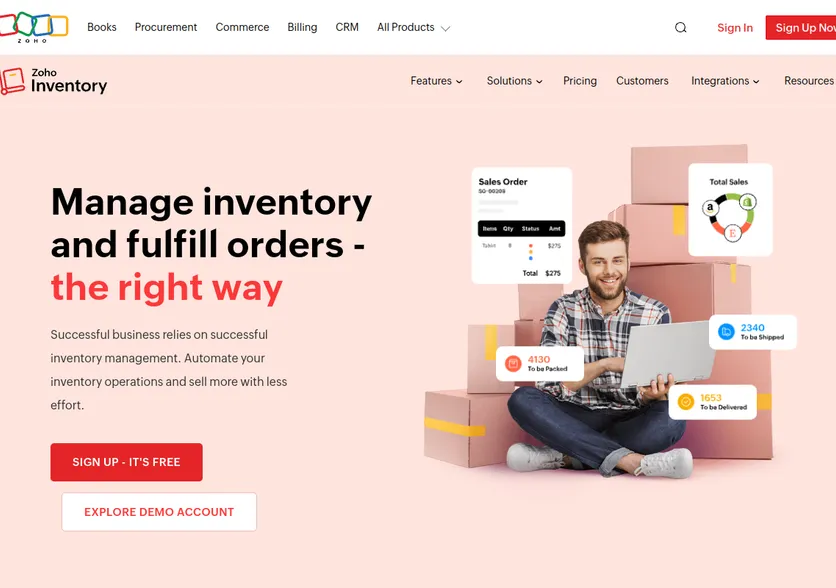
A third-party warehouse that must never run a client out of stock gets low-cost inventory, orders and multi-warehouse stock with this Zoho Inventory plan, which costs twenty-nine dollars a month. It covers inventory, orders and warehouses at a low price, which is why it is the default pick for a small seller on a budget. The free tier lets a new seller run real orders before paying anything, and the paid tiers stay cheap as volume grows.
What we like
- Free plan covers fifty orders a month for tiny sellers
- Multi-warehouse stock and composite items included
- Works smoothly with the rest of the Zoho suite
Watch out for
- Two locations only on the Standard plan
- Advanced warehouse features sit on the dearer tiers
How to try it
- Connect the sales channels and import the catalog
- Set up warehouses and stock levels per location
- Create a purchase order and receive the first shipment
8. Unleashed
Best for: Manufacturers that need inventory and production
Paid tool Starting price: $399/month · Three hundred and ninety-nine dollars a month on Core (four thousand three hundred and eighty-nine dollars a year billed annually); Pro is seven hundred and twenty-nine dollars a month (eight thousand and nineteen dollars a year); extra users are sixty-nine dollars a month on Core and eighty-nine dollars a month on Pro; the ninety percent off the first three months promotion is not the list price; the older Small, Medium and Large tiers ended in October 2026
Free plan: No free plan; 14-day free trial
A third-party warehouse that must never run a client out of stock gets inventory plus manufacturing and batch tracking with this Unleashed plan, which costs three hundred and ninety-nine dollars a month. It pairs inventory with manufacturing, so a producer can track raw materials, production runs and finished stock in one system. The batch and serial tracking suits makers whose customers need traceability on every unit.
What we like
- Manufacturing and batch tracking built into inventory
- Multi-warehouse stock with serial and batch control
- Strong integrations with accounting and ecommerce
Watch out for
- The ninety percent off promotion is not the list price
- Extra users add sixty-nine dollars a month each on Core
How to try it
- Import products with bills of materials and stock levels
- Set up warehouses and batch tracking rules
- Run a production batch and a sales order end to end
Prices above were checked on each vendor’s own website on Nov 29, 2026 and can change — the vendor’s page is the final word. Vendor links are editorial: nobody paid to be listed or ranked here. Vendors who want a featured listing can see how it works on our Get listed page.
How a 3PL keeps clients stocked without over-ordering
Set a reorder point for every product based on how fast it sells and how long the supplier takes, not on a guess, because a guess is how stockouts happen. Review the reorder suggestions every week and approve them in batches, so the warehouse orders on a rhythm instead of in a panic. Share the stock and forecast numbers with each client, so they see the same picture and can flag a promotion or a seasonal spike early. Track the stockout rate and the overstock value side by side, since fixing one by breaking the other is not progress. Re-check the reorder points every quarter, because a product that sold slowly last year may be the best seller this year.
Before you buy
- Confirm forecasts use real sales history, not just a fixed reorder point
- Check whether reorder suggestions update automatically as sales change
- Ask how the tool handles seasonal spikes and promotions the client flags
- Make sure each client sees their own stock and forecast, separate from other clients
- Test the tool on the fastest-moving products first, since they cause the stockouts
Official websites
Official websites of the products reviewed above. Features and prices were checked against these sites when this guide was written, and they can change, so confirm on the vendor site before you buy.
Frequently asked questions
What is warehouse replenishment software for 3PL warehouses?
It is software that keeps a third-party warehouse stocked, forecasting demand from sales history and suggesting reorders before a client runs out. It sets reorder points per product, watches stock levels in real time and turns the forecast into purchase orders. Good tools share the numbers with each client, so a promotion or seasonal spike is flagged before it becomes a stockout.
How much does Inventory Planner cost for a 3PL warehouse?
Inventory Planner costs one hundred and nineteen dollars and ninety-nine cents per thirty days on Essentials, bought through the Shopify listing. The vendor homepage is parked, so the Shopify listing is the price source, and higher tiers are quoted on the listing. It forecasts demand from real sales history and suggests reorders, so a warehouse stops guessing how much to buy and when.
Can a 3PL forecast demand for free?
Not with the tools in this list, since none offers a free plan for forecasting. Zoho Inventory has a free plan covering fifty orders a month, but it does not forecast demand. A 3PL should trial Inventory Planner on its fastest-moving products first, since those cause the stockouts, and prove the forecasts work before paying for the whole catalog.
Which tool is best for replenishment in a 3PL warehouse?
Inventory Planner is the best pick for forecasting, since it predicts demand from real sales history for one hundred and nineteen dollars and ninety-nine cents per thirty days. Fishbowl is the best overall system for a warehouse that also needs picking and shipping, and Unleashed suits warehouses that serve manufacturers with batch tracking. Zoho Inventory is the cheapest way to start.
How do I set reorder points that actually work?
Set a reorder point for every product based on how fast it sells and how long the supplier takes, not on a guess. Review the reorder suggestions every week and approve them in batches, so the warehouse orders on a rhythm instead of in a panic. Re-check the reorder points every quarter, because a product that sold slowly last year may be the best seller this year.
Compare the eight tools above, then trial the cheapest paid tier on the fastest-moving products and keep the one whose forecasts actually prevent stockouts.
Browse Business Tools tools