On this page
A freelancer does not need an enterprise event platform, just a room that looks professional, holds the audience, and records the session. The eight tools below run from about twenty-nine dollars a month to about eighty-three dollars a month, and every price was checked on the vendor site on November 26, 2026. Most offer a free trial, so you can run a real session before paying anything. WebinarJam is our first pick — the cheapest way to run a webinar that actually sells.
How we researched this
We started with the webinar tools freelancers actually buy, then read each price on the vendor pricing page on November 26, 2026 and noted the attendee limit and free trial each plan carries. We judged them for a solo host who runs live sessions for a small audience and needs registration, reminders and a recording without a team. We kept only tools with a published dollar price, and we dropped BigMarker because it publishes no price and sells by quote only.
Compare the tools
| Name | Best for | Starting price | Free plan | |
|---|---|---|---|---|
 Zoom Webinars | Freelancers who run large webinars and already use Zoom | $83.33/month | No free tier; free trial available | Visit |
 GoTo Webinar | Freelancers who run a regular webinar programme for up to 500 people | $59/organizer/month | No free plan; 7-day free trial | Visit |
 Demio | Freelancers who want the most polished live webinar room | $45/month | No free plan; 14-day free trial | Visit |
 WebinarJam | Freelancers who sell from the stage and need offers built in | $39/month | No free plan; 14-day trial for $1 | Visit |
 ClickMeeting | Freelancers who run paid training webinars and courses | $39/month | No free plan; 30-day free trial | Visit |
 EasyWebinar | Course creators who want webinars plus built-in sales tools | $36/month | No free plan; free trial available | Visit |
 Crowdcast | Freelancers who run community events and creator sessions | $49/month | No free plan; 14-day free trial | Visit |
 WebinarGeek | Freelancers on the tightest budget who need a simple live room | $29/month | No free plan; free trial available | Visit |
The webinar software, compared
1. Zoom Webinars
Best for: Freelancers who run large webinars and already use Zoom
Paid tool Starting price: $83.33/month · Webinars plan for up to 500 attendees, $83.33 a month billed annually or $129 billed monthly; requires a paid Zoom Workplace plan
Free plan: No free tier; free trial available
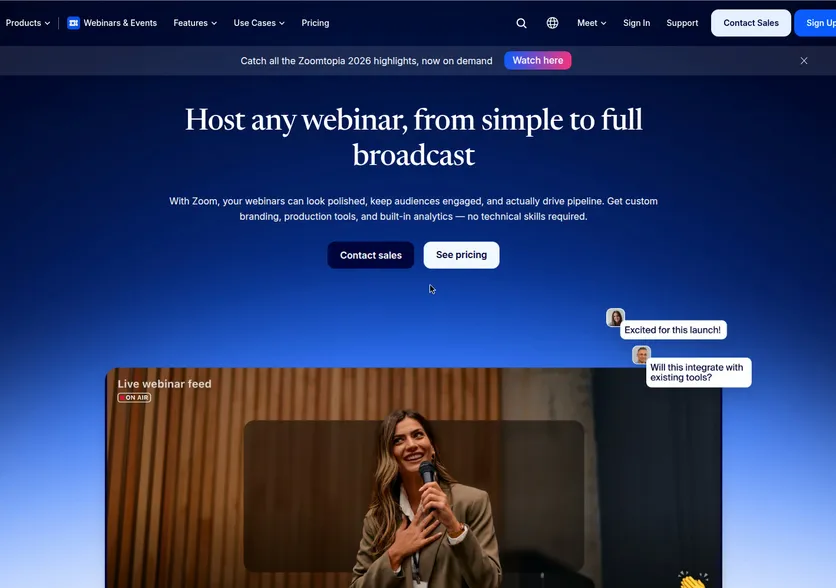
Zoom Webinars is the default choice for a freelancer who already runs meetings on Zoom and needs to scale up to a big audience. This Zoom Webinars plan covers up to five hundred attendees, with branded registration, polls, questions and answers, chat and breakout rooms built in. A freelancer can invite a large audience without learning a new platform, since the controls feel exactly like a Zoom meeting.
What we like
- Up to five hundred attendees on the entry plan
- Familiar Zoom controls for host and audience
- Polls, questions and breakout rooms included
Watch out for
- Billed annually at about eighty-three dollars a month
- Needs a paid Zoom Workplace licence on top
How to try it
- Open the Zoom Webinars page and pick the Webinars plan
- Set your attendee limit and build the registration page
- Run a practice session, then go live and read the report
2. GoTo Webinar
Best for: Freelancers who run a regular webinar programme for up to 500 people
Paid tool Starting price: $59/organizer/month · Reach plan, $59 per organizer a month billed annually for up to 500 participants; monthly billing is $69 per organizer
Free plan: No free plan; 7-day free trial
GoTo Webinar is the dependable workhorse for a freelancer who runs webinars on a schedule and needs the follow-up to look after itself. This GoTo Webinar Reach plan covers up to five hundred participants, with automated reminder and follow-up emails, polls, questions and answers and recording built in. A solo host can run a weekly series for months without touching the admin between sessions.
What we like
- Automated emails before and after each session
- Solid audio and video at larger sizes
- Reporting built for a training programme
Watch out for
- Monthly billing costs sixty-nine dollars a month instead of fifty-nine
- Priced per organiser, so a second host doubles the bill
How to try it
- Open the GoTo Webinar pricing page and pick the Reach plan
- Build your registration page and set the reminder emails
- Host the session and let the follow-up emails send themselves
3. Demio
Best for: Freelancers who want the most polished live webinar room
Paid tool Starting price: $45/month · Starter plan, $45 a month billed annually for 50 attendees, or $63 billed monthly
Free plan: No free plan; 14-day free trial
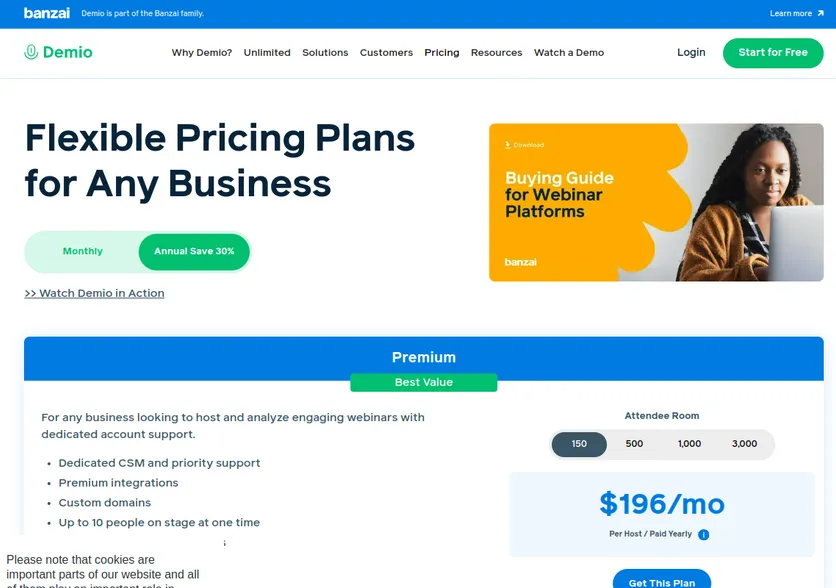
Demio is the prettiest webinar room on this list, built for marketers who want registration pages and engagement stats that look professional. This Demio Starter plan covers fifty attendees in a browser with no download, with branded registration, polls, handouts and engagement scoring. A freelancer selling a course or a service can run a polished live session and see exactly who paid attention.
What we like
- Beautiful registration pages with no download
- Engagement scoring shows who paid attention
- Runs entirely in the browser for host and audience
Watch out for
- Starter covers only fifty attendees
- Automated webinars need the Growth plan
How to try it
- Open the Demio pricing page and start the Starter trial
- Design your registration page and upload a handout
- Go live in the browser and check the engagement scores after
4. WebinarJam
Best for: Freelancers who sell from the stage and need offers built in
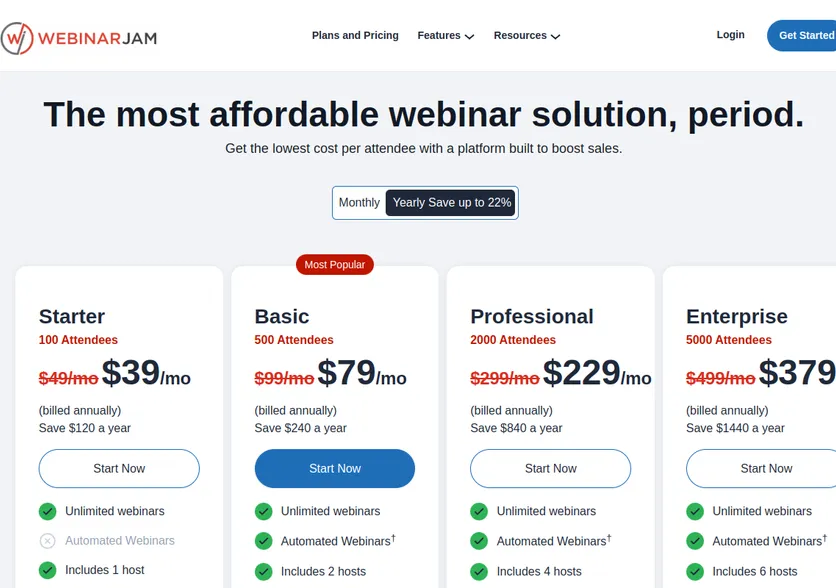
Paid tool Starting price: $39/month · Starter plan, $39 a month billed annually for 100 attendees, or $49 billed monthly
Free plan: No free plan; 14-day trial for $1
WebinarJam is the sales webinar specialist, built around converting attendees with offers, countdown timers and chat designed for selling. This WebinarJam Starter plan covers a hundred attendees for one-hour sessions, with one host, live offers and replay pages included. A freelancer launching a course can pitch from the stage, drop the offer in chat, and let the replay keep selling after the live session ends.
What we like
- Live offers and countdown timers built in
- Replay pages keep selling after the session
- Cheapest entry here for a selling webinar
Watch out for
- Starter sessions are limited to one hour
- A hundred attendees is a small room for a big launch
How to try it
- Open the WebinarJam pricing page and pick the Starter plan
- Set up your offer and countdown timer before the session
- Go live, present the offer, and share the replay link
5. ClickMeeting
Best for: Freelancers who run paid training webinars and courses
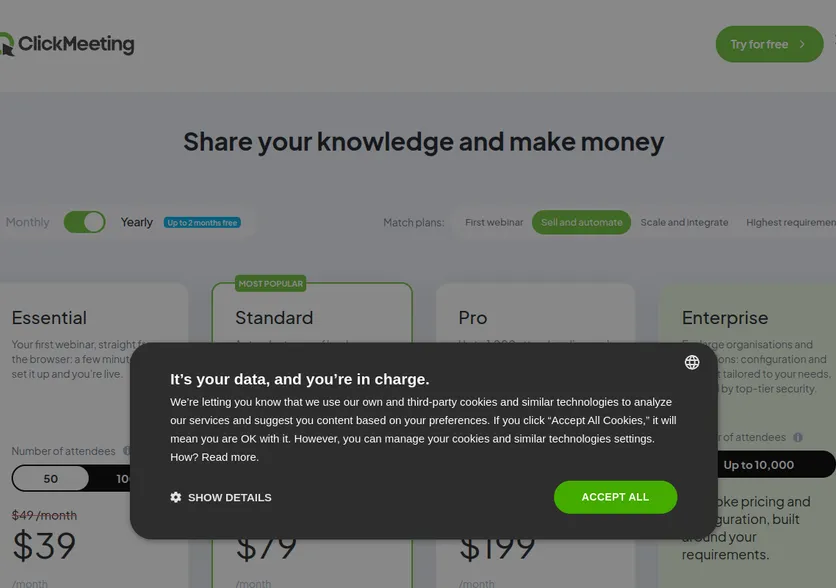
Paid tool Starting price: $39/month · Live plan, $39 a month billed annually for 50 attendees, or $49 billed monthly
Free plan: No free plan; 30-day free trial
ClickMeeting is the practical pick for a freelancer who charges for training, because paid events and certificates are part of the package. This ClickMeeting Live plan covers fifty attendees, with paid events, screen sharing, polls and recording in one account. A coach can sell seats, run the session and hand out a certificate without wiring together three separate tools.
What we like
- Paid events with certificates built in
- Automated webinars on the next plan up
- Screen sharing, polls and recording included
Watch out for
- Live plan covers only fifty attendees
- Automated webinars need the Automated plan
How to try it
- Open the ClickMeeting pricing page and pick the Live plan
- Set up a paid event and share the registration link
- Run the session, record it, and send the certificate
6. EasyWebinar
Best for: Course creators who want webinars plus built-in sales tools
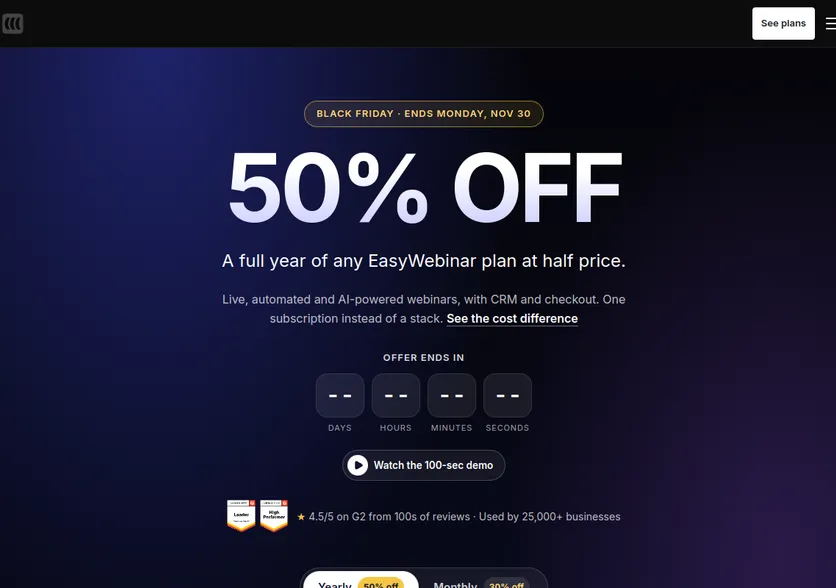
Paid tool Starting price: $36/month · Live Launch plan, $36 a month billed annually for 50 live attendees
Free plan: No free plan; free trial available
EasyWebinar is the course creator's webinar tool, pairing live sessions with the sales pages and checkout tools a launch needs. This EasyWebinar Live Launch plan covers fifty live attendees, with registration pages, email reminders and sales integrations included. A creator can run a live launch, take payments and follow up with buyers without leaving the platform.
What we like
- Sales pages and checkout built in
- Registration and reminder emails included
- Built for course launches, not just meetings
Watch out for
- Automated webinars need the Growth plan
- Fifty live attendees is a small room for a big launch
How to try it
- Open the EasyWebinar pricing page and pick the Live Launch plan
- Build your registration page and connect your checkout
- Run the live session and follow up with the buyer list
7. Crowdcast
Best for: Freelancers who run community events and creator sessions
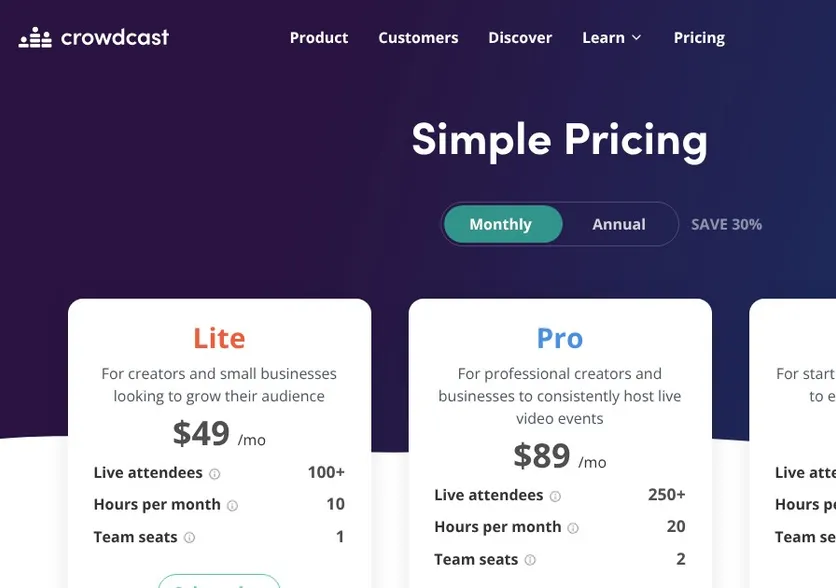
Paid tool Starting price: $49/month · Lite plan, $49 a month for 100 attendees
Free plan: No free plan; 14-day free trial
Crowdcast is the community webinar tool, built for creators who run live events where the audience chats, asks questions and sticks around. This Crowdcast Lite plan covers a hundred attendees, with live chat, polls, questions and answers and replay hosting included. A creator can run a workshop, a Q and A or a product demo and keep the replay on the same page for latecomers.
What we like
- Lively chat built for community events
- Replay hosting on the same event page
- Simple setup with no download for the audience
Watch out for
- Lite covers only a hundred attendees
- Fewer marketing integrations than Demio or WebinarJam
How to try it
- Open the Crowdcast pricing page and pick the Lite plan
- Create your event page and share it with your audience
- Go live with chat and polls, then leave the replay up
8. WebinarGeek
Best for: Freelancers on the tightest budget who need a simple live room
Paid tool Starting price: $29/month · Basic plan, $29 a month billed annually
Free plan: No free plan; free trial available
WebinarGeek is the budget entry on this list, a simple live webinar room with the essentials and nothing you will never use. This WebinarGeek Basic plan covers live webinars with registration, polls and recording, and it runs in the browser for everyone. A freelancer starting out can run a professional-looking session for the price of a few coffees a month.
What we like
- Cheapest paid plan on this list
- Runs in the browser with no download
- Registration, polls and recording included
Watch out for
- Smallest feature set on this list
- Fewer integrations than the bigger names
How to try it
- Open the WebinarGeek pricing page and pick the Basic plan
- Set up your registration page and test your camera
- Go live in the browser and download the recording after
Prices above were checked on each vendor’s own website on Nov 26, 2026 and can change — the vendor’s page is the final word. Vendor links are editorial: nobody paid to be listed or ranked here. Vendors who want a featured listing can see how it works on our Get listed page.
What webinar software costs freelancers in 2026
The price of a webinar tool is really the price of a room size. A fifty-seat room costs about thirty-six or thirty-nine dollars a month, a hundred-seat room about thirty-nine or forty-nine dollars a month, and a five-hundred-seat room about eighty-three dollars a month. Most of these tools bill annually only, so the monthly figure is what you pay when you commit for a year, and the headline plan each vendor shows on its own pricing page is the number in the table above, checked on November 26, 2026.
Start with the trial on two tools and run the same session through both. Compare the registration page, the attendee experience on a phone, and the recording quality, then keep the one your audience found easiest to join. A webinar tool is only worth the money when people actually show up and stay.
Before you buy
- Count your real audience first, because a fifty-seat room costs far less than a five-hundred-seat room on every tool here.
- Check whether automation is included, because live-only plans make you run every session by hand.
- Confirm the billing term, because most of these tools bill annually only and the monthly price is not the whole story.
- Test the attendee experience from a phone, because your audience joins from phones more often than from laptops.
- Compare the trial length, because a fourteen-day trial is barely enough to run two live sessions and read the results.
Official websites
Official websites of the products reviewed above. Features and prices were checked against these sites when this guide was written, and they can change, so confirm on the vendor site before you buy.
Frequently asked questions
Which webinar software is best for freelancers in 2026?
WebinarJam Starter, at about thirty-nine dollars a month billed annually, is the best value for a freelancer who sells from the stage, because live offers and replay pages are built in. Demio is the better pick when the room itself must look polished, and Zoom Webinars wins when the audience passes five hundred. Start with the cheapest plan that fits your real audience size, not the one with the longest feature list.
What is the cheapest webinar software for freelancers?
WebinarGeek Basic, at about twenty-nine dollars a month billed annually, is the cheapest paid plan here. EasyWebinar Live Launch follows at about thirty-six dollars a month, and ClickMeeting Live at about thirty-nine dollars a month. All three cover fifty to a hundred attendees, which is plenty for a freelancer starting out, and all three offer a free trial before you pay.
Can I try webinar software for free before paying?
Yes, most of them, and the trial length matters. WebinarJam offers fourteen days for one dollar, Demio and Crowdcast offer fourteen days free, and ClickMeeting offers thirty days free. Use the trial to run a real session with a real audience, because a rehearsal alone never shows whether the registration emails and the recording actually work.
How many attendees can a cheap webinar plan handle?
It depends on the plan, not the tool. Demio Starter covers fifty attendees, WebinarJam Starter covers a hundred, and GoTo Webinar Reach covers five hundred. Zoom Webinars starts at five hundred. Pick the plan by the size of your biggest session, not your average one, and check what the next size up costs before your audience outgrows the room.
Do these webinar tools run automated webinars?
Not on the entry plans. Automated or evergreen webinars, where a recording plays on a schedule as if live, sit on higher tiers at Demio, ClickMeeting and EasyWebinar, and WebinarJam pairs with its sister tool EverWebinar for the same job. If automation matters to you, price the tier that includes it, because the entry plan will not do it.
Running your freelance business too? Try Toolsvine's free business tools for invoices, timers and planning right in your browser.
Browse Business Tools tools