On this page
A startup that watches competitor prices, product pages and landing pages needs an alert the moment anything moves. Visualping leads this list because it shows the exact visual change in an email for ten dollars a month billed annually, with an AI summary of what moved. Distill is the best pick for power users, and Wachete is the cheapest paid tool at five dollars and forty cents a month. The other tools cover whole-site watching, thousands of checks and flat yearly pricing, so the right choice depends on how many pages the startup tracks.
How we researched this
We checked every price on the vendor pricing page on November 29, 2026, and only included tools with a published US dollar list price. Every tool here publishes a clear price, so nothing was excluded for pricing reasons. Prices change, so confirm the current figure on the vendor site before you buy.
Compare the tools
| Name | Best for | Starting price | Free plan | |
|---|---|---|---|---|
 Visualping | Teams watching competitor pages for changes | $10/month | Free plan (5 pages, 150 checks a month) | Visit |
 Distill | Power users watching many pages closely | $15/month | Free plan (25 monitors, 5 in the cloud) | Visit |
 Hexowatch | Teams watching visual, content and price changes | $10.50/month | Free plan (2 watches, daily checks) | Visit |
 ChangeTower | Teams that want hourly checks without the noise | $12/month | Free plan (3 pages, daily checks) | Visit |
 Wachete | Startups watching pages on the smallest budget | $5.40/month | Free plan (5 static pages, 1 dynamic page) | Visit |
 changedetection.io | Technical teams that want unlimited watches | $8.99/month | Free to self-host | Visit |
 PageCrawl | Teams that want many checks for a flat yearly price | $160/year | Free plan (6 pages, 220 checks a month) | Visit |
 Fluxguard | Teams watching whole sites, not single pages | $110/month | Free plan (3 sites) | Visit |
The website change monitoring software for startups, compared
1. Visualping
Best for: Teams watching competitor pages for changes
Paid tool Starting price: $10/month · Ten dollars a month billed annually on Starter ($14 billed monthly); Personal plans run to $70 a month billed monthly and Business plans to $350; the free plan covers 5 pages and 150 checks a month
Free plan: Free plan (5 pages, 150 checks a month)
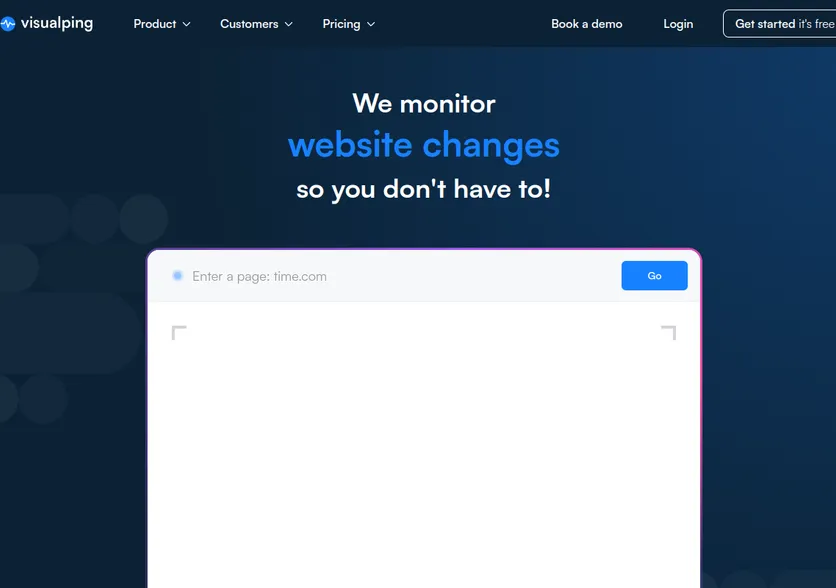
A startup that watches competitor pricing pages and wants an email the moment anything moves gets the clearest alerts here, since this Visualping plan costs ten dollars a month billed annually on Starter. It watches a page and shows the exact visual change in an email, with an AI summary of what moved. It fits a team that tracks competitor pages, though the monthly check limit needs planning.
What we like
- Visual comparison that shows exactly what changed
- Email, Slack and webhook alerts
- AI summaries of what changed on the page
Watch out for
- Checks are limited per month on every plan
- Dynamic pages can trigger false alerts
How to try it
- Add the page URL and pick the area to watch
- Set the check frequency and the alert channel
- Review the change summary when an alert arrives
2. Distill
Best for: Power users watching many pages closely
Paid tool Starting price: $15/month · Fifteen dollars a month on Starter for 50 monitors ($12 a month billed annually); Professional is $35 and Flexi starts at $80 a month; the free plan covers 25 monitors with 5 in the cloud
Free plan: Free plan (25 monitors, 5 in the cloud)
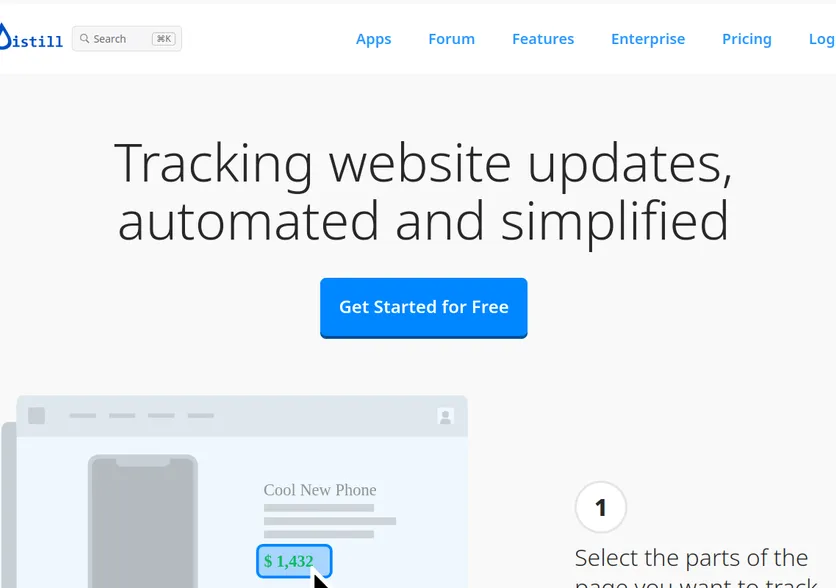
A startup that watches dozens of pages and wants conditions that filter out the noise gets the most control here, since this Distill plan costs fifteen dollars a month on Starter for fifty monitors. It gives a power user fine control over what counts as a change, with conditions, local and cloud checks. It fits someone who monitors dozens of pages and wants precision, though beginners may find it technical.
What we like
- Browser extension plus cloud monitoring
- Conditions that trigger alerts only on real changes
- JSON and XML monitoring beside web pages
Watch out for
- The interface feels technical for beginners
- Cloud checks are limited on the free plan
How to try it
- Install the extension and pick the page to watch
- Set the condition that counts as a change
- Choose where the alert should go
3. Hexowatch
Best for: Teams watching visual, content and price changes
Paid tool Starting price: $10.50/month · Ten dollars and fifty cents a month billed annually on Personal ($15 billed monthly); Plus is $38.50 and Scale is $133 a month billed annually; the pricing page now shows the OR:ON plans, and older Pro and Business prices no longer apply
Free plan: Free plan (2 watches, daily checks)
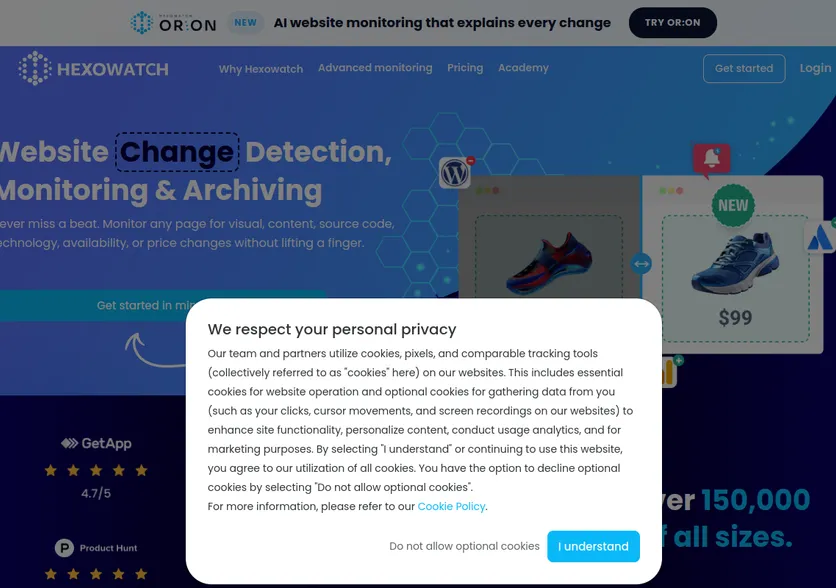
A startup that wants one tool to watch visual, keyword and price changes across rival pages gets the widest watch types here, since this Hexowatch plan costs ten dollars and fifty cents a month billed annually on Personal. It watches a page nine different ways, from visual changes to keyword and price changes, with an AI summary each time. It fits a team that tracks many kinds of change at once, though the free plan is small.
What we like
- Nine watch types including visual, keyword and price
- AI summaries of each detected change
- API and integrations with Slack and email
Watch out for
- The free plan allows only 2 watches
- The pricing page now lists OR:ON plans, which can confuse
How to try it
- Add the page and choose the watch type
- Set the check frequency and the alert channel
- Review the AI summary of each change
4. ChangeTower
Best for: Teams that want hourly checks without the noise
Paid tool Starting price: $12/month · Twelve dollars a month on Lite for 25 pages checked daily ($10 a month billed annually); Essential is $36 and Business is $78 a month; hourly checks start on Essential
Free plan: Free plan (3 pages, daily checks)
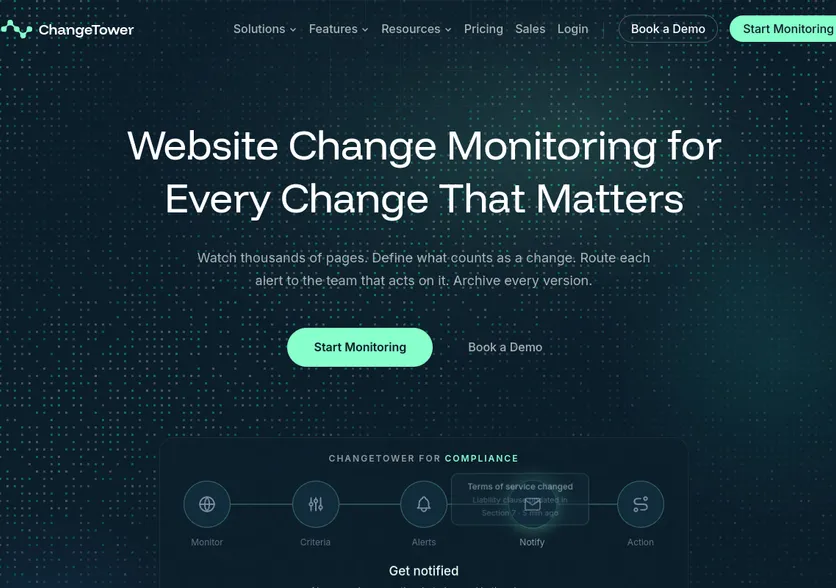
A startup that wants a calm dashboard with a change history for every page it watches gets the calmest dashboard here, since this ChangeTower plan costs twelve dollars a month on Lite for twenty-five pages checked daily. It keeps a clean history of every change on a page and alerts only when a chosen keyword appears. It fits a team that wants quiet, reliable monitoring, though hourly checks cost more.
What we like
- Clean dashboard with change history for every page
- Keyword alerts that fire only on matching changes
- Free plan with daily checks on 3 pages
Watch out for
- Hourly checks need Essential at $36 a month
- No visual comparison on the entry plan
How to try it
- Add the pages to watch and pick the check frequency
- Set the keywords that matter
- Read the change history when an alert arrives
5. Wachete
Best for: Startups watching pages on the smallest budget
Paid tool Starting price: $5.40/month · Five dollars and forty cents a month on Starter for 50 static pages; Standard is $10.90 a month for 100 pages; the vendor pricing display intermittently hides its figures, so confirm the price at checkout
Free plan: Free plan (5 static pages, 1 dynamic page)
A startup that wants the cheapest paid monitoring and only needs to watch a handful of pages gets the cheapest watch here, since this Wachete plan costs five dollars and forty cents a month on Starter for fifty static pages. It watches fifty pages for less than six dollars a month, with a free plan that covers five pages. It is the budget pick in this list, though the pricing page sometimes hides its figures.
What we like
- The cheapest paid plan in this list
- Free plan with 5 static pages included
- Simple setup with no learning curve
Watch out for
- The pricing display sometimes hides its figures
- Fewer integrations than the bigger tools
How to try it
- Add the page URL to watch
- Set how often it should check
- Read the alert email when the page changes
6. changedetection.io
Best for: Technical teams that want unlimited watches
Paid tool Starting price: $8.99/month · Eight dollars and ninety-nine cents a month on the hosted plan for up to 5,000 watches; the open-source software is free to self-host with no page limit
Free plan: Free to self-host
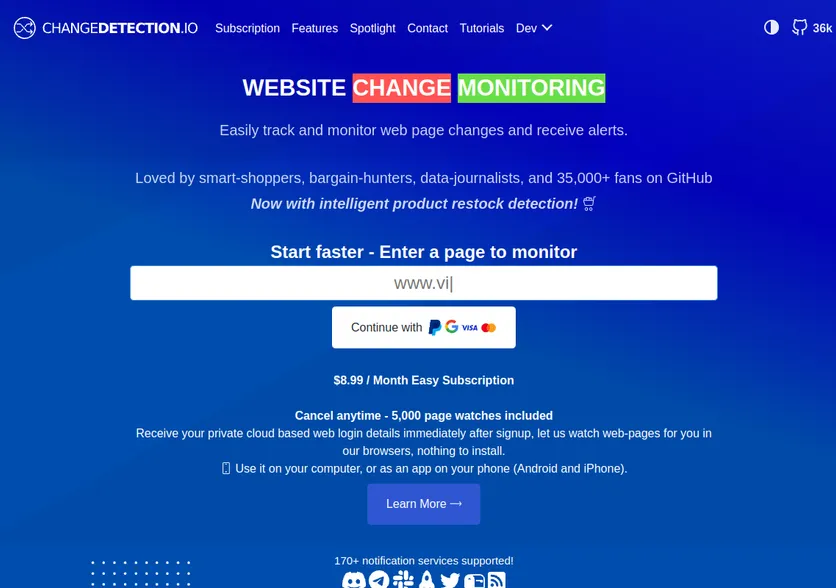
A startup with a technical team that wants thousands of watches for under ten dollars a month gets the most watches here, since this changedetection.io plan costs eight dollars and ninety-nine cents a month on the hosted plan for up to five thousand watches. It watches up to five thousand pages on one hosted plan, and the open-source version costs nothing to run yourself. It fits a technical team that monitors at scale, though the self-hosted route takes work.
What we like
- Up to 5,000 watches on the hosted plan
- Free to self-host with no page limit
- Notifications by email, webhook and more
Watch out for
- The hosted plan is the only option for non-technical teams
- Setup takes effort for the self-hosted version
How to try it
- Add the page URL and the text to watch
- Set the check interval and the notification channel
- Review the diff when an alert arrives
7. PageCrawl
Best for: Teams that want many checks for a flat yearly price
Paid tool Starting price: $160/year · One hundred and sixty dollars a year on Standard for 200 pages and 30,000 checks a month; Enterprise is $300 a year and Ultimate is $999 a year; one read lists a monthly Standard figure of $8, which conflicts with the annual figure, so confirm at checkout
Free plan: Free plan (6 pages, 220 checks a month)
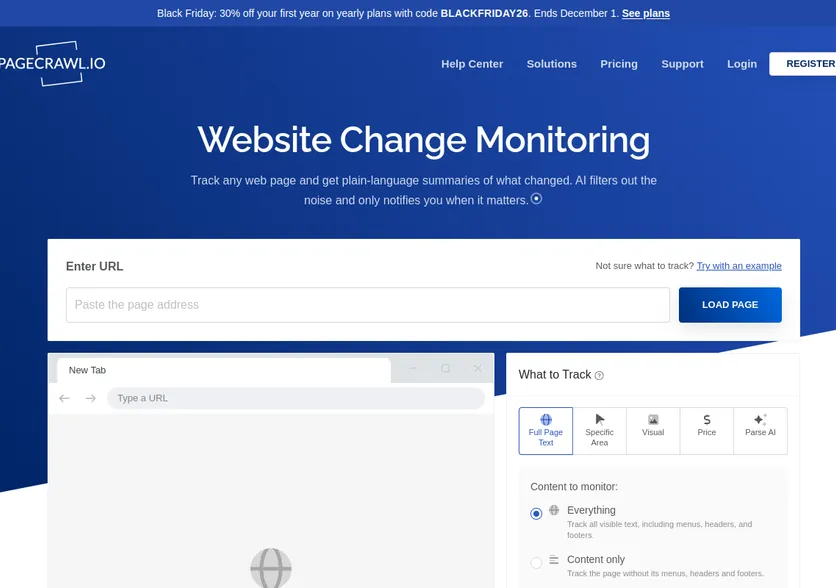
A startup that checks its watched pages constantly and wants a flat yearly price for it gets the most checks here, since this PageCrawl plan costs one hundred and sixty dollars a year on Standard for two hundred pages. It offers thirty thousand checks a month for a flat yearly price, with AI analysis of each change. It fits a team that checks pages often and wants a predictable yearly bill, though the monthly figure conflicts.
What we like
- Thirty thousand checks a month on Standard
- Yearly billing with no monthly commitment
- AI analysis of what changed on each page
Watch out for
- A monthly Standard figure of $8 conflicts with the annual price
- The interface is simpler than the bigger tools
How to try it
- Add the pages and set the check interval
- Turn on AI analysis for the changes
- Read the alert when a tracked change appears
8. Fluxguard
Best for: Teams watching whole sites, not single pages
Paid tool Starting price: $110/month · One hundred and ten dollars a month on Standard for 25 sites and 3 users; Plus is $220 and Premium is $550 a month; annual billing gives two months free; one read reports entry from about $83 a month, which conflicts
Free plan: Free plan (3 sites)
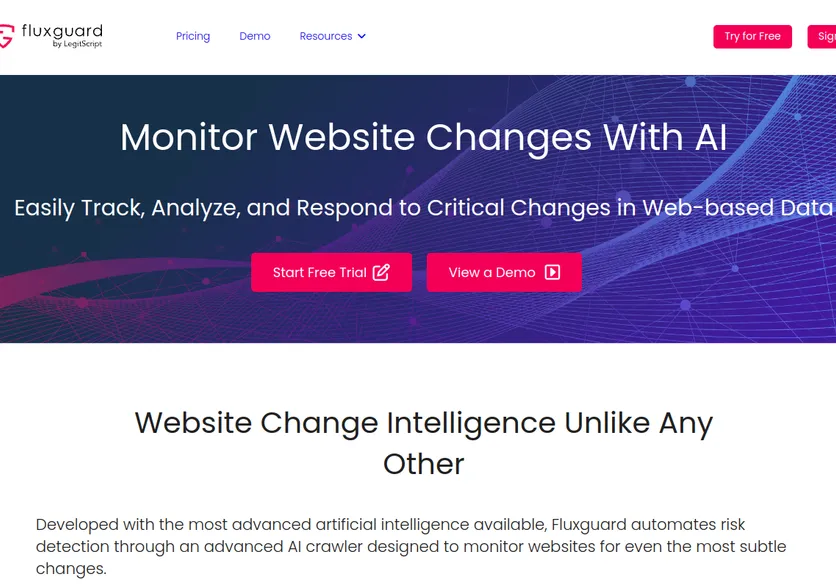
A startup that wants to watch whole competitor sites and read the changes like a changelog gets the deepest site view here, since this Fluxguard plan costs one hundred and ten dollars a month on Standard for twenty-five sites. It watches whole sites rather than single pages, and its change reports read like a changelog for the site. It suits a team that tracks entire competitor sites, though the entry price is steep.
What we like
- Watches whole sites with page-level detail
- Change reports that read like a changelog
- Team seats included on every paid plan
Watch out for
- The entry price is the highest in this list
- One read reports a lower entry price of about $83 a month
How to try it
- Add the sites to watch
- Invite the team members who need alerts
- Read the change report when a site updates
Prices above were checked on each vendor’s own website on Nov 29, 2026 and can change — the vendor’s page is the final word. Vendor links are editorial: nobody paid to be listed or ranked here. Vendors who want a featured listing can see how it works on our Get listed page.
How to watch competitor pages without drowning in alerts
A startup should start by watching its five most important competitor pages, not fifty, because a flood of alerts gets ignored. The alert channel should be the one the team already reads, such as email or Slack, so nothing is missed. Keyword alerts are worth setting up, since they filter out layout changes that do not matter. The free plan is the honest way to test a tool, so run it for two weeks before paying. Check the monthly check limit before buying, because a page checked every hour uses far more checks than a page checked daily.
Before you buy
- Confirm the monthly check limit covers how often your pages are checked
- Check whether keyword alerts are included or only on higher plans
- Test the free plan for two weeks before paying for a tool
- Confirm the alert channel is one the team actually reads daily
- Check the price covers the number of pages you really need to watch
Official websites
Official websites of the products reviewed above. Features and prices were checked against these sites when this guide was written, and they can change, so confirm on the vendor site before you buy.
Frequently asked questions
What is the best website change monitoring software for startups?
Visualping is the best overall pick for startups, because it shows the exact visual change in an email for ten dollars a month billed annually, with an AI summary of what moved. Distill is the best choice for power users who watch dozens of pages. Wachete is the cheapest paid tool at five dollars and forty cents a month.
Which change monitoring tool is cheapest for a startup?
Wachete is the cheapest paid tool in this list at five dollars and forty cents a month for fifty static pages. Visualping is close behind at ten dollars a month billed annually. Both offer free plans for a handful of pages, so a startup can test the alerts for two weeks before paying anything at all.
Can change monitoring track a competitor price change?
Yes. Hexowatch includes a price watch type, and Visualping, Distill and ChangeTower can alert when a chosen keyword or number changes on a page. Set the alert on the exact price text, because a whole-page alert fires on every layout change too. Check the page once a day at first, then move to hourly checks if the price moves often.
How many pages can a startup monitor for free?
It depends on the tool. Visualping covers five pages free, Distill covers twenty-five monitors, Wachete covers five static pages, and changedetection.io is free to self-host with no page limit. A startup watching a handful of competitor pages can run free for months. Once the list grows past ten pages, a paid plan is worth the small cost.
Is there a free website change monitoring tool for startups?
Yes. Visualping, Distill, Hexowatch, ChangeTower, Wachete, PageCrawl and Fluxguard all offer free plans, and changedetection.io is free to self-host with no page limit. Free plans cover a handful of pages with daily checks, which suits a startup watching its closest rivals. A paid plan is worth the cost once the list grows or hourly checks are needed.
Compare the monitoring tools above, then start with the free plan that watches your closest rivals.
Browse SEO Tools tools