On this page
A small business usually has one website, one person who looks after it, and no security team at all, so the tool has to do the watching and the fixing by itself. The eight tools below cover that job for businesses of every size, from a twelve-dollar-a-year spam blocker to a managed firewall with cleanup included. Wordfence leads because it protects a WordPress site for one hundred and forty-nine dollars a year with a free plan beside it, and the rest are ranked on how much protection a small budget buys.
How we researched this
We checked every price on the vendor pricing page on November 29, 2026, and only included tools with a published US dollar list price. The enterprise platforms that sell security by quote, including Cloudflare Enterprise, Akamai, Imperva and Qualys, publish no prices a small business can budget against, so they are not in this list. Prices change, so confirm the current figure on the vendor site before you buy.
Compare the tools
| Name | Best for | Starting price | Free plan | |
|---|---|---|---|---|
 Wordfence | Remote teams running WordPress sites | $149/year | Free plan | Visit |
 Sucuri | Remote teams that need a managed firewall plus cleanup | $199.99/year | Free plugin (WordPress) | Visit |
 MalCare | Remote teams that want one-click malware removal | $99/year | Free plan | Visit |
 Cloudflare | Small businesses that want a CDN and firewall for one price | $20/month | Free plan | Visit |
 Jetpack Security | Remote teams that already use WordPress and want a bundle | $29/month | Free plan | Visit |
 SiteLock | Small businesses that want a simple scan-and-fix plan | $19.99/month | No free plan | Visit |
 Virusdie | Small businesses that want cheap cleanup for one site | $15/month | Free plan (1 site) | Visit |
 CleanTalk | Small businesses drowning in comment and form spam | $12/year | No free plan; 7-day free trial | Visit |
The website security software for small business, compared
1. Wordfence
Best for: Remote teams running WordPress sites
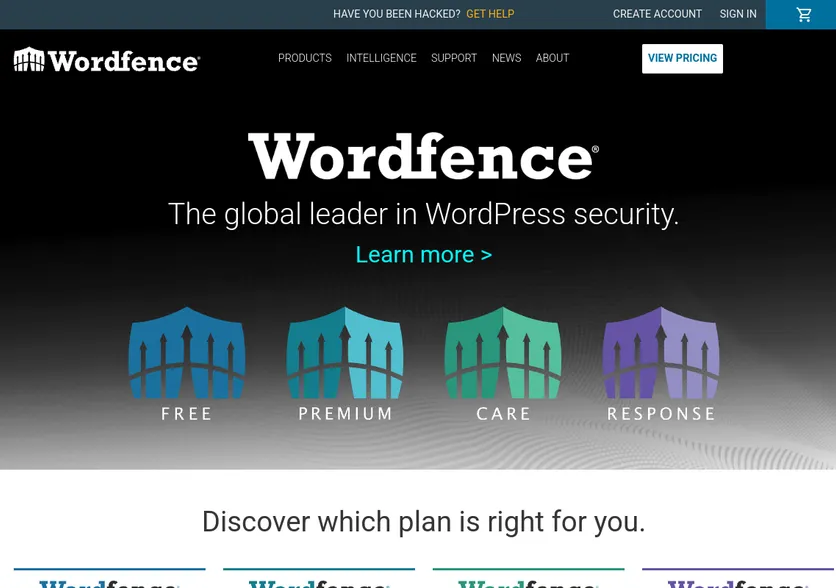
Paid tool Starting price: $149/year · One hundred and forty-nine dollars a year for Premium; the vendor announced a price rise on December 3, 2026, taking Premium to one hundred and ninety-nine dollars, Care to eight hundred and ninety dollars and Response to one thousand nine hundred dollars; older reads still show ninety-nine dollars a year, which is stale; Care is four hundred and ninety dollars a year and Response is nine hundred and fifty dollars a year at current list
Free plan: Free plan
A small business running WordPress gets serious protection without hiring anyone, since this Wordfence Premium plan costs one hundred and forty-nine dollars a year. It pairs an endpoint firewall with a malware scanner, a real-time threat feed and login security with two-factor authentication, and the free plan covers the basics. The price rises to one hundred and ninety-nine dollars a year on December 3, 2026, so a business should buy before that date if it plans to.
What we like
- Endpoint firewall and malware scanner built for WordPress
- Real-time threat feed updates on the Premium plan
- Login security with two-factor authentication included
Watch out for
- Premium rises to one hundred and ninety-nine dollars a year on December 3, 2026
- WordPress only, so it cannot protect a non-WordPress site
How to try it
- Install Wordfence and run a full site scan
- Turn on the firewall in extended protection mode
- Set login alerts so the team hears about failed logins
2. Sucuri
Best for: Remote teams that need a managed firewall plus cleanup
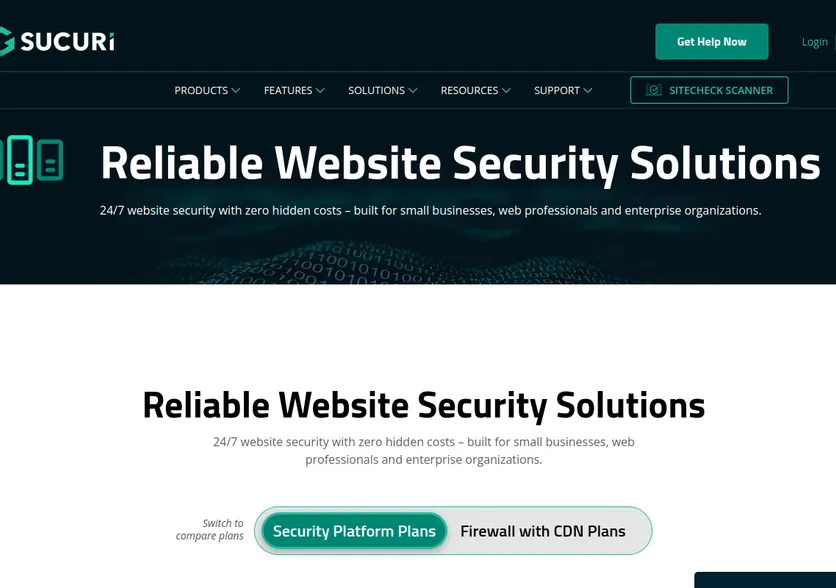
Paid tool Starting price: $199.99/year · One hundred and ninety-nine dollars and ninety-nine cents a year on Basic Platform for one site; Pro is two hundred and ninety-nine dollars and ninety-nine cents a year and Business is four hundred and ninety-nine dollars and ninety-nine cents; firewall-only plans are nine dollars and ninety-nine cents and nineteen dollars and ninety-eight cents a month; one October 2026 read lists Basic at two hundred and twenty-nine dollars a year, against the majority November 2026 reads at one hundred and ninety-nine dollars and ninety-nine cents
Free plan: Free plugin (WordPress)
A small business that wants a security company to watch the site for it will find this Sucuri Basic Platform plan costs one hundred and ninety-nine dollars and ninety-nine cents a year for one site. It blocks attacks at the firewall, cleans malware when it gets through, and alerts the owner about downtime, all without anyone touching a server. The price is per site, so a business with a second site pays the figure twice.
What we like
- Website firewall blocks attacks before they reach the site
- Malware cleanup is included, not billed per incident
- Monitoring and uptime alerts come with the platform plans
Watch out for
- Priced per site, so a team with many sites pays many times
- The dashboard packs in features that take a while to learn
How to try it
- Add the site and point DNS at the Sucuri firewall
- Run a full malware scan and clear any flagged files
- Turn on monitoring alerts for the whole team
3. MalCare
Best for: Remote teams that want one-click malware removal
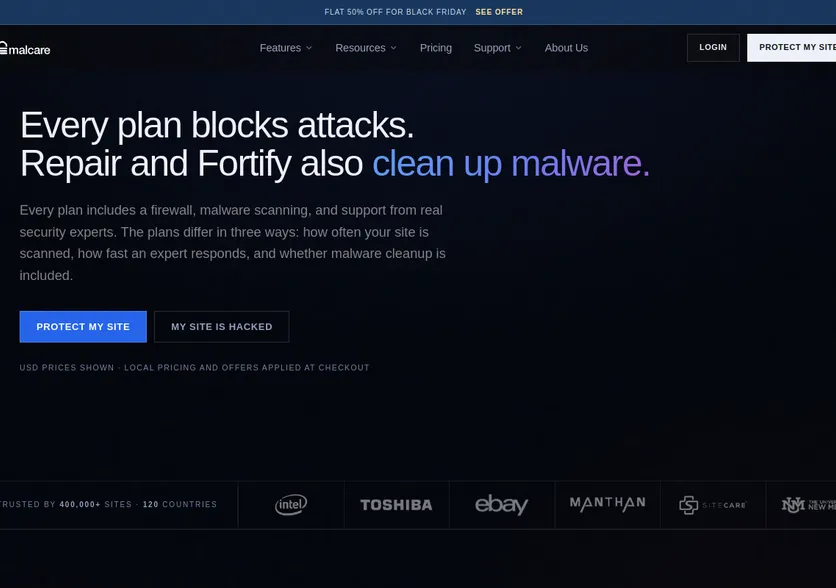
Paid tool Starting price: $99/year · Ninety-nine dollars a year on Protect for one site; Repair is two hundred and ninety-nine dollars and Fortify is four hundred and ninety-nine dollars; five-site pricing is two hundred and ninety-nine, eight hundred and ninety-nine and one thousand four hundred and ninety-nine dollars a year; billed yearly only; free plan covers weekly scans without cleanup
Free plan: Free plan
A small business that wants a hacked site fixed with one click will like this MalCare Protect plan at ninety-nine dollars a year for one site. Its scanner runs off-site so a hacked site stays fast, and one-click removal cleans infected files without anyone editing code. The free plan covers weekly scans only, so cleanup needs the paid plan, and billing is yearly with no monthly option.
What we like
- One-click malware removal without touching code
- Scans run off-site, so a hacked site stays fast
- Staging and backup tools sit beside the security features
Watch out for
- Billed yearly only, with no monthly option
- Cleanup is not on the free plan, only scans
How to try it
- Connect the site and run the first deep scan
- Turn on the firewall and daily automatic scans
- Use one-click removal if the scan flags infected files
4. Cloudflare
Best for: Small businesses that want a CDN and firewall for one price
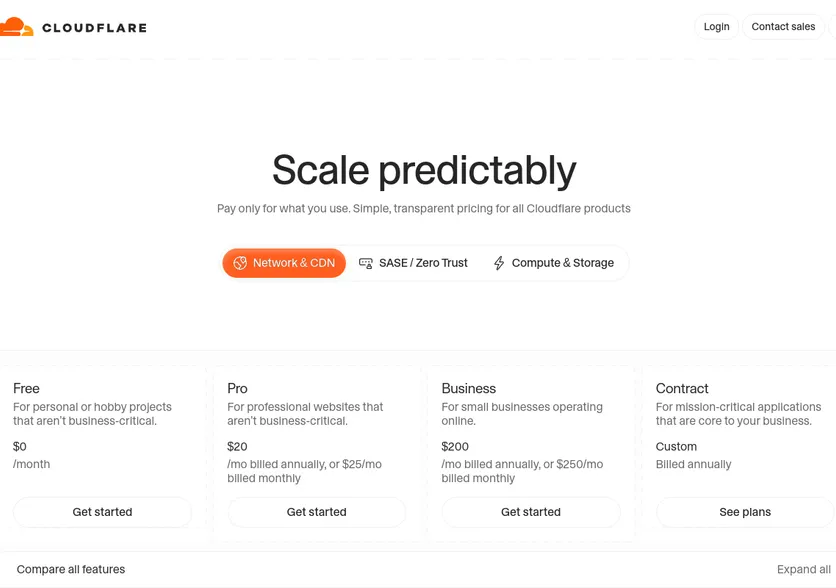
Paid tool Starting price: $20/month · Twenty dollars a month on Pro billed annually, or twenty-five dollars month to month, per domain; Business is two hundred dollars a month billed annually; Enterprise is quoted; the Free plan costs nothing
Free plan: Free plan
A small business that wants a faster site and a protected site for one price will find this Cloudflare Pro plan costs twenty dollars a month billed annually. It adds a web application firewall, image optimisation and more rules to the free plan's CDN, DNS and DDoS protection, all for one domain. Pro has no uptime SLA, and each domain is billed separately, so a business with several sites pays twenty dollars a month per site.
What we like
- Global CDN and DDoS protection on every plan
- Web application firewall and image optimisation on Pro
- Free plan covers DNS, SSL and basic protection
Watch out for
- Pro has no uptime SLA, so outages are not compensated
- Each domain is billed separately, so many sites add up fast
How to try it
- Add the site and switch DNS to Cloudflare nameservers
- Turn on the web application firewall with managed rules
- Enable image optimisation and full page caching
5. Jetpack Security
Best for: Remote teams that already use WordPress and want a bundle
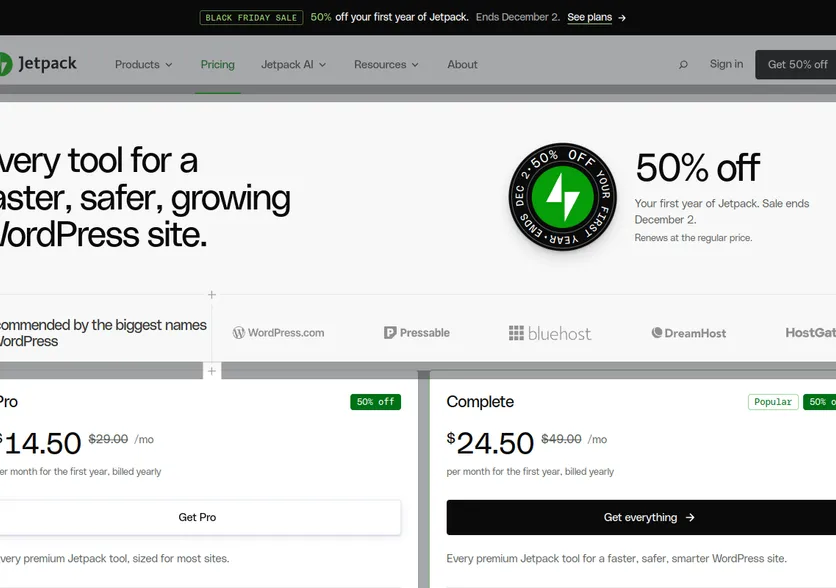
Paid tool Starting price: $29/month · Twenty-nine dollars a month on Jetpack Pro billed annually at three hundred and forty-eight dollars a year; the first year is fourteen dollars and fifty cents a month; Complete is forty-nine dollars a month; the nine dollars and ninety-five cents a month figure is the first-year promo of the nineteen dollars and ninety-five cents list and is not the headline price
Free plan: Free plan
A small business already running WordPress gets security inside a familiar plugin here, since this Jetpack Security Pro plan costs twenty-nine dollars a month billed annually. It bundles daily backups, malware scanning, spam protection and brute-force defence, with one-click restore from the backup archive when something breaks. The cheap monthly figure is a first-year promo, so the business should budget on the twenty-nine dollar list price.
What we like
- Backup, scan, spam and brute-force protection in one bundle
- One-click restore from the backup archive
- Activity log shows every change across the site
Watch out for
- The cheap monthly figure is a first-year promo, not the list price
- WordPress only, and some features need the Complete tier
How to try it
- Connect the site to a WordPress.com account
- Turn on daily backups and the malware scanner
- Set up brute-force protection and downtime alerts
6. SiteLock
Best for: Small businesses that want a simple scan-and-fix plan
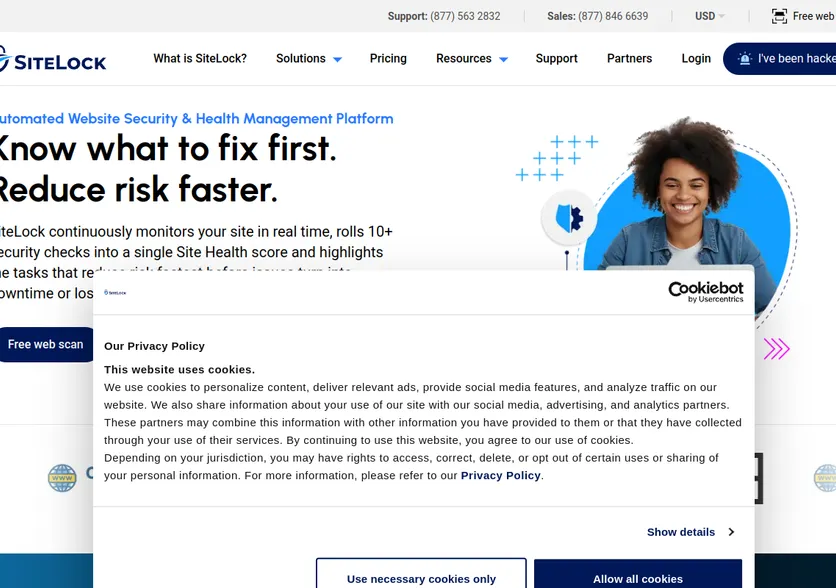
Paid tool Starting price: $19.99/month · Nineteen dollars and ninety-nine cents a month on Basic; Pro is twenty-nine dollars and ninety-nine cents and Business is forty-four dollars and ninety-nine cents; annual billing saves seventeen percent, taking Basic to sixteen dollars and fifty-eight cents a month; no free plan; Basic has no WAF or CDN
Free plan: No free plan
A small business owner who wants security that needs no technical skill will find this SiteLock Basic plan costs nineteen dollars and ninety-nine cents a month. It runs daily malware scans with automatic removal on paid plans and adds a trust seal badge for the storefront. Basic has no firewall or CDN, so attacks still reach the site, and there is no free plan to test the scanner first.
What we like
- Daily malware scans with automatic removal on paid plans
- Trust seal badge for the storefront
- Simple plans that a non-technical owner can follow
Watch out for
- Basic has no firewall or CDN, so attacks still reach the site
- No free plan to test the scanner first
How to try it
- Add the site and run the first full scan
- Turn on daily scans and automatic malware removal
- Add the trust seal to the store checkout page
7. Virusdie
Best for: Small businesses that want cheap cleanup for one site
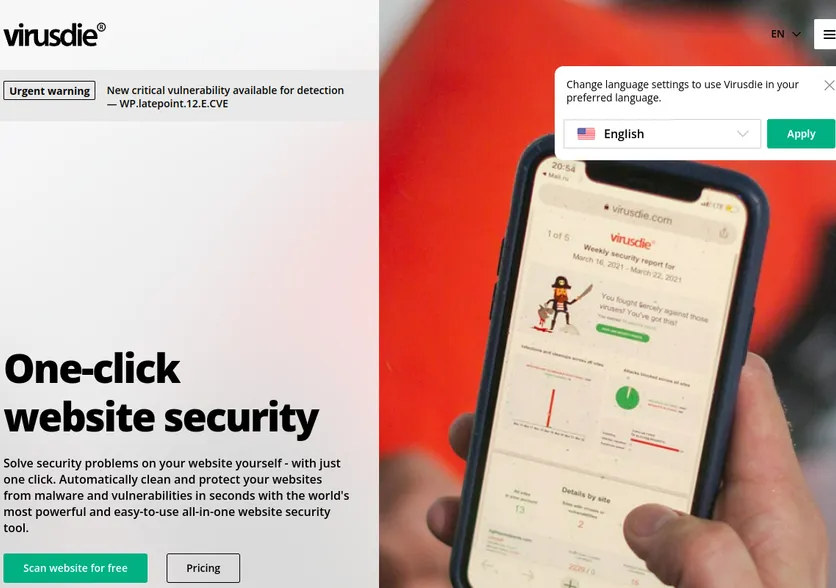
Paid tool Starting price: $15/month · Fifteen dollars a month on Premium for one site; PRO is four hundred and ninety-nine dollars a month for one thousand sites; free plan covers one site with a monthly scan
Free plan: Free plan (1 site)
A small business that needs the cheapest real cleanup will find this Virusdie Premium plan costs fifteen dollars a month for one site. It pairs automatic malware removal with a firewall and daily scans, and the free plan covers one site with a monthly scan. Support is thin compared with the bigger security vendors, and the reports are basic, so a business that needs hand-holding should look elsewhere.
What we like
- Automatic malware removal on the Premium plan
- Firewall and daily scans included for one low price
- Free plan covers one site with a monthly scan
Watch out for
- Support is thin compared with the bigger security vendors
- The interface is plain and the reports are basic
How to try it
- Add the site and run the first malware scan
- Turn on the firewall and daily automatic scans
- Enable automatic removal so infections are cleaned at once
8. CleanTalk
Best for: Small businesses drowning in comment and form spam
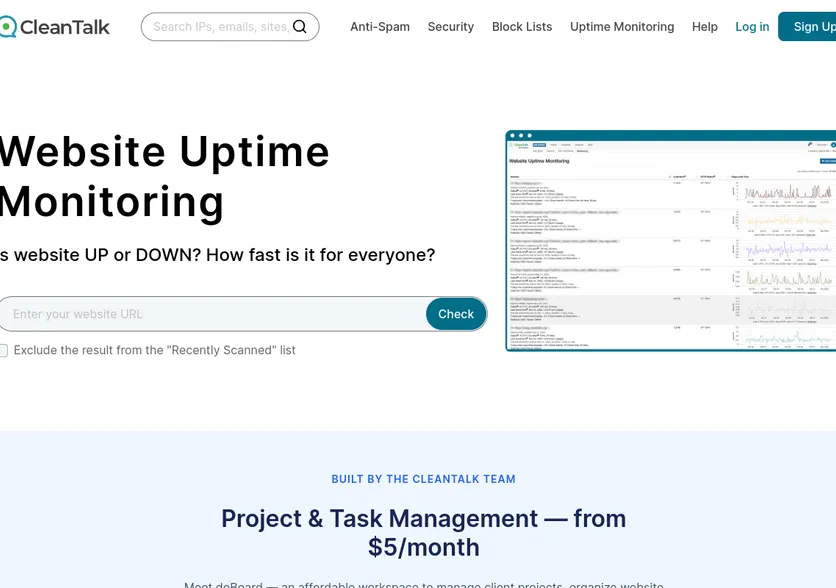
Paid tool Starting price: $12/year · Twelve dollars a year for Anti-Spam on one site; three sites cost twenty-four dollars a year, five sites thirty-six dollars and ten sites sixty-nine dollars; unlimited is twenty-seven dollars a month; seven-day free trial with no card; this is an anti-spam and bot layer, not a full security suite
Free plan: No free plan; 7-day free trial
A small business drowning in spam comments and fake registrations will find relief here, since this CleanTalk Anti-Spam plan costs twelve dollars a year for one site. It blocks spam silently with no CAPTCHA, so real visitors never solve a puzzle to leave a comment. It is an anti-spam and bot layer only, not a full security suite, so a business still needs a firewall and scanner beside it.
What we like
- Blocks spam comments and fake registrations silently
- No CAPTCHA, so real visitors never solve a puzzle
- Costs twelve dollars a year for one site
Watch out for
- Anti-spam only, so it is not a full security suite
- Spam protection needs the plugin on every site
How to try it
- Install the plugin and connect it with the access key
- Turn on protection for comments, registrations and contact forms
- Check the spam log weekly for any blocked real visitors
Prices above were checked on each vendor’s own website on Nov 29, 2026 and can change — the vendor’s page is the final word. Vendor links are editorial: nobody paid to be listed or ranked here. Vendors who want a featured listing can see how it works on our Get listed page.
How a small business protects its site on a small budget
Start with the free plan of a real security tool, because a free firewall and scanner beat no protection at all. Turn on daily scans and automatic malware removal on the first paid plan, and make sure the plan includes a backup that can restore the site in one click. Give the admin login two-factor authentication and a strong password, since a stolen password is still the most common way into a small business site. Keep plugins and themes updated every week, because most attacks use old vulnerabilities that already have fixes. Check the security reports once a month, and budget for the next tier when the business adds a second site or an online store.
Before you buy
- Confirm the plan includes a firewall, not just a scanner, because a scanner only finds attacks after they reach the site
- Check whether malware cleanup is included or billed per incident, since one hacked site can cost more than a year of protection
- Ask if the price is per site or per account, because per-site pricing doubles when the business adds a second site
- Make sure backups and one-click restore are included, so a hacked site can be rebuilt without paying a developer
- Test the free plan or trial on the real site before paying, including a scan that finds a test file
Official websites
Official websites of the products reviewed above. Features and prices were checked against these sites when this guide was written, and they can change, so confirm on the vendor site before you buy.
Frequently asked questions
What is website security software for small business?
It is software that protects a small business website from attacks, malware and stolen logins without needing a security team. Good tools combine a firewall that blocks attacks, a scanner that finds malware, and cleanup that removes it, with alerts that reach the owner. The best plans for small business cost a few dollars a month or under two hundred dollars a year, and many start free.
How much does Wordfence cost for a small business?
Wordfence Premium costs one hundred and forty-nine dollars a year, and the free plan covers the basic firewall and scanner for a WordPress site. Care is four hundred and ninety dollars a year and Response is nine hundred and fifty dollars a year, adding hands-on help. The vendor announced a price rise on December 3, 2026, taking Premium to one hundred and ninety-nine dollars a year, so a business should buy before then.
Can a small business protect its website for free?
Yes, with Wordfence, MalCare, Jetpack, Virusdie and Cloudflare, which all offer free plans that cover basic scanning or protection for one site. Cloudflare's free plan includes a CDN, DNS and DDoS protection, while Wordfence's free plan includes the firewall and scanner. Free plans never include cleanup or a managed firewall, so a business that needs real protection should compare the paid plans above.
Which security tool is best for a small business on WordPress?
Wordfence is the best pick for a small business on WordPress, at one hundred and forty-nine dollars a year for Premium, because its firewall and scanner are built for WordPress and the free plan covers the basics. Jetpack Security is the runner-up for a business that also wants daily backups in the same bundle. Cloudflare Pro is the better pick for a business that wants speed and protection together for twenty dollars a month.
What should I do first if my business website is hacked?
First, run a full scan with a tool such as Wordfence, MalCare or Sucuri to find the infected files, then use the paid plan's cleanup to remove them. Change every admin password and turn on two-factor authentication, since the attacker may have stolen a login. Restore from a clean backup if the cleanup leaves doubts, and keep daily scans on so the next infection is caught fast.
Compare the eight tools above, then start with a free plan or trial on the tool that matches how the business already runs its site before paying for a full year.
Browse Security & Privacy tools