On this page
A webtoon is a long vertical strip, not a printed page, so the drawing app has to handle tall canvases, panel flow and text that reads on a phone. The eight tools below cover that job for artists of every kind, from a free phone app to the desktop standard that most professionals use. Clip Studio Paint leads because its Pro version costs sixty-three dollars one time and its panel tools were built for long vertical strips, and the rest are ranked on how well they fit a comic artist's workflow for the price.
How we researched this
We checked every price on the vendor pricing page on November 29, 2026, and only included tools with a published US dollar list price. The free drawing apps with no paid price to compare, including MediBang Paint and Krita, have no headline price, so they are not in this list. Prices change, so confirm the current figure on the vendor site before you buy.
Compare the tools
| Name | Best for | Starting price | Free plan | |
|---|---|---|---|---|
 Clip Studio Paint | Comic artists who draw long-form webtoons on desktop | $63 one-time | Free trial available | Visit |
 Procreate | Comic artists who draw webtoons on iPad | $12.99 one-time | No free plan | Visit |
 Sketchbook | Comic artists who want a cheap one-time drawing app | $24.99 one-time | Free mobile app | Visit |
| Artstudio Pro | Comic artists who want pro brushes on iPad for little money | $14.99 one-time | Free download (limited) | Visit |
 ibisPaint | Comic artists who draw on a phone or tablet | $2.99/month | Free app (ad-supported) | Visit |
 Comic Draw | Comic artists who plan panels and pages on iPad | $9.99 one-time | Free download; 14-day free trial | Visit |
| PaintTool SAI | Comic artists who ink clean lines on Windows | $50.81 one-time | 31-day free trial | Visit |
 Procreate Dreams | Comic artists who animate their webtoon panels | $19.99 one-time | No free plan | Visit |
The webtoon creation software for comic artists, compared
1. Clip Studio Paint
Best for: Comic artists who draw long-form webtoons on desktop
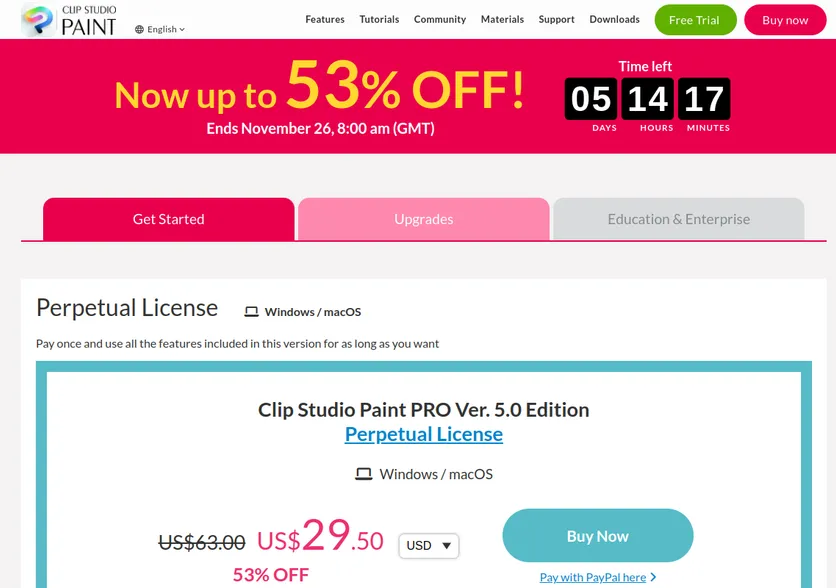
Paid tool Starting price: $63 one-time · Sixty-three dollars one time for Pro version five, released March 2026; EX is two hundred and seventy-seven dollars one time; older listings still show forty-nine dollars and ninety-nine cents for Pro and two hundred and nineteen dollars for EX, which are pre-version-five figures; subscriptions start at ninety-nine cents a month for Pro on one device, or twenty-four dollars and ninety-nine cents a year; the perpetual licence is desktop only and iPad and Android are subscription only
Free plan: Free trial available
A comic artist who draws long webtoon episodes on a desktop will find the standard here, since this Clip Studio Paint Pro plan costs sixty-three dollars one time for version five. Its panel tools were built for long vertical strips, and thousands of brushes and tones were made for comics. The perpetual licence gets no future updates without an Update Pass, and iPad and Android need a subscription instead of the one-time licence.
What we like
- Panel tools built for long vertical webtoon strips
- Thousands of brushes and tones made for comics
- One-time licence with no monthly bill on desktop
Watch out for
- The perpetual licence gets no future updates without an Update Pass
- iPad and Android need a subscription, not the one-time licence
How to try it
- Create a webtoon canvas with a long vertical page size
- Sketch the episode with the panel and frame tools
- Export the finished strip as a tall image for the platform
2. Procreate
Best for: Comic artists who draw webtoons on iPad
Paid tool Starting price: $12.99 one-time · Twelve dollars and ninety-nine cents one time, up from nine dollars and ninety-nine cents earlier in 2026; iPad only; Procreate Dreams is sold separately at nineteen dollars and ninety-nine cents one time
Free plan: No free plan
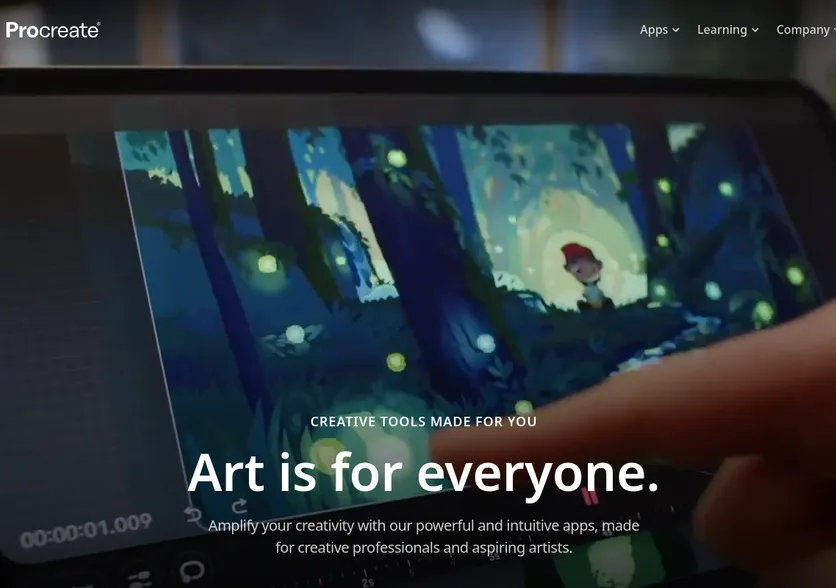
A comic artist who draws on an iPad will find the favourite here, since this Procreate plan costs twelve dollars and ninety-nine cents one time. Its huge brush library and touch-first interface make sketching an episode fast, and the time-lapse replay records every stroke. It has no built-in webtoon panel templates, so an artist sets up the tall canvas by hand, and there is no desktop or Android version.
What we like
- Huge brush library with a fast, touch-first interface
- One-time price with no subscription
- Time-lapse replay records every stroke of the episode
Watch out for
- iPad only, with no desktop or Android version
- No built-in webtoon panel templates or publishing tools
How to try it
- Open a tall custom canvas sized for a webtoon episode
- Sketch the episode in layers, one layer per character
- Export the finished strip and upload it to the webtoon platform
3. Sketchbook
Best for: Comic artists who want a cheap one-time drawing app
Paid tool Starting price: $24.99 one-time · Twenty-four dollars and ninety-nine cents one time from the Microsoft Store or Mac App Store for Windows and Mac; the mobile app is free with a two dollars and ninety-nine cents Premium Bundle in-app purchase on iOS; direct enterprise and education licences are twenty-four dollars and ninety-nine cents per seat a year with a ten-seat minimum
Free plan: Free mobile app
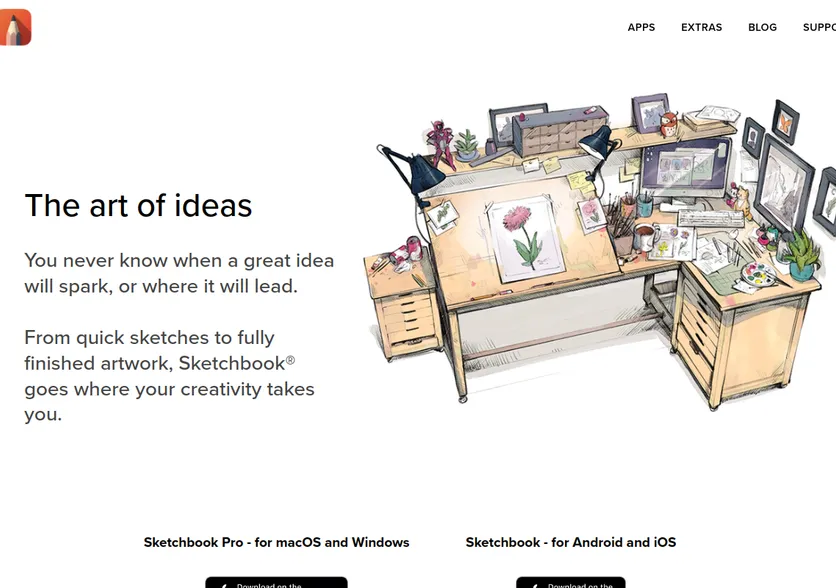
A comic artist who wants a cheap drawing app without a subscription will find this Sketchbook plan costs twenty-four dollars and ninety-nine cents one time for Windows and Mac. Its clean interface stays out of the way while drawing, and the mobile app is free for sketching on the go. It has fewer comic-specific tools than Clip Studio Paint, so an artist who needs panel templates should look at the tools above.
What we like
- Clean, distraction-free drawing interface
- One-time price with no subscription on desktop
- Works on Windows, Mac, iOS and Android
Watch out for
- Fewer comic-specific tools than Clip Studio Paint
- The free mobile app locks some tools behind the Premium Bundle
How to try it
- Open a tall canvas and set the resolution for web publishing
- Rough out the episode with the pencil brush
- Ink, colour and export the strip as a single tall image
4. Artstudio Pro
Best for: Comic artists who want pro brushes on iPad for little money
Paid tool Starting price: $14.99 one-time · Fourteen dollars and ninety-nine cents for a lifetime licence on iOS and iPad, with a three dollars and forty-nine cents a year subscription option; the Mac version is a separate purchase, listed at nine dollars and ninety-nine cents in one read and nineteen dollars and ninety-nine cents in another; free to download with limits on saving, layers and export
Free plan: Free download (limited)
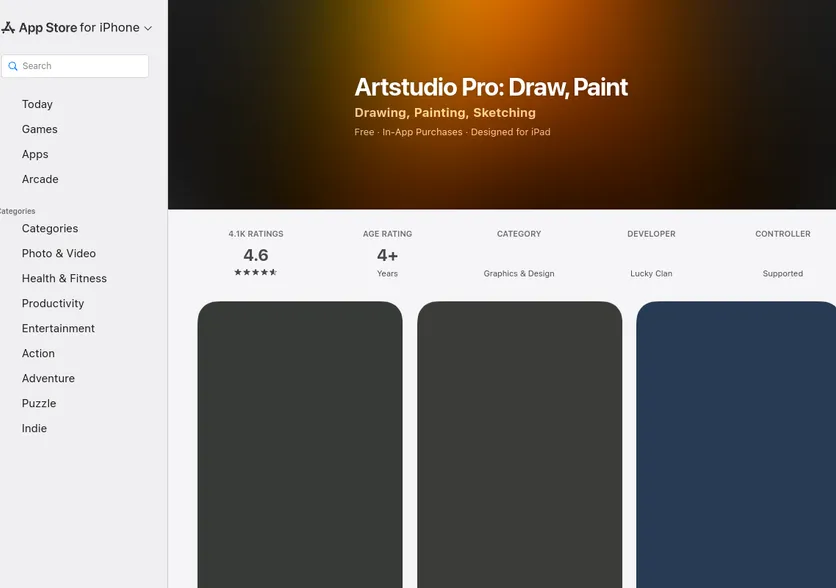
A comic artist who wants desktop-class brushes on an iPad for little money will find this Artstudio Pro lifetime licence costs fourteen dollars and ninety-nine cents. It supports layers, PSD files and pressure-sensitive styluses, so a webtoon episode can move between apps without losing work. The Mac version is a separate purchase with conflicting prices, and the free download limits saving, layers and export.
What we like
- Desktop-class brushes and layers on iPad
- Lifetime licence for less than fifteen dollars
- Supports PSD files and pressure-sensitive styluses
Watch out for
- The Mac version is a separate purchase with conflicting prices
- The free download limits saving, layers and export
How to try it
- Download the app and unlock the lifetime licence
- Set up a tall webtoon canvas with layers for each character
- Draw, ink and export the episode as a tall image
5. ibisPaint
Best for: Comic artists who draw on a phone or tablet
Paid tool Starting price: $2.99/month · Two dollars and ninety-nine cents a month or twenty-seven dollars and ninety-nine cents a year for Premium Membership; the free ibisPaint X app is ad-supported; the paid ad-free app is nine dollars and ninety-nine cents on iOS and fifteen dollars and ninety-nine cents on Android; the Windows and Mac Pro Upgrade is sixty-two dollars and ninety-nine cents
Free plan: Free app (ad-supported)
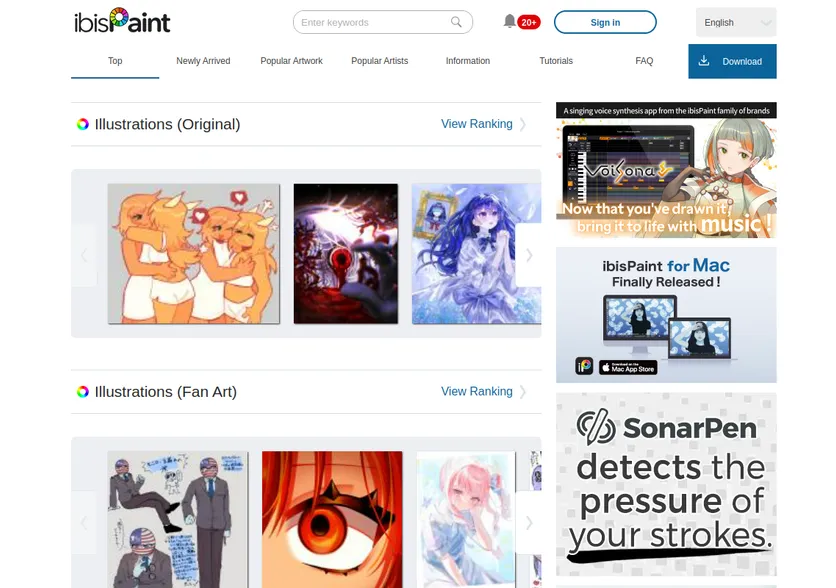
A comic artist who draws on a phone between other jobs will find this ibisPaint Premium plan costs two dollars and ninety-nine cents a month or twenty-seven dollars and ninety-nine cents a year. It packs manga frames, tones and text tools into a phone app, and the free version is genuinely usable for short episodes. The price changes by platform, so an artist should check the store before buying, and the free version shows ads.
What we like
- Draw anywhere on a phone with a huge brush library
- Built-in manga frames, tones and text tools
- Free version is genuinely usable for short episodes
Watch out for
- The price changes by platform, so check the store before buying
- The free version shows ads and limits some brushes
How to try it
- Open a tall canvas and pick the manga frame tool
- Sketch the episode panel by panel down the strip
- Add tones and text, then export for the webtoon platform
6. Comic Draw
Best for: Comic artists who plan panels and pages on iPad
Paid tool Starting price: $9.99 one-time · Nine dollars and ninety-nine cents as a one-time in-app purchase to unlock the full app; free to download with a fourteen-day free trial; iPad only
Free plan: Free download; 14-day free trial
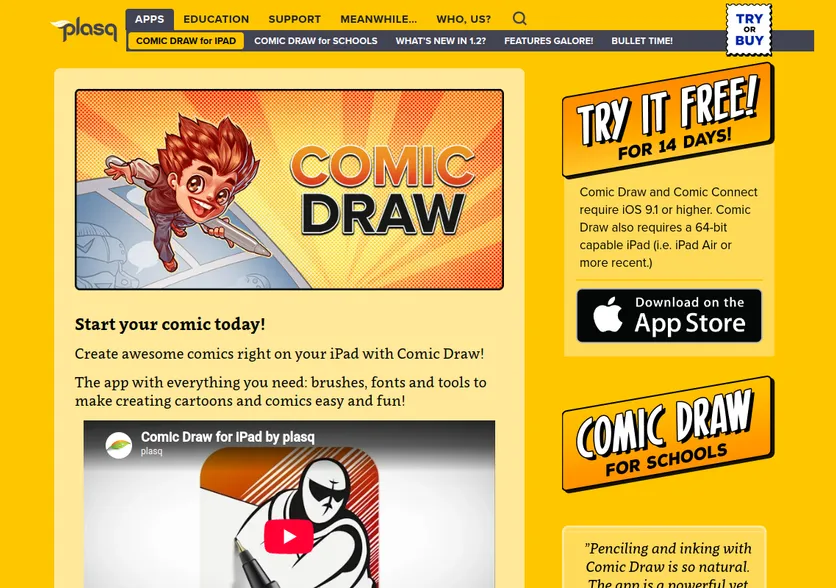
A comic artist who plans the story before drawing it will like this Comic Draw full app at nine dollars and ninety-nine cents as a one-time in-app purchase. It keeps the script, panels and lettering in one app, with page templates sized for print and web comics. It is iPad only with no desktop version, and the brush library is thinner than the big drawing apps.
What we like
- Script, panels and lettering live in one app
- Page templates sized for print and web comics
- One-time unlock with no subscription
Watch out for
- iPad only, with no desktop version
- A small app, so the brush library is thinner than the big drawing apps
How to try it
- Start a new project and pick a webtoon page template
- Write the script, then sketch the panels in order
- Letter the panels and export the finished pages
7. PaintTool SAI
Best for: Comic artists who ink clean lines on Windows
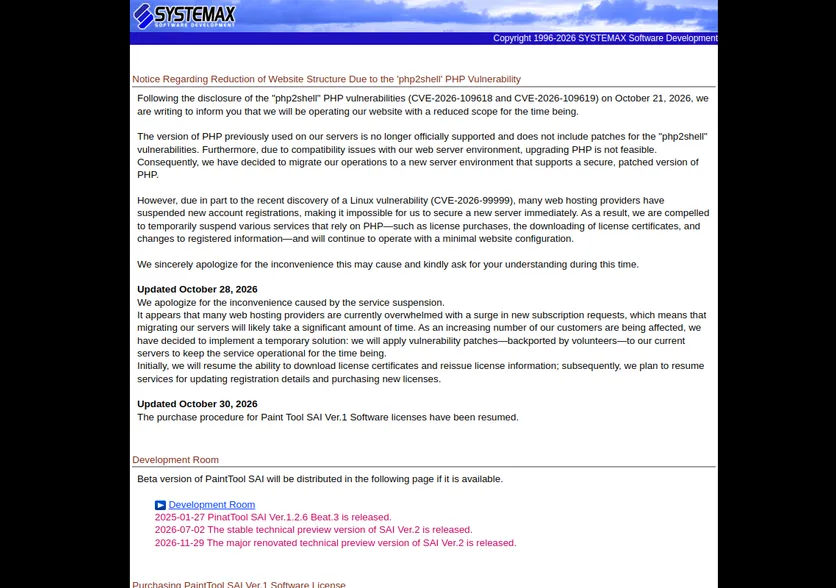
Paid tool Starting price: $50.81 one-time · Fifty dollars and eighty-one cents one time, five thousand five hundred yen including tax from the vendor Systemax; thirty-one-day free trial; Windows only; version two is a free upgrade for version one licence holders
Free plan: 31-day free trial
A comic artist who inks clean lines on Windows will find the smoothest lines here, since this PaintTool SAI licence costs fifty dollars and eighty-one cents one time. Its inking engine has line stabilisation that makes long strokes beautifully smooth, and the app runs fast on modest computers. It is Windows only with no comic panel or lettering tools, so an artist pairs it with another app for the final layout.
What we like
- Inking engine with beautifully smooth line stabilisation
- Lightweight app that runs fast on modest computers
- One-time price with a free upgrade to version two
Watch out for
- Windows only, with no Mac or tablet version
- No built-in comic panel or lettering tools
How to try it
- Open a tall canvas and set the line stabiliser
- Sketch the episode, then ink it on a separate layer
- Colour the strip and export it for the webtoon platform
8. Procreate Dreams
Best for: Comic artists who animate their webtoon panels
Paid tool Starting price: $19.99 one-time · Nineteen dollars and ninety-nine cents one time; iPad only; sold separately from Procreate as an animation companion for webtoon panels
Free plan: No free plan
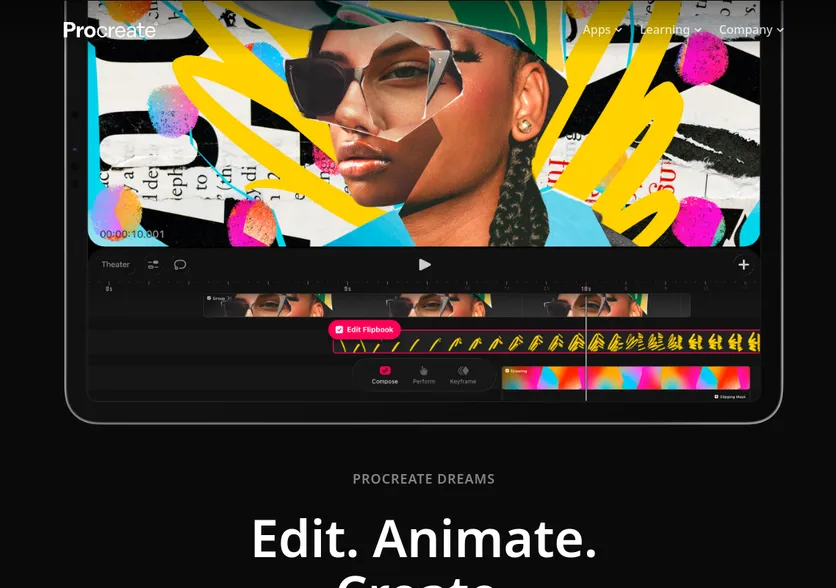
A comic artist who wants webtoon panels to move on social media will find this Procreate Dreams app costs nineteen dollars and ninety-nine cents one time. Its touch-first timeline feels like drawing rather than editing, and it works with Procreate files for a smooth handoff. It is iPad only and animation only, so static episodes still need Procreate for the drawing itself.
What we like
- Touch-first timeline that feels like drawing, not editing
- One-time price with no subscription
- Works with Procreate files for a smooth handoff
Watch out for
- iPad only, and it cannot replace a full drawing app
- Animation only, so static episodes still need Procreate
How to try it
- Import the finished webtoon panels from Procreate
- Add gentle motion to a character or background on the timeline
- Export the animated clip for social promotion
Prices above were checked on each vendor’s own website on Nov 29, 2026 and can change — the vendor’s page is the final word. Vendor links are editorial: nobody paid to be listed or ranked here. Vendors who want a featured listing can see how it works on our Get listed page.
How to draw a webtoon episode that reads well on a phone
Start with a tall canvas, because a webtoon reads top to bottom on a phone and a printed page shape will waste the reader's scrolling. Sketch the whole episode first, then ink and colour panel by panel down the strip, keeping the gutters wide so each beat lands before the next one starts. Keep text short and place it where the eye lands naturally, since a reader on a phone will skip a wall of words. Export the finished strip as one tall image at a size the platform accepts, and check it on a real phone before publishing, because a strip that looks fine on a desktop can be unreadable on a small screen. Save the layered file for every episode, so a typo or a colour fix takes minutes instead of a redraw.
Before you buy
- Confirm the app handles tall vertical canvases, because a tool built for square art will fight a webtoon layout
- Check whether the licence is one-time or a subscription, since a cheap monthly price can cost more than a one-time licence in a year
- Ask if the app runs on the device you actually draw on, because several tools here are iPad only or Windows only
- Make sure the export size and format match the webtoon platform, so the finished strip uploads without shrinking
- Test the free version or trial on a real episode before paying, including the panel, tone and text tools
Official websites
Official websites of the products reviewed above. Features and prices were checked against these sites when this guide was written, and they can change, so confirm on the vendor site before you buy.
Frequently asked questions
What is webtoon creation software for comic artists?
It is software for drawing long vertical comic strips that readers scroll through on a phone. Good tools offer tall canvases, panel and frame tools, tones, lettering and export sizes that match webtoon platforms. The best plans for comic artists cost a few dollars a month or a one-time fee, and several offer free versions that are good enough for short episodes.
How much does Clip Studio Paint cost for webtoon artists?
Clip Studio Paint Pro costs sixty-three dollars one time for version five, released March 2026, and EX is two hundred and seventy-seven dollars one time. Subscriptions start at ninety-nine cents a month for Pro on one device, or twenty-four dollars and ninety-nine cents a year. The perpetual licence is desktop only, so iPad and Android artists need a subscription instead.
Can I draw webtoons for free?
Yes, with ibisPaint, Sketchbook and Artstudio Pro, which all offer free versions that cover drawing, panels and export for short episodes. ibisPaint X is free with ads, Sketchbook's mobile app is free, and Artstudio Pro is free to download with limits. Free versions limit some brushes, layers or export options, so a working artist should compare the paid plans above.
Which webtoon tool is best on iPad?
Procreate is the best pick on iPad, at twelve dollars and ninety-nine cents one time, because its brush library and touch interface make drawing an episode fast. Clip Studio Paint is the runner-up for iPad artists who need panel tools and tones, though it needs a subscription on iPad. Artstudio Pro is the budget pick, with a lifetime licence for fourteen dollars and ninety-nine cents.
What canvas size should a webtoon episode use?
A webtoon episode uses a tall canvas, commonly around eight hundred pixels wide and as tall as the episode needs, often several thousand pixels. Most platforms accept a single tall image or a set of tall slices, so the drawing app must handle canvases far taller than a printed page. Tools such as Clip Studio Paint and ibisPaint offer webtoon presets, while others need a custom canvas set up by hand.
Compare the eight tools above, then start with a free version or trial on the tool that matches how the artist already draws before paying for a full licence.
Browse Image Tools tools