On this page
A novel is a long project with characters, timelines and research to keep straight, so the right writing app does more than hold text on a page. The eight tools below cover that job, from a one-time desktop classic to free browser studios. Scrivener leads because it holds the manuscript, research and outline in one place, while the free tools below suit writers who want to draft a whole book without paying.
How we researched this
We checked every price on the vendor pricing page on November 29, 2026, and only included tools with a published US dollar list price. All eight tools in this list publish prices, so the comparison is on verified figures rather than quotes. Prices change, so confirm the current figure on the vendor site before you buy.
Compare the tools
| Name | Best for | Starting price | Free plan | |
|---|---|---|---|---|
 Scrivener | Novelists who want one app for the whole book | $59.99 | No free plan; 30-day free trial | Visit |
 Dabble | Writers who plot and draft in the browser | $19/month | No free plan; 14-day free trial | Visit |
 Plottr | Plotters who plan on a visual timeline | $60/year | No free plan; 30-day free trial | Visit |
 Novlr | Writers who want goals and a calm browser app | $8/month | Free plan (2 projects) | Visit |
 Atticus | Authors who format their own print and ebooks | $147 | No free plan | Visit |
 yWriter | Writers who want a free desktop organiser | $0 | Free plan | Visit |
 Reedsy Studio | Writers who want a free browser studio | $0 | Free plan | Visit |
 LivingWriter | Authors who want story elements and AI help | $24.99/month | Free plan (first book) | Visit |
The writing software for novels, compared
1. Scrivener
Best for: Novelists who want one app for the whole book
Paid tool Starting price: $59.99 · Fifty-nine dollars and ninety-nine cents one time per desktop platform, Mac or Windows separately; the bundle for both is ninety-five dollars and ninety-eight cents and iOS is twenty-three dollars and ninety-nine cents; the thirty-day trial counts days of use, not calendar days
Free plan: No free plan; 30-day free trial
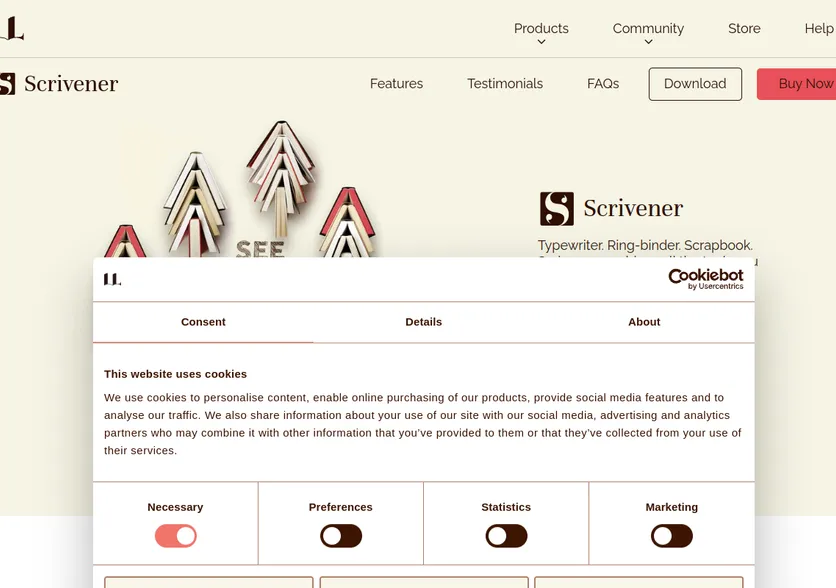
The novelist's standard for a reason, this Scrivener plan costs fifty-nine dollars and ninety-nine cents one time per desktop platform. It holds the manuscript, research, notes and outline in one project, and the thirty-day trial counts days of use rather than calendar days. The bundle for Mac and Windows together is ninety-five dollars and ninety-eight cents, and the iOS app is twenty-three dollars and ninety-nine cents.
What we like
- Manuscript, research and outline in one project
- One-time price with no subscription
- Thirty-day trial counted in days of use
Watch out for
- One licence covers one platform, not both
- Learning curve is steeper than the browser tools here
How to try it
- Create a project and break the novel into scenes
- Write each scene in the editor and store research beside it
- Compile the manuscript into Word, ebook or print
2. Dabble
Best for: Writers who plot and draft in the browser
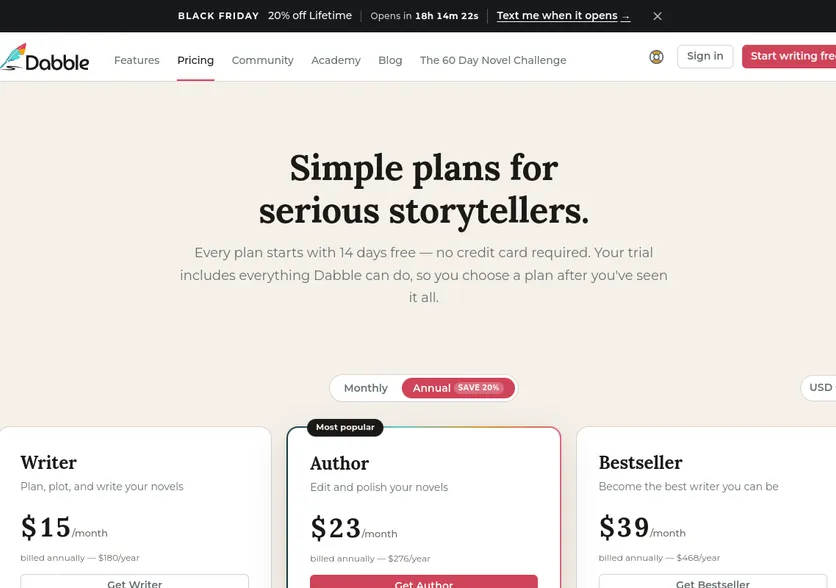
Paid tool Starting price: $19/month · Nineteen dollars a month on Writer, or one hundred and eighty dollars a year billed annually; Author is twenty-nine dollars a month and Bestseller is forty-nine dollars a month; a lifetime Author licence is six hundred and ninety-nine dollars one time
Free plan: No free plan; 14-day free trial
A writer who plots on a timeline and drafts in the same browser tab will like this Dabble plan, which costs nineteen dollars a month on Writer. Plot grids, character notes and goals sit beside the manuscript, and the fourteen-day trial needs no card. Author and Bestseller add more plotting and publishing help at twenty-nine and forty-nine dollars a month, with a lifetime Author licence at six hundred and ninety-nine dollars.
What we like
- Plotting, notes and manuscript in one browser app
- Fourteen-day trial with no card required
- Goals and streaks that keep the daily habit going
Watch out for
- Subscription only, with no free plan
- Offline use is limited compared with a desktop app
How to try it
- Plot the story on the grid with scenes and beats
- Draft each scene with goals and word targets
- Export the manuscript when the draft is done
3. Plottr
Best for: Plotters who plan on a visual timeline
Paid tool Starting price: $60/year · Sixty dollars a year for the desktop app, or one hundred and fifty dollars for a lifetime licence; Pro is nine dollars and ninety-nine cents a month, ninety-nine dollars a year, or five hundred and ninety-nine dollars for a lifetime licence
Free plan: No free plan; 30-day free trial
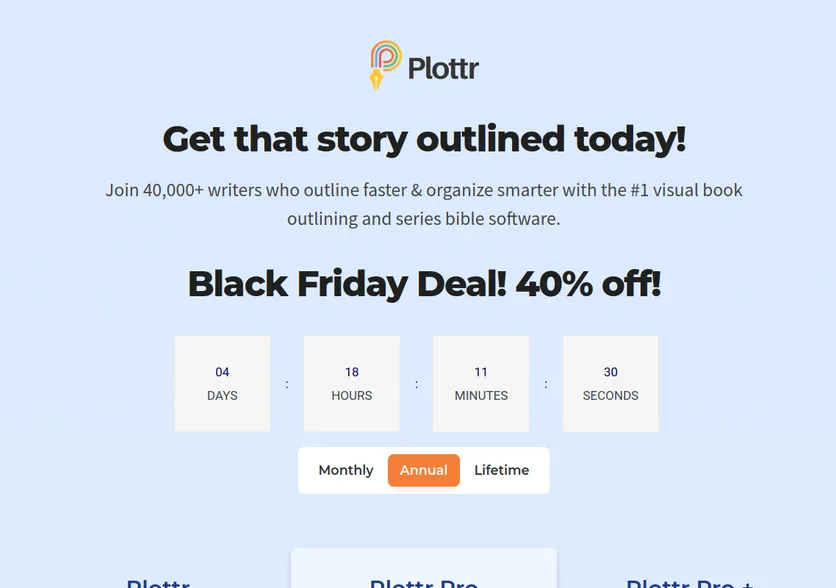
A writer who plans the whole story before drafting will get the most from this Plottr plan, which costs sixty dollars a year for the desktop app. Timelines, place and character templates turn a vague idea into a plotted outline, and the lifetime licence is one hundred and fifty dollars one time. Pro adds cloud sync and more templates at nine dollars and ninety-nine cents a month or ninety-nine dollars a year.
What we like
- Visual timelines that make plotting concrete
- One-time lifetime licence for one hundred and fifty dollars
- Templates for characters, places and story structure
Watch out for
- Plotting tool first, not a full writing app
- Pro features need the subscription tier
How to try it
- Choose a plot template and map the story beats
- Add characters, places and timelines to the outline
- Export the outline or draft in your writing app
4. Novlr
Best for: Writers who want goals and a calm browser app
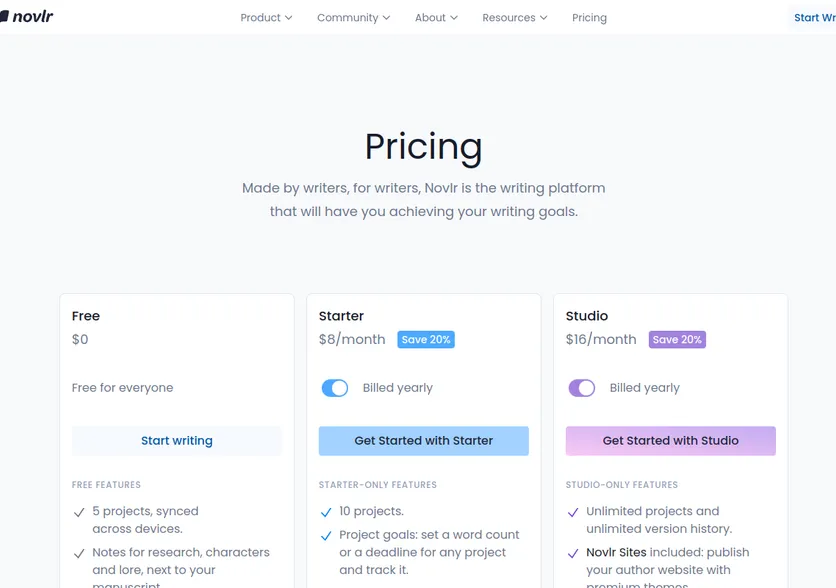
Paid tool Starting price: $8/month · Eight dollars a month billed yearly on Starter (ninety-six dollars a year), or ten dollars a month billed monthly; Studio is sixteen dollars a month billed yearly; a Lifetime Studio membership is four hundred and ninety-nine dollars once; free plan covers two projects
Free plan: Free plan (2 projects)
A writer who stays motivated by goals, streaks and sprints will feel at home with this Novlr plan, which costs eight dollars a month billed yearly on Starter. The browser app keeps notes, a planning grid, focus mode and writing analytics in one calm workspace, and a free plan covers two projects forever. Studio adds a proofreader, grammar checker and unlimited projects at sixteen dollars a month billed yearly.
What we like
- Goals, streaks and sprints that build the habit
- Free plan for two projects forever
- No generative AI writing tools, by design
Watch out for
- Starter caps at ten projects, so prolific writers hit the limit
- Proofreader and grammar checker need the Studio plan
How to try it
- Create a project and set a daily word goal
- Write in focus mode with sprints and streaks
- Review analytics and export when the draft is done
5. Atticus
Best for: Authors who format their own print and ebooks
Paid tool Starting price: $147 · One hundred and forty-seven dollars one time for lifetime access, with no subscription and no free plan; includes formatting for print and ebook in one app
Free plan: No free plan
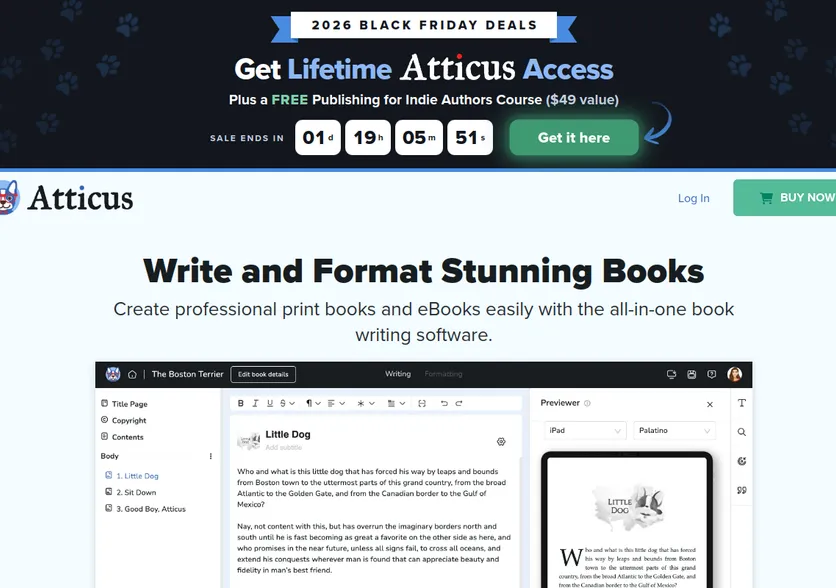
An author who wants to format the finished book without hiring a designer will like this Atticus plan, which costs one hundred and forty-seven dollars one time for lifetime access. It formats print and ebook editions in one app, with no subscription and no free plan. It is a formatting tool first, so most authors will still draft in one of the writing apps above.
What we like
- One-time price with lifetime access
- Print and ebook formatting in one app
- No subscription to keep paying
Watch out for
- Formatting tool, not a drafting app
- No free plan or trial is offered
How to try it
- Import the finished manuscript into Atticus
- Choose the print and ebook themes
- Export the formatted files for publishing
6. yWriter
Best for: Writers who want a free desktop organiser
Paid tool Starting price: $0 · Zero dollars, free with no subscription; the Windows version is the main build, with versions for other platforms
Free plan: Free plan
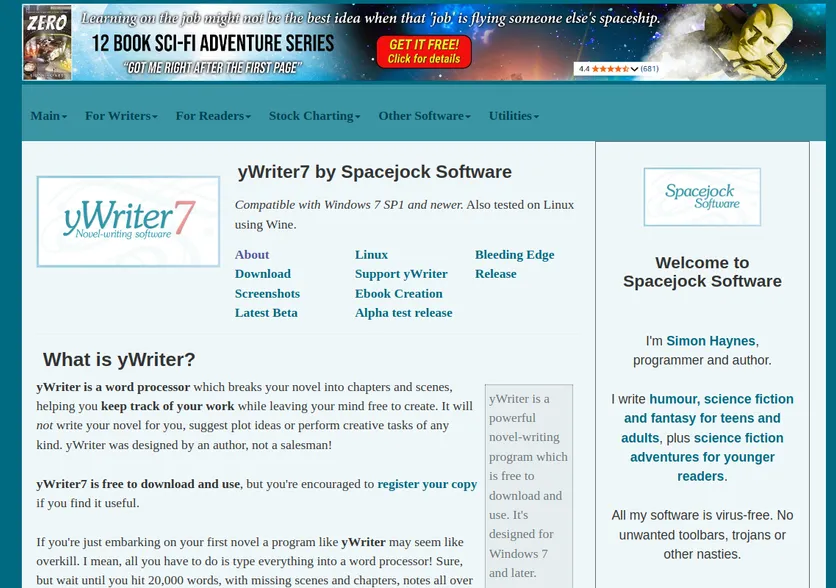
A writer who wants scene planning and chapter organisation without paying anything will start here, because this yWriter plan costs zero dollars, free with no subscription. It breaks the novel into scenes and chapters, tracks viewpoints and word counts, and runs on Windows with versions for other platforms. It looks dated next to the modern apps here, but the price is hard to argue with.
What we like
- Free with no subscription or trial limit
- Scenes, chapters and viewpoints organised clearly
- Lightweight app that runs on older computers
Watch out for
- Interface looks dated next to the modern apps
- Fewer cloud and sync features than the paid tools
How to try it
- Create the novel and break it into chapters and scenes
- Write each scene and track viewpoints and words
- Export the manuscript when the draft is complete
7. Reedsy Studio
Best for: Writers who want a free browser studio
Paid tool Starting price: $0 · Zero dollars, free with no subscription; runs in the browser and pairs with the Reedsy marketplace for editors, designers and publicists
Free plan: Free plan
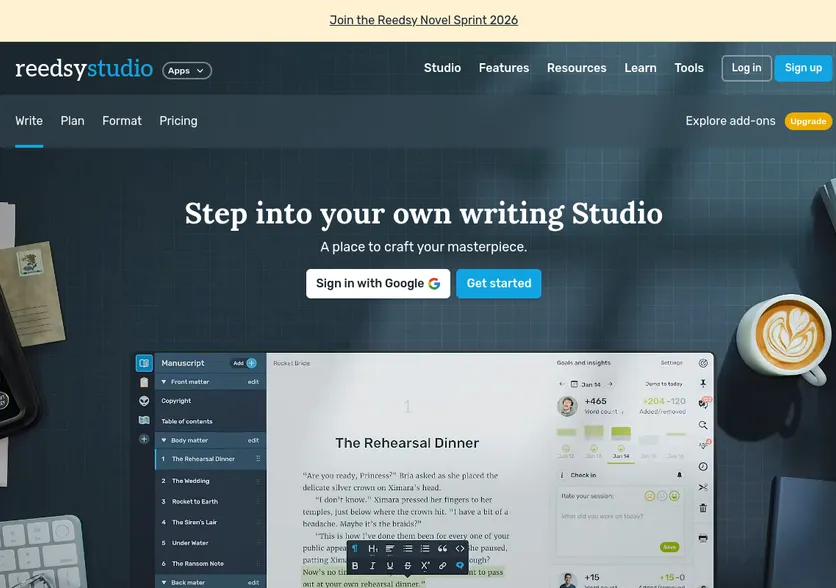
A writer who wants a modern browser studio without paying will like this Reedsy Studio plan, which costs zero dollars, free with no subscription. It organises chapters, tracks goals and exports to ebook and print formats, and it pairs with the Reedsy marketplace for editors, designers and publicists. The free price is real, though the marketplace services themselves are paid.
What we like
- Free browser studio with no subscription
- Chapter organisation with goals and notes
- Marketplace for editors and designers built in
Watch out for
- Marketplace services are paid, only the studio is free
- Fewer plotting tools than the dedicated planners here
How to try it
- Create the book and outline the chapters
- Draft each chapter with goals and notes
- Export to ebook or print-ready format
8. LivingWriter
Best for: Authors who want story elements and AI help
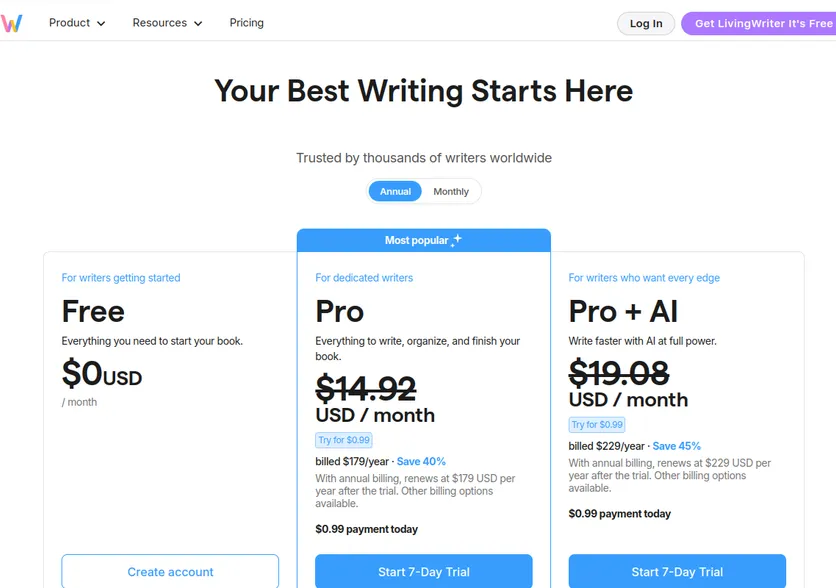
Paid tool Starting price: $24.99/month · Twenty-four dollars and ninety-nine cents a month on Pro, or one hundred and seventy-nine dollars a year billed annually; Pro plus AI is thirty-four dollars and ninety-nine cents a month or two hundred and twenty-nine dollars a year; prices rose in November 2026, from nineteen dollars and ninety-nine cents a month and one hundred and forty-nine dollars a year
Free plan: Free plan (first book)
An author who wants linked story elements, plot boards and optional AI help will like this LivingWriter plan, which costs twenty-four dollars and ninety-nine cents a month on Pro. The free plan covers a first book with outlines and PDF export, while Pro adds unlimited manuscripts and print-ready files. Prices rose in November 2026, from nineteen dollars and ninety-nine cents a month and one hundred and forty-nine dollars a year.
What we like
- Linked story elements keep the plot consistent
- Free plan covers a full first book
- AI help for outlines, rewrites and analysis
Watch out for
- Prices rose in November 2026, so old reviews quote lower figures
- Free plan stops at the first book
How to try it
- Start the first book with outlines and templates
- Link characters, places and plot threads as you draft
- Export print-ready files when the manuscript is done
Prices above were checked on each vendor’s own website on Nov 29, 2026 and can change — the vendor’s page is the final word. Vendor links are editorial: nobody paid to be listed or ranked here. Vendors who want a featured listing can see how it works on our Get listed page.
How to pick a novel writing app that survives the first draft
Start with how you write, not how the app looks, because a plotter needs timelines and a discovery writer needs a blank page that gets out of the way. Test the tool on a real chapter, since a trial spent clicking menus tells you nothing about how it feels at two thousand words a day. Check the export before you commit, because a tool that cannot produce a clean Word or ebook file will trap the manuscript. Finally, count the three-year cost, since a cheap subscription beats a one-time licence only if you finish the book in the first year.
Before you buy
- Check whether the price is one-time or a subscription, since the cheapest year can be the dearest over three
- Ask if the tool works offline, since a browser-only app fails on a plane or a cabin with no signal
- Make sure exports include the formats you need, such as Word, ebook and print-ready files
- Test the tool on a real chapter before paying, including the plotting and research features
- Confirm the project limits, since a cap of ten projects can stop a prolific writer mid-series
Official websites
Official websites of the products reviewed above. Features and prices were checked against these sites when this guide was written, and they can change, so confirm on the vendor site before you buy.
Frequently asked questions
What is writing software for novels?
It is software built for writing a novel, with tools for organising chapters and scenes, tracking characters and plot threads, setting daily word goals and exporting a finished manuscript. The best tools keep research and notes beside the draft, because a novelist needs the story bible in the same place as the writing, not in a separate app.
How much does Scrivener cost?
Scrivener costs fifty-nine dollars and ninety-nine cents one time per desktop platform, with a bundle for Mac and Windows at ninety-five dollars and ninety-eight cents and an iOS app at twenty-three dollars and ninety-nine cents. The thirty-day trial counts days of use rather than calendar days, so a writer who opens it twice a week gets a much longer trial.
Which writing software for novels is cheapest?
yWriter and Reedsy Studio both cost zero dollars with no subscription, and Novlr offers a free plan for two projects. Scrivener is the cheapest paid option that most novelists actually finish a book in, at fifty-nine dollars and ninety-nine cents one time, while Dabble and Novlr start at nineteen and eight dollars a month for writers who prefer a subscription.
Is there free writing software for novels?
yWriter is free with no subscription, Reedsy Studio is free with no subscription, and Novlr offers a free plan for two projects. LivingWriter is also free for a first book. These are genuine free tiers rather than trials, so a novelist can draft a whole book without paying, though plotting and formatting features are deeper on the paid plans.
How much does Atticus cost for book formatting?
Atticus costs one hundred and forty-seven dollars one time for lifetime access, with no subscription and no free plan. It formats a finished manuscript for print and ebook in one app, so an author who has already drafted the book can publish it without hiring a formatter or paying a monthly fee.
Compare the eight tools above, then trial the one that matches how you write, and check whether a one-time licence or a subscription costs less over three years.
Browse Text Tools tools