On this page
A classroom runs on attention, and these are the tools teachers pay for to keep it. They turn quizzes into games, videos into lessons, and paper piles into digital portfolios. Prices run from three dollars a month to a schoolwide plan starting at twenty-five hundred dollars a year, and every tool offers a free plan or trial. We compared eight classroom platforms on price, engagement, grading and ease of use, with every price checked on the vendor's own site on November 25, 2026. Kahoot! is our first pick, turning quizzes into games for three dollars a month billed annually.
How we researched this
We started with the classroom tools teachers actually buy, then read each price on the vendor's own site on November 25, 2026 and noted the free plan or trial each one offers. We judged them for a working teacher who runs quizzes, videos and portfolios every week, and we kept the list to tools with a published price or a clear quote path.
Compare the tools
| Name | Best for | Starting price | Free plan | |
|---|---|---|---|---|
 Kahoot! | Teachers who want to turn a quiz into a game the whole class wants to win | $3/month | Free plan | Visit |
 Nearpod Gold | Schools that want one platform for live and self-paced lessons | $99/year | Free plan | Visit |
 Edpuzzle Pro Teacher | Teachers who turn videos into lessons with questions built in | $13.75/month | Free plan | Visit |
 Blooket Plus | Teachers whose students beg to play review games | $4.99/month | Free plan | Visit |
 Gimkit Pro | Teachers who want a quiz game that holds a room's attention | $59.88/year | Free plan | Visit |
 ClassPoint Pro | Teachers who already teach from PowerPoint | $96/year | Free plan | Visit |
 Seesaw | Schools that want one digital portfolio system for every grade | $2,500/year | Free plan | Visit |
 GoGuardian Teacher | Schools that need to keep student screens on task | See website | Free trial | Visit |
The classroom tools, compared
1. Kahoot!
Best for: Teachers who want to turn a quiz into a game the whole class wants to win
Paid tool Starting price: $3/month · Kahoot!+ Bronze, $3/month billed annually ($36/year); Silver $7/month annual; Gold $12/month annual; school EDU Standard $14.99/host/month billed annually
Free plan: Free plan
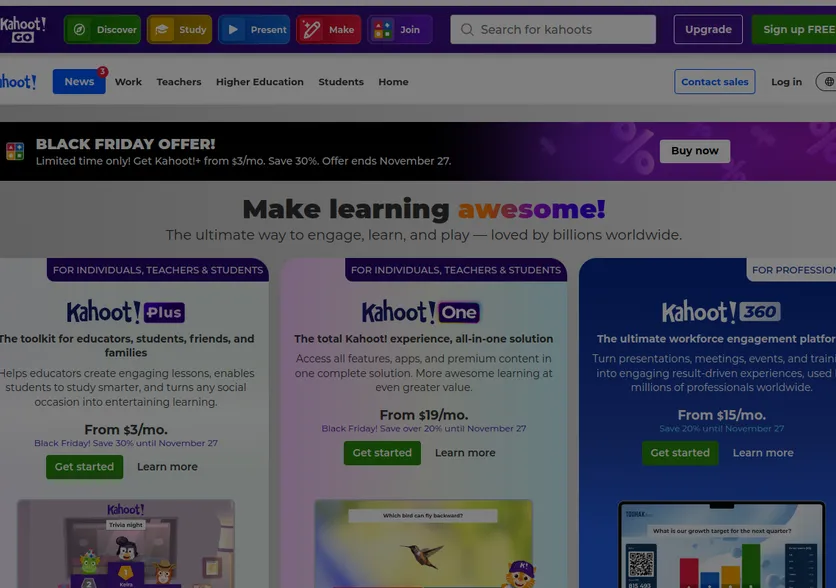
Kahoot turns a quiz into a game show, with music, timers and a leaderboard that makes even a review lesson feel like a competition. This Kahoot plan adds question banks, reports and more player limits than the free tier, so a teacher can run a full class without hitting a cap. It is the cheapest paid plan here, and the one students ask for by name.
What we like
- The cheapest paid plan here, from three dollars a month
- Students already know it and ask for it by name
- Question banks and reports included on paid plans
Watch out for
- Free tier limits players and question types
- Higher tiers cost several times the Bronze price
How to try it
- Open kahoot.com and start a free game to test the format
- Upgrade to Kahoot!+ Bronze for question banks and reports
- Run a live quiz and check the results report afterwards
2. Nearpod Gold
Best for: Schools that want one platform for live and self-paced lessons
Paid tool Starting price: $99/year · Gold, $99/year (75 students, 1 GB storage); Platinum $397/year
Free plan: Free plan
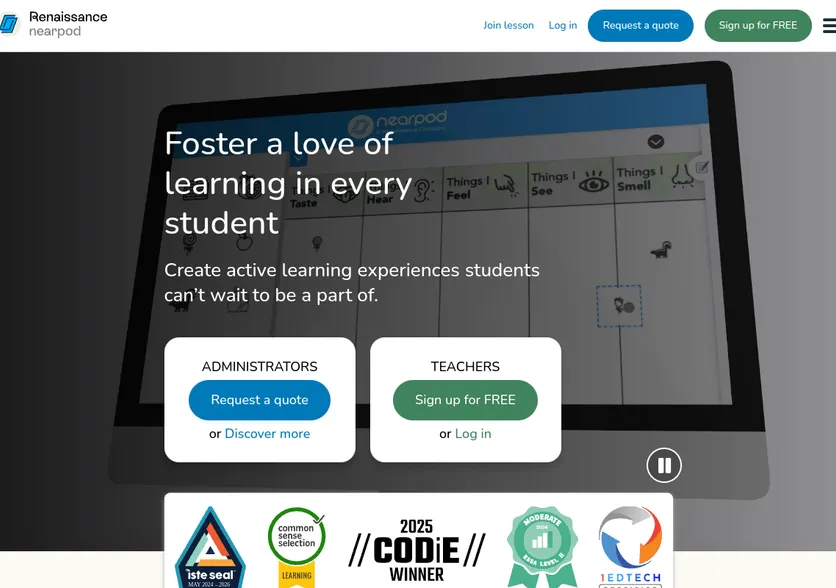
Nearpod turns a slide deck into an interactive lesson, with polls, quizzes, videos and virtual field trips built into the same presentation. This Nearpod Gold plan raises the student and storage limits and unlocks the full lesson library, so a teacher can run a whole class from one screen. It suits schools that want one platform for live and self-paced lessons alike.
What we like
- Polls, quizzes and videos inside one presentation
- Works live in class or self-paced at home
- Huge library of ready-made lessons
Watch out for
- Student and storage limits rise only on paid plans
- Price figures vary across third-party listings, verify on the vendor site
How to try it
- Open nearpod.com and build a lesson from your slides
- Upgrade to Gold for more students and storage
- Run the lesson live or assign it for self-paced work
3. Edpuzzle Pro Teacher
Best for: Teachers who turn videos into lessons with questions built in
Paid tool Starting price: $13.75/month · Pro Teacher, $13.75/month billed annually ($165/year); $15/month monthly; Pro Teacher Plus $33/month billed annually
Free plan: Free plan
Edpuzzle lets a teacher take any video and turn it into a lesson, with questions that pause the playback until every student answers. This Edpuzzle Pro Teacher plan removes the storage limits and adds gradebook sync, so a class can work through a video library without running out of space. It is the best pick here for video-based lessons and flipped classrooms.
What we like
- Any video becomes a lesson in minutes
- Questions pause playback until students answer
- Gradebook sync on the Pro Teacher plan
Watch out for
- Storage limits bite fast on the free plan
- Costs more than the game-based tools here
How to try it
- Open edpuzzle.com and pick a video from the library
- Add questions that pause the video at key moments
- Assign it to your class and check the answers in the gradebook
4. Blooket Plus
Best for: Teachers whose students beg to play review games
Paid tool Starting price: $4.99/month · Plus, $4.99/month billed annually ($59.88/year); Plus Flex $9.99/month; Group Plan about $550/year for schools
Free plan: Free plan
Blooket is the game students beg to play, with modes that turn review questions into races, tower defense and team battles. This Blooket Plus plan unlocks bonus game modes, extra question sets and enhanced reporting, so a teacher can keep the games fresh all year. It costs less than five dollars a month billed annually, and the free tier already covers the most popular modes.
What we like
- The game modes students actually ask for
- Under five dollars a month billed annually
- Free tier already covers the popular modes
Watch out for
- Bonus modes sit behind the paid plan
- Game-first design can distract from the content
How to try it
- Open blooket.com and run a free game with your class
- Upgrade to Plus for bonus modes and extra question sets
- Check the reports to see which questions students missed
5. Gimkit Pro
Best for: Teachers who want a quiz game that holds a room's attention
Paid tool Starting price: $59.88/year · Pro, $59.88/year ($4.99/month billed annually) or $14.99/month; Groups Department $650/year; School $1,000/year
Free plan: Free plan
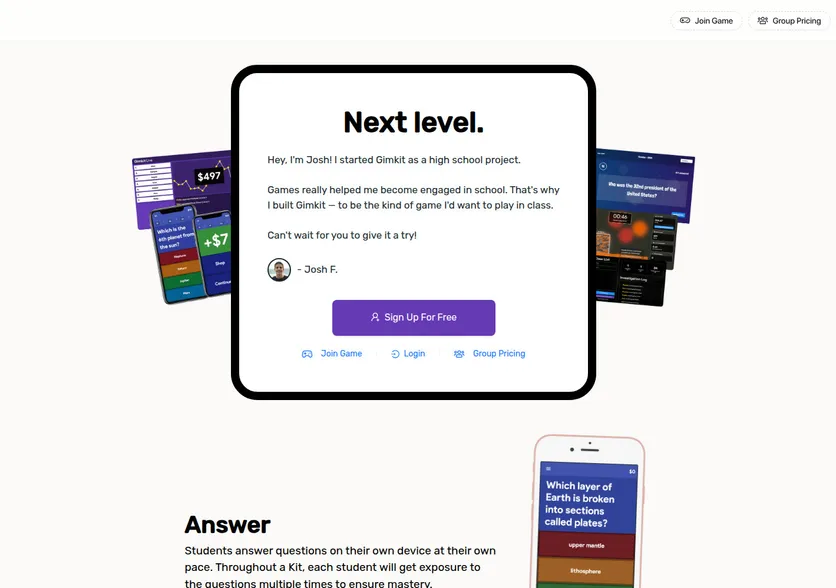
Gimkit is a quiz game where students earn virtual cash for right answers and spend it on power-ups, which keeps even reluctant classes answering. This Gimkit Pro plan unlocks every game mode, unlimited assignments and detailed reports, so a teacher can run the full game without limits. It is built by a high school student, and it shows in how well it holds a room's attention.
What we like
- The in-game economy keeps students answering
- Every mode unlocked on the Pro plan
- Detailed reports after every game
Watch out for
- Monthly billing costs three times the annual rate
- Fewer question types than the bigger platforms
How to try it
- Open gimkit.com and try a free game with your class
- Upgrade to Pro for every mode and unlimited assignments
- Use the reports to spot the questions students missed
6. ClassPoint Pro
Best for: Teachers who already teach from PowerPoint
Paid tool Starting price: $96/year · Pro, $96/year ($8/month billed annually); free Basic plan (25 students per class, 3 classes); Premium quoted
Free plan: Free plan
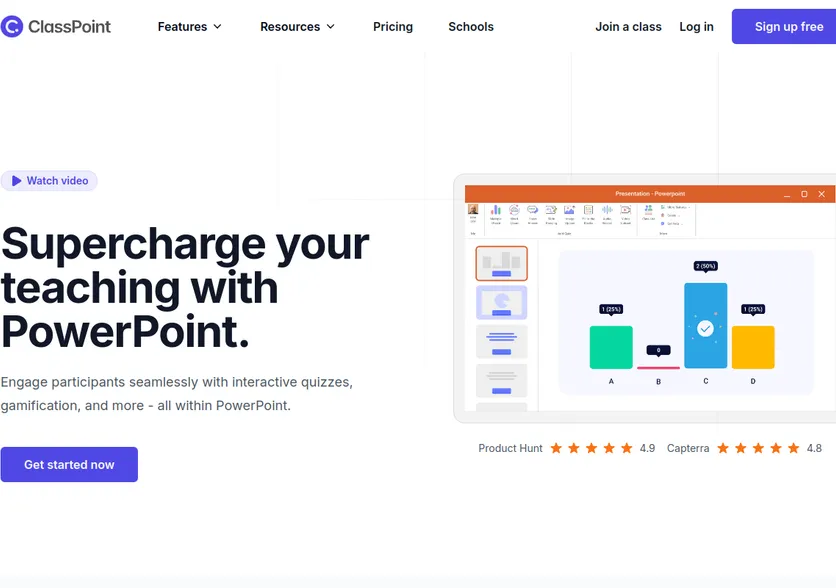
ClassPoint lives inside PowerPoint, turning ordinary slides into interactive quizzes, polls and whiteboard activities without a second app. This ClassPoint Pro plan raises the class and student limits and unlocks AI question generation, so a teacher can build a quiz from a slide deck in minutes. It is the best pick here for teachers who already teach from PowerPoint.
What we like
- Works inside PowerPoint, no second app to learn
- AI question generation on the Pro plan
- Quizzes, polls and whiteboard in one place
Watch out for
- Windows and PowerPoint only, no Google Slides version
- Free plan caps classes at three
How to try it
- Install ClassPoint in PowerPoint and open your slides
- Add a quiz or poll to a slide and run it live
- Upgrade to Pro for more classes and AI question generation
7. Seesaw
Best for: Schools that want one digital portfolio system for every grade
Paid tool Starting price: $2,500/year · Schoolwide subscription starting at $2,500/year; no individual teacher plan since June 2026; price varies by enrollment
Free plan: Free plan
Seesaw is a digital portfolio where students show their work with photos, videos, drawings and voice notes, and families can see it too. This Seesaw schoolwide plan covers every classroom in a school with shared libraries, messaging and admin tools, and it is the only way to buy Seesaw since individual teacher plans ended. It suits schools that want one portfolio system for every grade.
What we like
- Students show work with photos, video and voice
- Families can follow along from home
- One portfolio system for a whole school
Watch out for
- Schoolwide only, no individual teacher plan
- Starting price is far above the other tools here
How to try it
- Open seesaw.com and set up a free class
- Ask students to add work with photos, video or voice
- Talk to your school about the schoolwide plan for every classroom
8. GoGuardian Teacher
Best for: Schools that need to keep student screens on task
Paid tool Starting price: See website · Quote-based, priced per student by enrollment and bundle; no published list price; demo through sales
Free plan: Free trial
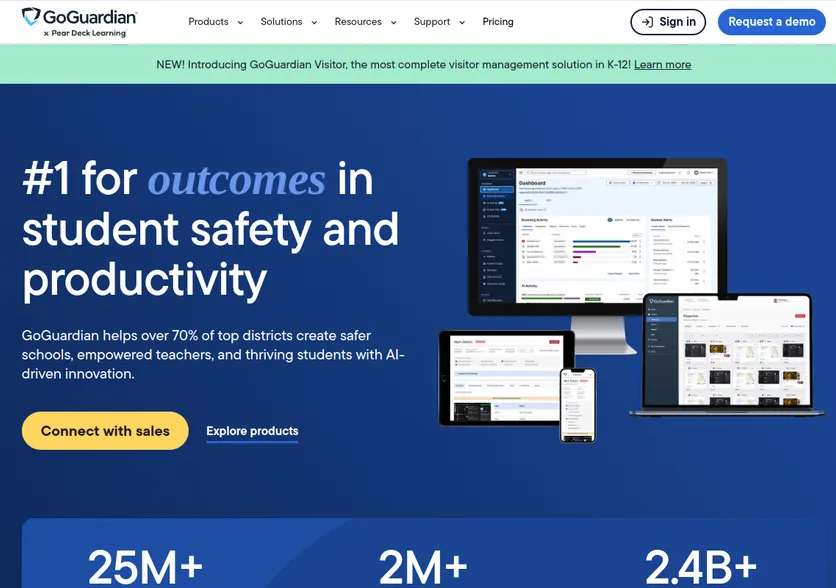
GoGuardian Teacher gives a teacher a live view of every student screen, so off-task browsing gets spotted before it spreads. This GoGuardian Teacher plan adds screen monitoring, tab controls and instant polls to the classroom, with pricing set per student by each school's size and bundle. There is no published list price, so a demo through sales is the way to get a number.
What we like
- Live view of every student screen
- Tab controls stop off-task browsing fast
- Instant polls check understanding in the moment
Watch out for
- No published price, you must talk to sales
- Built for school devices, not personal ones
How to try it
- Open goguardian.com and request a demo
- Try the live screen view during a real lesson
- Ask sales for a per-student quote for your school
Prices above were checked on each vendor’s own website on Nov 14, 2026 and can change — the vendor’s page is the final word. Vendor links are editorial: nobody paid to be listed or ranked here. Vendors who want a featured listing can see how it works on our Get listed page.
What classroom tools cost in 2026
Price is the first filter, and the range is wide. The cheapest plan here costs three dollars a month, the most expensive is a schoolwide plan that starts at twenty-five hundred dollars a year, and most of the list sits between five and fourteen dollars a month. The table below uses the headline price each vendor shows on its own pricing page, checked on November 25, 2026. GoGuardian publishes no price, so talk to sales for a per-student quote.
Before you buy
- Check who pays before you pick, because the game tools bill one teacher while Seesaw and GoGuardian bill the school.
- Test the free tier first, because free plans cap players, storage or game modes and show quickly whether paying is needed.
- Compare monthly and annual billing, because Gimkit Pro costs $14.99 month-to-month but $59.88 a year billed annually.
- Match the tool to your lessons, because Edpuzzle turns videos into graded assignments while ClassPoint works inside PowerPoint.
- Ask sales for a written per-student quote for GoGuardian, since it publishes no list price and bills per student.
Official websites
Official websites of the products reviewed above. Features and prices were checked against these sites when this guide was written, and they can change, so confirm on the vendor site before you buy.
Frequently asked questions
Which classroom tool is best for teachers in 2026?
Kahoot! is the cheapest way in, at three dollars a month billed annually, and it turns any quiz into a game the whole class wants to win. Edpuzzle is the best pick when your lessons run on video, because it turns any video into a graded assignment. Nearpod is the best all-rounder, with polls, quizzes and virtual field trips inside one presentation.
What is the cheapest classroom management software?
Kahoot!+ Bronze, at $3 a month billed annually, is the cheapest paid plan here, and Blooket Plus is close behind at $4.99 a month billed annually. Gimkit Pro costs $59.88 a year, which works out to the same monthly rate as Blooket. Seesaw is the outlier at $2,500 a year, but that is a schoolwide plan, not a single-teacher price.
Do these tools work for remote or hybrid classes?
Yes, most of them. Nearpod lessons can run self-paced at home, Edpuzzle assignments work fully async, and Seesaw portfolios let students submit work from anywhere. Kahoot!, Blooket and Gimkit all run live games over video calls too. GoGuardian is the exception, because it is built for school-managed devices in a classroom.
Can I use classroom tools for free?
Yes, every tool here has a free plan or a free trial. Kahoot!, Blooket, Edpuzzle, Gimkit, ClassPoint and Seesaw all offer free tiers you can use in a real class, and GoGuardian offers a free trial. The free tiers cap players, storage or game modes, so start free and pay only when a limit gets in your way.
Which tool is best for student engagement?
Blooket and Gimkit win on pure engagement, because their game modes turn review into races and team battles students ask to repeat. Kahoot! is close behind, with a leaderboard and music that make even a Friday review feel like an event. ClassPoint is the quiet winner for teachers who already teach from PowerPoint and want interaction without a new app.
See all the education tools in one place and build your classroom kit.
Browse Education & Learning tools