On this page
College runs on notes, deadlines and focus, and the apps below are the ones students actually pay for. They cover flashcards, writing, tasks, notes and the timer that keeps your phone down while you study. Prices run from about four dollars a month to fifty-nine dollars a month, and most offer a free plan or a student discount. We compared eight study apps on price, flashcards, notes, focus and free access, with every price checked on the vendor's own site on November 25, 2026. Quizlet Plus is our first pick, the flashcard standard with millions of ready-made study sets.
How we researched this
We started with the study apps college students actually buy, then read each price on the vendor's own site on November 25, 2026 and noted the free plan or student discount each one offers. We judged them for a student juggling classes, assignments and a part-time job, and we kept the list to tools with a published price and a free way to start.
Compare the tools
| Name | Best for | Starting price | Free plan | |
|---|---|---|---|---|
 Notion Plus | Students who want notes, tasks and deadlines in one workspace | $10/month | Free plan | Visit |
 Quizlet Plus | Students who memorize with flashcards before exams | $7.99/month | Free plan; 7-day free trial | Visit |
 Chegg Study | Students stuck on homework with no one to ask | $14.95/month | No free plan | Visit |
 Grammarly Pro | Students who write essays and research papers every week | $12/month | Free plan | Visit |
 Todoist Pro | Students who juggle assignments, deadlines and exam dates | $5/month | Free plan | Visit |
 Evernote Starter | Students who keep a whole semester of notes in one searchable place | $14.99/month | Free plan | Visit |
 Coursera Plus | Students who want university courses and certificates on a resume | $59/month | Free courses | Visit |
 Forest | Students whose phone keeps stealing study time | $3.99 one-time | Free plan (Android) | Visit |
The study apps, compared
1. Notion Plus
Best for: Students who want notes, tasks and deadlines in one workspace
Paid tool Starting price: $10/month · Plus, $10 per member per month billed annually, $12 month-to-month; Business $20/$24; free for students and educators (single member)
Free plan: Free plan
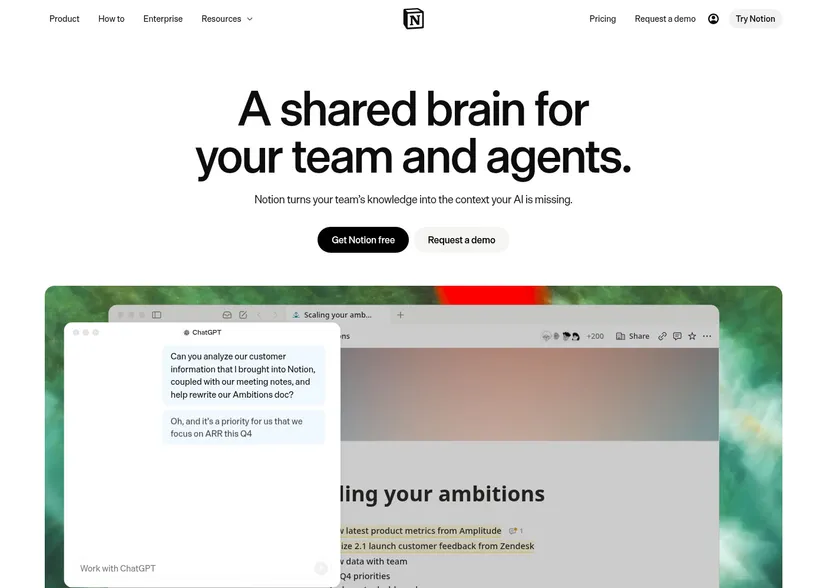
Notion is the all-in-one workspace where notes, tasks, calendars and databases live in the same place. This Notion Plus plan adds unlimited file uploads, longer version history and more guests, so a study group can share one workspace without limits. Students and educators get Plus free as a single member, which makes the paid plan an easy skip for most.
What we like
- Notes, tasks and calendars in one place
- Free for students and educators
- Study groups can share one workspace
Watch out for
- Paid plan only matters for teams and heavy uploads
- Takes time to set up well
How to try it
- Open notion.com and set up a free workspace
- Build a page for notes and a board for deadlines
- Invite your study group and share the workspace
2. Quizlet Plus
Best for: Students who memorize with flashcards before exams
Paid tool Starting price: $7.99/month · Plus, $7.99/month or $35.99/year; Plus Unlimited $44.99/year; 7-day free trial on annual
Free plan: Free plan; 7-day free trial
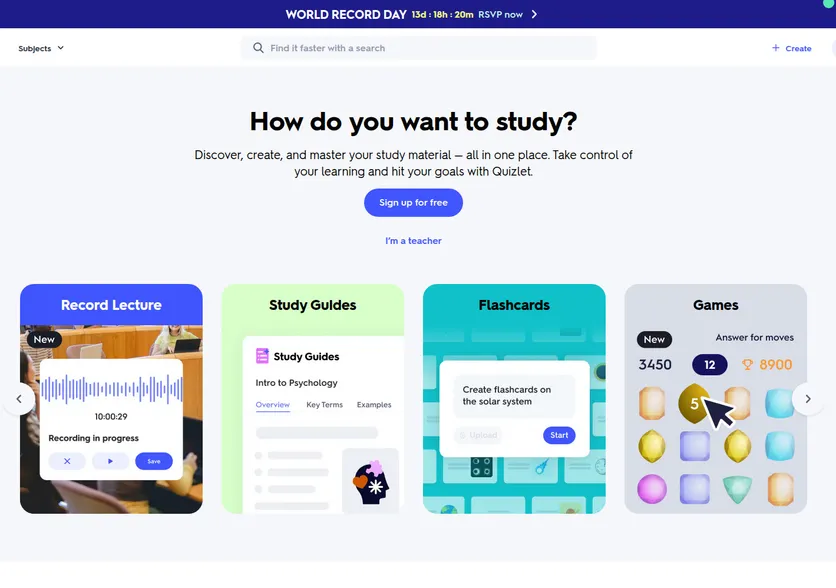
Quizlet is the flashcard app most students already know, with millions of ready-made sets covering every subject from biology to Spanish. This Quizlet Plus plan adds offline study, ad-free learning and AI tools that turn notes into flashcards and practice tests. It is the fastest way to memorize a stack before an exam, and the free tier covers the basics.
What we like
- Millions of ready-made flashcard sets
- AI turns notes into flashcards and tests
- Offline study on the Plus plan
Watch out for
- Some user-made sets contain errors
- Offline study needs the paid plan
How to try it
- Open quizlet.com and find a flashcard set for your course
- Study with Learn mode and test yourself with Test mode
- Upgrade to Plus for offline study and AI-made sets
3. Chegg Study
Best for: Students stuck on homework with no one to ask
Paid tool Starting price: $14.95/month · Study, $14.95/month; Study Pack $19.95/month; annual plan $9.95/month billed yearly ($119.40)
Free plan: No free plan
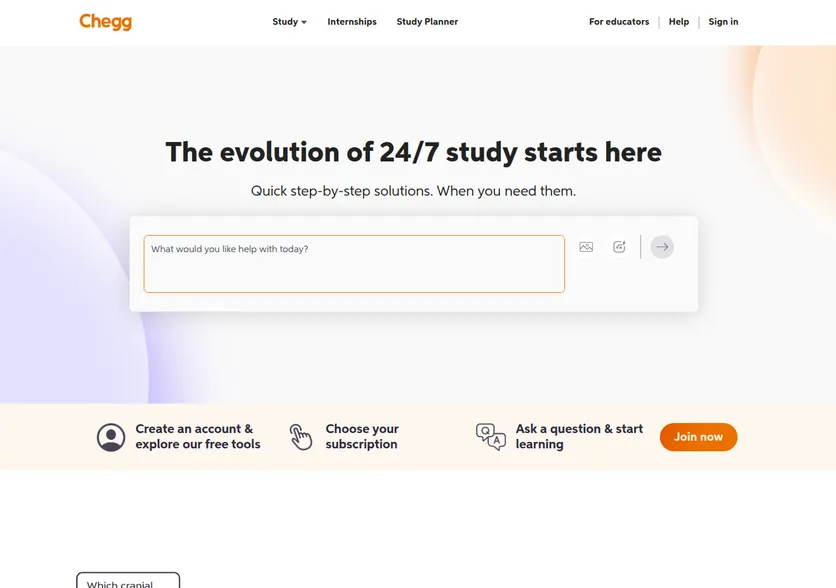
Chegg Study is the homework help service students turn to when a problem will not budge, with step-by-step textbook solutions and expert answers. This Chegg Study plan unlocks unlimited textbook solutions and Q and A with experts, plus practice problems for the toughest courses. It costs more than a flashcard app, but it answers the question your textbook does not.
What we like
- Step-by-step solutions for real textbooks
- Experts answer questions around the clock
- Practice problems for the toughest courses
Watch out for
- No free plan, every month is paid
- Easy to lean on instead of learning the method
How to try it
- Open chegg.com and search for your textbook problem
- Read the step-by-step solution to learn the method
- Ask an expert when a problem has no published solution
4. Grammarly Pro
Best for: Students who write essays and research papers every week
Paid tool Starting price: $12/month · Pro, $12 per member per month billed annually ($144/year), $60/quarter, $30 month-to-month
Free plan: Free plan
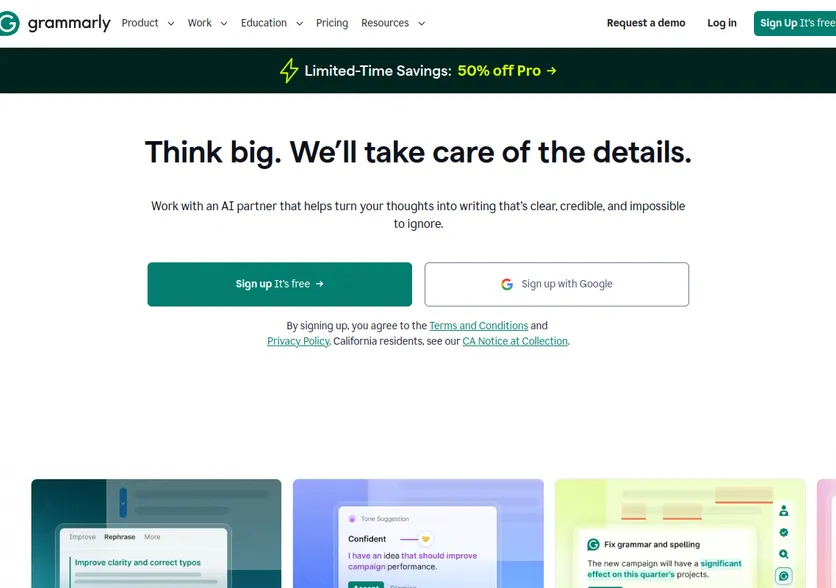
Grammarly checks every paper as you write it, catching grammar, clarity and citation problems before your professor does. This Grammarly Pro plan adds full-sentence rewrites, tone detection and plagiarism checks on top of the free grammar fixes. It is the best pick here for essays and research papers, and the free plan already fixes the most common mistakes.
What we like
- Catches grammar and clarity problems as you write
- Plagiarism checks on the Pro plan
- Works in docs, email and the browser
Watch out for
- Month-to-month billing costs two and a half times the annual rate
- Pro suggestions can be overkill for short assignments
How to try it
- Install Grammarly and write your next paper in it
- Accept the free grammar fixes as you type
- Upgrade to Pro for rewrites, tone and plagiarism checks
5. Todoist Pro
Best for: Students who juggle assignments, deadlines and exam dates
Paid tool Starting price: $5/month · Pro, $5/month billed annually ($60/year); $7 month-to-month; Business $8/user/month
Free plan: Free plan
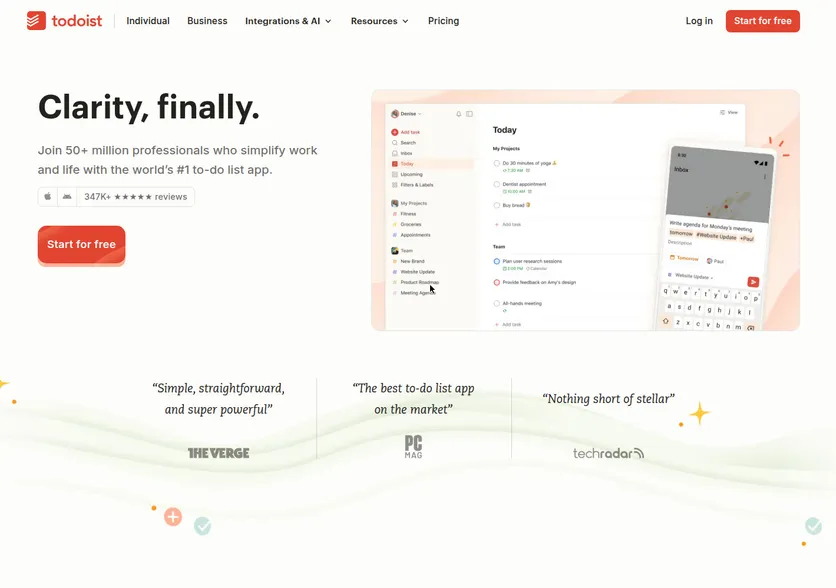
Todoist is the task list that keeps assignments, deadlines and exam dates in one place, with reminders that actually show up on time. This Todoist Pro plan adds unlimited reminders, filters and file uploads, so a full semester of deadlines fits in one list. At five dollars a month billed annually, it is the cheapest subscription here after Forest.
What we like
- The cheapest subscription here after Forest
- Reminders that show up on time
- Works on every device a student owns
Watch out for
- No notes or flashcards, tasks only
- Reminders are limited on the free plan
How to try it
- Open todoist.com and add your assignments and exam dates
- Set reminders for each deadline
- Upgrade to Pro for unlimited reminders and filters
6. Evernote Starter
Best for: Students who keep a whole semester of notes in one searchable place
Paid tool Starting price: $14.99/month · Starter, $14.99/month; $8.25/month billed annually ($99/year); Advanced $24.99/month ($20.83/month annual, $249.99/year)
Free plan: Free plan
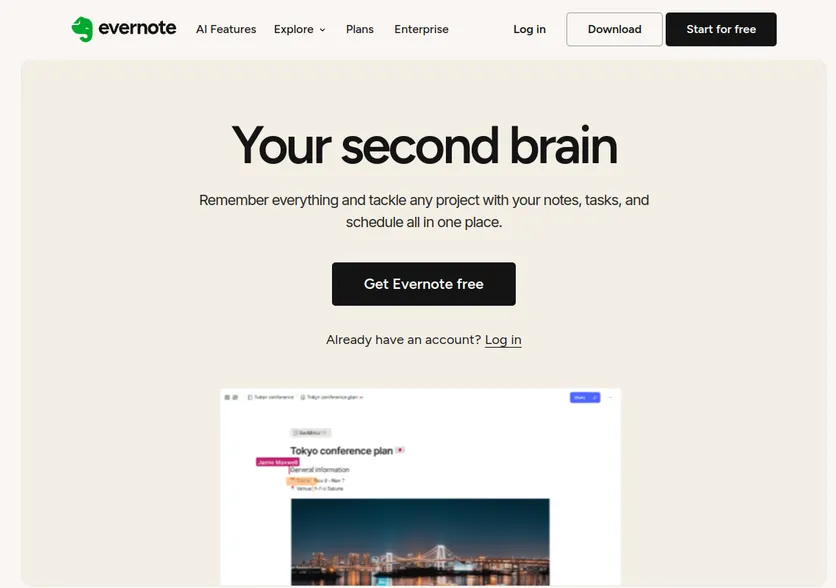
Evernote is the notebook that holds lecture notes, PDFs, web clips and photos in one searchable place. This Evernote Starter plan adds more storage, offline notebooks and bigger uploads, so a whole semester of notes stays in your pocket. It costs more than the other note apps here, and the annual plan is the only way to make the price reasonable.
What we like
- Every note, PDF and clip in one searchable place
- Offline notebooks on the paid plan
- Web clipper saves lecture slides fast
Watch out for
- Monthly billing is nearly double the annual rate
- Pricier than Notion for the same job
How to try it
- Open evernote.com and start a notebook for each course
- Clip lecture slides and PDFs into the right notebook
- Upgrade to Starter for offline access and more storage
7. Coursera Plus
Best for: Students who want university courses and certificates on a resume
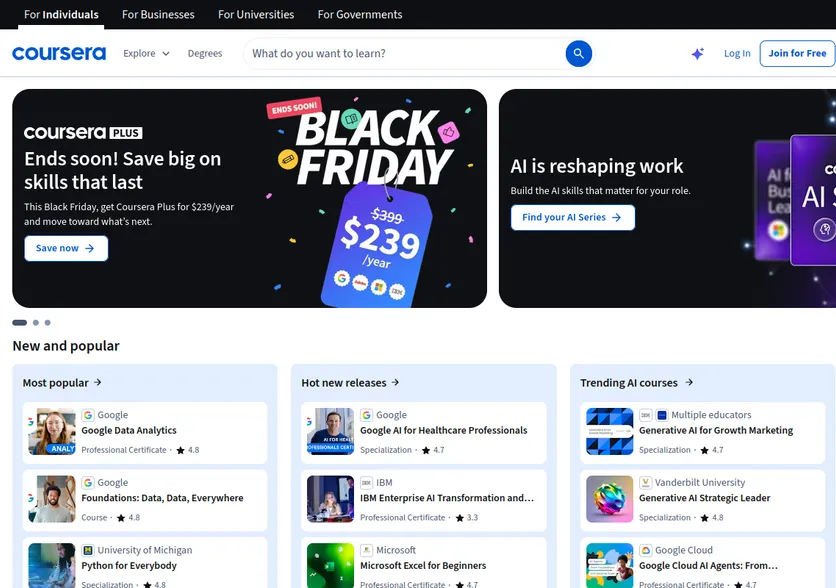
Paid tool Starting price: $59/month · Plus, $59/month; $399/year annual list, first-year promo $239/year for new subscribers (ends 11/30/2026, renews at $399)
Free plan: Free courses
Coursera Plus opens thousands of university courses, certificates and specializations from real schools and companies. This Coursera Plus subscription covers unlimited courses and certificates, so a student can add a credential to a resume without paying per course. It is the most expensive plan here, and the first-year promo for new subscribers ends November 30, 2026.
What we like
- University courses and certificates from real schools
- Unlimited courses under one subscription
- Certificates that strengthen a resume
Watch out for
- The most expensive plan here by far
- First-year promo ends November 30, 2026
How to try it
- Open coursera.org and browse courses in your field
- Start a Plus subscription to unlock certificates
- Finish a course and add the certificate to your resume
8. Forest
Best for: Students whose phone keeps stealing study time
Paid tool Starting price: $3.99 one-time · iOS app, $3.99 one-time; Android free with ads; optional Forest Plus $39.99/year
Free plan: Free plan (Android)
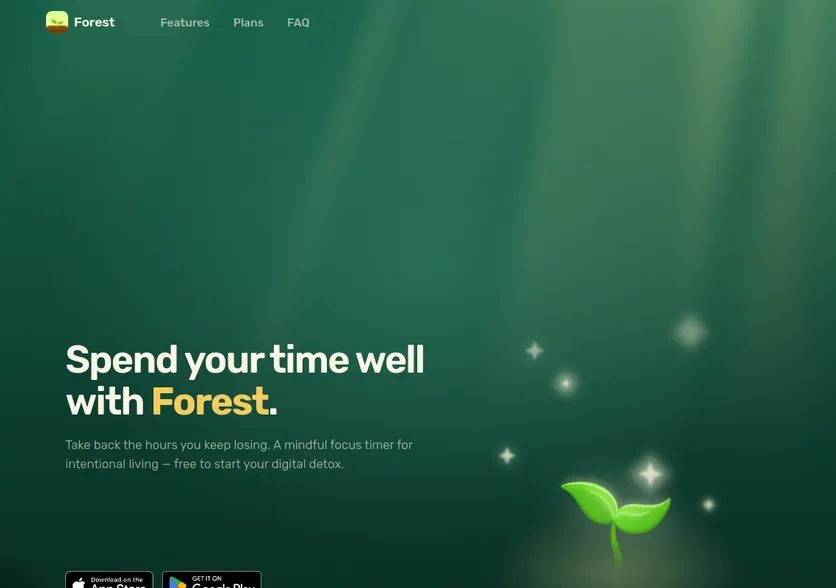
Forest is a focus timer that grows a virtual tree while you study and kills it if you touch your phone. This Forest app costs four dollars once on iPhone, with an optional Plus subscription that adds deeper stats and more tree species. It is the cheapest tool here by far, and the only one that makes staying off your phone feel like a game.
What we like
- The cheapest tool here, four dollars once on iPhone
- Makes focus feel like a game
- Real trees get planted through the app
Watch out for
- No notes, tasks or study content inside
- iPhone version is paid, Android has ads
How to try it
- Download Forest and set a study timer
- Put your phone down and let the tree grow
- Check your forest at the end of the week
Prices above were checked on each vendor’s own website on Nov 14, 2026 and can change — the vendor’s page is the final word. Vendor links are editorial: nobody paid to be listed or ranked here. Vendors who want a featured listing can see how it works on our Get listed page.
What study apps cost in 2026
Price is the first filter, and the range is wide. The cheapest tool here costs four dollars once, the most expensive costs fifty-nine dollars a month, and most of the list sits between four and fifteen dollars a month. The table below uses the headline price each vendor shows on its own pricing page, checked on November 25, 2026. Student discounts matter here: Notion Plus is free for students, and Coursera runs a first-year promo that ends November 30, 2026.
Before you buy
- Claim the student discount first, because Notion Plus is free for students and several tools cut prices for education.
- Pick annual billing when you can, because Grammarly Pro costs $30 month-to-month versus $12 billed annually.
- Check the free plan before paying, because Chegg Study has no free plan while Quizlet, Todoist and Grammarly all do.
- Match the tool to the real problem, because Forest only builds focus while Quizlet covers flashcards and Todoist covers deadlines.
- Watch expiring promos, because Coursera Plus costs $239 in its first year, ending November 30, 2026, then renews at $399 a year.
Official websites
Official websites of the products reviewed above. Features and prices were checked against these sites when this guide was written, and they can change, so confirm on the vendor site before you buy.
Frequently asked questions
Which study app is best for college students in 2026?
Quizlet, because flashcards are the fastest way to memorize before an exam, and millions of ready-made sets already cover most courses. Notion is the best all-in-one for notes and deadlines, and it is free for students. Forest is the best pick when the problem is not studying but staying off your phone while you study.
What is the cheapest study app for college students?
Forest, at $3.99 once on iPhone, is the cheapest tool here by far. Among subscriptions, Todoist Pro costs $5 a month billed annually, and Quizlet Plus costs $35.99 a year. Notion Plus is free for students as a single member, so check the student discount before you pay for anything.
Can I use these study apps for free?
Yes, most of them. Notion Plus is free for students and educators, Quizlet and Todoist both have free plans, Grammarly fixes grammar free, and Forest is free on Android with ads. Coursera also offers free courses without a certificate. Chegg Study is the only tool here with no free plan at all.
Is Coursera Plus worth it for a college student?
Coursera Plus, at $59 a month or $399 a year, is the most expensive plan here, but it covers unlimited university courses and certificates. The first-year promo for new subscribers is $239 a year and ends November 30, 2026, renewing at $399. Buy the annual plan if you take more than one course, because single courses cost more on their own.
Should I pay for more than one study app?
Yes, and the cheapest way is to combine them. Use Quizlet for flashcards, Todoist for deadlines, Notion for notes and Forest for focus, and the whole set costs less than ten dollars a month. Skip Chegg unless you are stuck on homework every week, and skip Coursera unless you want a certificate for your resume.
Explore the full education collection and keep every student tool in one place.
Browse Education & Learning tools