On this page
A beginner does not need a blank canvas, they need a template that already looks good. The best graphic design tools for beginners pair huge template libraries with simple editors, so a post comes out clean on the first try. Canva Pro is our first pick — the largest template library, with brand kits and one-click resize. The seven tools below range from a $3 photo editor to the interface tool teams hire for, with every price checked on the vendor site on November 25, 2026. Most offer a free plan, so test each one on a real design first.
How we researched this
We started with the graphic design tools beginners actually buy for posts, flyers and presentations, then read each price on the vendor pricing page on November 25, 2026 and noted the limits and free plans each tier carries. We judged them for a working beginner who designs every week and needs templates, photos and exports without a design degree. We kept the list to tools with a published price, and we dropped any tool whose price we could not verify on its own site.
Compare the tools
| Name | Best for | Starting price | Free plan | |
|---|---|---|---|---|
 Canva Pro | Beginners who need good-looking designs from templates | $12/month | Free plan | Visit |
 Adobe Express Premium | Beginners who want Adobe photos and fonts at the lowest price | $9.99/month | Free plan | Visit |
 Figma Professional | Beginners aiming at UI and web design work | $16/month | Free plan | Visit |
 Sketch Standard | Mac-based beginners designing interfaces | $12/month | 30-day free trial | Visit |
 Pixlr Premium | Beginners who edit photos in the browser | $7.99/month | Free plan | Visit |
 Fotor Pro | Beginners who want design and photo tools at the lowest price | $3.33/month | Free plan | Visit |
 Kittl Pro | Beginners who design merch, posters and logos to sell | $14/month | Free plan | Visit |
The graphic design tools, compared
1. Canva Pro
Best for: Beginners who need good-looking designs from templates
Paid tool Starting price: $12/month · Pro plan, per month on annual billing ($144 a year); $18 a month month-to-month; one person only
Free plan: Free plan
Canva Pro is the design tool most beginners start with, because templates carry the hard part of every layout. This Canva Pro plan adds premium templates, a brand kit, background removal and one-click resize to the free editor. It is the safest default for a beginner who needs a good-looking post, flyer or presentation today.

What we like
- Largest template library of any tool here
- Brand kit keeps every design on brand
- One-click resize fits any social size
Watch out for
- Pro covers one person only, teams need Business
- AI credits are capped on the Pro plan
How to try it
- Open the Canva pricing page and start the Pro trial
- Pick a template for the post or flyer you need
- Swap in your colors and logo, then download the design
2. Adobe Express Premium
Best for: Beginners who want Adobe photos and fonts at the lowest price
Paid tool Starting price: $9.99/month · Premium plan, per month billed monthly with no annual commitment; 30-day free trial
Free plan: Free plan
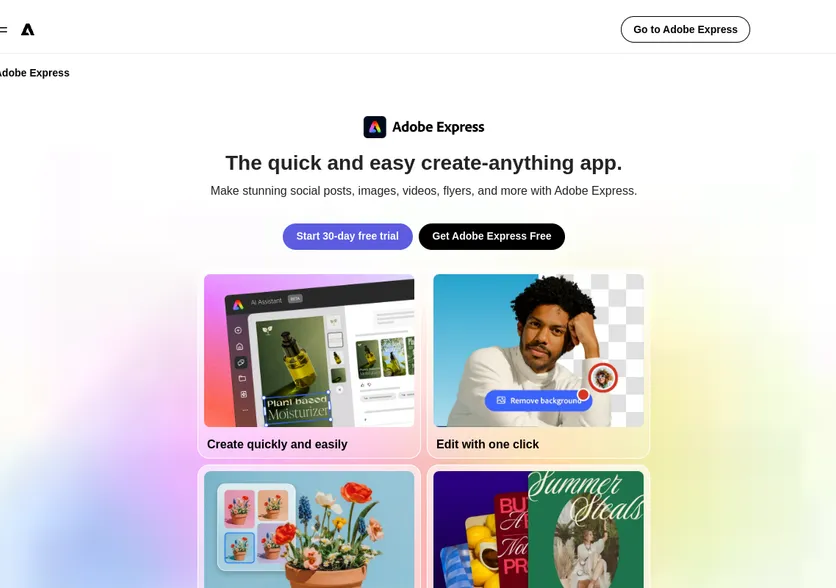
Adobe Express Premium is the cheapest paid design tool here, and it brings Adobe Stock photos and fonts into a simple editor. This Adobe Express Premium plan adds premium templates, brand kits and Firefly AI credits to the free version. It is the best value for a beginner who wants Adobe quality without a Creative Cloud bill.
What we like
- Adobe Stock photos and fonts included
- No annual commitment, billed month to month
- Included free with many Creative Cloud plans
Watch out for
- Firefly credits cap how much AI art you can make
- Fewer templates than Canva
How to try it
- Open the Adobe Express pricing page and start the Premium trial
- Search Adobe Stock for a photo that fits your post
- Add your brand kit, then schedule the post from the app
3. Figma Professional
Best for: Beginners aiming at UI and web design work
Paid tool Starting price: $16/month · Professional plan, per Full seat per month on annual billing; $20 a month month-to-month
Free plan: Free plan
Figma Professional is the interface design tool that product teams live in, and its free-form canvas suits beginners who want to learn real design. This Figma Professional plan adds unlimited files, team libraries and advanced prototyping to the free starter. It is the best pick for a beginner aiming at UI and web design work.

What we like
- The tool real product teams hire for
- Unlimited files and team libraries on Professional
- Prototyping built in, no extra app needed
Watch out for
- Per-seat pricing grows fast on a team
- Learning curve is steeper than Canva
How to try it
- Open the Figma pricing page and start the Professional trial
- Copy a UI kit and study how its components are built
- Prototype a two-screen flow and share it for feedback
4. Sketch Standard
Best for: Mac-based beginners designing interfaces
Paid tool Starting price: $12/month · Standard plan, per editor per month on annual billing; $14 a month month-to-month
Free plan: 30-day free trial
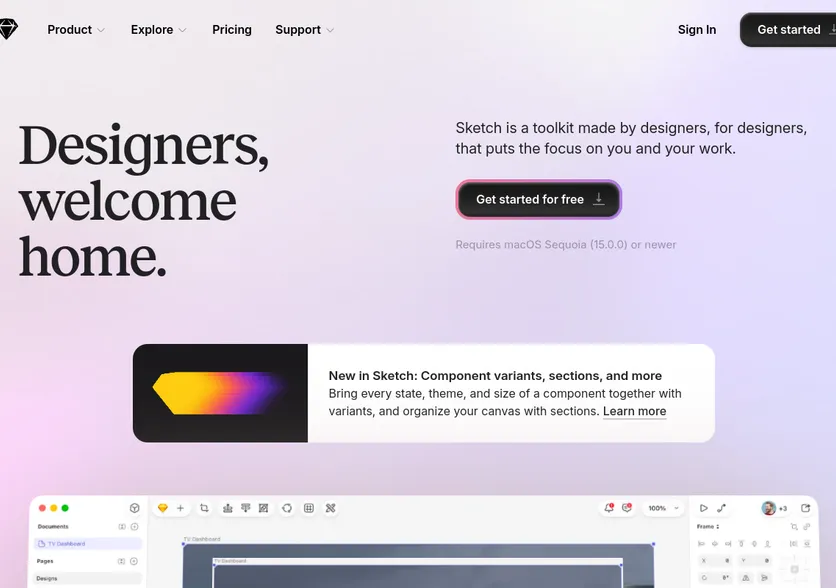
Sketch Standard is the native Mac design app for interface work, fast and local where browser tools can feel slow. This Sketch Standard plan adds real-time collaboration, unlimited documents and developer handoff to the Mac app. It is the best fit for a Mac-based beginner who designs interfaces and wants a tool that feels like it belongs on the machine.
What we like
- Native Mac app, fast and responsive
- Unlimited documents on the Standard plan
- Developer handoff included without extra cost
Watch out for
- Editing needs a Mac, Windows is view-only
- No permanent free plan, only a trial
How to try it
- Open the Sketch pricing page and start the Standard trial
- Open a UI kit and edit a screen to match your brand
- Share the file for developer handoff when it is ready
5. Pixlr Premium
Best for: Beginners who edit photos in the browser
Paid tool Starting price: $7.99/month · Premium plan, per month
Free plan: Free plan
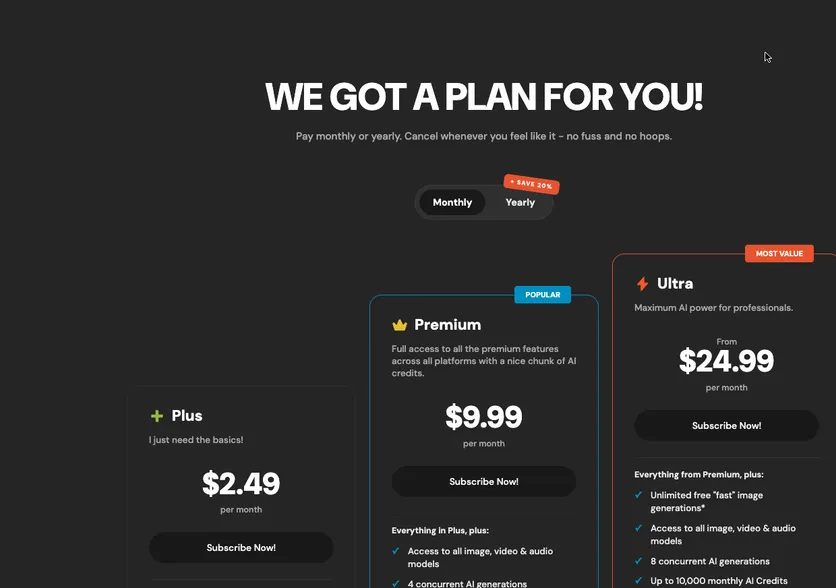
Pixlr Premium is the browser photo editor for beginners who need real editing without installing anything. This Pixlr Premium plan adds AI tools, more templates and an ad-free workspace to the free editor. It is the best pick for a beginner who edits photos for social posts and shops.
What we like
- Real photo editing in the browser, no install
- AI background removal included on Premium
- Ad-free workspace on the paid plan
Watch out for
- Template library is smaller than Canva
- No team or brand kit features
How to try it
- Open the Pixlr pricing page and start the Premium trial
- Upload a photo and remove the background in one click
- Apply a template, then export at full size
6. Fotor Pro
Best for: Beginners who want design and photo tools at the lowest price
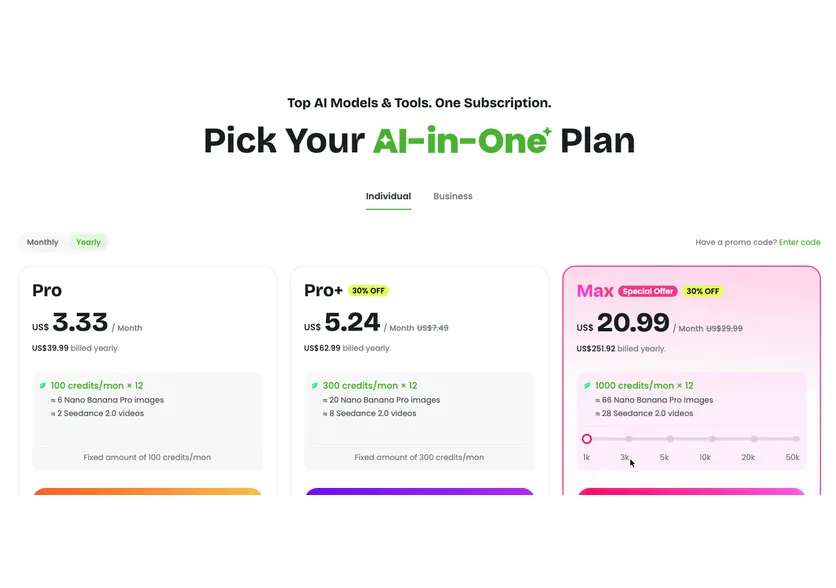
Paid tool Starting price: $3.33/month · Pro plan, per month on annual billing
Free plan: Free plan
Fotor Pro is the cheapest paid design tool here, and it covers photo editing, collages and templates in one browser app. This Fotor Pro plan adds premium templates, more storage and an ad-free editor to the free version. It is the best choice for a beginner who wants design and photo tools for the price of a coffee.
What we like
- Cheapest paid plan on this list
- Photo editing and templates in one app
- Collage tools no other tool here matches
Watch out for
- Fewer premium templates than Canva
- No brand kit on the Pro plan
How to try it
- Open the Fotor pricing page and start the Pro trial
- Pick a collage or template for your next post
- Edit the photo, add text, then export without a watermark
7. Kittl Pro
Best for: Beginners who design merch, posters and logos to sell
Paid tool Starting price: $14/month · Pro plan, per editor per month on annual billing ($168 a year); $19 a month month-to-month
Free plan: Free plan
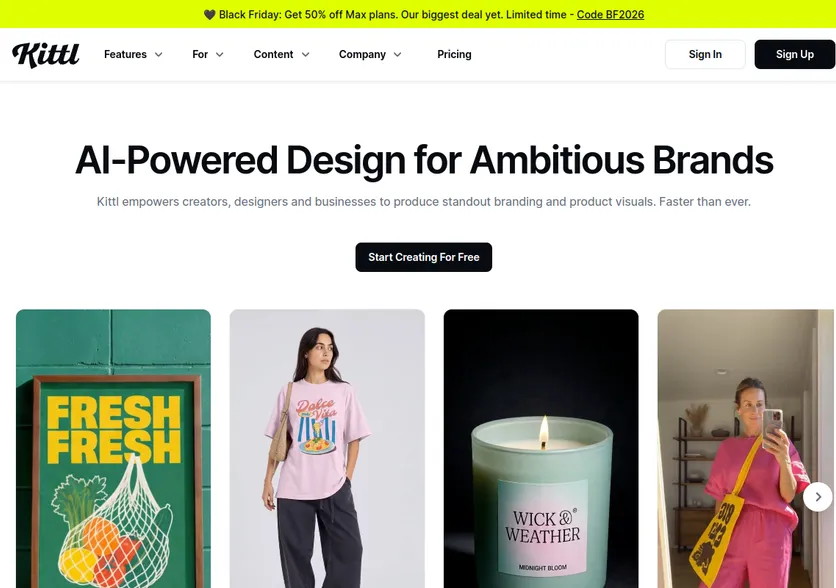
Kittl Pro is the typography-first design tool for beginners who sell merch, posters and logos. This Kittl Pro plan adds vector exports, a commercial licence and thousands of premium templates to the free editor. It is the best pick for a beginner who designs products to sell rather than posts to share.
What we like
- Typography engine built for merch and logos
- Commercial licence covers up to 500,000 copies
- Vector exports for clean print work
Watch out for
- Per-editor pricing makes team use costly
- Free plan is personal use only
How to try it
- Open the Kittl pricing page and start the Pro trial
- Pick a typography style for your next shirt or poster
- Export as a vector and check it at print size
Prices above were checked on each vendor’s own website on Nov 14, 2026 and can change — the vendor’s page is the final word. Vendor links are editorial: nobody paid to be listed or ranked here. Vendors who want a featured listing can see how it works on our Get listed page.
What graphic design tools cost in 2026
Price is the first filter, and the range on this list runs from about $3 a month to about $16 a month. The cheapest plans are not always the cheapest deal, because seat limits, credit caps and monthly billing change what a designer really pays. The table below uses the headline plan each vendor shows on its own pricing page, checked on November 25, 2026.
Before you buy
- Match the tool to the job: Figma Professional is the interface tool product teams hire for, while Canva Pro is the safest pick for posts, flyers and presentations.
- Check the seat rules before you pay: Canva Pro covers one person only, and Figma Professional and Kittl Pro both charge per seat or per editor.
- Compare annual and monthly billing, because Canva Pro rises from $12 a month annual to $18 month-to-month, and Kittl Pro from $14 to $19.
- Watch the AI credit caps: Canva Pro caps its AI credits, and Adobe Express Premium caps Firefly credits, so heavy AI users should check the allowance first.
- Start on a free plan: Canva, Adobe Express, Figma, Pixlr, Fotor and Kittl all have free plans, while Sketch offers only a 30-day free trial.
Official websites
Official websites of the products reviewed above. Features and prices were checked against these sites when this guide was written, and they can change, so confirm on the vendor site before you buy.
Frequently asked questions
Which graphic design tool is best for beginners in 2026?
Canva Pro, at about $12 a month on annual billing, is the safest default because its templates carry the hard part of every layout. Adobe Express Premium is the best value at about $9.99 a month with Adobe Stock photos included. Fotor Pro is the cheapest at about $3.33 a month for photo editing and templates.
What is the cheapest graphic design tool for beginners?
Fotor Pro, at about $3.33 a month on annual billing, is the cheapest paid plan here. Pixlr Premium is next at about $7.99 a month for browser photo editing. Both have free plans, so start free and pay only when the templates or exports start to matter.
Can I try graphic design tools before paying?
Yes, every tool here offers a free plan or a free trial. Canva, Adobe Express, Figma, Pixlr, Fotor and Kittl all have free plans with limits, while Sketch offers a 30-day free trial. Test each one on a real design, not a test file, to see whether its templates fit your style.
Which design tool is best for social media posts?
Canva Pro is the best pick for social posts, since one-click resize fits any size and the template library is the largest here. Adobe Express Premium is the better second choice, because its scheduler posts straight from the app and its stock photos look sharper in a feed.
Do I need Figma or Sketch as a beginner?
Only if you aim at UI or web design work. Figma Professional is the tool product teams hire for, and Sketch Standard is the Mac-native equivalent. If you only need posts, flyers and presentations, Canva or Adobe Express will serve you better and cost less.
Explore the full color collection and build palettes that pass the test.
Browse Color Tools tools